Mermaid Viewer
Create and edit Mermaid diagrams instantly with our free online viewer. Collaborate in real-time, export to multiple formats, and optimize your workflow.
What is Mermaid Viewer?
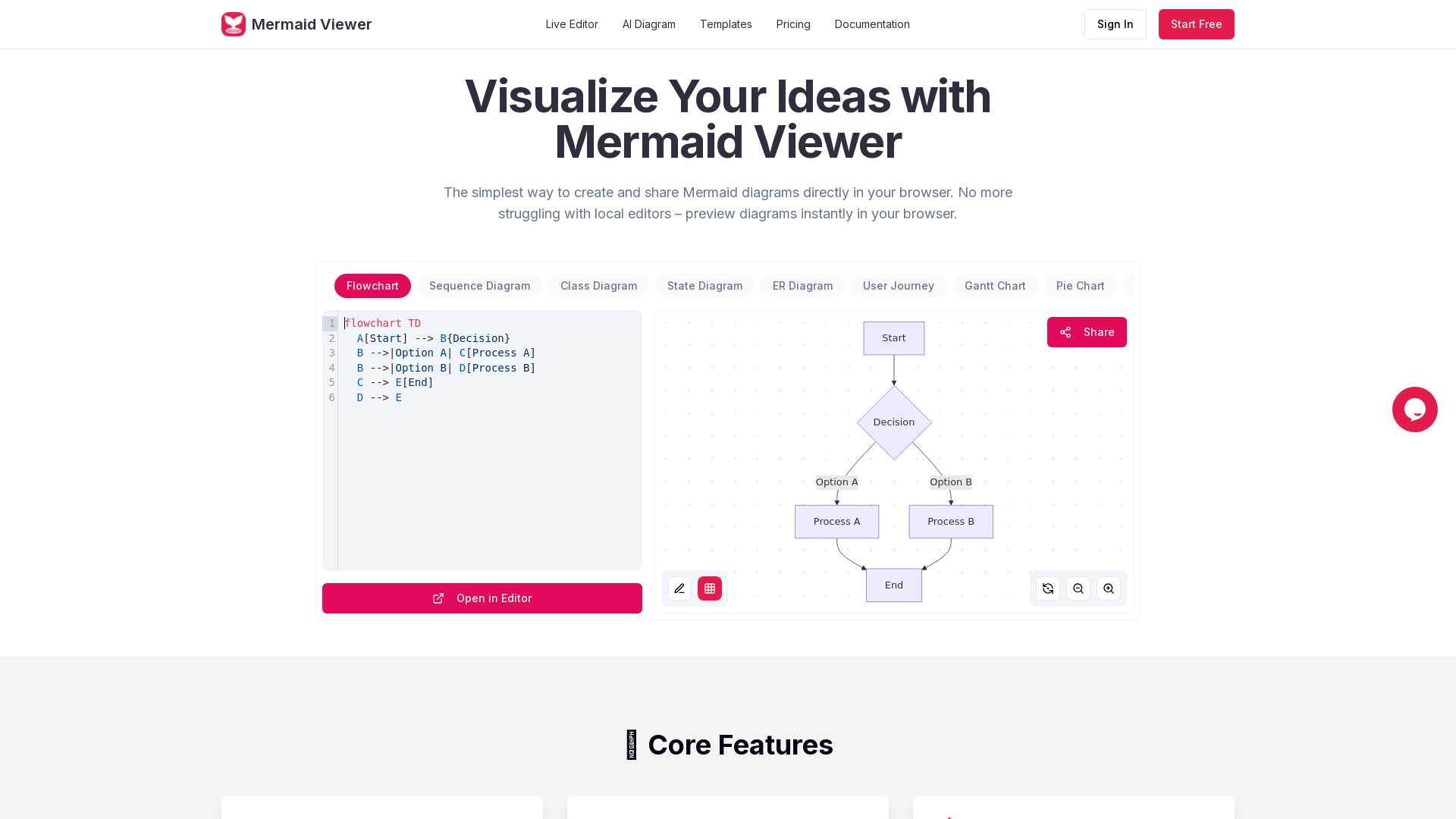
Mermaid Viewer is an intuitive, browser-based diagram editor that allows users to create and share Mermaid diagrams effortlessly. With its live preview feature, users can visualize their diagrams in real time without the hassle of local editing software. Whether you need flowcharts, Gantt charts, or class diagrams, Mermaid Viewer provides an accessible platform for all your diagramming needs.
Features of Mermaid Viewer
- Live Preview
- Instantly visualize changes as you enter Mermaid code - no need for a "Render" button.
- AI-Assisted Coding
- Utilize the "Generate with GPT-4" feature to convert text descriptions into Mermaid code seamlessly.
- Smart Export Options
- Save diagrams in various formats such as SVG, PNG, and PDF with customizable DPI settings and theme options.
- Enterprise Integration
- Offers Docker private deployment with role-based access controls for larger teams.
- Smart Debugging
- Benefit from syntax error highlighting and auto-correction suggestions to streamline the coding process.
- Real-time Collaboration
- Share editor links with colleagues to collaborate on diagrams in real time.
How to Use Mermaid Viewer
Creating professional diagrams is as easy as 1, 2, 3:
- Enter Mermaid Code: Input your desired diagram code into the Mermaid Viewer.
- Real-time Preview: Watch as your diagram appears immediately, reflecting all changes as you type.
- Export Your Diagram: Download your completed diagram in multiple formats including SVG, PNG, and PDF for easy sharing and use.
Pricing Plans
Mermaid Viewer provides a variety of pricing plans to cater to different user needs:
- Free Plan
- Ideal for beginners, this plan allows the creation of 3 diagrams and 5 AI conversations per day. Exports are in low-resolution PNG with a watermark.
- Starter Plan ($69.99/year)
- This popular choice for individuals includes 30 diagrams and 500 AI conversations per month, high-resolution exports, unlimited sharing, and a 30-version history.
- Pro Plan ($119.99/year)
- Tailored for professional developers, it offers unlimited diagrams, AI conversations, and a variety of export formats with advanced sharing capabilities and priority support.
Helpful Tips for Using Mermaid Viewer
- Explore Pre-built Templates
- Get started quickly with recommended templates for various use cases like governance, timelines, and course lifecycle.
- Utilize Team Collaboration
- Use the shareable links feature to promote collaborative diagram creation and feedback.
- Stay Secure
- Remember that your data is only stored in your browser; nothing is saved remotely.
Frequently Asked Questions
-
How do I save my diagrams? Diagrams can be exported in multiple formats from the application for easy saving and sharing.
-
How do I share diagrams with my team? Simply share the editor link with your team members for real-time collaboration.
-
What types of diagrams are supported? Mermaid Viewer supports a variety of diagrams, including flowcharts, Gantt charts, class diagrams, and more.
-
Do I need to install anything? No installation is required; Mermaid Viewer works entirely within your browser.
-
How do I export high-quality diagrams? High-quality exports can be achieved by selecting the appropriate format and DPI settings during the export process.
Ready to start with Mermaid diagrams? Completely free and no registration required, begin your journey now!
Mermaid Viewer
Create and edit Mermaid diagrams instantly with our free online viewer. Collaborate in real-time, export to multiple formats, and optimize your workflow.
 Cloudflare
 HTTP/3
 Next.js
 Node.js
 React
React Webpack
Free AI anime and manga generator. Turn text into anime episodes, manga, comics, webtoons and comic shorts in any art style — no drawing or animation skills needed.
Translate image text across 70+ languages with our advanced AI Image Translator to help you better expand your products globally to various countries
Advertised Here
Reach thousands of visitors daily. Get your spot now!
Tools similar to Mermaid Viewer
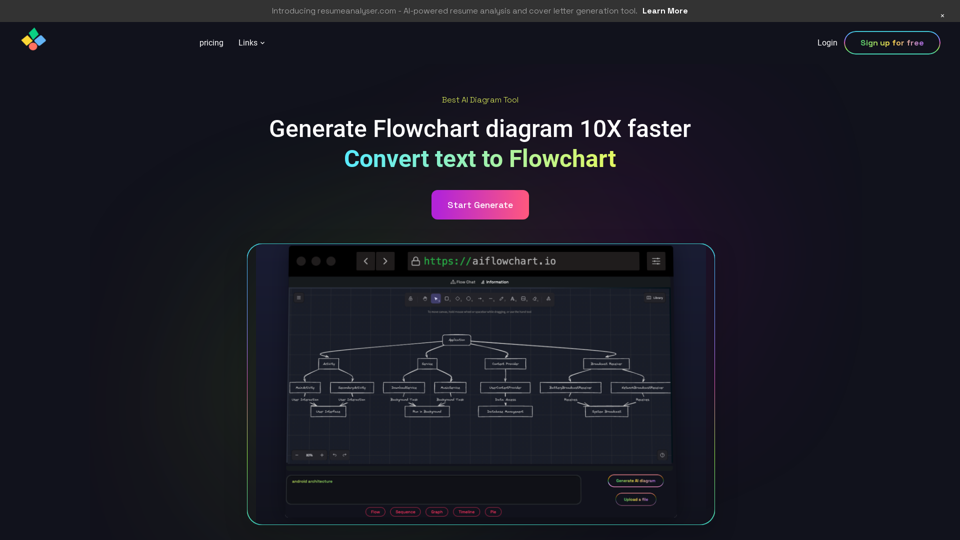

ChatUML is an AI-assisted diagram generator that simplifies the creation of complex diagrams. Our tool uses cutting-edge AI algorithms to generate clear, accurate and visually appealing diagrams quickly and easily. Try ChatUML today!
Discover Diagramming AI. Make complex UML structures,workflow designs, and various other diagrams simple and efficient.
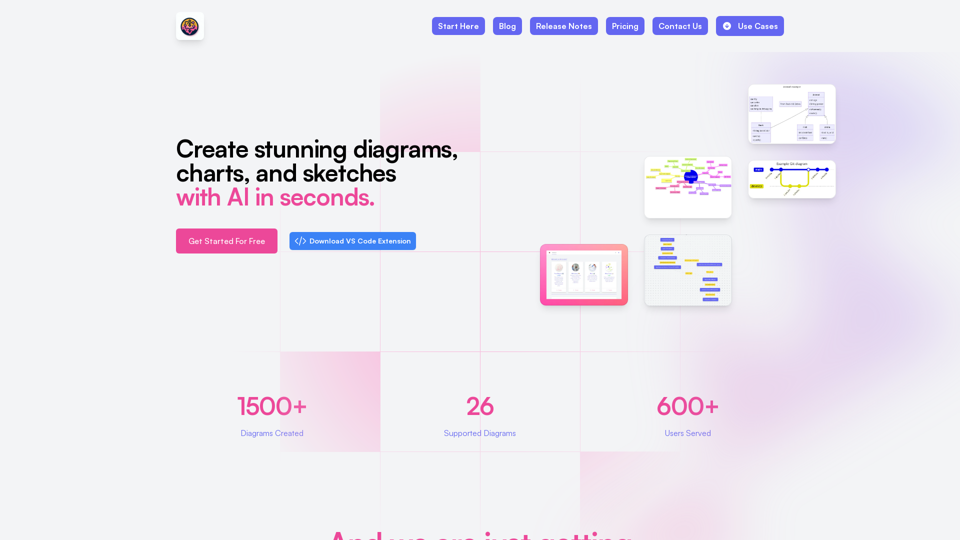
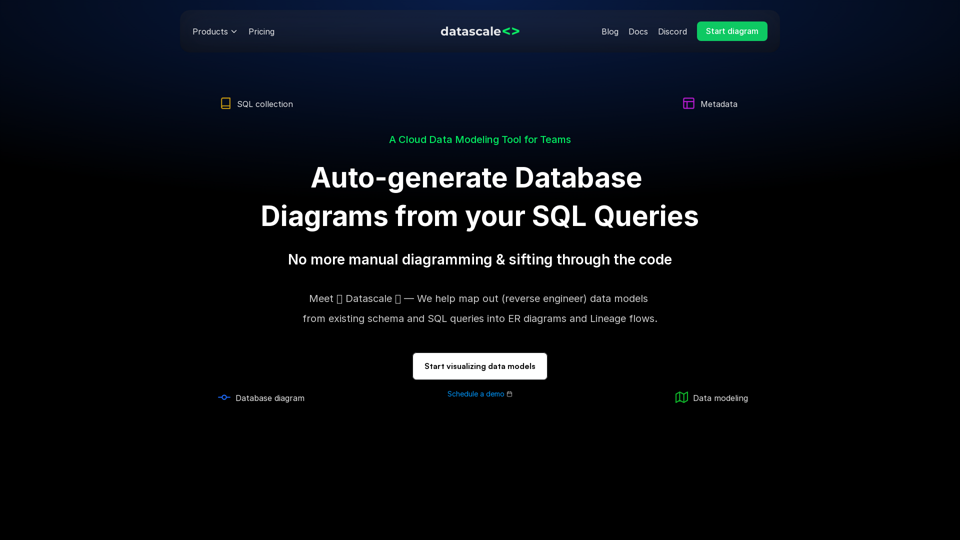
An online database diagram tool that lets you create ER diagrams from your DDL and SQL queries, and keep track of transformation logic into lineage diagrams.
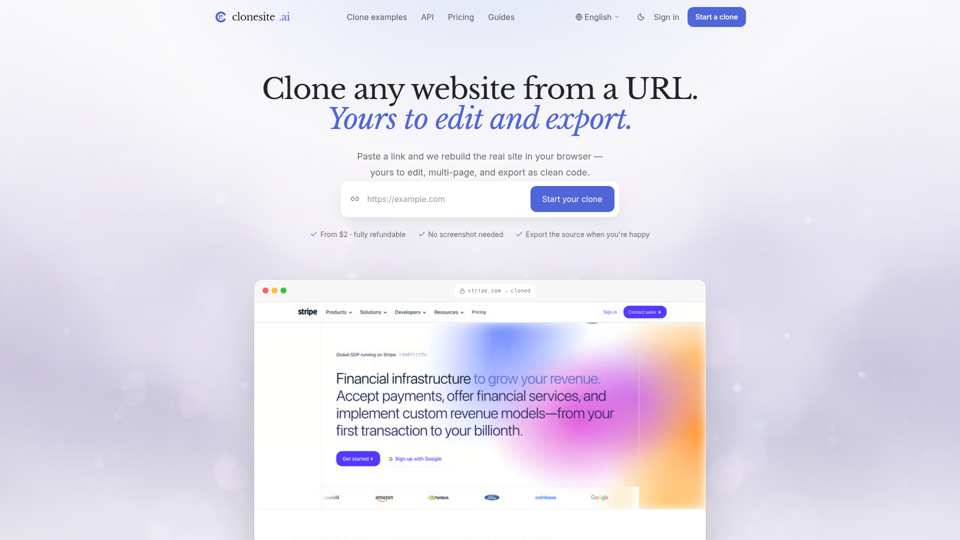
Clone any website from a URL. clonesite rebuilds the real site — multi-page, live-editable, export-ready. From $2 to build, fully refundable. No subscription.
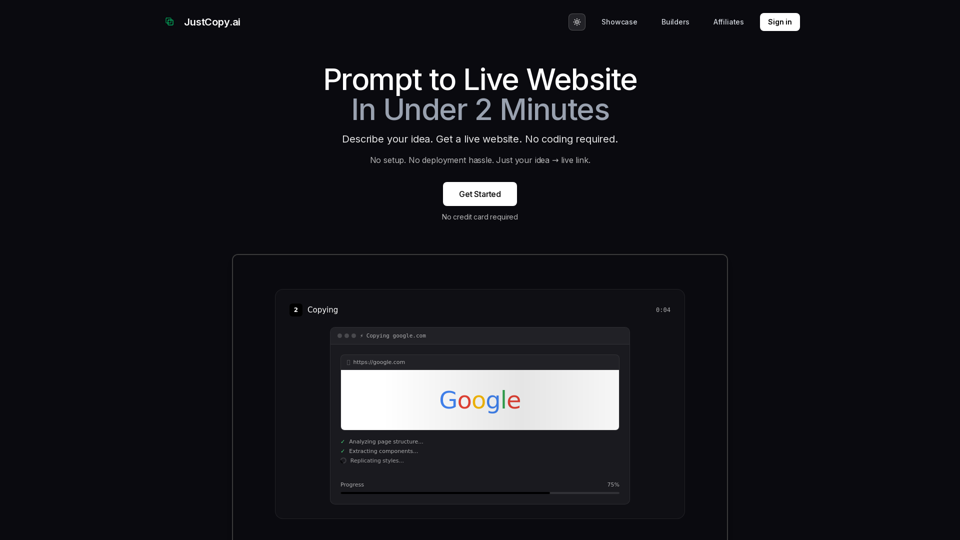
Prompt to live website in under 2 minutes. No setup, no deployment hassle. Describe your idea → get a live link instantly. The fastest AI website builder with zero infrastructure needed.