DubWiz
DubWiz: Effortlessly translate videos online with powerful AI. Use AI voices from multiple providers and ChatGTP for translation. Try AI Dubbing now for free!
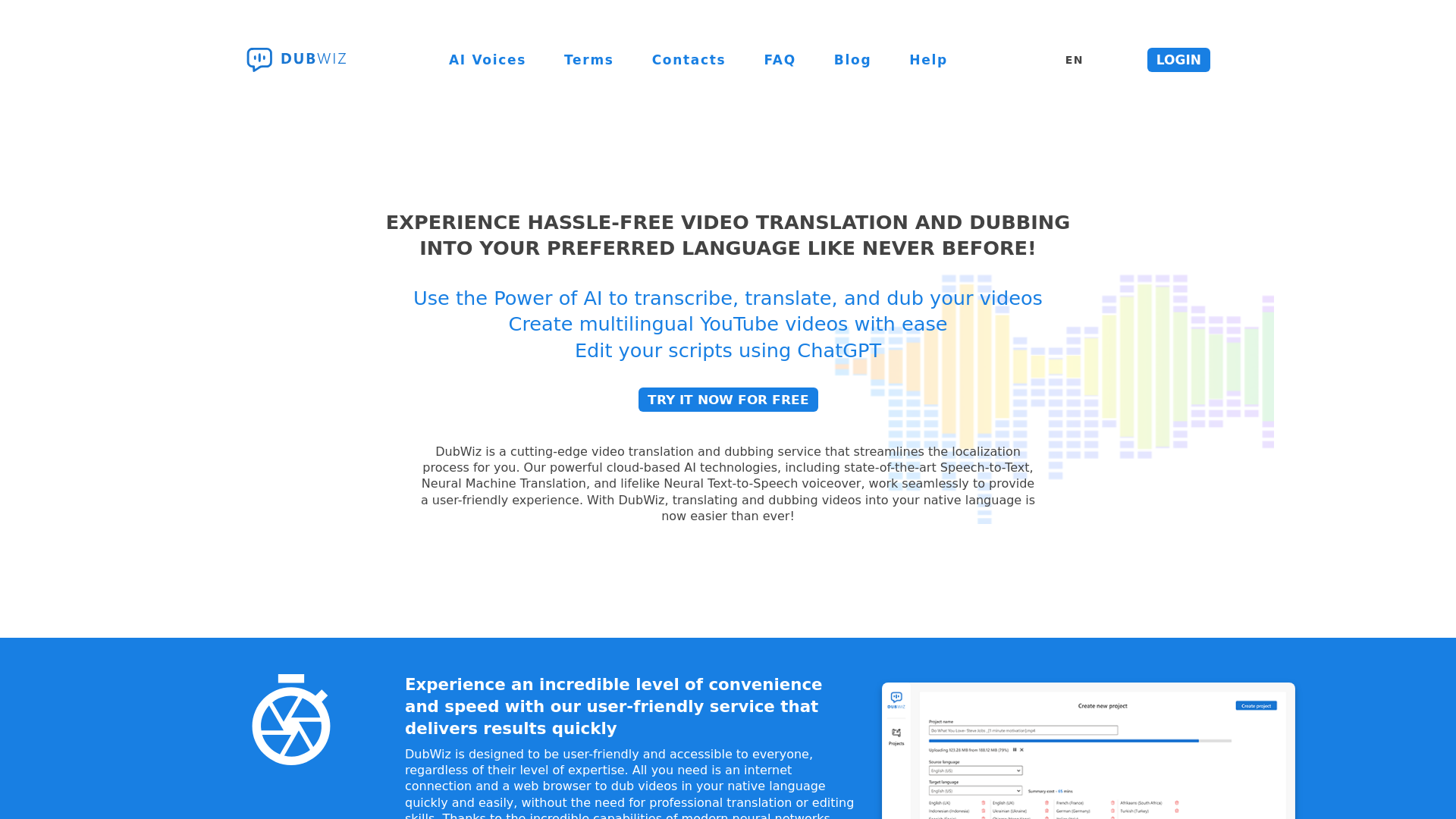
What is DubWiz?
DubWiz is an advanced AI video dubbing service designed to simplify the localization of video content. It harnesses the power of cutting-edge AI technologies such as Speech-to-Text, Neural Machine Translation, and Neural Text-to-Speech to enable users to transcribe, translate, and dub their videos into multiple languages efficiently. With DubWiz, creating multilingual content, especially for platforms like YouTube, has never been easier.
Features of DubWiz
- User-Friendly Interface
- DubWiz is designed for ease of use, requiring no advanced skills or training. Anyone with internet access can use it effectively.
- Comprehensive Editing Tools
- Features include a Transcript Editor, Translation Editor, and Dubbing Studio, which allow users to edit scripts seamlessly.
- Accurate Speech-to-Text Conversion
- The platform offers precise transcription with the ability to identify different speakers and support custom dictionaries for specialized terms.
- Efficient Neural Machine Translation
- This advanced feature provides instantaneous high-quality translations, requiring minimal edits for common texts.
- Professional Voiceovers
- DubWiz can produce lifelike voiceovers in native languages while preserving original background sounds and music.
How to Use DubWiz?
Using DubWiz is straightforward:
- Sign Up for a Free Trial: Create an account without needing a credit card.
- Upload Your Video: Start the process by uploading your video to the platform.
- Transcribe: Use the Speech-to-Text feature to create a text transcript.
- Translate: Utilize the AutoTranslate function to get your transcript translated quickly.
- Dubbing: Generate voiceovers, adjusting background audio and voice settings as needed.
- Review & Finalize: Play the video to ensure the translation and dubbing are accurate before finalizing.
Pricing
DubWiz offers a free trial to help users experience its features without any financial commitment. After the trial, users can choose from various pricing plans based on their needs, ensuring access to advanced features and greater usage limits.
Helpful Tips
- Utilize Custom Dictionaries
- Before transcription, prepare a list of names and terms that may not be recognized to improve accuracy.
- Take Advantage of the Editors
- Use the Transcript and Translation editors to refine your text and ensure clarity in your dubbing.
- Test Different Voices
- Try out various AI voices to find the one that best suits your video content.
- Review Your Translations
- Always play your video after dubbing to verify that the translations and voiceovers align correctly with the audio.
Frequently Asked Questions
Can I use DubWiz for free?
Yes, DubWiz offers a free trial that allows users to explore its features without a credit card.
How accurate is the Speech-to-Text feature?
DubWiz employs advanced AI technology that provides accurate transcription, even distinguishing between different speakers.
What languages are supported for translation?
DubWiz supports a wide variety of languages, making it an excellent tool for global video localization.
Is there a limit to how many videos I can dub?
While the free trial has limitations, subscribing to DubWiz grants extended access and higher usage limits.
Does DubWiz store my personal data?
User privacy is a priority for DubWiz. Personal data will not be used for training or any other purposes without consent.
DubWiz
DubWiz: Effortlessly translate videos online with powerful AI. Use AI voices from multiple providers and ChatGTP for translation. Try AI Dubbing now for free!
 Nginx
NginxFree AI anime and manga generator. Turn text into anime episodes, manga, comics, webtoons and comic shorts in any art style — no drawing or animation skills needed.
Translate image text across 70+ languages with our advanced AI Image Translator to help you better expand your products globally to various countries
Advertised Here
Reach thousands of visitors daily. Get your spot now!
Tools similar to DubWiz
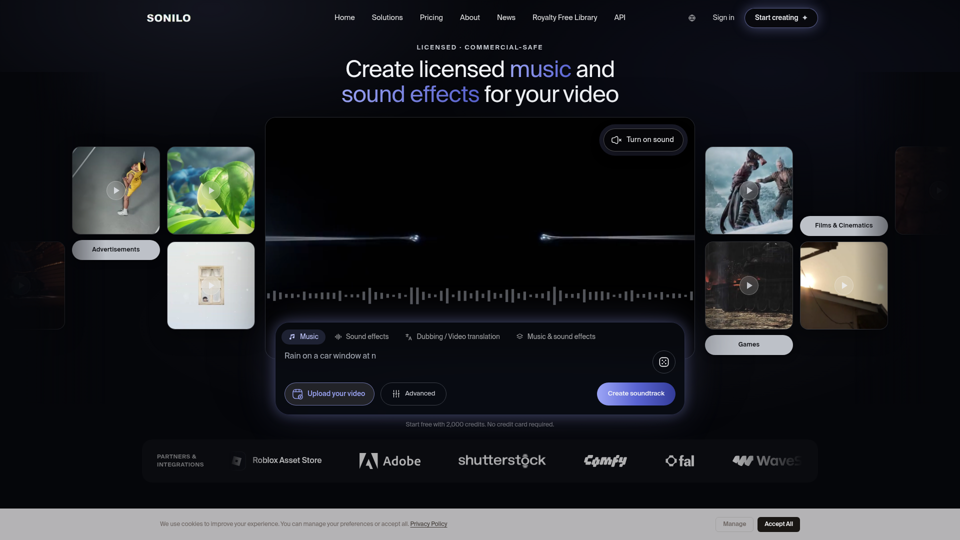
Music and sound effects that fit your story. Sonilo's AI understands your video, matches its length, and delivers custom audio in seconds.
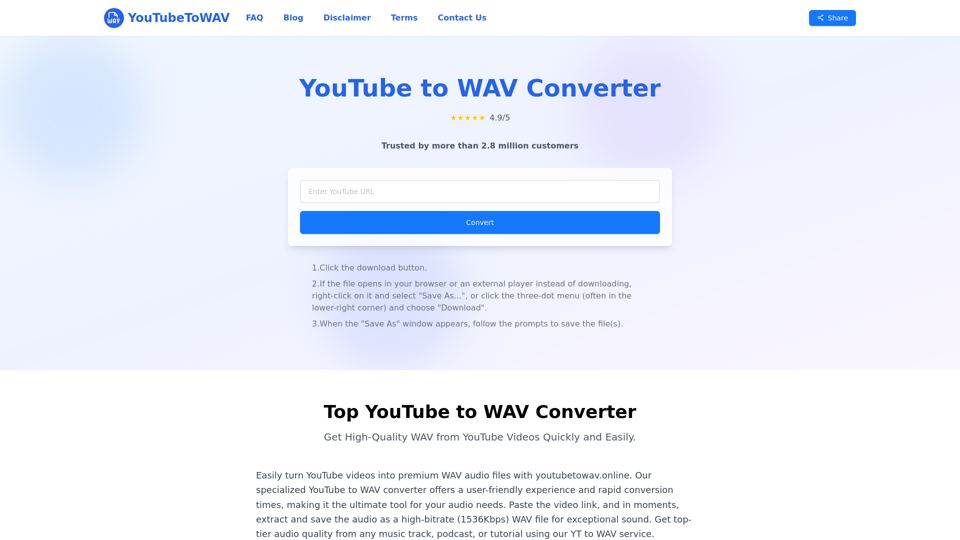
Easily convert YouTube videos to high-quality WAV files online using our free converter. Experience limitless conversions and premium audio output in just seconds, all without needing to register!
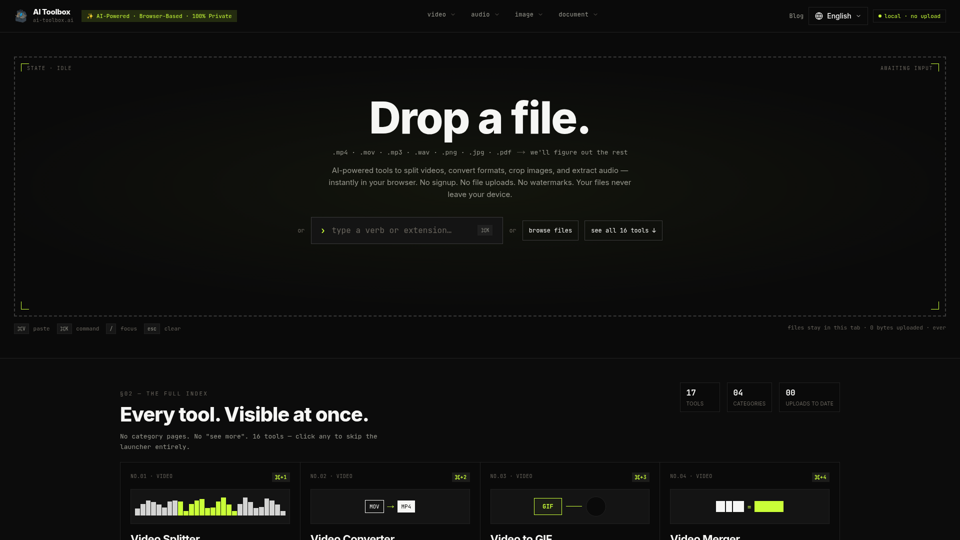
Free browser tools to split video, convert formats, crop images, and extract audio. No signup, no upload, no watermark. Files never leave your device.
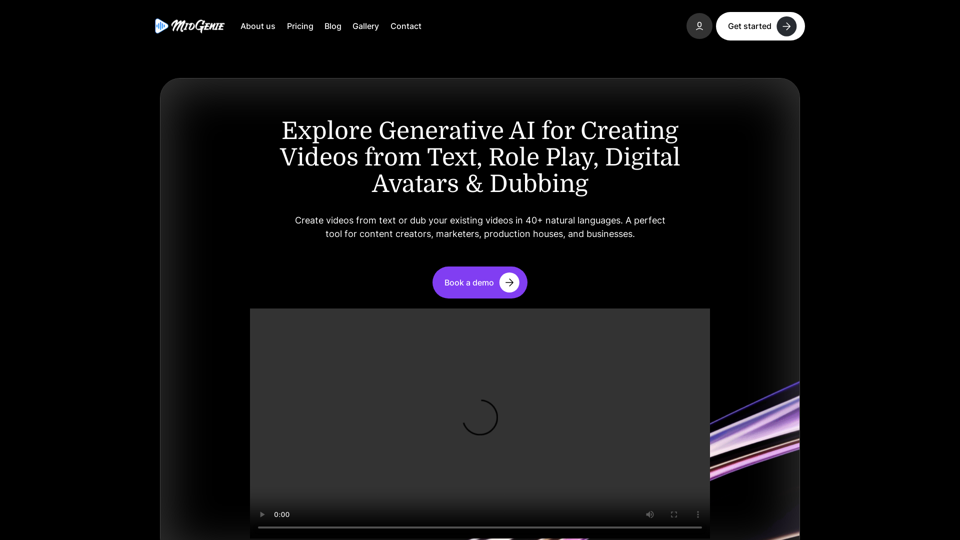
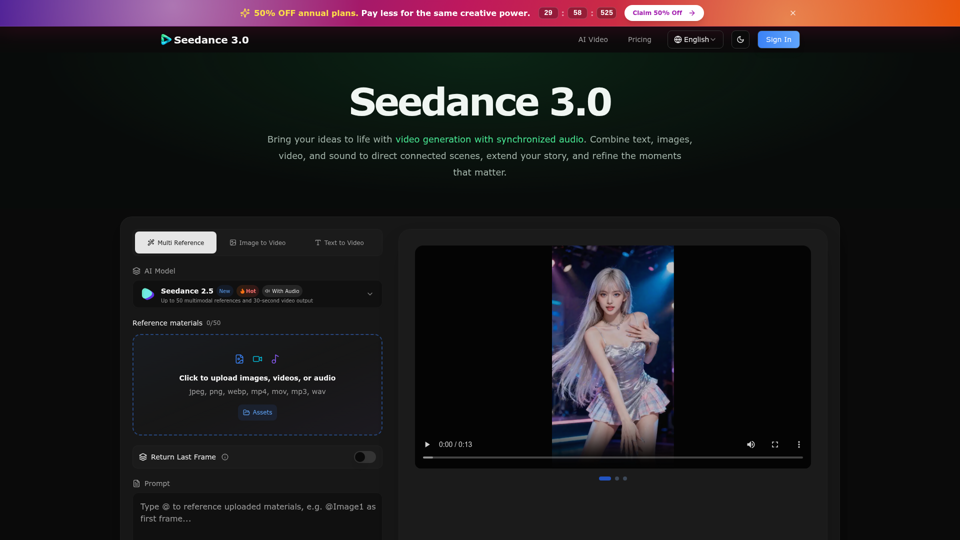
Create cinematic stories with Seedance 3.0. Turn text, images, video, and audio references into videos with synchronized sound and precise creative control.
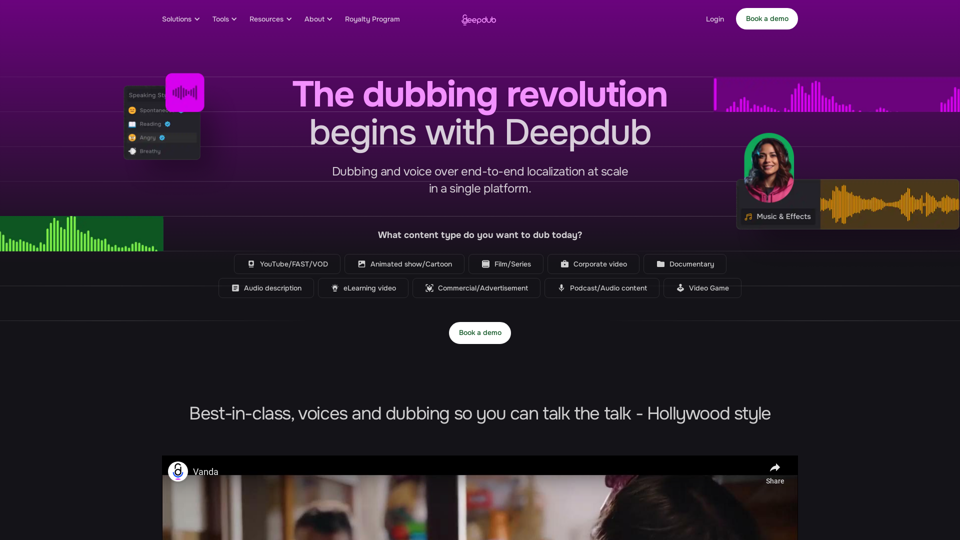
Scale up dubbing for your productions faster and more cost-efficiently than ever with the end-to-end localization platform made for voice production.
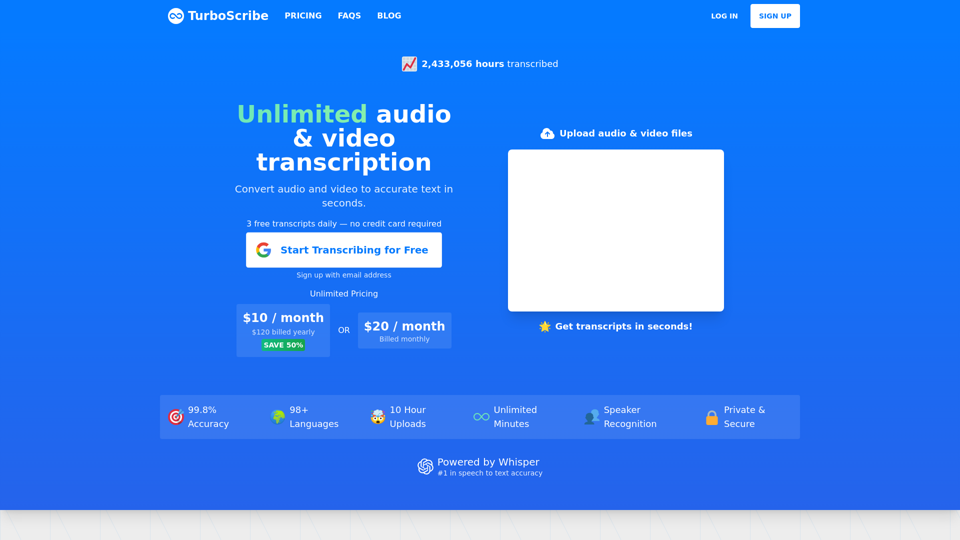
Start Transcribing for Free — Convert unlimited audio and video files to accurate text. 99.8% accuracy. 98+ languages. Transcribes in seconds. 3 Free Transcripts Every Day. Download as docx, pdf, txt, and subtitles. Import audio and video files. Export accurate text and subtitles. TurboScribe is fastest, most accurate AI transcriber on Earth. Export as PDF, DOCX, subtitles (SRT), TXT. The world's only unlimited transcription service. No caps or quotas. Unlimited minutes. Say goodbye to errors: Our AI transcription service boasts near-perfect accuracy. The only unlimited transcription service on Earth. No caps or quotas. Verbatim audio to text. Transcribe audio and video in seconds, not days. Generate subtitles and transcripts automatically. Start transcribing for free. Upload audio and video files. Download accurate text and subtitles. Turn audio to text in seconds. Turn speech into accurate text. Get Started Free. Speech to text. Voice to text. Audio to text. Video to text. MP3 to text. Video to subtitles. Convert audio to text. Convert audio and video to accurate text in seconds, not days. Unlimited Minutes. Download as pdf, docx, txt, subtitles. Video to captions. Mind-blowing accuracy. Breathtakingly fast. Next-gen AI for lightning-fast, accurate transcriptions. Convert MP3 files to text. Get accurate transcripts in seconds, not days. Lightning fast. Unmatched 99.8% accuracy. 24/7 transcription.