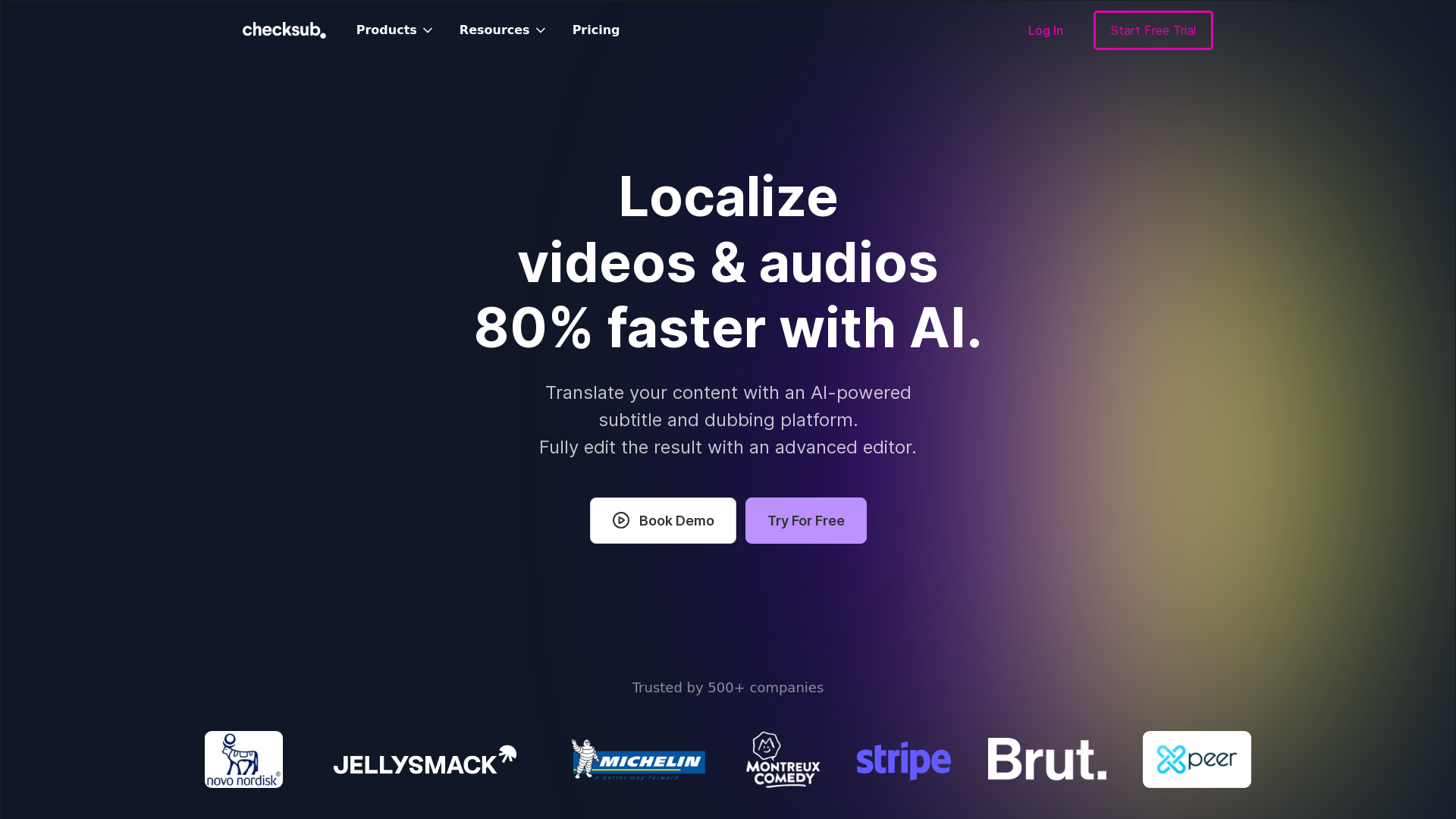
What is Checksub?
Checksub is an AI-powered subtitle and dubbing platform designed for creators and businesses looking to enhance their video content. It enables users to automatically add and animate subtitles, translate videos into over 200 languages, and dub content using realistic AI voices. The platform aims to make video localization fast, effective, and user-friendly.
What are the main features of Checksub?
- Automatic Subtitles
- Quickly add and customize subtitles for your videos.
- Translation Services
- Translate video content into more than 200 languages accurately.
- AI Dubbing
- Dub videos automatically with lifelike AI voices while preserving the original audio background.
- Voice Cloning
- Replace original voice-overs with cloned voices in up to 30 languages.
- Voice Isolation
- Improve audio quality by separating music and background noise from dialogue.
- Animated Subtitles
- Customize subtitles with various styles and animations, including karaoke effects.
- Massive Upload Capacity
- Upload multiple videos simultaneously for fast processing.
How to use Checksub?
Using Checksub is straightforward:
- Upload Your Video: Start by uploading your final video(s) to the platform.
- Generate Subtitles: Allow the AI to automatically generate subtitles, which can be reviewed and adjusted as needed.
- Add Dubbing: Utilize the AI dubbing feature to generate voiceovers in various languages.
- Export and Publish: You can export your video with subtitles burned in, download SRT files, or publish directly to YouTube.
What is the pricing for Checksub?
Checksub offers competitive pricing with various subscription models to fit the needs of different users. New users can start a free trial to explore all features before committing to a subscription. For detailed pricing plans, it's best to visit the Checksub website or book a demo for personalized information.
Helpful Tips
- Maximize Functionality
- Take advantage of the advanced editing tools after AI generation to ensure your subtitles and dubbing are perfect.
- Use Voice Isolation
- Enhance audio clarity by using the voice isolation feature, especially when background sounds are present.
- Consider the Audience
- Tailor subtitles and dubbing to the target audience for better engagement and retention.
- Explore Templates
- Utilize pre-built subtitle templates and animated styles to make your videos stand out.
Frequently Asked Questions
Can I translate videos into multiple languages?
Yes, Checksub allows you to translate your videos into over 200 languages effortlessly.
Is Checksub user-friendly?
Absolutely! The platform is designed to be intuitive, making it easy for creators to manage their projects without a steep learning curve.
How accurate are the AI-generated subtitles and translations?
Checksub has spent years perfecting its technology to provide premium accuracy in subtitles, using advanced machine translation specifically designed for subtitling needs.
Do I need to proofread the AI-generated content?
While Checksub’s AI is skilled in generating subtitles, a brief review is recommended to ensure everything aligns perfectly with your vision.
What if I encounter issues or need help?
Checksub provides comprehensive support through documentation and customer service to assist you at any stage of your project.
AI Subtitle Generator & AI Dubbing
Automatically generate Subtitle, Translate and Dubbing for your videos. Localized your videos with voice-cloning and lip-syncing and reach new audiences in more than 180 languages.
 Cloudflare
 Google Font API
 Google Hosted Libraries
 Google Tag Manager
 HTTP/3
 Plyr:3.5.6
 jQuery:3.5.1
Free AI anime and manga generator. Turn text into anime episodes, manga, comics, webtoons and comic shorts in any art style — no drawing or animation skills needed.
Translate image text across 70+ languages with our advanced AI Image Translator to help you better expand your products globally to various countries
Advertised Here
Reach thousands of visitors daily. Get your spot now!
Tools similar to AI Subtitle Generator & AI Dubbing
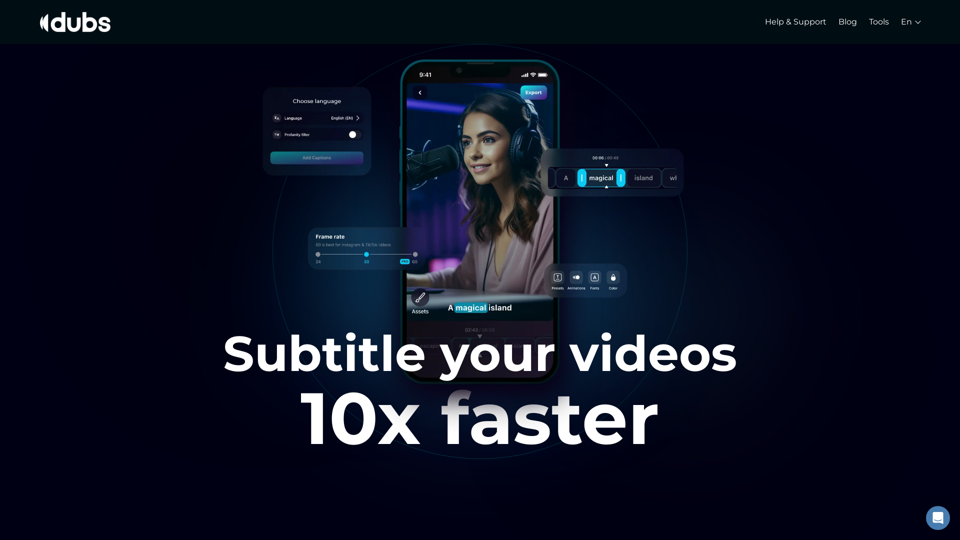
Revolutionize your video content with the ultimate captions app. Enhance engagement, accessibility, and discoverability effortlessly!
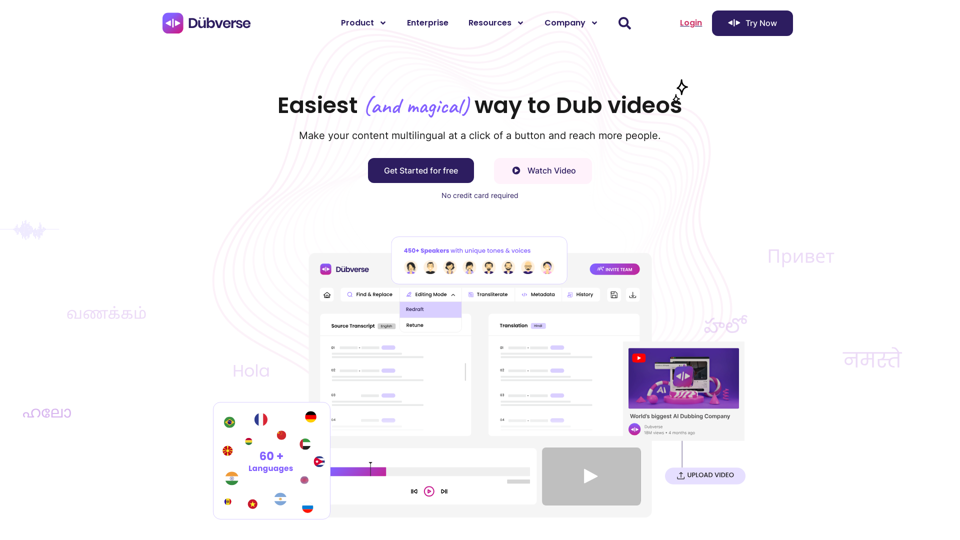
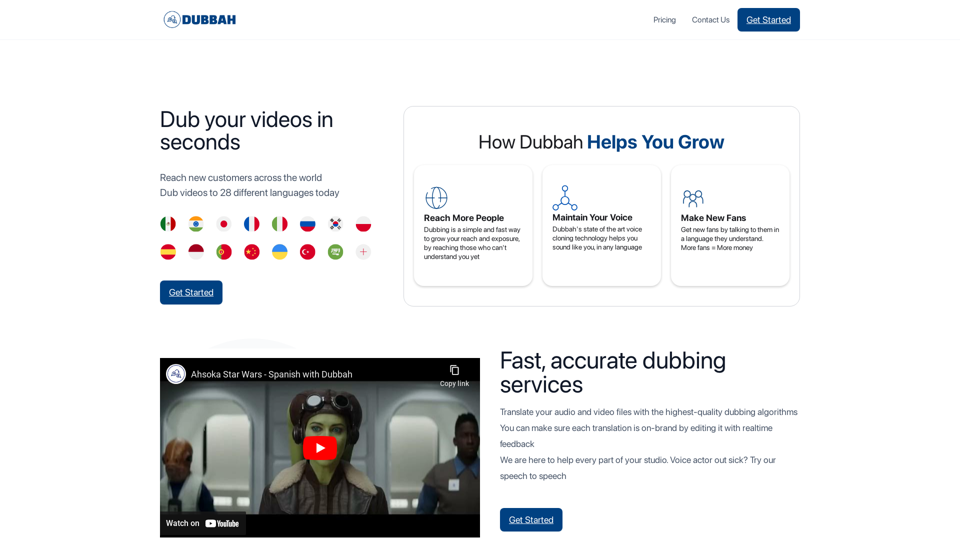
Dubverse is an online video dubbing platform. Dubverse uses artificial intelligence to dub video across 30 languages at a lightning fast speed
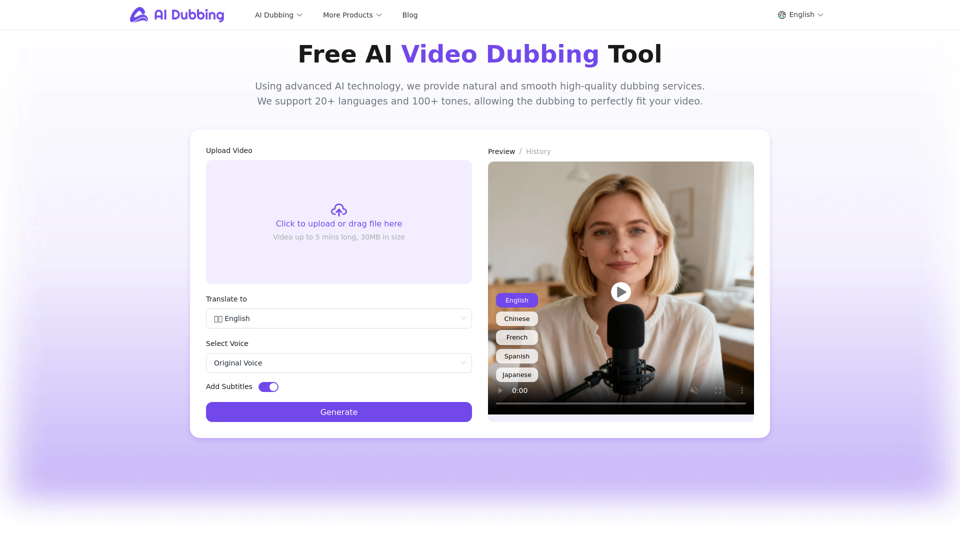
AI Dubbing translates videos into multiple languages,generates speech based on scripts,and achieves accurate lip sync.It's perfect for creators, educators, etc.
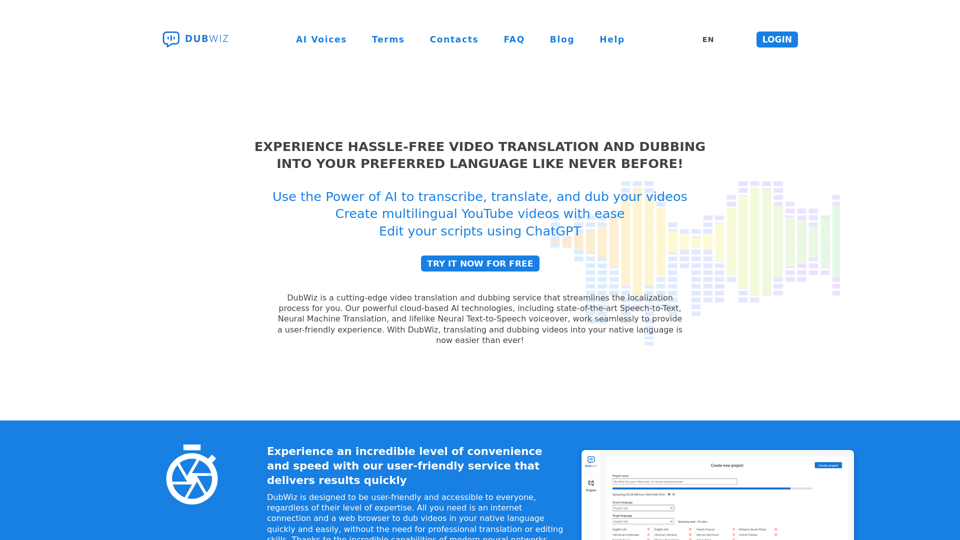
DubWiz: Effortlessly translate videos online with powerful AI. Use AI voices from multiple providers and ChatGTP for translation. Try AI Dubbing now for free!
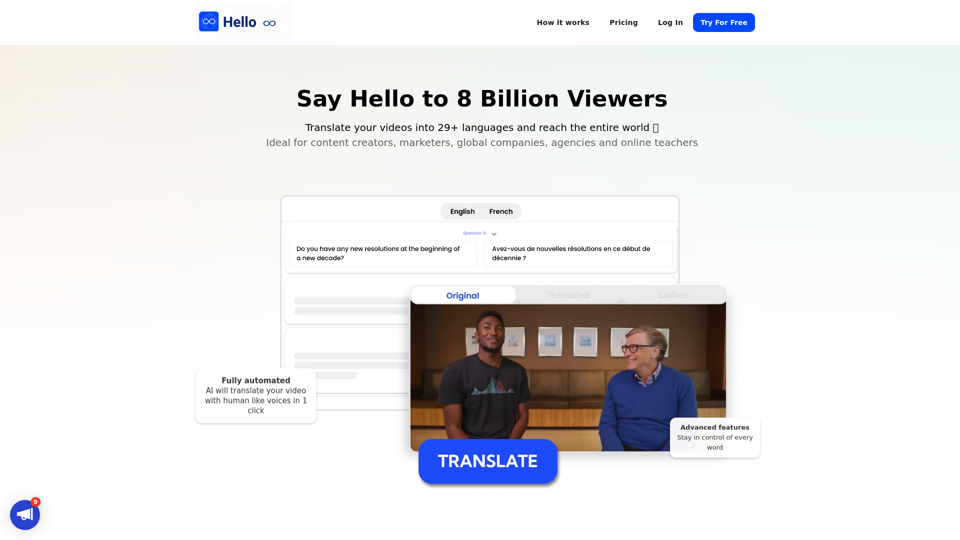
Translate your video into English, Spanish, French, Arabic, and over 29 languages. More than subtitles, the complete dubbing solution. Translate, proofread, edit, share with a global audience.
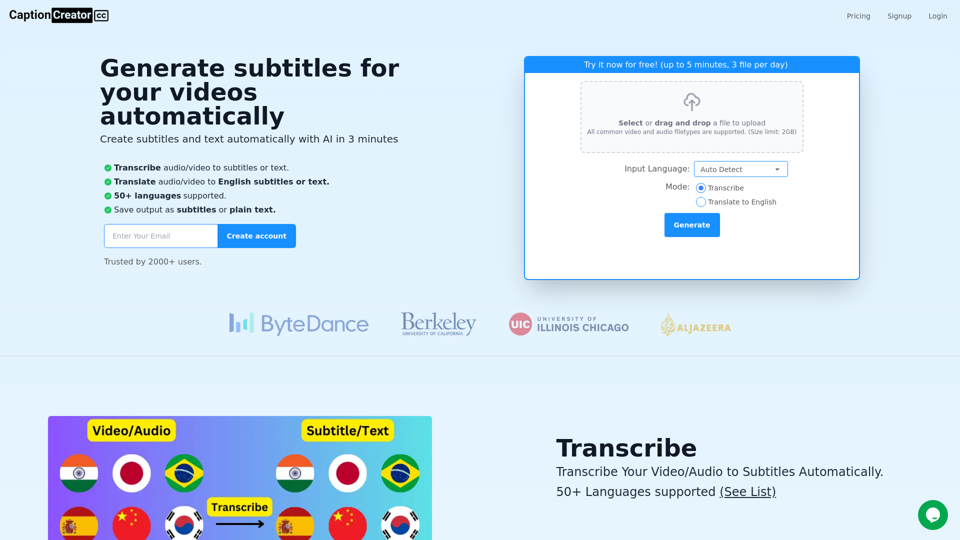
Generate subtitles for your videos with AI in 3 minutes. 50+ supported languages. Transcribe or translate to English. Export as subtitles or text.