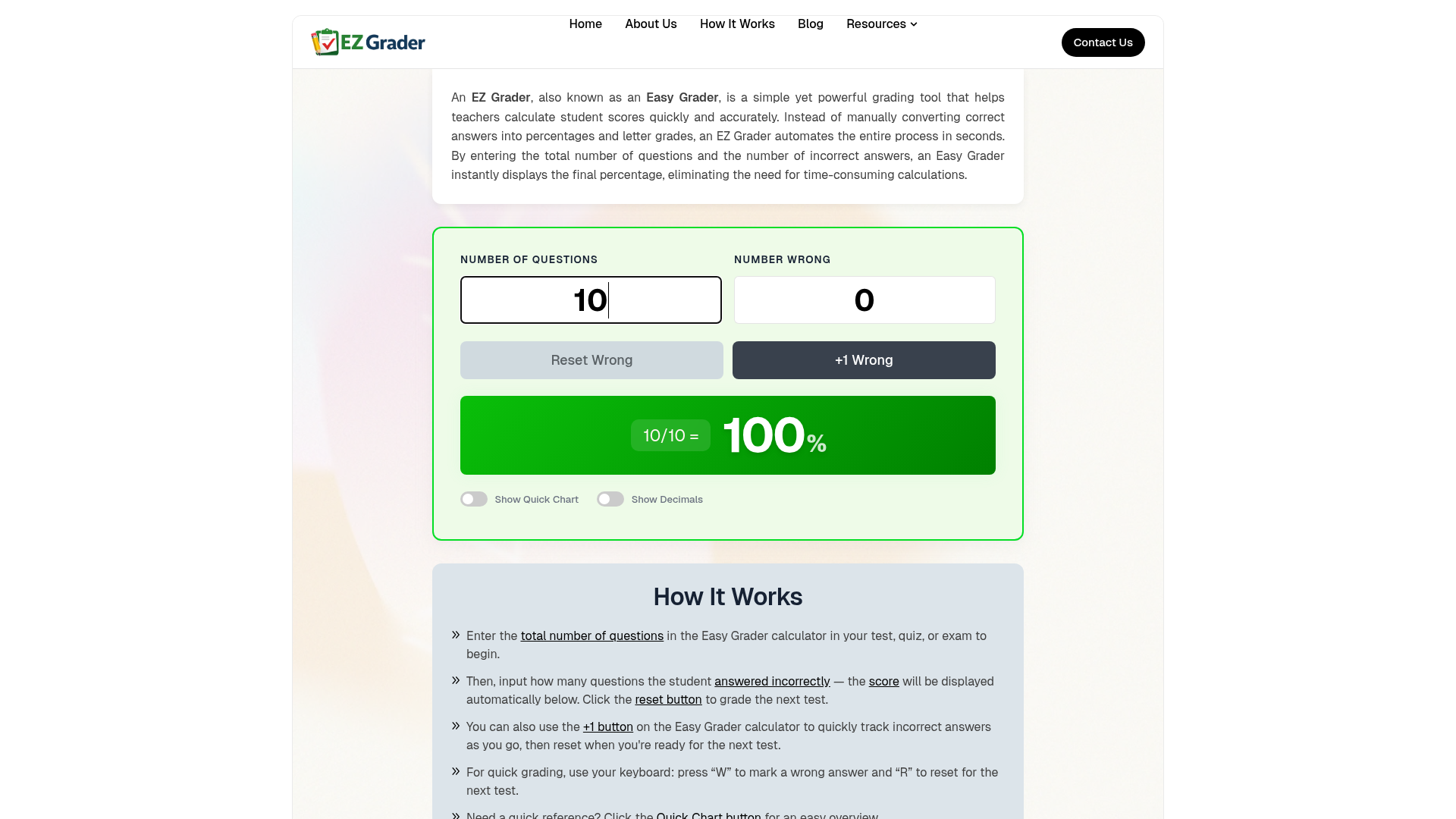
What is an EZ Grader (Easy Grader)?
An ### EZ Grader, commonly referred to as an ### Easy Grader, is an essential tool designed to streamline the grading process for educators. It automates the conversion of raw scores—specifically, the number of correct or incorrect answers on a test, quiz, or assignment—into a percentage grade. This eliminates the need for manual calculations, which can be time-consuming and prone to error. By simply inputting the total number of questions and the count of incorrect responses, the ### EZ Grader instantly computes the accurate percentage score, transforming how teachers assess student performance.
What are the Key Features of an EZ Grader?
The primary appeal of an ### EZ Grader lies in its combination of simplicity, speed, and precision. Its core features are designed to address the common pain points in traditional grading:
- Instant Calculation
- The tool provides immediate results. Enter the total questions and wrong answers, and the percentage score appears without delay.
- Intuitive Interface
- Designed for ease of use, it often includes buttons like "+1" to increment wrong answers quickly and a "Reset" button to clear data for grading the next assessment.
- Keyboard Shortcuts
- For even faster grading, many ### EZ Graders support shortcuts (e.g., pressing "W" to mark a wrong answer, "R" to reset).
- Quick Reference Chart
- A valuable feature is the "Quick Chart," which displays a pre-calculated table showing the grade percentage for every possible number of wrong answers based on the total questions. This allows for rapid score scanning.
- Accuracy and Consistency
- By automating the math, it ensures 100% calculation accuracy and consistent grading standards across all papers.
- Flexibility and Accessibility
- It works for any assessment length and subject. Modern ### EZ Graders are typically web-based, making them accessible from any device—computer, tablet, or smartphone—anywhere.
- Time Efficiency
- It drastically reduces grading time, saving educators hours each week, especially when dealing with large classes or frequent assessments.
How to Use an EZ Grader (Easy Grader)?
Using an ### EZ Grader is a straightforward process designed for maximum efficiency:
- Start the Assessment: Begin by entering the ### total number of questions for the test, quiz, or exam you are grading into the ### Easy Grader calculator.
- Record Incorrect Answers: Input the number of questions the student ### answered incorrectly. You can type this number directly or use the ### "+1 button" to tally wrong answers as you review each question on the test.
- View the Score: The ### calculated score (as a percentage) will be displayed automatically below the inputs.
- Move to the Next Student: Click the ### reset button to clear the fields and begin grading the next test.
- Utilize Advanced Features: For quick bulk reference, click the ### Quick Chart button to see a full table of scores. Use keyboard shortcuts ("W" for wrong, "R" for reset) for even faster operation.
Price of an EZ Grader
Many ### EZ Grader tools available online, including the one described, are ### completely free to use. They offer full grading functionality without any subscription fees or hidden costs, making them an accessible and invaluable resource for teachers, tutors, homeschool educators, and even students who need to check their own work.
Helpful Tips for Maximizing Your EZ Grader Use
- Leverage Keyboard Shortcuts
- Mastering the "W" and "R" keys can significantly speed up your grading workflow.
- Use the Quick Chart for Planning
- Before grading, glance at the Quick Chart to understand the score distribution. This can help when setting grading standards or curving scores.
- Grade in Batches
- The reset functionality makes it perfect for grading a stack of identical tests quickly. Grade one, reset, and immediately move to the next.
- Mobile Grading
- Since it's web-based, you can grade papers on your phone or tablet from anywhere—at your desk, in a coffee shop, or at home.
- Combine with Feedback
- While the ### EZ Grader handles the score calculation, use the saved time to provide more detailed, qualitative feedback on student responses.
Frequently Asked Questions About EZ Graders
What is an EZ Grader?
An ### EZ Grader (Easy Grader) is a digital tool that automates grade calculation. Teachers input the total questions and number of wrong answers, and it instantly outputs the correct percentage score, replacing manual math.
How does an Easy Grader work?
It works through a simple algorithm. You provide two numbers: the total questions on the assessment and the count of incorrect answers. The ### EZ Grader calculates the percentage of correct answers [(Total - Wrong) / Total * 100] and displays it immediately.
Why should teachers use an EZ Grader?
Teachers use it to ### save significant time and ### eliminate calculation errors. It turns a tedious task into a quick, automated process, freeing up time for lesson planning, instruction, and student support.
Is an Easy Grader accurate?
Yes, a digital ### EZ Grader is extremely accurate. It performs a precise mathematical calculation every time, removing the risk of human error inherent in manual grading.
Can an EZ Grader be used for all subjects?
Absolutely. It is universally applicable to any subject—Math, Science, History, Language Arts—as long as the assessment has questions with clear right/wrong answers that can be tallied.
Is an online Easy Grader better than a paper chart?
Yes, an online ### EZ Grader offers superior convenience. It provides instant, dynamic calculation, works on any device, and doesn't require you to reference or carry a static paper chart that may only work for one test length.
How much time does an EZ Grader save?
It can save ### hours per week, depending on your grading load. Grading a 50-question test for 30 students manually could take an hour; with an ### EZ Grader, it might take just 10-15 minutes.
Do EZ Grader tools support different grading scales?
Many advanced ### EZ Graders do. They can often be customized to output letter grades (A, B, C, etc.) based on your school's specific percentage scale, not just the raw percentage.
Can I use an EZ Grader on mobile devices?
Yes, most are designed to be mobile-friendly. You can access and use the ### Easy Grader calculator seamlessly on smartphones and tablets.
Is an EZ Grader free to use?
Many, like the one featured, are ### 100% free. They are built as tools to support educators without cost barriers.
What makes an EZ Grader better than manual grading?
It is ### faster, more accurate, and more efficient. Manual grading involves repetitive arithmetic and checking, while an ### EZ Grader delivers results instantly and consistently.
Why is an EZ Grader important in modern classrooms?
In modern education, efficiency and data accuracy are key. An ### EZ Grader helps teachers manage workloads effectively, ensures fair and consistent scoring, and allows them to redirect their energy from administrative tasks to core teaching activities.
What is the Quick Chart feature?
The Quick Chart generates a complete table showing the final percentage grade for every possible number of wrong answers (from 0 up to the total questions). This provides a fast, visual reference for all potential scores on that particular test.
Ez Grader
EZ Grader helps teachers quickly calculate grades, percentages, and scores. Fast, accurate, and easy grading tool for quizzes, tests, and assignments
Free AI anime and manga generator. Turn text into anime episodes, manga, comics, webtoons and comic shorts in any art style — no drawing or animation skills needed.
Translate image text across 70+ languages with our advanced AI Image Translator to help you better expand your products globally to various countries
Advertised Here
Reach thousands of visitors daily. Get your spot now!
Tools similar to Ez Grader

GRADER GOOD revolutionizes grading with AI, offering educators a fast, accurate, and customizable grading solution. Save time and enhance learning outcomes today.
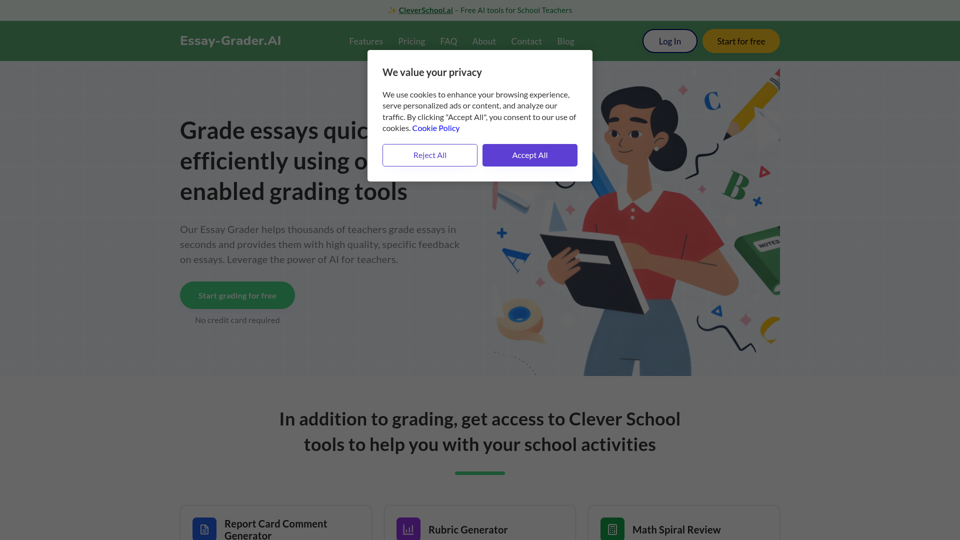
Join thousands of teachers who use our AI tool to grade essays in seconds and get access to high quality, specific feedback on essays, Our essay grading AI helps you streamline your grading process and saves you valuable time by providing you with precise and thorough writing feedback for your students. This is done by leveraging our advanced AI technology which is based on training on diverse textual sources.
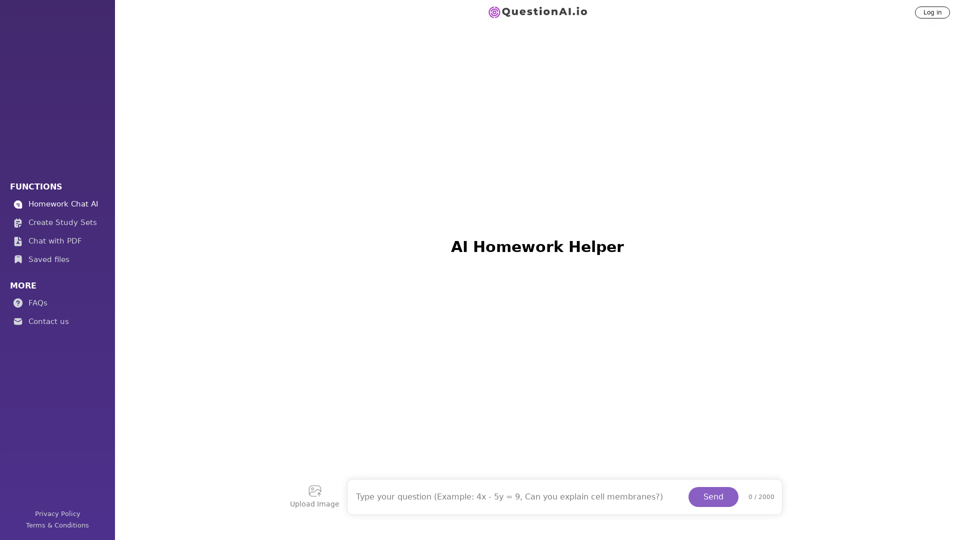
Get help with Question AI Homework helper. Ask AI for homework help
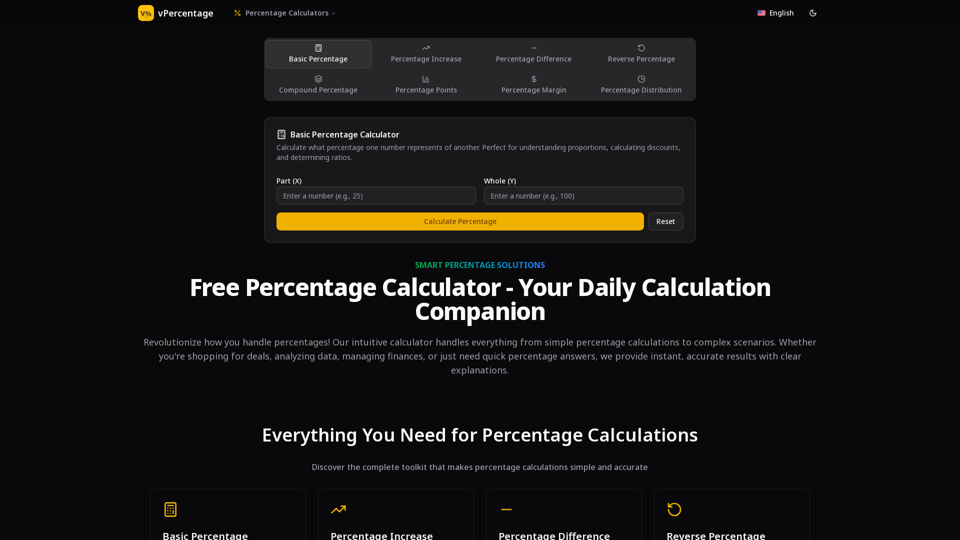
Free online percentage calculator for percentages, increases, decreases, differences, and compound changes. Get step-by-step explanations.
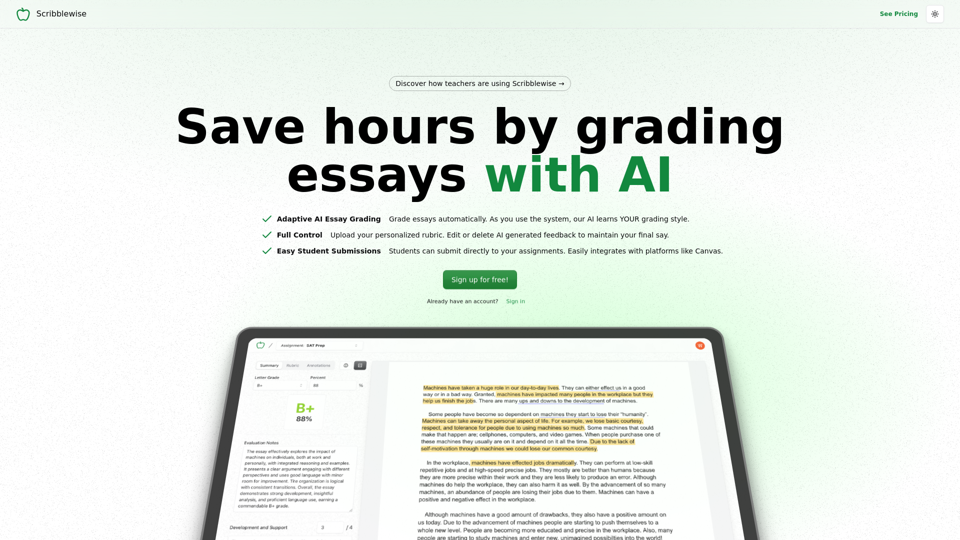
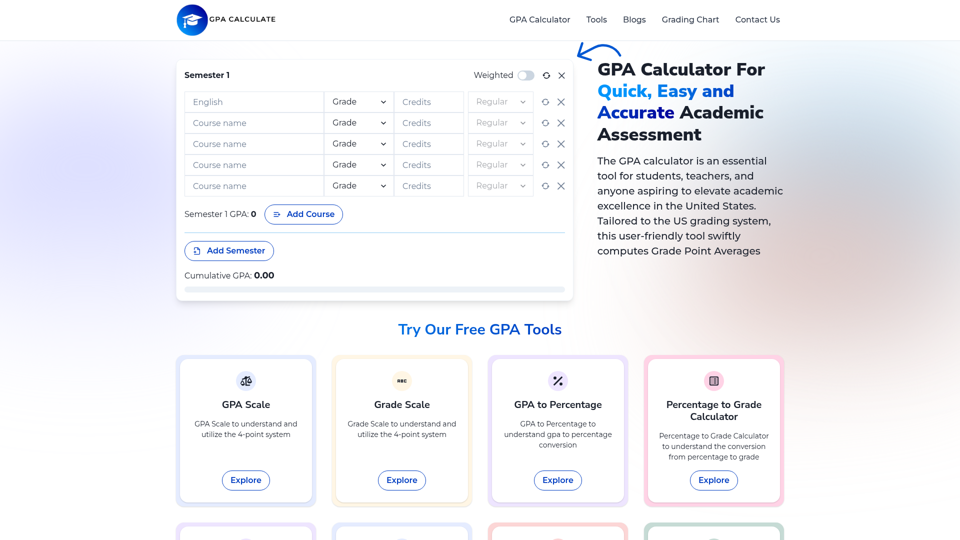
Effortlessly calculate your GPA with our precise tool. Ideal for students and educators seeking a reliable academic performance evaluation. Fast, user-friendly, and accurate.
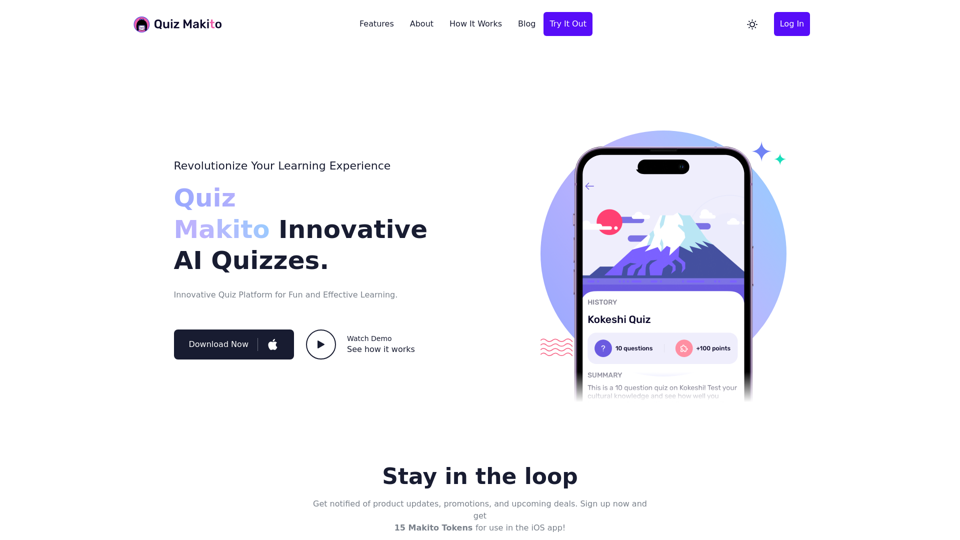
Quiz Makito is an AI powered quiz creation platform that makes it easy to generate quizzes based on any website content.

Revolutionize education with our innovative teaching tools - AI lesson plans, lesson planning and teaching tips. Get the benefits of AI in your teaching and learning.