What is GPA Calculator and How Does It Work?
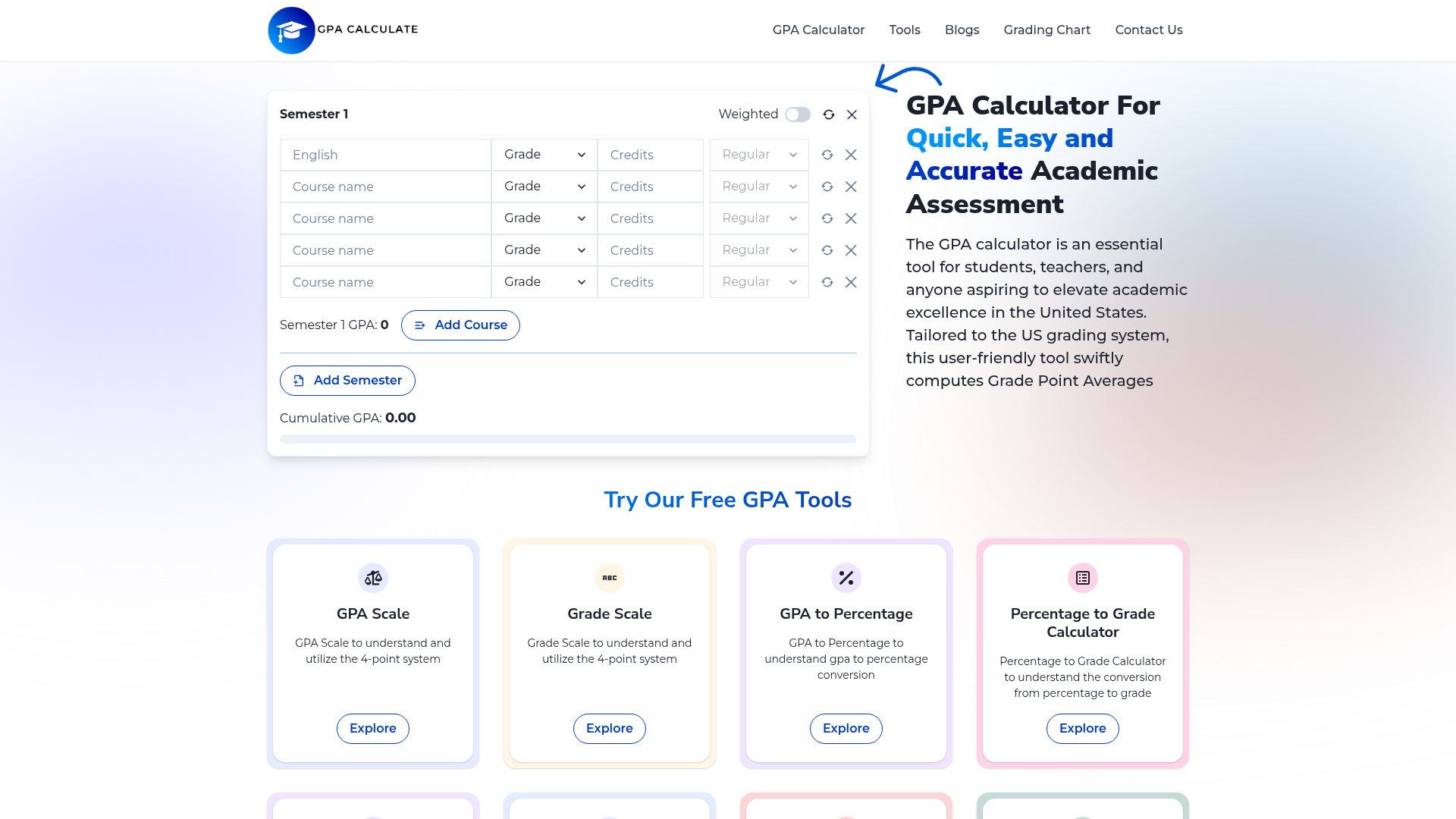
A GPA Calculator is an essential digital tool designed to compute a student's Grade Point Average (GPA) quickly and accurately. It simplifies the process of calculating academic performance by allowing users to input their course grades and corresponding credit hours. The calculator then applies the standard weighting system to these inputs, generating a precise GPA figure that reflects a student's overall academic standing. This tool is particularly crucial for students navigating the US educational system, where GPA is a key metric for college admissions, scholarship eligibility, and academic progression.
The core functionality involves converting letter grades (like A+, B, C-) into their numerical equivalents on a scale (typically 0 to 4.0 in the US), multiplying each by its course credit weight, summing these values, and then dividing by the total number of credits. Advanced calculators, like the one provided, can handle multiple semesters, weighted courses (such as Honors or AP/IB classes which often carry extra grade points), and calculate a cumulative GPA. It is a fundamental resource for academic planning, self-assessment, and goal setting.
Key Features of a Comprehensive GPA Calculator
A robust GPA calculator offers several key features that make it indispensable for students and educators:
- Multi-Semester & Cumulative Calculation
- Allows users to add courses across different semesters and automatically computes both semester-specific and overall cumulative GPAs, providing a longitudinal view of academic performance.
- Support for Weighted Grades
- Accurately calculates GPAs for courses with different difficulty levels, such as Regular, Honors, and Advanced Placement (AP) or International Baccalaureate (IB) classes, which often use a 5.0 scale for higher grades.
- Dynamic Grade Input Interface
- Features an intuitive, user-friendly interface where users can dynamically add courses, select grades from a comprehensive list (A+ through F), and assign credit hours and course types.
- Real-Time Calculation & Visualization
- Updates the GPA instantly as grades and credits are entered or modified, offering immediate feedback. The result is clearly displayed, often with visual emphasis.
- Integrated Suite of Academic Tools
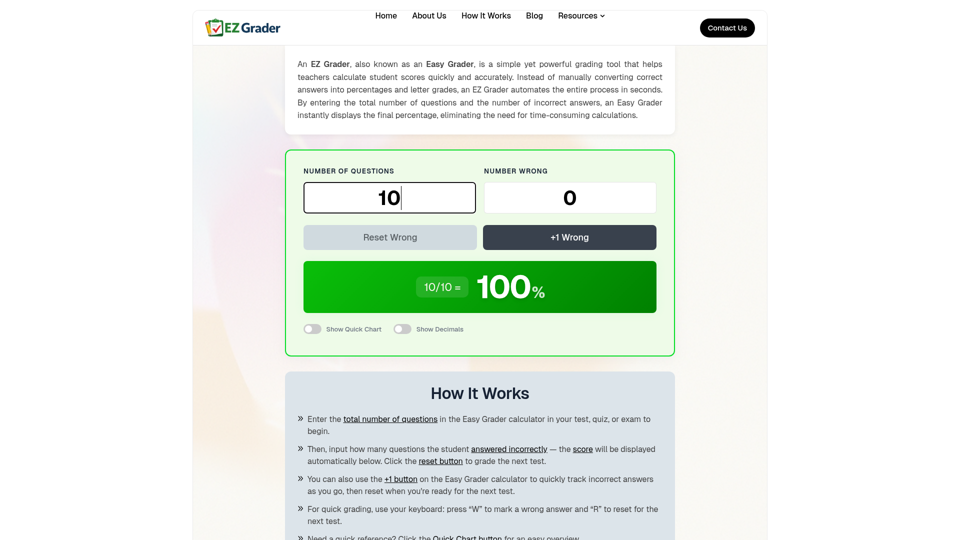
- Often part of a larger platform offering complementary tools like a GPA Scale converter, Grade Scale guide, GPA to Percentage calculator, Test Grade Calculator, and an Easy Grader, creating a holistic academic assessment ecosystem.
- Free Access and No Subscription Required
- Typically available as a free online tool with no mandatory sign-ups or subscriptions, making it accessible to all students.
- Accuracy and Reliability
- Built to adhere to standard academic calculation formulas, ensuring the results are trustworthy for official or personal planning purposes.
How to Use the GPA Calculator Effectively
Using the GPA calculator effectively involves a few simple steps to ensure accurate results and meaningful insights:
- Identify Your Courses and Semesters: Start by listing all the courses you've taken in a given semester. The tool allows you to add a "Semester" and then populate it with individual "Courses."
- Input Course Details: For each course, you need to provide three key pieces of information:
- Course Grade: Select your final letter grade from the provided scale (e.g., A, B+, C-).
- Credit Hours: Enter the number of credits the course carries (e.g., 3 credits for a standard semester course).
- Course Type/Weight: Specify if the course is Regular, Honors, or AP/IB/College level. This determines the weight applied to the grade points.
- Add All Relevant Courses: Repeat the process for every course in that semester. You can add multiple courses to a single semester.
- Review and Calculate: Once all data is entered, the calculator will automatically compute and display your ### Semester GPA.
- Calculate Cumulative GPA: If you have data for multiple semesters, add another semester block and input the courses for that term. The tool will then automatically calculate your overall ### Cumulative GPA by averaging the performance across all semesters entered.
- Utilize Additional Resources: Use the integrated tools like the Grading Chart to understand the conversion between letter grades, percentages, and GPA points, or the GPA to Percentage calculator for specific conversions.
By following these steps, you can not only determine your current GPA but also model future scenarios by inputting hypothetical grades to see how they might affect your average, aiding in academic goal setting.
Price and Accessibility
The GPA Calculator and its associated suite of tools (GPA Scale, Grade Scale, GPA to Percentage converter, etc.) featured on platforms like gpacalculate.com are ### completely free to use. There are no hidden fees, subscription models, or premium tiers required for basic calculation functionality. This free accessibility ensures that every student, regardless of their financial situation, can accurately assess their academic performance.
The platform is hosted online and requires no software downloads or installations. It is accessible from any device with a web browser, including smartphones, tablets, and computers, providing on-the-go calculation convenience. The commitment to free access underscores the tool's role as a public resource for educational empowerment.
Helpful Tips for Maximizing Your GPA and Using the Calculator
- Enter Data Accurately
- Double-check your official transcript for the exact letter grades and credit hours. A small input error can significantly skew your calculated GPA.
- Understand Weighting
- Know your school's policy on weighting Honors, AP, or IB courses. Using the correct "Course Type" setting in the calculator is vital for an accurate weighted GPA.
- Use for Planning
- Don't just use the calculator to see your past GPA. Use it proactively by entering your current courses and estimated target grades. This can help you understand what grades you need to achieve in upcoming assignments or finals to reach your desired semester or cumulative GPA.
- Consult the Grading Chart
- Familiarize yourself with the standard GPA scale (e.g., A=4.0, A-=3.7, etc.) and how percentages correlate to letter grades using the provided Grading Chart tool. This knowledge helps in backward planning from a target GPA.
- Track Progress Regularly
- Calculate your GPA at the end of each grading period (mid-terms, finals) to track your progress throughout the academic year, not just at the end.
- Combine with Other Tools
- Use the Test Grade Calculator to quickly find your score on an individual test, or the Percentage to Grade Calculator to translate a percentage score into a letter grade before inputting it into the main GPA calculator.
Frequently Asked Questions About GPA Calculators
What is a GPA calculator and how does it work?
A GPA calculator is a digital tool that automates the calculation of your Grade Point Average. You input your course grades and their credit values, and it uses a standardized formula to compute a weighted average, giving you your GPA instantly.
Can a GPA calculator handle different grading systems, like weighted or international scales?
Yes, sophisticated calculators are designed to accommodate various systems. They typically include options for Regular, Honors, and AP/IB courses (weighted systems). Some may also offer settings for different base scales, though the primary focus is often the US 4.0 scale.
Is the result from an online GPA calculator reliable for official purposes?
While the calculation is mathematically accurate based on your inputs, the official GPA for transcripts is always determined and verified by your educational institution's registrar. The calculator's result is excellent for personal planning, understanding your standing, and preparing applications, but you should always confirm with your school's official records.
How often should I calculate my GPA?
It's beneficial to calculate it at key academic milestones: after receiving grades for a set of courses, at the end of a semester, and when preparing application materials. Regular calculation helps you stay informed about your academic trajectory.
Are there GPA calculators specifically for high school versus college?
The core calculation method is similar. However, the weighting policies and credit systems can differ. A good calculator allows you to specify course types (like AP for high school) and credit hours, making it adaptable for both high school and college use.
Can using a GPA calculator actually help me improve my grades?
Directly, it does not improve grades. Indirectly, it is a powerful tool for self-awareness and strategic planning. By showing you exactly where your GPA stands and how future grades will impact it, you can make informed decisions about where to focus your study efforts, helping you target improvement.
Is there a cost to use these GPA calculation tools?
Most reputable online GPA calculators, including the suite at gpacalculate.com, are offered free of charge as a service to students. There is no cost associated with their basic use.
GPA Calculator For Quick, Easy and Accurate Academic Assessment
Effortlessly calculate your GPA with our precise tool. Ideal for students and educators seeking a reliable academic performance evaluation. Fast, user-friendly, and accurate.
 C3.js
C3.js Nginx
Nginx YouTube
Free AI anime and manga generator. Turn text into anime episodes, manga, comics, webtoons and comic shorts in any art style — no drawing or animation skills needed.
Translate image text across 70+ languages with our advanced AI Image Translator to help you better expand your products globally to various countries
Advertised Here
Reach thousands of visitors daily. Get your spot now!
Tools similar to GPA Calculator For Quick, Easy and Accurate Academic Assessment
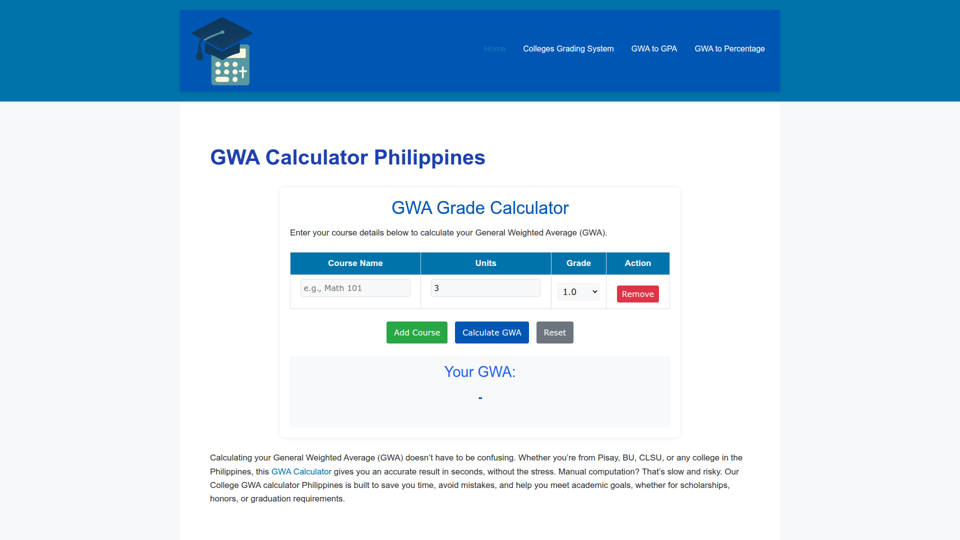
Calculate your General Weighted Average with our GWA Calculator Philippines. Perfect SHS, college students, Pisay, BU, CLSU and GPA, Excel

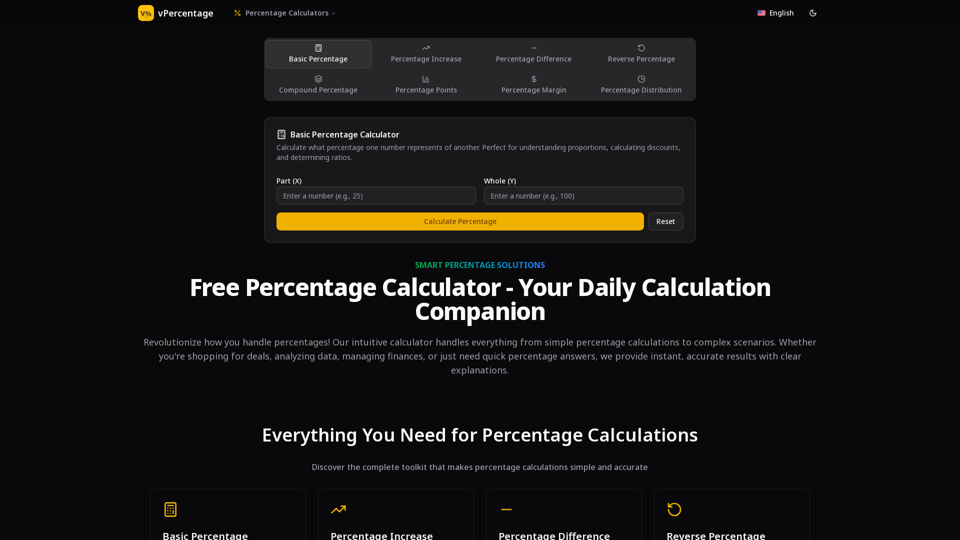
Free online percentage calculator for percentages, increases, decreases, differences, and compound changes. Get step-by-step explanations.
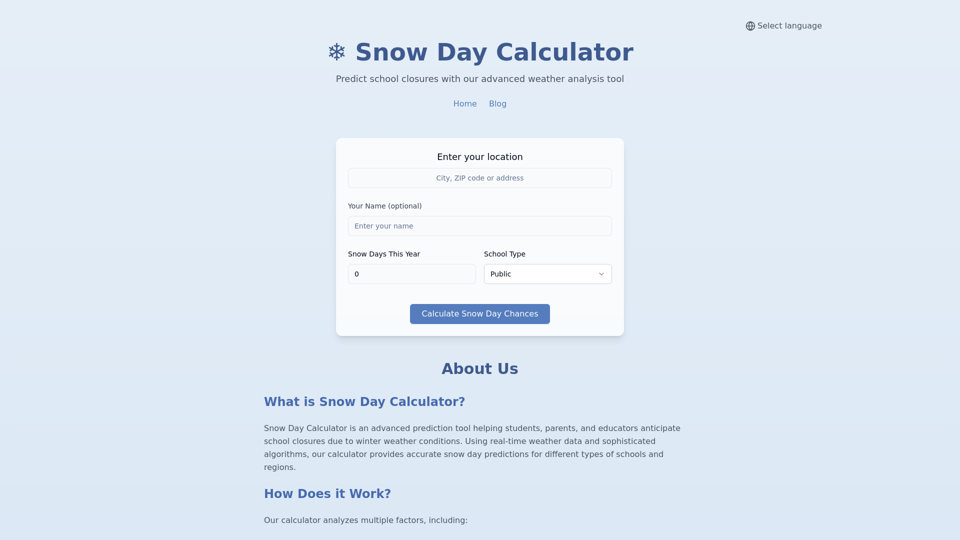
Use our Snow Day Calculator & Snow Day Predictor to get accurate predictions for school closures during winter weather. Real-time weather analysis, personalized results, and school-specific forecasts.

Simplify course creation with the best AI Course Creator. Generate engaging mini-courses online quickly and streamline your e-learning experience.