What is an FAQ Template?
An FAQ template is a pre-structured framework used for creating the "Frequently Asked Questions" section on a digital platform, such as a website, SaaS product, ecommerce store, or mobile application. Unlike a simple, unstructured list of questions and answers, an effective FAQ template incorporates specific formats, layouts, and interactive elements designed to enhance user experience (UX), improve search engine optimization (SEO), and boost conversion rates. It serves as a scalable system for organizing information logically—often into categories like General, Pricing, Features, Billing, and Security—to help users find answers quickly and businesses reduce support workload. Modern FAQ templates are integral to building trust, addressing customer objections, and guiding users through their decision-making journey, making them a critical component of any high-converting digital presence.
What are the main features of a powerful FAQ Template?
A comprehensive and impactful FAQ template is more than just a Q&A list; it's a strategic tool. Here are its core features:
- Clear, Scannable Structure
- A good FAQ template prioritizes readability. It uses concise, naturally-phrased questions that mirror real user search queries and provides direct, jargon-free answers. This allows visitors to scan and find information rapidly.
- Logical Categorization
- It organizes content into intuitive groups (e.g., General, Billing, Technical Support, Product Use). This prevents an overwhelming wall of text, improves navigation, and signals topical relevance to search engines, strengthening SEO for terms like "FAQ template."
- SEO Optimization
- High-quality FAQ templates are built with SEO in mind. They naturally incorporate target keywords (like "FAQ template," "website FAQ template"), align with user search intent, and are structured to be compatible with FAQ schema markup. This can enable rich results in Google Search, increasing click-through rates.
- Conversion-Focused Content
- Beyond information, the template is designed to alleviate hesitation. It proactively answers common objections related to pricing, refunds, security, and usability, directly supporting higher conversion rates on landing pages, pricing pages, and product pages.
- Interactive & User-Friendly Design
- Modern templates include interactive elements like accordion dropdowns, expandable cards, tabbed navigation, or search functionality. These features reduce visual clutter, enhance the user experience—especially on mobile—and encourage engagement.
- Scalability and Maintainability
- The template is designed for growth, allowing businesses to easily add new questions, update existing answers, or create new category pages without a complete redesign. This ensures the FAQ remains a useful, up-to-date resource.
How to use an FAQ Template effectively?
Implementing an FAQ template effectively involves more than just copying and pasting. Here’s a strategic approach:
- Select the Right Template Type: Match the template to your page's purpose. Use a ### Pricing Page FAQ Template for subscription plans, a ### Product Page FAQ Template for ecommerce items, a ### Landing Page FAQ Template for conversion-focused sales pages, and a ### Support Center FAQ Template for detailed knowledge bases. Using the appropriate format is key to meeting specific user intents.
- Populate with Real User Questions: Don't guess what users will ask. Gather genuine questions from customer support tickets, live chat logs, social media, and user feedback. This ensures your FAQ addresses actual pain points and search queries.
- Optimize for Search Engines: Integrate relevant keywords naturally into your questions and answers. Implement FAQ Page schema markup (using JSON-LD) to help search engines like Google understand the content, making it eligible for rich snippets and voice search results.
- Focus on Clarity and Conversion: Write answers that are straightforward and action-oriented. Use the FAQ to overcome final-stage purchase barriers by highlighting guarantees, easy cancellation policies, and security measures. Keep the tone helpful and trustworthy.
- Integrate Seamlessly into UX: Place the FAQ section where users naturally need it. This could be an ### Inline FAQ Template within a blog post, a ### Floating FAQ Widget on a dashboard, a ### Sidebar FAQ Template in documentation, or a prominent accordion section just above a page's footer call-to-action.
- Test, Analyze, and Iterate: Use analytics to see which FAQ items are most clicked. Monitor changes in support ticket volume related to covered topics. Regularly update the FAQ based on new product features, policy changes, and emerging user questions to keep it relevant and effective.
What are the key benefits and "price" of using an FAQ Template?
The "price" of implementing an FAQ template is not monetary but an investment of strategic effort. The returns, however, are substantial.
- Investment (The "Cost")
- Time for Research: Collecting and curating real user questions from various channels.
- Content Creation Effort: Writing clear, concise, and persuasive answers for each question and category.
- Technical Implementation: Setting up the chosen template structure (accordion, tabs, etc.) and implementing schema markup correctly.
- Ongoing Maintenance: Dedicating resources to periodically review and update the FAQ content to reflect product updates and new user concerns.
- Returns (The "Value")
- Reduced Support Costs: By deflecting common inquiries, FAQ templates significantly lower the volume of repetitive support tickets, freeing up your team for complex issues.
- Improved User Experience & Trust: Users get instant answers, leading to higher satisfaction. Transparency builds credibility and trust in your brand.
- Enhanced SEO Performance: A well-structured FAQ page can rank for numerous long-tail keywords, drive organic traffic, and appear in coveted rich results, increasing visibility.
- Higher Conversion Rates: By addressing doubts and objections directly on key pages (pricing, product, landing pages), FAQ templates reduce friction and abandonment, leading directly to more sign-ups and sales.
- Better Information Architecture: Templates help organize complex information about your product or service into a digestible, easy-to-navigate format for users at all stages.
Helpful Tips for Crafting a Superior FAQ Template
- Start with User Intent
- Frame every question from the user's perspective. Use phrasing like "How do I..." or "Can I..." rather than internal terminology.
- Prioritize Visually
- Place the most common and critical questions (e.g., about pricing, free trials, core functionality) at the top of the list or in the most prominent category.
- Leverage Internal Linking
- Within answers, link to more detailed blog posts, help articles, or specific product pages. This improves site navigation, distributes page authority, and increases dwell time.
- Make it Mobile-First
- Ensure your chosen template design is fully responsive. Accordions and tabs are especially effective on mobile devices as they conserve screen space.
- Don't Hide Content from SEO
- If using interactive elements like tabs or accordions, ensure the content is loaded in the HTML and is crawlable by search engines, not hidden behind JavaScript that bots can't execute.
- Add a Search Function
- For extensive FAQs with 50+ entries, integrate a simple search bar. This is a hallmark of a ### Searchable FAQ Template and drastically improves usability.
- Measure Success
- Track metrics such as reduced support contacts for FAQ-covered topics, click-through rates on specific FAQ items, and organic traffic growth to your FAQ pages.
Frequently Asked Questions about FAQ Templates
What exactly is an FAQ template?
An FAQ template is a pre-designed framework for creating a Frequently Asked Questions section. It provides the structure, layout, and organizational principles—such as categorization and interactive elements—to present Q&A content effectively for both users and search engines.
Why do I need a specific FAQ template? Can't I just list questions?
Different pages have different goals. A ### Landing Page FAQ Template is designed to overcome sales objections quickly, while a ### Support Center FAQ Template provides in-depth troubleshooting. Using the right template ensures your FAQ addresses the specific user intent and context of the page, maximizing its impact on UX and conversions.
Which FAQ template is best for SEO?
Templates that present content in a crawlable, text-based format are universally strong for SEO. The ### Accordion FAQ Template and ### One-Page FAQ Template are excellent because they keep content on a single page, creating a dense hub of keyword-rich material that can boost topical authority. Crucially, any template must be implemented so that the Q&A text is present in the HTML source code for search engines to index.
How many questions should I include in my FAQ template?
Quality trumps quantity. Start with 5-10 of the most critical questions that address key barriers to conversion or common support issues. You can expand over time. A ### Minimal FAQ Template on a landing page might have only 3-5 ultra-short answers, while a full ### Knowledge Base FAQ Template could have hundreds.
Can FAQ templates really improve conversion rates?
Absolutely. By proactively answering concerns about cost, features, security, and reliability directly on a sales or pricing page, you remove psychological barriers to purchase. This reduces hesitation and cart abandonment, making the FAQ section a powerful conversion tool.
What is FAQ schema markup and do I need it?
FAQ schema is a code standard (JSON-LD) that you add to your webpage to tell search engines that your content is a list of questions and answers. Implementing it can allow your FAQ to appear as a rich snippet in search results, often with expandable answers directly on the results page, which can significantly increase click-through rates.
How often should I update my FAQ template?
Review your FAQ quarterly, or whenever you launch a major new feature, change pricing, or update policies. Also, monitor incoming support questions—if a new topic appears frequently, it's time to add it to your FAQ. This ensures your resource remains a valuable, first-line support tool.
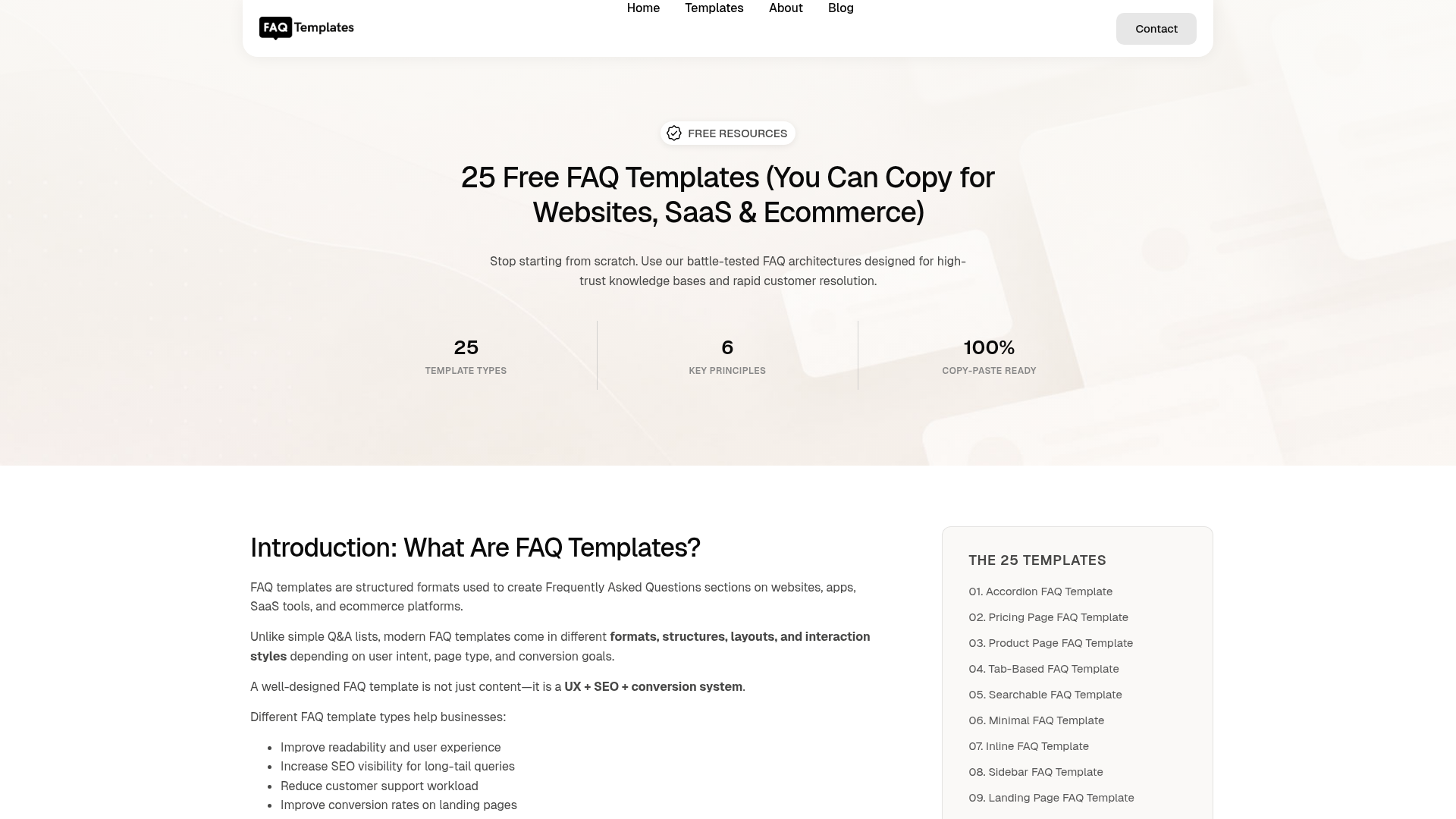
FAQ Templates
Get 25 free FAQ templates for websites, SaaS, ecommerce, and support pages. Copy ready-made FAQ sections designed for SEO, UX, and conversions.
Free AI anime and manga generator. Turn text into anime episodes, manga, comics, webtoons and comic shorts in any art style — no drawing or animation skills needed.
Translate image text across 70+ languages with our advanced AI Image Translator to help you better expand your products globally to various countries
Advertised Here
Reach thousands of visitors daily. Get your spot now!
Tools similar to FAQ Templates
Instantly create an AI chatbot for your business Get started for free How it works faqmy.website is a website that can faq anything, an AI chatbot builder. You can create customized AI-chatbots trained on your data and your business FAQ’s. You’ll FAQ’n love it! 1. Train your Chatbot With the power of AI, answer some […]
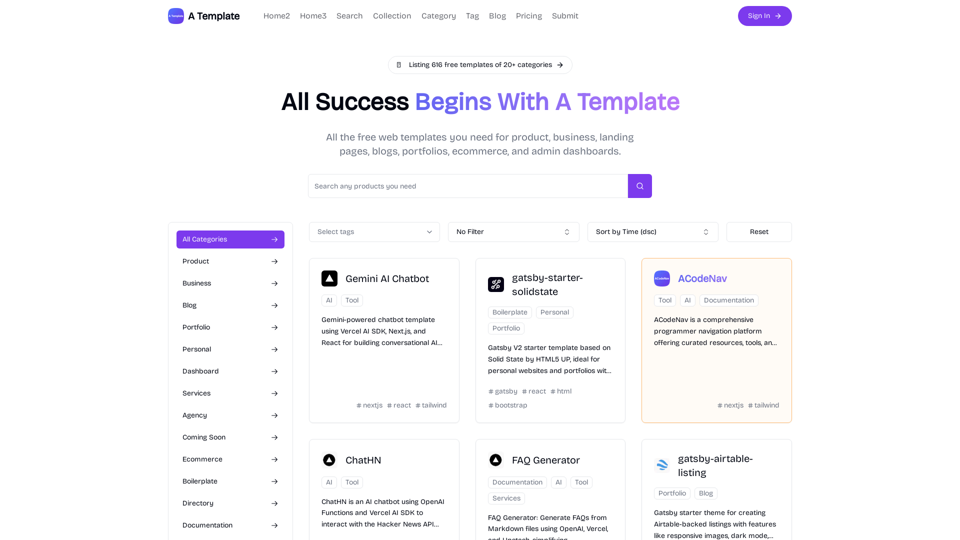
All the free web templates you need for product, business, landing pages, blogs, portfolios, ecommerce, and admin dashboards.
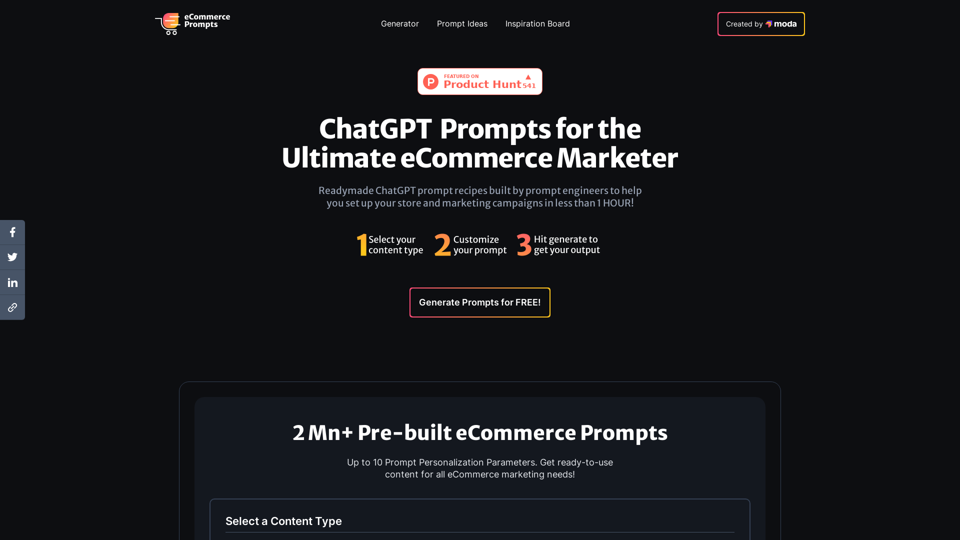
2Mn+ readymade ChatGPT prompt ideas built by prompt engineers, using insights from eCommerce experts - that really work!
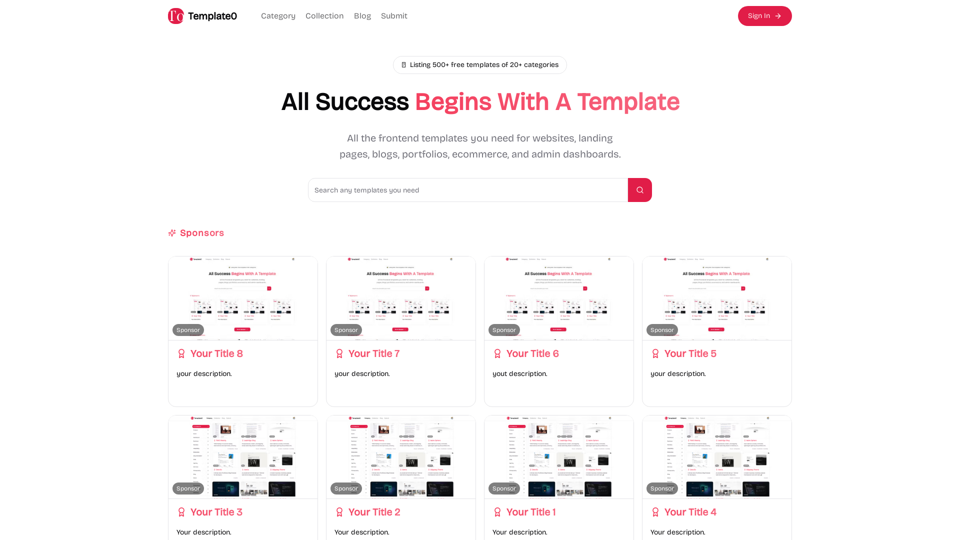
All the frontend templates you need for websites, landing pages, blogs, portfolios, ecommerce, and admin dashboards.

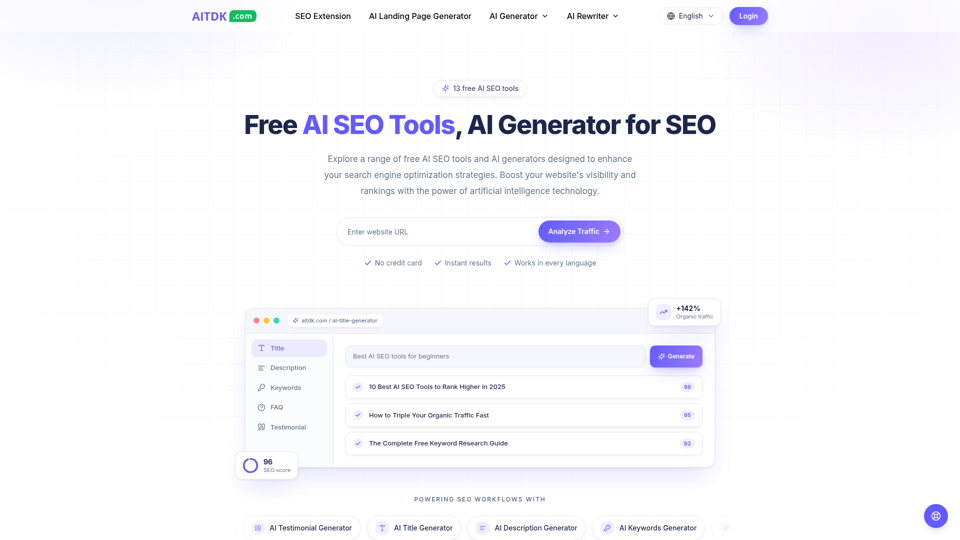
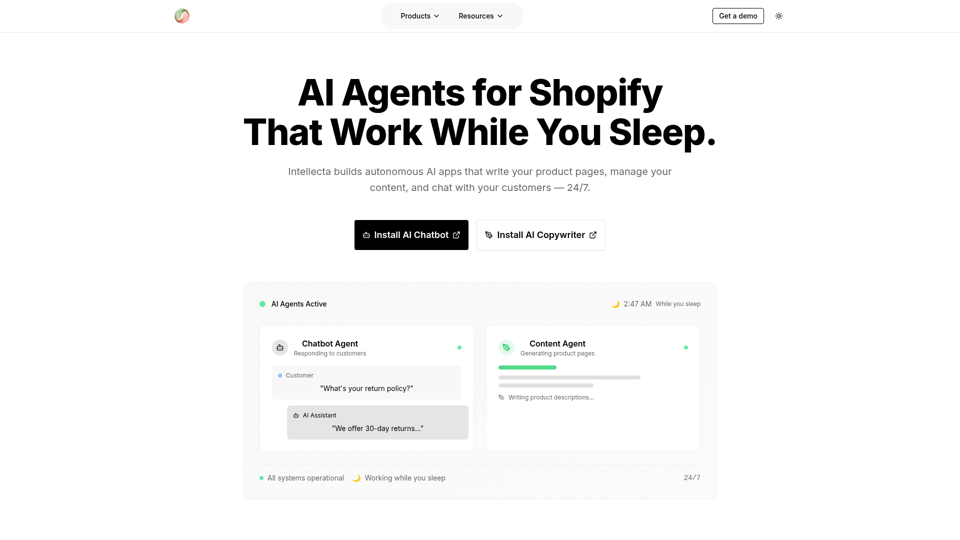
Intellecta builds autonomous AI apps that write your product pages, manage your content, and chat with your customers — 24/7.