Seedance 2.0
Create stunning AI videos with Seedance 2.0. Transform images and text into cinematic videos with advanced motion synthesis and professional quality.
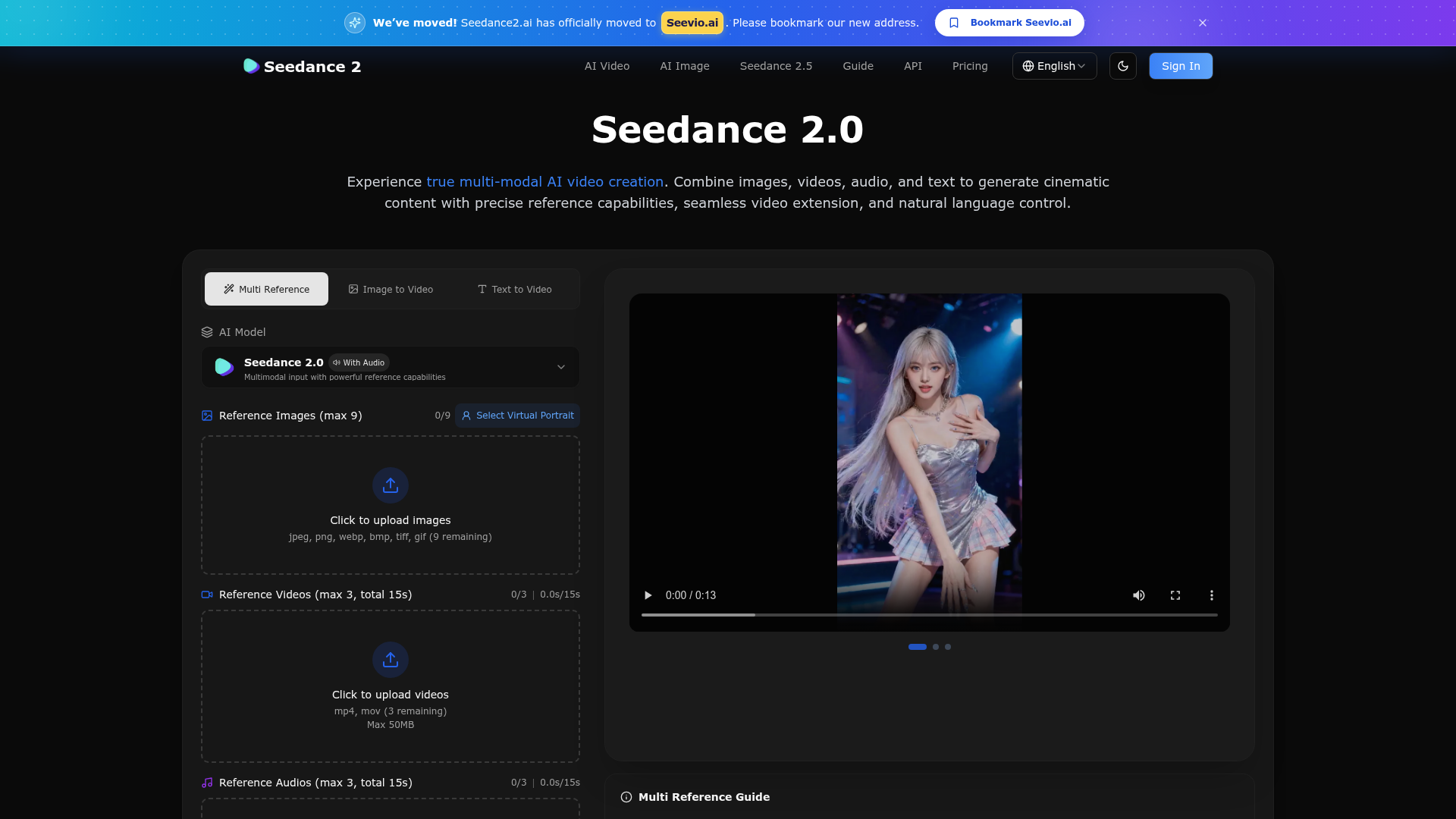
What is Seedance 2.0?
Seedance 2.0 is an advanced, multi-modal AI video creation platform developed by Seevio.ai. It represents a significant leap in generative AI video technology, allowing users to combine various input types—such as images, videos, audio, and text—to produce high-quality, cinematic content. Unlike traditional single-input models, Seedance 2.0's core innovation lies in its powerful ### reference capabilities, enabling precise control over motion, style, characters, and scenes by referencing uploaded materials. It's designed for creators across all levels, from social media enthusiasts to professional filmmakers, who seek unparalleled creative control and consistency in AI-generated videos.
What are the Key Features of Seedance 2.0?
Seedance 2.0 is packed with groundbreaking features that set a new standard for controllable AI video generation:
- True Multi-Modal Input
- Upload and combine up to 9 images, 3 videos (totaling 15 seconds), and 3 audio files (totaling 15 seconds) in a single generation. This allows for the expression of complex creative visions by mixing different media types.
- "Reference Anything" Capability
- The model can understand and replicate specific elements from your uploaded references. This includes character motion, cinematic camera movements, visual styles, special effects, choreography, and even sound design, all guided by simple natural language prompts.
- Superior Visual Consistency
- It excels at maintaining perfect consistency for faces, clothing, text, and intricate details across an entire video sequence, eliminating the common issue of "character drift" seen in other AI video tools.
- Precise Motion & Camera Replication
- By uploading a reference video, you can instruct the AI to replicate complex actions, dance moves, or specific camera pans and zooms with high accuracy, without needing overly detailed textual descriptions.
- Intelligent Video Extension & Editing
- Seamlessly extend the duration of existing videos, merge multiple clips, or make targeted edits to specific segments (like replacing a character or modifying an action) without regenerating the entire video from scratch.
- Built-in Audio Generation & Sync
- The platform can automatically generate context-aware sound effects and background music. More importantly, it can synchronize the generated video to the beats and rhythm of any uploaded audio track, perfect for music videos and dance content.
- Natural Language Control
- Users guide the AI using intuitive text prompts. By typing
@and referencing uploaded files (e.g., "Use @Video1's camera movement on @Image1"), you gain precise, granular control over the generation process. - One-Take Continuous Shots
- Create complex, seamless scenes with sophisticated camera work and transitions that would be difficult or expensive to shoot in real life, all generated in a single, continuous clip.
How to Use Seedance 2.0?
Creating AI videos with Seedance 2.0 follows a simple, intuitive three-step workflow designed for maximum creative control:
- Upload Your Reference Assets: Start by uploading the images, video clips, and/or audio files that will serve as the foundation for your creation. You can mix and match these multi-modal inputs based on your vision.
- Describe Your Vision with Prompts: In the prompt box, use natural language to describe the video you want to create. Crucially, reference your uploaded materials by typing
@and selecting them (e.g., "Make a video where @CharacterImage dances with the choreography from @DanceVideo, synced to the beat of @SongAudio"). Set your preferred resolution (up to 4K), duration (starting at 5s), aspect ratio, and other parameters. - Generate and Iterate: Click "Generate." Your video is typically created in seconds. You can then use the output as a new reference to extend the scene, edit a specific part, or refine the results further in subsequent generations, allowing for an iterative and highly controlled creative process.
What is the Price of Seedance 2.0?
Seedance 2.0 operates on a credit-based subscription system. All paid plans include access to core features like Seedance AI Video, multiple AI models, no watermarks, private generation, API access, and a commercial use license. There is currently a limited-time offer of ### 50% off for annual billing.
- Monthly/Annual Subscriptions
- Basic ($14.90/month or $178.80/year): Ideal for beginners, includes 800 credits/month.
- Standard ($24.90/month or $298.80/year): The most popular plan for creators, includes 1,600 credits/month and priority generation.
- Pro ($49.90/month or $598.80/year): For power users, includes 4,000 credits/month and the fastest generation speed.
- Max ($99.90/month or $1198.80/year): For high-volume usage, includes 10,000 credits/month.
- One-Time Credit Packs (Credits never expire)
- Starter Pack ($39.90): 1,000 credits for occasional use.
- Creator Pack ($89.90): 3,000 credits, perfect for most creators.
- Professional Pack ($199.90): 8,000 credits for power users.
- Advanced Pack ($599.90): 30,000 credits for high-volume projects.
- Ultra Pack ($1,899.90): 100,000 credits for maximum scale.
Helpful Tips for Using Seedance 2.0
- Start with Clear References
- The quality of your output is heavily influenced by your reference materials. Use high-quality, well-lit images and stable video clips for best results.
- Master the `@` Reference Syntax
- This is your key to precision. Clearly reference which asset to use for which element (character, motion, style, camera angle) in your prompt.
- Leverage Video Extension
- If you love a generated clip but want it longer, use the "Return Last Frame" option and prompt the AI to extend the scene naturally.
- Experiment with Audio Sync
- For dance or music content, uploading a reference audio track and asking the AI to "sync visuals to the beat" can produce professionally timed results.
- Use it for Pre-Visualization
- Filmmakers and storyboard artists can use Seedance 2.0 to quickly visualize complex shots, camera moves, and scene transitions before actual production.
- Batch Generate Variations
- Use the "Batch generation" feature to create multiple versions of a video with the same settings, allowing you to pick the best outcome.
Frequently Asked Questions (FAQ) About Seedance 2.0
Can I use Seedance 2.0 for free?
The platform primarily operates on a credit-based system. You may need to purchase a subscription or a credit pack to start generating videos. Check the Seevio.ai website for any introductory free trial offers.
What video formats and resolutions does it support?
Seedance 2.0 can generate videos in various aspect ratios (16:9, 9:16, 1:1, etc.) and resolutions, including 480p, 720p, 1080p, and up to 4K, depending on your plan.
How long does it take to generate a video?
Generation time varies based on video length, resolution, and your subscription tier. It can range from a few seconds for shorter clips on higher-tier plans to slightly longer for complex, high-resolution videos.
Will my generated videos have a watermark?
No, all videos generated on paid plans and credit packs are created without any Seevio or Seedance watermarks, and come with a commercial use license.
Can I edit a specific part of a generated video?
Yes! One of Seedance 2.0's standout features is targeted editing. You can upload a generated video, reference a specific segment, and use a prompt to modify only that part (e.g., "Replace the character in seconds 3-5 with @NewCharacterImage").
What are credits, and how many do I need per video?
Credits are the platform's consumption units. The number of credits required per video generation depends on the output resolution, duration, and the specific AI model used. The pricing page provides estimates (e.g., cost per credit), allowing you to calculate usage.
Is the API available for developers?
Yes, API access is included with all paid subscription plans, enabling developers and businesses to integrate Seedance 2.0's multi-modal video generation capabilities into their own applications and workflows.
Seedance 2.0
Create stunning AI videos with Seedance 2.0. Transform images and text into cinematic videos with advanced motion synthesis and professional quality.
 Cloudflare
 HTTP/3
 Next.js
 Node.js
 React
React Vercel
 Webpack
 dc.js
dc.jsFree AI anime and manga generator. Turn text into anime episodes, manga, comics, webtoons and comic shorts in any art style — no drawing or animation skills needed.
Translate image text across 70+ languages with our advanced AI Image Translator to help you better expand your products globally to various countries
Advertised Here
Reach thousands of visitors daily. Get your spot now!
Tools similar to Seedance 2.0
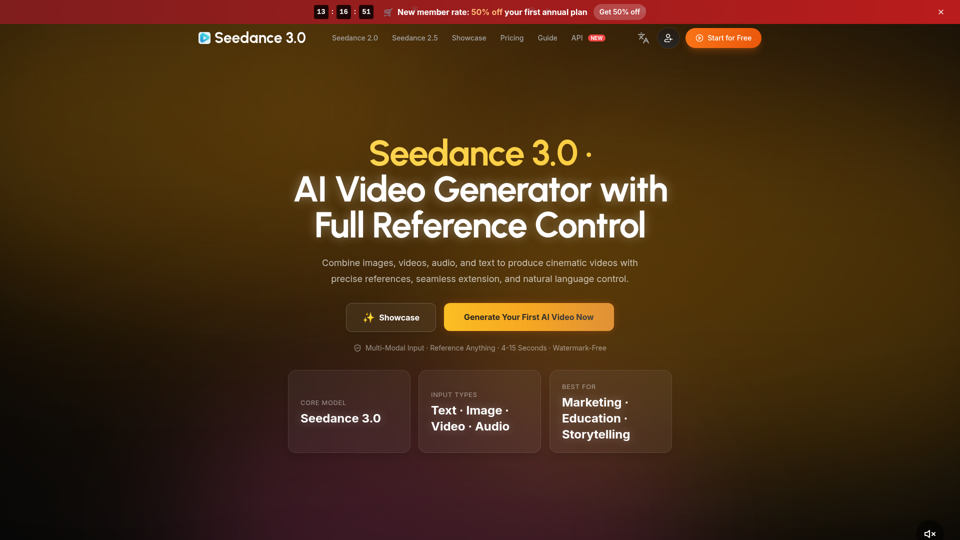
Create cinematic AI videos with Seedance 3.0. Combine image, video, audio, and text references into connected, production-ready scenes.
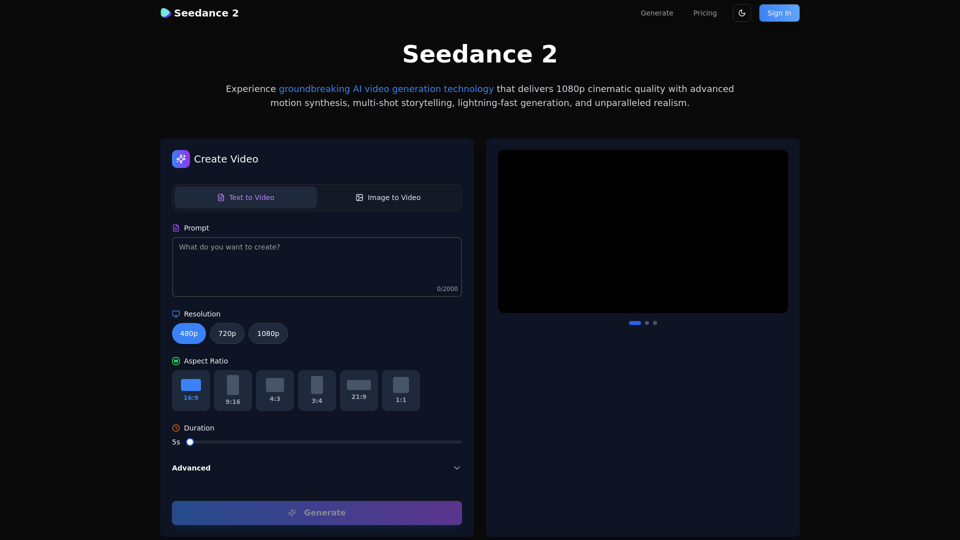
Create stunning AI videos with Seedance 2.0. Transform images and text into cinematic videos with advanced motion synthesis and professional quality.
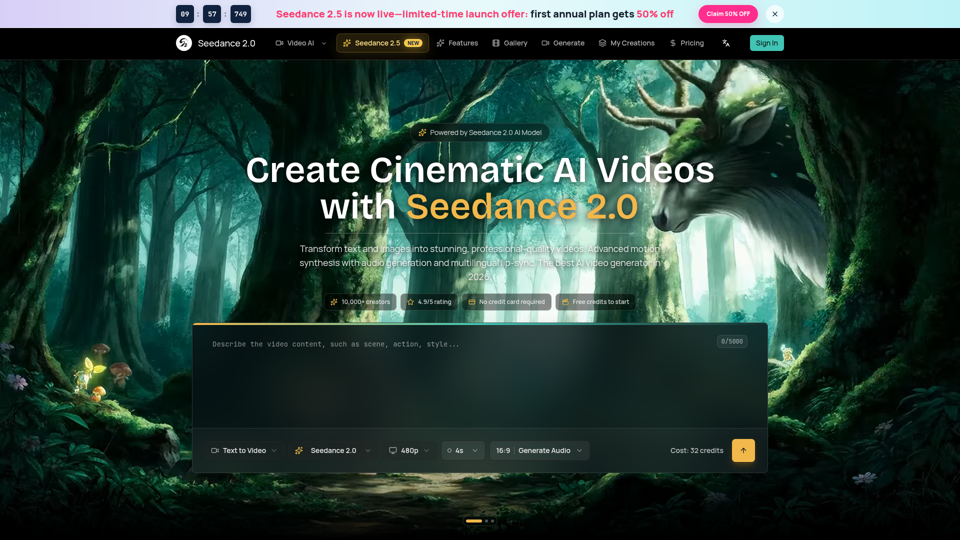
Seedance 2.0 AI video generator. Turn text and images into cinematic videos with motion synthesis, audio generation and lip-sync. Text-to-video & image-to-vi...
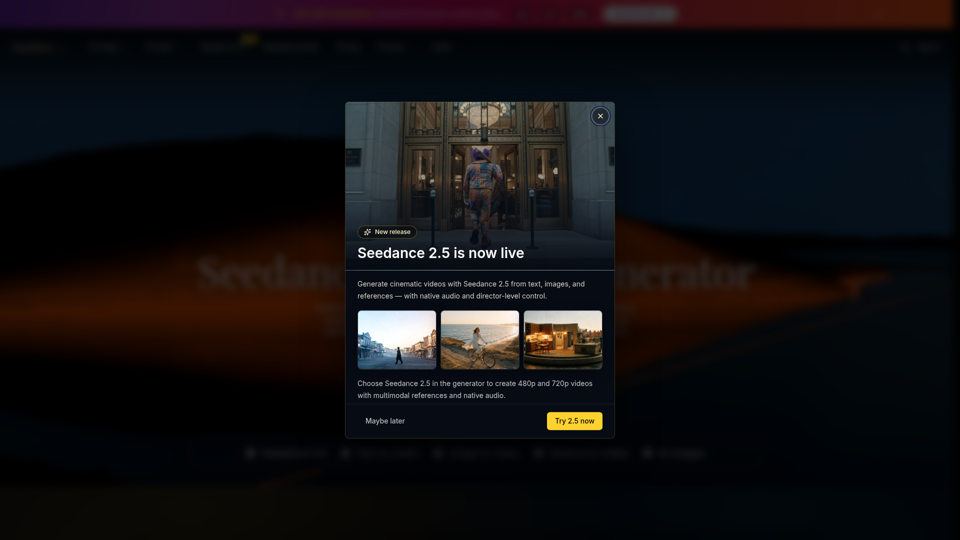
Seedance 2.0 is the ultimate AI video generation platform. Create stunning videos with Seedance 2.0's text-to-video, image-to-video, and AI video effects tools.
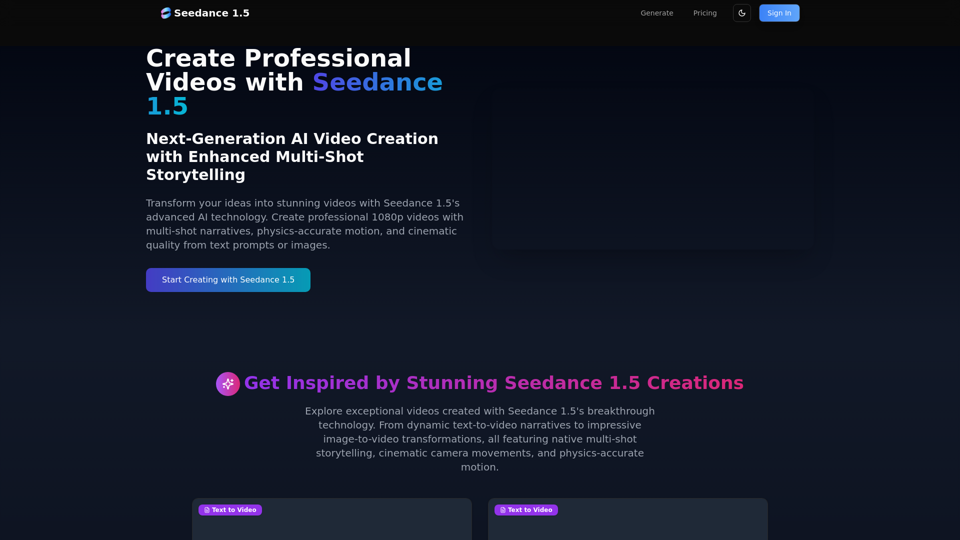
Create stunning AI videos with Seedance 1.5. Transform images and text into cinematic videos with advanced motion synthesis and professional quality.
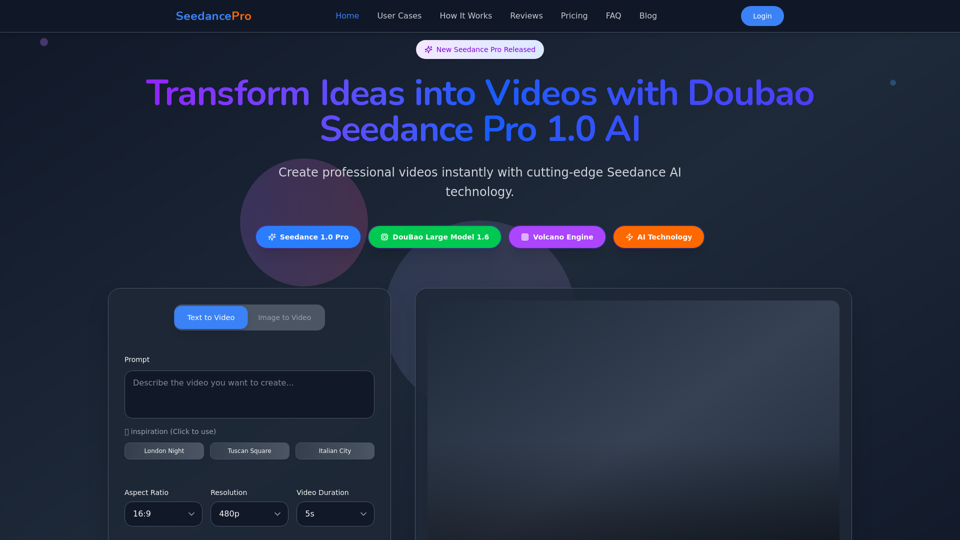
Create stunning videos with Seedance Pro AI video generator. Transform text and images into professional videos effortlessly.
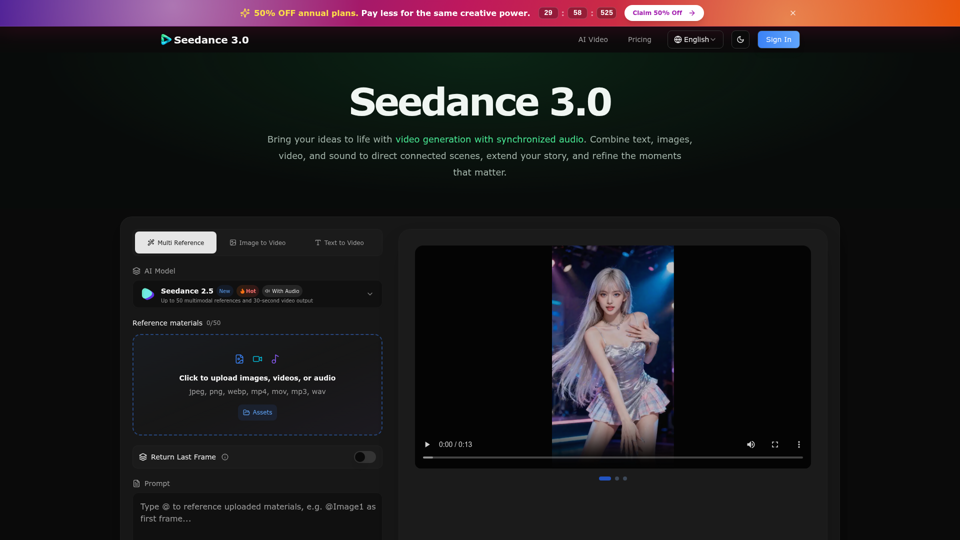
Create cinematic stories with Seedance 3.0. Turn text, images, video, and audio references into videos with synchronized sound and precise creative control.
Create cinematic AI videos with Seedance 2.0. Text-to-video, image-to-video, native audio. The Seedance 2.0 AI video generator. Free to start.