SVG Converter Online
SVGConverter.AI turns PNG, JPEG, and WebP into crisp vectors — SVG, PDF, EPS, or DXF — or lets you describe an idea and generate fresh SVG artwork with AI. Free, fast, and entirely online. Whether you need to vectorize a logo, prepare print-ready artwork, or create custom icons from scratch, our AI-powered tools deliver clean, editable results in seconds — no software to install and no account required.
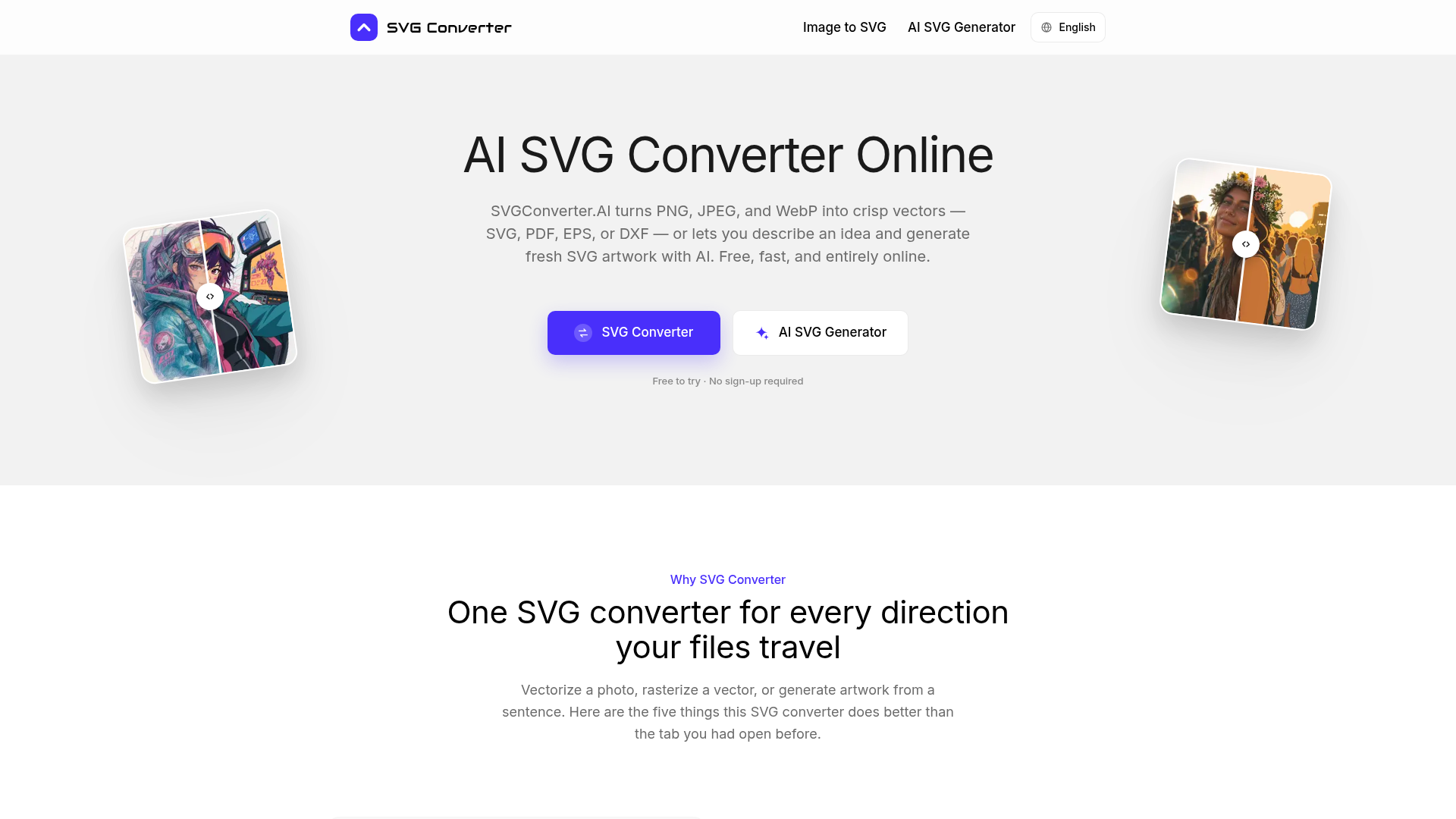
What is SVGConverter.AI?
SVGConverter.AI is a free, web-based AI-powered SVG converter and generator. It is a versatile online tool designed to simplify vector graphics workflows. Its core function is to convert common raster images (like PNG, JPEG, and WebP) into crisp, scalable vector formats such as SVG, PDF, EPS, or DXF. Uniquely, it also works in reverse, converting vector files back into various raster formats. Beyond conversion, its integrated AI SVG generator allows users to describe an idea in plain text and receive original, editable vector artwork. This makes it an all-in-one solution for graphic designers, web developers, marketers, and makers who need to create, convert, and optimize graphics without installing software or creating an account.
Main Features of SVGConverter.AI
SVGConverter.AI stands out with its comprehensive, bidirectional capabilities and AI integration, making it more than just a simple converter.
- Bidirectional Conversion in One Tool
- This is a core feature of this SVG converter. Unlike most tools that only handle one direction, it provides a complete round-trip solution. You can vectorize a scanned logo in the morning and rasterize the final vector for a web banner in the afternoon, all with consistent color and quality.
- AI-Powered SVG Generation from Text
- When you have no image to upload, you can use the AI SVG generator. Simply type a descriptive prompt (e.g., "a minimalist mountain logo" or "a set of finance line icons"), and the AI will generate fresh, layered, and fully editable SVG artwork, which you can refine with further text instructions.
- Extensive Format Support for Any Workflow
- This SVG converter supports the formats your projects demand. For vectors, choose SVG (web), PDF (documents), EPS (commercial print), or DXF (CAD/laser cutting). For raster output, select PNG (transparency), JPG (compatibility), WebP/AVIF (performance), or GIF (animations).
- High-Quality, Editable Output
- The SVG converter engine prioritizes quality. It performs sub-pixel edge tracing, intelligent color palette clustering, and noise reduction to produce clean, editable vector paths. Output remains sharp at any zoom level, preserving fine details like lettering and hairline strokes.
- Completely Free, Private, and No Sign-Up
- There is no cost, no account required, and no watermarks on outputs. All processing happens securely in your browser over an encrypted connection. Uploaded files are used solely for conversion and are automatically deleted, ensuring complete privacy for client work and unreleased designs.
How to Use SVGConverter.AI
Using this SVG converter is straightforward, fast, and requires no technical setup.
- Access the Tool: Navigate to the SVGConverter.AI website in your browser. No download or installation is needed.
- Choose Your Direction:
- To ### convert an image to vector, go to the "Image to SVG" tool. Upload your PNG, JPG, or WebP file, select your desired output format (SVG, PDF, EPS, DXF), and convert.
- To ### convert a vector to raster, use the same tool with a vector file (SVG, PDF, EPS, DXF) as input and choose a raster format (PNG, JPG, etc.) as output.
- To ### generate AI SVG artwork, go to the "AI SVG Generator." Type a detailed text description of the graphic you want, and let the AI create it.
- Download and Edit: Once processed, download your file. Vector outputs (SVG, PDF, EPS, DXF) are fully editable in software like Adobe Illustrator, Figma, or Inkscape. You can modify nodes, colors, and scaling without quality loss.
Pricing for SVGConverter.AI
SVGConverter.AI is completely free to use. There are no subscription tiers, usage limits for standard design work, or hidden paywalls. Every feature—including the AI SVG generator, high-quality vectorization, and multi-format rasterization—is available at no cost. You can use the generated and converted files in both personal and commercial projects without any watermarks or attribution requirements.
Helpful Tips for Using the SVG Converter
To get the best results from this AI-powered SVG converter, consider these tips:
- For Image Conversion
- Use a high-quality, high-resolution source image for the cleanest vector tracing. The SVG converter's engine excels at cleaning up noise, but a clear starting point yields the best paths.
- For AI Generation
- Be specific and descriptive in your text prompts. Instead of "a dog icon," try "a simple line art icon of a sitting husky, single stroke, minimalist." Iterate by refining your prompt based on the initial result.
- Workflow Integration
- Bookmark the SVG converter for quick access. Its bidirectional nature makes it ideal for last-minute format changes, client requests, or generating quick placeholder graphics for prototypes.
- Master File Management
- Always keep your original vector file (especially the AI-generated SVG) as the editable master. Use the SVG converter's raster export function to create PNGs or JPGs for specific applications, preserving the scalable source.
Frequently Asked Questions (FAQ) about the SVG Converter
Is this SVG converter really free?
Yes. Every tool on SVGConverter.AI, including the AI SVG generator and all conversion directions, is free to use without an account or subscription. There are no watermarks, and you can use the outputs commercially.
Which formats does the SVG converter support?
For vectorization input: PNG, JPG, WebP. Output: SVG, PDF, EPS, DXF. For rasterization input: SVG, PDF, EPS, DXF. Output: PNG, JPG, GIF, WebP, AVIF. The AI generator creates SVG from a text prompt.
Do I need to install software or a plugin?
No. This SVG converter is a 100% web-based application that runs directly in your browser. It works on all major operating systems (Windows, macOS, Linux, ChromeOS) and devices, including tablets and phones.
Can I edit files after using the SVG converter?
Absolutely. The vector files (SVG, PDF, EPS, DXF) produced are made of editable paths and can be opened and modified in any compatible vector editing software like Illustrator, Figma, or Inkscape. Raster exports are finalized images.
What happens to the files I upload?
Your privacy is protected. Files are uploaded via an encrypted connection, used only to perform the conversion or generation you requested, and are automatically deleted from the servers shortly after. They are never used for training AI models, sold, or shared.
SVG Converter Online
SVGConverter.AI turns PNG, JPEG, and WebP into crisp vectors — SVG, PDF, EPS, or DXF — or lets you describe an idea and generate fresh SVG artwork with AI. Free, fast, and entirely online. Whether you need to vectorize a logo, prepare print-ready artwork, or create custom icons from scratch, our AI-powered tools deliver clean, editable results in seconds — no software to install and no account required.
 Next.js
 Node.js
 React
React Vercel
 Webpack
Free AI anime and manga generator. Turn text into anime episodes, manga, comics, webtoons and comic shorts in any art style — no drawing or animation skills needed.
Translate image text across 70+ languages with our advanced AI Image Translator to help you better expand your products globally to various countries
Advertised Here
Reach thousands of visitors daily. Get your spot now!
Tools similar to SVG Converter Online
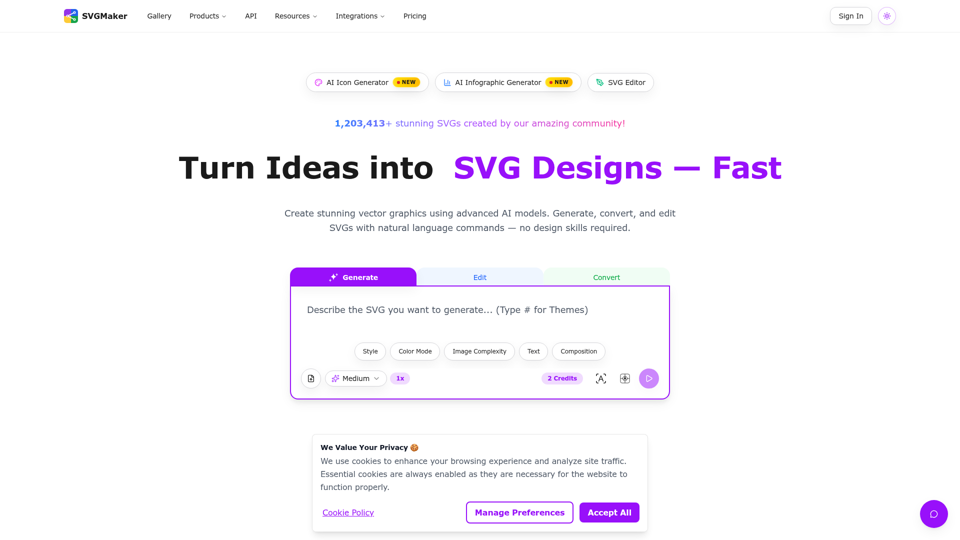
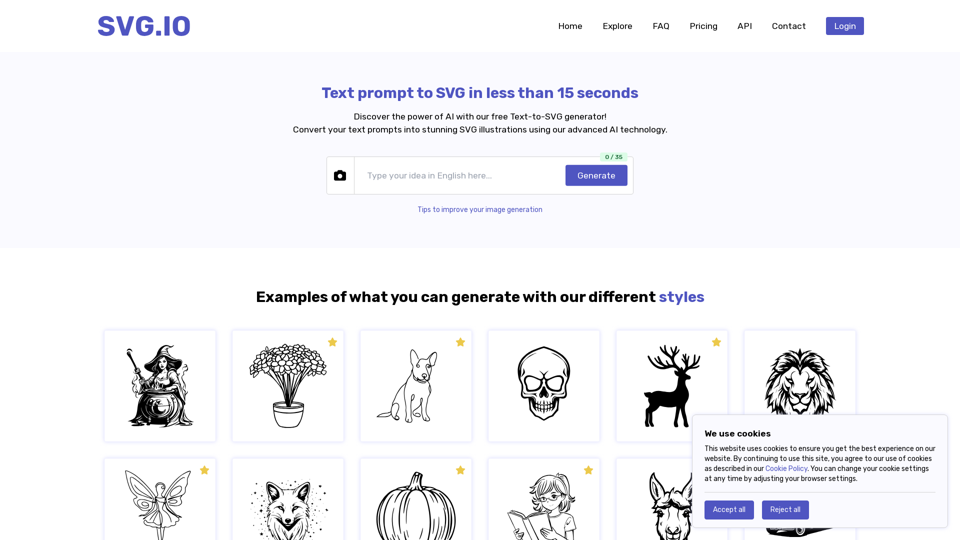
Create unique SVG illustration from text prompts using our innovative AI generator tool.
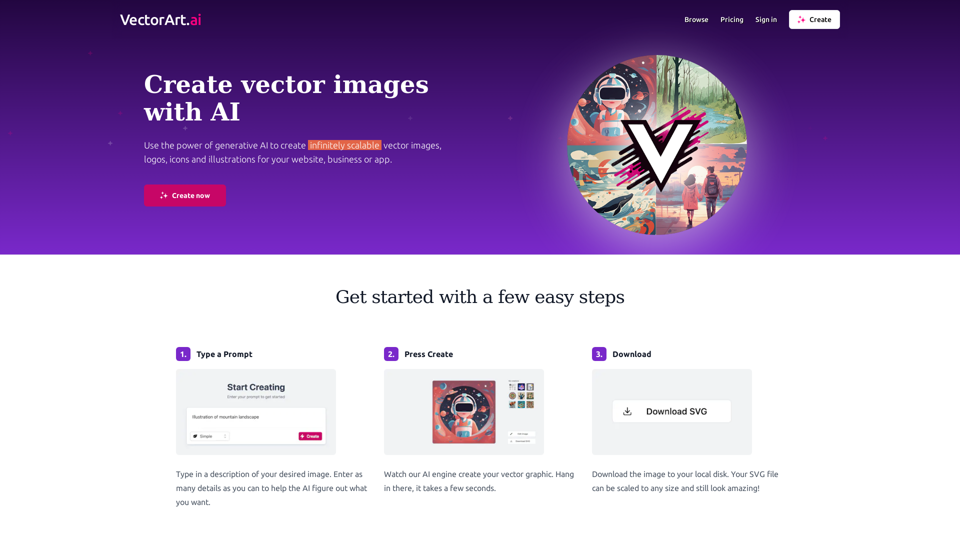
The largest AI generated vector image library and AI vector art generator. Browse and download unlimited images for free or create your own with AI.
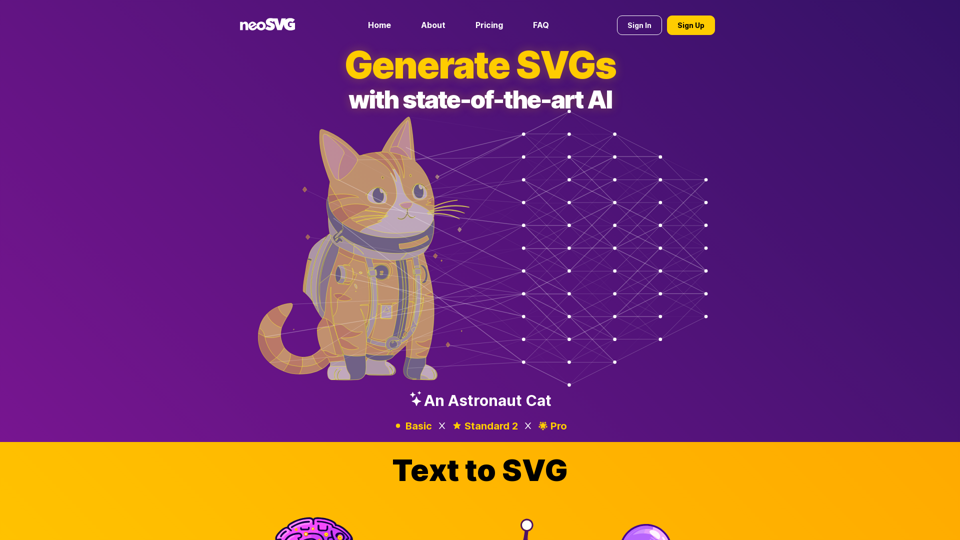
Revolutionize your design process with neoSVG! Our AI-powered tool transforms simple text prompts into stunning SVG graphics. Simplify your workflow, enhance your creativity, and create unique vector images instantly. Sign up for early access and transform your design experience today!
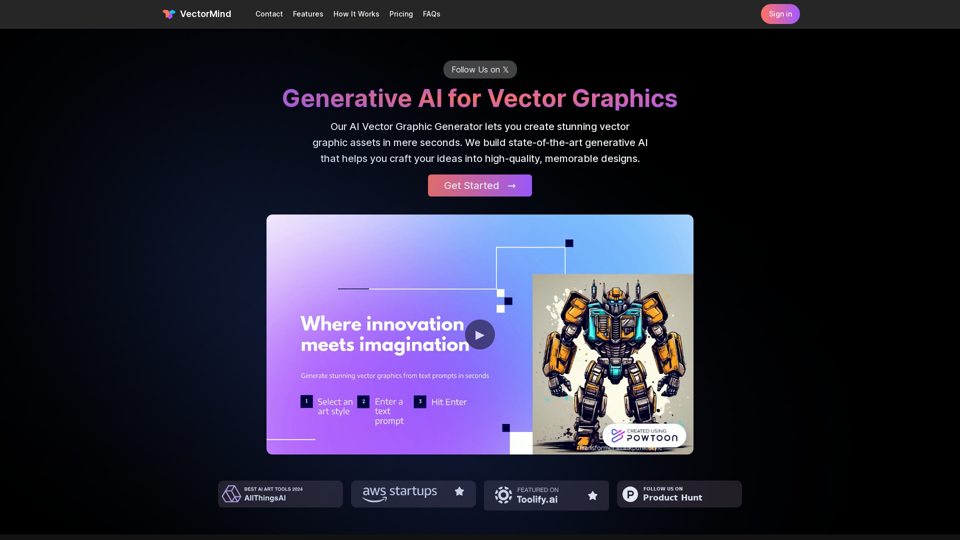
Our AI Vector Graphic Generator lets you create stunning vector graphic assets in mere seconds. We build state-of-the-art generative AI that helps you craft your ideas into high-quality, memorable designs.
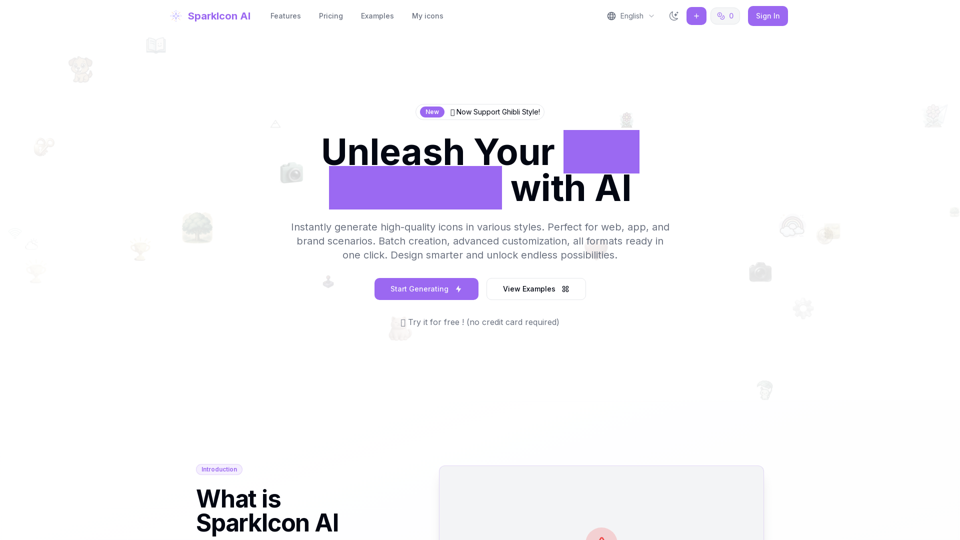
The leading AI icon generator and icon maker. Perfect for site icons, app icons and all your need. And export to svg,webp or ico in one click!
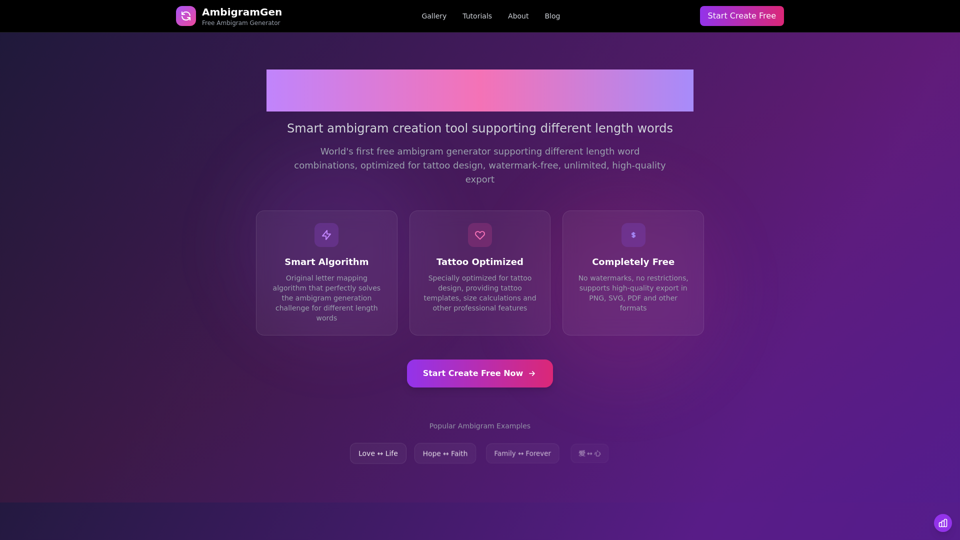
The most powerful free ambigram generator supporting different length word combinations, optimized for tattoo design. No watermark, unlimited use, high-quality SVG/PNG export.
Convert PNG images to WebP format online for free. Reduce file sizes by up to 35% while maintaining perfect image quality and transparency. Fast, secure, and supports batch conversion with universal browser compatibility.