What is Anyvids AI?
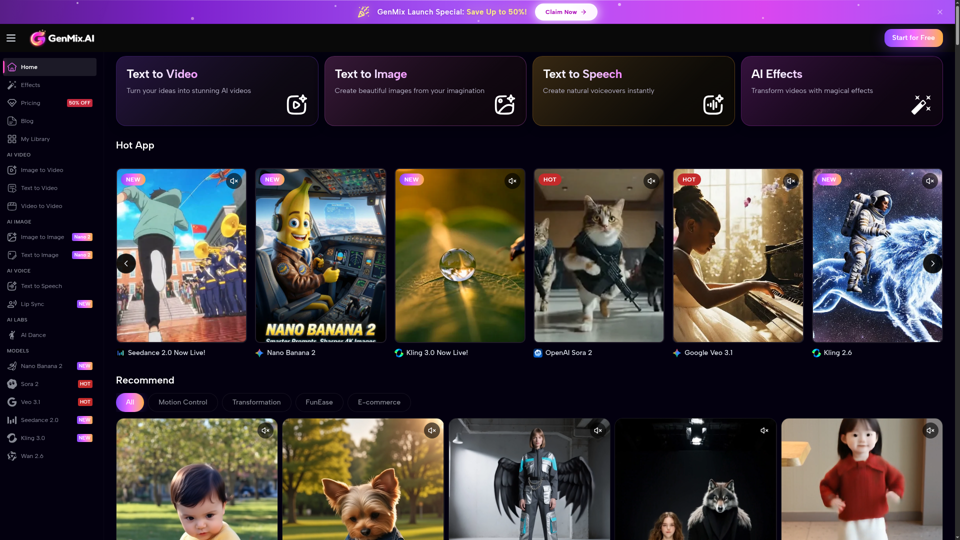
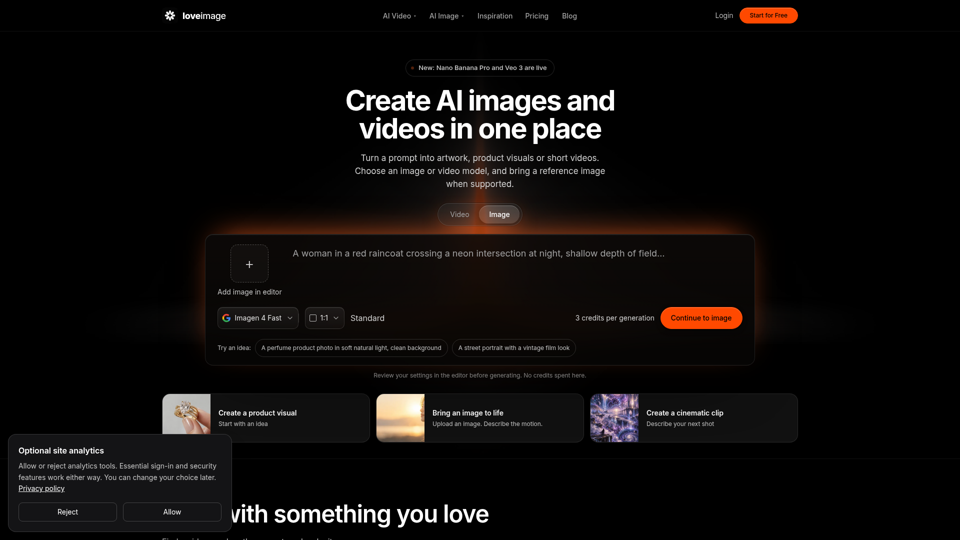
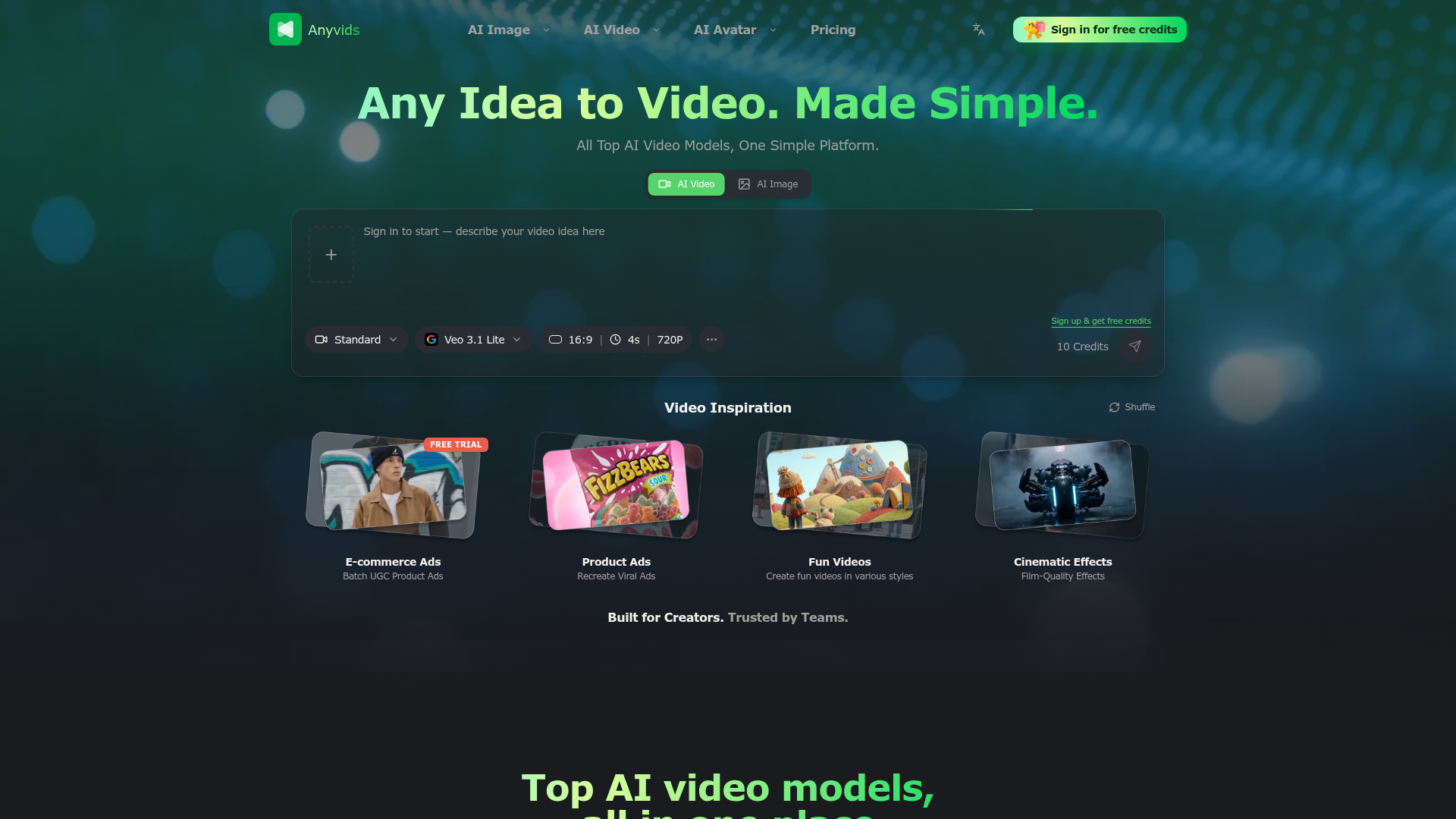
Anyvids AI is a comprehensive, all-in-one AI video creation platform designed to simplify the process of turning any idea into a video. It consolidates access to numerous top-tier AI video and image generation models—such as Google's Veo 3.1, Seedance, Kling, and GPT Image 2—into a single, user-friendly interface. This platform empowers users to generate videos for a wide range of purposes, from e-commerce ads and social media content to cinematic scenes and fun personal projects, without needing expertise in multiple different tools or software.
Key Features of Anyvids AI
- Unified Access to Top AI Models
- Anyvids aggregates leading AI video generators like Seedance 2.5, Veo 3.1, Kling 3.0, and Gemini Omni in one place, allowing you to choose the best model for your specific creative needs without switching between different services.
- All-in-One Creative Ecosystem
- The platform is not just a generator; it's a full creative suite. It supports the entire workflow from initial idea generation and AI video creation to editing, refining with motion control, and finally downloading and sharing high-quality outputs.
- Designed for All Creators
- Whether you are a solo content creator, a social media manager, or part of an enterprise marketing team, Anyvids provides tailored solutions. It's built to handle everything from batch-generating UGC-style product ads to executing complex brand campaigns and cinematic projects.
- Intuitive and Fast Workflow
- The platform guides you through a simple 4-step process: describe your idea, choose your model and output settings (supporting 10+ formats), let the AI generate, and then download your video in quality up to 4K. This makes professional video creation accessible in minutes.
- Free Trial and Credits
- New users can sign up and receive free credits to start experimenting with AI video generation immediately, lowering the barrier to entry for exploring the platform's capabilities.
How to Use Anyvids AI
Using Anyvids AI is straightforward and designed for efficiency:
- Start Your Project: Begin by describing your video idea in detail with a text prompt or by uploading a reference image to guide the AI.
- Select Your Model and Settings: Choose from the platform's library of AI models (e.g., Veo 3.1 Lite for quick drafts, Seedance 2.0 for 4K quality) and fine-tune output parameters like aspect ratio (e.g., 16:9), duration, and resolution.
- Generate and Review: Submit your request. The AI will process the input and generate a video. You can use features like "Video Inspiration" to shuffle ideas or "Motion Control" for more precise edits.
- Export and Share: Once satisfied, download your final video in HD or 4K and share it directly to your social channels or use it in your projects.
Pricing and Plans
Anyvids AI operates on a credit-based system. New users receive ### free credits upon sign-up to test the platform. Specific pricing details for subscription plans or credit packs are typically provided on their website, catering to different usage levels from casual creators to high-volume enterprise teams. The "Veo 3.1 Lite" model, for example, offers a 4-second, 720P output as part of the introductory free credits.
Helpful Tips for Using Anyvids AI
- Be Specific in Prompts
- The quality of AI-generated videos heavily depends on your input. Write detailed, descriptive prompts including style (e.g., "cinematic," "e-commerce ad"), mood, key actions, and subjects for the best results.
- Experiment with Different Models
- Each AI model has strengths. Use Seedance for high-fidelity imaginative scenes, Veo for consistency, or Kling for precise narrative control. Try different ones to see which fits your project.
- Leverage the Inspiration Tools
- Use the "Shuffle" feature in the "Video Inspiration" section to overcome creative block and generate new ideas instantly.
- Plan for Commercial Use
- If creating content for ads or commercial purposes, check the licensing terms of the specific AI model you are using on Anyvids to ensure compliance.
- Utilize Batch Features
- For tasks like creating multiple product ads, explore batch generation capabilities to save significant time and maintain a consistent style across videos.
Frequently Asked Questions (FAQs)
What video formats does Anyvids AI support?
The platform supports over 10 different output formats and aspect ratios, allowing you to create videos optimized for various platforms like YouTube (16:9), Instagram Reels (9:16), and more.
Can I edit the videos after AI generation?
Yes. Anyvids is an all-in-one ecosystem that includes editing and refinement tools. Features like "Motion Control" allow for precise editing and adjustments after the initial AI generation.
Do I need a subscription to use Anyvids?
You can start with a free account that provides initial credits. For extensive or commercial use beyond the free tier, subscription plans or credit packs are available to provide extended access and higher usage limits.
What is the maximum video quality I can generate?
You can generate videos up to 4K resolution using top-tier models like Seedance 2.0, making it suitable for professional and cinematic projects.
Is Anyvids AI suitable for complete beginners?
Absolutely. The platform's 4-step workflow is designed to be intuitive. With the ability to start from simple text prompts and use auto-settings, beginners can create videos quickly, while advanced settings offer depth for experienced creators.
The Ultimate AI Video & Image Creation Platform
The free all‑in‑one AI image & video generator using top AI models in one place. Pricing you can trust—clear billing, credit usage & refunds. | Anyvids.ai
 C3.js
C3.js Next.js
 Node.js
 React
React Vercel
 Webpack
Free AI anime and manga generator. Turn text into anime episodes, manga, comics, webtoons and comic shorts in any art style — no drawing or animation skills needed.
Translate image text across 70+ languages with our advanced AI Image Translator to help you better expand your products globally to various countries
Advertised Here
Reach thousands of visitors daily. Get your spot now!
Tools similar to The Ultimate AI Video & Image Creation Platform
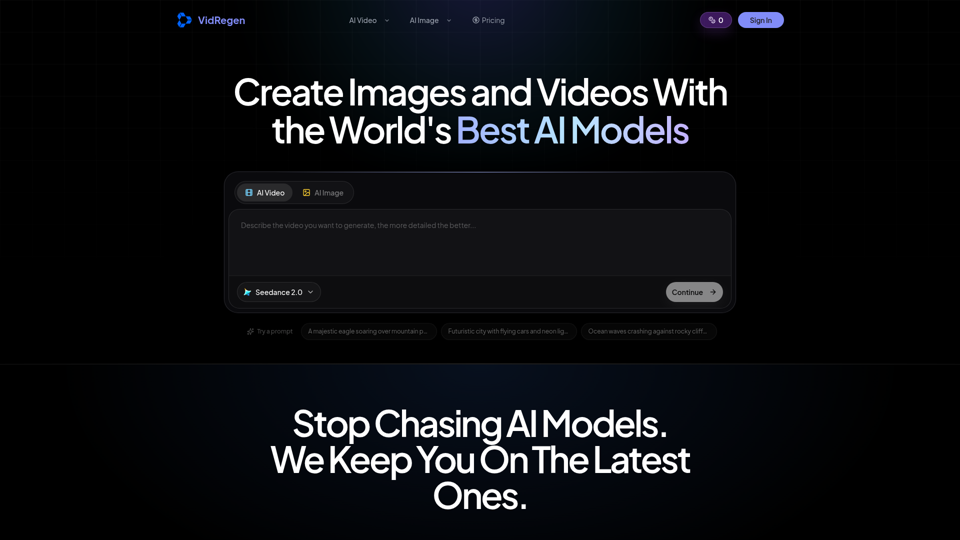
Generate AI images and videos with top models — Kling 3, Veo 3.1, Flux 2, Seedance & more. One workspace, 10+ models, starting from $9.9/mo.
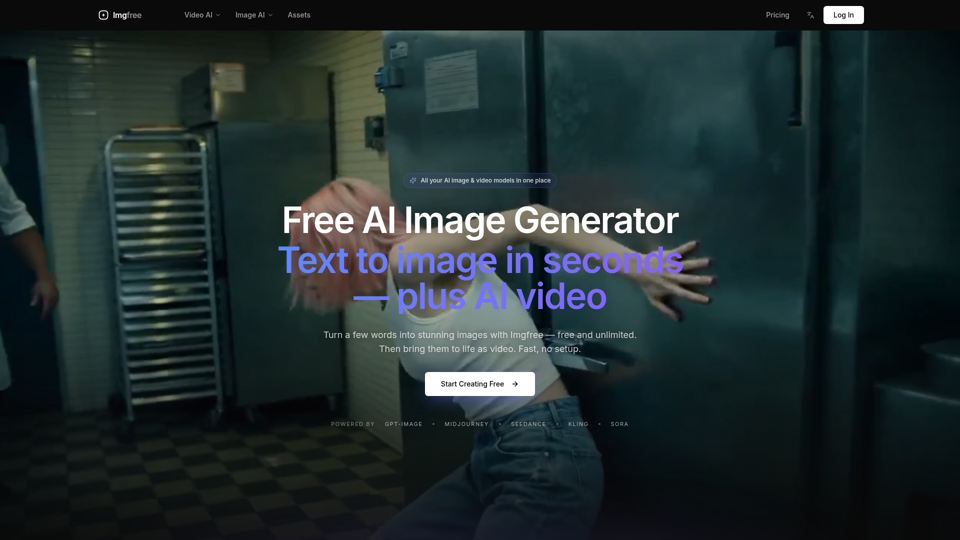
Turn text into images for free — Imgfree 1.0 is free and unlimited, no credits. Also use GPT-Image, Midjourney, Nano Banana and Flux, plus AI video, all in one place.
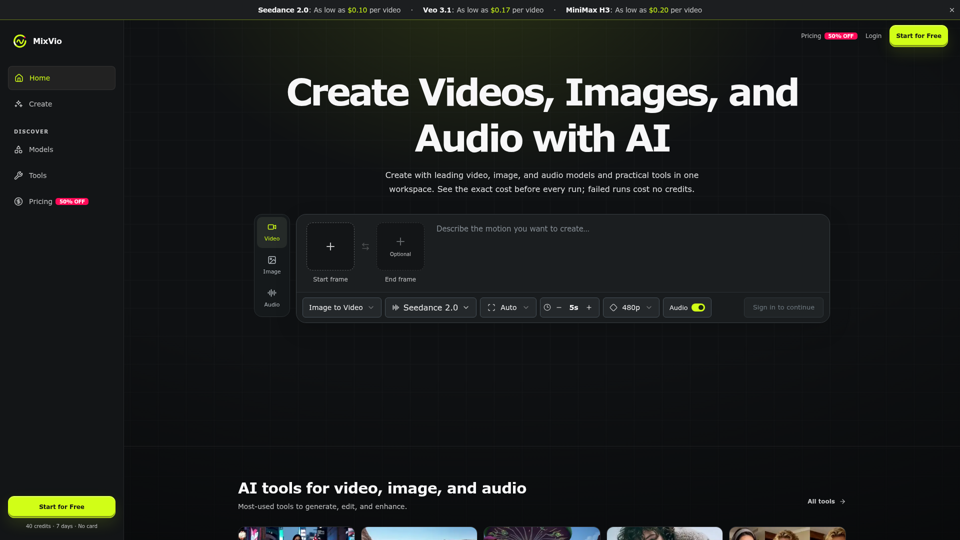
Create AI videos, images, and audio with Seedance, Kling, Veo, GPT Image, and practical creative tools. See exact costs upfront; failed runs cost no credits.
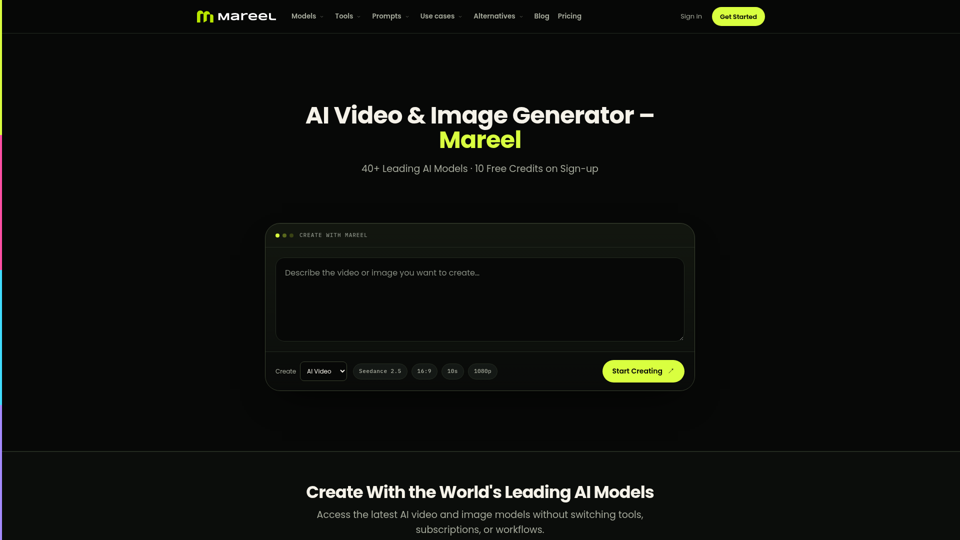
Create AI videos and images with 40+ leading AI models in one workspace. Compare models, choose a subscription, and manage generation credits in one place.
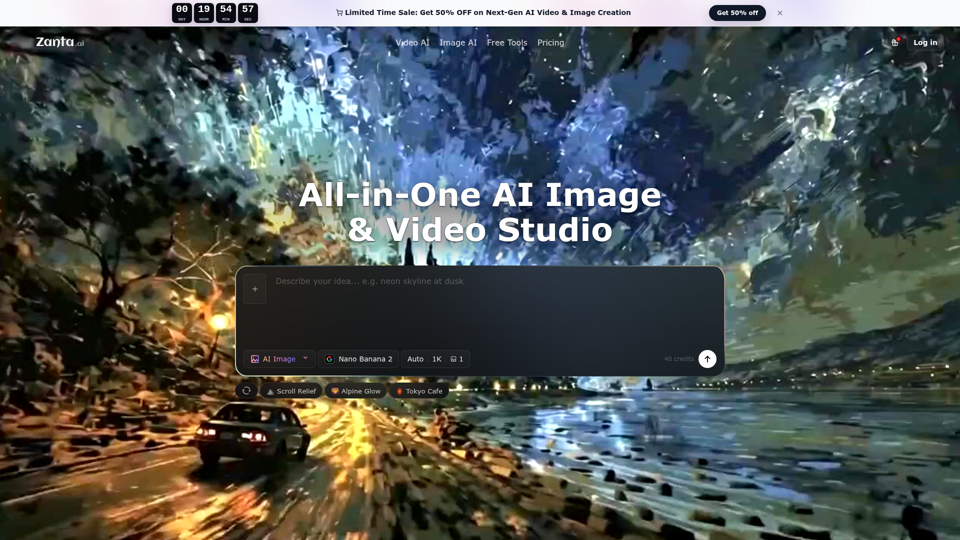
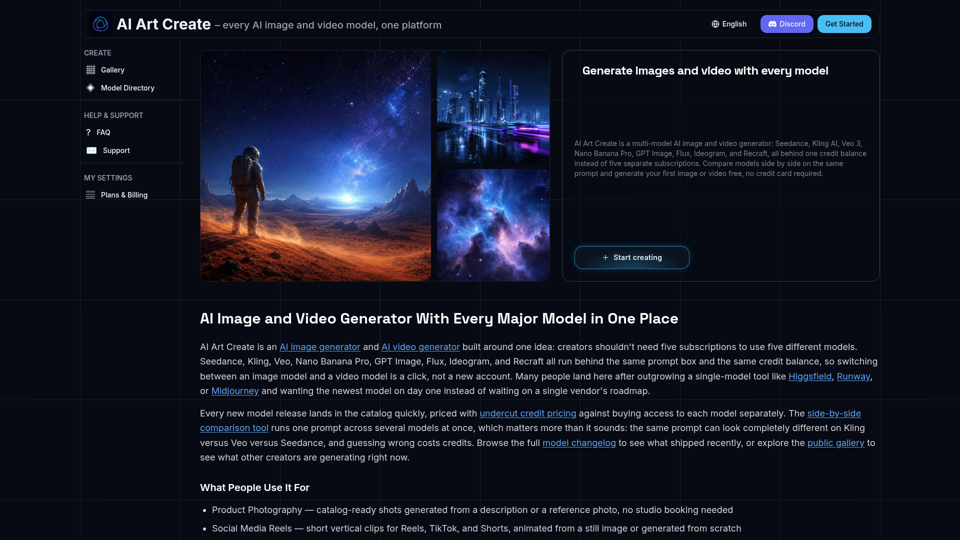
AI Art Create is a multi-model AI image and video generator built for creators tired of juggling five separate subscriptions. Generate with Seedance, Kling AI, Veo 3, Nano Banana Pro, GPT Image, Flux, Ideogram, and Recraft, all on one credit balance. Compare models side by side on the same prompt, browse the public gallery, and try your first generation free, no credit card required.