Effortless Background Removal Online
Easily remove backgrounds online using our tool. Free, quick, and hassle-free. Download stunning, transparent images in high-quality PNG format.
What is Free 4K Background Remover?
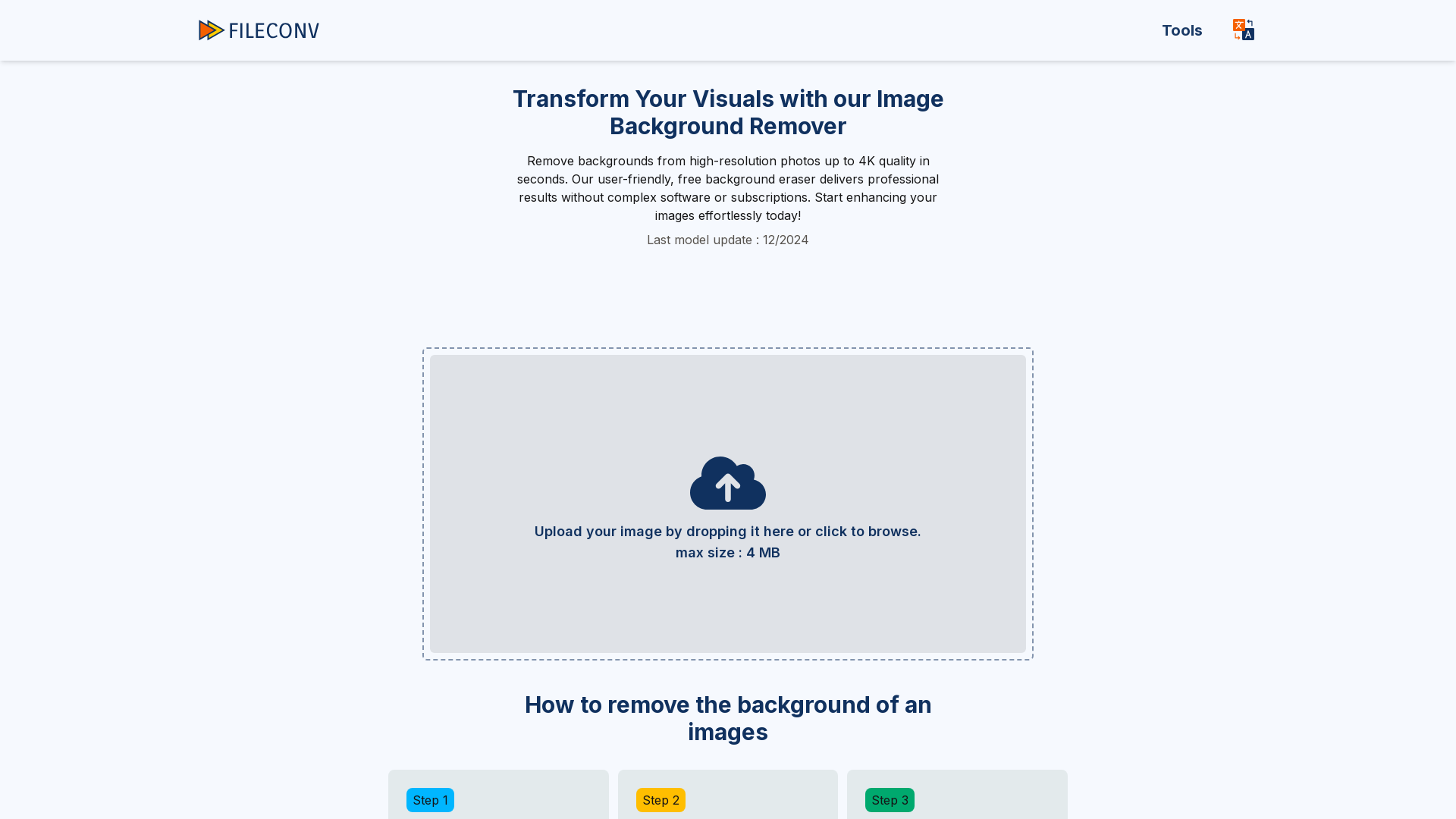
Free 4K Background Remover is a browser-based tool from FileConv that uses AI to detect and erase the background from a photo, then returns a transparent PNG at the image's original resolution, up to 4K (3840x2160). It is aimed at people who need clean cutouts for product listings, portraits, vehicle photos or property images without paying, registering or learning an editor. What sets it apart from many background removers is that it stays free, adds no watermark and puts no limit on how many images you process.
Key features
- 4K, full-resolution exports
- The AI removes the background at your image's original size, up to 4K (3840x2160), so a 4K upload comes back as a 4K transparent PNG with no quality loss.
- Automatic AI cutouts
- A cloud engine detects the subject and cuts the background in a few seconds, with no manual editing or technical skills required.
- Free with no signup, watermark or image limit
- FileConv states the tool is completely free, needs no account and lets you process as many images as you like.
- Background replacement
- After the cutout, you can change the background to a solid colour or swap in a different background image.
- Cutout refinement brush
- An online editor lets you clean up the cutout edges with a brush when the automatic result needs a touch-up.
- Extra photo edits
- You can blur the background or add a drop shadow behind the cutout.
- Wide format support
- JPG, JPEG, PNG, WebP, GIF and JFIF files are accepted, with a maximum upload size of 25MB.
How to use Free 4K Background Remover
- Drag and drop your photo onto the upload area, or click to browse your device. JPG, JPEG, PNG, WebP, GIF and JFIF files up to 25MB are supported.
- Let the cloud AI process the image. It usually takes a few seconds to cut the background automatically.
- Download the result as a high-resolution PNG with a transparent background, and optionally rate the result.
- If you want more than a transparent cutout, open the editor to change the background colour or image, refine the edges with a brush, blur the background or add a drop shadow.
Use cases
- Online sellers who need clean, background-free product photos for stores and marketplaces.
- People making profile pictures, portraits or social media images from personal photos.
- Car dealers and private sellers preparing vehicle listing photos.
- Pet owners and photographers removing backgrounds from dog, cat and other animal photos.
- Real estate agents tidying up house and property images by removing or replacing the background.
Pricing
Free 4K Background Remover is completely free: no sign-up, no watermarks and no limits on the number of images you can process. The official website does not list any paid plans, subscriptions or premium tiers, and there is no mention of a free trial because the tool itself is free to use.
FAQ
Is Free 4K Background Remover free, and do I need an account?
It is free and no account is needed. FileConv states there is no registration, no subscription and no charge, so you can upload an image and download the result straight away.
Which image formats does Free 4K Background Remover accept?
It supports JPG, JPEG, PNG, WebP, GIF and JFIF files, with a maximum upload size of 25MB. Results are best with high-resolution images that have clear edges between the subject and the background.
Does Free 4K Background Remover lower the resolution or add a watermark?
No. The background is removed at your image's full resolution, up to 4K (3840x2160), and the downloaded PNG carries no watermark. Images are deleted automatically after processing.
Can I change the background instead of just removing it?
Yes. Beyond exporting a transparent PNG, Free 4K Background Remover includes an online editor where you can set a new background colour, insert a different background image, blur the background, add a drop shadow or refine the cutout with a brush.
Does Free 4K Background Remover work on phones and tablets?
Yes. It runs in the browser on desktop, laptop, tablet and smartphone, so no installation is required on any device.
How is Free 4K Background Remover different from remove.bg?
FileConv describes its tool as 100% free, with unlimited images, high-quality output and no watermarks, and it does not require registration or a subscription. The site also publishes a comparison of FileConv against Erase.bg and remove.bg.
Effortless Background Removal Online
Easily remove backgrounds online using our tool. Free, quick, and hassle-free. Download stunning, transparent images in high-quality PNG format.
 Cloudflare
 HTTP/3
Free AI anime and manga generator. Turn text into anime episodes, manga, comics, webtoons and comic shorts in any art style — no drawing or animation skills needed.
Translate image text across 70+ languages with our advanced AI Image Translator to help you better expand your products globally to various countries
Advertised Here
Reach thousands of visitors daily. Get your spot now!
Tools similar to Effortless Background Removal Online
Remove backgrounds from your images for free! Our AI bg remover tool makes it easy to create stunning, transparent images in seconds. Enjoy 100% free background removal no hidden fees, no hassle. Remove bg ai
Remove backgrounds from images instantly with our free AI tool. Get perfect transparent backgrounds in seconds - no signup required. Supports JPG, PNG, WebP formats.
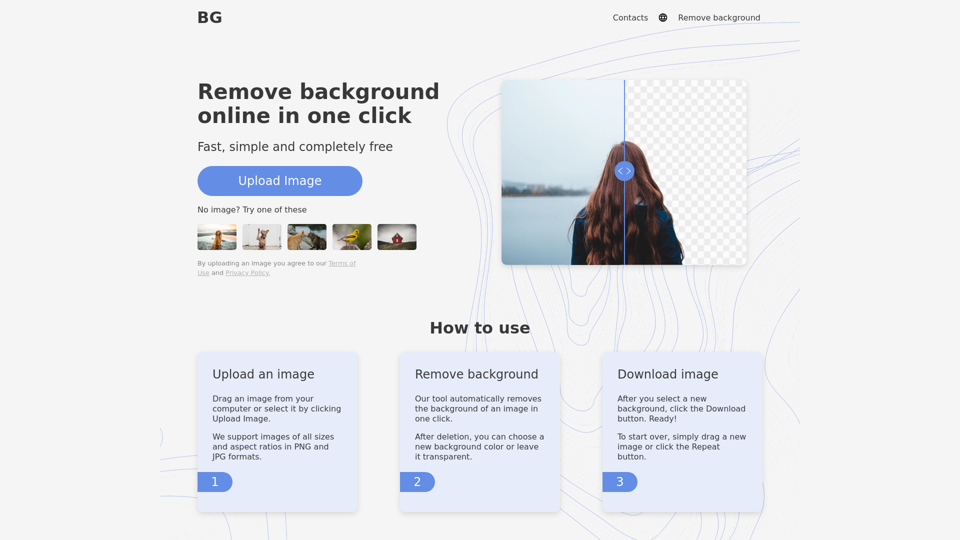
Remove background from image for free in 5 sec! Change background and Download images just for one click. Background Remover Online tool.
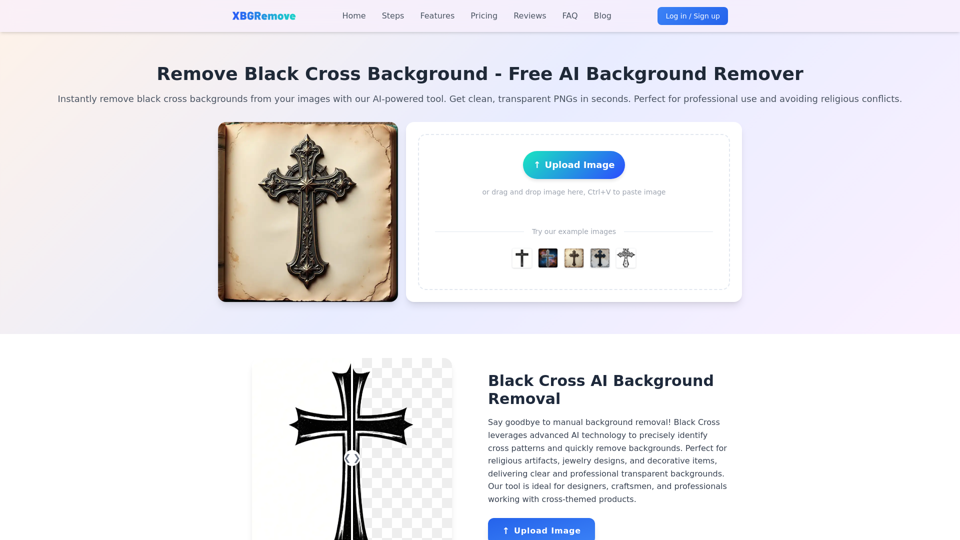
Remove black cross backgrounds with AI. Get clean, transparent PNGs instantly. Perfect for professional use and avoiding religious conflicts.

Remove background in high-resolution for free, or change background color of photo, instantly and accurately with Blend's AI background remover.
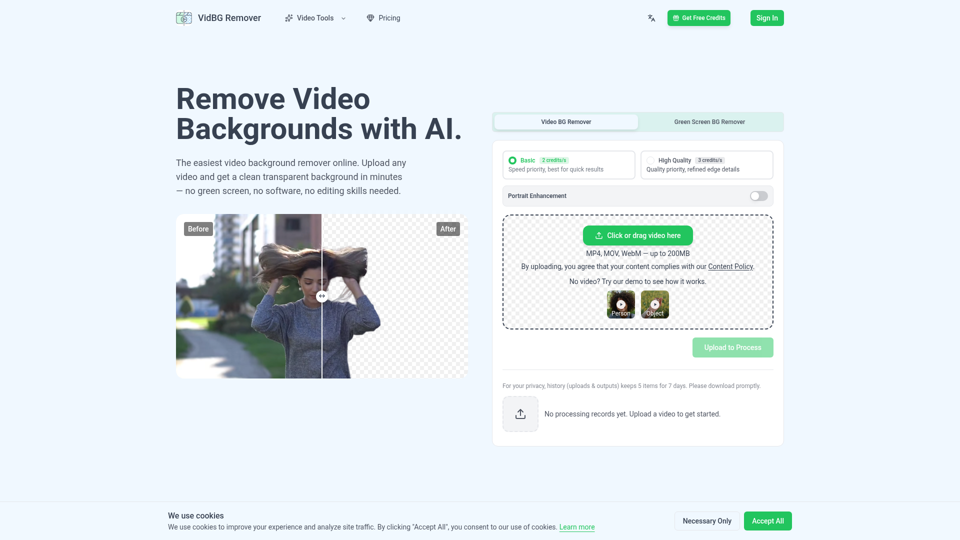
Video background remover: remove backgrounds in minutes with AI. No green screen needed. Upload your video, get clean transparent results. Try free.
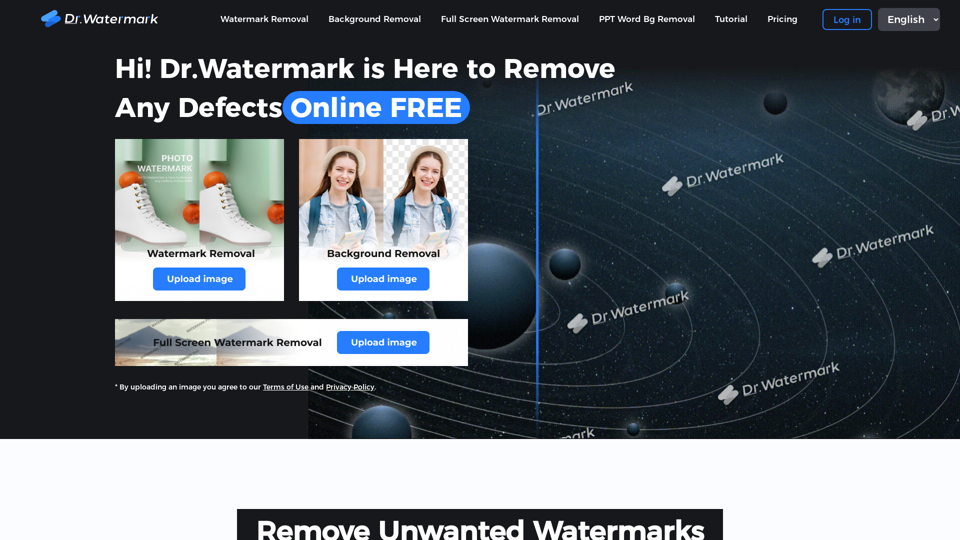
Hi! Dr. Watermark is a free online tool to remove watermarks and intelligently remove backgrounds from images, including text, logos, people, objects or any defects. No prior editing skills required. Remove watermark and background in 5 seconds at high resolution.