Remove Video Backgrounds in Minutes with AI
Video background remover: remove backgrounds in minutes with AI. No green screen needed. Upload your video, get clean transparent results. Try free.
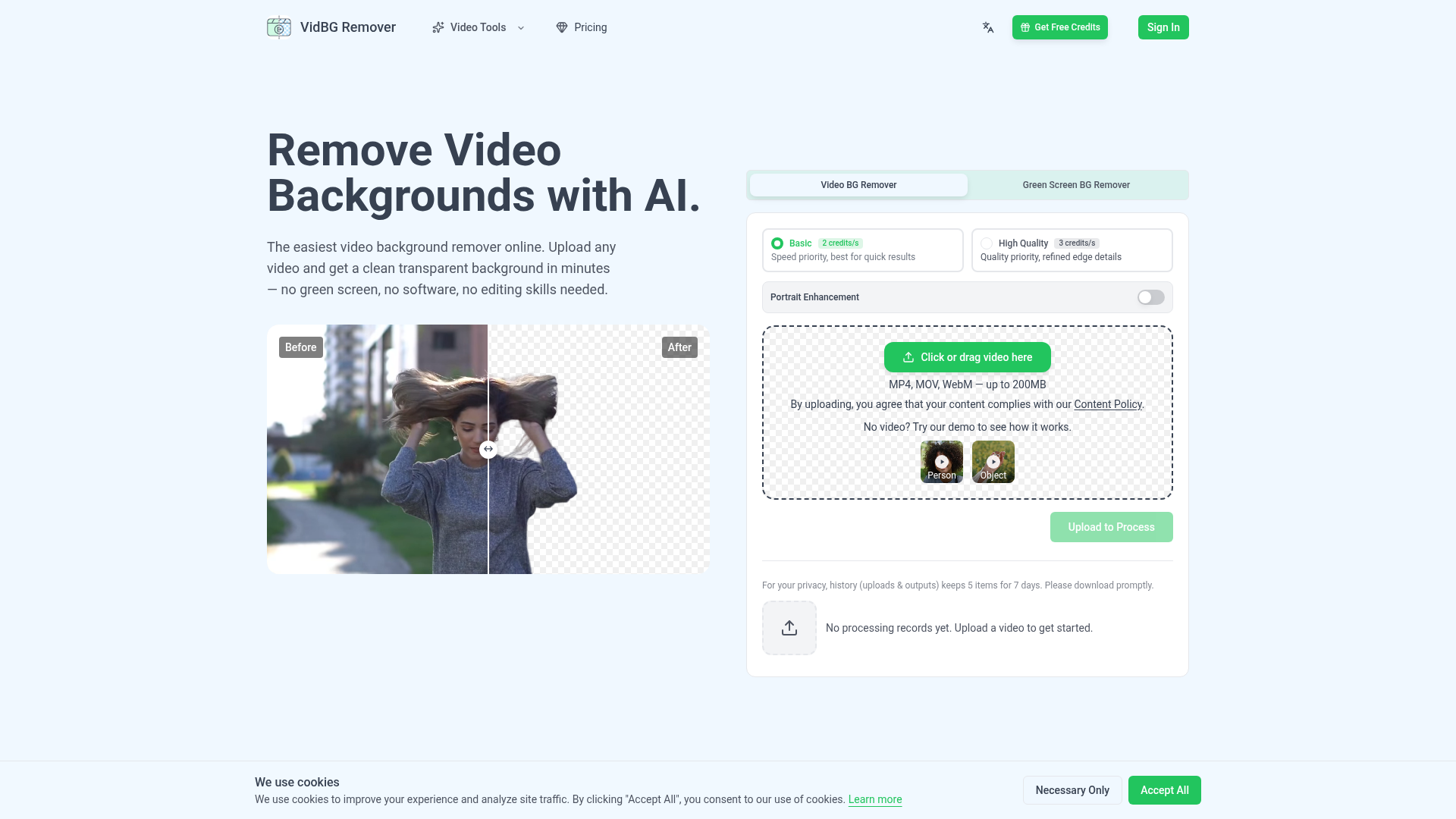
What is VidBG Remover?
VidBG Remover is an AI-powered online video background removal tool that allows users to easily upload videos and obtain a clean, transparent background in minutes. It eliminates the need for a physical green screen, complex software, or advanced editing skills, making professional video compositing accessible to everyone.
Main Features of VidBG Remover
1. High-Quality, Stable Edge Detection: The AI ensures that edges, especially around hair, fingers, and moving subjects, remain clean and stable frame-by-frame without flickering, even in fast-motion scenes. 2. True Alpha Channel Export: Users can download videos with real transparency as WebM (VP9) or MOV (ProRes 4444) formats, allowing seamless integration into professional editing software like Premiere Pro, DaVinci Resolve, After Effects, or CapCut. 3. No Green Screen Required: The tool effectively removes backgrounds from videos shot in natural or studio lighting without the need for a green screen setup. 4. Fast Processing: Most videos are processed within minutes, depending on length, with support for files up to 200MB in MP4, MOV, or WebM formats. 5. Credit-Based Pricing: Instead of subscriptions, users purchase credit packs that never expire, offering a flexible pay-as-you-go model suitable for occasional or heavy usage. 6. Wide Application Support: Ideal for various use cases, including talking head videos, e-commerce ads, online courses, action shots, animal memes, and automotive visuals.
How to Use VidBG Remover?
1. Upload Your Video: Drag and drop or select an MP4, MOV, or WebM video file (up to 200MB) onto the platform. 2. AI Processing: The AI automatically removes the background while preserving fine details and motion. Processing time varies based on video length. 3. Download and Edit: Once processed, download the video with a transparent background in your preferred format and directly import it into your editing software for further creativity.
Pricing Plans
VidBG Remover operates on a credit-based system with no subscriptions. Credits never expire.
- Starter
- $9.9 for 240 credits (~120 seconds of Basic processing).
- Creator
- $29.9 (save 24%) for 960 credits (~480 seconds of Basic processing).
- Pro
- $79.9 (save 35%) for 3,000 credits (~1,500 seconds of Basic processing).
- Max
- $199.9 (save 60%) for 12,000 credits (~6,000 seconds of Basic processing).
Basic mode prioritizes speed, while High Quality mode (costs 3 credits per second) focuses on refined edge details.
Helpful Tips for Using VidBG Remover
- For best results with talking head videos, ensure good lighting and a plain background to help the AI distinguish edges more accurately.
- Use the High Quality mode for projects requiring meticulous detail, such as professional ads or courses, where edge refinement is critical.
- Download your processed videos promptly, as the history retains only the last 5 uploads and outputs for 7 days.
- Experiment with the demo videos available on the site to understand the tool's capabilities before uploading your own content.
- Combine the transparent video outputs with different backgrounds in your editing software to create versatile content for various platforms.
Frequently Asked Questions (FAQ)
What video formats do you support?
We support MP4, MOV, and WebM formats with a maximum file size of 200MB.
How long can my video be?
Video length depends on your credit balance. For example, the Starter pack allows ~120 seconds of processing in Basic mode.
Can I use this video background remover on my phone?
Yes, the platform is web-based and accessible on mobile devices through a browser.
Does video background removal affect quality and motion?
No, the AI is designed to maintain original video quality and handle motion smoothly without introducing artifacts.
Can this video background remover handle hair and fine details?
Yes, it excels at preserving fine details like hair strands and finger movements, providing clean edges even without a green screen.
Why does this video background remover use credits instead of subscriptions?
Credits offer flexibility—pay once, use as needed, with no recurring fees or expiration dates.
How does your 'no flickering' claim work?
Our AI analyzes frames consistently to ensure edge stability throughout the video, preventing the flickering common in other tools.
Besides video background removal, can I remove objects too?
Currently, the tool focuses on background removal from entire videos rather than specific object removal within scenes.
Do I need a green screen to remove a video background?
No, a green screen is not required. The AI works effectively with various backgrounds, though plain backgrounds yield optimal results.
How long does processing take?
Processing typically completes within minutes, depending on video length and server load.
Is my uploaded video secure with this video background remover?
Yes, uploaded files are processed in secure cloud storage and are not used for training. You can delete your account to remove all data.
Remove Video Backgrounds in Minutes with AI
Video background remover: remove backgrounds in minutes with AI. No green screen needed. Upload your video, get clean transparent results. Try free.
 C3.js
C3.js Cloudflare
 HTTP/3
 Next.js
 Node.js
 React
React Webpack
Free AI anime and manga generator. Turn text into anime episodes, manga, comics, webtoons and comic shorts in any art style — no drawing or animation skills needed.
Translate image text across 70+ languages with our advanced AI Image Translator to help you better expand your products globally to various countries
Advertised Here
Reach thousands of visitors daily. Get your spot now!
Tools similar to Remove Video Backgrounds in Minutes with AI
Remove backgrounds from your images for free! Our AI bg remover tool makes it easy to create stunning, transparent images in seconds. Enjoy 100% free background removal no hidden fees, no hassle. Remove bg ai
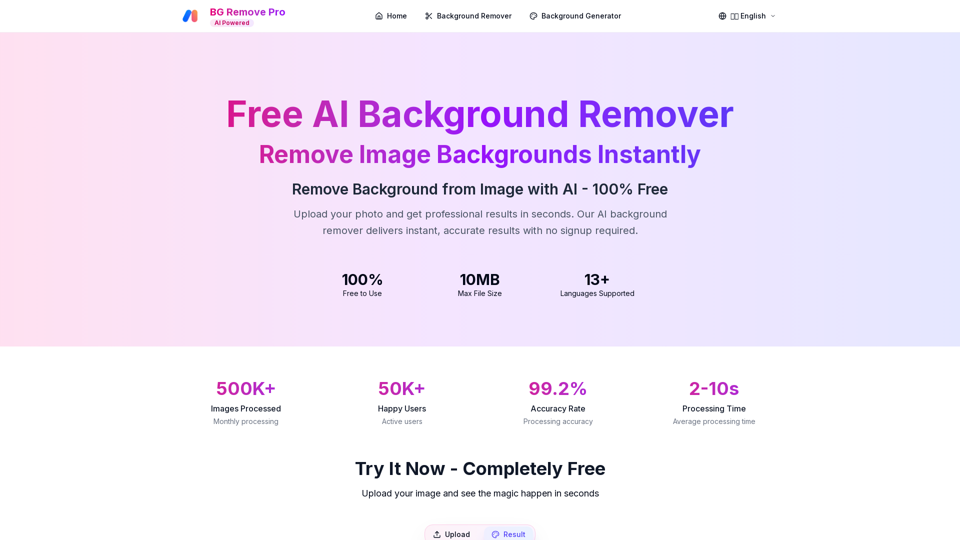
Remove backgrounds from images instantly with our free AI tool. Get perfect transparent backgrounds in seconds - no signup required. Supports JPG, PNG, WebP formats.
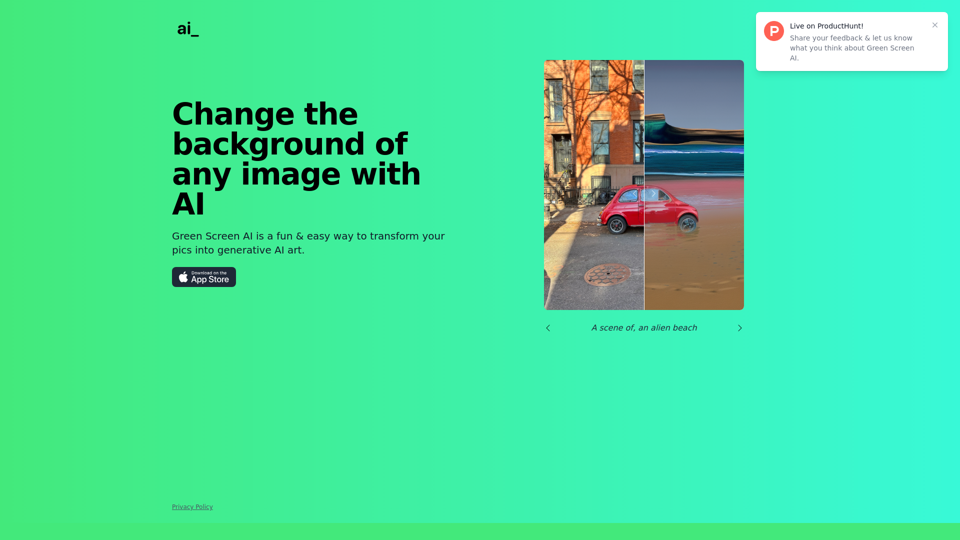
Green Screen AI is a fun & easy way to transform your pics into generative AI art.
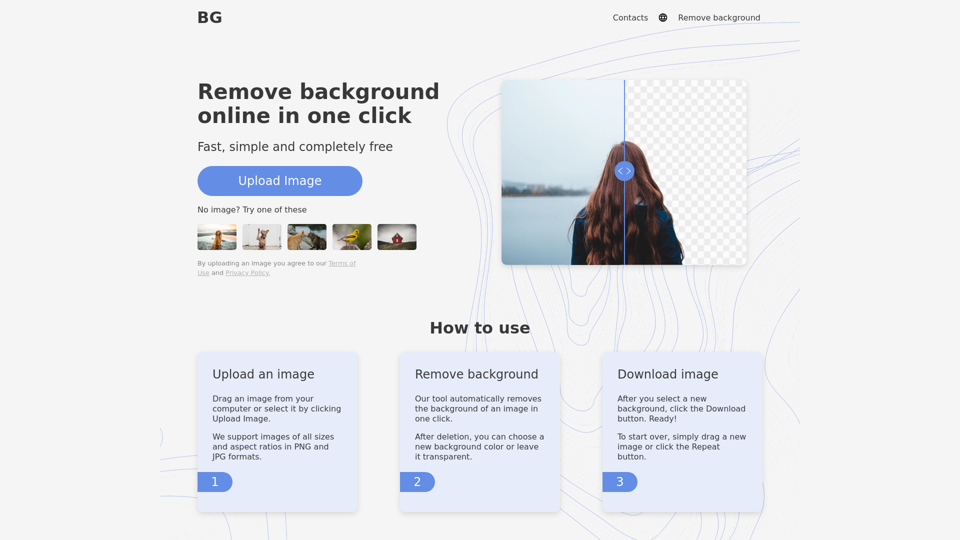
Remove background from image for free in 5 sec! Change background and Download images just for one click. Background Remover Online tool.
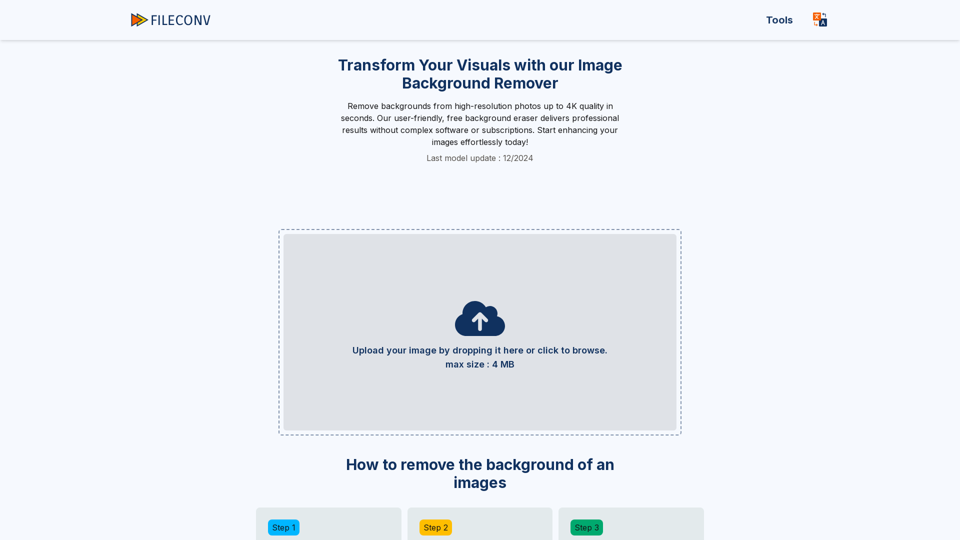
Easily remove backgrounds online using our tool. Free, quick, and hassle-free. Download stunning, transparent images in high-quality PNG format.
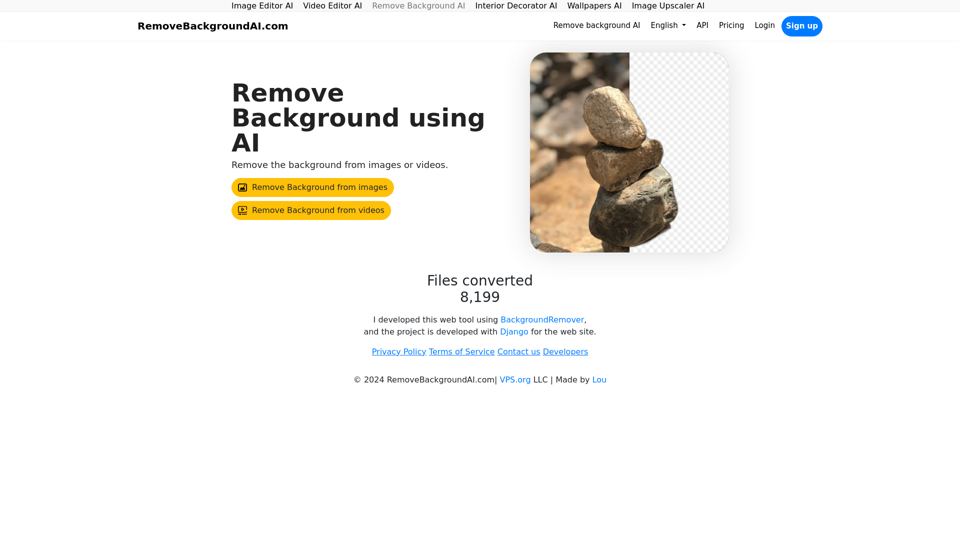
Remove Background AI let's you remove video's and image's background automatically. RemoveBackgroundAI.com uses machine learning/artificial intelligence to remove the background from the content. With an API.
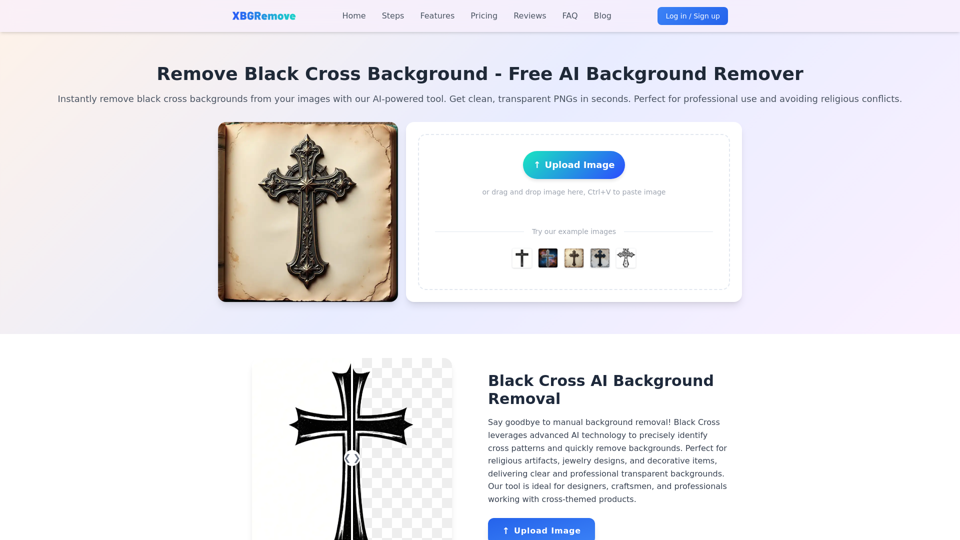
Remove black cross backgrounds with AI. Get clean, transparent PNGs instantly. Perfect for professional use and avoiding religious conflicts.
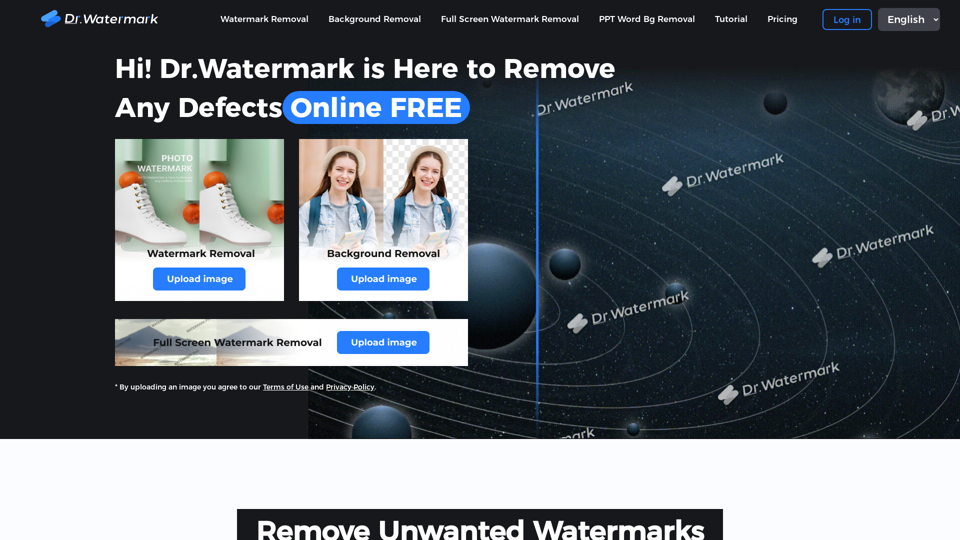
Hi! Dr. Watermark is a free online tool to remove watermarks and intelligently remove backgrounds from images, including text, logos, people, objects or any defects. No prior editing skills required. Remove watermark and background in 5 seconds at high resolution.