Formpost
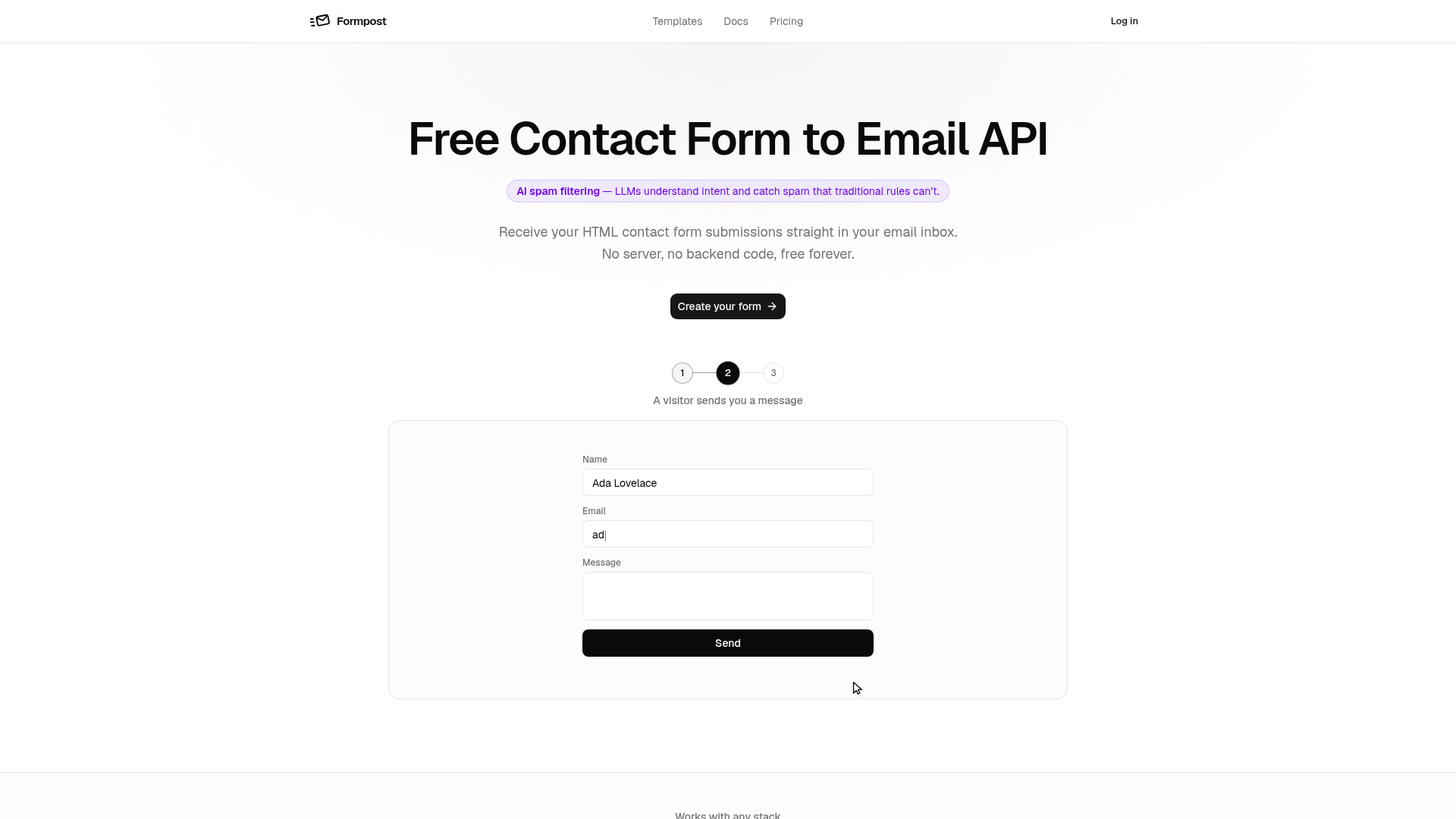
Formpost is a free contact form to email API. Point your HTML form at one endpoint and every submission lands in your inbox — no server, no backend code.
What is Formpost?
Formpost is a free, serverless contact form to email API service designed for modern web development. It acts as a backend proxy for your HTML contact forms, securely receiving submissions and forwarding them directly to your specified email inbox. The platform leverages AI-powered spam filtering to intelligently block unwanted messages that traditional rule-based systems miss, ensuring you only receive legitimate inquiries. It requires no backend code, server setup, or maintenance, making it an ideal solution for static sites, JAMstack applications, and any project where deploying a full backend is undesirable.
What are the Main Features of Formpost?
Formpost distinguishes itself with a comprehensive set of features built around reliability, security, and developer experience:
- AI-Powered Spam Filtering
- Utilizes Large Language Models (LLMs) to understand the intent behind submissions, catching sophisticated spam that slips past honeypots and keyword rules.
- Zero Backend Code
- Eliminates the need to write, deploy, or maintain server-side code (PHP, Node.js, etc.) just to handle form data.
- Universal Framework Compatibility
- Works seamlessly with any frontend stack, including HTML, React, Next.js, Vue, Svelte, Astro, WordPress, and dozens more.
- Secure Submission Storage
- All form submissions are encrypted in transit (HTTPS) and at rest. They are emailed to you and also stored in a searchable, exportable dashboard.
- Your Markup, Your Styles
- It's an API endpoint, not a widget. You maintain full control over your form's HTML and CSS without injected iframes or stylesheets.
- Advanced Deliverability & Reliability
- Built on a robust Go service that decouples submission receipt from email sending, ensuring your site remains fast and responsive.
- File Uploads to S3
- Supports attachments, which are securely uploaded directly to Amazon S3, keeping them off your infrastructure.
- Flexible Integrations
- Forward submissions via webhooks to Slack, Discord, Telegram, or any custom endpoint. A read-only Submissions API allows you to pull data into your own dashboards.
- Auto-Responder & Redirects
- Send automatic confirmation emails to users and redirect them to your own custom "thank you" page upon submission.
- Multi-Layer Spam Protection
- Combines honeypot fields, CAPTCHA (Turnstile, hCaptcha, reCAPTCHA), keyword rules, and domain locking for comprehensive spam defense.
How to Use Formpost?
Using Formpost involves a simple three-step process that can be completed in minutes:
- Create Your Form Endpoint: Sign into the Formpost dashboard and create a new form. Instantly, you receive a unique, secure endpoint URL (e.g.,
https://submit.formpost.ai/YOUR_FORM_ID). - Configure and Code: In the dashboard, configure settings like the destination email, subject line, spam filters, and autoresponder. Then, point your existing HTML form to your unique endpoint by setting the form's
actionattribute to your provided URL. - Paste and Deploy: Insert the configured HTML form code into your website. No further changes are needed. Submissions will now be securely processed by Formpost and delivered to your inbox.
What is the Pricing for Formpost?
Formpost offers a tiered pricing model designed to scale with your needs:
- Free Plan
- Truly free forever. Includes 250 form submissions per month, AI spam filtering, 30-day submission storage, and basic features. Perfect for personal sites, portfolios, and small projects.
- Pro Plan
- Priced for growing businesses and professionals. Increases submission limits, extends submission storage to 1 year, and unlocks advanced features like file uploads, custom webhooks, and priority support.
- Business Plan
- For agencies and high-volume sites. Offers the highest submission quotas, indefinite submission storage, advanced security controls, and features tailored for managing multiple client forms.
Helpful Tips for Using Formpost
To maximize your experience with this contact form to email API, consider these tips:
- Start with the Free Plan
- The free tier is robust enough for most personal and small business sites. Use it to test the service fully before considering an upgrade.
- Leverage the Dashboard
- Use the submission dashboard not just as a backup, but as a log to track inquiries, search past messages, and export data for analysis.
- Implement the Honeypot Field
- This invisible anti-spam technique is highly effective and has zero impact on user experience. Enable it in your form's settings.
- Use Hidden Fields
- Add hidden fields to your form HTML (e.g.,
<input type="hidden" name="page_url" value="">) to pass metadata like the page URL, which helps identify where a submission came from. - Test Your Endpoint
- Before going live, use a tool like cURL or a simple test page to send a submission to your endpoint and confirm it arrives in your email and dashboard.
- Explore Integrations
- If your team lives in Slack or Discord, set up a webhook to get instant notifications for new form submissions alongside your other communications.
Frequently Asked Questions about Formpost
Is the contact form service really free?
Yes, the core service is free forever for up to 250 submissions per month, including AI spam filtering and basic storage.
What are the limits of the free plan?
The free plan includes 250 submissions/month, email delivery, AI spam filtering, and 30 days of dashboard storage. It does not include file uploads, custom webhooks, or extended history.
How do I add a contact form to my site?
Create a form in the Formpost dashboard to get your unique endpoint URL, then set the action attribute of your HTML <form> tag to that URL.
Does the contact form work without JavaScript?
Absolutely. Formpost works with plain HTML form POST requests. JavaScript is not required for basic functionality, making it accessible and resilient.
My form endpoint URL is in public HTML. Is that a problem?
No. The endpoint is designed to be public. Security is enforced through encryption, spam filters, and the fact that each endpoint is exclusively tied to your configured delivery email.
Where do contact form submissions go?
Submissions are delivered to the email address you configure and are also stored securely in your Formpost dashboard, where they can be searched and exported.
How do you keep spam out of my inbox?
Formpost uses a four-layer defense: AI intent analysis (LLMs), honeypot fields, optional CAPTCHA services, and configurable keyword/domain blocking.
Is my data safe?
Yes. Data is encrypted end-to-end (HTTPS in transit, encryption at rest). Your data is never used for profiling, sold, or used for training AI models. You can export or delete it at any time.
Can I get my submissions out again?
Yes. You can export all submission data from the dashboard at any time. The Submissions API also provides programmatic access to your data.
Formpost
Formpost is a free contact form to email API. Point your HTML form at one endpoint and every submission lands in your inbox — no server, no backend code.
 Vercel
Free AI anime and manga generator. Turn text into anime episodes, manga, comics, webtoons and comic shorts in any art style — no drawing or animation skills needed.
Translate image text across 70+ languages with our advanced AI Image Translator to help you better expand your products globally to various countries
Advertised Here
Reach thousands of visitors daily. Get your spot now!
Tools similar to Formpost
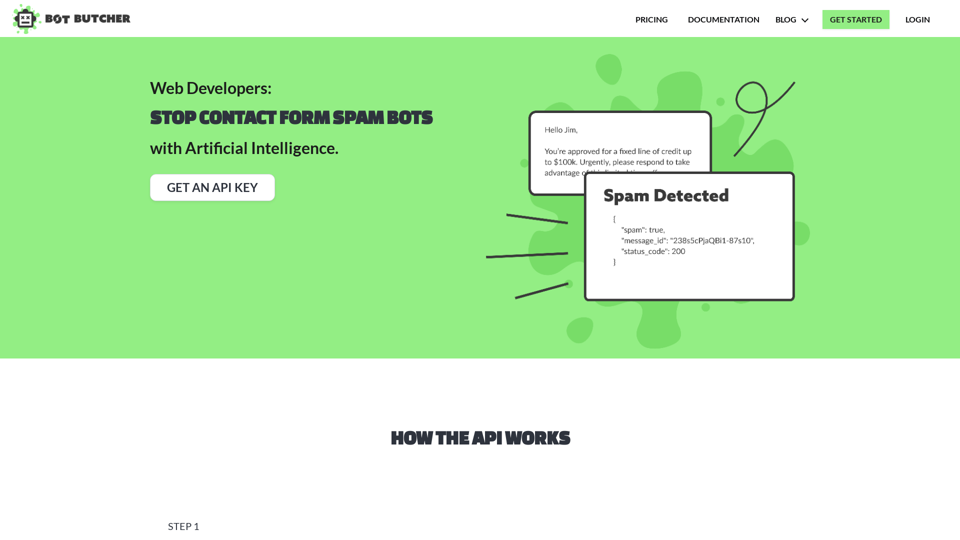
Getting spam through your website? Bot Butcher is an API used by developers for classifying website spam messages and leads. Our highly accurate API will stop contact form spam and other spam leads. Get started for free.
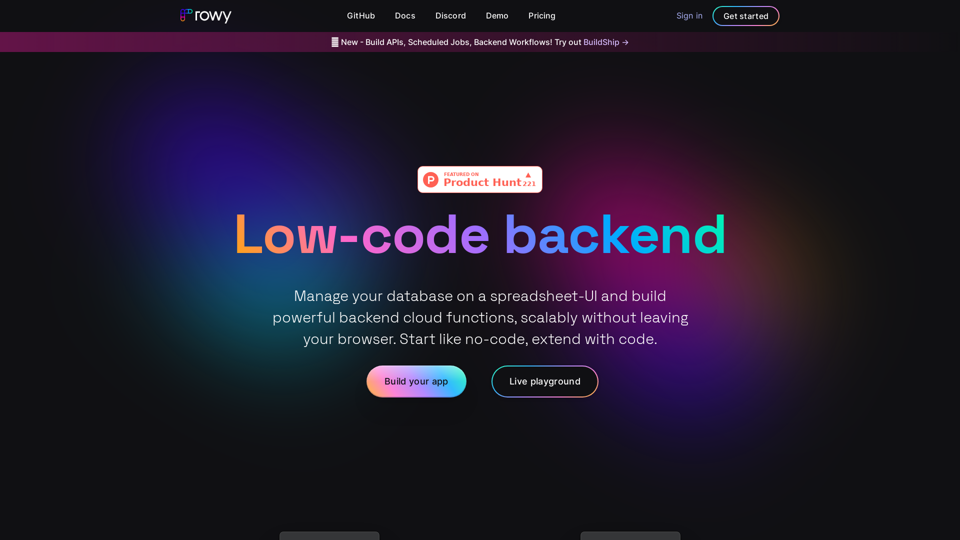
Airtable-like CMS for Firestore with a low-code platform for Firebase and Google Cloud. Manage Firebase Auth, instant admin panel, build Cloud functions and more. Get started like no-code, fully extensible via code. Rowy is open source and free!
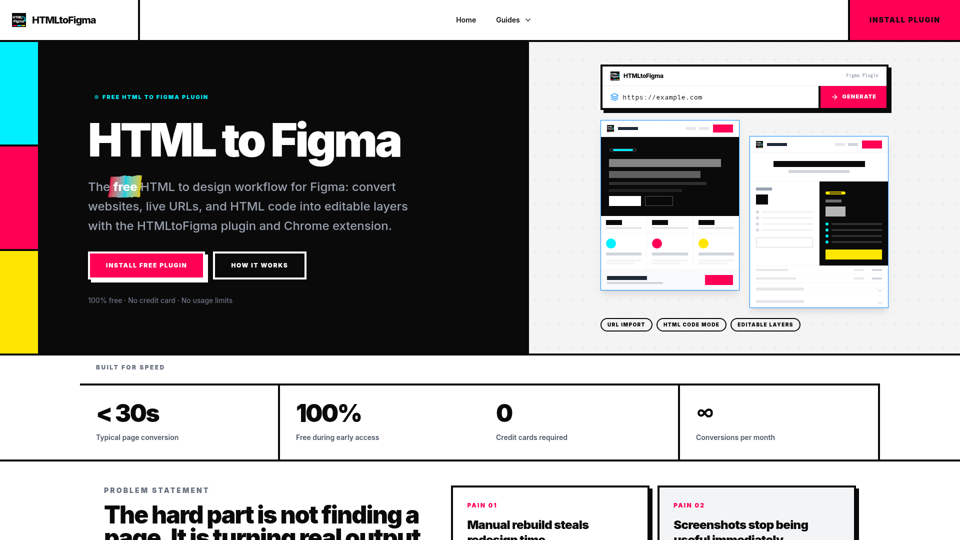
Free Figma plugin that turns webpages, URLs, or HTML code into editable Figma layers. A fast HTML to design workflow for redesigns and QA.

Start building your AI Assistant using models such as OpenAI, Claude & Azure. Easily connect to your tools and database and ship as an API Chatbot or HTML embed widget