Generate Excel Formulas
Generate Excel Formulas, VBA, Regex, SQL, and much more using FormulaGenerator's one-stop solution to all your data problems
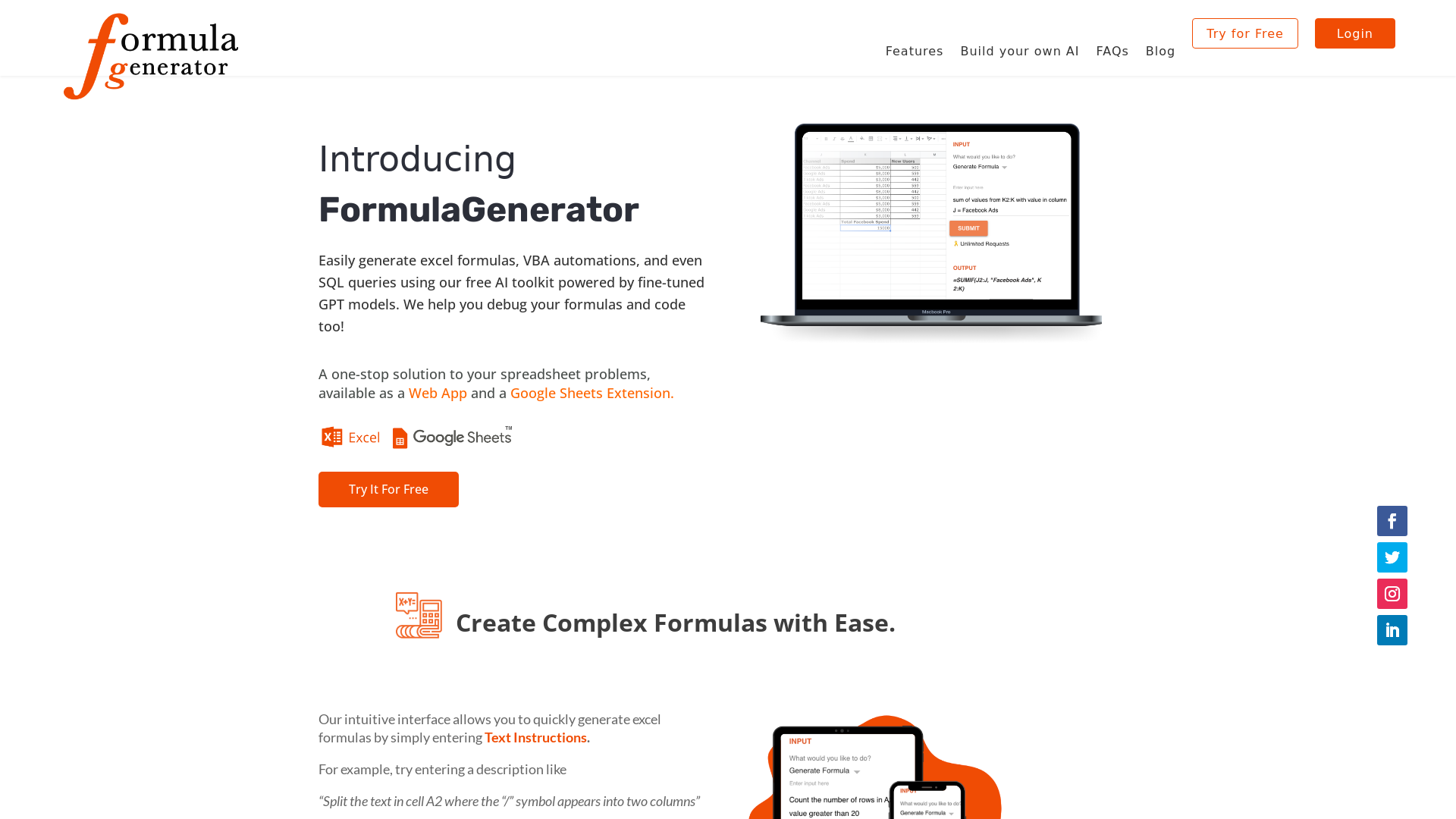
What is FormulaGenerator?
FormulaGenerator is an innovative AI-powered toolkit designed to help users easily create Excel formulas, automate VBA scripts, and generate SQL queries. Leveraging advanced fine-tuned GPT models, this platform aims to solve your spreadsheet challenges quickly and effectively, thereby enhancing productivity.
What are the main features of FormulaGenerator?
- Easy Excel Formula Creation
- Input simple text instructions to receive complex Excel formulas generated automatically.
- Error Debugging
- Utilize our Error Spotter feature to troubleshoot your Excel and Google Sheets formulas, as well as SQL commands.
- Explanation of Formulas
- Gain insights with our Explain Formula feature, simplifying complex formulas into easy-to-understand terms.
- VBA and SQL Code Generation
- Generate necessary VBA scripts and SQL queries suitable for both Excel and Google Sheets seamlessly.
- Interactive Q&A with Answer Bot
- Get instant answers to spreadsheet-related queries without navigating through multiple pages.
How to use FormulaGenerator?
Using FormulaGenerator is quite simple:
- Generate Formulas
- Enter a descriptive query, like "Split the text in cell A2 at the '/' symbol," and receive an automatically generated Excel formula.
- Debugging and Explanation
- Paste your formula into the platform for quick error detection and detailed explanations.
- Generate Code
- Choose your desired software and specify your inputs to create the required VBA or SQL code.
What is the price of FormulaGenerator?
FormulaGenerator offers a ### Free Tier that allows users access to all essential features. For enhanced capabilities and additional benefits, consider subscribing to our premium services at an affordable rate.
Helpful Tips for Using FormulaGenerator
- Be Clear in Instructions
- The more precise your text instructions, the better the generated formulas will meet your needs.
- Utilize the Error Spotter
- Don't hesitate to input your faulty formulas into the Error Spotter to quickly identify and fix issues.
- Make Use of the Google Sheets Add-On
- Install the Google Sheets Extension to seamlessly integrate FormulaGenerator's capabilities directly into your sheets.
Frequently Asked Questions
Can I generate SQL queries using FormulaGenerator?
Yes, you can generate SQL queries by simply providing table names and column names. The platform simplifies the process for you.
How can I maximize my use of FormulaGenerator?
Take advantage of the Answer Bot feature to ask quick questions about Excel functionalities, streamline your formula creation, and debug complex codes for effective usage.
Is there a way to customize my experience with FormulaGenerator?
Absolutely! You can request our GPT Fine Tuning Service to create a custom AI application tailored to your specific needs and industry.
What if I need help while using FormulaGenerator?
Our support team is ready to assist you via email. You can reach out at [email protected] for any questions or feedback.
Generate Excel Formulas
Generate Excel Formulas, VBA, Regex, SQL, and much more using FormulaGenerator's one-stop solution to all your data problems
 Bootstrap
 HTTP/3
 Lightbox
 LiteSpeed
Free AI anime and manga generator. Turn text into anime episodes, manga, comics, webtoons and comic shorts in any art style — no drawing or animation skills needed.
Translate image text across 70+ languages with our advanced AI Image Translator to help you better expand your products globally to various countries
Advertised Here
Reach thousands of visitors daily. Get your spot now!
Tools similar to Generate Excel Formulas
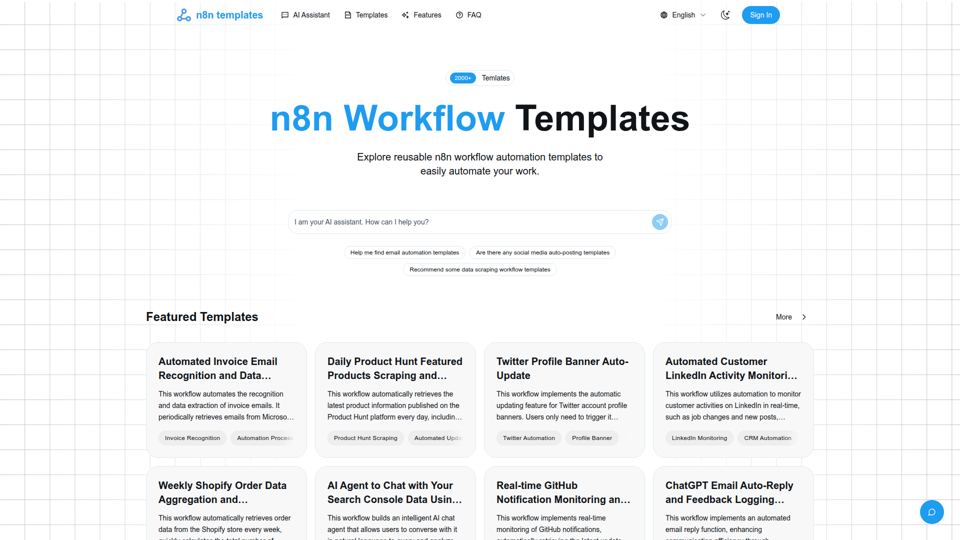
Curated high-quality n8n workflow automation templates to help you quickly implement process automation, boost efficiency, and easily reuse and customize.

Goless.com - Automate web browser actions with our web automation tools. Simplify your daily tasks with automated workflows and save time. Try it for free!

AI-powered formula generation, SQL query generation, vba script generation and regex generation combined into one tool.
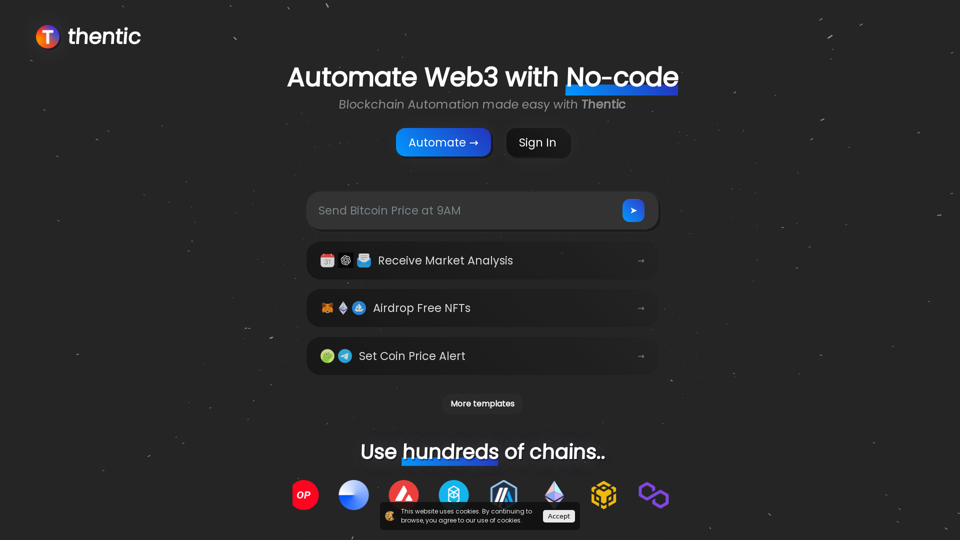
Blockchain Automation made easy with Thentic - Web3 No-code tool for On-chain and Off-chain tasks
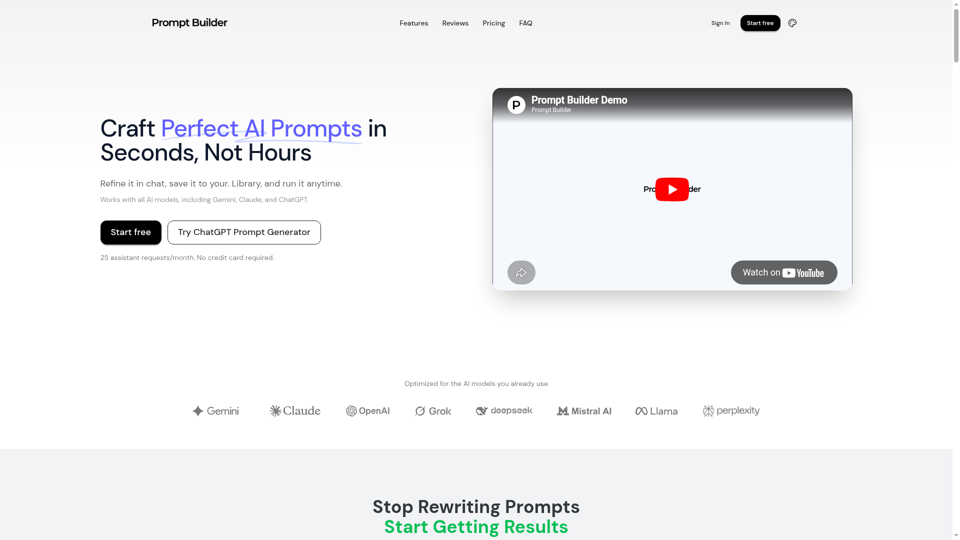
Turn an idea into a model-optimized prompt in seconds. Generate, refine, test, and save reusable prompts for Gemini, Claude, ChatGPT, and more.

A collection of powerful productivity tools all within an extendable launcher.

Mito is the fastest way to do Python data science. Edit your data in a spreadsheet, and generate Python code automatically.