www.gptprompter.com
What is GPT-Prompter
What is GPT-Prompter?
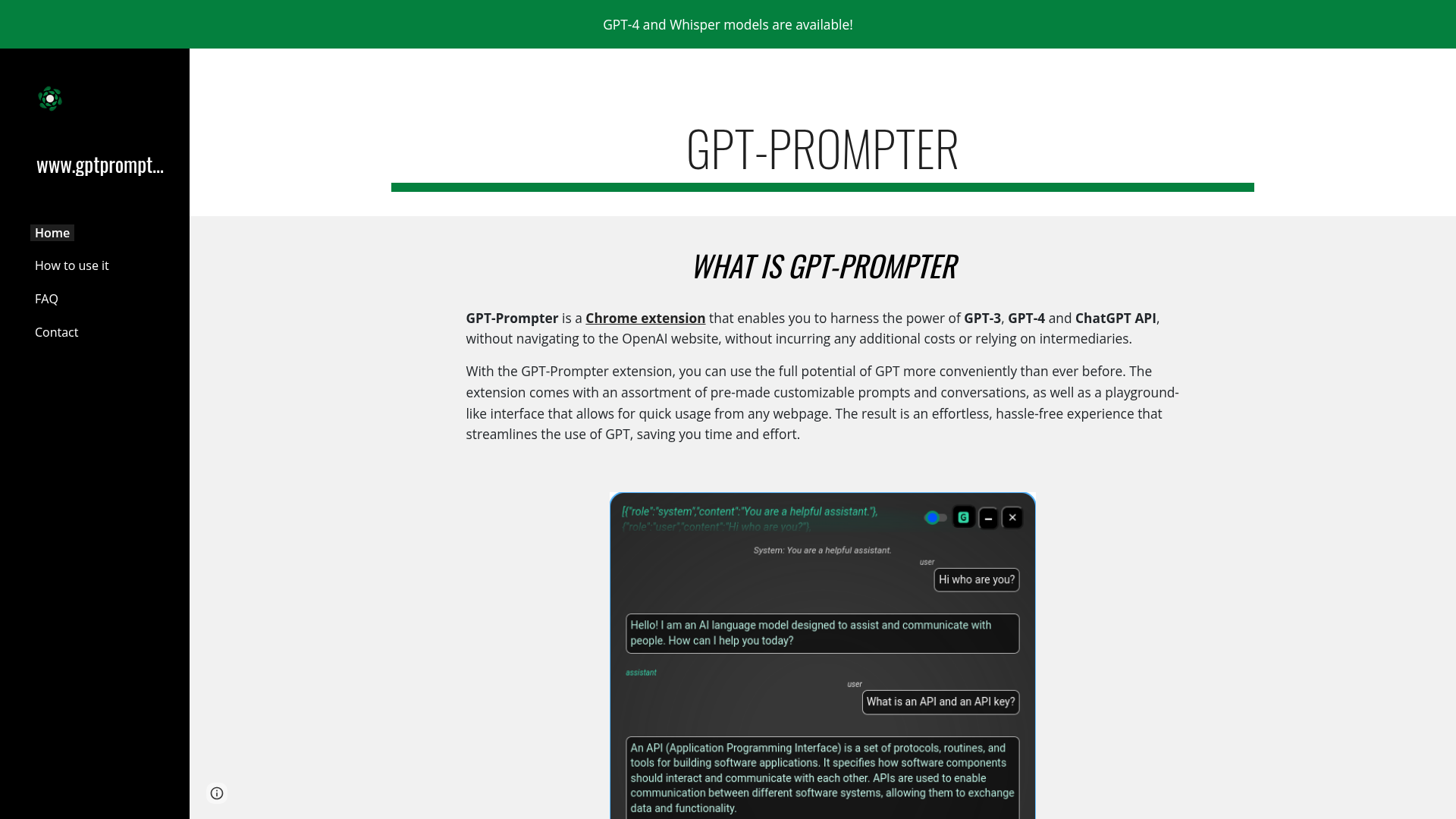
GPT-Prompter is a free Chrome extension designed to enhance your browsing experience by integrating advanced AI capabilities directly into your browser. It allows users to access powerful AI models like GPT-3, GPT-4, and ChatGPT without leaving the webpage they're on. This tool eliminates the need to constantly switch to the OpenAI website or rely on third-party platforms, providing a seamless and efficient way to utilize AI for various tasks. Whether you need quick explanations, creative writing assistance, or data analysis, GPT-Prompter delivers AI-driven insights and content generation right within your browser, streamlining your workflow and boosting productivity.
Features of GPT-Prompter
GPT-Prompter comes packed with features that make it an essential tool for anyone looking to leverage AI in their daily browsing:
- Direct API Access
- Utilize GPT-3, GPT-4, and ChatGPT APIs directly from any webpage without intermediaries.
- Pre-Made Prompts
- Access a library of customizable prompts and conversation starters for common use cases.
- Playground Interface
- Enjoy a user-friendly, playground-like interface that allows quick AI interactions.
- Cost-Effective
- Free to use with no additional costs, unlike some premium AI services.
- Time-Saving
- Streamline AI usage by avoiding website navigation, saving time and effort.
- Versatile Applications
- Supports tasks like text summarization, translation, coding help, and creative writing.
- Easy Integration
- Simple installation via the Chrome Web Store with no complex setup required.
- Regular Updates
- Continuously improved with new features and prompt templates.
How to Use GPT-Prompter
Using GPT-Prompter is straightforward and designed for convenience. Here’s a step-by-step guide to get started:
- Install the Extension: Visit the Chrome Web Store and search for "GPT-Prompter." Click "Add to Chrome" to install the extension.
- Access the Tool: Once installed, click the GPT-Prompter icon in your browser toolbar to open the interface.
- Select Text: Highlight any text on a webpage that you want to analyze or enhance with AI.
- Choose a Prompt: Use pre-made prompts or create custom ones for tasks like summarizing, translating, or generating ideas.
- Get AI Responses: Submit your query, and GPT-Prompter will provide instant AI-generated responses within the extension popup.
- Customize Settings: Adjust settings for specific AI models or response lengths to tailor the experience to your needs.
- Explore Features: Experiment with different prompts and conversations to maximize the tool's potential for work, study, or creative projects.
Pricing for GPT-Prompter
GPT-Prompter is completely free to use. There are no subscription fees, hidden charges, or usage limits for accessing GPT-3, GPT-4, or ChatGPT APIs through the extension. Users can enjoy unlimited AI interactions without incurring any costs, making it an affordable alternative to paid AI services. This free access ensures that everyone, from students to professionals, can benefit from advanced AI tools without financial barriers.
Helpful Tips for Using GPT-Prompter
To make the most of GPT-Prompter, consider these practical tips:
- Experiment with Prompts
- Try different pre-made prompts to discover which ones work best for your specific tasks.
- Customize Your Experience
- Create custom prompts for repetitive tasks to save time and improve consistency.
- Use for Research
- Leverage the tool for quick explanations or summaries when reading articles or academic papers.
- Enhance Creativity
- Generate ideas for writing, marketing, or design projects directly from your browser.
- Stay Updated
- Check for extension updates to access new features and improved AI models.
- Combine with Other Tools
- Integrate GPT-Prompter with note-taking apps or productivity tools for a streamlined workflow.
- Provide Feedback
- Share your experience to help developers improve the extension and add new functionalities.
Frequently Asked Questions About GPT-Prompter
Can I use GPT-Prompter without an OpenAI account?
Yes, GPT-Prompter provides direct access to AI APIs without requiring a separate OpenAI account, making it hassle-free.
Is GPT-Prompter safe to use?
Absolutely. The extension operates within Chrome's security framework and doesn't store personal data, ensuring a safe browsing experience.
What AI models does GPT-Prompter support?
It supports GPT-3, GPT-4, and ChatGPT, offering a range of AI capabilities for various applications.
Are there any usage limits?
No, GPT-Prompter is free with no usage restrictions, allowing unlimited AI interactions.
Can I use GPT-Prompter on other browsers?
Currently, it's only available as a Chrome extension, but similar tools may exist for other browsers.
How do I update GPT-Prompter?
Updates are automatic via the Chrome Web Store, ensuring you always have the latest version.
Does GPT-Prompter work offline?
No, it requires an internet connection to access AI APIs and generate responses.
Can I suggest new features?
Yes, users can provide feedback through the Chrome Web Store or GitHub page to suggest improvements.
www.gptprompter.com
What is GPT-Prompter
 Google Analytics
Free AI anime and manga generator. Turn text into anime episodes, manga, comics, webtoons and comic shorts in any art style — no drawing or animation skills needed.
Translate image text across 70+ languages with our advanced AI Image Translator to help you better expand your products globally to various countries
Advertised Here
Reach thousands of visitors daily. Get your spot now!
Tools similar to www.gptprompter.com
Your AI buddy to have conversation with, and to help you with your daily tasks.
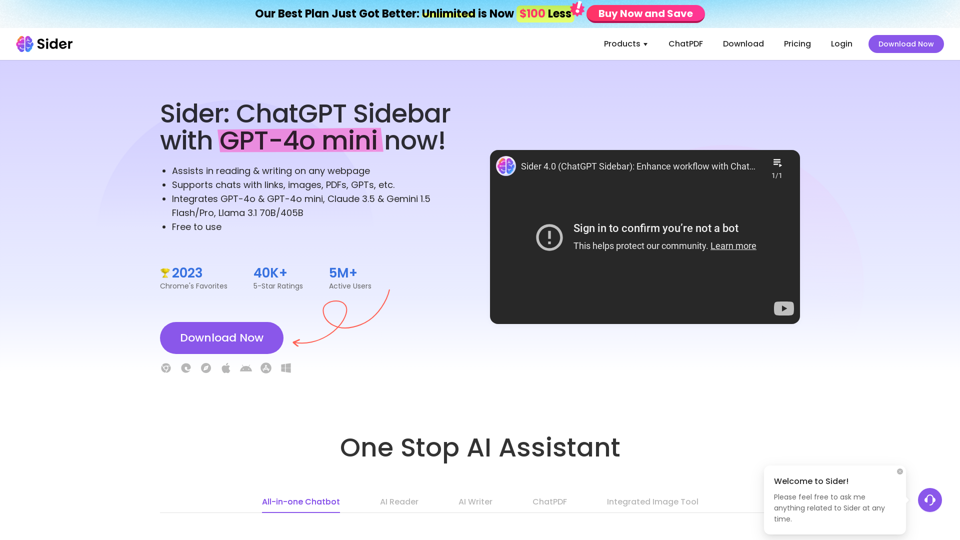
Sider, the most advanced AI assistant, helps you to chat, write, read, translate, explain, test to image with AI, including GPT-4o & GPT-4o mini, Gemini and Claude, on any webpage.
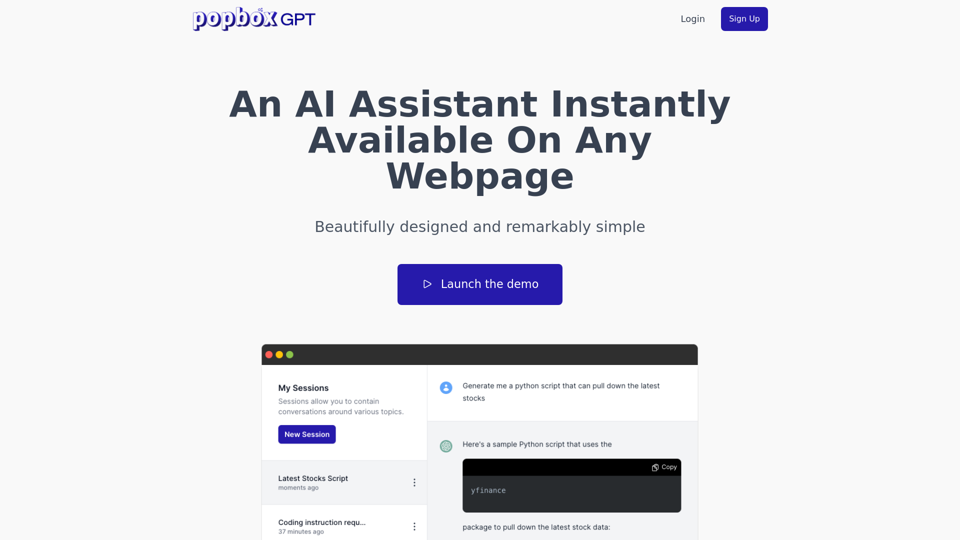
Discover PopboxGPT, the powerful GPT Chrome extension that brings AI-powered assistance right in your browser. Enhance productivity and simplify tasks with this intuitive browser-based AI helper.
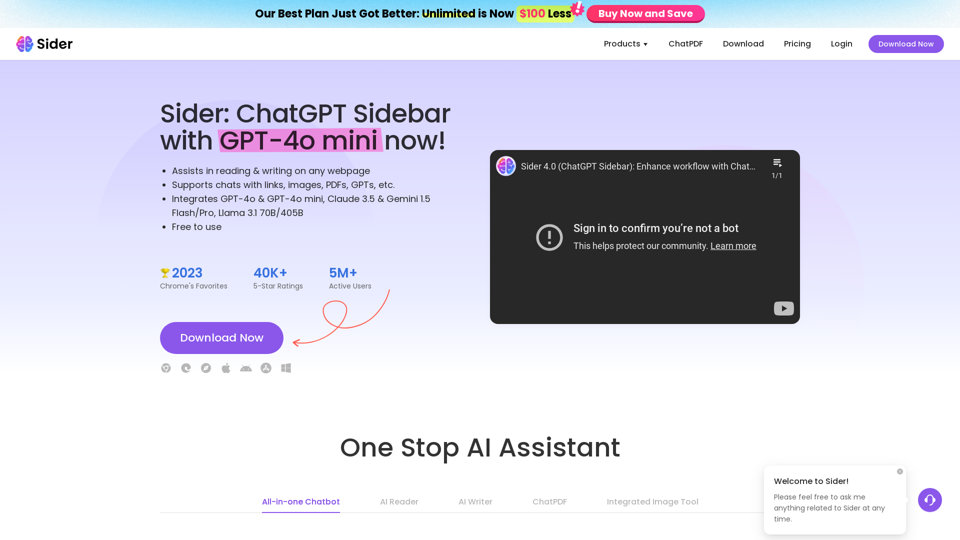
Sider, the most advanced AI assistant, helps you to chat, write, read, translate, explain, test to image with AI, including GPT-4o & GPT-4o mini, Gemini and Claude, on any webpage.
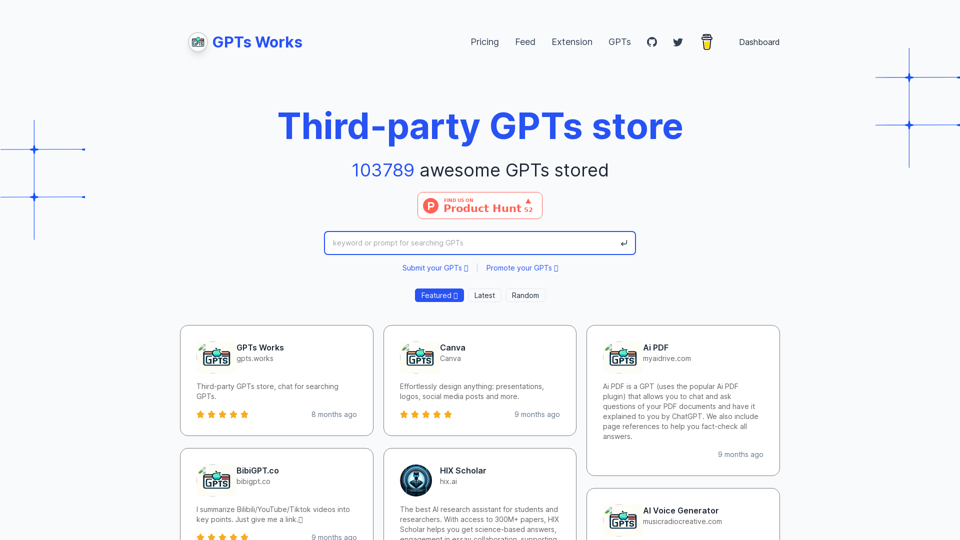
GPTs Works is a Third-party GPTs store. Collect awesome GPTs, Seach GPTs by chatting.
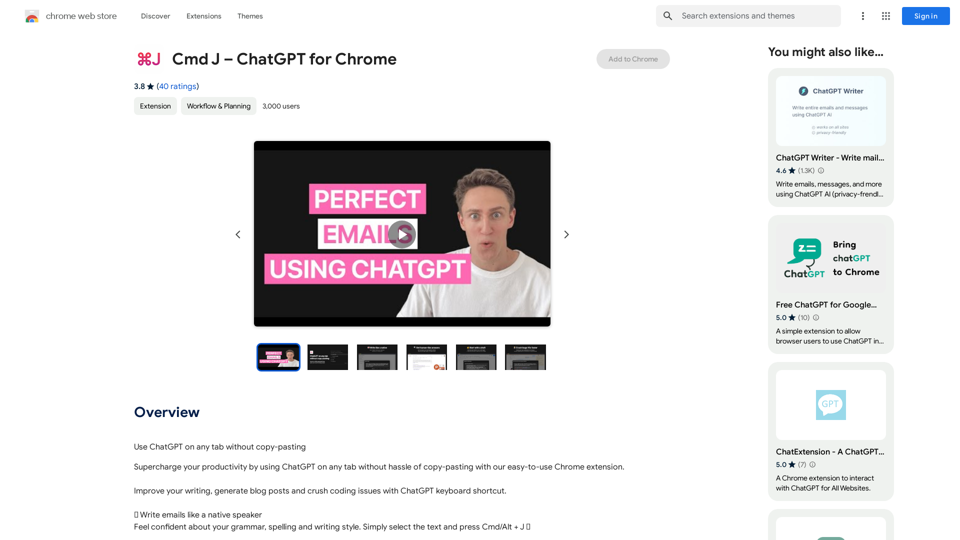
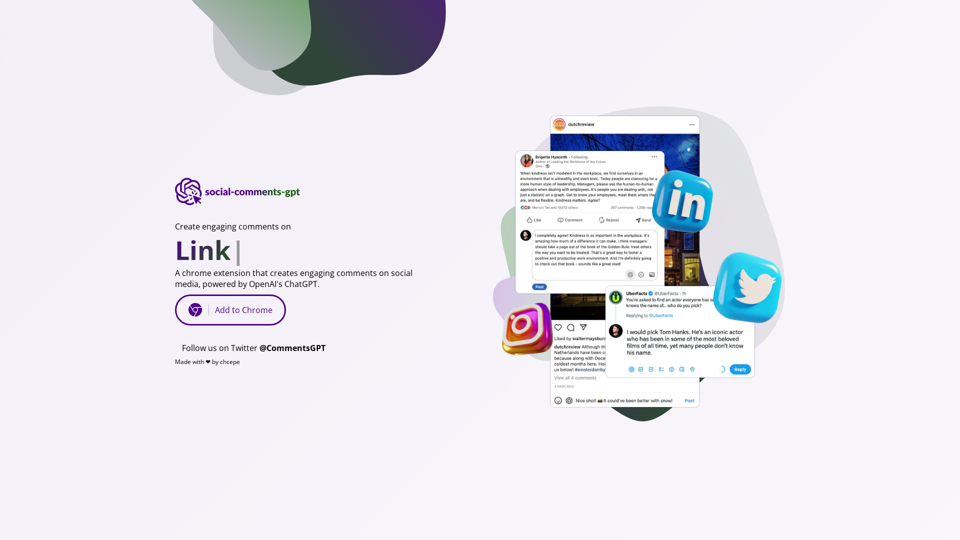
A chrome extension that creates engaging comments on social media, powered by ChatGPT.