Cmd J
Use ChatGPT on any tab without copy-pasting
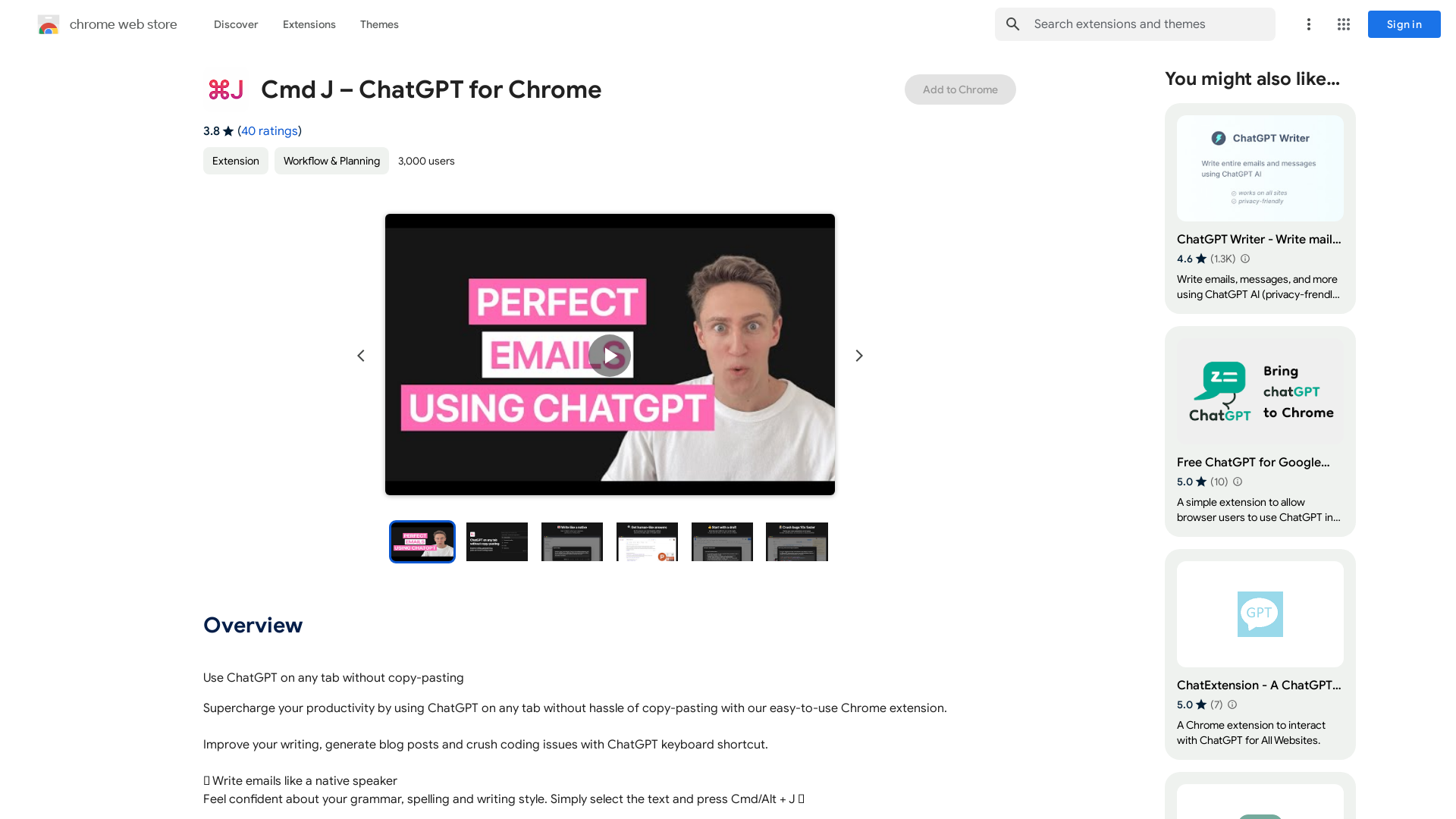
What is Cmd J – ChatGPT for Chrome?
Cmd J – ChatGPT for Chrome is a powerful browser extension designed to integrate the capabilities of ChatGPT directly into your Chrome browser. This innovative tool allows users to access AI-driven assistance on any tab without the need for tedious copy-pasting. Whether you need help with writing, coding, or generating social media posts, Cmd J streamlines the process, making productivity easier and more efficient.
Main Features of Cmd J – ChatGPT for Chrome
- Instant Access
- Use ChatGPT on any web page without switching tabs, ensuring a seamless workflow.
- Writing Enhancement
- Improve your writing skills, craft emails that sound polished, and generate compelling blog posts with ease.
- Quick Answers
- Get accurate information quickly instead of sifting through multiple search results.
- Social Media Support
- Overcome creative blocks by generating social media posts swiftly.
- Coding Assistance
- Troubleshoot coding problems and get explanations for complex issues with direct access to ChatGPT.
How to Use Cmd J – ChatGPT for Chrome
To get started with Cmd J, install the extension from the Chrome Web Store. Once installed, you can invoke ChatGPT simply by selecting the text you want to work with and pressing Cmd/Alt + J. This keyboard shortcut allows you to enhance your writing, seek answers, and generate content effortlessly across various platforms.
Pricing of Cmd J – ChatGPT for Chrome
Cmd J – ChatGPT for Chrome is free to install and offer most of its features at no cost. However, users may need to check for any premium options or updates that may come with additional pricing for extended features or functionalities.
Helpful Tips
- Explore Shortcut Usage
- Familiarize yourself with the Cmd/Alt + J shortcut for a more effective workflow.
- Try Various Prompts
- Give the tool different types of prompts to see how it can assist in various scenarios like coding or email drafting.
- Keep Updated
- Periodically check for updates to ensure you have the latest features and improvements.
Frequently Asked Questions
Is Cmd J – ChatGPT for Chrome secure?
Yes, the extension takes user privacy seriously and does not sell data to third parties. However, users should review the privacy policy for more details on data handling.
Do I need a ChatGPT account to use this extension?
While the extension enhances the experience using ChatGPT, you may need to log into your ChatGPT account intermittently.
Can I use Cmd J on any website?
Yes, the extension can be used on any web page, allowing for versatile applications across various platforms.
What happens to my usage data?
Usage data may be collected for functionality improvements, but it is not sold or used for unrelated purposes.
Are there alternatives to Cmd J – ChatGPT for Chrome?
Yes, there are several other extensions available that offer similar ChatGPT functionalities, allowing you to choose one that best suits your needs.
Cmd J
Use ChatGPT on any tab without copy-pasting
 Bunny
Bunny AddToAny
 Bootstrap
 Clicky
 Contact Form 7:5.1.5
 Font Awesome
 Google AdSense
 Gravatar
 Modernizr
 MySQL
MySQL Outbrain
 PHP:7.4.33
 W3 Total Cache
 WordPress:5.2.3
 Yoast SEO:12.6.1
 jQuery
 prettyPhoto
Free AI anime and manga generator. Turn text into anime episodes, manga, comics, webtoons and comic shorts in any art style — no drawing or animation skills needed.
Translate image text across 70+ languages with our advanced AI Image Translator to help you better expand your products globally to various countries
Advertised Here
Reach thousands of visitors daily. Get your spot now!
Tools similar to Cmd J
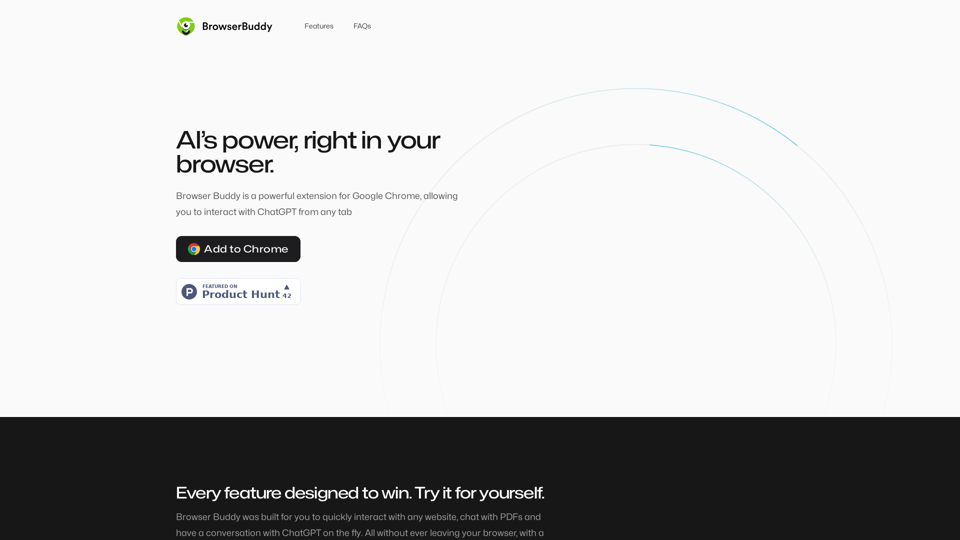
Your AI buddy to have conversation with, and to help you with your daily tasks.
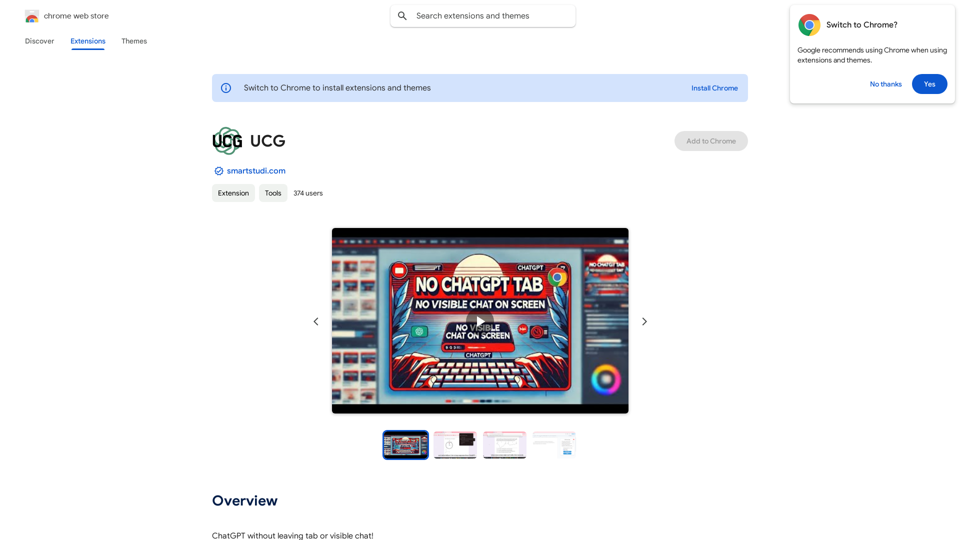
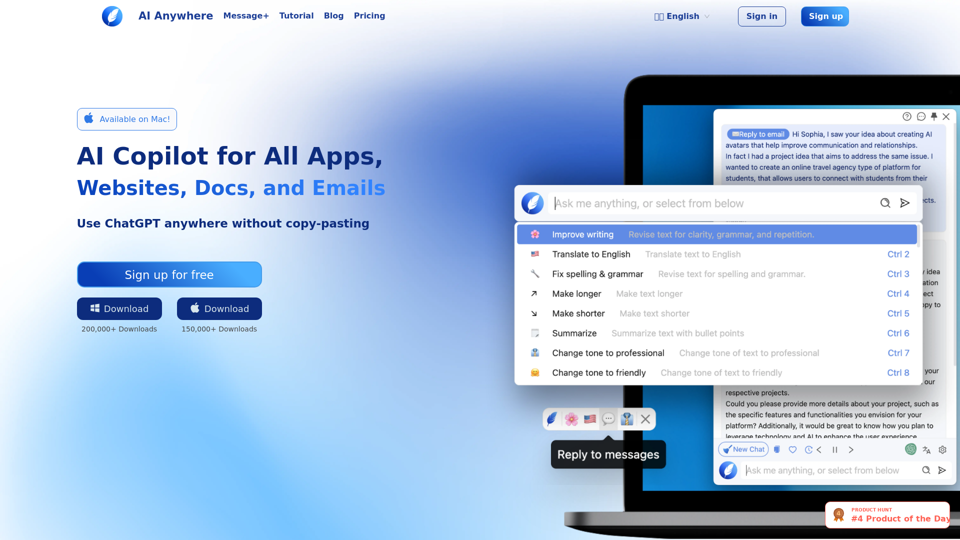
AI Anywhere is your ultimate AI Copilot for all apps, docs, emails and websites. It enables you to use ChatGPT anywhere without copy-pasting. Effortlessly read, write and code.
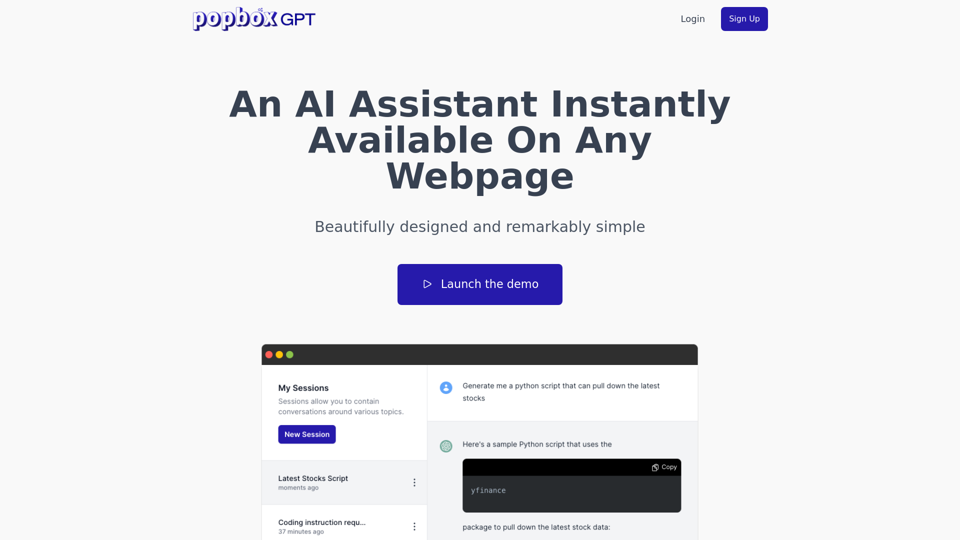
Discover PopboxGPT, the powerful GPT Chrome extension that brings AI-powered assistance right in your browser. Enhance productivity and simplify tasks with this intuitive browser-based AI helper.
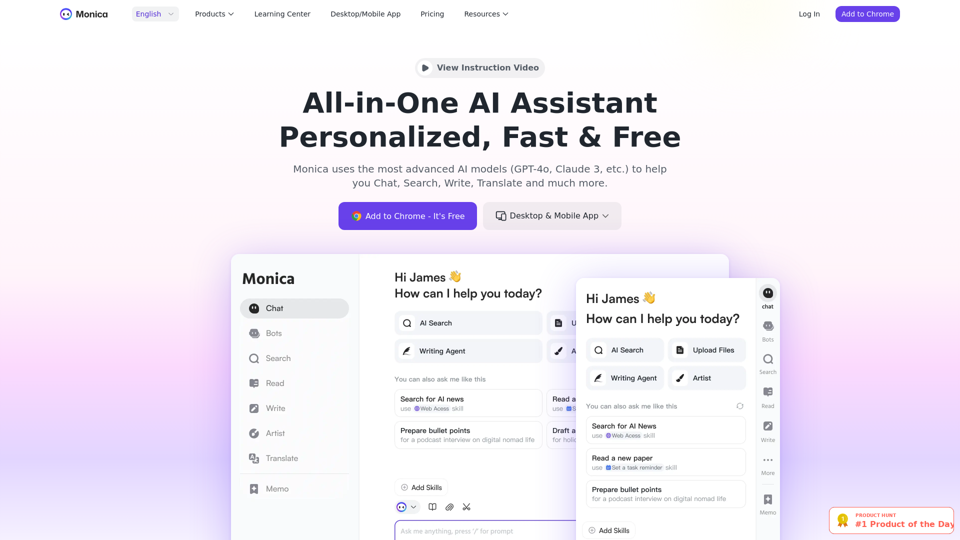
Monica integrates top AI models (GPT-4, Claude 3, Gemini) for one-click chat, search, writing, coding and more. Try it on Chrome, Edge, or our APP.
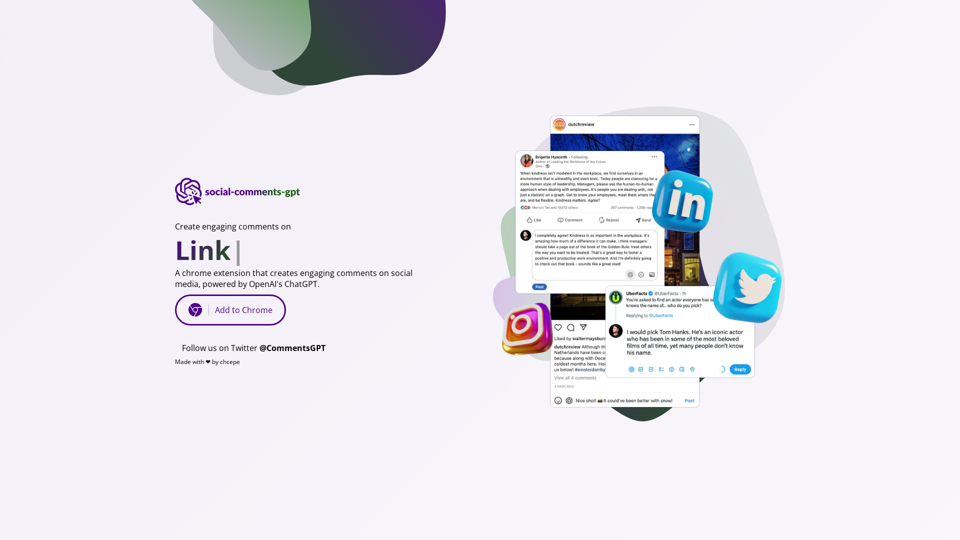
A chrome extension that creates engaging comments on social media, powered by ChatGPT.
A browser extension summarize web pages with ChatGPT for easy sharing on social media.
Sider, the most advanced AI assistant, helps you to chat, write, read, translate, explain, test to image with AI, including GPT-4o & GPT-4o mini, Gemini and Claude, on any webpage.