Photo to Video AI Generator
Turn any photo into video with AI. Photo to video AI generator with Seedance 2.5, MiniMax H3, Kling, Wan, up to 4K. Free credits, no subscription.
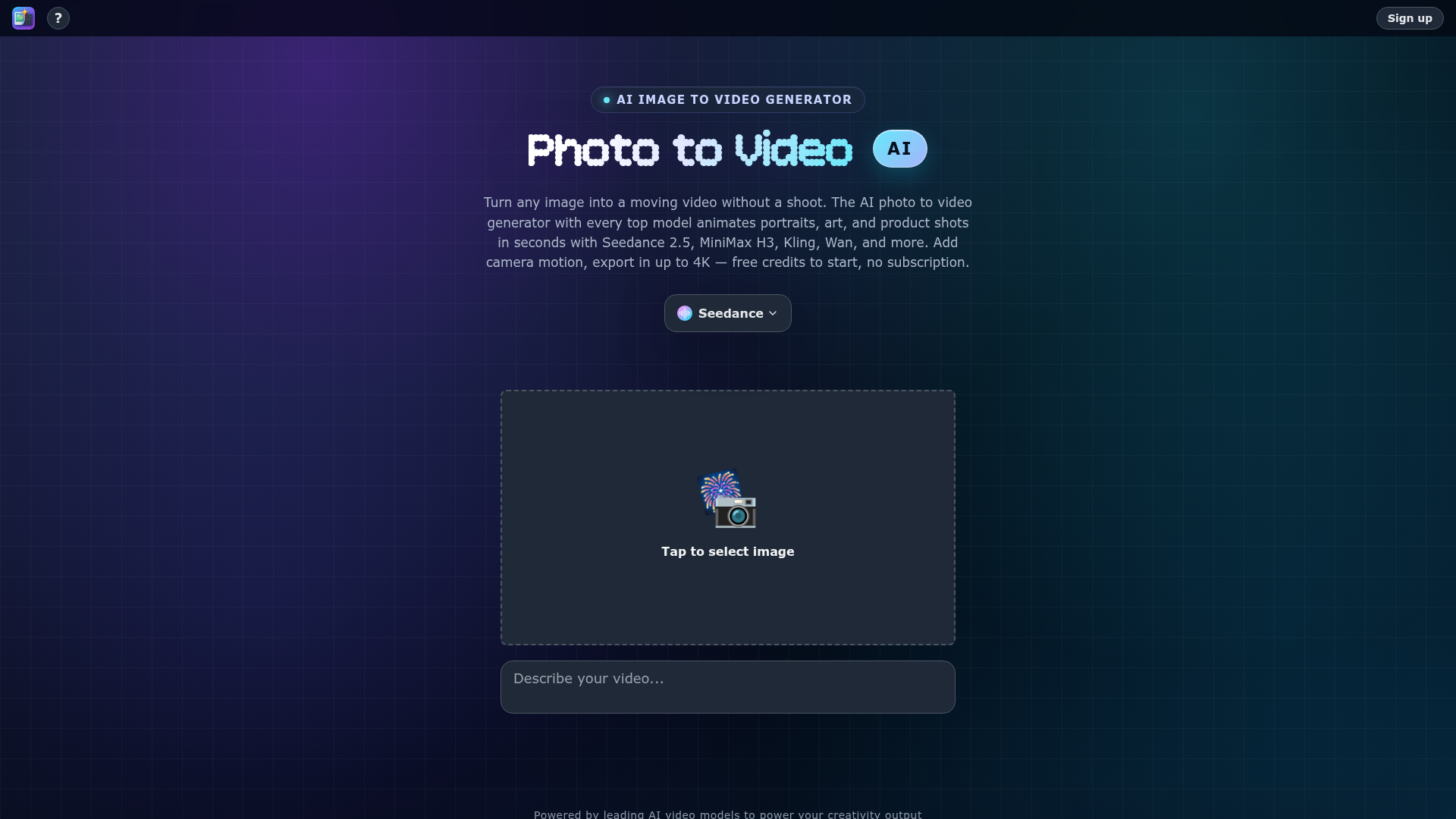
What is Photo to Video AI?
Photo to Video AI, accessible at photo2video.ai, is an advanced AI-powered platform designed to transform any static image into a dynamic, moving video. It leverages a curated collection of the world's most powerful AI video generation models, such as Seedance 2.5, MiniMax H3, Kling, Wan, and Vidu, to animate portraits, artwork, product shots, and general scenes in mere seconds. This tool eliminates the need for complex video shoots or extensive editing timelines, allowing users to add cinematic camera motions like pans, push-ins, and orbits to bring a single image to life.
What are the main features of Photo to Video AI?
The AI Image to Video Generator from Photo to Video AI is packed with powerful features for creators.
- All-in-One AI Model Hub
- Access and switch between top-tier AI video models including Seedance 2, MiniMax H3, Kling, Wan, Vidu, LTX 2.5, Grok Imagine, Hailuo, and more, all within a single platform. This allows for comparing outputs and choosing the best model for each specific video.
- Precise Motion Direction
- Users have direct control over the generated motion. You can direct specific camera movements (push-ins, close-ups, orbits) and highlight exact details within the image for the AI to animate, ensuring the final video matches your creative vision.
- Multi-Purpose Animation
- The platform specializes in various animation styles:
- AI Portrait Animator: Makes faces blink, smile, and turn naturally.
- AI 360 Spin from Image: Creates seamless product rotation videos from a single shot.
- AI Background Animator: Animates or swaps backgrounds (e.g., moving skies, water) while keeping the subject clean.
- AI Lifestyle Scene: Drops subjects into animated settings with matching lighting and perspective.
- High-Quality Output
- Videos can be exported in resolutions up to 4K, providing professional-grade quality suitable for social media, marketing, and creative projects.
- Free-to-Start Model
- The platform offers free credits to begin, operating on a pay-per-video basis without mandatory subscriptions, making it accessible for initial exploration and projects.
How to use Photo to Video AI?
Using the AI Image to Video Generator is a straightforward process designed for user convenience.
- Sign Up: Create an account on photo2video.ai to receive your initial free credits.
- Upload or Select an Image: Tap to upload a photo, portrait, artwork, or product shot you wish to animate. The platform supports using reference images to guide the style and composition of the final video.
- Choose Your AI Model: Select from the available leading AI video models (e.g., Seedance 2.5 for cinematic product shots, Kling for lip-sync, Wan for precise camera moves) based on your desired output.
- Direct the Motion: Use the tools to specify the type of camera movement (pan, zoom, orbit) and brush over details you want emphasized.
- Generate and Export: Click to generate. Within seconds, your animated video will be ready. You can then preview it and export the final video in your chosen resolution, up to 4K.
What is the pricing for Photo to Video AI?
Photo to Video AI operates on a credit-based system designed for flexibility.
- Free Tier
- New users receive free credits to start generating videos and test the platform's capabilities with various AI models.
- Pay-Per-Video
- Beyond the free credits, you purchase packs of credits which are consumed when generating videos. There is no recurring subscription required, so you only pay for what you create.
- Model-Specific Costs
- The credit cost per video generation may vary slightly depending on the specific AI model you choose (e.g., Seedance 2.5 vs. Grok Imagine), as different models have different computational requirements.
Helpful tips for using Photo to Video AI
To get the best results from this AI photo animator and image-to-video generator, consider these tips:
- Use High-Quality Source Images
- Start with clear, high-resolution photos for the best animation fidelity, especially for portraits and product shots.
- Experiment with Different Models
- Each AI video model has strengths (e.g., Kling for characters with audio, Wan for camera moves, Seedance for fashion). Try different models on the same image to see which produces your preferred result.
- Utilize Reference Images
- Upload up to eight reference images to guide the AI in maintaining specific colors, styles, and compositions across multiple shots for a cohesive video sequence.
- Be Specific with Motion Directives
- When directing camera movement, be precise. For example, instead of "move," specify "slow push-in on the subject's eyes" or "gentle pan left across the landscape."
- Start with Free Credits
- Use the initial free credits to familiarize yourself with the workflow and outputs of different AI models like MiniMax H3 or Vidu before committing to a credit purchase.
Frequently Asked Questions about Photo to Video AI
Can I animate any type of image?
Yes, the AI Image to Video Generator is designed to work with a wide variety of images, including portraits, artwork, product photography, landscapes, and illustrations. The AI models, from Seedance to Kling, are trained to handle diverse subjects and bring them to life with appropriate motion.
Do I need video editing skills to use this tool?
No, Photo to Video AI requires no video editing timeline or skills. The process is fully automated: you upload an image, select options, and the AI generates a complete, animated video clip ready for export.
How long does it take to generate a video from a photo?
Generation is incredibly fast, typically completing in seconds. The exact time may vary based on the chosen AI model (like MiniMax H3 or Seedance 2.5) and the complexity of the requested motion, but it is designed for quick turnarounds.
What video formats and resolutions are supported for export?
The platform supports exporting the final AI-generated videos in high-quality formats, with resolutions up to 4K Ultra HD, ensuring they are suitable for professional use on social media, websites, and presentations.
Are the generated videos royalty-free for commercial use?
Yes, videos created using your own images on Photo to Video AI are yours to use commercially. It is recommended to review the platform's Terms of Service for the latest details on content ownership and usage rights.
What makes Photo to Video AI different from other animation tools?
Its key differentiator is the centralized access to multiple state-of-the-art AI video models (Seedance, Kling, Wan, Vidu, etc.) in one place. This allows for unparalleled flexibility and quality comparison, coupled with detailed motion direction controls, all without a subscription lock-in.
Photo to Video AI Generator
Turn any photo into video with AI. Photo to video AI generator with Seedance 2.5, MiniMax H3, Kling, Wan, up to 4K. Free credits, no subscription.
 Vercel
Free AI anime and manga generator. Turn text into anime episodes, manga, comics, webtoons and comic shorts in any art style — no drawing or animation skills needed.
Translate image text across 70+ languages with our advanced AI Image Translator to help you better expand your products globally to various countries
Advertised Here
Reach thousands of visitors daily. Get your spot now!
Tools similar to Photo to Video AI Generator
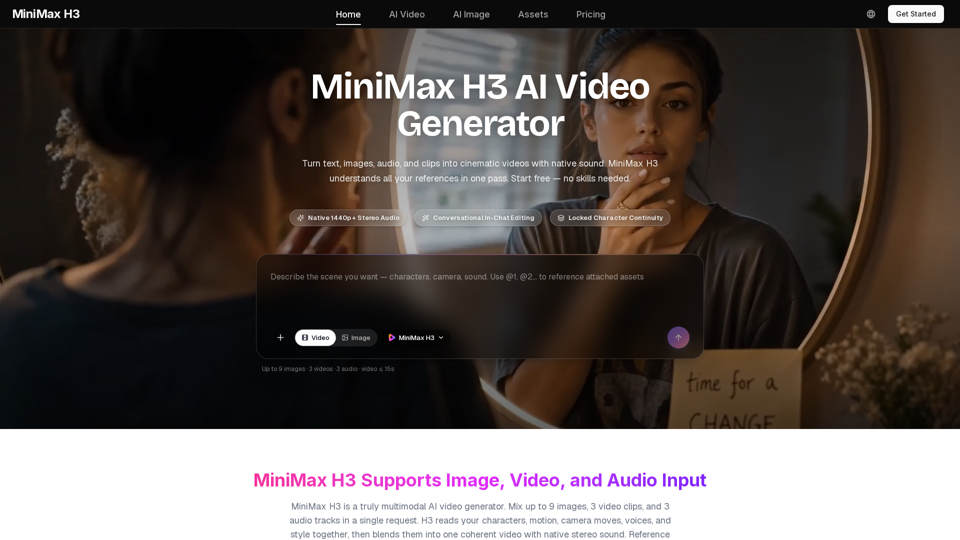
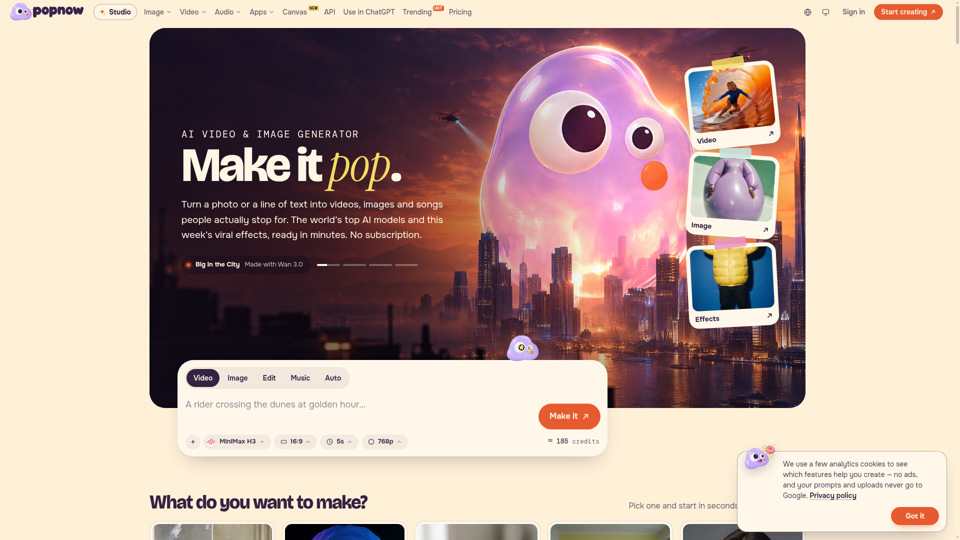
Create stunning videos with sound using MiniMax H3 for free. Type an idea or upload images and get cinematic AI videos in minutes. No skills needed.
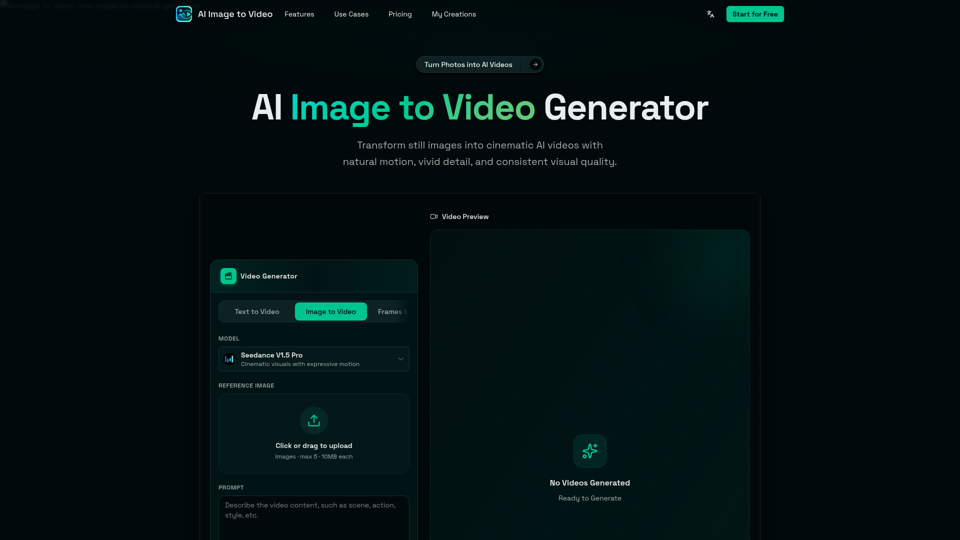
AI Image to Video is a free online image to video AI generator. Turn photos into AI videos for social media, products, portraits, anime, and pets.
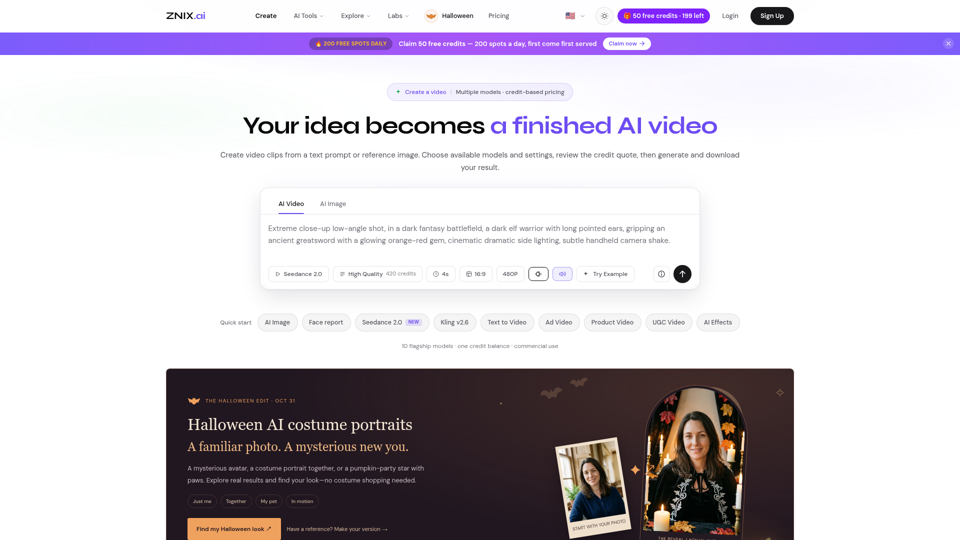
Turn text and reference images into AI videos and images with ZNIX. Compare available models, check credit costs, and download results from one creative workspace.
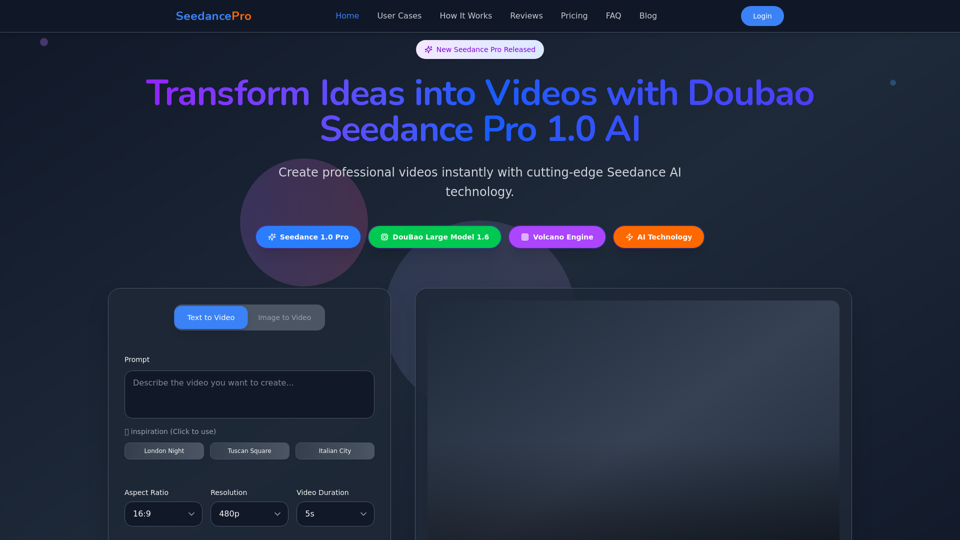
Create stunning videos with Seedance Pro AI video generator. Transform text and images into professional videos effortlessly.
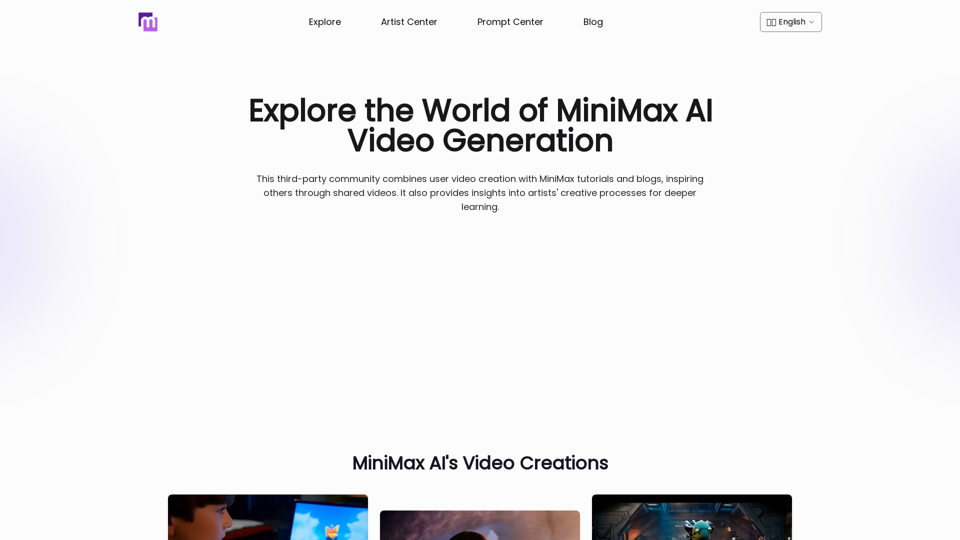
Explore AI Video Generator with User-Generated Videos of MiniMax, Prompt Tips and Insightful Blogs in this Vibrant Community about MiniMax AI
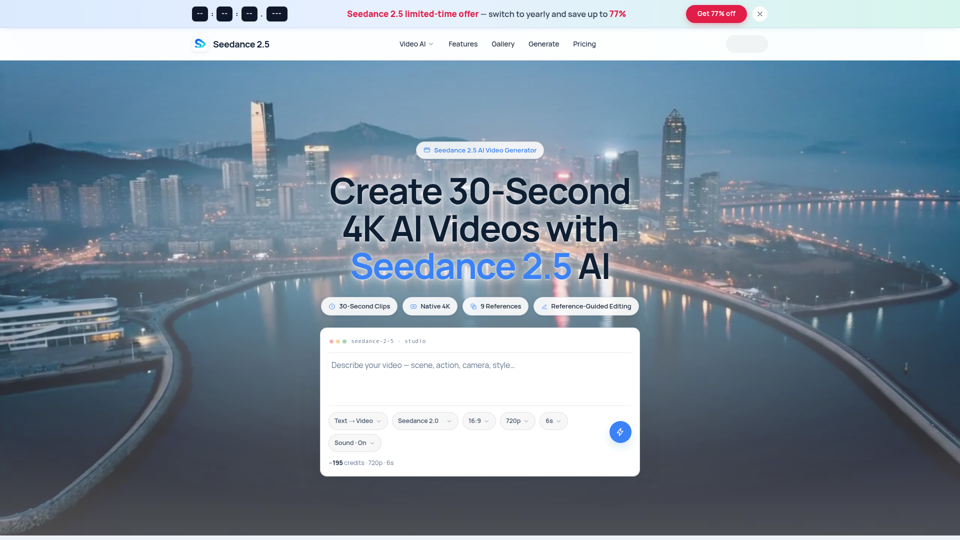
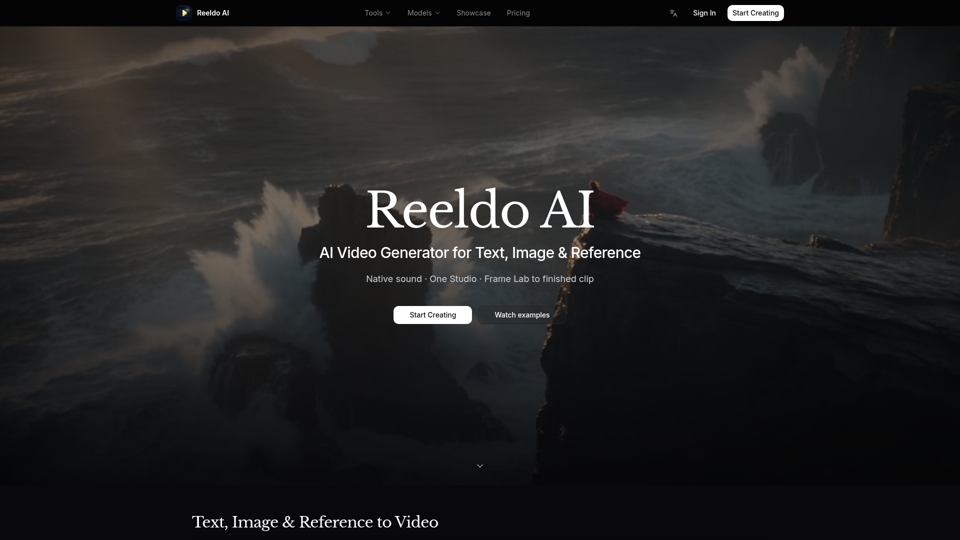
Seedance 2.5 AI turns any text prompt or photo into cinematic, watermark-free 4K video — text-to-video, image-to-video and reference-guided generation.