Harmony AI Email Voice Assistant
Harmony AI is the best Gmail assistant for voice-controlled email. Hear emails aloud and manage your inbox hands-free while walking or driving.
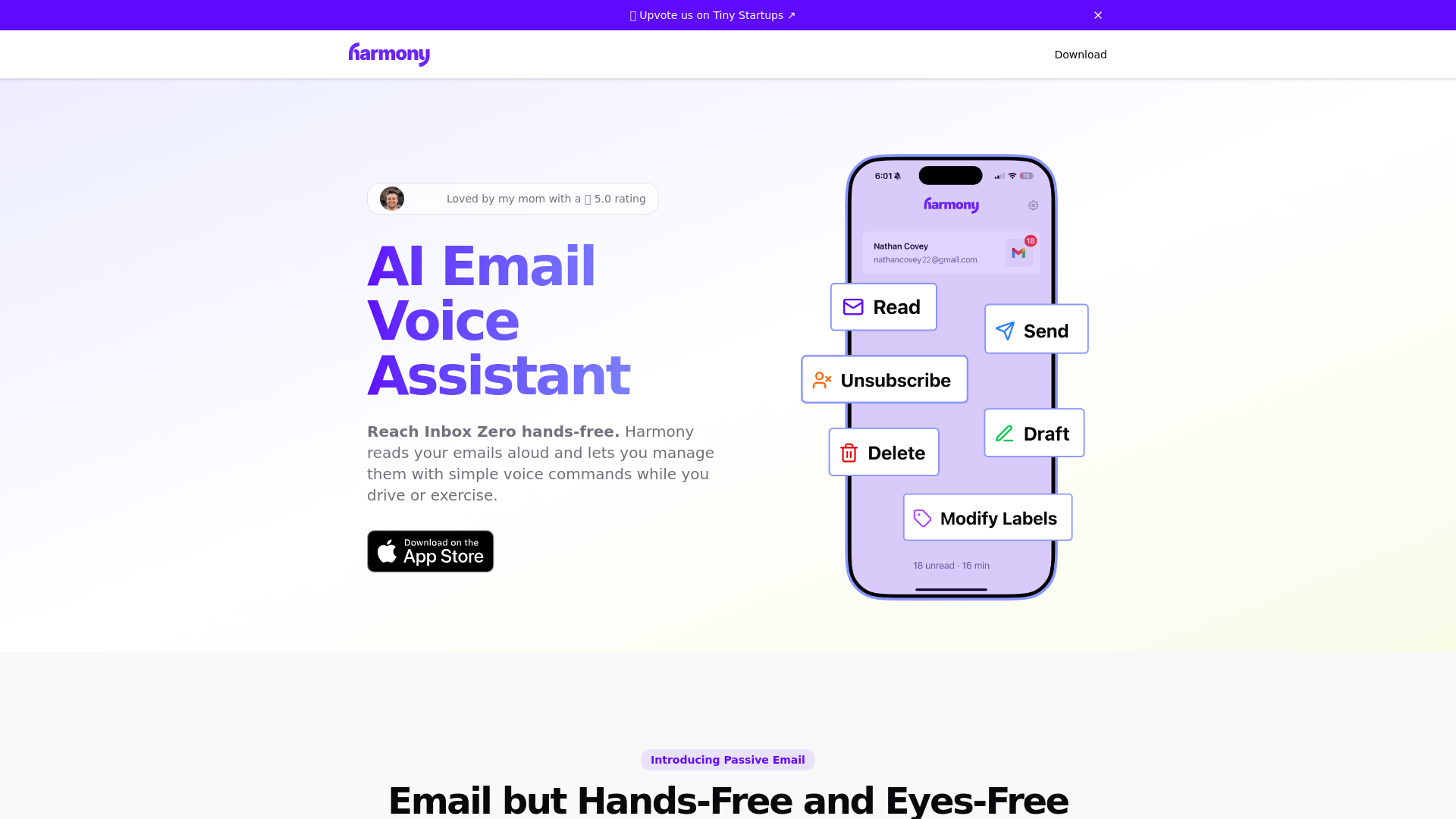
What is Harmony AI Email Voice Assistant?
Harmony AI Email Voice Assistant is an innovative hands-free solution designed to help you manage your emails effortlessly using voice commands. It allows you to listen to your emails while driving, exercising, or even completing household chores. With a 5.0 rating, it’s a favorite among users looking to stay organized without sacrificing their time.
Main Features of Harmony AI Email Voice Assistant
- Hands-Free Email Management
- Interact with your emails using simple voice commands, making it perfect for multitasking.
- Passive Email Listening
- Enjoy your emails in a passive format, similar to podcasts or audiobooks.
- Supported Email Providers
- Currently supports Gmail and aims to include Outlook and other providers in the near future.
- Voice Actions
- Easily read, send, draft, delete, and organize emails simply by talking to Harmony.
How to Use Harmony AI Email Voice Assistant?
To utilize Harmony AI, simply download it from the App Store and connect it to your email provider. Once set up, you can start interacting with your emails using voice commands:
- Listening to Emails
- Harmony reads your emails aloud, summarizing threads for quick understanding.
- Email Composition
- Compose new emails and get them read back to you before sending.
- Organizing Your Inbox
- You can easily move emails into folders, mark them as unread, and delete unwanted messages with just your voice.
Pricing
Harmony AI Email Voice Assistant operates on a subscription model. There’s currently no data regarding the specific subscription costs, but users can sign up to enjoy the full range of features without limitations.
Helpful Tips
- Maximize Productivity
- Use the app during your commute, workout, or while doing chores to turn idle time into productive email management.
- Stay Organized
- Regularly use voice commands to label and categorize your emails, ensuring your inbox stays tidy.
- Unsubscribe Quickly
- Take advantage of the unsubscribe command to easily get rid of spam and unwanted newsletters.
Frequently Asked Questions
Can I use Harmony AI with email providers other than Gmail?
While currently only Gmail is supported, Outlook and others will be available soon.
How does Harmony ensure my privacy?
Harmony prioritizes your privacy; no emails are stored, network communications are encrypted, and your data is not sold to third parties.
Can I manage emails hands-free while driving?
Yes, Harmony is designed for hands-free use, enabling you to read and respond to emails safely while on the road.
What if I need help with the app?
Join the Slack community to connect with the Harmony team and get real-time support, updates, and participate in discussions about the future of productivity AI.
With Harmony AI Email Voice Assistant, managing your email is as easy as talking, ensuring you stay organized and productive no matter your current activity!
Harmony AI Email Voice Assistant
Harmony AI is the best Gmail assistant for voice-controlled email. Hear emails aloud and manage your inbox hands-free while walking or driving.
 Vercel
Free AI anime and manga generator. Turn text into anime episodes, manga, comics, webtoons and comic shorts in any art style — no drawing or animation skills needed.
Translate image text across 70+ languages with our advanced AI Image Translator to help you better expand your products globally to various countries
Advertised Here
Reach thousands of visitors daily. Get your spot now!
Tools similar to Harmony AI Email Voice Assistant
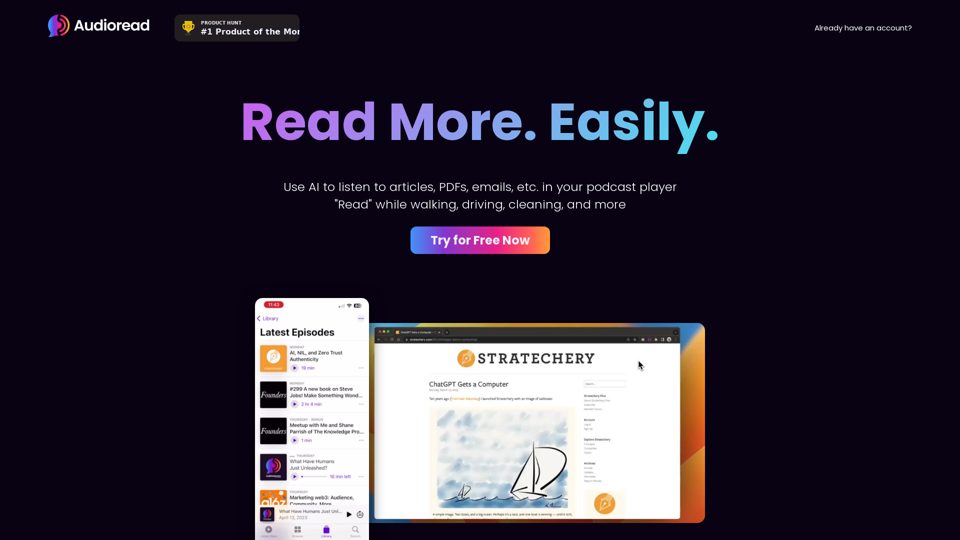
Listen to articles, PDFs, emails, etc. in your podcast app or browser. Ultra-realistic AI voices. Read while you exercise, cook, commute, and do other things.
Inbox Zero AI Email Organizer helps you clear your emails efficiently. Be more productive quickly. Feel lighter, by clearing your inbox. Get to inbox zero quickly using Inbox Zero AI Email Cleaner. Clear your Email with the ultimate email hack, clear your Mind.
Zero Inbox AI Email Organizer helps you clear your emails efficiently. Be more productive quickly. Feel lighter, by clearing your inbox. Get to inbox zero quickly using Zero Inbox AI Email Cleaner. Clear your Email with the ultimate email hack, clear your Mind.
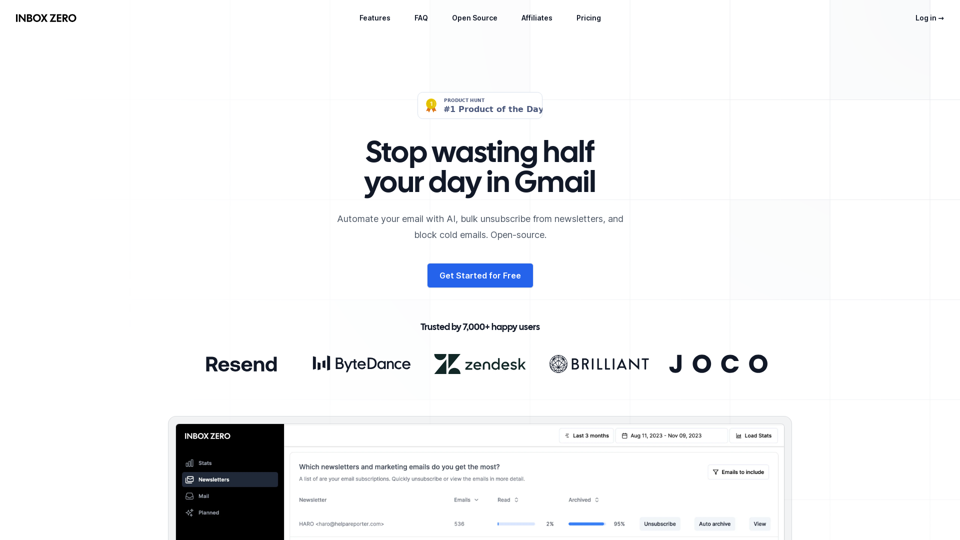
Inbox Zero is your AI personal assistant for email and the quickest way to reach inbox zero. Automate your email, bulk unsubscribe from newsletters, block cold emails, and view your email analytics. Open-source.
Welcome to VOYP, the app that puts the power of voice at your fingertips. With our intelligent assistant, powered by AI, you can book appointments and reservations on-the-go, all with the ease of simple voice commands.
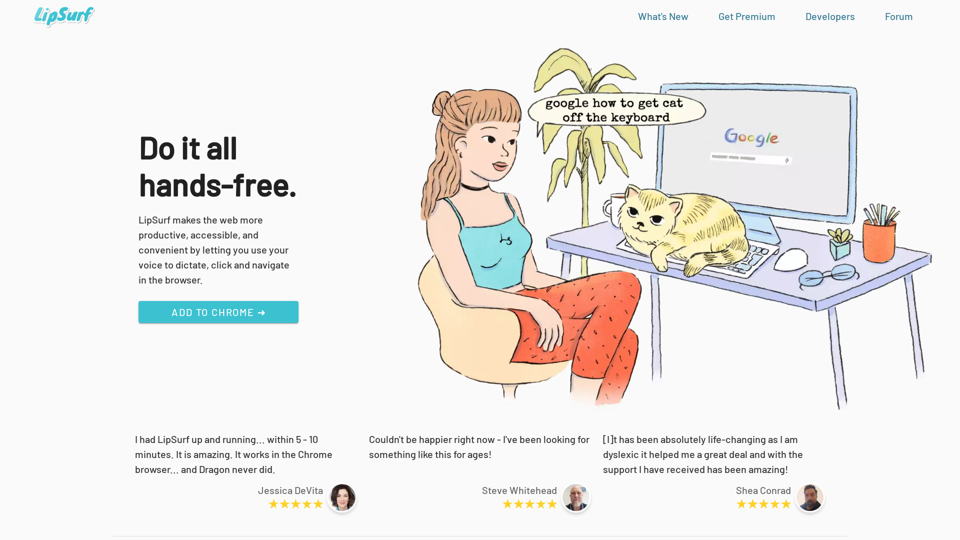
Voice commands and shortcuts for the browser. Eat in front of your computer while controlling it via voice. Great for those with motor issues (parkinson's, arthritis, RSI etc.).
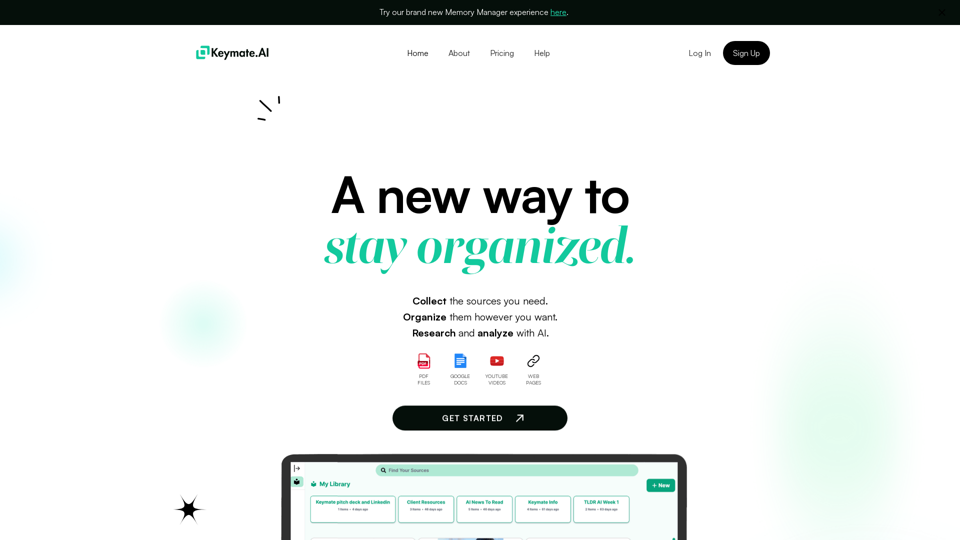
Effectively manage your sources and create multiple second brains while working with ChatGPT.