Haye · AI Chat Assistant for macOS
Haye is a private macOS AI assistant that lets you experience top-tier models like DeepSeek, o3, GPT-4o, Claude-3.5, and Gemini-2.0 in a single app
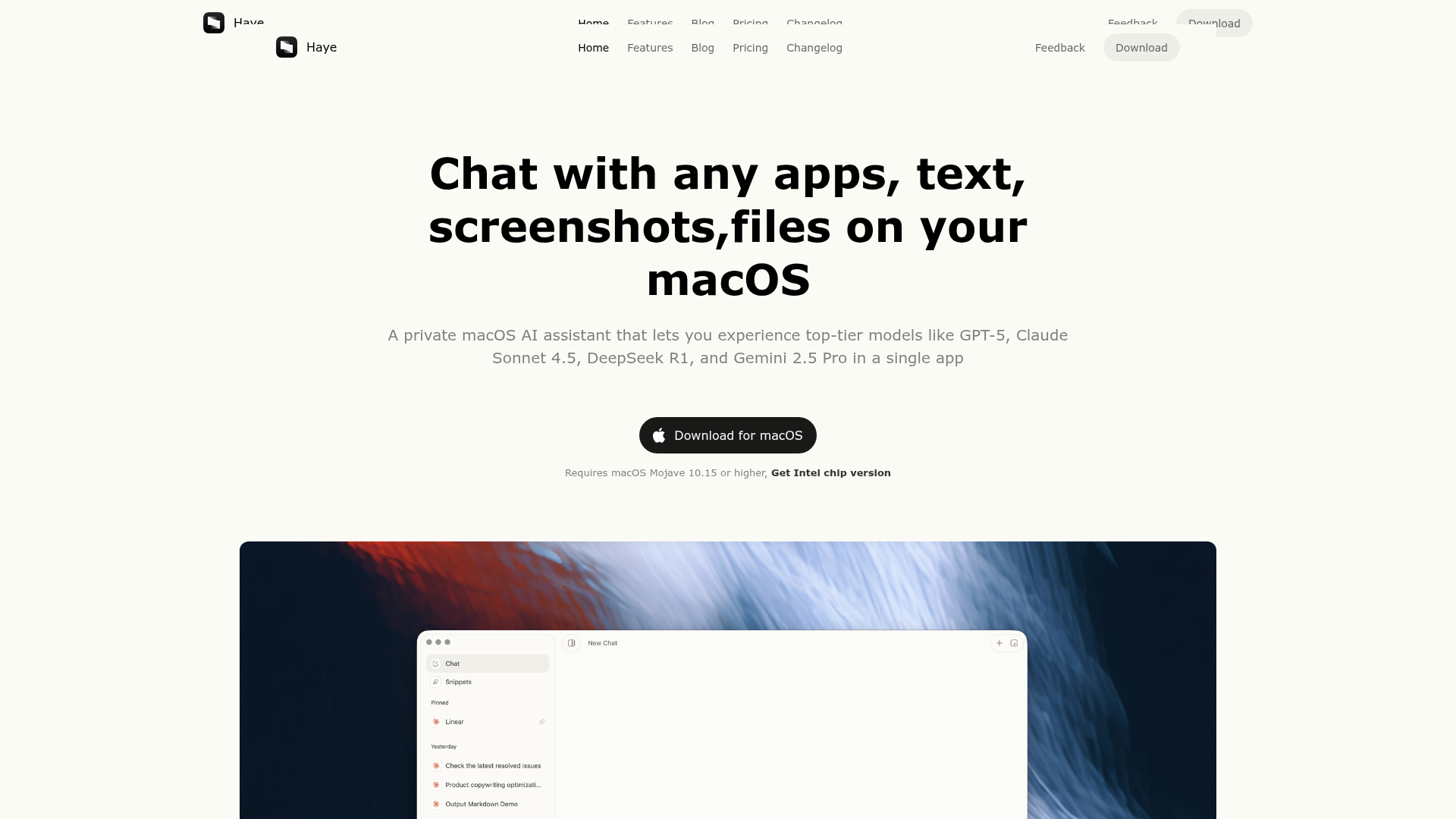
What is Haye AI?
Haye AI is a private and elegant AI chat assistant application designed exclusively for macOS. It functions as a central hub that allows users to chat with virtually any content on their system, including text selections, screenshots, files (like PDFs), and even integrate with other desktop applications. The core value proposition of Haye AI is to bring the power of multiple top-tier large language models (LLMs) directly into your macOS workflow with a beautiful, seamless, and highly customizable interface. It enables users to access models like GPT-5, Claude Sonnet 4.5, DeepSeek R1, and Gemini 2.5 Pro from a single, unified application, providing capabilities that extend beyond what is offered by Apple's native intelligence features.
What are the features of Haye AI?
Haye AI is packed with features designed to supercharge productivity on macOS:
- Multi-Model Hub
- Access and compare answers from leading AI models including GPT-5, Claude Sonnet 4.5, DeepSeek R1, Gemini 2.5 Pro, and o3, all within one app. You can chat with multiple models simultaneously to compare their outputs.
- Universal Contextual Chat
- Interact with any content on your Mac. This includes selected text, images/screenshots, PDF documents, and other local files through natural conversation. Haye AI can also begin to work with and pull context from other desktop applications.
- Instant Global Invocation
- Use the customizable keyboard shortcut (default: Command+E) to summon Haye AI from anywhere—whether you have text selected, an image on screen, or just need to ask a quick question.
- Web Search Integration
- Go beyond local processing. Haye AI can connect to the internet to fetch fast, timely, and credible answers, complete with links to relevant web sources for research and verification.
- Highly Customizable Workflow
- Create your own personalized chat "styles" to handle repetitive tasks (like specific writing tones or formatting), set custom shortcuts, and fine-tune preferences for language, response style, and model selection.
- Native macOS Design
- Built as an Electron app with a strong focus on native macOS integration, Haye AI offers a modern, aesthetically pleasing interface with elegant typography and user interactions that feel at home in the macOS ecosystem.
- File & Application Integration
- Deeply chat with PDFs to summarize, query, and understand research. Its functionality is designed to integrate smoothly with your existing desktop apps.
How to Use Haye AI?
Using Haye AI on your Mac is a straightforward three-step process:
- Download & Install: Download the Haye AI application from the official website. The installation is quick and supports both Apple Silicon (M-series) and Intel-based Macs running macOS 10.15 (Catalina) or higher.
- Configure Services: Upon first launch, complete a simple account registration. You can then configure your AI services. Use Haye's built-in model services (available with a Pro subscription) or input your own API keys for supported providers like OpenAI, Anthropic, Google Gemini, DeepSeek, and OpenRouter.
- Invoke & Interact: Use the ### Command+E keyboard shortcut anytime, anywhere. You can call it up with text selected, an image in view, or from within another app to ask questions, get summaries, translations, or perform actions. The convenient toolbar allows for quick asks and actions.
What is the price of Haye AI?
Haye AI offers a transparent pricing model with several tiers to suit different user needs:
- Free Trial
- A limited-time trial that allows users to quickly experience basic features like summarization, translation, and search with limited access to basic AI models and a usage quota. It's free to start and download.
- Haye Lifetime
- A one-time purchase of ### $19.99 (currently on a limited-time offer, originally $29.99). This grants lifetime access to all Haye 2 features, including custom AI model configuration, function call capability, and support for 2 devices.
- Haye Pro
- A subscription plan at ### $4.99 per month. This includes full access to all Haye features along with a premium AI service (access to advanced models without supplying your own keys), support for 3 devices, and priority customer support.
The philosophy is to provide immense efficiency gains for the price of a cup of coffee per month.
Helpful Tips for Using Haye AI
- Master the Shortcut
- The ### Command+E shortcut is your gateway to instant AI assistance. Keep it handy.
- Experiment with Chat Styles
- Don't just use the default settings. Create custom "Styles" for different tasks (e.g., "Email Professional," "Code Debugger," "Creative Writer") to get consistently formatted and toned outputs with a single click.
- Leverage Multi-Model Chat
- For critical tasks or creative brainstorming, use the multi-model chat feature to compare responses from Claude, GPT, and Gemini side-by-side. This can lead to more comprehensive and well-rounded answers.
- Use it for Research
- Combine its web search capability with PDF chat. You can research a topic online and then upload or discuss related PDFs, using Haye AI as your research synthesis assistant.
- Check for Updates
- Ensure you're running the latest version through the App Store or the app's auto-update feature to access new models, features, and performance improvements.
Frequently Asked Questions about Haye AI
How does Haye AI work?
You download and install the app on your macOS. After registering an account, you can invoke it globally with the Command+E shortcut. It can interact with selected text, images, files, and application contexts to provide AI-powered assistance.
What AI models does Haye AI support?
It supports a wide range of mainstream models. The standard/trial version may offer access to a base model like Claude 3.5 Sonnet. Pro users get premium model access. All users can configure their own API keys for models from providers like OpenAI (GPT), Anthropic (Claude), Google (Gemini), DeepSeek, and via OpenRouter.
Is Haye AI free?
There is a free trial to test core functionalities. For continued and full use, it is a paid tool with Lifetime and Pro subscription options. The team believes this model ensures sustainable development and high-quality, resource-intensive AI service delivery.
Is my data private with Haye AI?
Haye AI prioritizes user privacy. According to their policy, they do not access user-generated content or data. They may collect anonymized software usage logs strictly for development, optimization, and bug-fixing purposes.
Can I use my own API keys?
Yes, a key feature is the ability to configure and use your own API keys for supported model providers in the application settings, giving you control over costs and model access.
What is the refund policy?
Refunds are handled according to the platform through which the purchase was made (e.g., the Apple App Store's refund policy).
Is Haye AI an Electron app?
Yes, it is built using Electron. This allows the development team to maintain a lightweight development cycle while still achieving deep integration with macOS-specific features and a native-feeling user experience.
Will Haye AI be available for Windows or other systems?
Currently, the focus is exclusively on providing a deeply integrated macOS experience. Future versions for other operating systems are planned but will be developed to align with those systems' design principles, which will take time.
Haye · AI Chat Assistant for macOS
Haye is a private macOS AI assistant that lets you experience top-tier models like DeepSeek, o3, GPT-4o, Claude-3.5, and Gemini-2.0 in a single app
 Astro:5.16.5
 Cloudflare
 Google Analytics
 HTTP/3
Free AI anime and manga generator. Turn text into anime episodes, manga, comics, webtoons and comic shorts in any art style — no drawing or animation skills needed.
Translate image text across 70+ languages with our advanced AI Image Translator to help you better expand your products globally to various countries
Advertised Here
Reach thousands of visitors daily. Get your spot now!
Tools similar to Haye · AI Chat Assistant for macOS
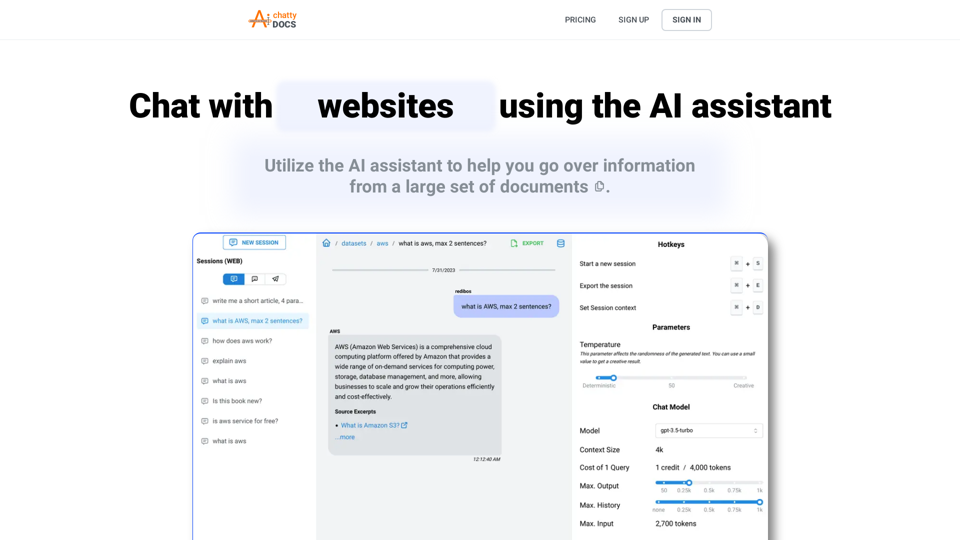
Chat with your documents, PDFs, files, or websites using AI assistant, manage datasets, talk with your data using Telegram, and more.
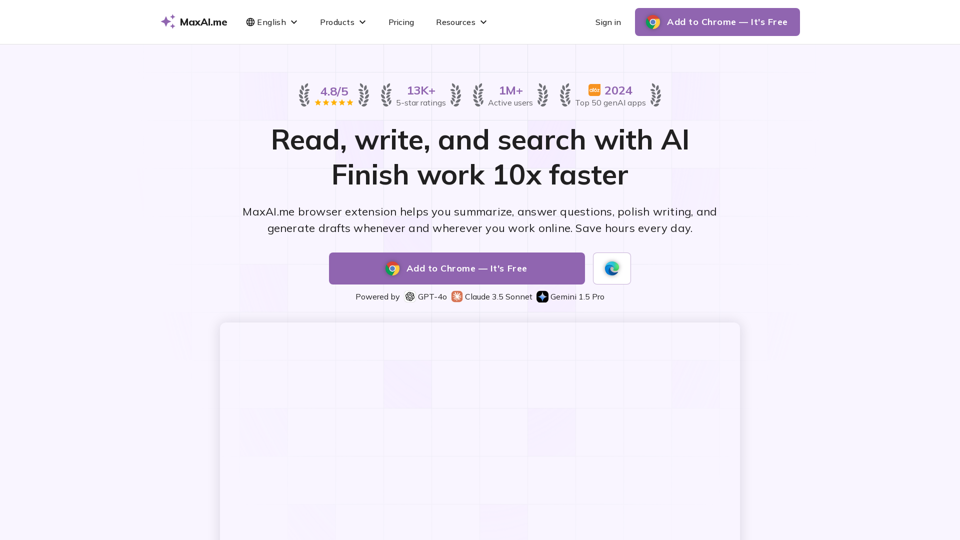
AI chat, rewriter, summary, instant reply, reading assistant, prompts, search, art, and translator. Powered by GPT-4o, Claude 3, Gemini 1.5.
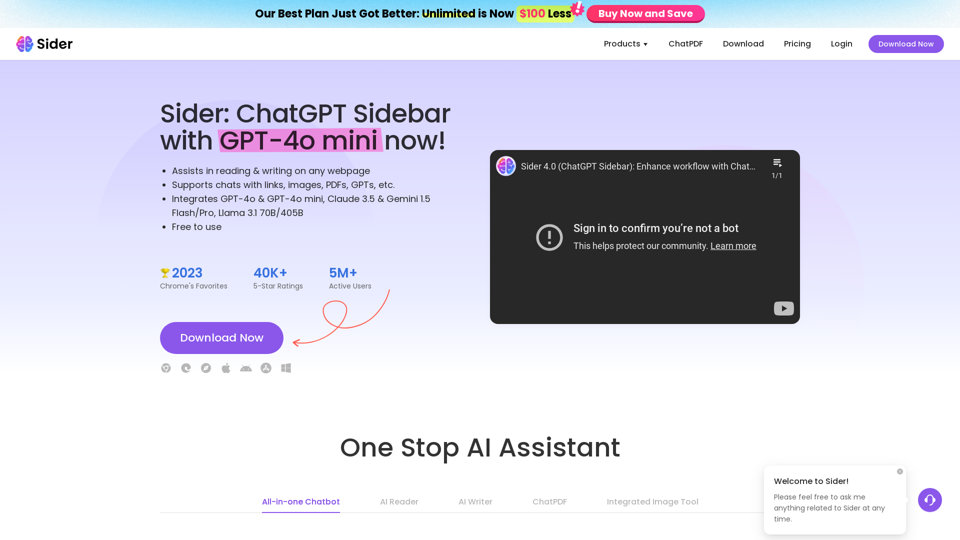
Sider, the most advanced AI assistant, helps you to chat, write, read, translate, explain, test to image with AI, including GPT-4o & GPT-4o mini, Gemini and Claude, on any webpage.
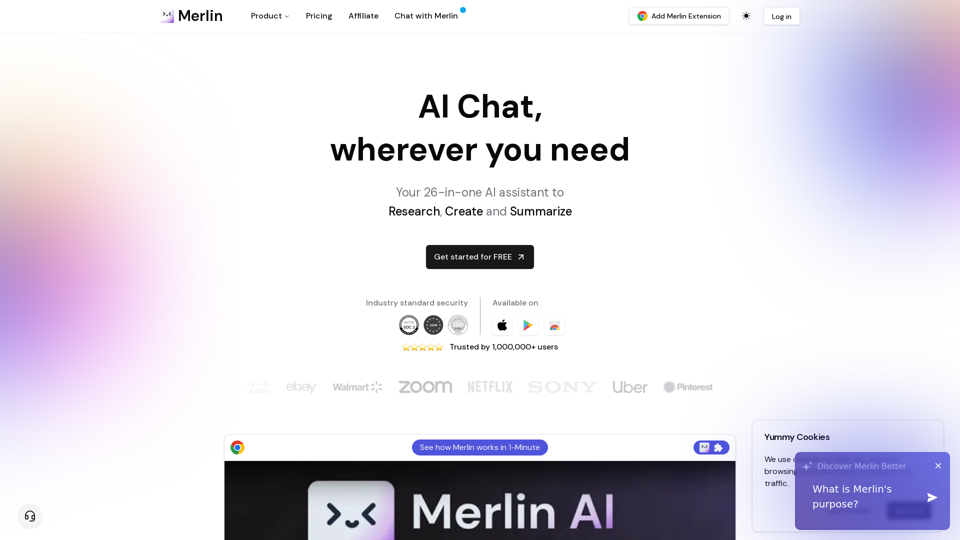
Free AI Chat to answer all your queries. Ask merlin to summarize videos, articles, pdf, and websites, write emails, and content on social media, and Review content using AI detector.

GetBotAI is like a helpful AI assistant that you can use while browsing any website. It can help you read and write articles in the sidebar on all websites, and it supports the GPT3.5/GPT-4 models, YouTube summary, ChatPDF, AI painting, and AI chatbots with ChatGPT, Claude, and Gemini!
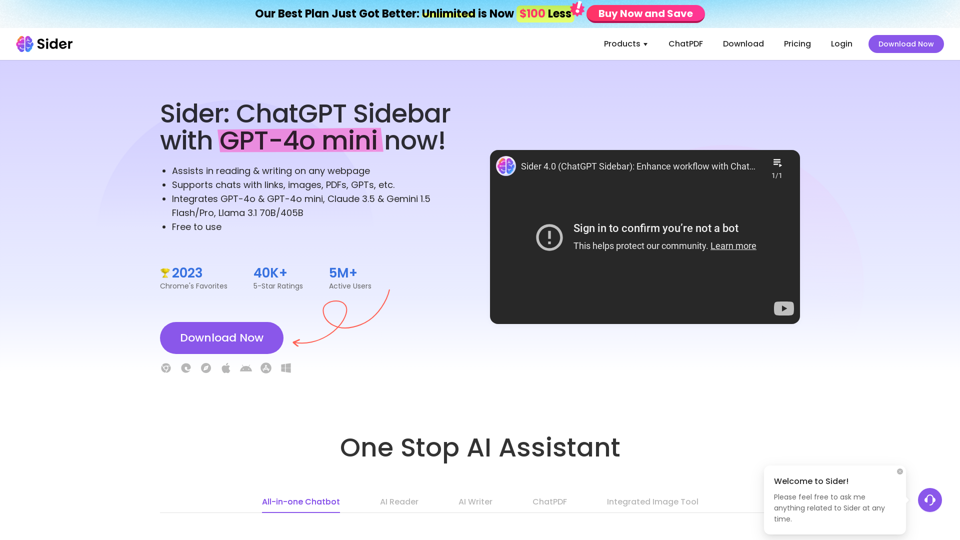
Sider, the most advanced AI assistant, helps you to chat, write, read, translate, explain, test to image with AI, including GPT-4o & GPT-4o mini, Gemini and Claude, on any webpage.

Mnemosphere is the ChatGPT for superhumans. It's a radically productive AI research workspace with multiple top-tier models and powerful tools, designed to turn average ChatGPT users into superhumans.