Mnemosphere
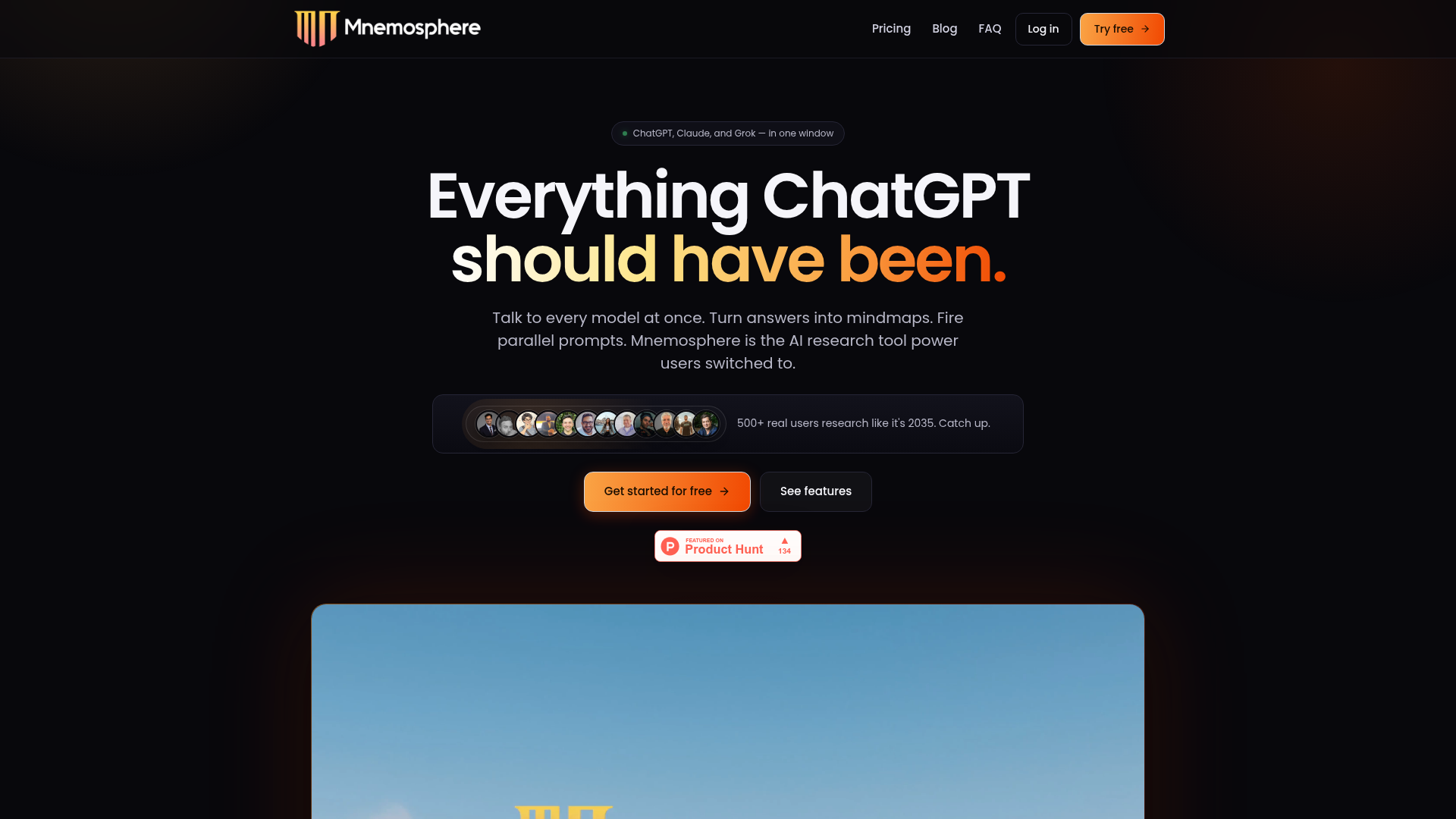
Mnemosphere is the ChatGPT for superhumans. It's a radically productive AI research workspace with multiple top-tier models and powerful tools, designed to turn average ChatGPT users into superhumans.
What is Mnemosphere?
Mnemosphere is an advanced, all-in-one AI research platform that consolidates multiple frontier large language models—like ChatGPT, Claude, Grok, Gemini, and DeepSeek—into a single, unified workspace. It's designed to be the ultimate tool for power users, researchers, founders, and students who need to conduct deep, efficient, and comparative analysis. Unlike standard single-model interfaces, Mnemosphere enables you to chat with multiple AI models simultaneously, transform responses into interactive mind maps, run parallel prompts, critique AI answers, and organize insights with integrated note-taking. It positions itself as the comprehensive solution that "everything ChatGPT should have been," focusing on enhancing research speed, depth, and manageability.
What is the main feature of Mnemosphere?
The core feature of Mnemosphere is its ### multi-model chat capability, allowing users to interact with several top AI models at once in a single window. Key features include:
- Multi-Model Chat
- Stream and compare answers from models like GPT-5.4, Claude 4.6 Sonnet, and Grok 4.1 side-by-side in real-time.
- Instant Mindmaps
- Convert any lengthy AI-generated text answer into a clickable, zoomable visual mind map with one click to better understand structure and connections.
- Parallel Prompts
- Fire off multiple related prompts (e.g., "Explain quantum computing to a 5-year-old," "…to a VC investor") simultaneously and watch all answers generate in parallel windows.
- 1-Click Critique
- Instantly analyze an AI response to uncover hidden gaps, flawed logic, or missing perspectives that the model's polished answer might have overlooked.
- Highlighter & Thread Notes
- Highlight key parts of any AI response and save them to persistent, hyperlinkable notes within your research thread, keeping all insights organized and traceable.
- YouTube Chat
- Paste any YouTube video URL to query its transcript, comments, and key moments as if it were a document.
- Multiple Deep Researches
- Run concurrent deep research queries using models from OpenAI, Gemini, and Perplexity and compare their outputs instantly.
- Lite Threads
- Open quick, focused side-conversations for clarifications without cluttering your main research thread.
- Conversation Index
- Generate a navigable table of contents for long chats, allowing you to jump to any part of the conversation instantly.
How to use Mnemosphere?
Using Mnemosphere is designed to be intuitive for accelerating research:
- Sign Up: Create a free account on their website to get started immediately with core features.
- Start a Chat: Enter your research question or prompt into the main chat interface.
- Select Models: Choose which AI models (e.g., GPT-5.4, Claude, Gemini) you want to answer your query. You can select up to three to answer in parallel.
- Utilize Tools:
- Click the ### Mindmap icon on any answer to visualize it.
- Use ### Highlighter to mark important text and add it to ### Thread Notes.
- Use the ### Parallel Prompts feature to run multiple related queries at once.
- Click ### Critique to get an analysis of potential weaknesses in an AI's response.
- Paste a ### YouTube link or upload documents (PDFs, images, code) to provide context for your queries.
- Organize & Synthesize: Use notes, the conversation index, and the ability to open answers in new windows to compare and synthesize information from different models effectively.
Price
Mnemosphere offers simple, transparent pricing with a free tier and a paid Pro plan:
- Free Plan ($0/month)
- Access to select frontier models (GPT-5.4, Gemini 3.1 Pro, DeepSeek R1).
- Multi-model chat, instant mindmaps, and the highlighter + notes tool.
- Limited to 25 messages per month and 2 attachments per thread.
- Pro Plan ($17/month, billed annually)
- Includes everything in the Free plan.
- Access to exclusive models (GPT-o3, Claude Sonnet/Opus 4.6, Grok 4.1).
- Unlocks the full "Superhuman Toolkit": Critique, Parallel Prompts, Multi-Model Deep Research, Lite Threads, Pro Mindmaps, and YouTube Video Intelligence.
- Higher usage limits: 500 messages/month, unlimited attachments per thread, and a 2x larger context window.
- Includes personalized support and early access to new features.
All plans include a 14-day money-back guarantee for the Pro annual subscription.
Helpful Tips
- Leverage Multi-Model for Validation
- When researching critical topics, use the multi-model chat to get diverse perspectives and triangulate facts, reducing the risk of model-specific biases or errors.
- Use Mindmaps for Synthesis
- For complex topics or long reports generated by AI, instantly convert the answer into a mind map to grasp the overall structure, main arguments, and their relationships at a glance.
- Master Parallel Prompts
- Save significant time when you need to tailor a single concept for different audiences (e.g., a technical explanation for engineers and a business summary for executives) by firing all variations at once.
- Build a Knowledge Base with Thread Notes
- Consistently use the highlighter and notes feature. Over time, you'll build a searchable, linked repository of key insights from all your research sessions.
- Start with the Free Plan
- Thoroughly test the core features with the generous free tier to see how Mnemosphere fits into your workflow before committing to the Pro plan.
Frequently Asked Questions
Which AI models does Mnemosphere support?
Mnemosphere supports all major frontier models as soon as they are publicly released, including flagship models like GPT-5.4, Claude 4.6 Sonnet, Gemini 3.1 Pro, Grok 4.1, and Perplexity Sonar, as well as advanced reasoning models like OpenAI o3, Claude Opus 4.7, and DeepSeek R1.
Why use Mnemosphere instead of just ChatGPT or Claude?
While ChatGPT and Claude lock you into a single provider's ecosystem, Mnemosphere provides access to all top models in one place for a flat fee. More importantly, it adds a powerful research toolkit—like multi-model comparisons, mind maps, parallel prompts, and integrated critique—that doesn't exist on those individual platforms, transforming messy research into a manageable, efficient process.
What kind of files can I upload for analysis?
You can upload a wide variety of files to provide context, including PDFs, CSV/Excel files, images, code files (.py, .js, .html, .json), and even paste YouTube URLs or webpage links. The Pro plan allows unlimited attachments per thread.
How does the multi-model streaming feature work?
You ask one question and can select up to three different models to answer it. Their responses stream in real-time, side-by-side in separate panels. You can swap models mid-conversation, and each model is aware of the others' answers, allowing for cross-model discussion and follow-up questions.
Does Mnemosphere use my data to train AI models?
No. Mnemosphere has a strict privacy policy stating that user prompts, uploaded files, and chat conversations are never used to train any AI models, on either free or paid plans.
Is there an image or video generation feature?
Not currently. Image and video generation capabilities are on the development roadmap and planned for a future release.
Is there an Enterprise plan?
An Enterprise plan is in development. Organizations with specific needs are encouraged to contact the team at [email protected] to discuss requirements.
Mnemosphere
Mnemosphere is the ChatGPT for superhumans. It's a radically productive AI research workspace with multiple top-tier models and powerful tools, designed to turn average ChatGPT users into superhumans.
 Next.js
 React
React Google Tag Manager
 Node.js
 Webpack
Free AI anime and manga generator. Turn text into anime episodes, manga, comics, webtoons and comic shorts in any art style — no drawing or animation skills needed.
Translate image text across 70+ languages with our advanced AI Image Translator to help you better expand your products globally to various countries
Advertised Here
Reach thousands of visitors daily. Get your spot now!
Tools similar to Mnemosphere
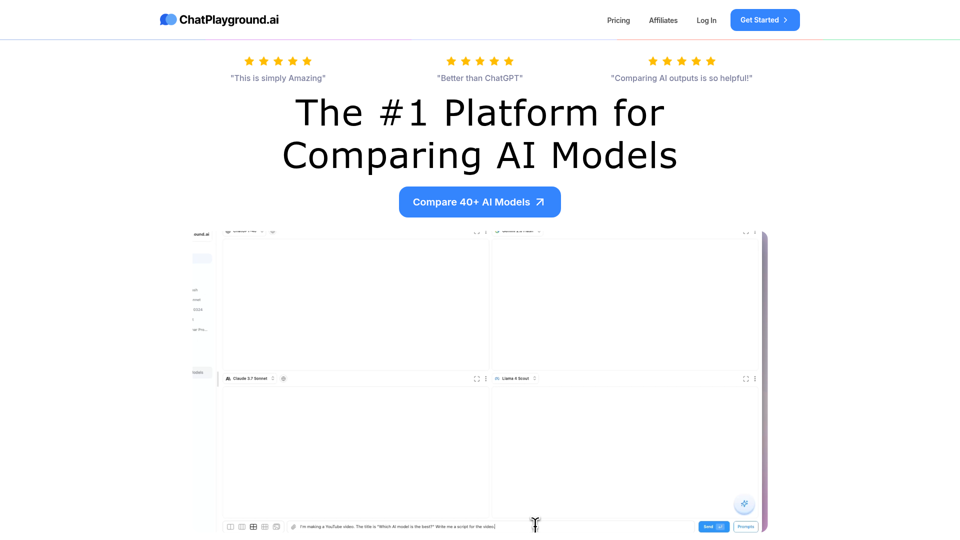
Compare the best AI models including ChatGPT, Google Gemini, Claude Sonnet, DeepSeek, Llama, Perplexity, Grok and 35+ more! Try for free.
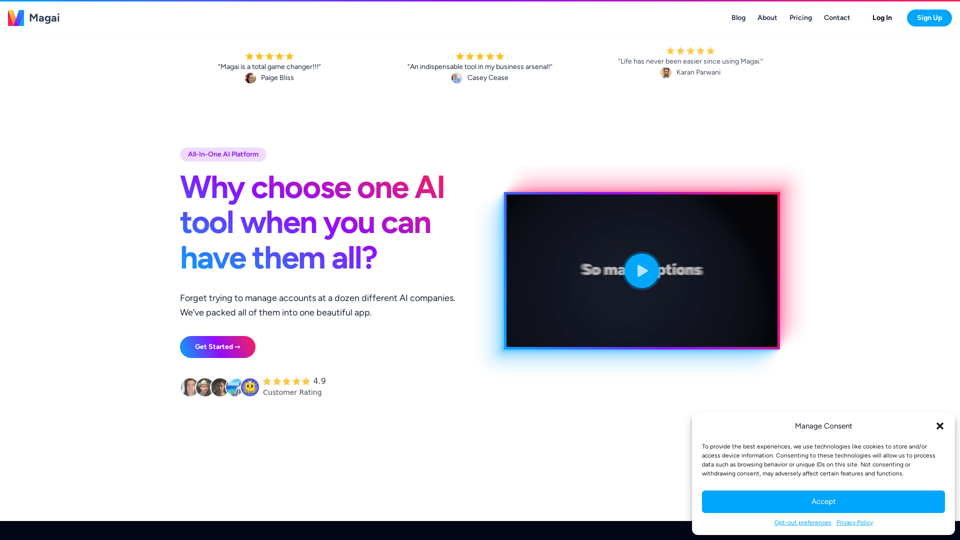
Unlock the full potential of AI with Magai. Get access to multiple AI services and stay organized with this all-in-one platform.
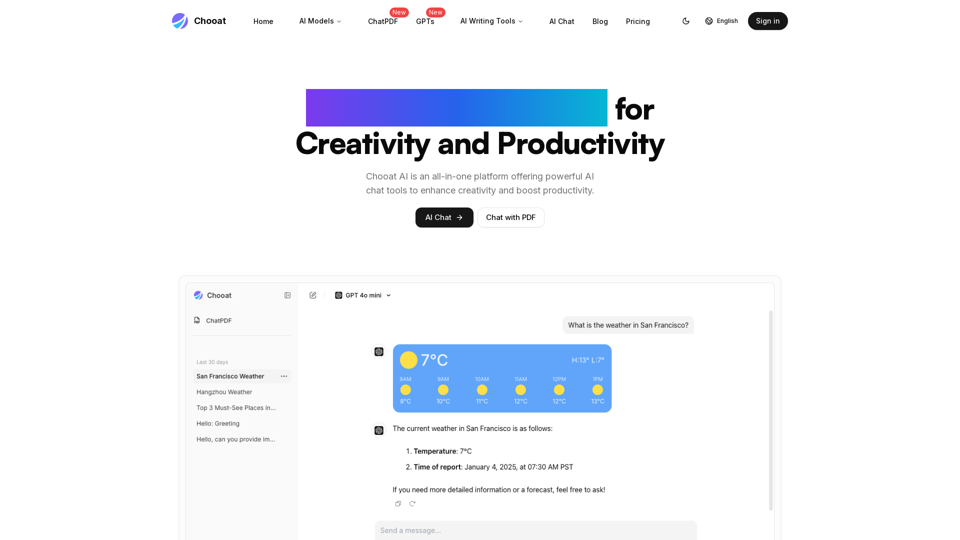
Discover Chooat, the all-in-one AI chat platform powered by ChatGPT, Claude, and Gemini. Experience seamless AI conversations with top models.
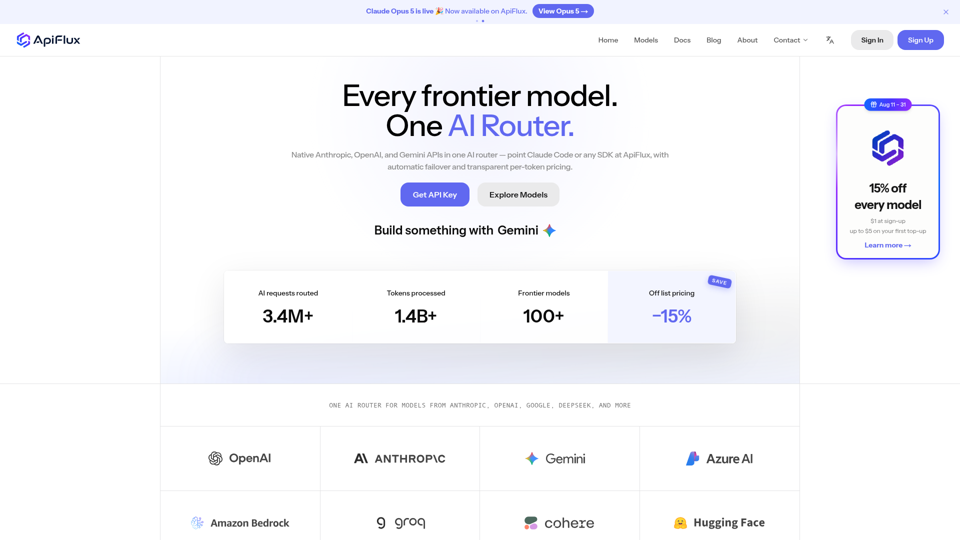
ApiFlux is an AI router with native Anthropic, OpenAI & Gemini APIs — one key for 100+ models, automatic failover, transparent per-token pricing. Claude Code ready.
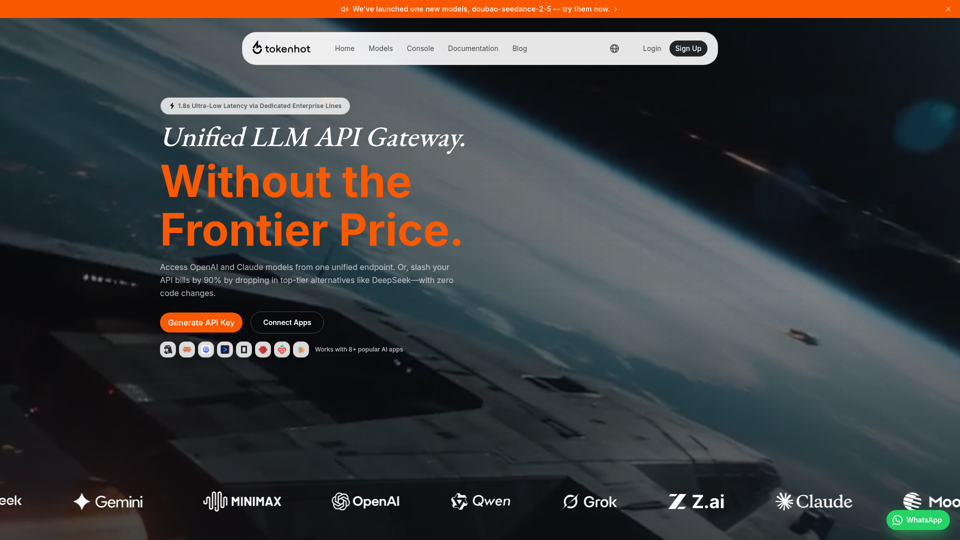
Better price, better stability. The unified LLM API gateway supporting OpenAI, Claude, Gemini, DeepSeek and 30+ providers.
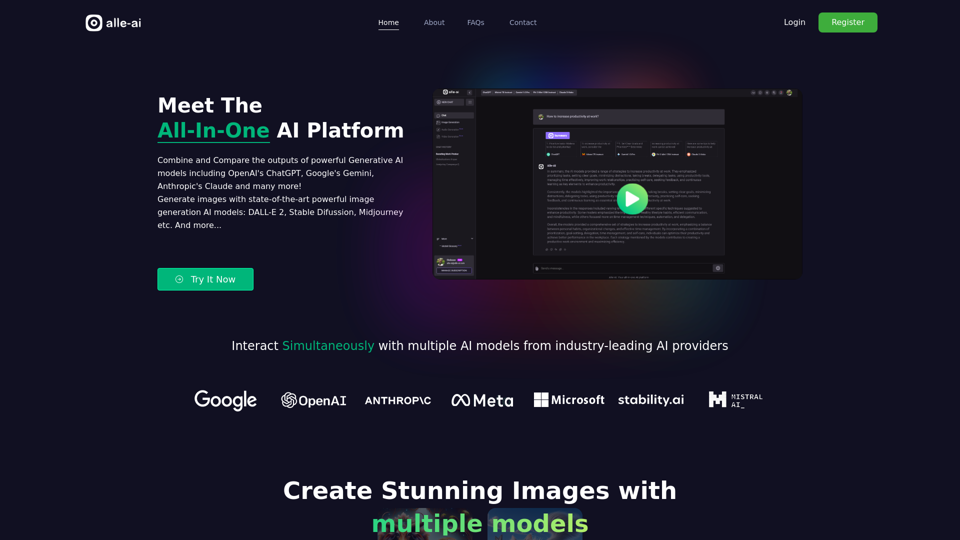
Meet the All-In-One AI Platform! Combine the outputs of powerful Generative AIs including OpenAI's ChatGPT, Google's Gemini, Anthropic's Claude, Meta's Llama and many more!
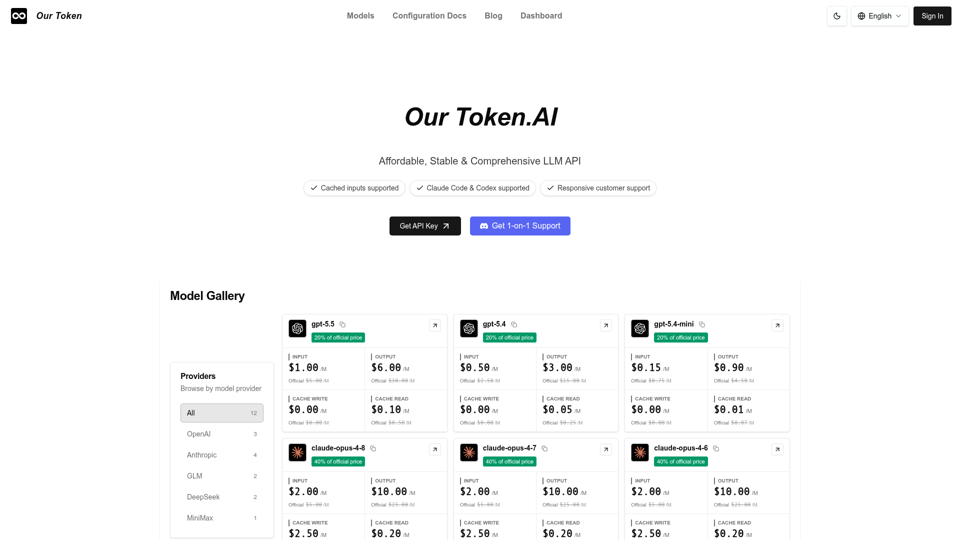
Use one unified API to access OpenAI, Claude, GLM, MiniMax and other LLMs. Compare models, prices, and capabilities to find the best fit for your prompts.
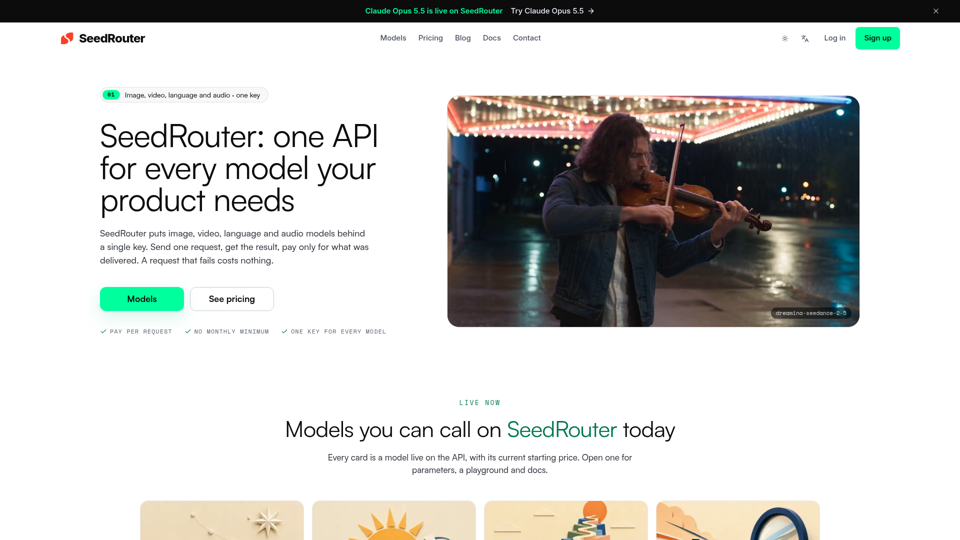
SeedRouter puts image, video, language and audio models behind one API key with pay-per-request billing. Failed requests cost nothing. Get your key.