Ai Helper
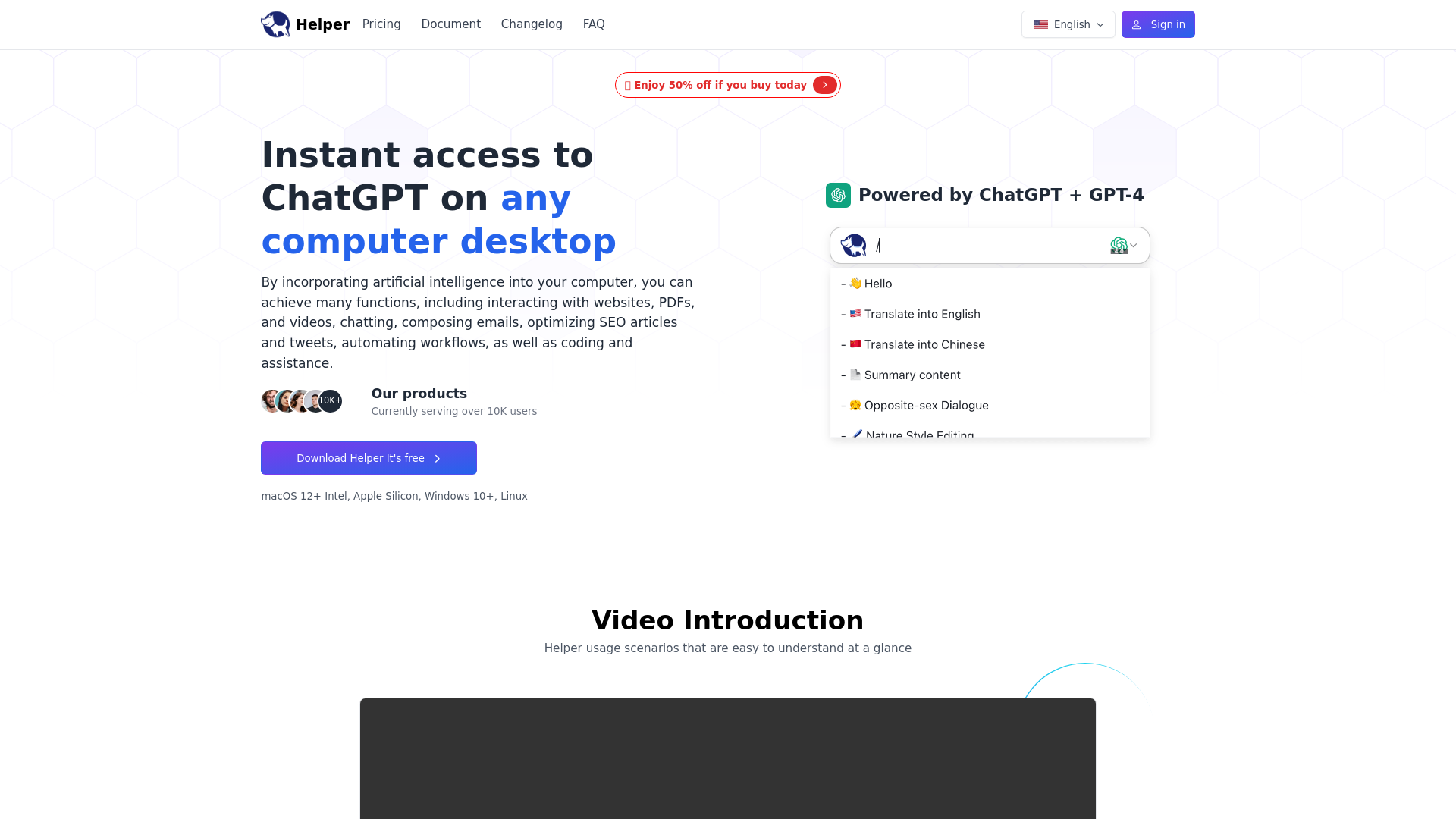
Helper is a native computer desktop ChatGPT client designed for entrepreneurs, developers and marketers. Seamlessly integrate AI assistances into your daily tasks.
What is Ai Helper?
Ai Helper is a free ChatGPT MacOS/Windows/Linux client that incorporates artificial intelligence into your computer, enabling various functions such as interacting with websites, PDFs, and videos, chatting, composing emails, optimizing SEO articles and tweets, automating workflows, as well as coding and assistance.
Features of Ai Helper
- Access AI from anywhere
- Use it in any scenario
- Editor: Get inspired and write quickly
- Code: Write code and get bug fixes
- Email: Write reviews and reply to emails
- Use cases: Content & Marketing, Developers, Work, Social Media
How to use Ai Helper
- Getting started: Better ChatGPT Client
- Show Ai Helper: Select any text and use the shortcut Alt + X to call out the window
- Use Prompt: Type / in the input box to use the built-in 50+ Prompts
- Generate results: Use the shortcut Enter to output the result
- Ai Chat: Enter Support Continuous Conversation
- Typewriting output: Alt + Enter Suitable for plain text without formatting requirements
- Paste output: Shift + Enter Suitable for code editors with formatting requirements
Pricing of Ai Helper
Ai Helper offers a free version with a daily usage limit. For unlimited access and even more features, upgrading to our paid version is available at $9.9.
Frequently Asked Questions
Is AI Helper free?
AI Helper is available to all users for free, but there is a daily usage limit for our free version.
How can I use AI Helper?
Simply press Option + X or Alt + X to start chatting with AI Helper. Alternatively, select any text from an app or website and let AI Helper explain, translate or rephrase for you.
How can I change the shortcut key?
Settings ->General ->Shortcut keys ->Click on the input box ->Enter your shortcut key
How to use one's own Key?
Settings ->OpenAi ->Enable Local ->Fill in API KEY (requires purchasing a local membership package)
Why does AI Helper (Mac version) require accessibility permissions?
To provide quick actions and prevent the need for copy-pasting, AI Helper (Mac version) requires accessibility permissions to read your selected text.
How does AI Helper ensure the protection of my privacy and security?
The security and privacy of our users are our top priorities. AI Helper is designed with privacy in mind and follows strict security protocols.
Ai Helper
Helper is a native computer desktop ChatGPT client designed for entrepreneurs, developers and marketers. Seamlessly integrate AI assistances into your daily tasks.
 Clickbank
 Cloudflare
 Google Analytics
 HTTP/3
 Rewardful
Free AI anime and manga generator. Turn text into anime episodes, manga, comics, webtoons and comic shorts in any art style — no drawing or animation skills needed.
Translate image text across 70+ languages with our advanced AI Image Translator to help you better expand your products globally to various countries
Advertised Here
Reach thousands of visitors daily. Get your spot now!
Tools similar to Ai Helper
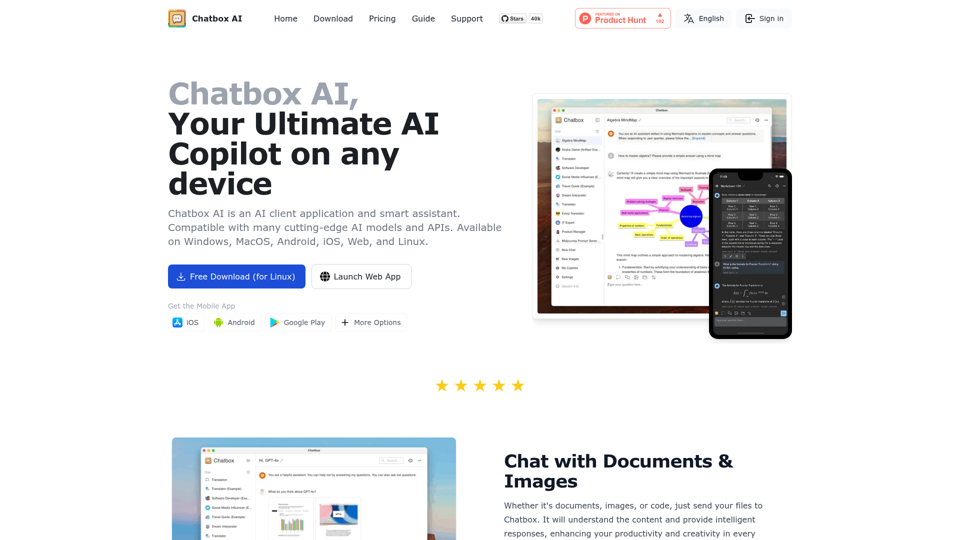
Chatbox AI is an AI client application and smart assistant. Compatible with many cutting-edge AI models and APIs. Available on Windows, MacOS, Android, iOS, Web, and Linux.
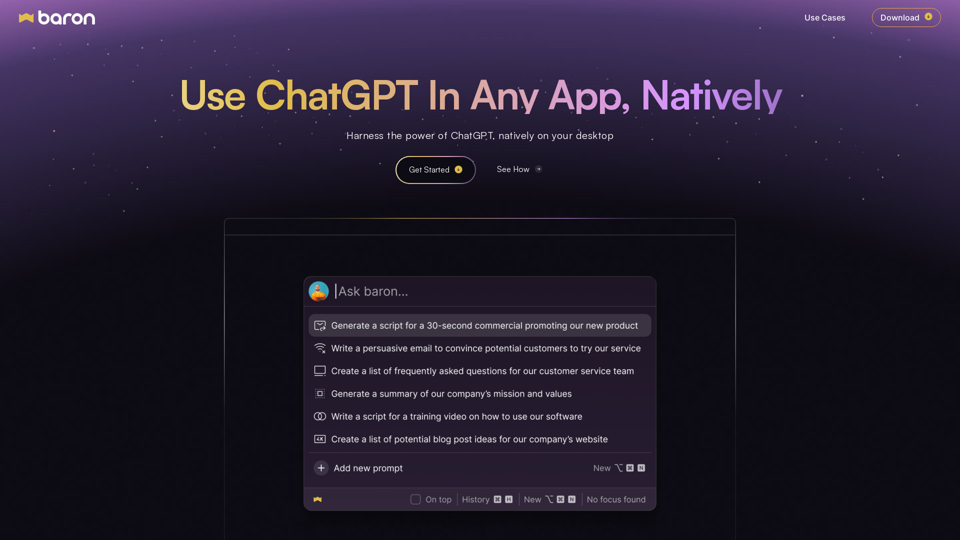
Get Free ChatGPT App and Access AI Anywhere | 10x Your Productivity, Create Personalized Profiles & Save Prompts for Seamless Workflow!
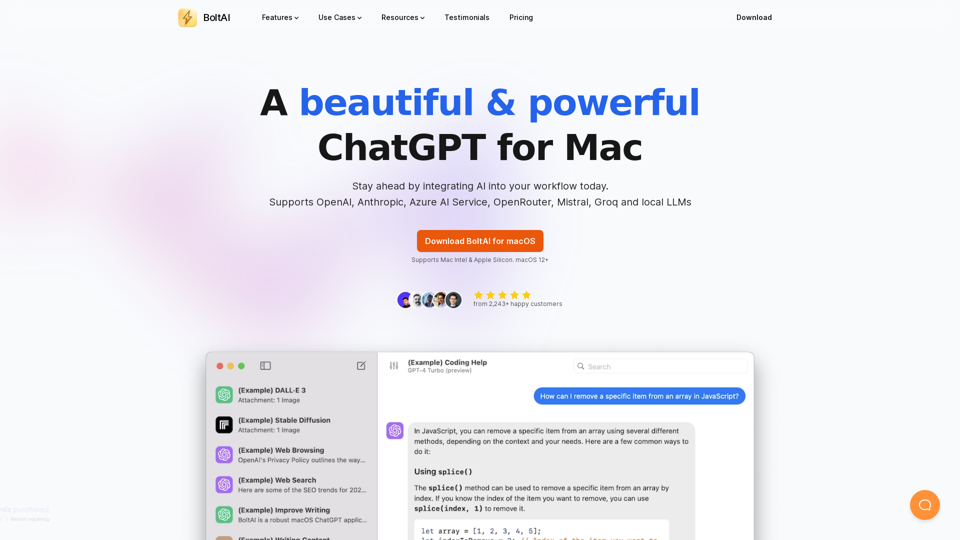
BoltAI is a native ChatGPT app for Mac. It allows you to integrate AI assistances into your daily tasks.
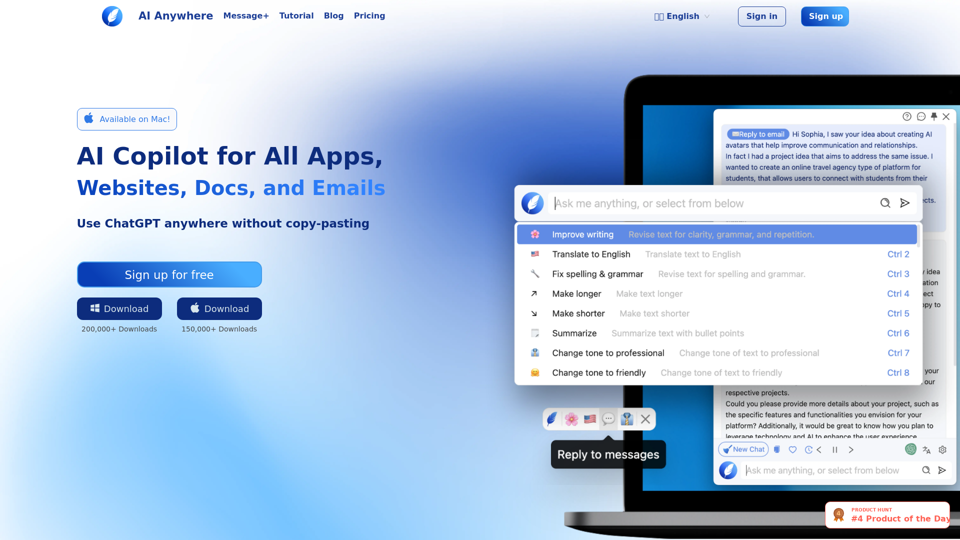
AI Anywhere is your ultimate AI Copilot for all apps, docs, emails and websites. It enables you to use ChatGPT anywhere without copy-pasting. Effortlessly read, write and code.
cFlow is your contextual generative AI assistant for all your everyday tasks from research, text-editing, note-taking, scheduling and more. cFlow provides LLM-native, seamless knowledge access across your desktop devices.
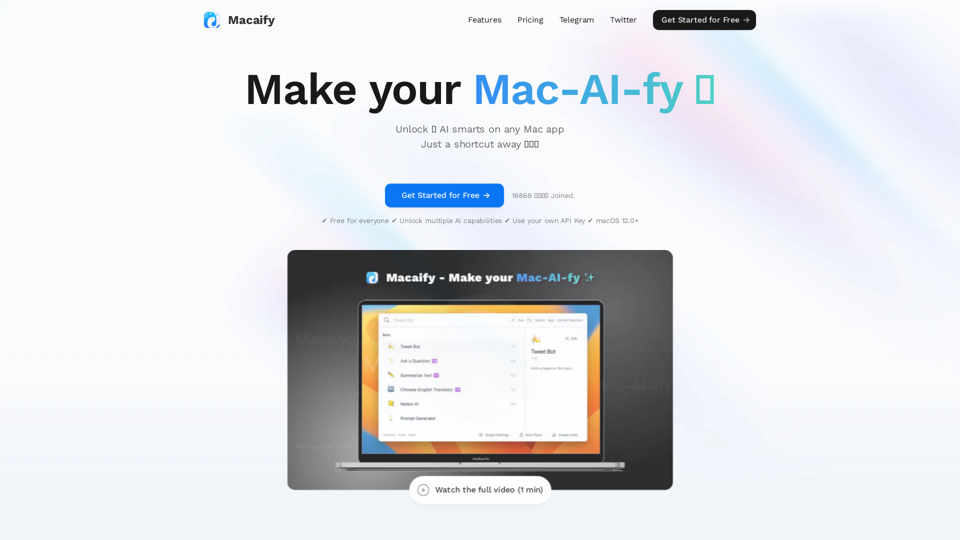
Unleash the power of ChatGPT on your Mac computer, anytime, anywhere with this incredible App. Take your productivity to new heights as you seamlessly engage with ChatGPT and beyond.
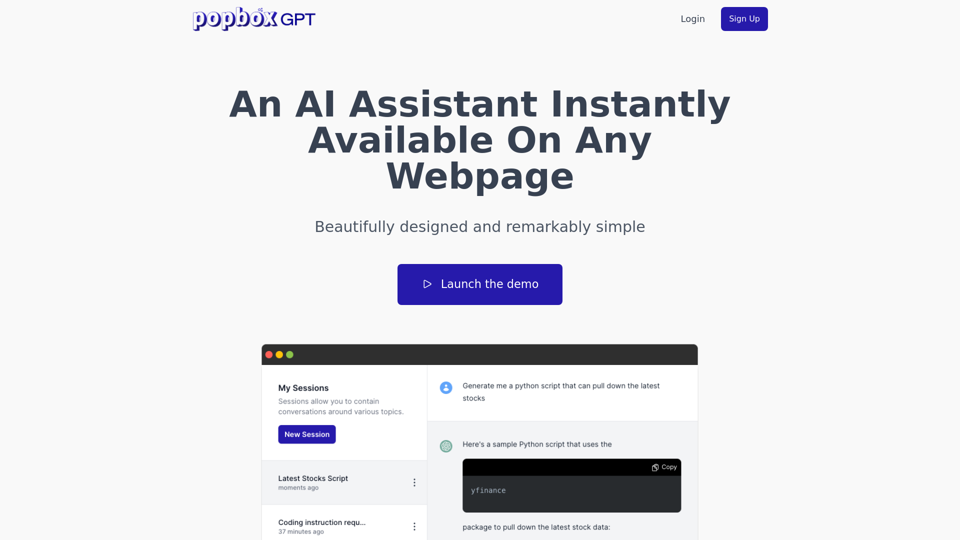
Discover PopboxGPT, the powerful GPT Chrome extension that brings AI-powered assistance right in your browser. Enhance productivity and simplify tasks with this intuitive browser-based AI helper.