Chatbox AI
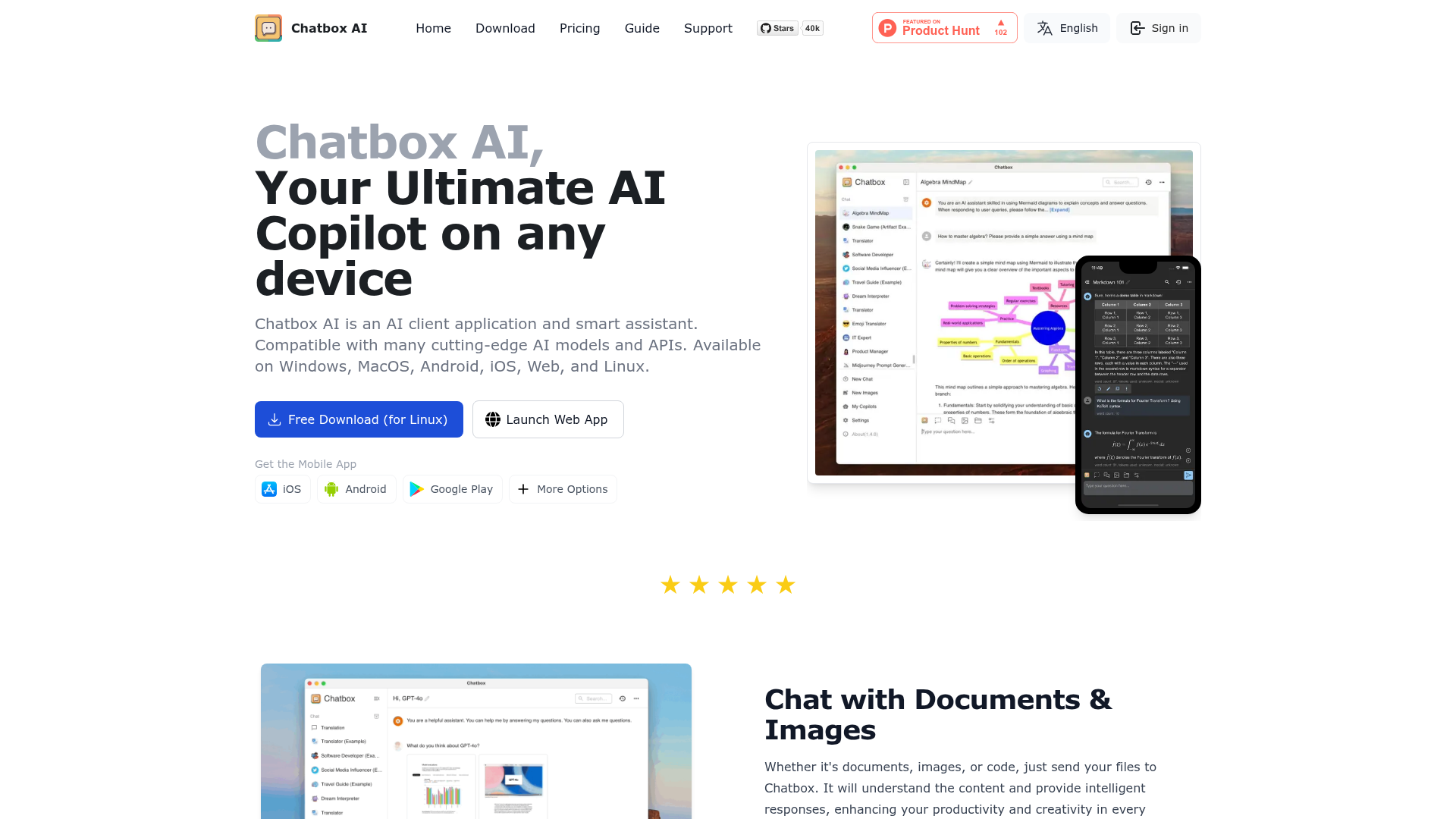
Chatbox AI is an AI client application and smart assistant. Compatible with many cutting-edge AI models and APIs. Available on Windows, MacOS, Android, iOS, Web, and Linux.
What is Chatbox AI?
Chatbox AI is a universal AI client and smart assistant application designed to be your ultimate AI copilot on any device. It serves as a powerful interface that provides seamless access to a wide array of cutting-edge AI models and APIs, including ChatGPT, Claude, DeepSeek, and Gemini. Available across all major platforms—Windows, macOS, Linux, Android, iOS, and Web—Chatbox AI consolidates multiple AI capabilities into a single, user-friendly application. It goes beyond simple text chat, enabling you to interact with documents and images, generate code, create AI art, perform web searches, and visualize data, all while prioritizing local data storage for maximum privacy and control. Whether for work, study, or creative projects, Chatbox AI acts as a central hub to harness the power of modern artificial intelligence.
What are the main features of Chatbox AI?
Chatbox AI is packed with powerful features that make it a comprehensive AI workstation:
- Multi-Platform & Model Agnostic
- A single, unified application works on your desktop, phone, and browser. It connects to hundreds of AI models, acting as a "universal remote control" for AI, allowing you to use your own API keys or subscribe to its integrated service.
- Chat with Files & Images
- Upload and interact with a vast range of file types. The AI can read, analyze, and answer questions based on content from PDFs, Word documents, Excel sheets, PowerPoint presentations, images (including handwritten notes), and code files in languages like Python, JavaScript, and C++.
- AI-Powered Code Assistant
- A full suite of tools for developers includes intelligent code generation, artifact previews, syntax highlighting, code review, refactoring suggestions, debugging assistance, and security checks, turning natural language ideas into functional code.
- Real-Time Web Search & Browsing
- Access live information from the internet directly within your chat. The AI can fetch the latest news, real-time data, analyze URLs, summarize web content, and perform fact-checking to keep your information current.
- Visualized Insights & AI-Generated Charts
- Transform complex data and concepts into clear, customizable charts and graphs directly in the conversation. This feature enhances understanding of trends, statistics, and academic materials.
- AI-Powered Image Creation
- Unleash your creativity with a built-in text-to-image generator. Describe any scene or concept, and Chatbox AI will produce unique visual artwork in various styles.
- LaTeX & Markdown Rendering
- Perfect for students, researchers, and writers. Compose and display complex mathematical equations using LaTeX and format detailed text with Markdown support for clear academic and technical discourse.
- Privacy by Design
- Your conversations, settings, and data are stored locally on your device by default. Chatbox gives you full control over your information, with easy backup and export options, ensuring peace of mind.
- Integrated Knowledge Base (Desktop)
- A powerful feature for the desktop app that allows AI to understand and search through your private collection of documents, creating a personalized, queryable knowledge base.
How to use Chatbox AI?
Using Chatbox AI is straightforward and flexible, catering to both free and premium users:
- Download and Install: Choose your platform (Windows, Mac, Linux, iOS, Android) and download the free Chatbox application from the official website or app stores. You can also use the web version directly in your browser.
- Choose Your Access Method:
- Free App with Your Own API Keys: You can use the Chatbox application completely free by providing your own API keys from services like OpenAI, Anthropic, or Google. This requires you to have accounts with these providers.
- Chatbox AI Subscription Service: For a plug-and-play experience, subscribe to one of Chatbox AI's service plans (Lite, Pro, Pro+). This provides integrated, high-speed access to multiple models without managing separate API accounts. New users can claim a free trial quota daily.
- Start Chatting and Exploring: Once set up, you can immediately start text conversations with AI models. Explore the advanced features by using the upload button to send files and images, clicking the web search toggle for real-time information, using the chart icon for data visualization, or typing an image prompt to generate AI art.
- Maximize Productivity: Utilize the code assistant for programming tasks, employ the knowledge base to query your documents, and leverage LaTeX for technical writing. The local storage ensures your history is always accessible and private.
What is the price of Chatbox AI?
Chatbox AI operates on a freemium model: the core application is free, while enhanced AI services are available via subscription.
Chatbox Applications (Free):
- Cost
- Free
- Includes
- Full access to the Chatbox client on all platforms (Desktop/Mobile/Web). You can connect it to AI models using your own API keys.
Chatbox AI Service (Subscription): This service provides integrated, hassle-free access to top AI models with additional features.
- Chatbox AI Lite
- $3.5/month (billed annually)
- Perfect for light, everyday use.
- 2,000,000 compute points/month.
- Access to Standard and Advanced models.
- Web Search, 25 AI image generations, and image chat.
- Chatbox AI Pro (Recommended)
- $16.7/month (billed annually)
- Ideal for medium to high professional use.
- 12,000,000 compute points/month (6x Lite quota).
- All Lite features, plus: ### Chat with Any Document (PDF, DOC, etc.), ### Knowledge Base service, and advanced document preprocessing.
- 100 AI image generations.
- Chatbox AI Pro+
- $33.33/month (billed annually)
- Designed for intensive, professional workloads.
- 30,000,000 compute points/month (15x Lite quota).
- All Pro features.
- 200 AI image generations.
Helpful tips for using Chatbox AI
- Claim Your Free Trial
- If you're new to the Chatbox AI service, don't forget to log in on their website to claim your daily free usage quota before committing to a subscription.
- Leverage Local Storage
- Use the app's local data storage to your advantage. Your chat history is a searchable resource. Use the message history search to quickly find past ideas, code snippets, or information.
- Master File Uploads
- The document understanding feature works with scanned PDFs. You can digitize and query handwritten notes or printed documents by uploading their scanned images.
- Combine Features
- Use web search to gather current data, then ask the AI to analyze that information and create a chart to visualize the key trends—all in one continuous conversation.
- Explore the Code Preview
- When generating code, use the artifact preview feature to instantly see the output of scripts (like HTML/JavaScript) without leaving the app, streamlining your development workflow.
- Desktop for Power Features
- For the most powerful capabilities like the Knowledge Base and MCP server integration, use the desktop application (Windows, macOS, Linux).
Frequently Asked Questions
I want to use Chatbox for free!
New users can try the Chatbox AI service for free with a refreshed daily quota. Visit the Chatbox website, log into your account, and claim the free plan. You can also use the Chatbox app indefinitely for free with your own API keys.
What's the difference between Chatbox AI service and using my own API key?
Using your own API key requires you to manage accounts, billing, and connectivity with each provider. The Chatbox AI service offers a unified, plug-and-play experience. It's officially integrated, providing more stable, high-speed access without technical hassle, and you only pay for the backend compute costs.
What is the AI Drawing feature?
It is a text-to-image generator. You describe a scene (e.g., "a cyberpunk cityscape at night"), and Chatbox AI creates an original image based on your description. As the prompter, you hold the rights to the generated image for personal or commercial use, within legal and ethical boundaries.
What is the relationship between Chatbox and AI model providers like OpenAI?
Chatbox is an independent client application, like a web browser for AI. It does not create the AI models itself but connects you to them. You can use it with providers' APIs. The Chatbox AI service is their official hosted platform that bundles access to multiple providers for convenience.
Where is the Knowledge Base feature?
The Knowledge Base is a premium feature available exclusively in the ### desktop application (Windows, macOS, Linux). It allows the AI to read, index, and answer questions from your private collection of documents.
How is my data privacy protected?
Privacy is a core design principle. The Chatbox app stores all your chats and settings ### locally on your device. When using the Chatbox AI service, your prompts and files are sent to their servers ### only to generate a reply and may be cached briefly for performance. This data is ### not used for training models, advertising, or any other purpose. When using third-party APIs, their respective privacy policies apply.
How are tokens billed?
Usage is billed based on the total tokens (text pieces) in your conversation history and the AI's response. This aligns with standard model provider pricing. On average, 1 English word ≈ 1.4 tokens, and 1 Chinese character ≈ 3.5 tokens. Different models consume compute points at different rates.
How do I upgrade or cancel my subscription?
You can manage all your subscriptions, licenses, and orders by logging into your account on the Chatbox website and visiting the user overview section.
Chatbox AI
Chatbox AI is an AI client application and smart assistant. Compatible with many cutting-edge AI models and APIs. Available on Windows, MacOS, Android, iOS, Web, and Linux.
 Google Analytics
 Next.js
 Node.js
 React
React Webpack
Free AI anime and manga generator. Turn text into anime episodes, manga, comics, webtoons and comic shorts in any art style — no drawing or animation skills needed.
Translate image text across 70+ languages with our advanced AI Image Translator to help you better expand your products globally to various countries
Advertised Here
Reach thousands of visitors daily. Get your spot now!
Tools similar to Chatbox AI
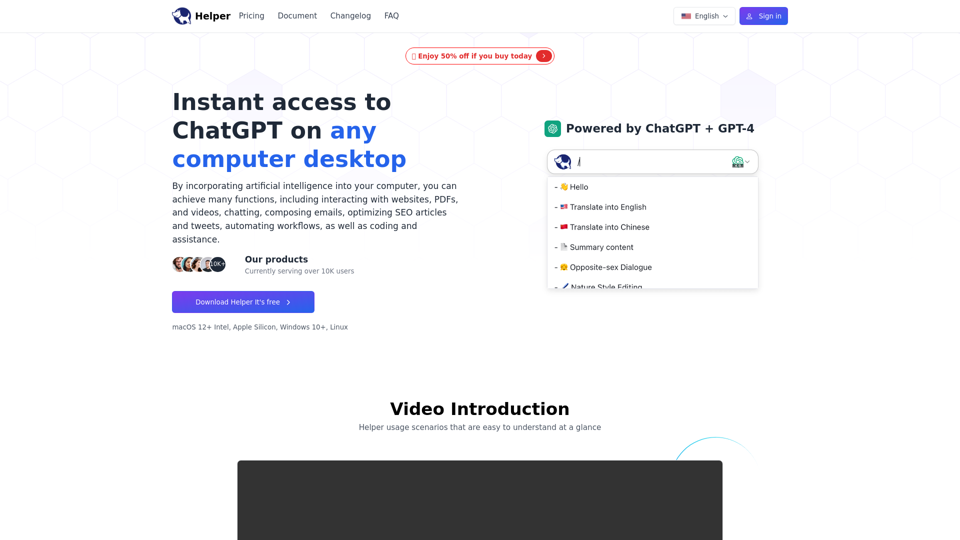
Helper is a native computer desktop ChatGPT client designed for entrepreneurs, developers and marketers. Seamlessly integrate AI assistances into your daily tasks.
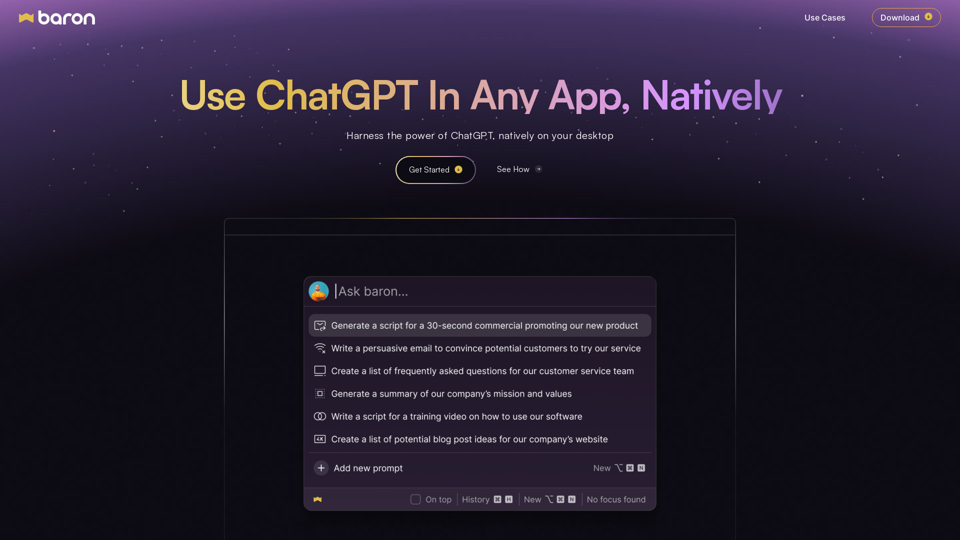
Get Free ChatGPT App and Access AI Anywhere | 10x Your Productivity, Create Personalized Profiles & Save Prompts for Seamless Workflow!
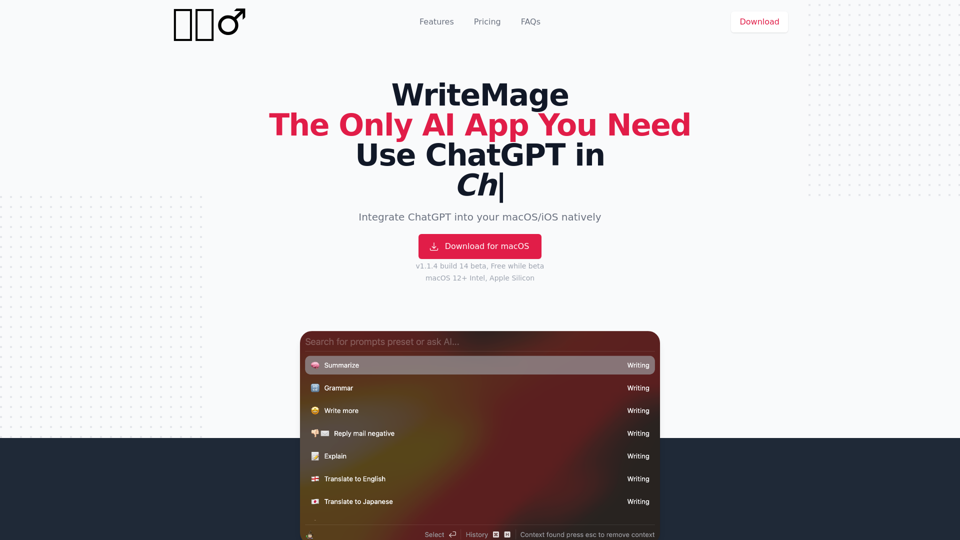
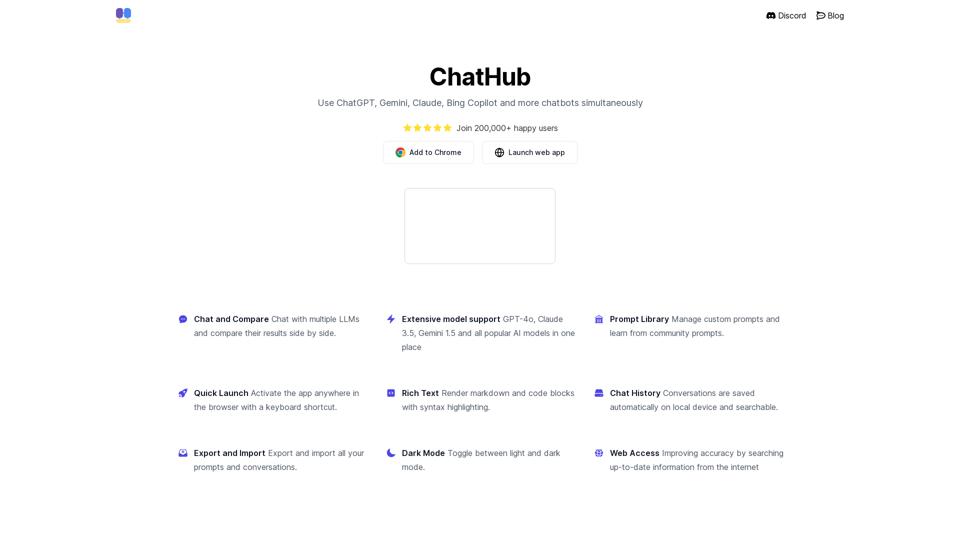
All-in-one chatbot client, use ChatGPT, Gemini, Claude, Bing Copilot and more chatbots simultaneously
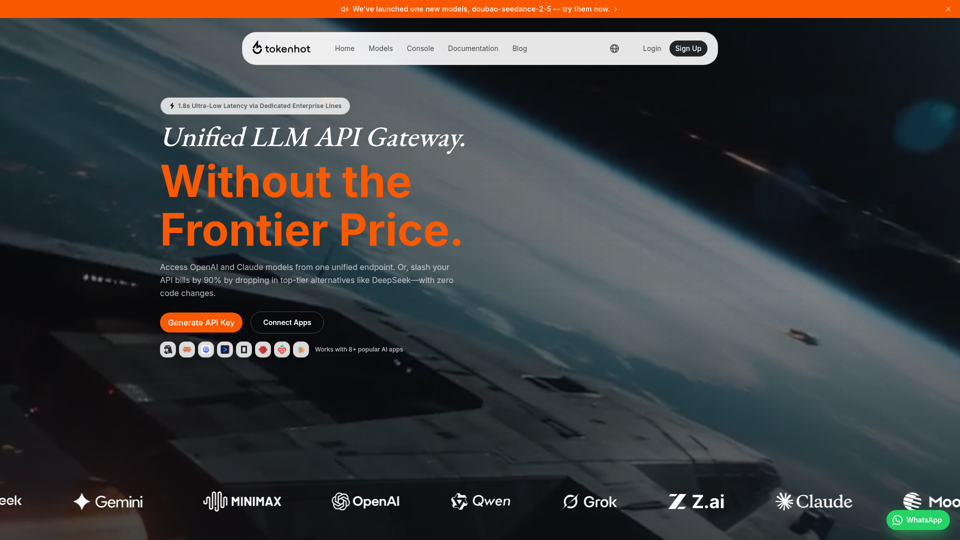
Better price, better stability. The unified LLM API gateway supporting OpenAI, Claude, Gemini, DeepSeek and 30+ providers.
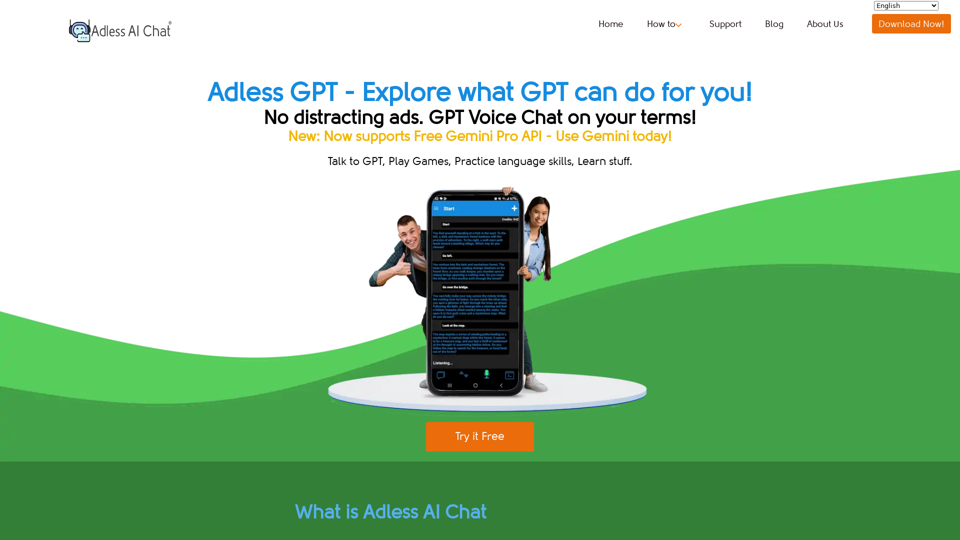
Free App from Google Play that gives two-way voice chat with Gemini Pro API, ChatGPT 3.5 API, and ChatGPT 4 API - Play games, write letters, do research, get recipes.
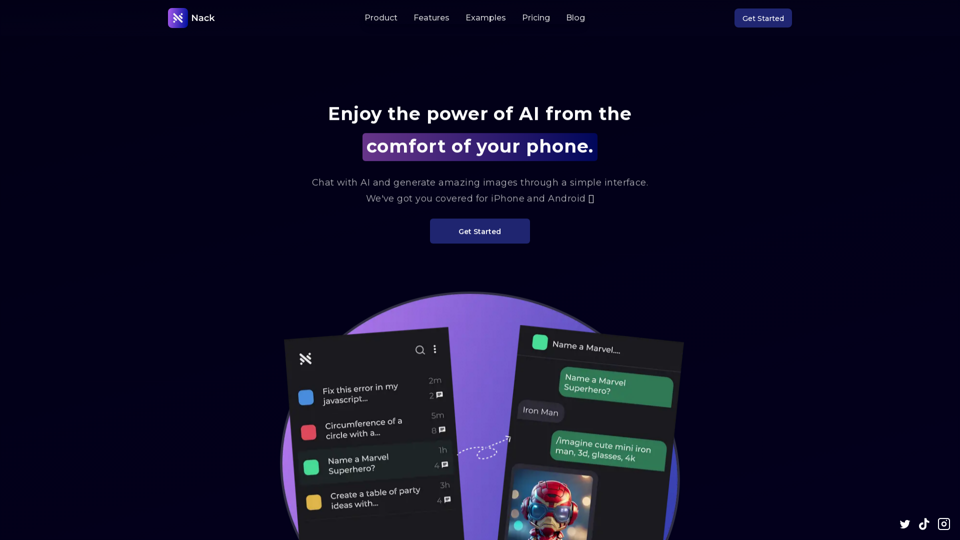
Experience the power of ChatGPT and AI on your mobile device. Nack is available on both iOS and Android. Enjoy an amazing user experience with our intuitive and easy-to-use interface.
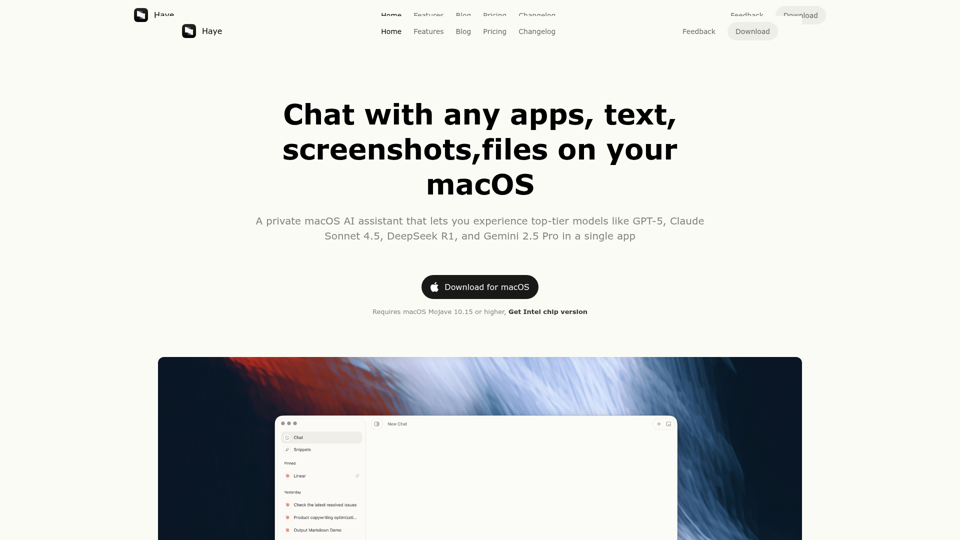
Haye is a private macOS AI assistant that lets you experience top-tier models like DeepSeek, o3, GPT-4o, Claude-3.5, and Gemini-2.0 in a single app