Free img2threejs converter
img2threejs is a free image to Three.js converter. Create editable web 3D models, preview named parts, and download TypeScript and JSON.
What is img2threejs?
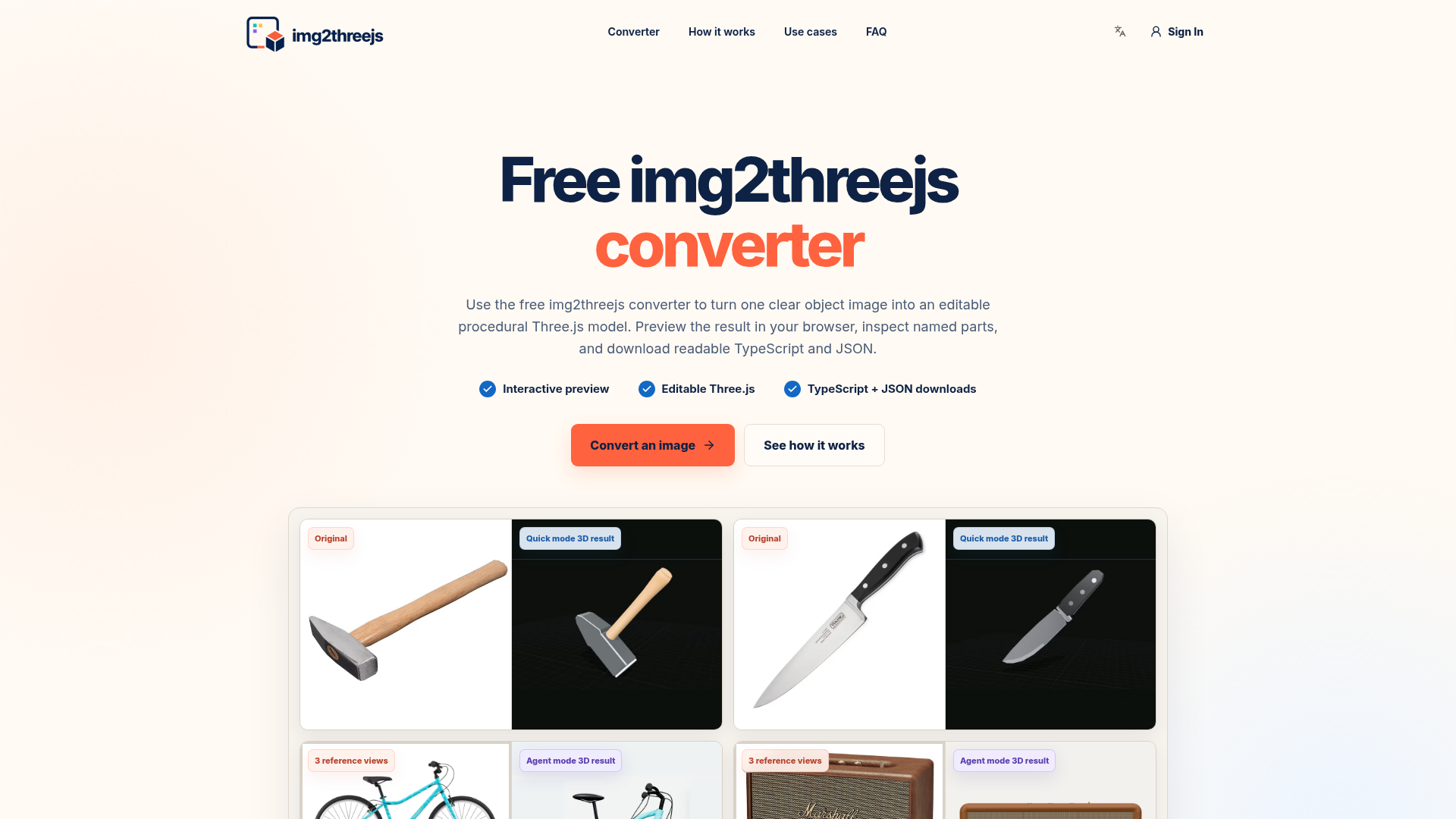
img2threejs is a free online converter that transforms a single, clear object photograph into an editable, procedural Three.js model. It analyzes the image to rebuild the object as a structured 3D scene composed of named parts, materials, and transforms. Instead of delivering an opaque mesh, it provides human-readable TypeScript code and a JSON specification, making the result inspectable and fully modifiable within standard web development workflows.
Key Features of img2threejs
Interactive Browser Preview
Immediately visualize and orbit your generated 3D model directly in the browser. Toggle between material views and inspect the hierarchy of named parts.
Editable Procedural Output
The core value lies in editability. The converter creates a blueprint of named components (like "handle," "blade," or "wheel") built from procedural geometry. Every part, material, and transform is traceable and can be modified in the downloaded code.
TypeScript & JSON Export
Download the model as clean, typed Three.js TypeScript code that returns a reusable THREE.Group. The accompanying JSON specification details the construction plan, allowing for easy review, iteration, and integration into version control systems like Git.
Dual Generation Modes
- Quick Mode
- For single, clear reference images. Offers 1 free generation per day and is ideal for simple objects.
- Agent Mode
- A future multi-pass workflow designed for complex objects, utilizing multiple reference views for a more detailed reconstruction. This mode uses more computational resources and is not free.
How to Use img2threejs
- Prepare Your Image: Use a sharp, well-lit photograph of a single hard-surface object (e.g., a tool, appliance, or prop) against a simple background.
- Upload and Convert: Go to img2threejs.com/#converter, upload your PNG or JPG, and select "Quick Generate."
- Preview and Inspect: Once processed, interact with the 3D preview in your browser. Examine the scene graph to see the named parts.
- Download and Integrate: Download the editable TypeScript factory and JSON spec. Import the code into your Three.js project, where you can rename parts, adjust dimensions, change materials, or attach animations.
Pricing for img2threejs
- Quick Mode
- Includes ### 1 free anonymous generation per day.
- Agent Mode
- This advanced mode is not free. Jobs are priced in credits based on their estimated complexity (e.g., number of reference views, object detail). The cost is clearly displayed before you confirm the generation.
Helpful Tips for Using img2threejs
- Ideal Subjects
- Product photos, tools, kitchenware, mechanical parts, and furniture work best. The converter excels with objects that have clear silhouettes and distinct components.
- Image Quality is Key
- Ensure your subject is fully visible, well-lit, and has minimal occlusion. A clean background dramatically improves the analysis.
- Understand the Limits
- A single image cannot capture hidden surfaces. The back, underside, and internal connections are inferred. It is not suitable for organic shapes (humans, animals), hair, cloth, transparent materials, or photorealistic vehicle surfacing.
- Prototype, Don't Finalize
- Treat the output as a sophisticated first draft or interactive prototype—a structured starting point for web-based 3D—rather than a final, production-ready game asset or marketing model.
- Leverage Named Parts
- The semantic hierarchy is perfect for adding interactivity. You can easily attach click events or animations to specific named components like a "button" or "door."
Frequently Asked Questions
Is img2threejs free?
Quick mode includes 1 free generation per day. Agent mode, which uses significantly more AI and cloud resources for complex multi-view analysis, is a paid service.
What file formats can I export?
The primary exports are editable Three.js TypeScript code and a JSON build specification. It does not export traditional 3D file formats like GLB, OBJ, or FBX, as its focus is on code-first, web-integratable assets.
Can I edit the generated Three.js code?
Absolutely. The entire point is editability. You can rename parts, change materials, adjust transformations, add event listeners, or replace geometry. The JSON spec allows you to understand and modify the construction logic itself.
How does img2threejs differ from photogrammetry?
Photogrammetry recreates dense geometry and textures from many photos. img2threejs uses AI analysis and procedural generation from one primary image to create a structured, code-based model optimized for editability and browser integration, not millimeter-accurate surface reproduction.
Can I use the output commercially?
Yes, provided you have the rights to the original uploaded image and comply with the Terms of Service. You are responsible for ensuring the subject matter (e.g., a branded product) doesn't infringe on trademarks or other intellectual property.
Can the generated parts be animated?
The converter creates a named hierarchy ideal for later animation (e.g., rotating a wheel, opening a lid). However, it does not provide automatic rigging, skinning, or complex deformation animations. These require additional developer implementation using the exposed parts.
Is my image data private?
Uploaded images are processed through servers and AI models (like OpenRouter). While there is no permanent, account-linked library, service providers may process data under their own policies. Do not upload confidential, personal, or unlicensed imagery.
What is the best use case for img2threejs?
It is perfect for creating interactive product previews, game prop prototypes, creative coding experiments, technical explainers, and any web-based 3D project where maintaining an editable, component-based structure is more valuable than photographic mesh accuracy.
Free img2threejs converter
img2threejs is a free image to Three.js converter. Create editable web 3D models, preview named parts, and download TypeScript and JSON.
 Cloudflare
 HTTP/3
Free AI anime and manga generator. Turn text into anime episodes, manga, comics, webtoons and comic shorts in any art style — no drawing or animation skills needed.
Translate image text across 70+ languages with our advanced AI Image Translator to help you better expand your products globally to various countries
Advertised Here
Reach thousands of visitors daily. Get your spot now!
Tools similar to Free img2threejs converter
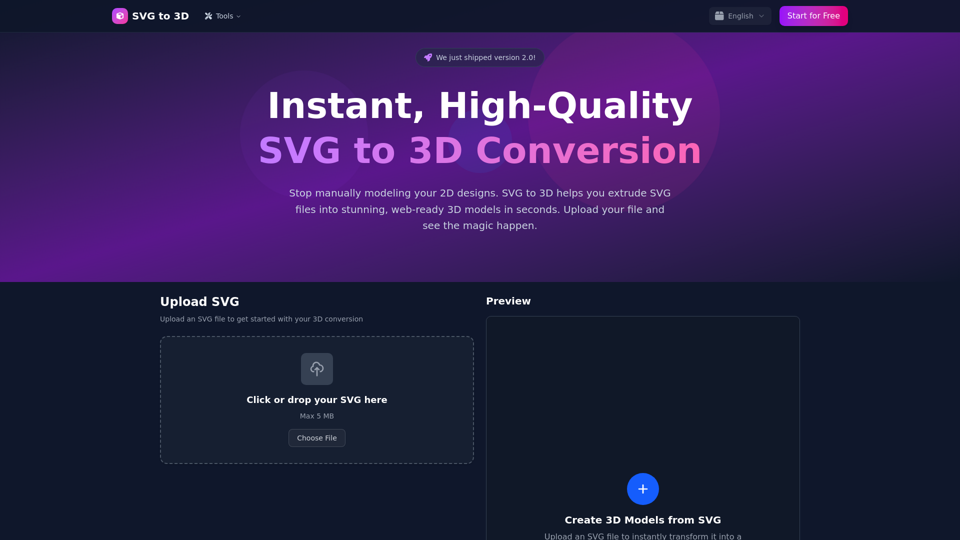
Convert SVG files to stunning 3D models instantly and for free. Export as GLB, STL, or PNG. Professional quality with customizable thickness, materials, and lighting.
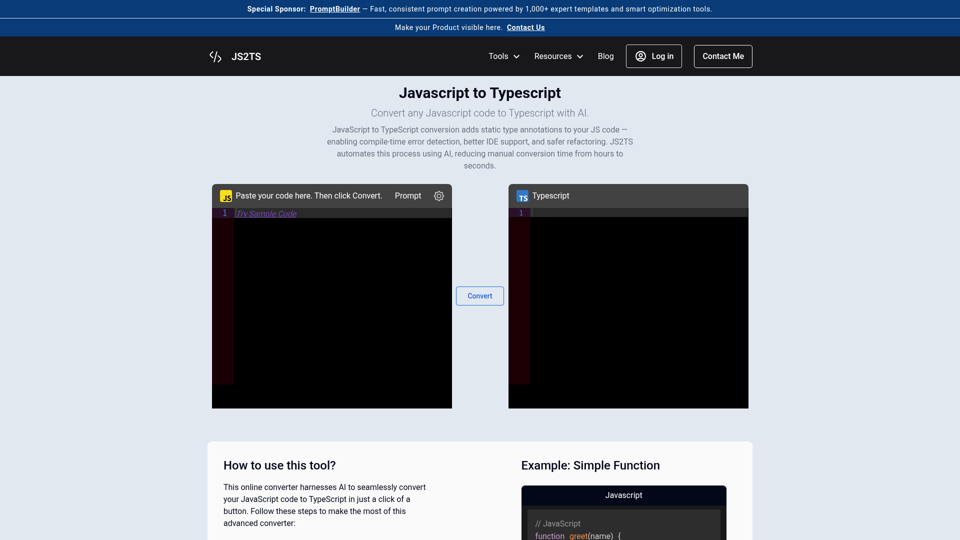
Convert JavaScript to TypeScript with AI in seconds. Free online converter with types, interfaces, and generics — plus JSON-to-TS, CSS tools, and more.
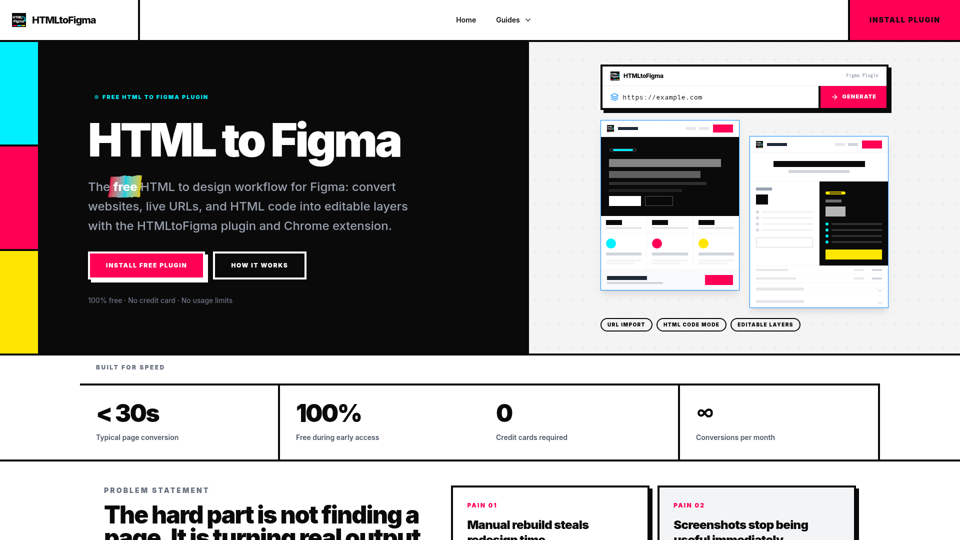
Free Figma plugin that turns webpages, URLs, or HTML code into editable Figma layers. A fast HTML to design workflow for redesigns and QA.
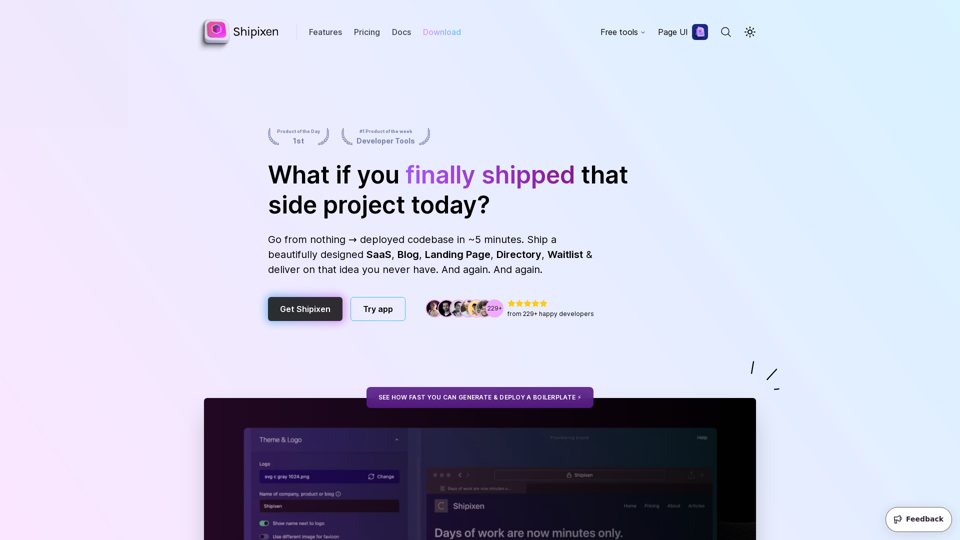
Custom, branded codebases for your app, website, product or blog. Get an SEO optimized Markdown blog running Next.js 14, TypeScript, TailwindCSS + Shadcn UI. Deploy to Vercel with 1 click without touching the code.
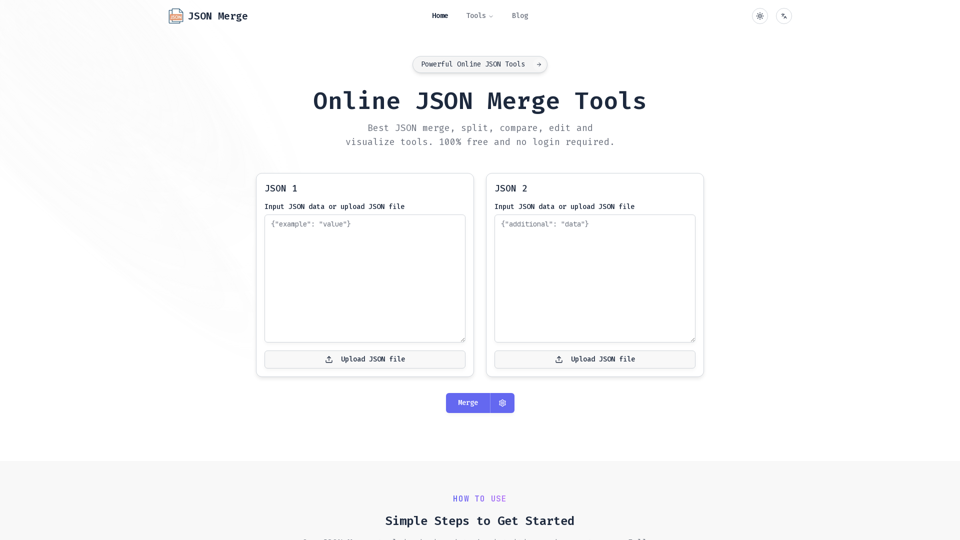
JSON Merge is a powerful online tool for JSON merge, compare, validate and more. Simplify your workflow and save time with our efficient JSON processing utilities.
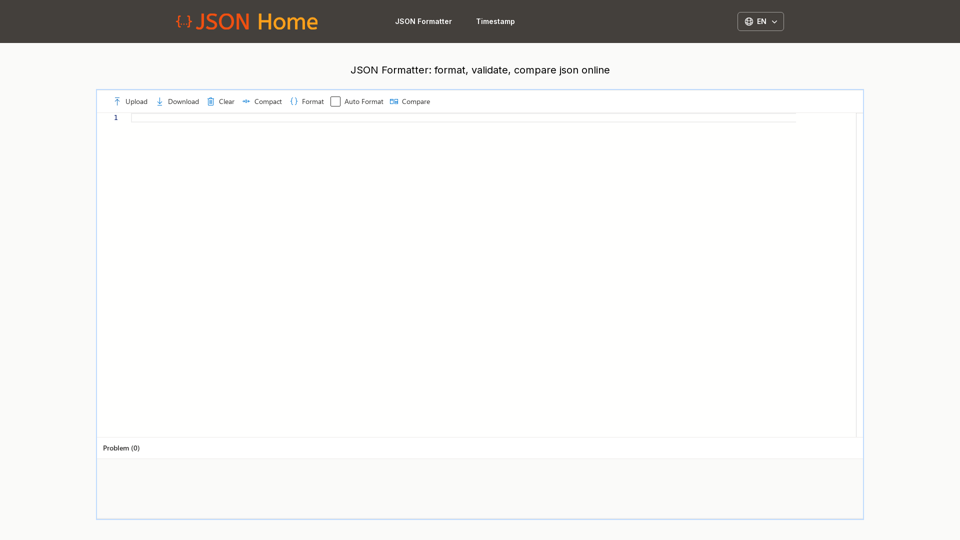
Format JSON, format JSON file, format JSON response online. Upload a JSON file, json file format in seconds, then download your formatted json file
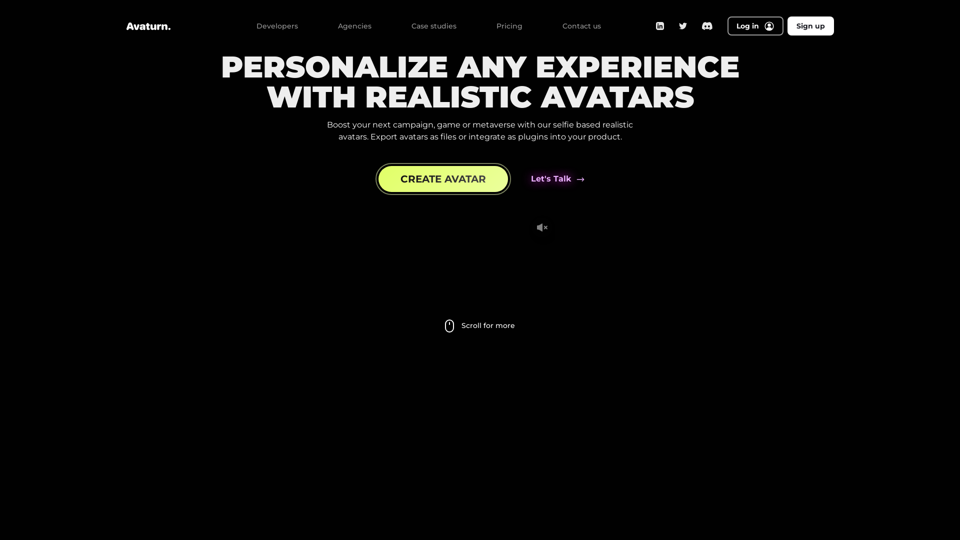
Create realistic 3D avatar with a selfie, customize, export as 3D model. Developer? Integrate our avatar SDK into your app or metaverse.
Launch your SaaS startup faster with our design-focused boilerplate. Featuring Next.js, Supabase, Tailwind CSS, and ShadCN for exceptional UI/UX and functionality. Perfect for design engineers who value both aesthetics and performance.