JavaScript to TypeScript Converter (AI)
Convert JavaScript to TypeScript with AI in seconds. Free online converter with types, interfaces, and generics — plus JSON-to-TS, CSS tools, and more.
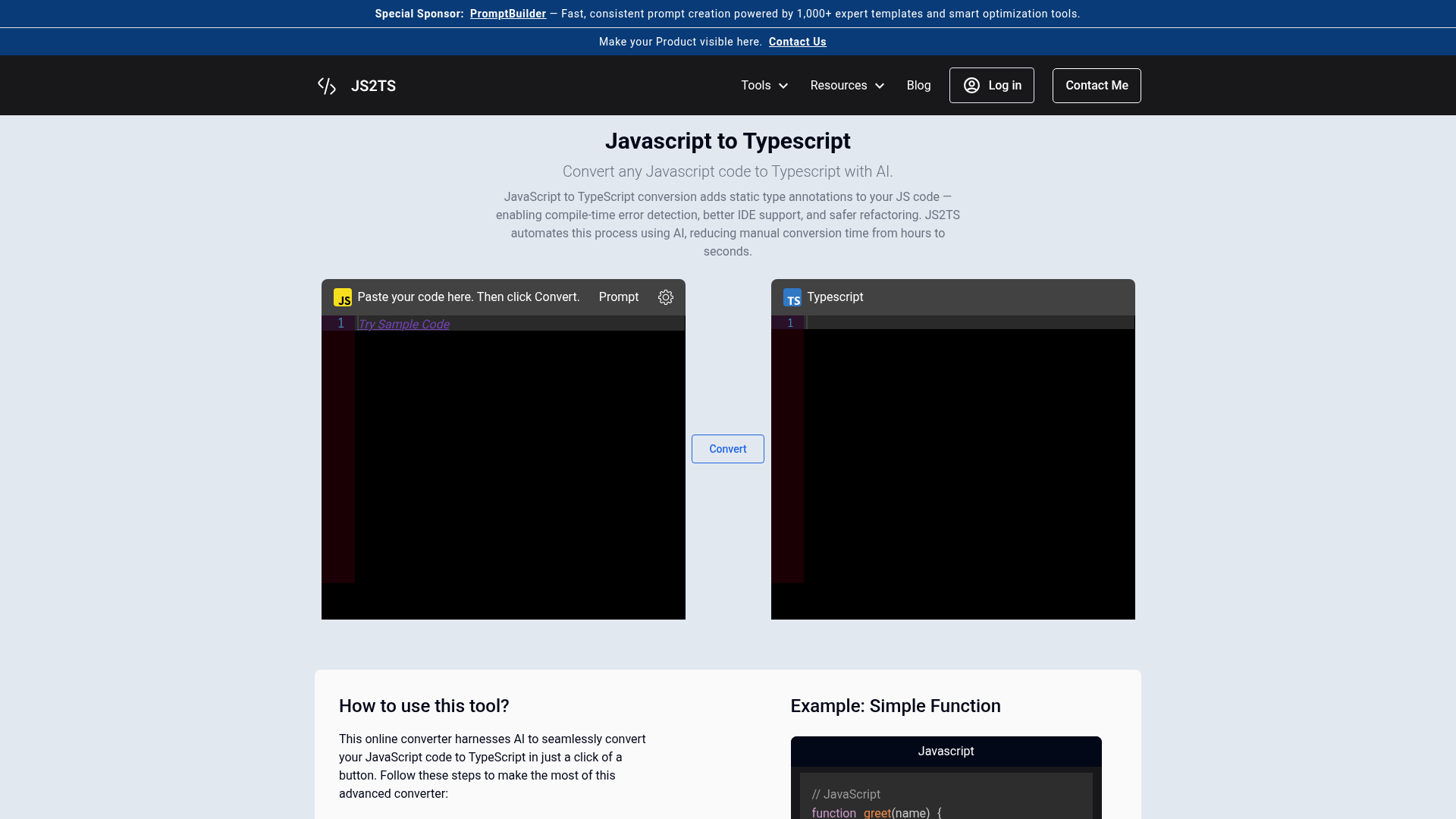
What is JS2TS (JavaScript to TypeScript)?
JS2TS is a sophisticated, AI-powered online platform dedicated to instantly converting JavaScript code into TypeScript. It automates the process of adding static type definitions—like string, number, boolean, interface, and type—to your existing JavaScript files. This tool is designed for developers seeking to enhance their codebase with TypeScript's robust type safety, improved IntelliSense, and better maintainability without the tedious manual effort typically required for migration. It supports a wide range of JavaScript patterns and seamlessly transforms them into clean, type-annotated TypeScript code, making it an essential utility for modern web development, application scaling, and team collaboration.
What are the Features of JS2TS?
JS2TS stands out with its powerful, user-centric features engineered for efficiency and accuracy in code conversion:
- AI-Powered Precision Conversion
- Leverages advanced artificial intelligence to intelligently infer and apply the most appropriate TypeScript types (e.g.,
string,number,Array<T>, custom interfaces) to variables, functions, parameters, and return values, minimizing human error. - Real-Time Instant Conversion
- Experience near-instantaneous transformation. Paste your JavaScript code, click "Convert," and receive the typed TypeScript equivalent immediately in the output panel, streamlining your workflow.
- Comprehensive Pattern Support
- Expertly handles a vast array of JavaScript constructs including function declarations and expressions, ES6 classes, object literals, arrays, Promises, async/await syntax, destructuring, modules (
import/export), and common JS libraries. - Complete Privacy & Security
- Your code is never stored, logged, or used for training. All conversion happens in real-time within your browser session, ensuring your intellectual property and source code remain entirely confidential.
- Zero-Cost Accessibility
- The core conversion service is completely free to use without any requirement for user registration, account creation, or subscription, making professional-grade TypeScript conversion accessible to everyone.
- User-Friendly Interface
- Features a clean, intuitive split-panel design with a dedicated input area for JavaScript and an output area for the generated TypeScript, often accompanied by helpful sample code and clear instructions.
How to Use the JS2TS Converter?
Utilizing the JS2TS converter is a straightforward, three-step process designed for maximum convenience:
- Input Your JavaScript Code: Navigate to the JS2TS converter tool. Locate the input text box, typically on the left side or top panel labeled "JavaScript." You can either type your code directly or, more commonly, paste the JavaScript code you wish to convert from your editor, project file, or code snippet.
- Initiate the Conversion: Once your code is in the input field, click the prominent "Convert" button. The AI engine will then analyze your code's structure, context, and patterns to infer and apply accurate TypeScript type annotations.
- Copy Your TypeScript Output: Instantly, the converted TypeScript code will appear in the output box, usually on the right side or bottom panel labeled "TypeScript." You can review the generated types, copy the entire output with a click, and directly paste it into your TypeScript (
.tsor.tsx) project files.
Price of JS2TS
JS2TS operates on a freemium model designed to support developers at all levels:
- Free Tier
- The fundamental JavaScript to TypeScript conversion service is 100% free. There are no usage limits, hidden fees, or mandatory sign-ups for basic conversion.
- Pro/Advanced Features
- For teams or individuals requiring advanced capabilities—such as batch processing of multiple files, API access for integration into CI/CD pipelines, priority support, or conversion of highly complex, enterprise-level codebases—JS2TS may offer premium subscription plans. Details on these plans are typically available on the platform's pricing or subscription page.
Helpful Tips for Using JS2TS
Maximize the effectiveness of your conversion with these practical tips:
- Start with Modular Code
- Break down large, monolithic JavaScript files into smaller functions or modules before conversion. This makes the AI's type inference more accurate and the output easier to verify.
- Review and Refine
- While the AI is highly accurate, always review the generated TypeScript code. Pay special attention to complex union types, generics, and any
anytypes that might need more specific definition for your use case. - Utilize Sample Code
- If you're new to TypeScript, use the provided example conversions to understand how common JavaScript patterns (like a simple
greetfunction or an object handler) are transformed into TypeScript. - Iterative Conversion
- For large projects, adopt an incremental migration strategy. Convert one module or component at a time using JS2TS, integrate it into your project, test it, and then move on to the next piece.
- Leverage Related Tools
- Explore JS2TS's suite of companion tools for a full-stack conversion workflow, such as "JSON to TypeScript" for generating interfaces from API responses or "TypeScript to Zod" for creating runtime validation schemas.
Frequently Asked Questions (FAQ)
What is JavaScript to TypeScript conversion?
It's the automated process of transforming dynamically-typed JavaScript code into statically-typed TypeScript by adding type annotations. This brings benefits like early error detection during compilation, superior IDE auto-completion and tooling support, and clearer code documentation, which is crucial for maintaining and scaling applications.
Is JS2TS free to use?
Yes, the core conversion tool from JavaScript to TypeScript is completely free. You can use it as often as you need without creating an account or providing any payment information.
What TypeScript patterns does the converter support?
The converter robustly supports all major patterns: function type signatures ((param: type) => returnType), object interfaces and type aliases, array and tuple types, union and intersection types (string | number), generics (<T>), type inference for variables and constants, ES2015+ class definitions with members and inheritance, and various module export/import statements.
Can I convert large JavaScript files?
Absolutely. JS2TS can process substantial amounts of code. For optimal performance and manageability with very large single files, consider converting logical sections independently. The platform handles the computational load efficiently.
Does JS2TS store my code?
No, it does not. Your privacy and code security are paramount. All processing occurs in real-time during your session, and no code is persisted on the server, logged, or used for any purpose other than providing your immediate conversion result.
JavaScript to TypeScript Converter (AI)
Convert JavaScript to TypeScript with AI in seconds. Free online converter with types, interfaces, and generics — plus JSON-to-TS, CSS tools, and more.
 Vercel
Free AI anime and manga generator. Turn text into anime episodes, manga, comics, webtoons and comic shorts in any art style — no drawing or animation skills needed.
Translate image text across 70+ languages with our advanced AI Image Translator to help you better expand your products globally to various countries
Advertised Here
Reach thousands of visitors daily. Get your spot now!
Tools similar to JavaScript to TypeScript Converter (AI)

Bismuth understands your codebase, follows your patterns, and works alongside you to get more done.
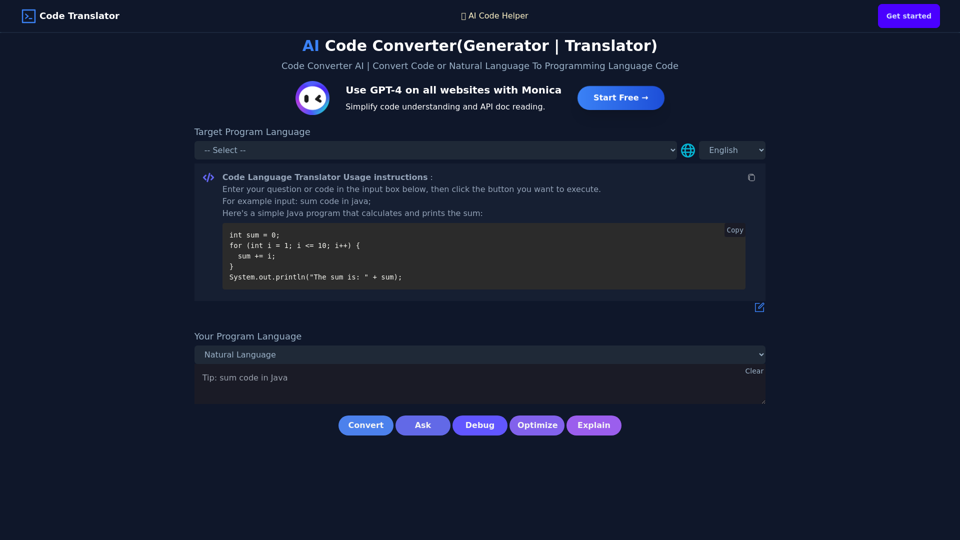
Use AI To Convert Code Or Generate Code From One Language To Another. AI Code Translator. Translate Code From Any Language To Another With A Click.
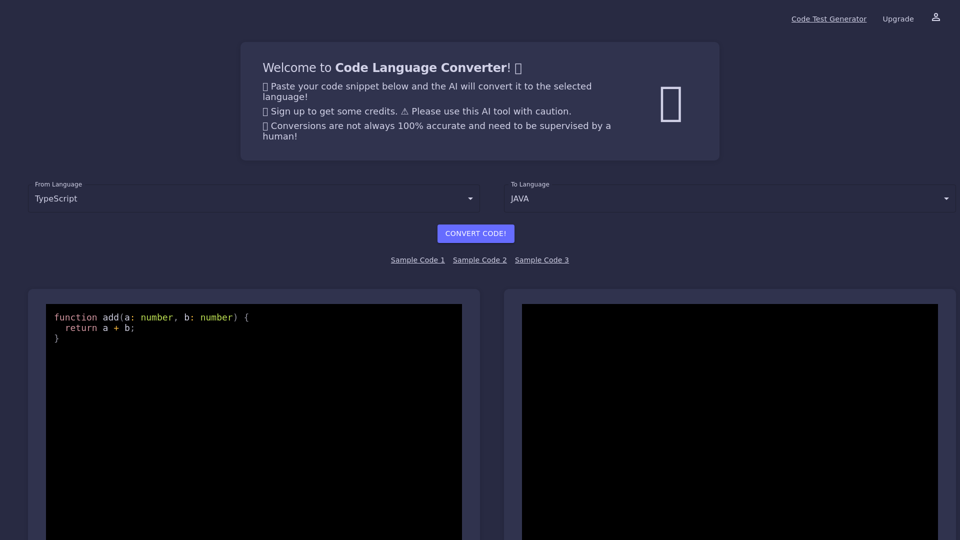
Code Language Converter online uses artificial intelligence to quickly convert your code snippets from one programing language to another in a matter of seconds.
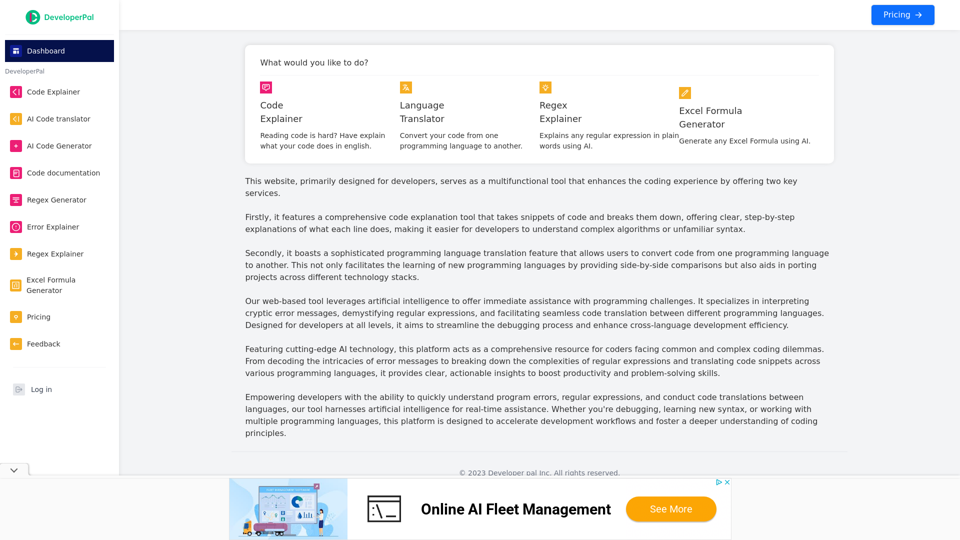
Code Explainer, AI Code explainer, AI Code translator, code translator, python code explainer, java code explainer, Translation, The Ultimate Coding Companion
DeveloperPal is the ultimate destination for developers seeking efficient code explanation and cross-language translation. Whether you're working with JavaScript, Python, Java, or any other programming language, our tools are designed to boost your development efficiency and solve coding challenges. Streamline your development process with our comprehensive suite of tools today.
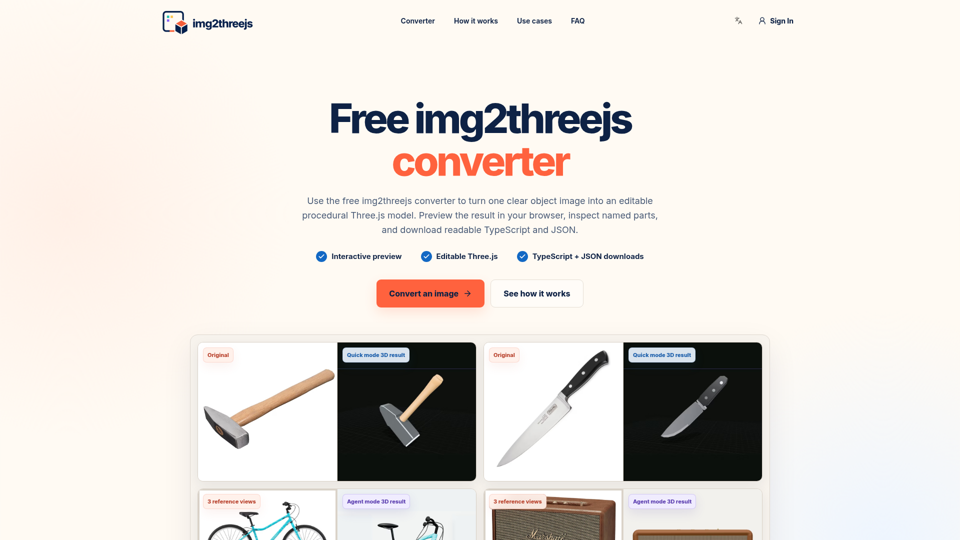
img2threejs is a free image to Three.js converter. Create editable web 3D models, preview named parts, and download TypeScript and JSON.

Custom, branded codebases for your app, website, product or blog. Get an SEO optimized Markdown blog running Next.js 14, TypeScript, TailwindCSS + Shadcn UI. Deploy to Vercel with 1 click without touching the code.
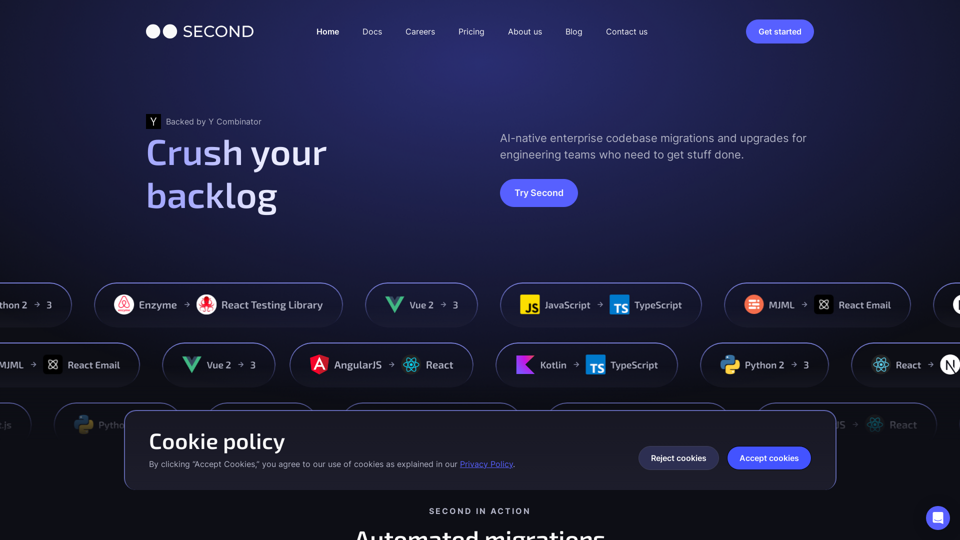
AI-native enterprise codebase maintenance, including automated migrations and codebase intelligence for engineering teams who need to get stuff done.