Homepage
For sync licensing, sampling, remastering, remixing, and re-imagining.
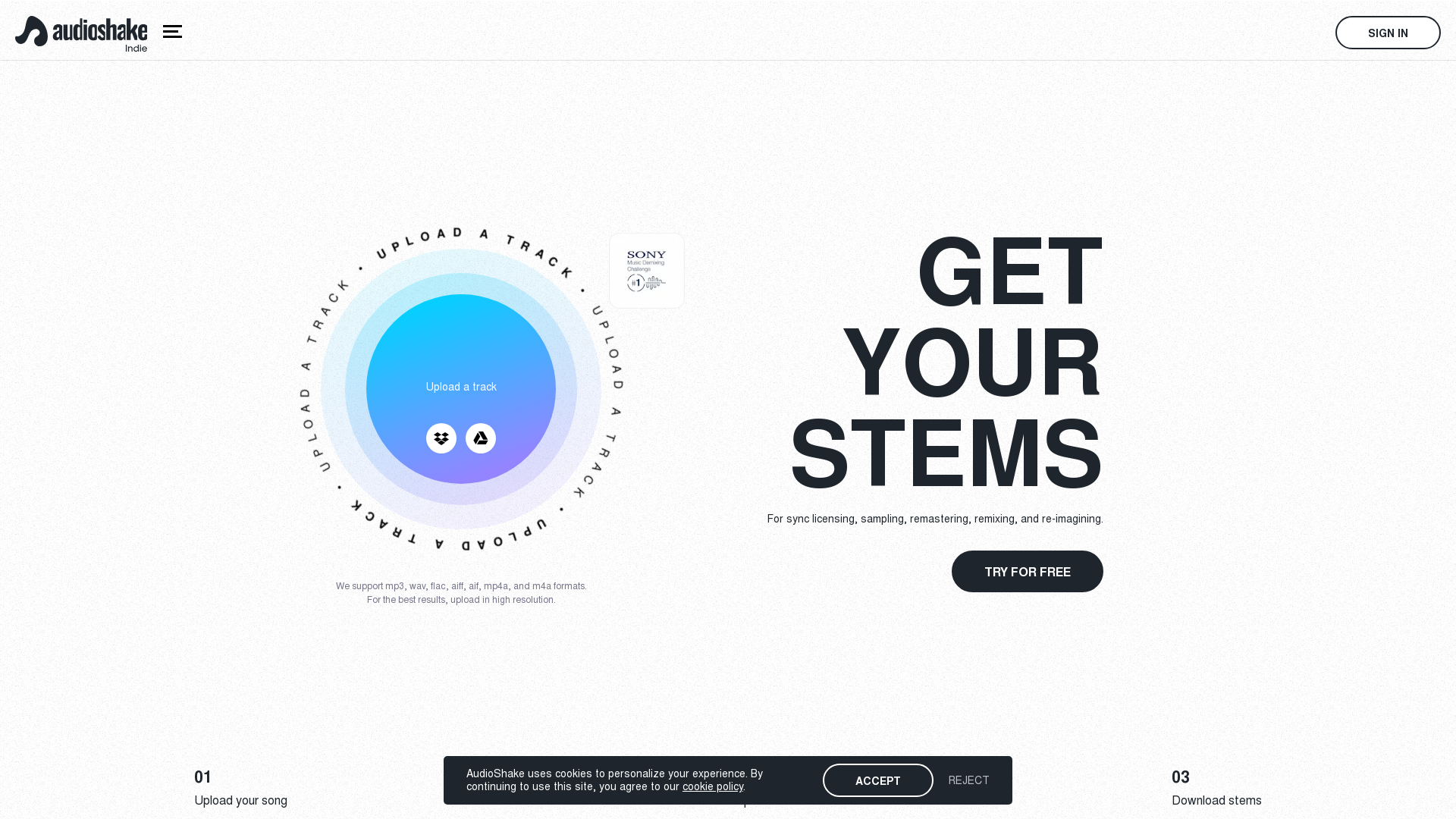
What is AudioShake?
AudioShake is an innovative platform designed for indie artists, labels, and producers, providing a cutting-edge audio separation technology that allows users to upload tracks and extract individual audio stems. This service is perfect for those looking to remix, sample, or create new versions of their music effortlessly.
Main Features of AudioShake
- Easy Stem Creation
- Users can quickly upload their tracks, and AudioShake efficiently separates them into distinct stems, including vocals, bass, drums, and other instrumentals.
- Multiple File Format Support
- The platform supports popular audio formats such as mp3, wav, flac, aiff, aif, mp4a, and m4a, ensuring compatibility for all users.
- High-Quality Output
- For the best results, users are encouraged to upload high-resolution audio files, enabling professional-quality audio separation.
- Free Trial Available
- New users can try the service for free to create and download stems, allowing them to explore AudioShake before committing.
How to Use AudioShake
To use AudioShake, simply follow these steps:
- Upload Your Track: Users can drag and drop their audio files directly onto the platform or import from sources like Dropbox and Google Drive.
- Automatic Separation: Once uploaded, AudioShake will process the track and separate it into individual stems.
- Download Your Stems: After separation, users can download the stems for further experimentation, remixing, or use in sync licensing.
Pricing of AudioShake
AudioShake offers a transparent pricing structure, with options tailored for indie artists and larger enterprise customers. Users can start with a free trial, and for additional features or extended use, subscription plans are available for purchase.
Helpful Tips for Using AudioShake
- Upload High-Resolution Files
- To ensure better separation quality, always choose high-resolution audio files when uploading to AudioShake.
- Explore Creative Possibilities
- Once you have your stems, don’t hesitate to remix or collaborate with other artists to maximize your creativity.
- Check Compatibility
- Before uploading, make sure your track is in one of the supported file formats to avoid any issues.
Frequently Asked Questions
Can I use AudioShake for commercial purposes?
Yes, AudioShake allows users to create and utilize stems for commercial purposes like sync licensing and remixing.
What types of projects is AudioShake suitable for?
AudioShake is ideal for indie artists, labels, producers, and companies involved in music supervision and sync licensing.
Is there a limit on the number of tracks I can upload?
While there’s no strict limit, users may want to consider subscription options if they require extensive access to the service for multiple projects.
How does AudioShake ensure the quality of the separated stems?
AudioShake utilizes advanced audio processing algorithms that have been refined for high-quality stem extraction, similar to the technology used by major record labels.
What if I encounter issues during the upload or separation process?
AudioShake provides customer support and a dedicated FAQ section to assist users with any technical issues or inquiries they may have.
With AudioShake, indie artists can easily create, transform, and unlock the full potential of their music, integrating modern technology with artistic creativity.
Homepage
For sync licensing, sampling, remastering, remixing, and re-imagining.
 Amazon ELB
 Amazon Web Services
Free AI anime and manga generator. Turn text into anime episodes, manga, comics, webtoons and comic shorts in any art style — no drawing or animation skills needed.
Translate image text across 70+ languages with our advanced AI Image Translator to help you better expand your products globally to various countries
Advertised Here
Reach thousands of visitors daily. Get your spot now!
Tools similar to Homepage
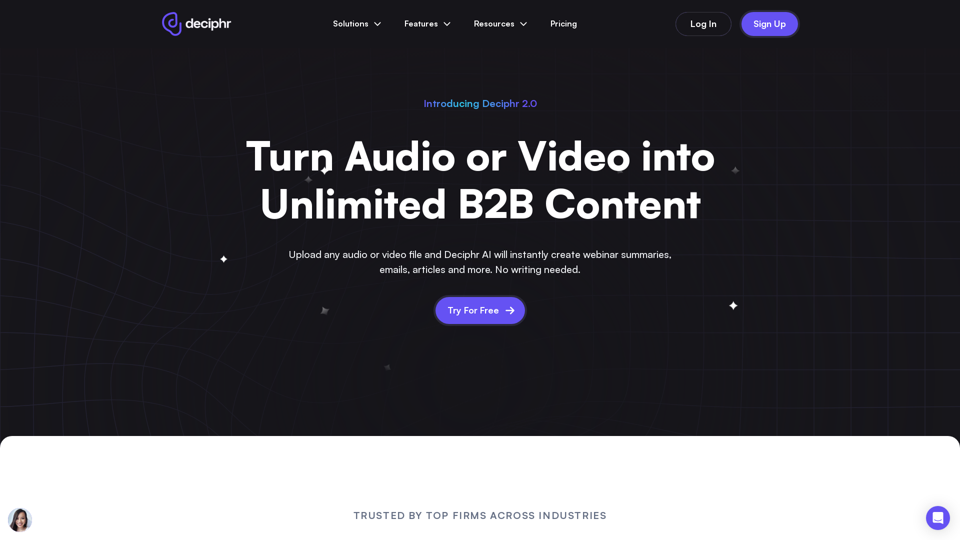
Effortlessly create podcast transcripts, concise summaries, show notes, and AI-generated audio and video reels in minutes, all at no cost. Join us today!
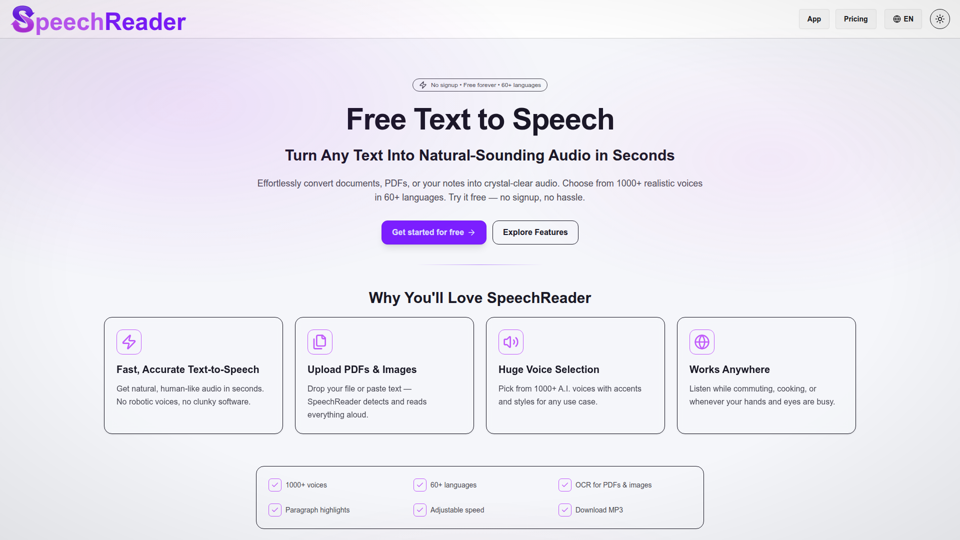
Free Text to Speech Online: AI Voices & TTS Reader. Convert text to lifelike AI voices. Free text to speech to read aloud any text. Listen online now!
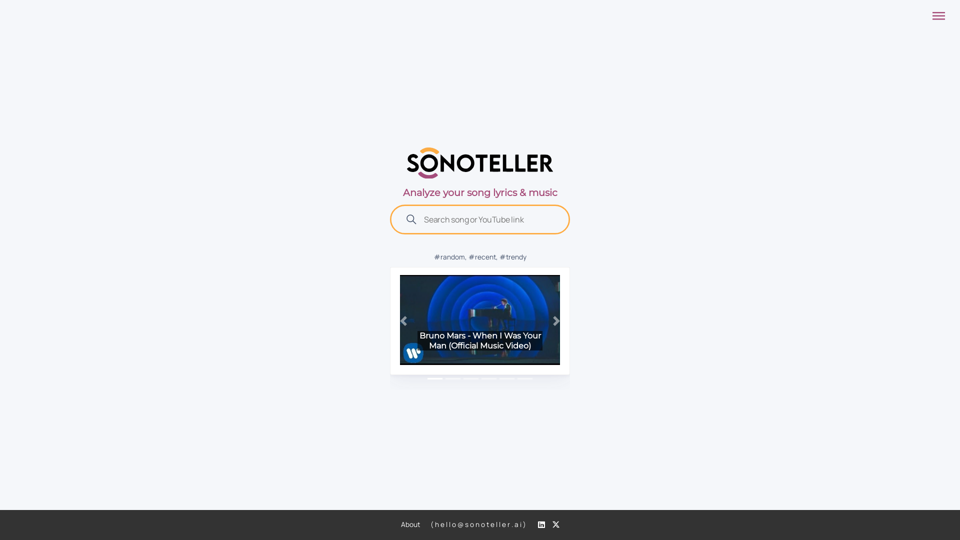
Song analysis, lyrics analysis and music analysis. Understand what your favourite songs are about. Get accurate and in-depth music autotagging with SONOTELLER.AI, a tool powered by artificial intelligence including a comprehensive summary about the song lyrics and music. Analize your song, analyze genres, analyze moods and enhance your musical understanding. Use SONOTELLER to autotag your music files and improve your catalog music labels.
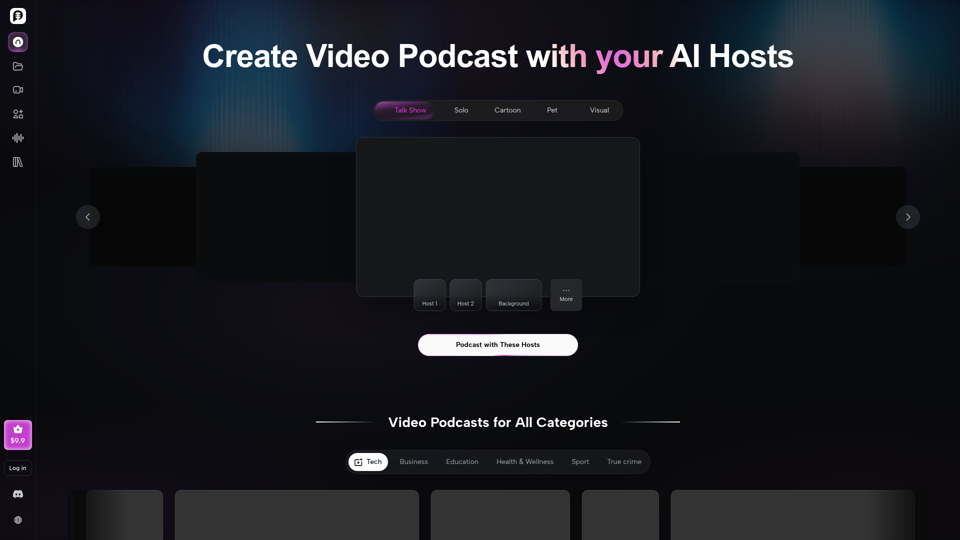
Your all-in-one AI podcast studio. Generate scripts, voices, and video podcasts for Spotify, YouTube & TikTok — in minutes. Try PodcastorAI for free.
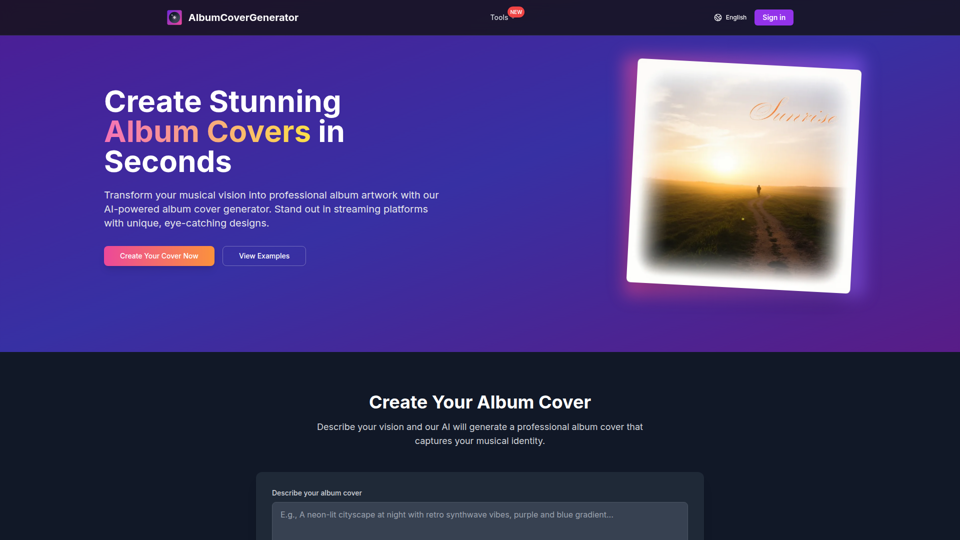
Create stunning album covers with our free AI-powered album cover generator. No design skills needed. Perfect for musicians, producers, and artists.
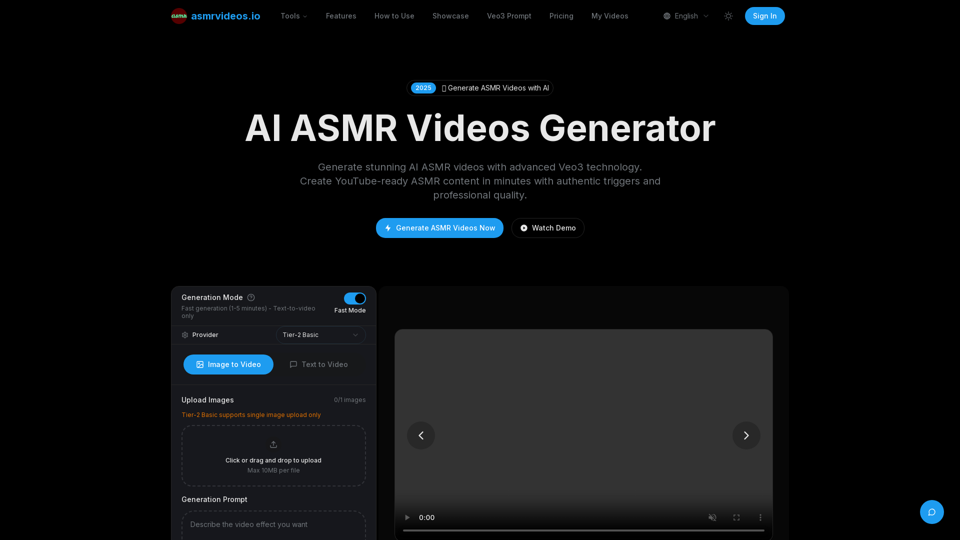
Create AI ASMR videos online with our professional generator. Generate authentic ASMR triggers and relaxing content for YouTube monetization.