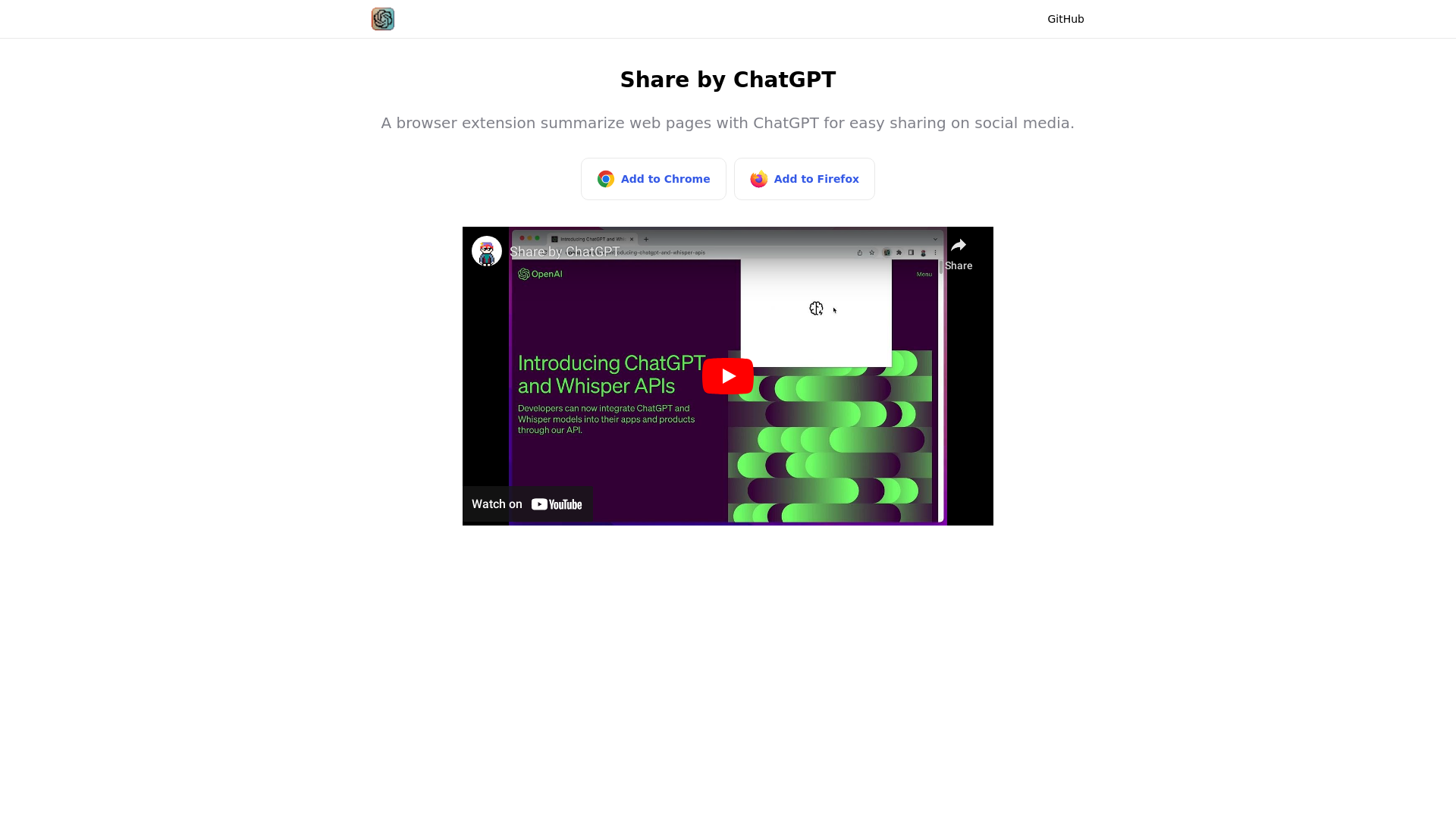
What is Share by ChatGPT?
Share by ChatGPT is a browser extension that summarizes web pages with ChatGPT so the result is easy to share on social media. It is aimed at people who pass links around and want to post a short summary instead of only a URL. The extension is available for Chrome and Firefox.
Key features
- ChatGPT page summaries
- The extension summarizes web pages using ChatGPT.
- Built for social sharing
- Summaries are produced so they can be shared on social media.
- Chrome support
- It can be added to Chrome from the Chrome Web Store.
- Firefox support
- It can be added to Firefox from Mozilla Add-ons.
- Runs in the browser
- It works as a browser extension rather than a separate app or website.
How to use Share by ChatGPT
- Install the extension from the Chrome Web Store for Chrome or from Mozilla Add-ons for Firefox.
- Open the web page you want to summarize in your browser.
- Use Share by ChatGPT to generate a ChatGPT summary of that page.
- Share the resulting summary on social media.
Use cases
- People who share articles and links on social media and want a short summary to post with them.
- Readers who want the gist of a long page before deciding to read the whole thing.
- Anyone who regularly forwards web pages to friends, colleagues or followers.
- Chrome or Firefox users who prefer a browser extension over a standalone summarization tool.
Pricing
The official website does not list pricing or plan information for Share by ChatGPT. Check the official site for current details.
FAQ
Is Share by ChatGPT free?
The official website does not state whether Share by ChatGPT is free or paid. No pricing or plan information is listed on the site.
Which browsers does Share by ChatGPT work with?
Share by ChatGPT is available for Chrome and Firefox. It can be installed from the Chrome Web Store or from Mozilla Add-ons.
What does Share by ChatGPT do with a web page?
It summarizes the web page with ChatGPT. The summary is meant to be easy to share on social media.
Where can I install Share by ChatGPT?
You can add Share by ChatGPT to Chrome from the Chrome Web Store, or to Firefox from Mozilla Add-ons. Both links are on the official website.
How is Share by ChatGPT different from a normal share button?
A normal share button sends the page link as it is. Share by ChatGPT first summarizes the page with ChatGPT, so what you share is a summary of the content rather than just the URL.
Share by ChatGPT
A browser extension summarize web pages with ChatGPT for easy sharing on social media.
 Netlify
 YouTube
Free AI anime and manga generator. Turn text into anime episodes, manga, comics, webtoons and comic shorts in any art style — no drawing or animation skills needed.
Translate image text across 70+ languages with our advanced AI Image Translator to help you better expand your products globally to various countries
Advertised Here
Reach thousands of visitors daily. Get your spot now!
Tools similar to Share by ChatGPT
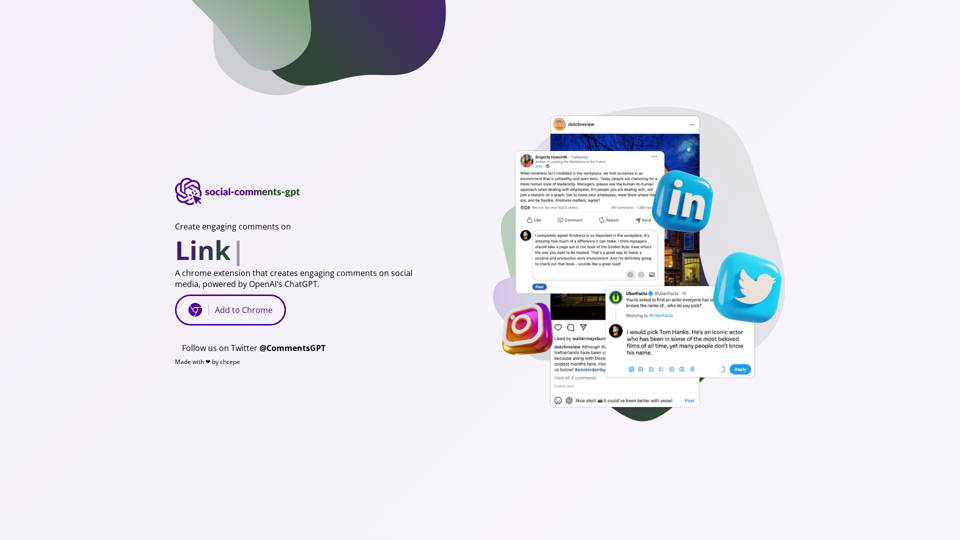
A chrome extension that creates engaging comments on social media, powered by ChatGPT.
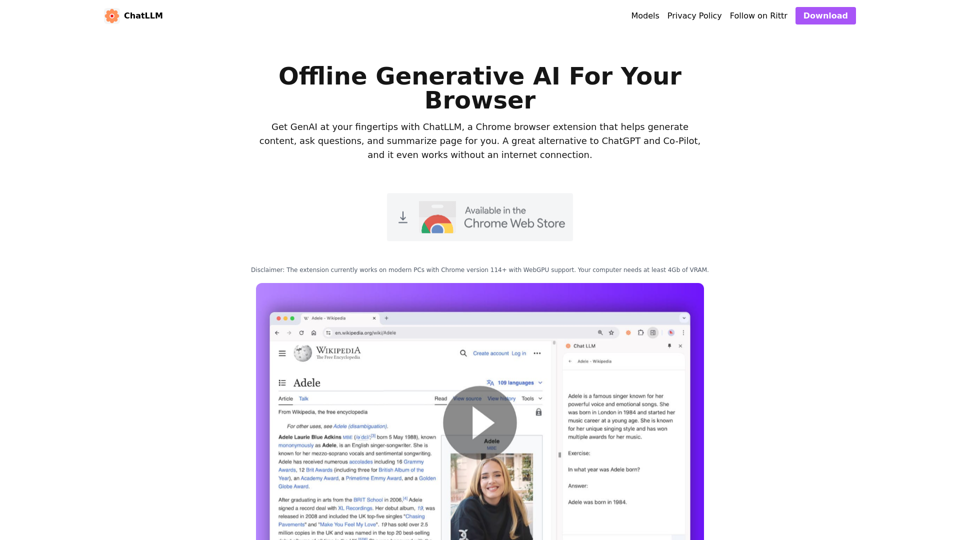
ChatLLM is a browser extension that enables generative AI to your browser. Let's you have private conversation with your page. ChatGPT and Co-Pilot alternative
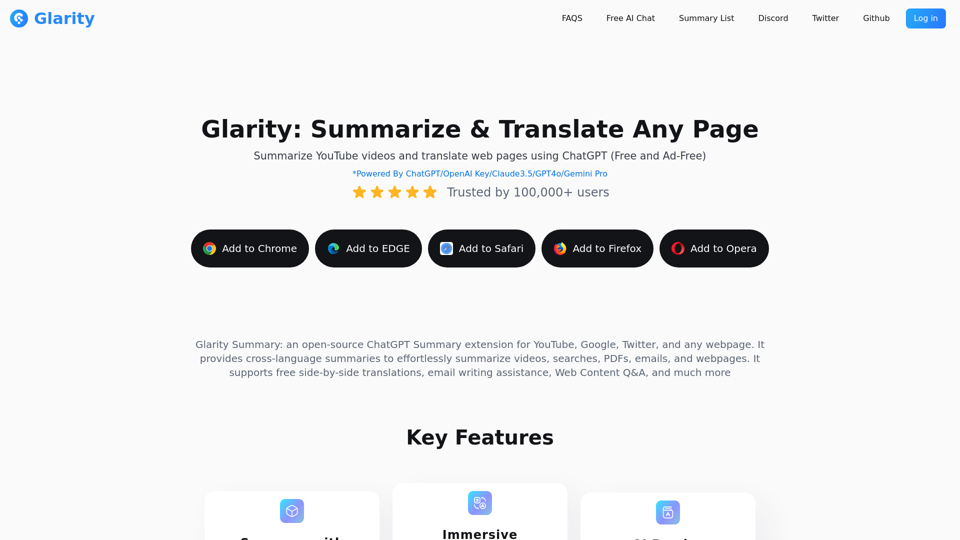
Glarity is a free ChatGPT extension that uses ChatGPT4o AI to summarize YouTube videos and translate web pages. It also supports GPT-4o, Claude 3.5, and Gemini for AI chat, video summaries, AI search, ChatPDF, and AI image generation.
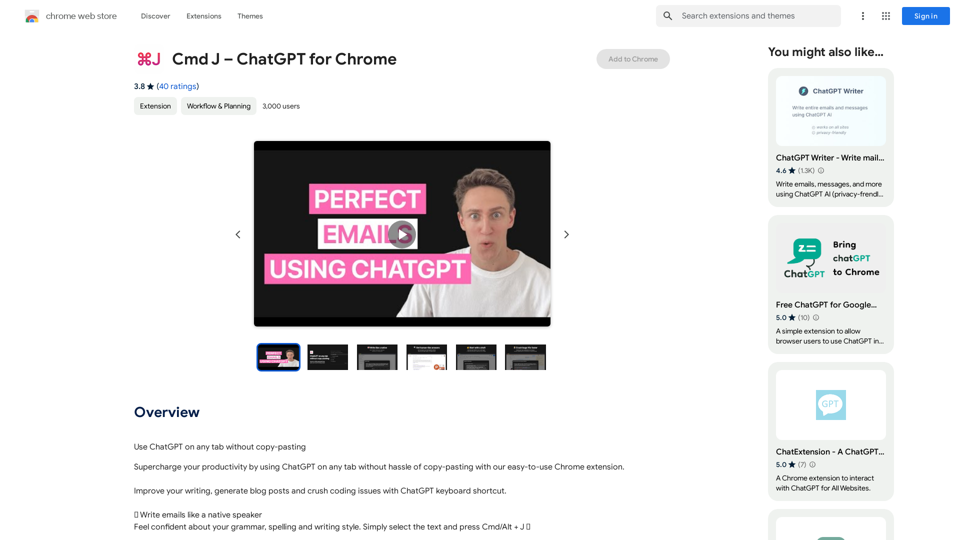

Upgrade your YouTube experience! Save time and get to the point by summarizing YouTube videos as you browse.
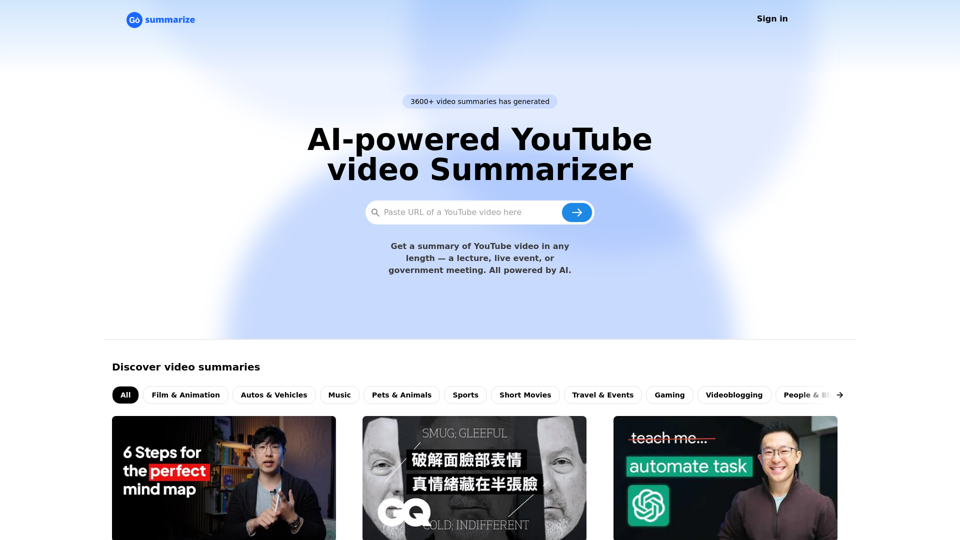
Get youtube videos transcript online and using ChatGPT to summarize youtube videos. Using it to increase learning efficiency for free!
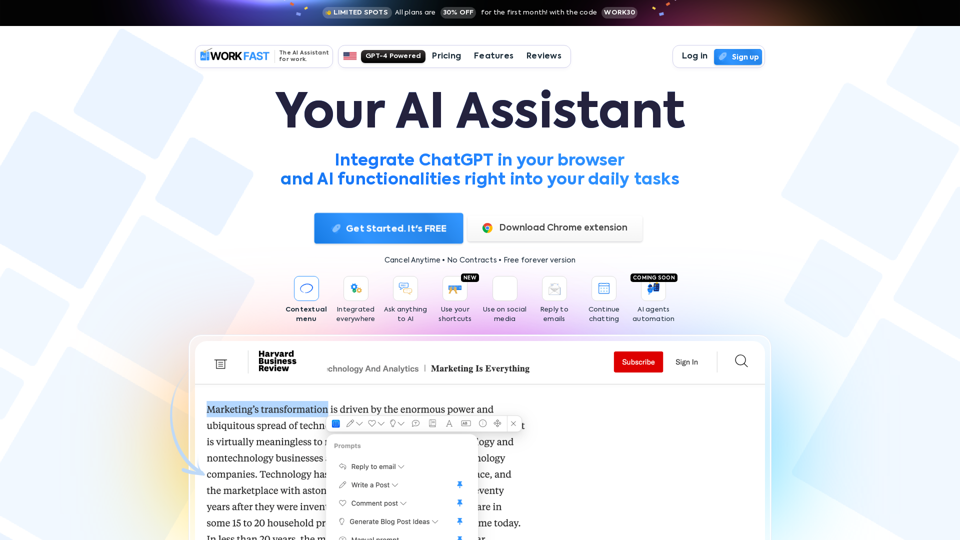
Work Fast is a AI Chrome extension assistant. Work Fast is powered by GPT-4 AI.
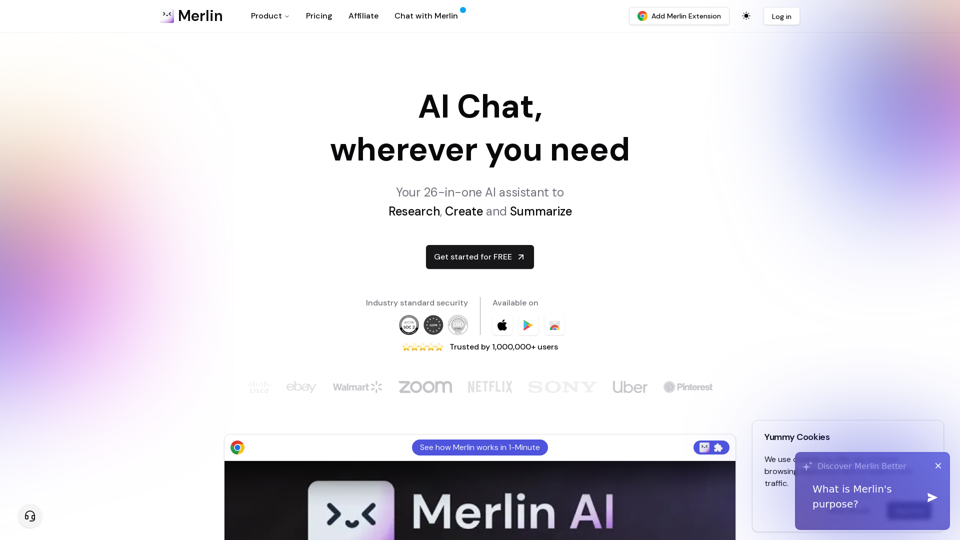
Free AI Chat to answer all your queries. Ask merlin to summarize videos, articles, pdf, and websites, write emails, and content on social media, and Review content using AI detector.