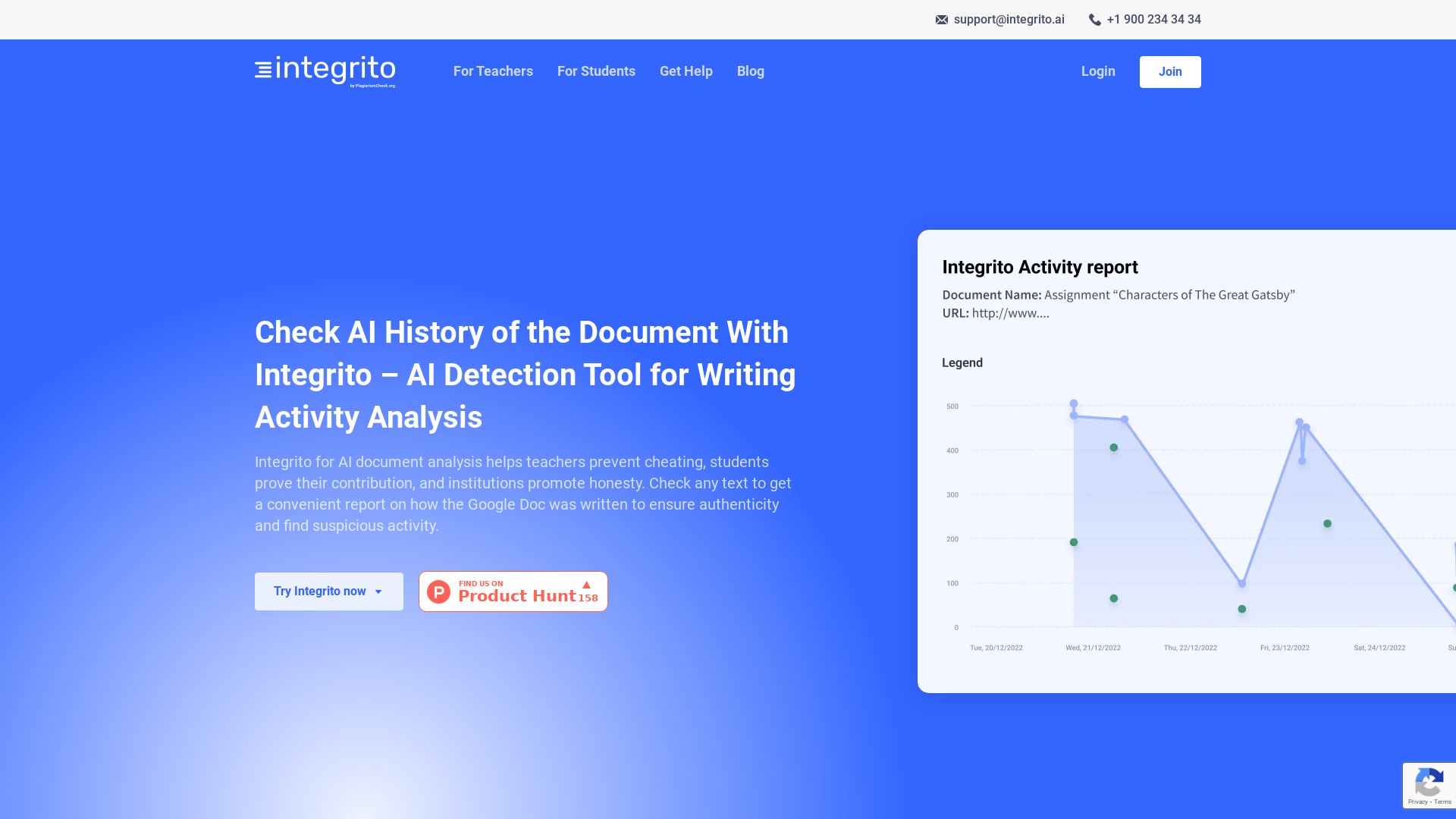
What is Integrito?
Integrito is an advanced AI detection tool designed for writing activity analysis. It helps educators, students, and academic institutions ensure authenticity and integrity in written documents. By providing comprehensive reports on how a Google Doc was created, Integrito aids in detecting and preventing academic dishonesty.
What are the main features of Integrito?
- Activity Reporting
- Access detailed reports on the writing process to identify potential cheating or suspicious activities.
- AI Detection
- Utilize sophisticated algorithms to differentiate between human-written and AI-generated content with high accuracy.
- Plagiarism Check
- Verify the originality of the text by comparing it against extensive databases.
- User-Friendly Interface
- Easily access features through a browser extension compatible with Chrome, Firefox, and Edge.
How to use Integrito?
To get started, follow these simple steps:
- Install the Integrito Writing Activity extension specific to your browser.
- Create a free account or log in if you already have one.
- Open the Google Doc you wish to analyze and click on the "Activity Report" button (Editing access is required).
- Review the Activity Report to examine the writing process, editing durations, and any suspicious activity.
Price of Integrito
Integrito offers a variety of pricing plans designed to accommodate individual users and institutions. Students can access basic features for free, while educators and institutions can subscribe for more advanced functionalities and additional usage limits.
Helpful Tips for Using Integrito
- Ensure you have editing access to the Google Doc to utilize the Activity Report feature.
- Encourage students to maintain a consistent writing style to avoid detection issues.
- Use the Activity Report to engage in discussions with students about their writing processes and contributions to assignments.
Frequently Asked Questions
Can Integrito help prevent academic dishonesty?
Yes, Integrito is specifically designed to analyze writing activity, helping educators identify potential cheating and uphold academic integrity.
What is the accuracy of the AI detection in Integrito?
Integrito boasts a 97% accuracy rate in distinguishing between machine-generated and human-written content. However, human judgment is still crucial for final decisions.
Is my data secure with Integrito?
Absolutely. Integrito prioritizes user data protection, ensuring that your submissions remain private and that you have the ability to delete your data at any time.
What should I do if the Activity Report suggests suspicious activity?
If the Activity Report raises concerns, engage in a dialogue with the student to discuss their writing process and investigate any red flags highlighted in the report.
Check Google Doc AI History
Use Integrito with Google Doc View History feature to see how the paper was written. Ensure authenticity and find suspicious activity.
 All in One SEO Pack:4.7.3
 Cloudflare
 Google Analytics
 HTTP/3
 MySQL
 PHP
 WordPress Block Editor
 reCAPTCHA
Free AI anime and manga generator. Turn text into anime episodes, manga, comics, webtoons and comic shorts in any art style — no drawing or animation skills needed.
Translate image text across 70+ languages with our advanced AI Image Translator to help you better expand your products globally to various countries
Advertised Here
Reach thousands of visitors daily. Get your spot now!
Tools similar to Check Google Doc AI History
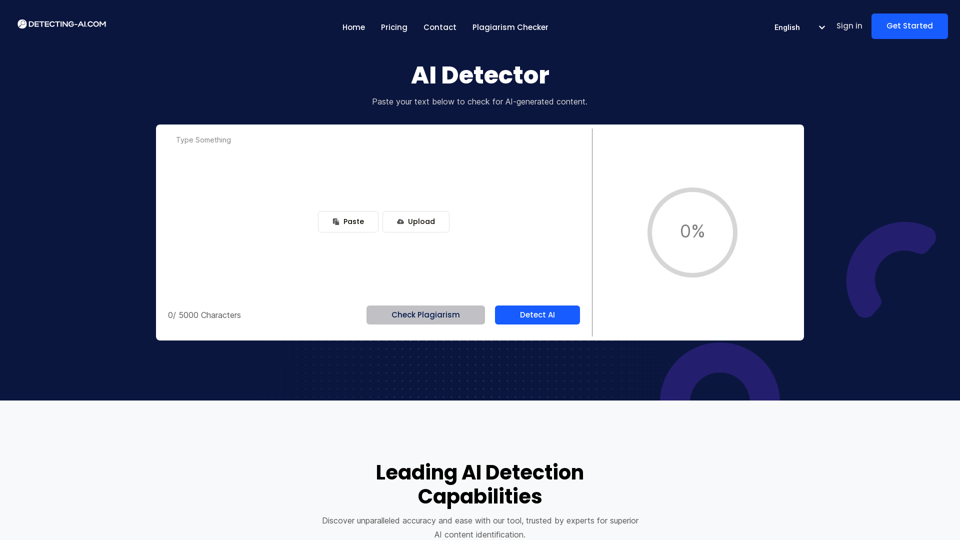
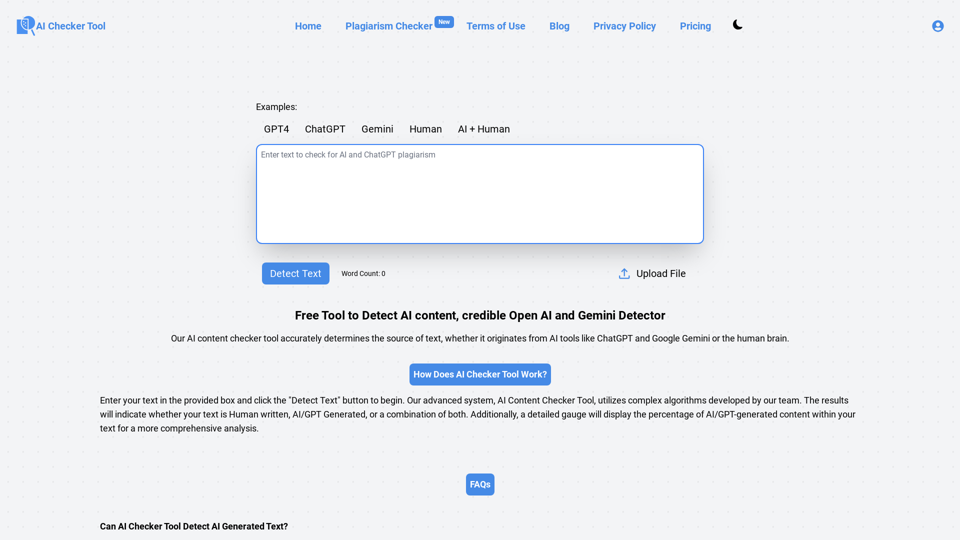
Detect and check AI-generated content with our powerful AI detection tool. Identify and flag ChatGPT and other AI-generated text. Keep your content AI-free with our AI detection
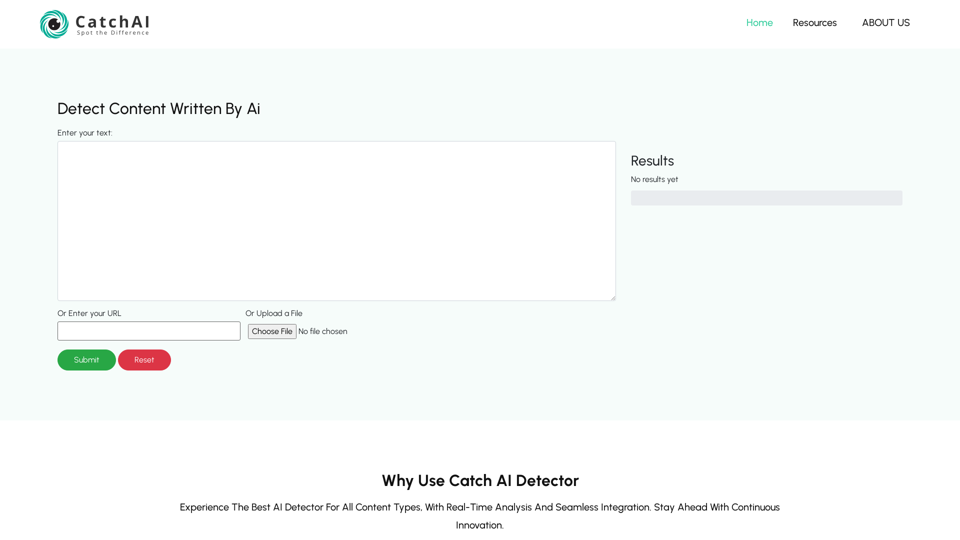
Catch AI is an advance Ai Content Detection Free tool with some AI powered features that helps you check plagiarism and AI generated content
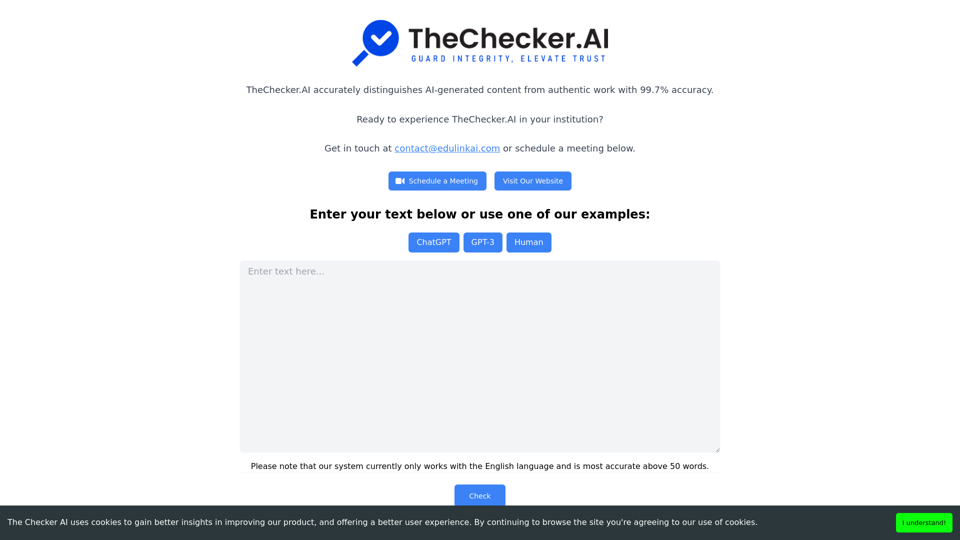
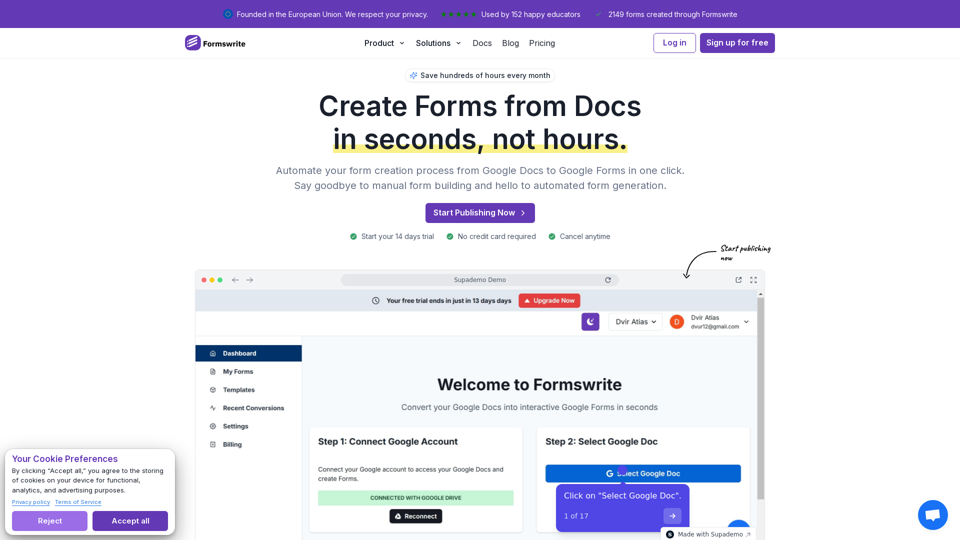
Convert Google Docs to Google Forms in One-Click | Convert Google Docs to Google Forms | AI Quiz Generator