What is Juice Remote GPU?
Juice Remote GPU is an innovative software solution designed to enable AI and graphics workloads to run efficiently on remote GPUs. By offloading GPU processing for any CUDA or Vulkan application to a remote host, Juice Remote GPU streamlines the computational process without requiring users to make any code changes to their applications. The software supports various configurations, allowing either a single client to connect multiple GPUs or multiple clients to share a single GPU effectively.
Main Features of Juice Remote GPU
- Seamless Integration
- Juice injects CUDA and Vulkan implementations during runtime, ensuring that applications operate smoothly without code alterations.
- Dynamic Resource Allocation
- Users can dynamically allocate GPU resources to CPU-only machines, optimizing performance for serverless functions.
- Flexible Client Options
- The software supports usage scenarios that allow multiple workstations to share a single GPU or a single workstation to utilize multiple GPUs.
- High Compatibility
- It supports a wide range of APIs including CUDA, Vulkan, DirectX, and OpenGL, making it versatile for various applications.
How to Use Juice Remote GPU?
To get started with Juice Remote GPU, simply sign up for early access on their website. Once you have access, you can configure the remote GPU settings through the user-friendly interface. The setup process is designed to be straightforward, allowing users to seamlessly connect to remote GPUs for their AI and graphics workloads.
Performance
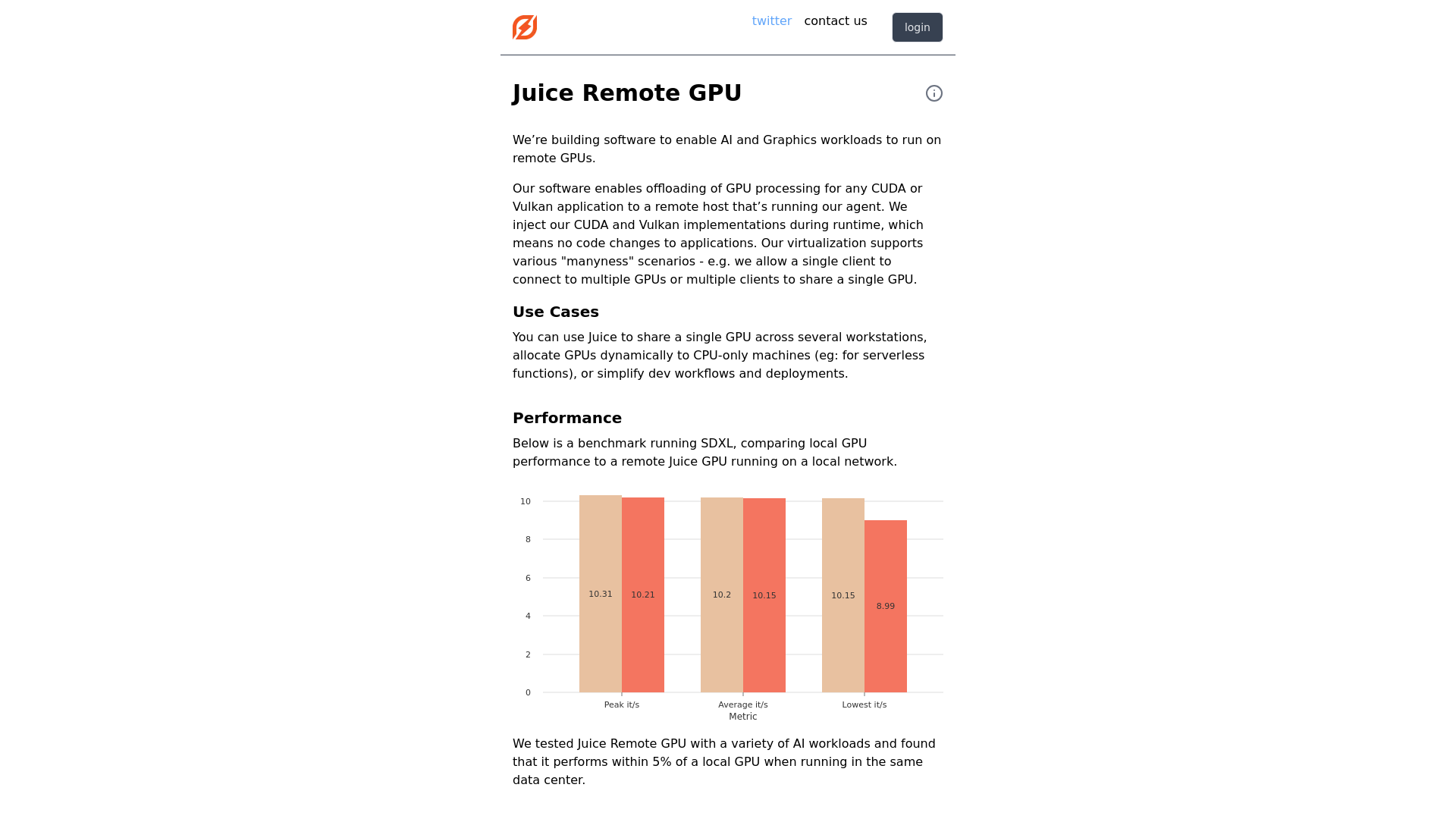
Performance benchmarks have shown that Juice Remote GPU runs AI workloads with an efficiency that is within 5% of that of a local GPU, particularly when operating on the same data center. Users can expect consistent performance, making it an attractive option for those requiring high computing power for tasks such as image diffusion models and LLM (Large Language Models).
Helpful Tips
- Testing Environments
- To achieve optimal performance, it's recommended to run Juice Remote GPU in a controlled data center environment to minimize latency.
- API Check
- Ensure that your applications are compatible with the supported API versions of Juice (CUDA 11.8 - 12.3 and Vulkan 1.3) to maximize the benefits.
- Dynamic Configuration
- Take advantage of the dynamic GPU allocation feature to distribute workloads efficiently across multiple clients or applications.
Frequently Asked Questions
Can I use Juice Remote GPU without changing my existing code?
Yes! Juice Remote GPU is designed to integrate seamlessly with your applications without requiring any modification.
How does the performance of Juice compare to local GPUs?
Our benchmarks show that the performance with Juice Remote GPU is within 5% of that of local GPUs, especially when used in the same data center.
What APIs are supported by Juice Remote GPU?
Juice Remote GPU supports several APIs including CUDA, Vulkan, DirectX, and OpenGL on both Windows and Linux platforms.
Who is behind Juice Remote GPU?
Juice has a dedicated team of engineers with extensive experience from leading tech companies like Meta, Intel, and various gaming technology firms.
How can I get more information or assistance?
Feel free to reach out via the contact page on their website, and our team will get back to you as soon as possible.
Juice Remote GPU
Welcome to Juice
 Amazon CloudFront
 Amazon S3
 Amazon Web Services
Free AI anime and manga generator. Turn text into anime episodes, manga, comics, webtoons and comic shorts in any art style — no drawing or animation skills needed.
Translate image text across 70+ languages with our advanced AI Image Translator to help you better expand your products globally to various countries
Advertised Here
Reach thousands of visitors daily. Get your spot now!
Tools similar to Juice Remote GPU
Experiment with AI models locally with zero technical setup, powered by a native app designed to simplify the whole process. No GPU required!
Unlimited scale AI & LLM training with FluidStack. Access 50,000+ GPUs including H100s and A100s from a global data center network. Start for free and scale seamlessly.
Arbius is a decentralized network powered by GPUs globally and a shared economy around generative AI
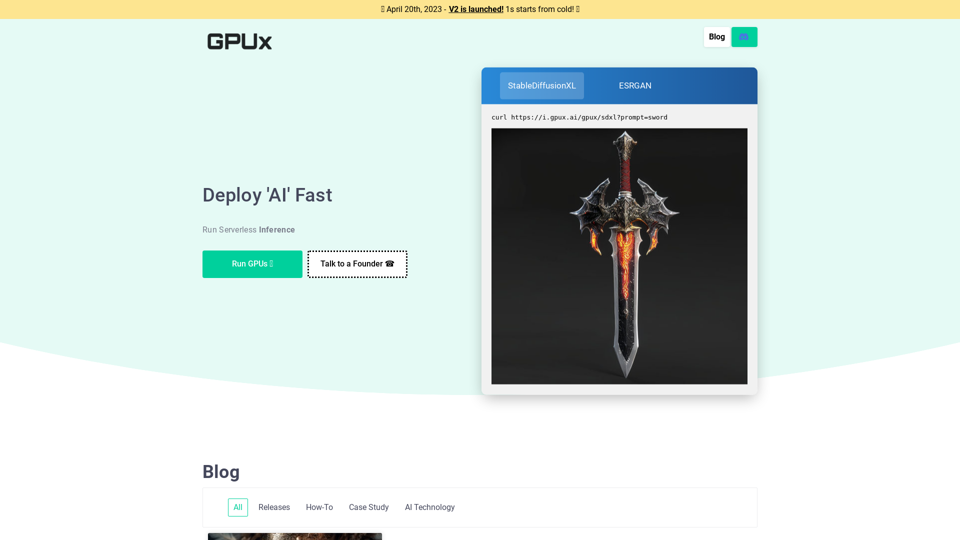
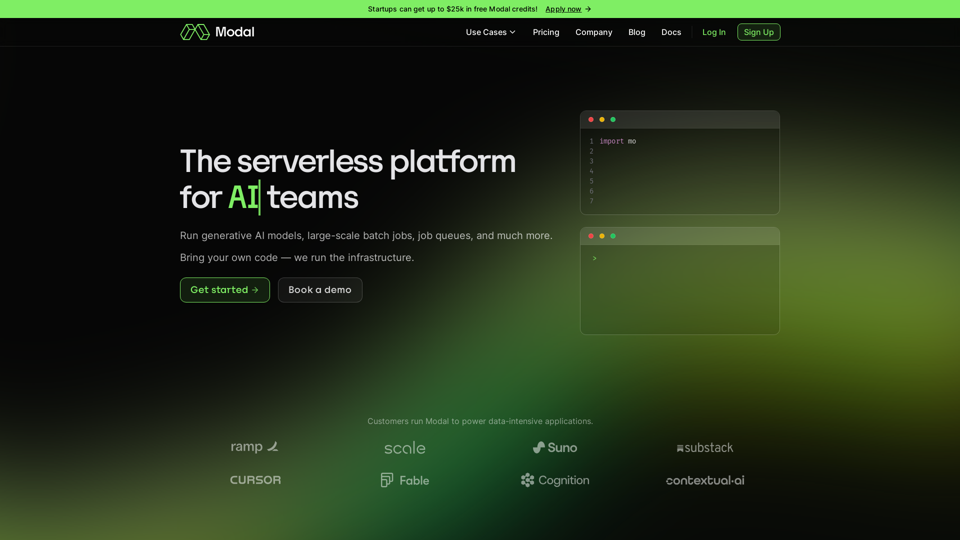
Bring your own code, and run CPU, GPU, and data-intensive compute at scale. The serverless platform for AI and data teams.
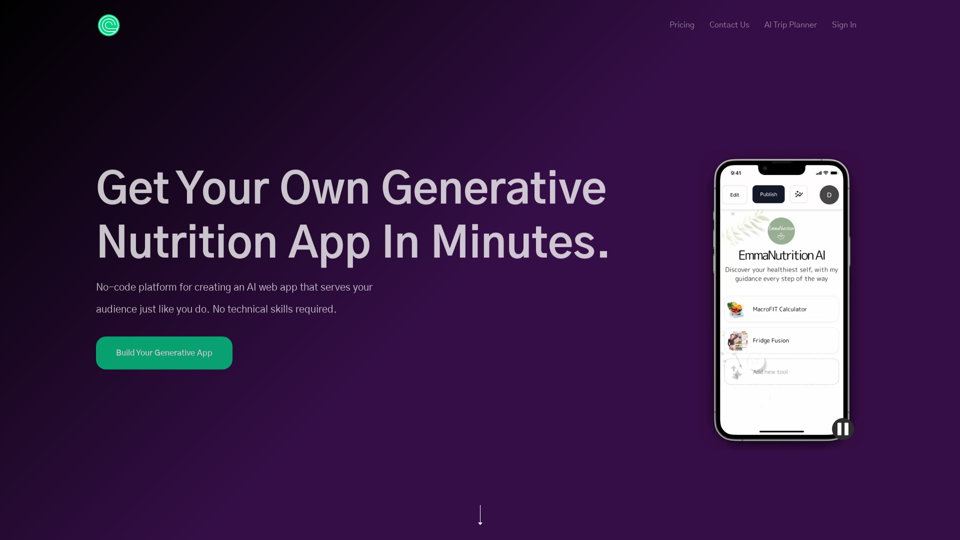
No-code platform for creating an AI web app that serves your audience just like you do. No technical skills required.
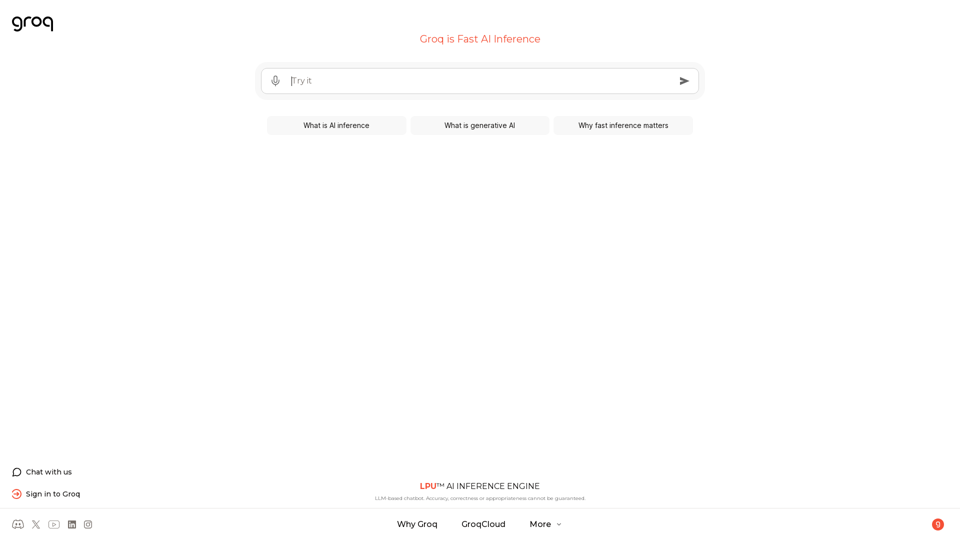
The LPU™ Inference Engine by Groq is a hardware and software platform that delivers exceptional compute speed, quality, and energy efficiency. Groq provides cloud and on-prem solutions at scale for AI applications. Headquartered in Silicon Valley and founded in 2016. The LPU and related systems are designed, fabricated, and assembled in North America.