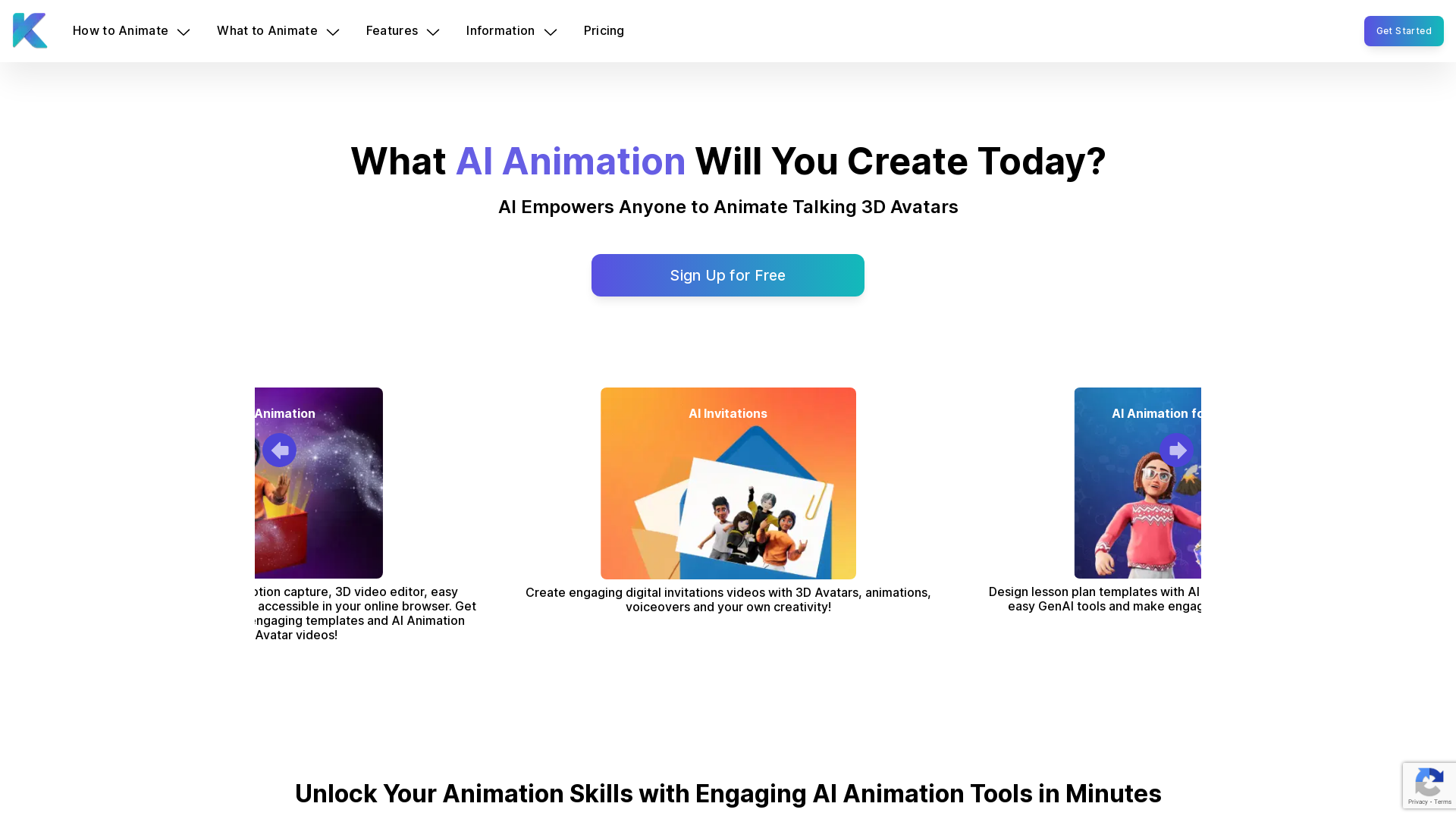
What is Krikey AI Animation Maker?
Krikey AI Animation Maker is an innovative online platform that utilizes generative AI technology to help users easily create engaging 3D animation videos in minutes. Featuring robust tools for creating motion-captured characters, customizable avatars, and artistic animations, Krikey enables anyone—regardless of skill level—to bring their creative visions to life without coding or prior animation experience.
What are the main features of Krikey AI Animation Maker?
- User-Friendly 3D Video Editor
- Accessible directly from your browser, allowing you to create animations quickly and easily.
- Generative AI Animation
- Convert text prompts or videos into 3D character animations, making it simple to create dynamic content.
- Wide Variety of Templates
- A library of templates to jumpstart your projects, from social media animations to educational videos.
- Customizable Avatars
- Design unique 3D avatars and characters that reflect your creative individuality.
- Motion Capture and Voiceover Tools
- Utilize motion capture techniques to add realistic movements and voiceovers seamlessly to your animations.
- Social Media Integration
- Easily share videos across various platforms directly from the Krikey AI interface.
How to use Krikey AI Animation Maker?
To start using Krikey AI Animation Maker, simply sign up for a free account, choose from the selection of customizable features and templates, and create your animation. Begin by selecting a custom avatar and providing a text prompt or video as your animation source. You can utilize the built-in video editor to tweak camera angles, add voiceovers in 20+ languages, and incorporate 3D backgrounds. It’s that easy to produce an engaging animated video that comes to life!
Pricing
Krikey AI offers several subscription options to fit different needs:
- Free Tier
- Access basic features with limited customization and assets.
- Pro Plan
- For creators, educators, and marketers, offering enhanced features and a wider range of assets for a monthly subscription.
- Enterprise Solutions
- Tailored for larger organizations, including education and non-profit discounts.
Helpful Tips
- Explore Templates
- Start your animation projects by utilizing free templates which provide a structure for your videos.
- Experiment with Voiceovers
- Use AI text-to-speech capabilities to bring your characters to life with dialogue.
- Utilize Social Media Features
- Optimize your content for various platforms by adjusting aspect ratios directly during editing.
- Engage with the Community
- Join forums or groups online to share tips, get feedback, and find inspiration from other Krikey users.
Frequently Asked Questions
Is there an AI that can create animations?
Yes! Krikey AI Animation Maker provides cutting-edge technology enabling users to create animations in minutes using text prompts or video uploads.
How can I create animation with AI?
You can easily create animations by selecting a custom avatar, entering a text prompt, or uploading a video. The AI will generate a 3D animation based on your input.
Can I create animations for free?
Yes, Krikey AI allows users to start creating animations for free with access to basic features and templates.
What is the best AI animation generator?
Krikey AI stands out as one of the best AI animation tools due to its user-friendly interface, generative capabilities, and comprehensive template library.
Can I use Krikey AI without coding knowledge?
Absolutely! Krikey AI is designed for users of all skill levels, eliminating the need for coding or animation expertise.
How can I start animating today?
Head to the Krikey AI website, create an account for free, and start exploring the animation tools and templates available.
Explore your creativity with Krikey AI Animation Maker and unleash the power of AI-driven animations today!
Animation Video Maker
Krikey AI Animation Maker empowers anyone to create engaging AI-powered animated avatar videos in minutes. Get started with GenAI 3D Animation tools for free!
 Amazon CloudFront
 Amazon Web Services
 Bootstrap:5.1.3
 HTTP/3
 jsDelivr
Free AI anime and manga generator. Turn text into anime episodes, manga, comics, webtoons and comic shorts in any art style — no drawing or animation skills needed.
Translate image text across 70+ languages with our advanced AI Image Translator to help you better expand your products globally to various countries
Advertised Here
Reach thousands of visitors daily. Get your spot now!
Tools similar to Animation Video Maker
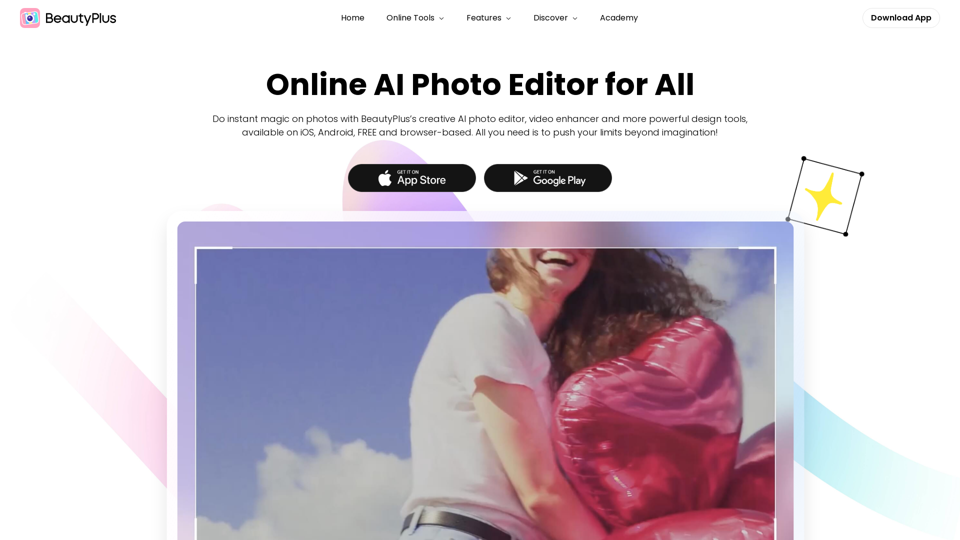
Official site of BeautyPlus - AI photo editor featuring the best photo editing apps and design assets for photos and videos, like filter, sticker, collage, etc.
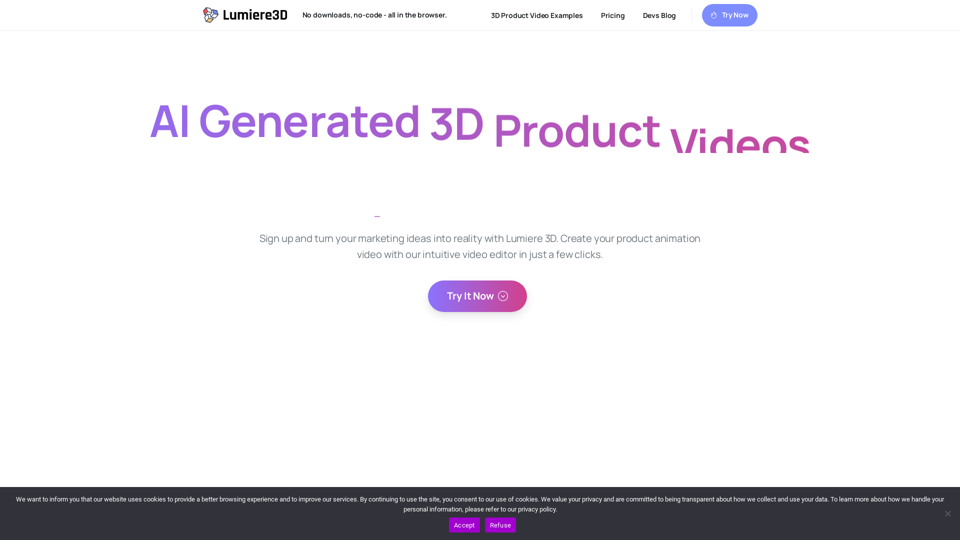
Elevate your brand's digital presence with our captivating cinematic 3D product videos, optimized for reels, shorts, and TikTok. Stand out with immersive visuals.
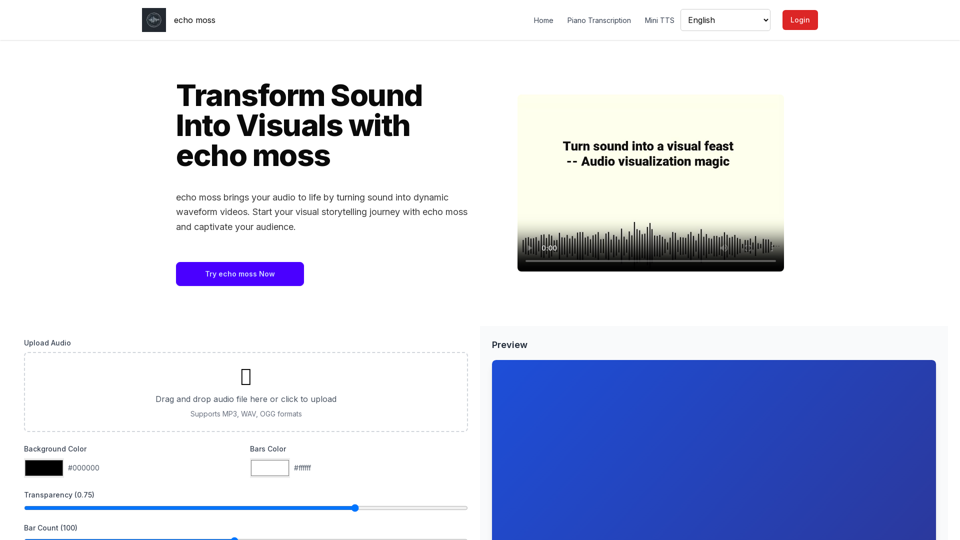
Transform audio into dynamic waveform videos with echo moss. Perfect for musicians, podcasters, and content creators to make your sound visually engaging.