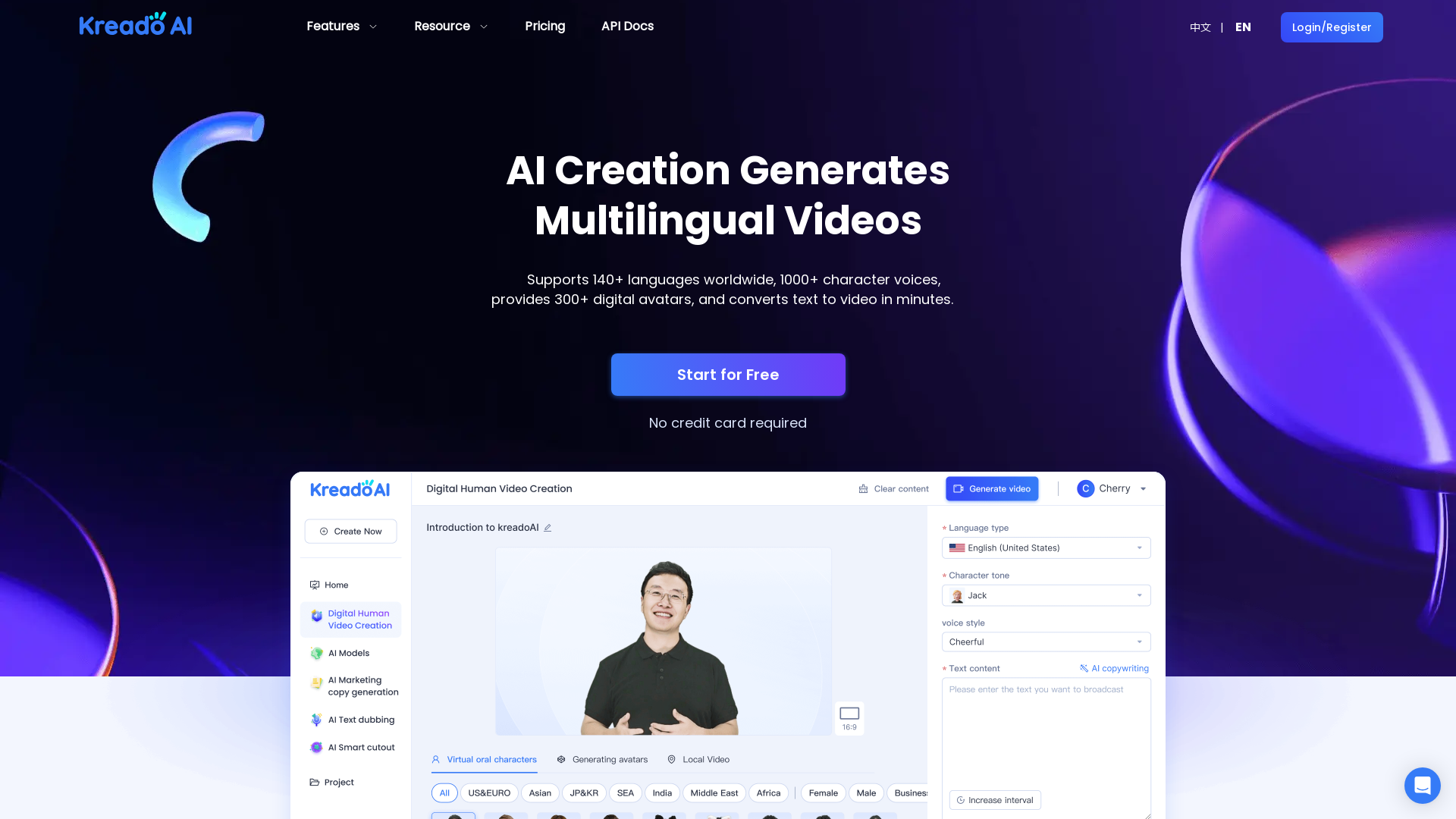
What is KreadoAI?
KreadoAI is an advanced AI video generation platform that allows users to create multilingual videos featuring real or virtual characters. The platform supports over 140 languages and offers over 300 digital avatars, enabling users to convert text into engaging videos in mere minutes. It's designed to reduce the need for real-life video production, making video marketing more accessible and cost-effective.
What are the main features of KreadoAI?
- Multilingual Video Generation
- KreadoAI supports over 140 languages, allowing users to create videos that cater to a global audience.
- AI Digital Avatars
- The platform provides a bank of over 300 digital avatars that can be used in video presentations, enhancing user engagement.
- Voice Cloning
- Users can replicate human voices and tonalities by providing a 5-minute audio sample, allowing for personalized audio in videos.
- Text to Speech
- Instantly convert written text into speech using human-like AI voices, enhancing the video's authenticity.
- Image Processing
- Automatic background removal for images in seconds, streamlining the content creation process.
- Live Streaming
- Easily set up a digital avatar for live streaming marketing, enhancing customer interactions.
How to use KreadoAI?
To utilize KreadoAI, start by creating a free account on their platform. Once registered, users can choose to create a video by selecting digital avatars and inputting text or keywords. The platform simplifies the video-making process, and users can generate videos with just a few clicks. Voice cloning and background removal tools are also accessible, enhancing the customization options for each video.
What is the pricing for KreadoAI?
KreadoAI offers a free tier with basic features, allowing users to dive into the platform without any credit card requirements. Additional pricing plans are available for more advanced features and increased usage limits, suitable for businesses and heavy users looking for comprehensive access to all functionalities.
Helpful Tips for Using KreadoAI
- Explore Avatar Options
- Take time to browse through the diverse avatar options offered to ensure the perfect match for your video content.
- Utilize Text Patterns
- Experiment with different text prompts to see how each avatar performs with various tones and themes.
- Leverage Voice Cloning
- By using the voice cloning feature, you can make your videos more relatable and personalized.
- Stay Updated
- Follow KreadoAI’s updates for new features that may enhance your marketing strategy and video creation process.
Frequently Asked Questions
How can I create a free account on KreadoAI?
Creating a free account is straightforward. Visit the KreadoAI website, click on the registration button, and follow the prompts to set up your account with an email and password.
Can I generate videos with my own character design?
Currently, KreadoAI offers a variety of pre-designed digital avatars. However, users can customize certain aspects, such as voice and backgrounds, to create unique presentations.
Is there any limit to the number of videos I can create?
The free version has certain limits on video generation, while subscription plans offer more flexibility and higher usage thresholds. It’s best to review the pricing plans for specifics.
How does the voice cloning feature work?
Users can clone voices by uploading a 5-minute audio sample. The system then analyzes the audio and allows for the recreation of similar tonalities and voices in generated videos.
Can I use KreadoAI for professional marketing purposes?
Absolutely! KreadoAI is designed specifically for marketing, with tools that improve engagement rates and reduce content production costs. It’s an ideal choice for businesses looking to enhance their video marketing strategies.
KreadoAI
Generate professional videos with AI-generated avatars and voices in minutes. Experience KreadoAI now and add creativity and vitality to your avatars and photos!
Free AI anime and manga generator. Turn text into anime episodes, manga, comics, webtoons and comic shorts in any art style — no drawing or animation skills needed.
Translate image text across 70+ languages with our advanced AI Image Translator to help you better expand your products globally to various countries
Advertised Here
Reach thousands of visitors daily. Get your spot now!
Tools similar to KreadoAI
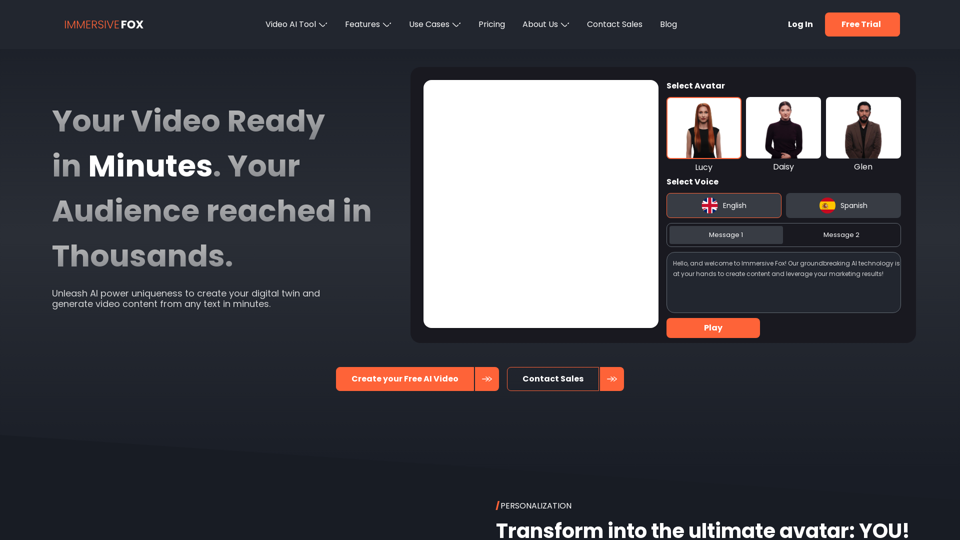
Immersive Fox AI generator creates your digital twin for personalized, multilingual business videos, without cameras and mics. Cost effective, innovative, fast.
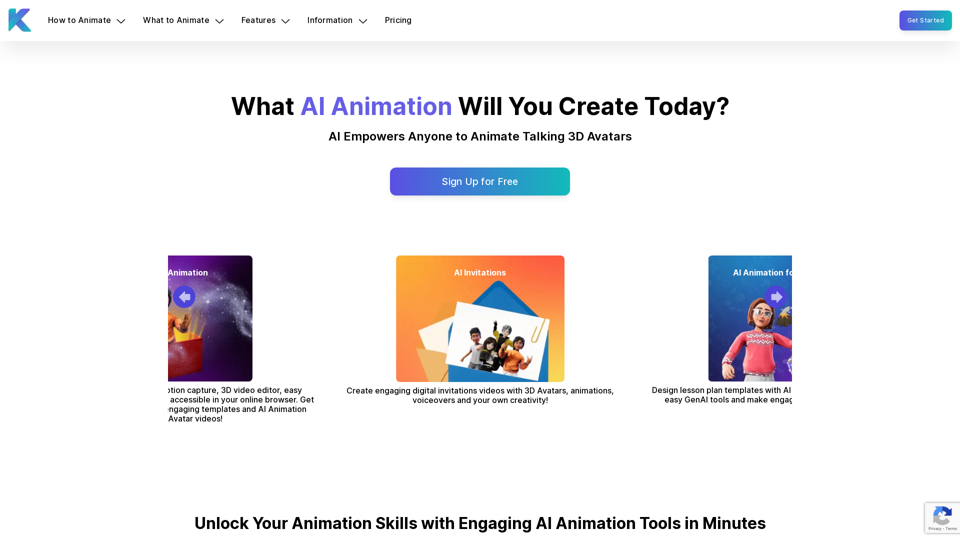
Krikey AI Animation Maker empowers anyone to create engaging AI-powered animated avatar videos in minutes. Get started with GenAI 3D Animation tools for free!
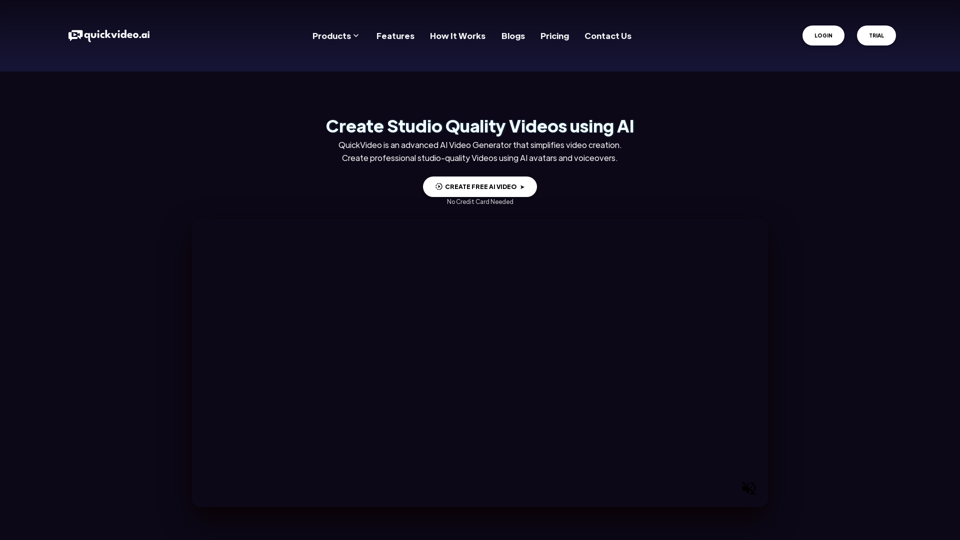
QuickVideo is an advanced AI Video Generator that simplifies video creation. Create professional studio-quality Videos using AI avatars and voiceovers.
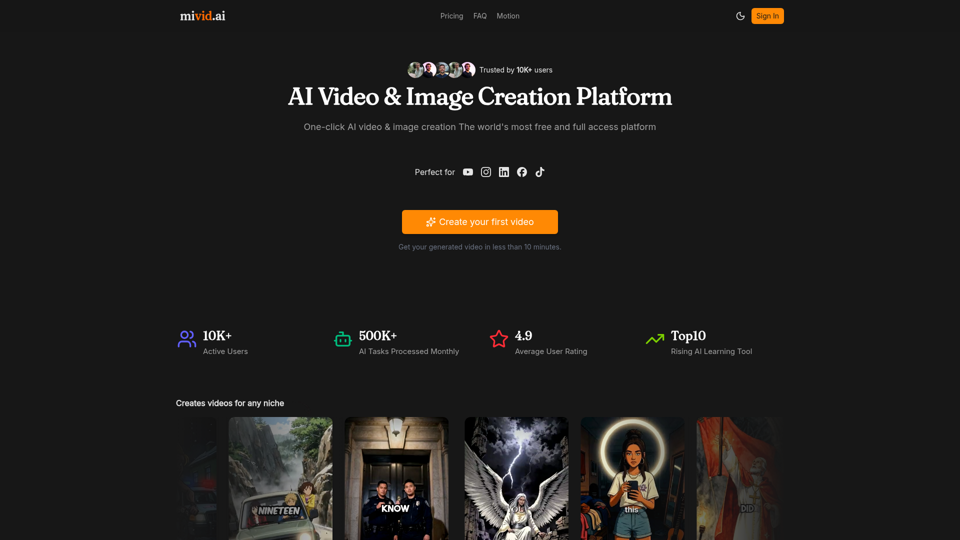
Convert scripts, blog posts, prompts, and ideas into professional AI videos. Generate videos with AI avatars, voiceovers, subtitles, and music in minutes.

Create AI videos, product ads, and avatars from text, images and product links. WizStar helps creators, marketers, and business teams produce high-quality localized video content faster with AI.