Language Reactor
Language Reactor: your language learning toolbox. Discover, understand, and learn from native materials, including Netflix and YouTube. (Formerly called 'Language Learning with Netflix'.)
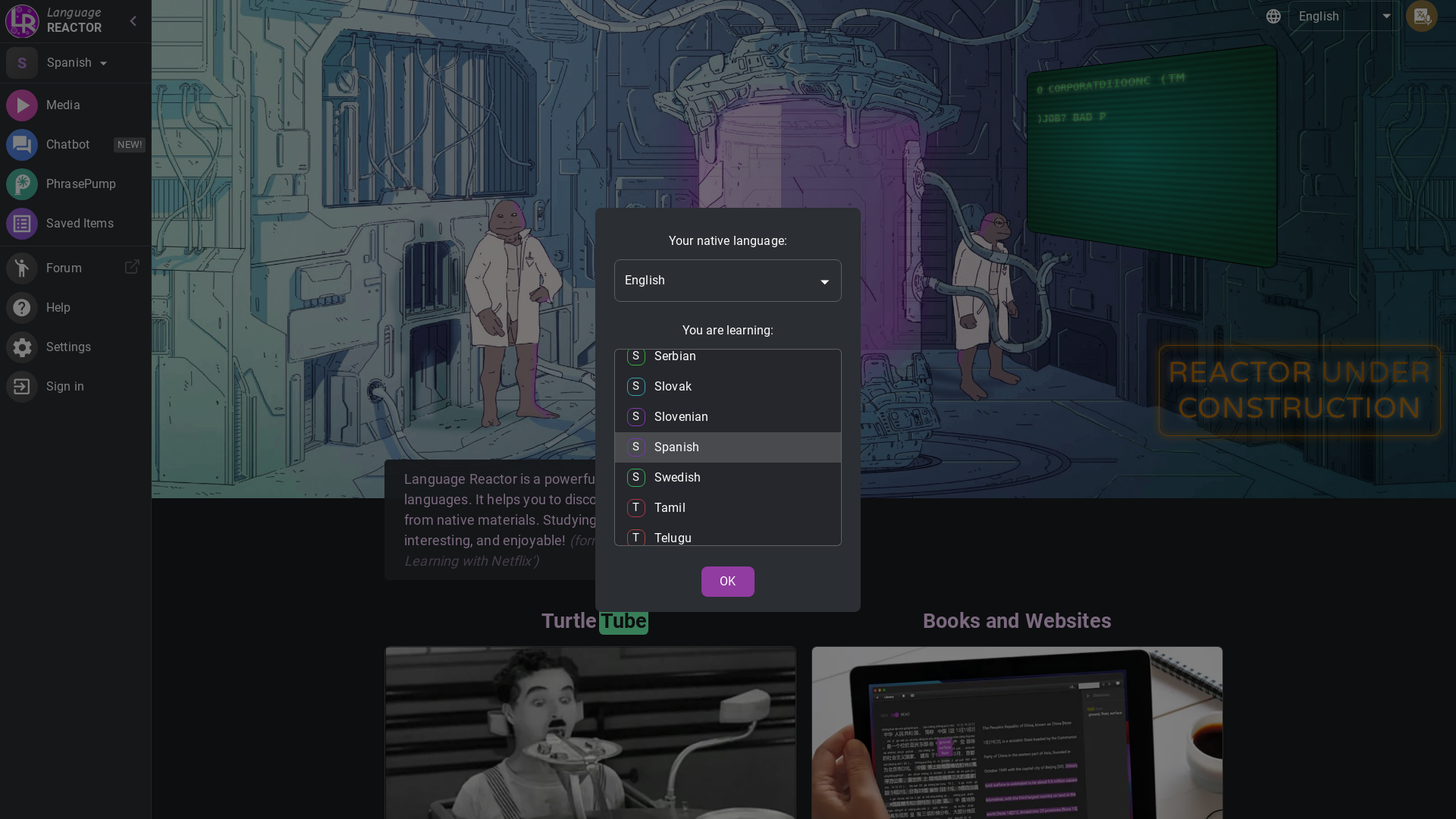
What is Language Reactor?
Language Reactor is a powerful toolbox designed for language learners. It helps users discover, understand, and learn from native materials, making the study process more effective, interesting, and enjoyable. Initially known as 'Language Learning with Netflix', it offers multiple features to enhance language learning through popular streaming platforms.
Main Features of Language Reactor
- Dual Language Subtitles
- Enhances the viewing experience by displaying subtitles in two languages simultaneously.
- Popup Dictionary
- Offers instant translations and definitions while watching content.
- Precise Video Playback Controls
- Allows for seamless rewinding and replaying of segments to improve comprehension.
- Automated Language Content Feeding
- The TurtleTube feature provides content tailored to the user's language level.
- Machine Translation
- Soon to be released, users can import texts, and the tool will provide a machine translation alongside realistic text-to-speech.
- PhrasePump
- A feature that enables users to practice sentences with vocabulary that needs improvement.
- Chatbot
- Engage in conversations with an AI chatbot to practice language skills in a fun way.
How to Use Language Reactor?
To start using Language Reactor, simply install the browser extension on your desktop. Once installed, navigate to Netflix or YouTube, and the tool will automatically enhance your viewing experience with dual subtitles, a dictionary, and customized playback options. Users can also select content according to their language levels, making it easier to learn at their own pace.
Pricing
Language Reactor offers several subscription plans:
- Monthly Subscription
- Pay a small fee every month.
- Quarterly Subscription
- Save with a three-month plan.
- Yearly Subscription
- Get the best deal by subscribing annually.
Helpful Tips
- Set Realistic Goals
- Start with short video clips or episodes and gradually increase your study length.
- Utilize PhrasePump
- Focus on the sentences provided by PhrasePump to improve your vocabulary and listening skills.
- Practice Regularly
- Consistency is key. Use the chatbot for daily practice.
- Take Notes
- Keep a list of new words or phrases that you learn for review.
Frequently Asked Questions
Can I use Language Reactor with platforms other than Netflix and YouTube?
Currently, Language Reactor primarily supports Netflix and YouTube, but there are plans to expand to other platforms in the future.
How does the Popup Dictionary work?
The Popup Dictionary allows users to hover over words in the subtitles to see their definitions and translations instantly.
Will Language Reactor help with understanding native speakers?
Yes! By using authentic material and dual subtitles, users can improve their listening comprehension and get accustomed to natural speech patterns.
Is there a free version of Language Reactor?
Language Reactor offers a limited free version, but to access full features, a subscription is required.
How can I suggest new features or report issues?
Users can provide feedback or feature requests through the Language Reactor forum or support section on their website.
Language Reactor
Language Reactor: your language learning toolbox. Discover, understand, and learn from native materials, including Netflix and YouTube. (Formerly called 'Language Learning with Netflix'.)
 Bunny
Bunny Paddle
Free AI anime and manga generator. Turn text into anime episodes, manga, comics, webtoons and comic shorts in any art style — no drawing or animation skills needed.
Translate image text across 70+ languages with our advanced AI Image Translator to help you better expand your products globally to various countries
Advertised Here
Reach thousands of visitors daily. Get your spot now!
Tools similar to Language Reactor
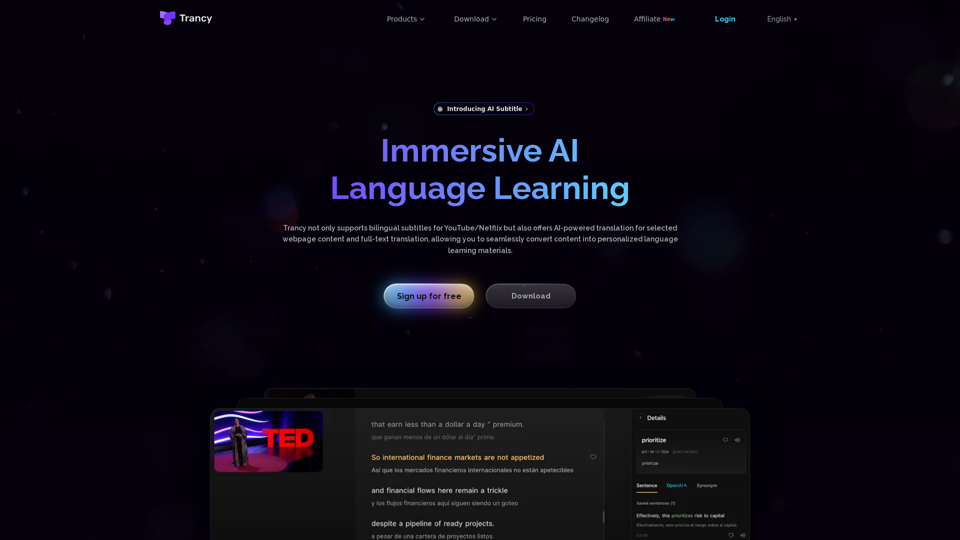
Trancy not only provides bilingual subtitles support for platforms like YouTube, Netflix, Udemy, Disney+, TED, edX, Kehan, Coursera, but also offers AI word/sentence translation and immersive translation for regular web pages. It is a true all-in-one language learning assistant.
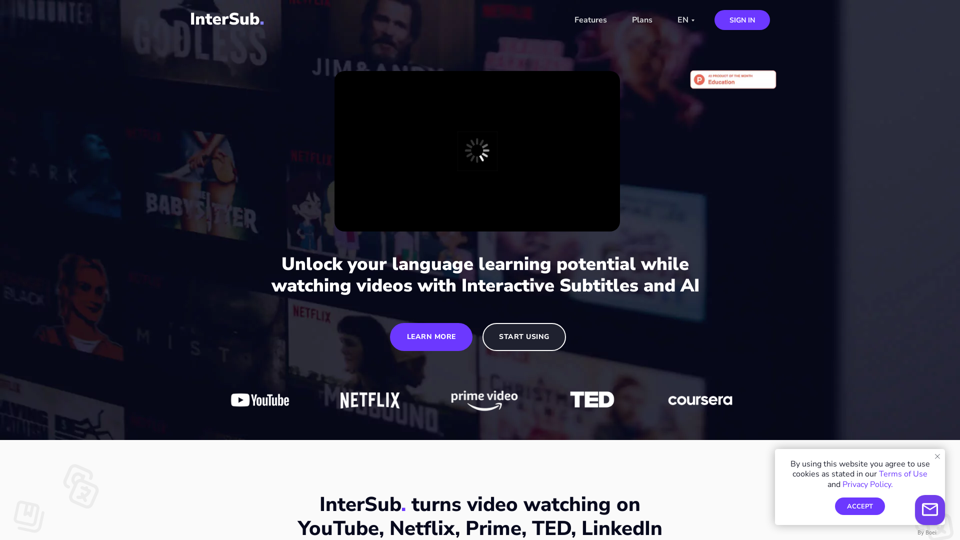
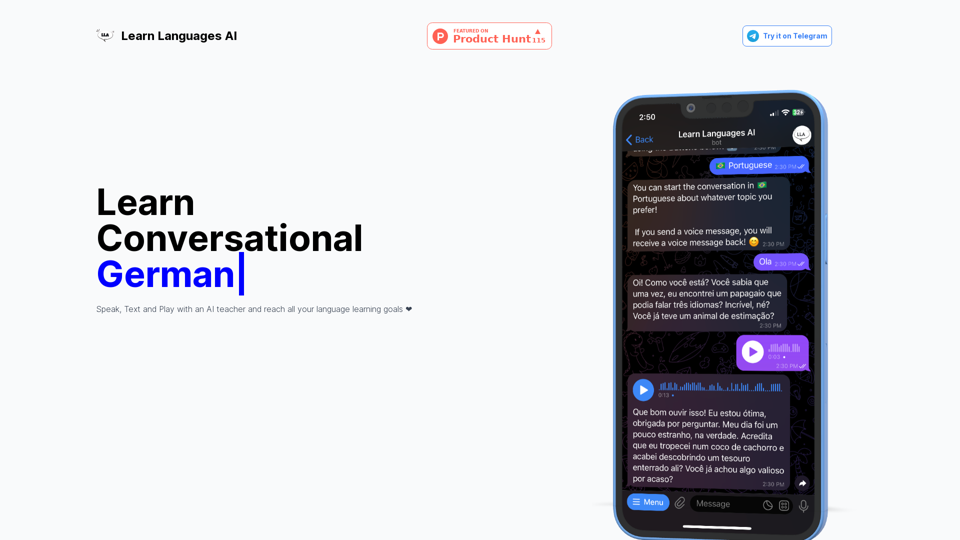
Learn language through daily AI-generated audio challenges. Diverse topics, levels, accents at your fingertips. For learners & natives alike, just a minute a day to break language barriers. Listen, type, learn, repeat - it's your daily language workout!
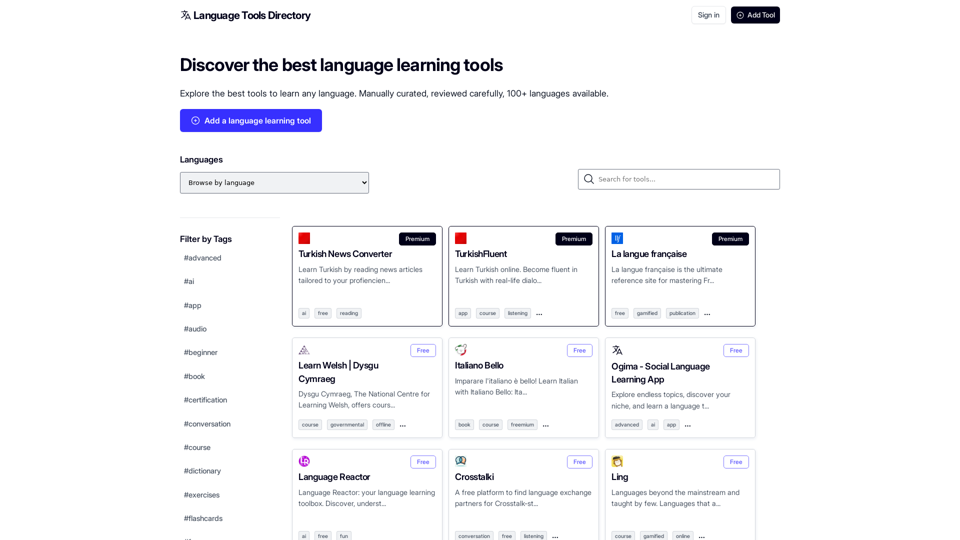
Discover the best tools to learn any language. Manually curated, reviewed carefully, 100+ languages available.
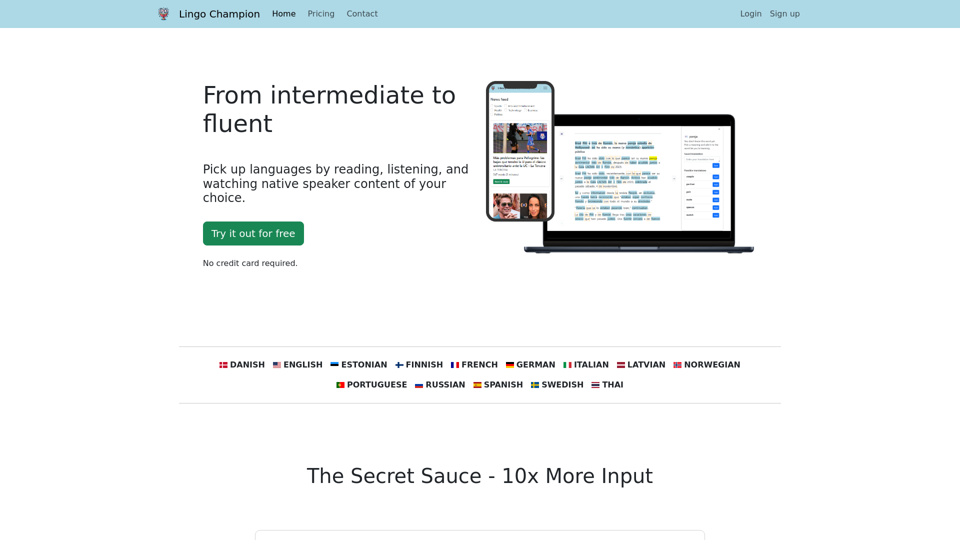
Learn languages through native speaker content. Read up-to-date news articles and have AI explain words to you. Filter and simplify content that matches your level. Watch videos with subtitles.
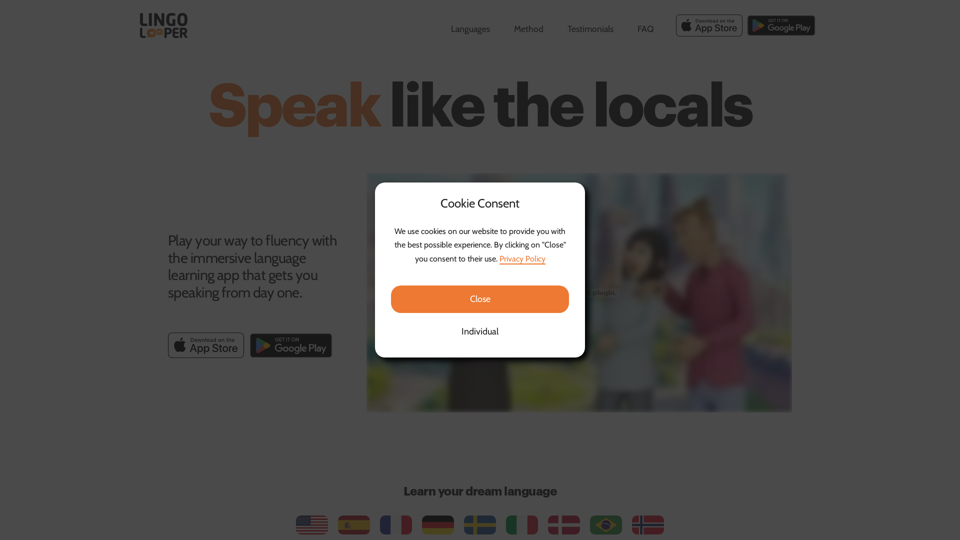
Learn English, Spanish, French, German and more through interactive conversations with AI avatars. Achieve native-level fluency. Get personalized feedback.
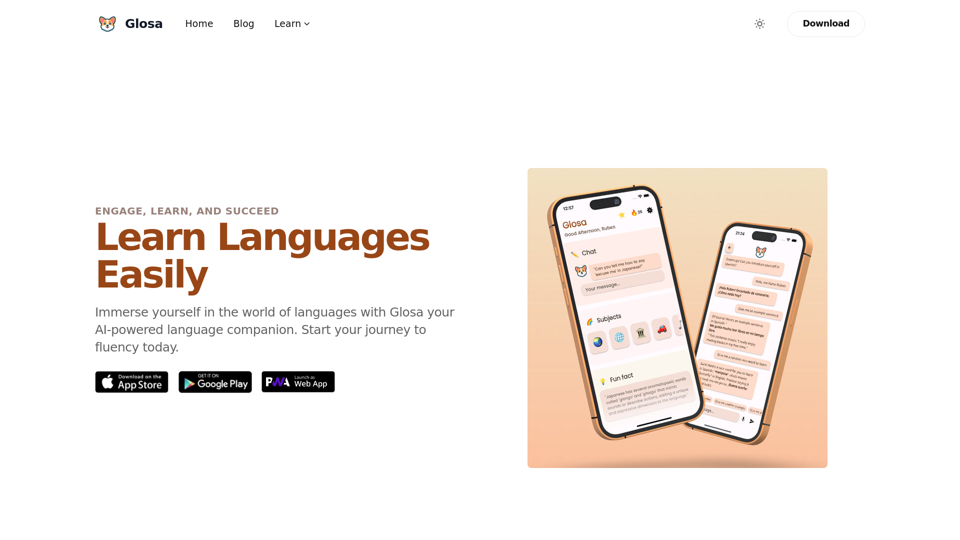
Transform your language learning experience with Glosa – your AI-powered language companion. Engage, learn, and succeed with personalized lessons and real-time progress tracking.