LocalizeBot
Simplifies app localization and helps you reach more users
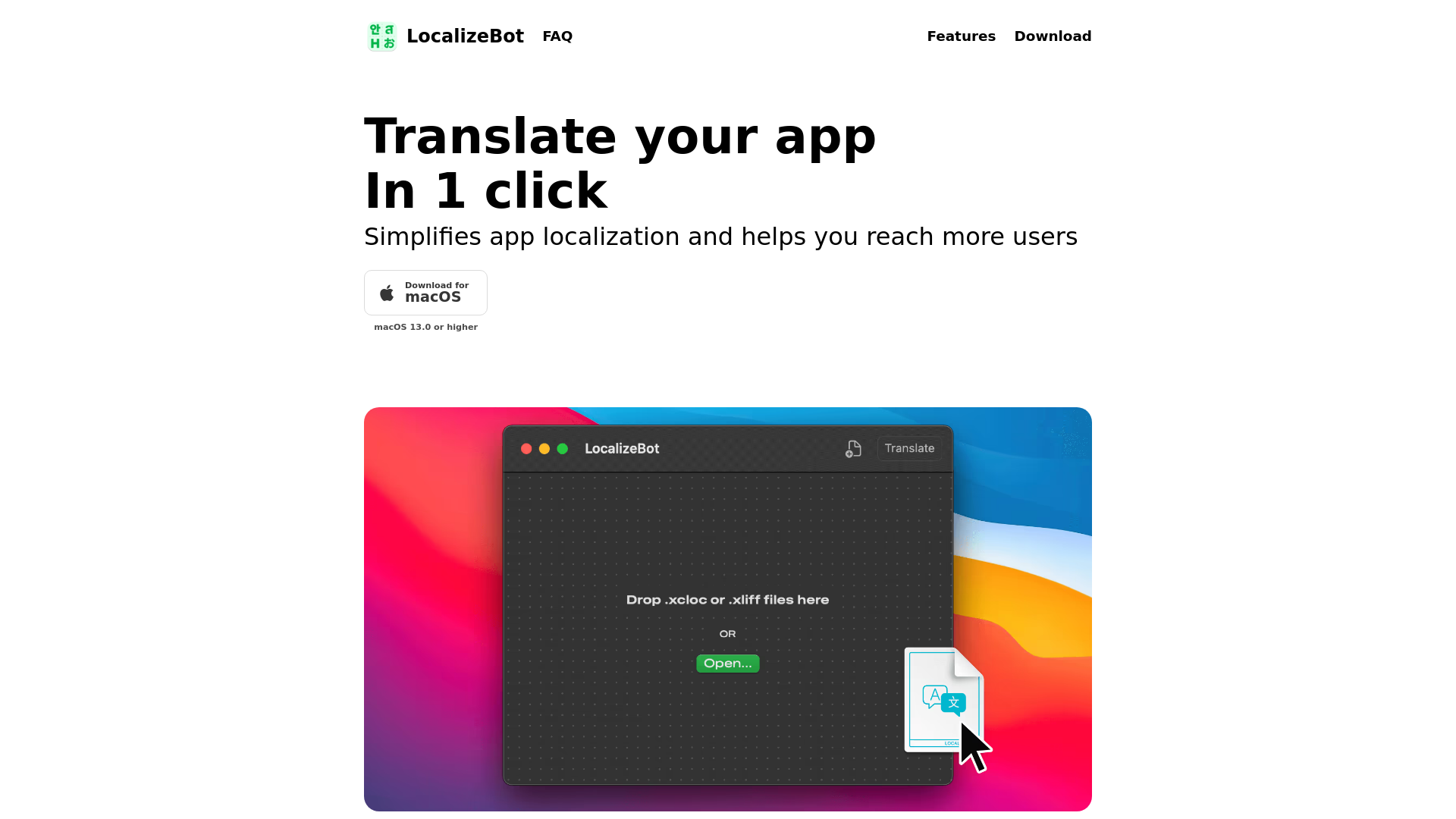
What is LocalizeBot?
LocalizeBot is an innovative app localization tool designed to simplify the translation process of applications with just one click. By offering seamless integration with standard Xcode workflows, it helps developers reach a wider audience by localizing their apps efficiently.
What are the main features of LocalizeBot?
- One-Click Translation
- Effortlessly translate all files in your project with a single click, choosing between OpenAI and Google Cloud Translation services.
- Support for XLIFF and XCLOC
- Easily integrate with established localization standards used in Xcode.
- Apple Glossaries
- Automatically applies standard translations for common UI texts like 'OK', 'Save', and 'Cancel', ensuring consistency with Apple's system.
- Contextual Translation
- Users can provide a brief description of their app to help the AI deliver more precise translations based on context.
- Comment Consideration
- Any comments added to your files are taken into account during the translation, enhancing accuracy and relevance.
How to use LocalizeBot?
To start using LocalizeBot, simply download it for macOS 13.0 or higher. Drag and drop your .xliff or .xcloc files into the application, and click to translate. The platform will handle the rest, allowing you to focus on enhancing your app rather than managing translations.
Price
LocalizeBot offers a straightforward pricing model, although specifics may vary depending on subscription options and features. For exact pricing, it's best to visit the official website or the app's download page.
Helpful Tips
- Maximize Your Translations
- Take advantage of the contextual translation feature by providing a clear app description. This can significantly improve the quality of translations.
- Use Comments
- Add comments in your files to clarify nuances in translation that automated systems may not understand.
- Stay Updated
- Keep your app localized regularly to ensure that any updates reflect in all supported languages.
Frequently Asked Questions
How to translate an iOS app using an XCLOC file?
To translate your iOS app using an XCLOC file, simply drag the file into LocalizeBot, select your translation service, and click to translate. The app will manage the translation process for you.
What translation services does LocalizeBot use?
LocalizeBot offers users the choice between OpenAI and Google Cloud Translation services, giving flexibility in terms of translation accuracy and performance.
Can I integrate LocalizeBot with my existing workflow?
Yes, LocalizeBot integrates seamlessly with standard Xcode workflows, making it a convenient addition to your existing app development process.
Is there a free version of LocalizeBot?
Please check the official website for details regarding any free trial or basic version available, as features may vary by subscription.
What is the benefit of using Apple Glossaries?
Using Apple Glossaries ensures that your app maintains consistency with common UI translations commonly found in iOS apps, improving user familiarity and experience.
LocalizeBot
Simplifies app localization and helps you reach more users
 Font Awesome
 Google Analytics
 Netlify
Free AI anime and manga generator. Turn text into anime episodes, manga, comics, webtoons and comic shorts in any art style — no drawing or animation skills needed.
Translate image text across 70+ languages with our advanced AI Image Translator to help you better expand your products globally to various countries
Advertised Here
Reach thousands of visitors daily. Get your spot now!
Tools similar to LocalizeBot
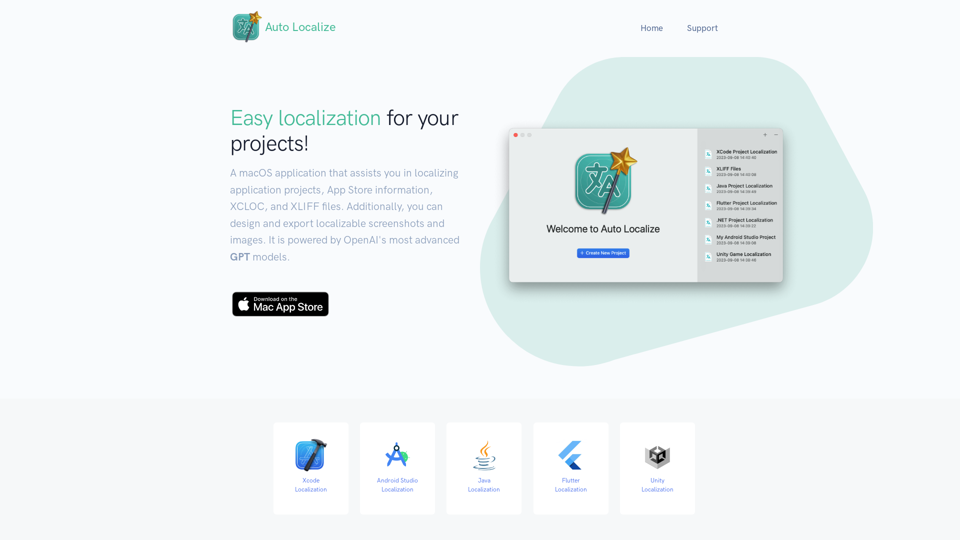
Localization tool for Xcode, Android Studio, Java, Unity, and Flutter Projects powered by OpenAI ChatGPT models.
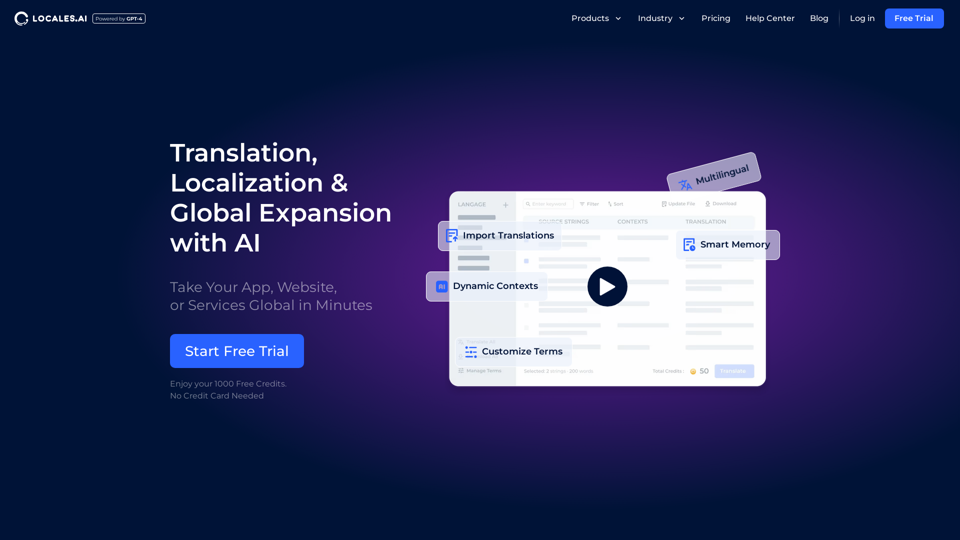
Elevate your global reach with our AI-powered localization services. Specializing in website and app translations, multilingual content management, and automated tools for seamless internationalization.
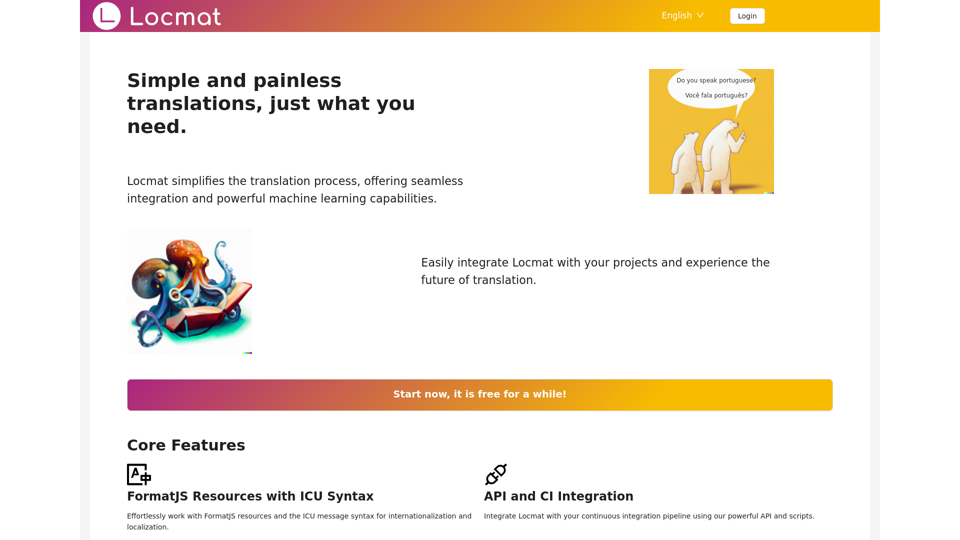
Locmat is a powerful and user-friendly translation platform that simplifies the localization process using FormatJS and ICU syntax. With machine learning-powered automatic translations, API integrations, and Chat-GPT support, Locmat takes the pain out of managing translations for your projects.
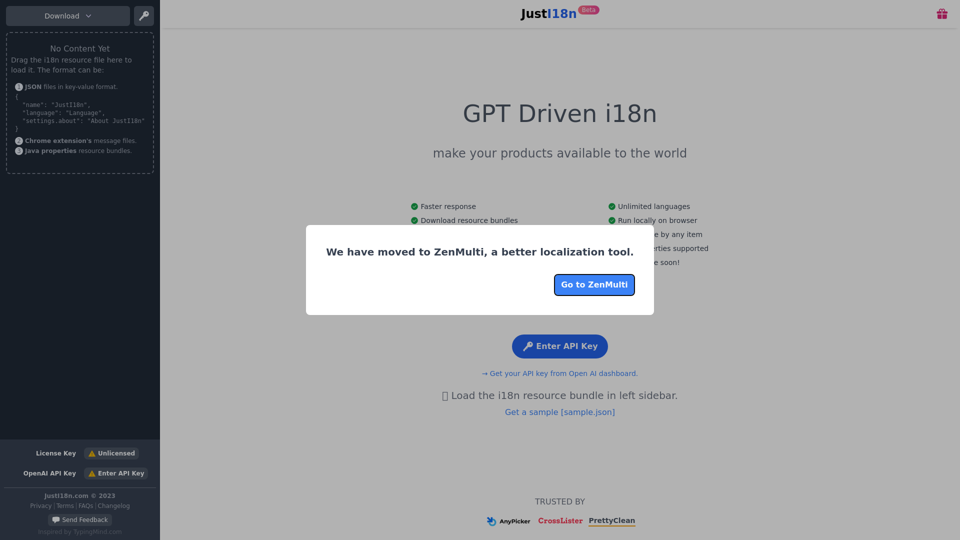
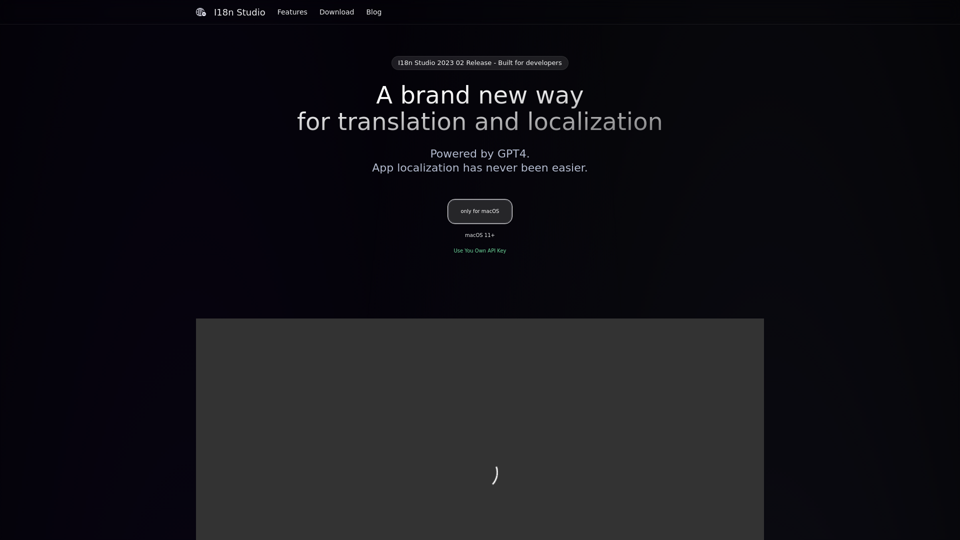
A developer tool driven by GPT4 on macOS, Contextual Translation for JSON, XML, Localizable.strings, and String Catalogs
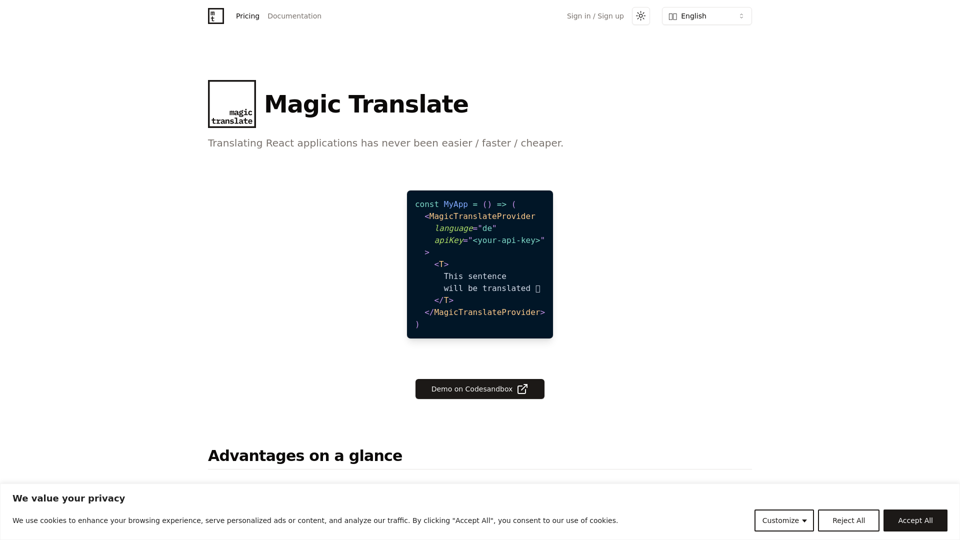
Translating React applications has never been easier / faster / cheaper.
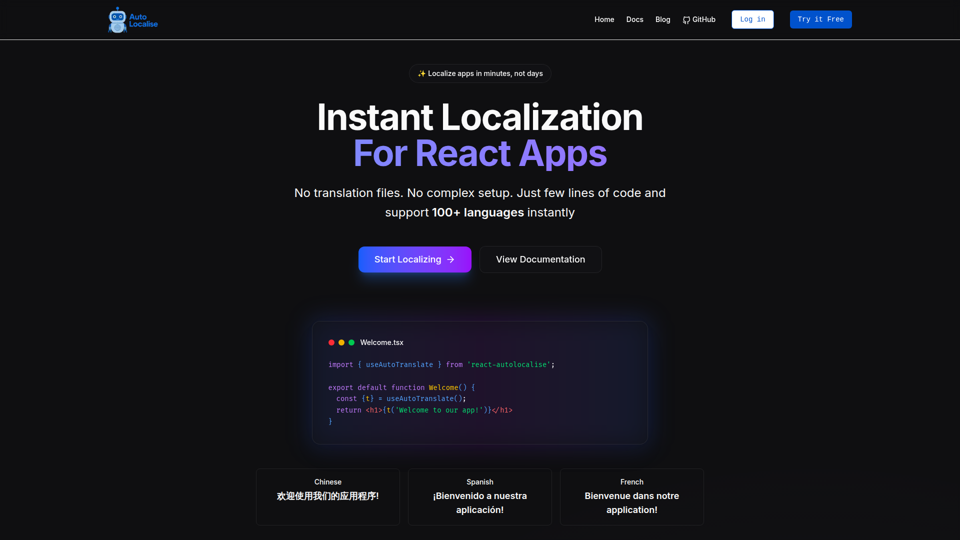
Localize your React, React Native, Expo, and Next.js apps instantly without managing translation files. Support 100+ languages with AI-powered translations.
Automatic i18next JSON translations using the world's most accurate & nuanced AI translation engine. Convert your source i18next JSON file into 80+ languages. Works with iOS, Android, Flutter, Rails, React, Svelte, Angular, Vue.js, Next.js, and more.