AutoLocalise
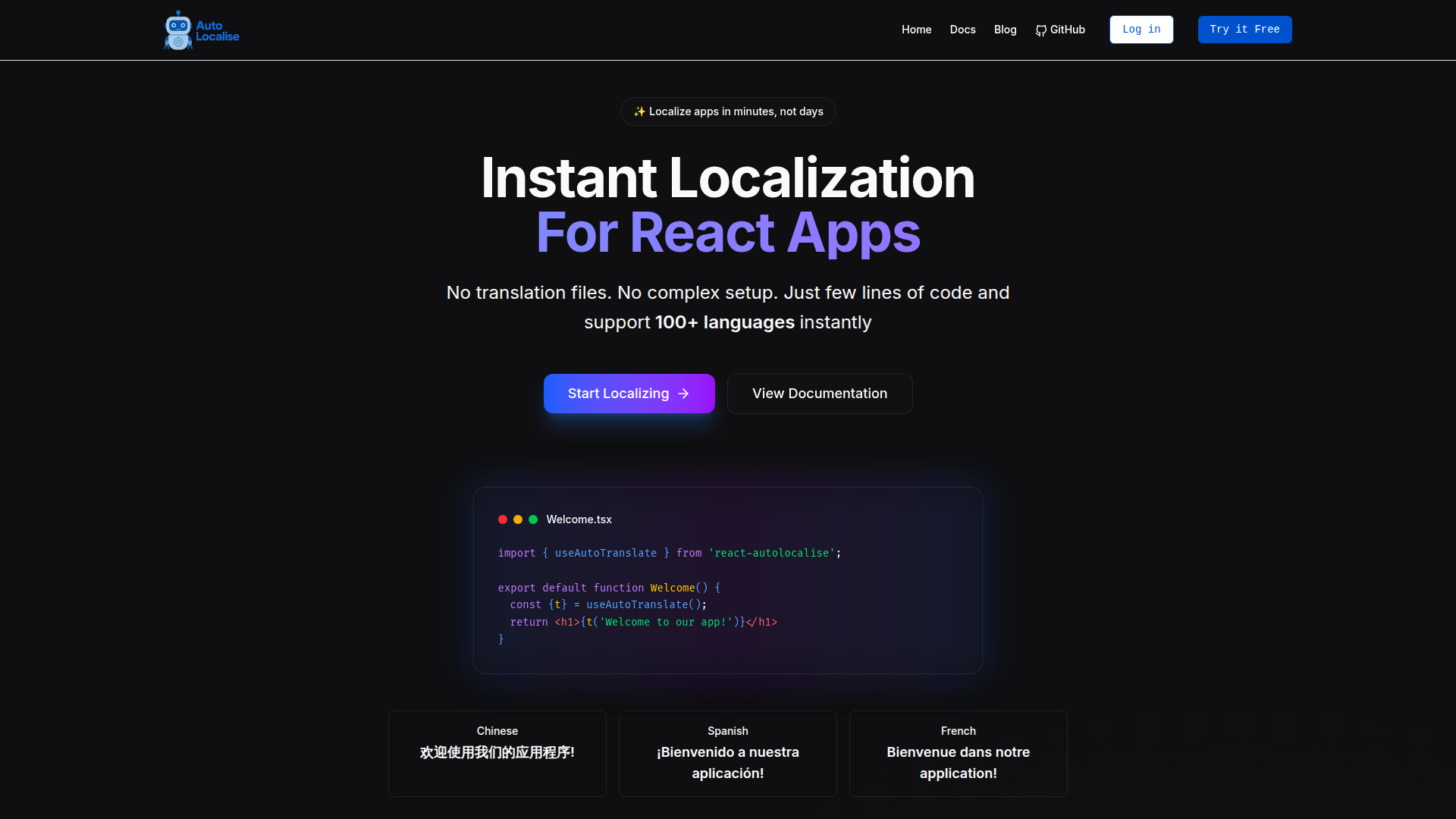
Localize your React, React Native, Expo, and Next.js apps instantly without managing translation files. Support 100+ languages with AI-powered translations.
What is AutoLocalise - Realtime Localization?
AutoLocalise - Realtime Localization is a localization tool for developers that translates app text automatically instead of relying on translation files. It works with React, Next.js, React Native, Expo and Python frameworks, supporting 100+ languages, and its AI translates with context and learns from manual edits. Translations update in real time without rebuilding or redeploying the app.
Key features
- 100+ languages
- Supports every major language and dialect, including English, Spanish, French, German, Chinese, Japanese, Korean and Arabic.
- AI-powered translation
- The AI translates with context and learns from manual updates, so improvements apply across all languages.
- Real-time updates
- Translations update instantly without rebuilding or redeploying the application.
- Framework support
- Works with React, Next.js, React Native, Expo, and the Python frameworks Django, Flask and FastAPI.
- Shared projects
- Translations can be shared across multiple applications within the same project.
- Usage analytics
- Tracks translation performance so teams can optimize the global user experience.
- Offline caching
- Translations are cached locally, so previously translated content works offline, and cached translations are delivered in milliseconds.
How to use AutoLocalise - Realtime Localization
- Install the package in your project with a single command, such as
npm install react-autolocalise. - Set your API key and add the provider to your app.
- Import the translation hook, for example
useAutoTranslate, and wrap the text you want translated witht('Hello World'). - Deploy your app. AutoLocalise extracts the text as users interact with it, translates it in real time and caches the result.
- Edit any translation manually if needed; the AI learns from those updates and applies them across all languages.
Use cases
- React developers who want to add internationalization without managing translation files.
- Next.js teams that need SSR/SSG localization with the App Router.
- Mobile developers building localized apps with React Native or Expo.
- Python teams using Django, Flask or FastAPI that need template or API text translated.
- Growing applications and teams that share one set of translations across several apps in the same project.
Pricing
AutoLocalise - Realtime Localization has two plans:
- Free
- $0/month, 10,000 characters/month, 1 project, live translation editing and 100+ languages.
- Pro
- 9 USD/month for up to 250,000 characters/month, then $1 per extra 30,000 characters. Includes 1 editor member per project (+$2/mo per additional member), unlimited viewers, unlimited private projects, 100+ languages and priority support.
Character counting uses the formula: source language characters × number of target languages = total characters counted. For example, 5,000 source characters translated into 2 languages equals 10,000 characters counted for billing.
FAQ
How does AutoLocalise - Realtime Localization count characters for billing?
It multiplies the source language characters by the number of target languages. For example, 5,000 source characters translated into 2 languages counts as 10,000 characters.
Is AutoLocalise - Realtime Localization free to use?
There is a Free plan at $0/month that covers 10,000 characters per month, 1 project, live translation editing and 100+ languages. Paid plans start with Pro at 9 USD/month.
How long does it take to integrate AutoLocalise - Realtime Localization into an existing app?
Integration typically takes 5-10 minutes: get the API key, install the package, add the provider to your app and start using the translation hook. No complex configuration or file management is required.
Which frameworks and platforms does AutoLocalise - Realtime Localization support?
It supports React (16.8+ with hooks), Next.js with SSR/SSG and the App Router, React Native, Expo, and the Python frameworks Django, Flask and FastAPI. Vue.js and Flutter are listed as planned.
Does AutoLocalise - Realtime Localization work offline?
Yes, for content that has already been translated. Translations are cached locally, so previously translated content works offline, while new content needs an internet connection for its first translation.
Can I migrate to AutoLocalise - Realtime Localization from another i18n solution?
Yes, migration can be gradual. Migration guides help you move existing translations from solutions such as react-i18next or next-i18next and update your code step by step.
AutoLocalise
Localize your React, React Native, Expo, and Next.js apps instantly without managing translation files. Support 100+ languages with AI-powered translations.
 Netlify
Free AI anime and manga generator. Turn text into anime episodes, manga, comics, webtoons and comic shorts in any art style — no drawing or animation skills needed.
Translate image text across 70+ languages with our advanced AI Image Translator to help you better expand your products globally to various countries
Advertised Here
Reach thousands of visitors daily. Get your spot now!
Tools similar to AutoLocalise
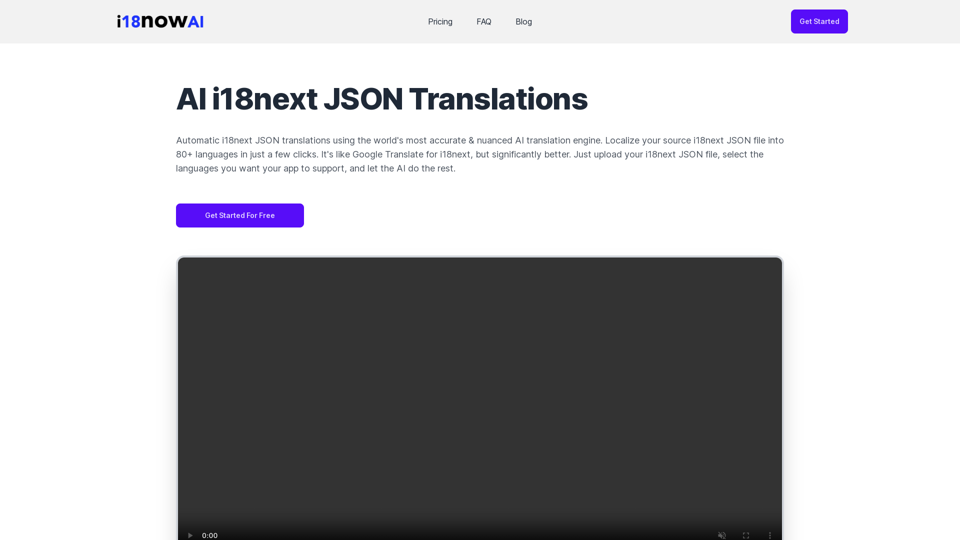
Automatic i18next JSON translations using the world's most accurate & nuanced AI translation engine. Convert your source i18next JSON file into 80+ languages. Works with iOS, Android, Flutter, Rails, React, Svelte, Angular, Vue.js, Next.js, and more.
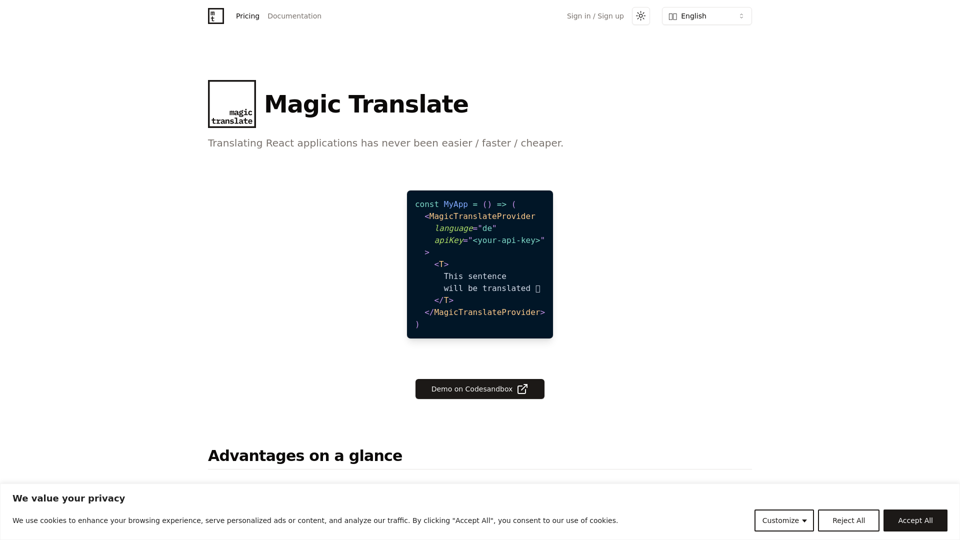
Translating React applications has never been easier / faster / cheaper.
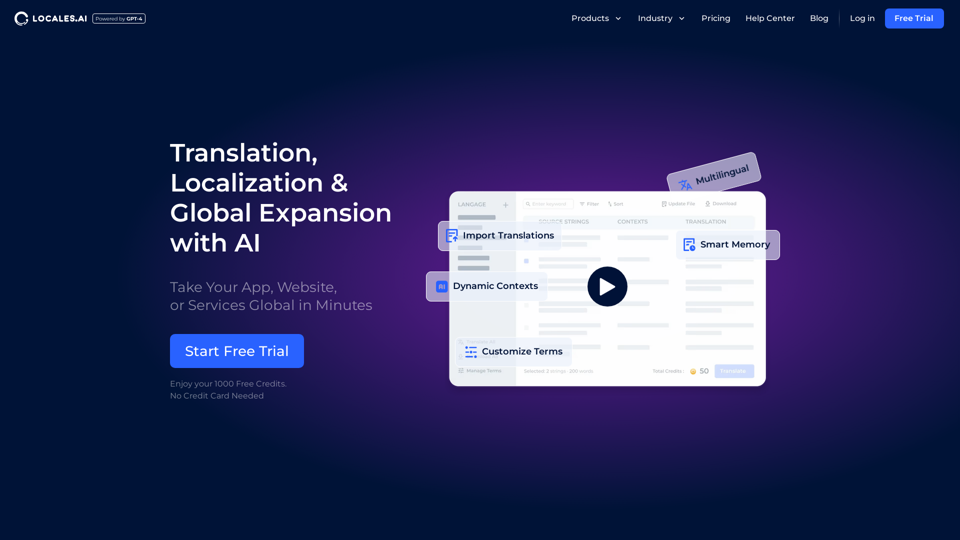
Elevate your global reach with our AI-powered localization services. Specializing in website and app translations, multilingual content management, and automated tools for seamless internationalization.
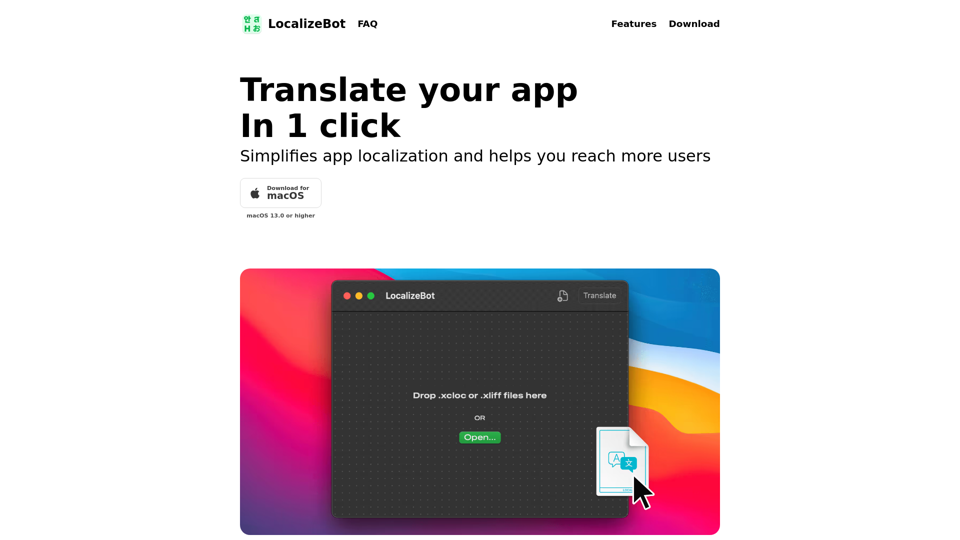
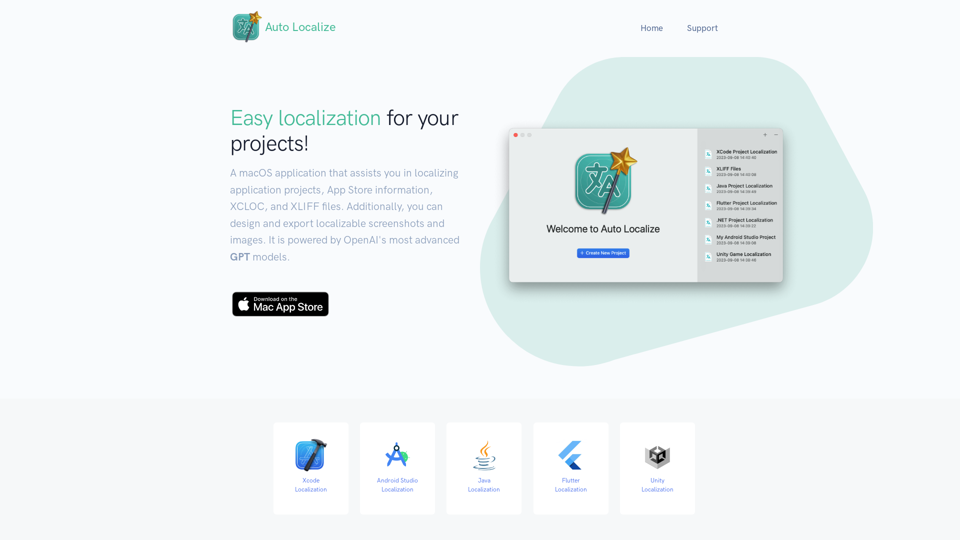
Localization tool for Xcode, Android Studio, Java, Unity, and Flutter Projects powered by OpenAI ChatGPT models.
Over 25,000 companies worldwide chose our Vue, Angular, React and React Native templates to build their business software faster.