
What is SymbolsFormulaOCR?
SymbolsFormulaOCR is an innovative tool designed to convert images containing mathematical formulas into LaTeX code, making it easy for users to utilize complex equations in their documents and presentations. This OCR (Optical Character Recognition) technology simplifies the process of digitizing mathematical texts, providing users with high-quality and accurate LaTeX outputs.
What are the main features of SymbolsFormulaOCR?
- Greek Letters
- Access a complete collection of uppercase and lowercase Greek letters for mathematical expressions.
- Accents and Annotation
- Integrate accented characters and annotations effortlessly into your equations.
- Extensive Symbol Library
- Utilize a variety of binary operators, binary relations, and logical symbols to enhance your formulations.
- Complex Structures
- Support for delimiters, arrows, large operators, radicals, roots, exponents, and fractions.
- Standard Functions
- Includes essential functions such as logarithmic, trigonometric, inverse trigonometric, hyperbolic functions, bounds, and projections.
- Calculus Support
- Easily manage limits, derivatives, differentials, and integrals.
- Special Symbols
- Access unique characters like the special symbol 𝕜 for advanced mathematical representation.
How to use SymbolsFormulaOCR?
Using SymbolsFormulaOCR is straightforward:
- Upload an Image: Begin by uploading an image that contains the mathematical formulas you need to convert.
- Type LaTeX Equation: You can also type the LaTeX equation directly into the interface.
- Review & Copy: Once the image is processed or the equation typed, review the output, and copy the LaTeX code for use in your documents.
- Export Options: Save your results to a collection, export the image, or integrate seamlessly with Overleaf for document creation.
Pricing
SymbolsFormulaOCR offers a user-friendly service which may include free trials with possible premium features for enhanced capabilities. Always check the website for the latest pricing and subscription information to take full advantage of its offerings.
Helpful Tips
- Image Quality
- For the best results, upload clear images with high contrast between the text and background.
- Mathematical Clarity
- Keep the equations straight and legible; handwritten or distorted formulas may lead to inaccurate results.
- Practice Makes Perfect
- Familiarize yourself with the symbols and functions available to maximize your input accuracy.
Frequently Asked Questions
Can SymbolsFormulaOCR handle handwritten equations?
While the tool excels at recognizing printed formulas, recognition accuracy may drop with handwriting. Clear printed text is recommended for optimal results.
How do I save my LaTeX equations for future use?
After generating the LaTeX code, you can save it to your collection or export it as an image for easy retrieval later.
Is there a mobile version of SymbolsFormulaOCR?
Currently, SymbolsFormulaOCR is best accessed via desktop for full feature functionality. However, mobile versions may be developed in the future. Check back for updates.
What if I encounter an issue with the conversion process?
For support, reach out through the feedback or contact options provided on the SymbolsFormulaOCR platform for assistance with any conversion issues or technical difficulties.
Mathcheap
An AI-powered, free alternative to Mathpix Snip.
 Cloudflare
 Google AdSense
 HTTP/3
 Vercel
Free AI anime and manga generator. Turn text into anime episodes, manga, comics, webtoons and comic shorts in any art style — no drawing or animation skills needed.
Translate image text across 70+ languages with our advanced AI Image Translator to help you better expand your products globally to various countries
Advertised Here
Reach thousands of visitors daily. Get your spot now!
Tools similar to Mathcheap
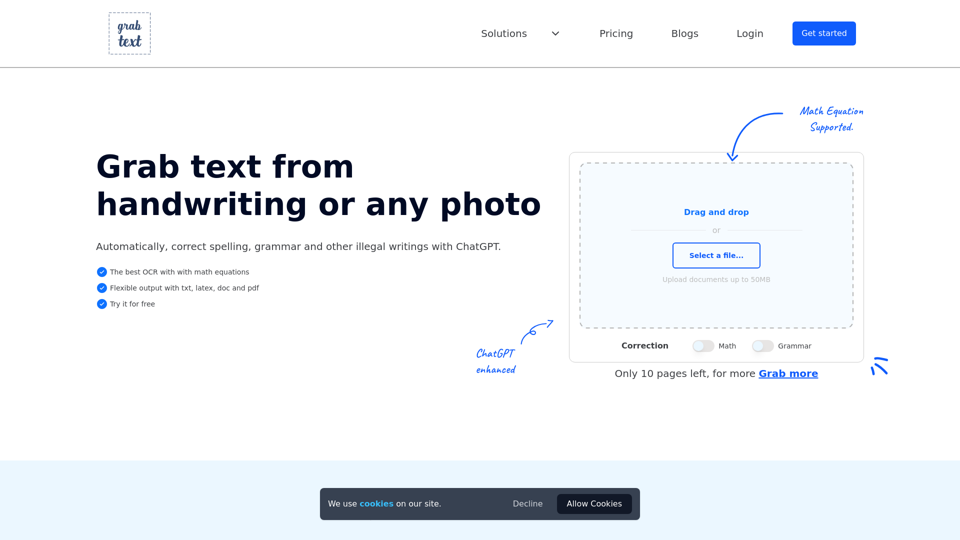
Unlock the power of technology with free online OCR and AI image to text. Convert handwriting to text, including LaTeX equations. Enhance it with ChatGPT.
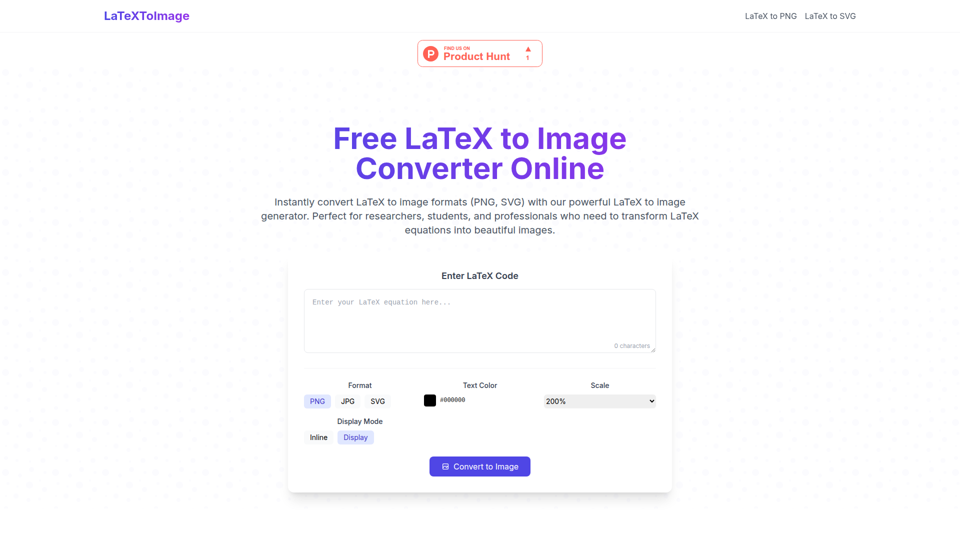
Free online tool to convert LaTeX to images. Create beautiful mathematical formulas for your documents and websites instantly.


Elevate your global reach with our AI-powered localization services. Specializing in website and app translations, multilingual content management, and automated tools for seamless internationalization.
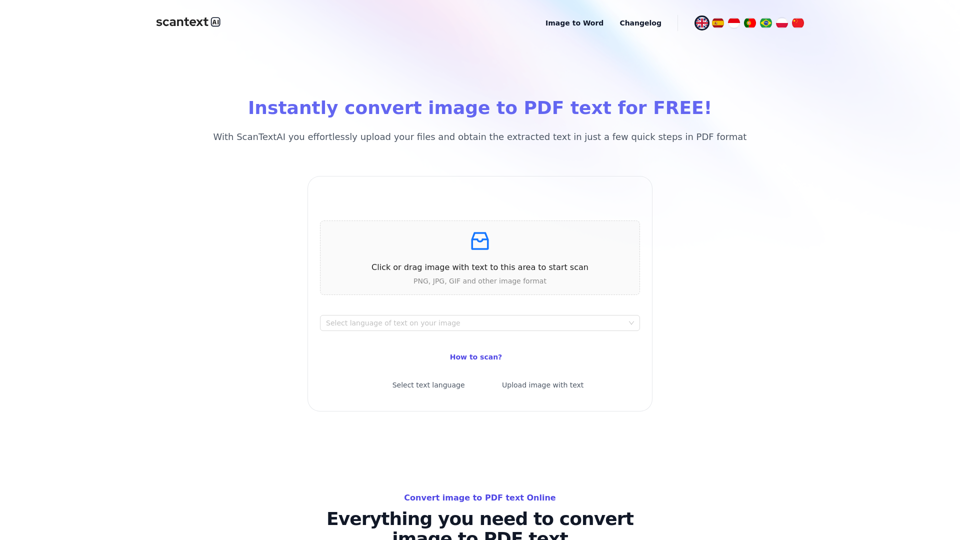
Scantextai.com convert any images, photos, screenshots, scanned documents to text. Extract text accurately from an image and save it in PDF, Word format.
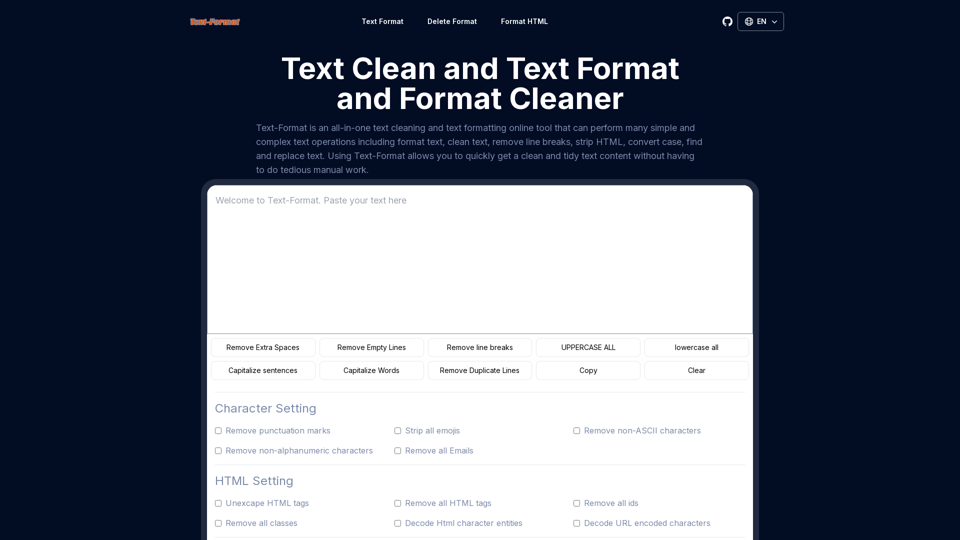
Text-format is text format cleaner online tool,text cleaner,format text online,text format remover,strip HTML,remove characters,replace online.
Automatic i18next JSON translations using the world's most accurate & nuanced AI translation engine. Convert your source i18next JSON file into 80+ languages. Works with iOS, Android, Flutter, Rails, React, Svelte, Angular, Vue.js, Next.js, and more.