MxChat
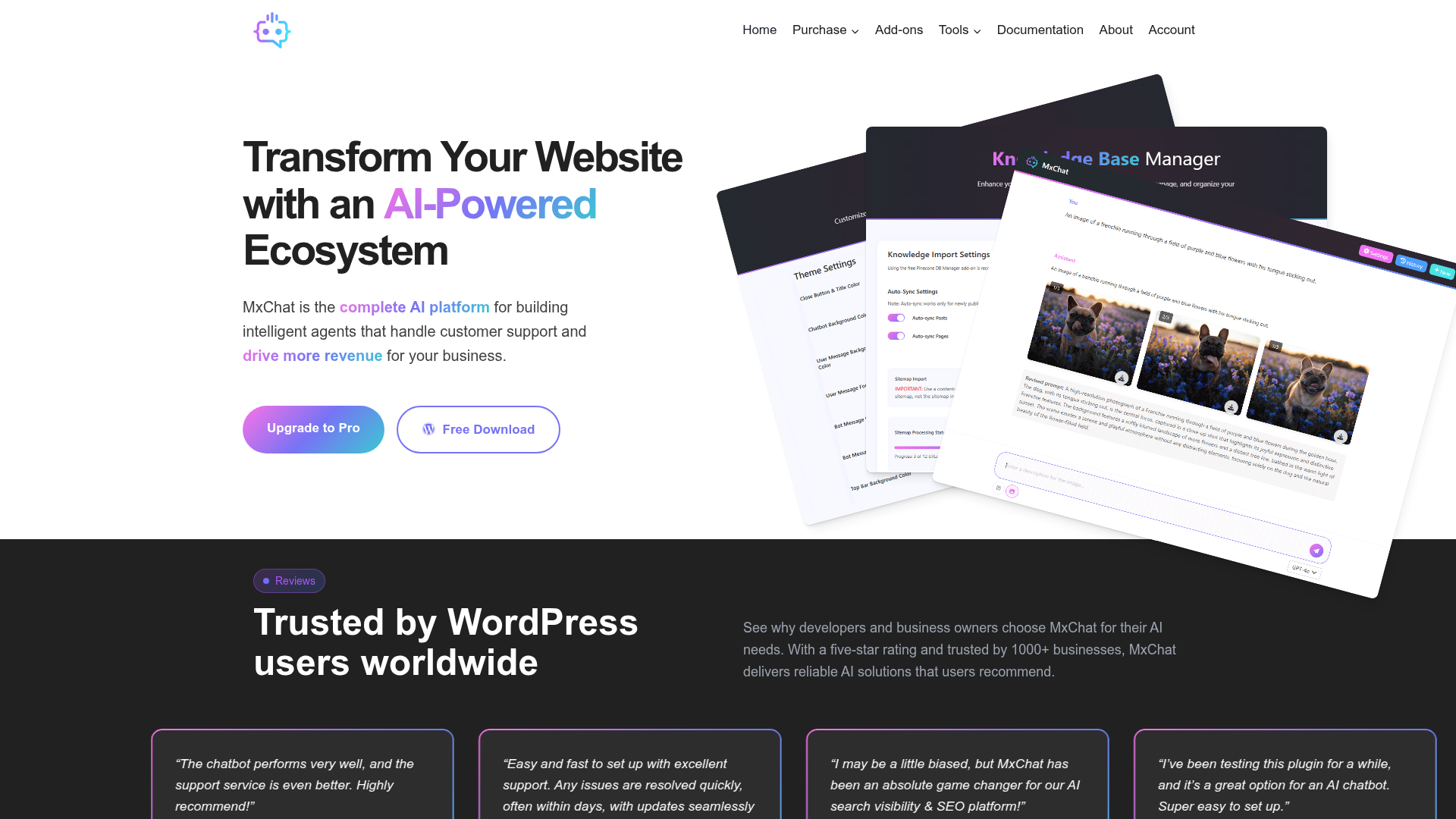
MxChat is the best AI Agent platform for WordPress. Easily deploy no-code AI customer support agents in just minutes.
What is MxChat?
MxChat is an AI-powered platform and WordPress plugin designed to transform websites by deploying intelligent chatbots. These chatbots handle customer support, capture leads, drive sales, and provide 24/7 automated assistance. At its core, MxChat serves as a complete no-code ecosystem that allows businesses to build, customize, and manage specialized AI agents directly within WordPress, turning website content into a powerful, interactive knowledge base for visitors.
Key Features of MxChat
MxChat distinguishes itself as a comprehensive solution for WordPress AI integration, offering a robust feature set tailored for business automation and customer engagement.
Multiple AI Model Integration: Access and choose from leading language models, including OpenAI (like GPT-4o), Anthropic Claude, Google Gemini, xAI Grok, and DeepSeek. This flexibility allows you to select the optimal AI for cost, performance, or specific task requirements, ensuring your chatbot operates with the best available intelligence.
Unlimited AI Chatbots & Multi-Bot Manager: Create an unlimited number of specialized chatbots for different purposes—such as Support, Sales, Tech, and HR. Each bot operates independently with its own dedicated knowledge base, custom personality, configuration, and selected AI model. This enables precise, department-specific automation and one-click duplication for easy scaling.
Intelligent Knowledge Base with RAG: MxChat utilizes Retrieval-Augmented Generation (RAG) technology to make your entire website content—every page, blog post, product description, and uploaded PDF—instantly searchable and usable as context for the AI. This ensures chatbots provide accurate, relevant answers based solely on your company's information.
AI-Powered Theme Generator: Describe your desired chatbot appearance in plain English (e.g., "Dark purple background with gold accents, modern feel"), and the AI will generate a professional, custom theme instantly. This no-CSS-required feature allows for complete visual customization without affecting your core WordPress site design.
Advanced Lead Capture Forms: Convert conversations into leads with smart forms that trigger automatically. Triggers can be based on user intent (mentioning specific phrases like "I want to buy"), message count, or user roles, seamlessly capturing contact information during interactions.
AI Video Generation: Directly from your WordPress dashboard, generate high-quality AI videos using models like Google Veo and OpenAI Sora from simple text prompts. This integrated feature supports native audio, multiple resolutions (e.g., 1080p), and reference images for character consistency, expanding your content creation capabilities.
WordPress Best Practices & Security: Built following strict WordPress coding standards with a clean, secure architecture. It integrates seamlessly with WordPress, WooCommerce, and other plugins, ensuring stability and performance without compromising your site's security or design.
Lifetime Value Pricing: MxChat operates on a simple, one-time payment model with no monthly subscriptions. You receive a lifetime license that includes all future updates, access to premium add-ons, and ongoing feature enhancements.
How to Use MxChat
Getting started with MxChat is designed to be a straightforward, no-code process suitable for users of all technical levels.
- Installation: Begin by downloading the free MxChat Basic version from the WordPress.org plugin repository or purchase the Pro version directly from the MxChat website. Install and activate it on your WordPress site like any other plugin.
- Initial Setup & API Connection: Navigate to the MxChat settings within your WordPress dashboard. The first step is to connect your preferred AI model by entering your API key from a provider like OpenAI, Anthropic, or Google. This grants your chatbot its "brain."
- Create Your First AI Agent: Use the intuitive interface to create a new chatbot agent. You can set its name, select its primary AI model, and define a custom personality or instructions (e.g., "Friendly and helpful support assistant").
- Build the Knowledge Base: Upload your company's key information. This can be done by automatically syncing your website pages and posts, or by manually uploading documents like PDFs, Word files, or text documents. MxChat's RAG system will process this content to provide accurate answers.
- Customize Appearance: Use the AI Theme Generator or manual styling options to design the chat widget's look and feel—choosing colors, button styles, and message bubbles—so it matches your brand perfectly.
- Configure Advanced Features: Set up lead capture forms with your desired triggers, enable WooCommerce integration for product queries, or explore the add-ons marketplace for extended functionalities like live agent handoff.
- Deploy & Monitor: Place the chat widget on your desired pages (site-wide or specific posts). Your AI chatbot is now live. Use the built-in analytics to monitor conversations, captured leads, and user interactions to continuously optimize performance.
MxChat Pricing Plans
MxChat offers transparent, lifetime pricing with no recurring fees. All plans include lifetime updates and premium support.
Pro Plan - $69.97 (One-time Payment): The flagship individual license. It includes all core features: unlimited chatbots, advanced AI model access (beyond the basic free tier), lead capture forms, PDF & image processing capabilities, WooCommerce integration, the AI theme generator, and access to all premium add-ons and future updates. This is ideal for a single website or business.
Agency Plan - $174.97 (One-time Payment): This bundle offers five Pro licenses at a significant discount (approximately 40% off per license). It includes all Pro features for each of the five sites, plus dedicated agency-level support. Perfect for freelancers, developers, or agencies managing multiple client projects.
Agency+ Plan - $279.97 (One-time Payment): Designed for large-scale operations, this plan provides ten Pro licenses at the maximum bulk discount (approximately 60% off per license). It includes all Pro features for each site and priority agency support. Ideal for large agencies or enterprise businesses with numerous websites.
A free "MxChat Basic" version is also available on WordPress.org with limited features, perfect for testing core functionality.
Helpful Tips for Maximizing MxChat
To get the most out of your MxChat investment, consider these strategies for optimization and effective use.
- Start with a Clear Purpose
- Define the primary goal for each chatbot (e.g., reducing support tickets, qualifying sales leads, providing product information) and tailor its knowledge base and personality prompts accordingly.
- Curate Your Knowledge Base Thoroughly
- The AI is only as good as the information it has. Regularly update and expand the knowledge base with fresh content, FAQs, policy documents, and detailed product specifications to ensure comprehensive and accurate responses.
- Leverage the Multi-Bot Strategy
- Don't rely on a single, general-purpose bot. Create specialized bots for different sections of your site (e.g., a pre-sales bot for the pricing page, a technical bot for the docs section) to provide highly targeted and effective assistance.
- Utilize Intent-Based Form Triggers
- Strategically set form triggers to capture leads at the perfect moment. For example, trigger a contact form when a user says, "I'm interested in a demo" or "What are your prices?"
- Test Different AI Models
- Experiment with various integrated AI models (OpenAI vs. Claude vs. Gemini) to find which one provides the best balance of cost, speed, and answer quality for your specific use case and content type.
- Monitor and Refine
- Regularly review conversation logs from the dashboard. Identify common questions the bot struggles with or misunderstands, and use this feedback to refine its instructions and add missing information to the knowledge base.
Frequently Asked Questions (FAQ)
Is MxChat free to use?
Yes, a feature-limited free version called "MxChat Basic" is available for download from the WordPress.org plugin repository. It allows you to test core chatbot functionality with basic AI model access. For advanced features like multiple AI models, unlimited bots, lead capture, and WooCommerce integration, you need the Pro version.
Do I need a ChatGPT Plus subscription to use MxChat?
No, you do not need a ChatGPT Plus subscription. MxChat connects directly to AI provider APIs (like OpenAI's API) using your own API key and credits. This gives you more control, often at a lower cost, and access to a wider range of models beyond what's available in ChatGPT Plus.
Can MxChat handle multiple languages on my website?
Yes, MxChat is capable of multilingual support. The underlying AI models (like GPT-4) can understand and respond in numerous languages. You can configure your chatbot's instructions to operate in a specific primary language or handle multilingual queries based on your website's audience.
How does MxChat ensure my website data is private and secure?
MxChat is built with WordPress security best practices. Your knowledge base data and conversation logs are stored on your own server. When queries are sent to external AI APIs (like OpenAI), you control what data is sent. MxChat does not use your data for training its own models. You can review their privacy policy for detailed commitments.
What kind of support is available?
All Pro, Agency, and Agency+ license holders receive dedicated priority email support. The free Basic version includes support via the WordPress.org forums. The platform is also praised in user reviews for its responsive and helpful support team.
Can I use MxChat on multiple WordPress sites?
The Pro license is valid for one website (one production site and one staging site). For multiple websites, you need to purchase the corresponding number of licenses. The Agency (5 licenses) and Agency+ (10 licenses) bundles are specifically designed and priced for multi-site use at a discounted rate.
When would I need to upgrade from the free Basic version to MxChat Pro?
Upgrade to Pro if you need: more than the basic AI model access, the ability to create multiple specialized chatbots, advanced lead capture forms, integration with WooCommerce for product support, the AI video generation feature, or priority customer support. The Pro version unlocks the full ecosystem for business automation.
MxChat
MxChat is the best AI Agent platform for WordPress. Easily deploy no-code AI customer support agents in just minutes.
 Cloudflare
 Google Analytics
 Kadence WP Kadence:1.4.5
 MySQL
MySQL PHP
PHP W3 Total Cache
 WooCommerce:10.7.0
 WordPress:6.9.4
 jQuery
Free AI anime and manga generator. Turn text into anime episodes, manga, comics, webtoons and comic shorts in any art style — no drawing or animation skills needed.
Translate image text across 70+ languages with our advanced AI Image Translator to help you better expand your products globally to various countries
Advertised Here
Reach thousands of visitors daily. Get your spot now!
Tools similar to MxChat
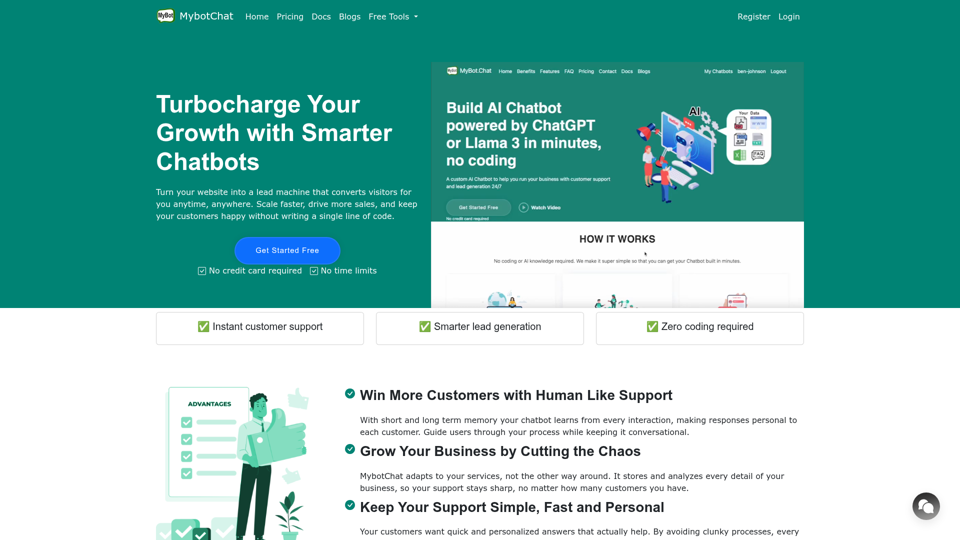
Build AI chatbot for customer support and lead generation using contents from website, PDF, words, text etc, powered by ChatGPT and LLaMa 3 large language model
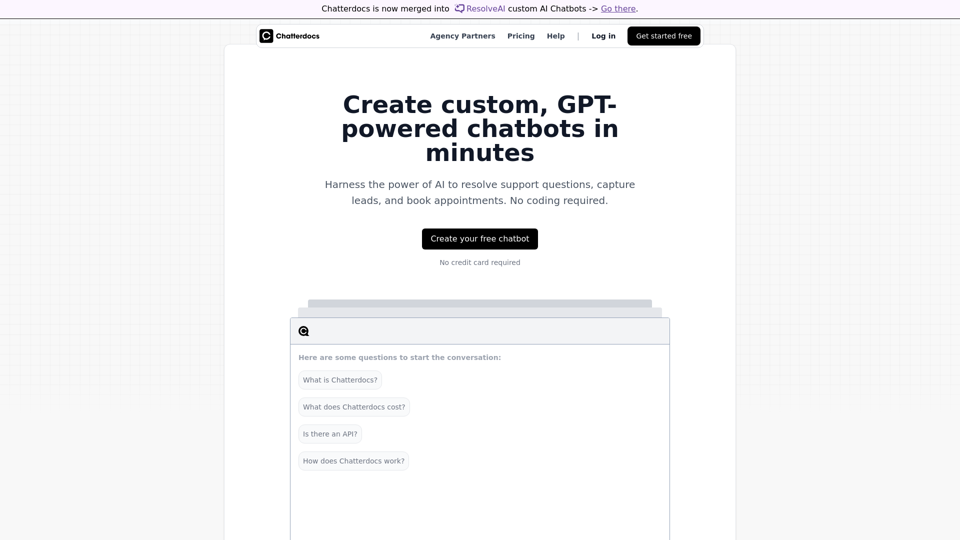
Build GPT-like chatbots that answer questions trained on your content.
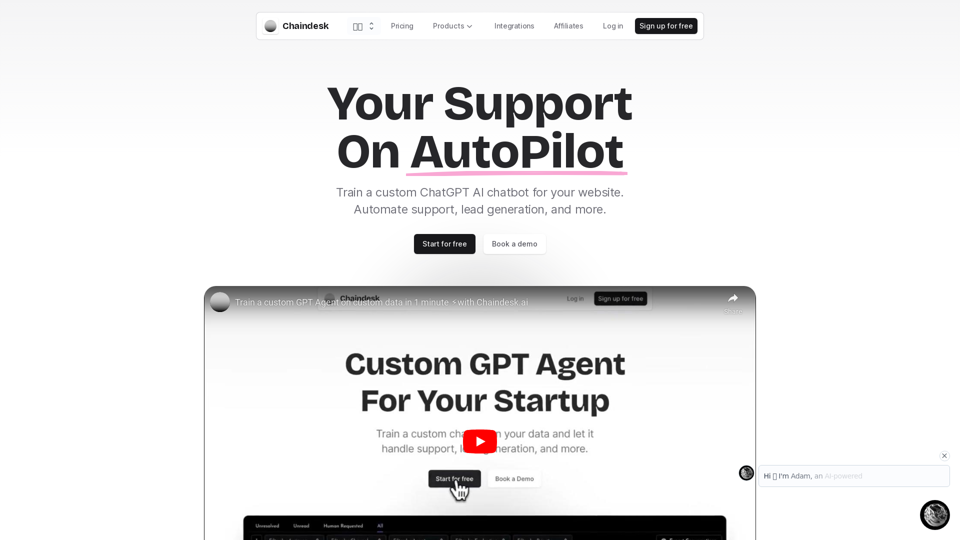
Chaindesk brings a no-code platform to create custom AI chatbots trained on your data. Our solution makes customer support easy and simplifies team workflows.
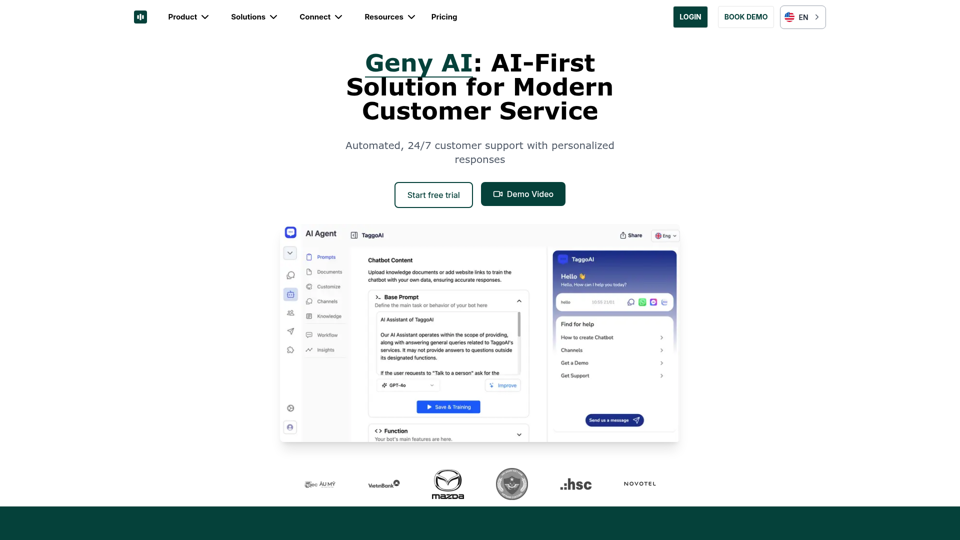
Create intelligent AI chatbots from your own content. No coding required, easy integration for websites and Facebook pages. Multi-language support, 24/7 automated customer service.
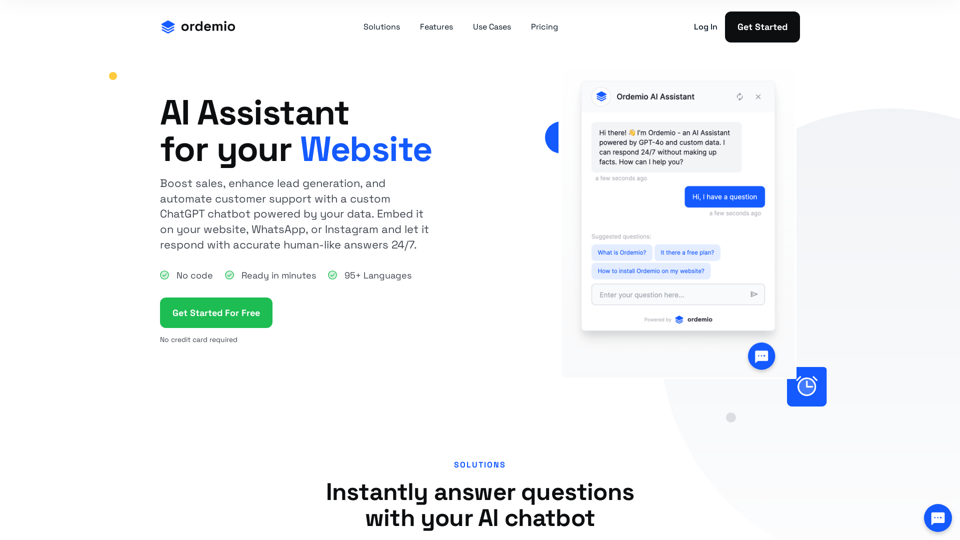
Boost sales, enhance lead generation, and automate customer support with a custom ChatGPT AI chatbot powered by your data on your website, Instagram, WhatsApp.
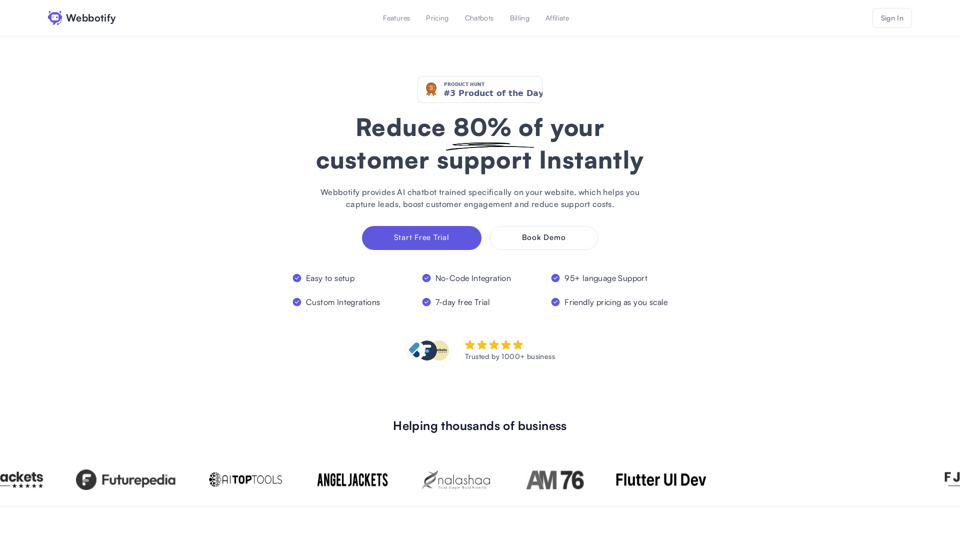
Custom AI Chatbot to enhance your website customer support and save you time.
Build an AI chatbot for your website with ease. Train your chatbot using files, uploads & web content. Enhance customer service & automate tasks. Get free trial.