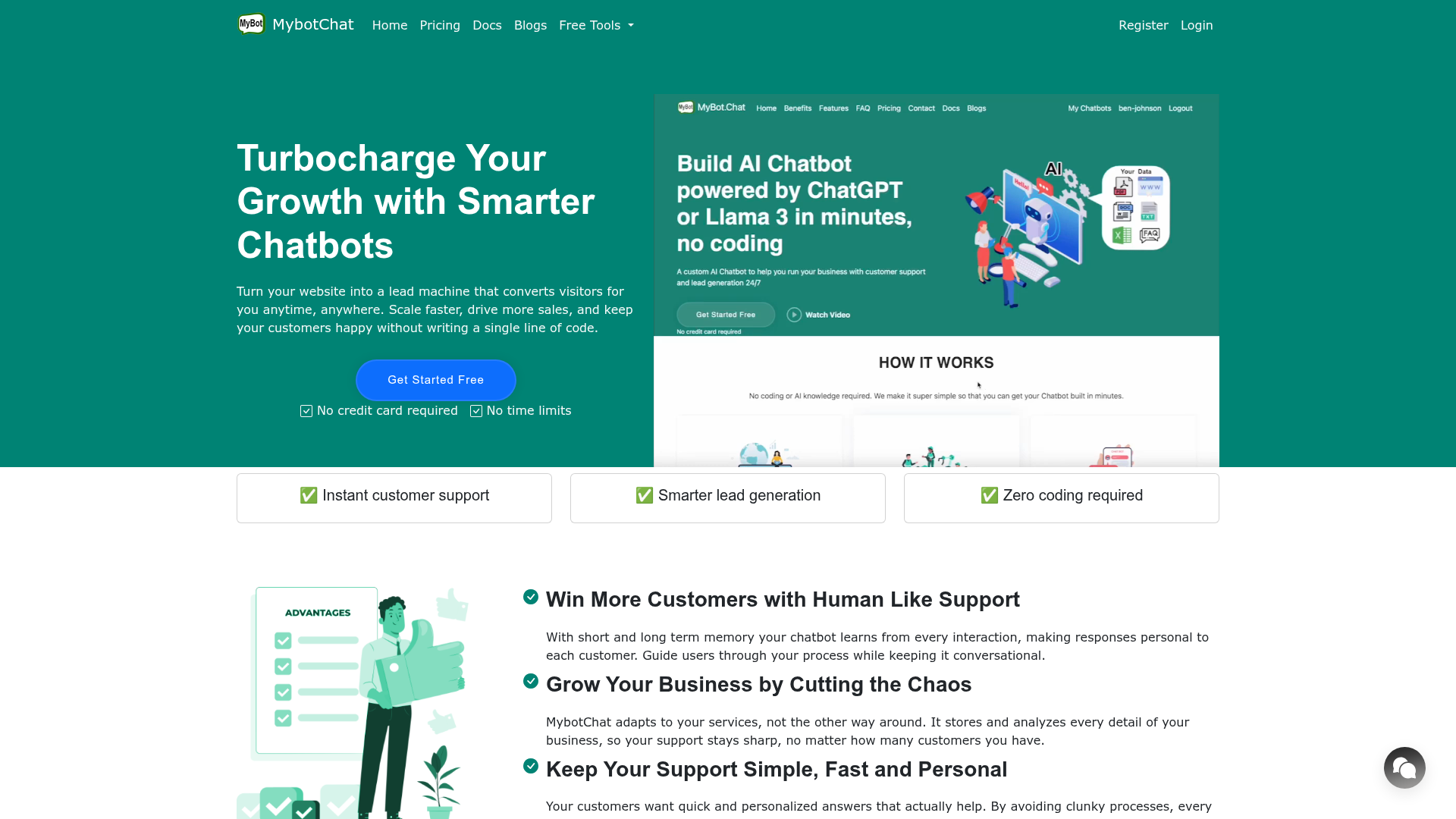
What is MyBot.Chat?
MyBot.Chat is an advanced AI-powered platform that enables you to build and deploy intelligent chatbots for your business. It is designed to act as a personal tour guide, sales assistant, and support agent for your customers, providing human-like, contextual conversations to generate leads, drive sales, and deliver exceptional customer support 24/7. By leveraging state-of-the-art AI models like GPT-4o, GPT-4o-mini, and Llama 3 70B, MyBot.Chat transforms your website into a powerful, automated engagement tool without requiring any coding expertise.
Key Features of MyBot.Chat
- Advanced Memory for Smarter Conversations
- The chatbot utilizes both short-term and long-term memory. Short-term memory keeps conversations flowing naturally within a single session, avoiding repetitive questions. Long-term memory allows the chatbot to learn from every interaction over time, enabling personalized, human-like responses that build relationships.
- Effortless, No-Code Setup
- You can create a fully functional AI chatbot in minutes without writing a single line of code. The process is as simple as adding your data and embedding a snippet of code on your website.
- Flexible Data Training
- Train your chatbot on any business information. You can import data from your website, sitemaps, uploaded files (PDF, Word, Excel), plain text, or structured Q&A documents.
- Robust Integration Ecosystem
- Connect MyBot.Chat with the tools you already use, including Microsoft Teams, Facebook Messenger, WhatsApp, and more, to provide a seamless support experience across all customer touchpoints.
- Complete Customization & White-Labeling
- Fully customize the chatbot's user interface to match your brand. You can upload your logo, change colors, and even go fully white-label by removing MyBot.Chat branding, making the chatbot entirely your own.
- Enterprise-Grade Security & Global Availability
- Your data is encrypted and securely hosted in U.S. data centers. The platform is available for use in over 100 countries, ensuring reliable and fast access worldwide.
How to Use MyBot.Chat
Using MyBot.Chat is a straightforward, three-step process designed for users of all technical skill levels:
- Add Your Data: Log into your MyBot.Chat dashboard and provide the knowledge base for your AI. You can connect your website URL, upload documents (PDFs, Word files, Excel sheets), add sitemaps, or input custom Q&A pairs. This data forms the foundation of your chatbot's knowledge.
- Process and Train: Once your data is imported, MyBot.Chat's AI will automatically scan, analyze, and process all the information. It learns the context, details, and nuances of your business content within minutes, building an intelligent knowledge model.
- Deploy and Go Live: After processing, the platform will provide you with a small embed code. Simply copy and paste this code into your website's HTML. Your intelligent chatbot is now live, ready to handle customer inquiries, qualify leads, and provide support automatically.
Pricing Plans
MyBot.Chat offers a free plan to get you started with essential features. For users and businesses that need more advanced capabilities, higher usage limits, and white-label options, MyBot.Chat provides affordable subscription tiers. You can explore the detailed pricing on their website to find a plan that fits your specific needs and scale.
Helpful Tips for Maximizing MyBot.Chat
- Start with a Clear Goal
- Define whether your primary goal is lead generation, 24/7 support, or sales assistance. This will help you tailor your chatbot's greetings and conversation flows.
- Train with Diverse Data
- For the most comprehensive and accurate chatbot, upload a variety of data sources—your website's main pages, FAQ documents, product manuals, and any policy information.
- Utilize Q&A Pairs
- For precise answers to common questions, use the Q&A input feature. This allows you to directly map specific customer questions to the perfect, curated answers.
- Leverage Integrations
- Connect your chatbot to communication platforms like WhatsApp or your team's Microsoft Teams to centralize customer interactions and streamline workflows.
- Monitor and Retrain
- Regularly review your chat logs to see what questions customers are asking. Use these insights to update your chatbot's knowledge base and retrain it, ensuring it continuously improves and stays relevant.
Frequently Asked Questions
Can I use MyBot.Chat for free?
Yes, MyBot.Chat offers a free plan that includes core features, allowing you to build and deploy a basic chatbot. This is an excellent way to test the platform's capabilities with no credit card required and no time limits.
What AI models power the MyBot.Chat platform?
MyBot.Chat gives you the flexibility to choose from top-tier AI models to power your chatbot, including OpenAI's GPT-4o and GPT-4o-mini, as well as Meta's Llama 3 70B. This allows you to select the model that best balances intelligence, speed, and cost for your specific use case.
How does the chatbot's memory work?
The chatbot features a dual-memory system. ### Short-term memory retains context within a single conversation, so it remembers what a user has just said. ### Long-term memory enables it to learn from past interactions across different sessions, allowing it to provide more personalized and informed responses over time.
Is my business data safe with MyBot.Chat?
Absolutely. MyBot.Chat takes data security seriously. All your data is encrypted and securely hosted in professional data centers located in the United States. The platform is built with enterprise-grade security practices to protect your information.
Can I remove the MyBot.Chat branding?
Yes. Higher-tier subscription plans offer white-label options. This allows you to fully remove MyBot.Chat branding from the chatbot interface and present it entirely under your own company's brand identity.
MyBot.Chat
Build AI chatbot for customer support and lead generation using contents from website, PDF, words, text etc, powered by ChatGPT and LLaMa 3 large language model
 Bootstrap
 Google Analytics
 Lightbox
 jQuery:3.7.1
Free AI anime and manga generator. Turn text into anime episodes, manga, comics, webtoons and comic shorts in any art style — no drawing or animation skills needed.
Translate image text across 70+ languages with our advanced AI Image Translator to help you better expand your products globally to various countries
Advertised Here
Reach thousands of visitors daily. Get your spot now!
Tools similar to MyBot.Chat
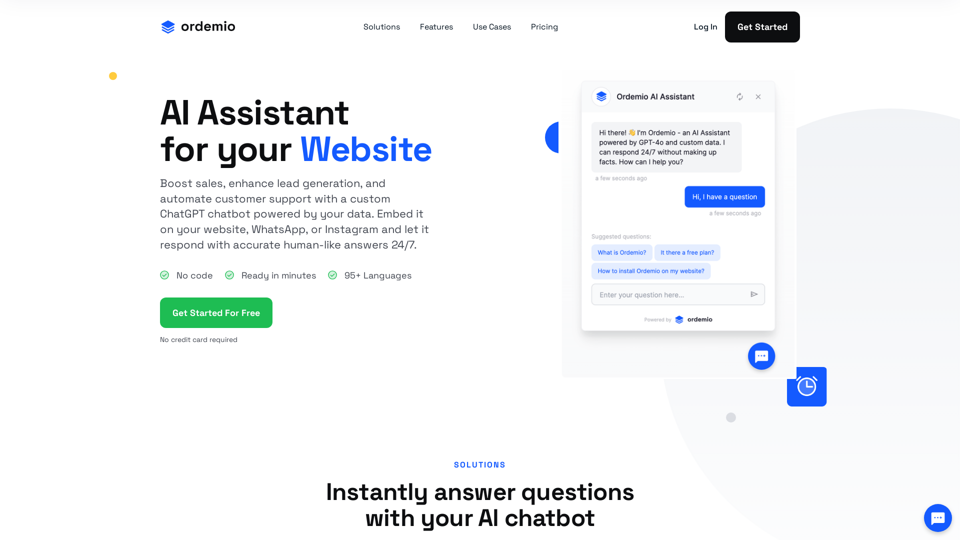
Boost sales, enhance lead generation, and automate customer support with a custom ChatGPT AI chatbot powered by your data on your website, Instagram, WhatsApp.

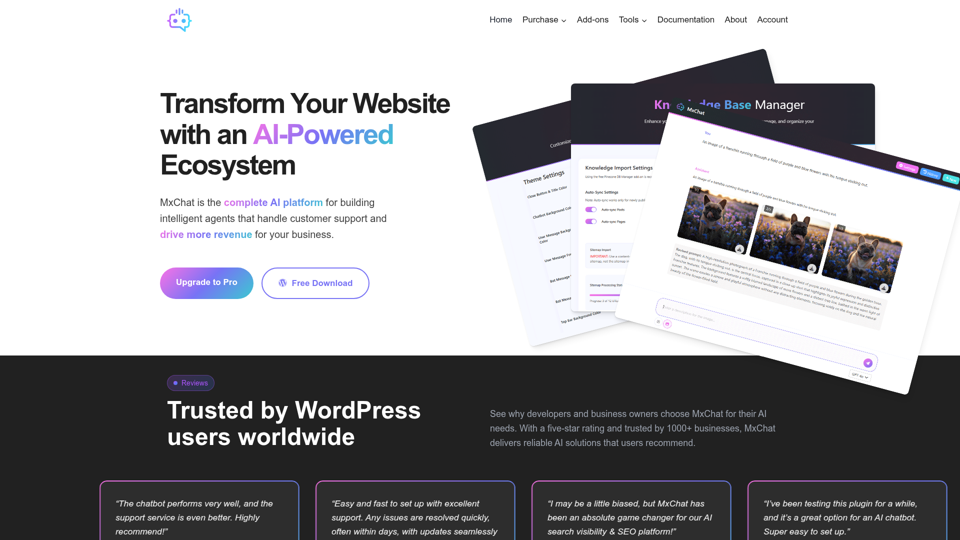
MxChat is the best AI Agent platform for WordPress. Easily deploy no-code AI customer support agents in just minutes.

Enrol conversational chatbot is your online sales guy that converts your website visitors into paying customers.
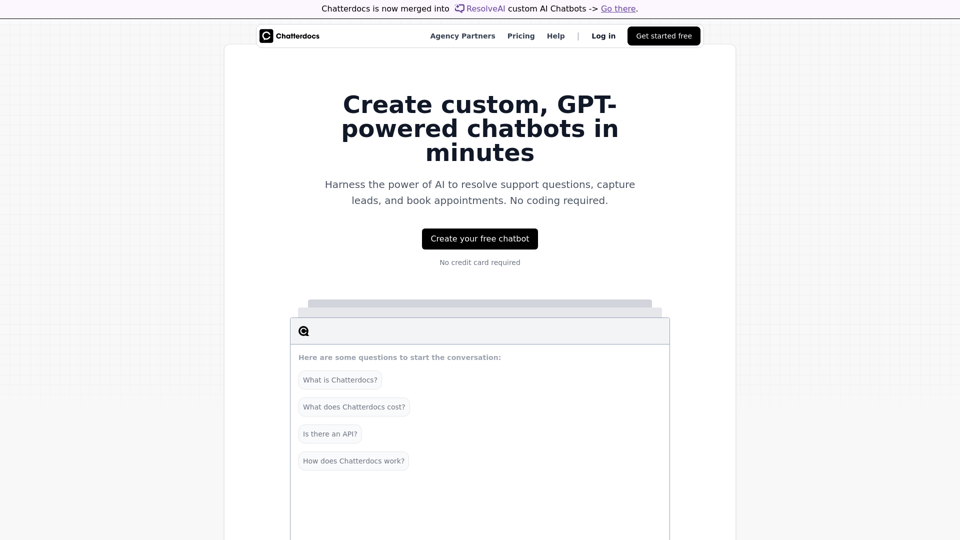
Build GPT-like chatbots that answer questions trained on your content.
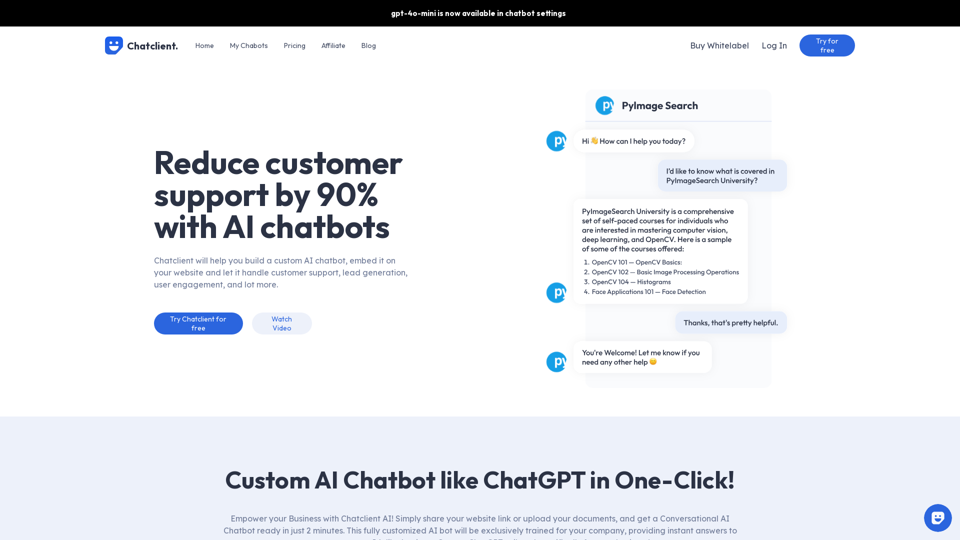
Chat Client can help you with creating your own custom AI Chatbot based on your website and company data, just like ChatGPT.
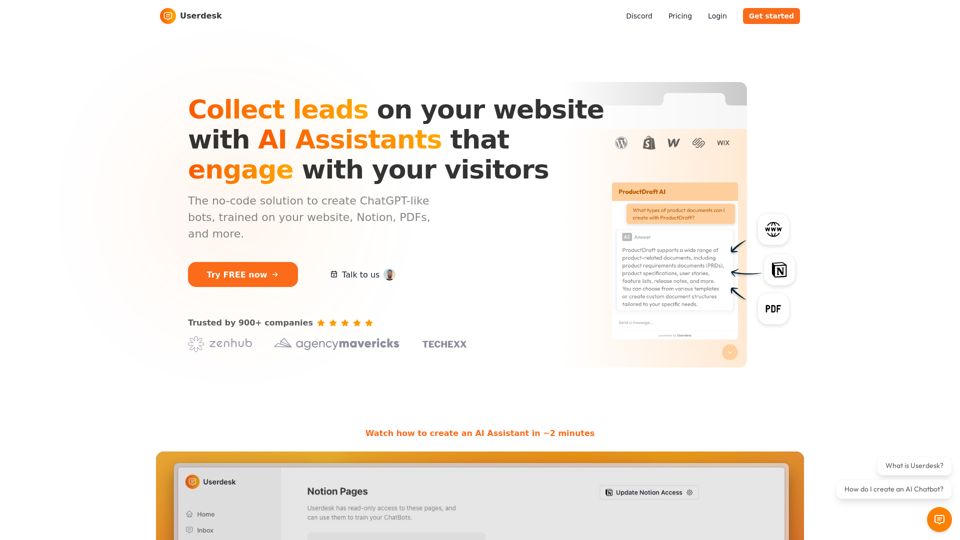
Easily build your ChatGPT-like AI ChatBot trained on your data