Free OG Image Generator
Create beautiful OG Images, Twitter/X Header Images, Blog Featured Images & more for free, in simple clicks.
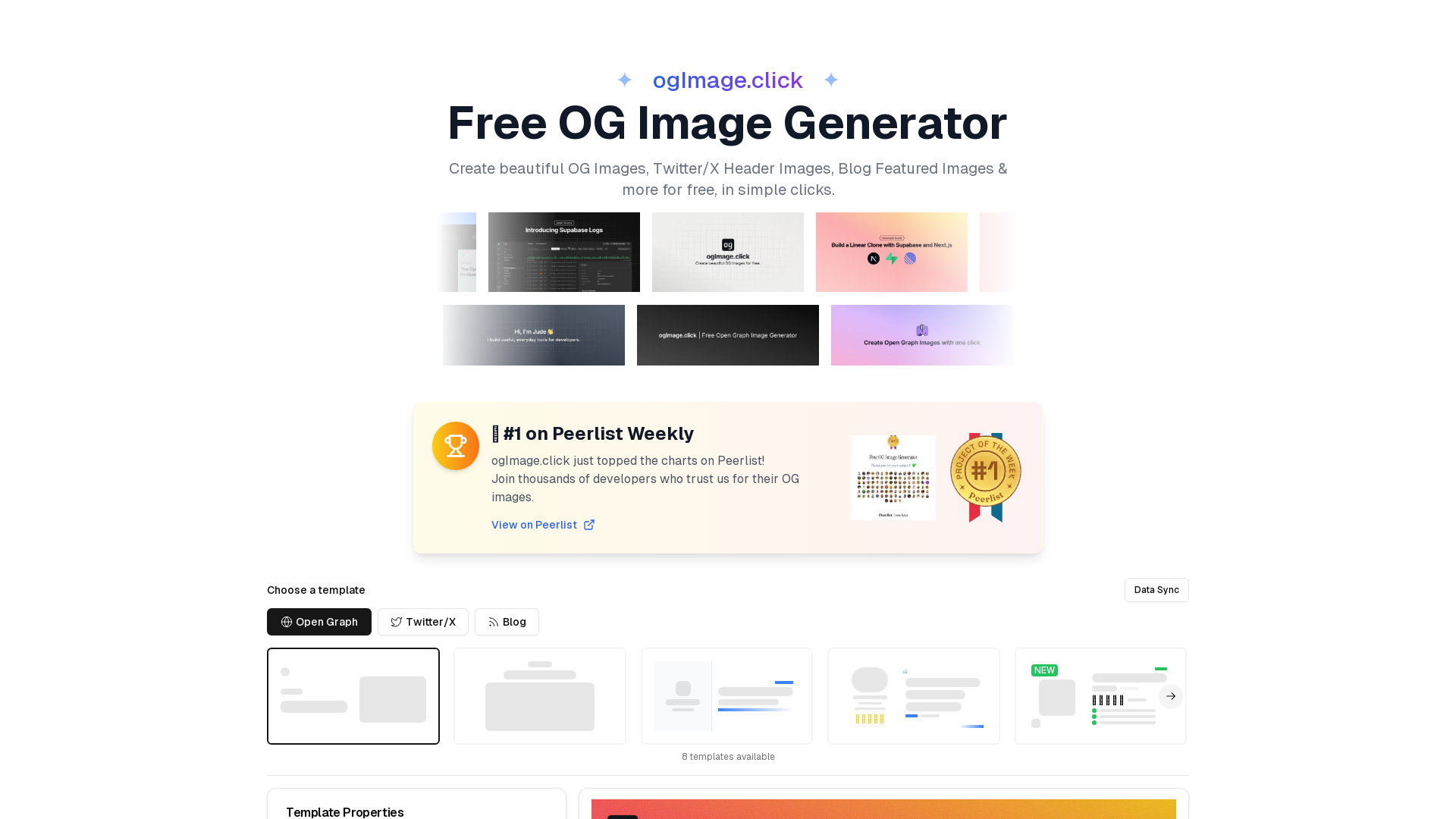
What is ogImage.click?
ogImage.click is a versatile, free online platform that allows users to create beautiful Open Graph (OG) images, Twitter/X headers, blog featured images, and more with just a few simple clicks. It is recognized as a top choice on Peerlist, trusted by thousands of developers for their social media image needs.
What is the main feature of ogImage.click?
- Ease of Use
- Design stunning social media images quickly with no registration or credit card required.
- Multi-Platform Support
- Generate images optimized for various platforms tailored to the correct dimensions, including Open Graph, Twitter/X headers, etc.
- Professional Templates
- Choose from multiple high-quality templates to get started on your design.
- Flexible Export Options
- Export designs in your choice of PNG, JPEG, or WebP formats while maintaining high quality.
- Advanced Customization
- Personalize every aspect of your images with custom backgrounds, gradients, and the option to upload your logos.
How to use ogImage.click?
Users can start creating images by choosing templates and customizing them seamlessly using the WYSIWYG interface. Simply choose a pre-designed template, modify the image properties by adding your text, logos, and background, and then export your final image in your preferred format. The platform also offers a guide for integrating OG images into your website easily.
Price
ogImage.click is entirely free to use with no requirement for sign-up or payment. Users can access all features without any hidden costs or credit card needs.
Helpful Tips
- Always provide fallback images in case the OG image fails to load.
- Test your OG images using social media debugging tools to ensure they display correctly.
- Use descriptive alt text for better accessibility and SEO benefits.
- Consider using dynamic OG images for content that changes frequently to keep engagement high.
Frequently Asked Questions
How do I add an Open Graph image to my website?
- Save the image generated by ogImage.click as
og.pngin your website's root directory. - Add the appropriate meta tags to your HTML head as follows:
<meta property="og:title" content="Your Page Title" />
<meta property="og:description" content="Your page description" />
<meta property="og:image" content="https://yourdomain.com/og.png" />
<meta property="og:url" content="https://yourdomain.com" />
<meta name="twitter:card" content="summary_large_image" />
<meta name="twitter:image" content="https://yourdomain.com/og.png" />
What formats can I export the images in?
You can export your images in PNG, JPEG, or WebP formats, with PNG being the recommended format for optimal social media display.
Are there any additional features available?
Yes! Users can take advantage of modern design features, including customized backgrounds, premium typography, and instant previews, allowing for a tailored design experience.
By utilizing ogImage.click, you can create exceptional OG images that enhance your social media presence without the need for graphic design expertise.
Free OG Image Generator
Create beautiful OG Images, Twitter/X Header Images, Blog Featured Images & more for free, in simple clicks.
 Webpack
 Cloudflare
 HTTP/3
 Next.js
 Node.js
 React
 Vercel
Free AI anime and manga generator. Turn text into anime episodes, manga, comics, webtoons and comic shorts in any art style — no drawing or animation skills needed.
Translate image text across 70+ languages with our advanced AI Image Translator to help you better expand your products globally to various countries
Advertised Here
Reach thousands of visitors daily. Get your spot now!
Tools similar to Free OG Image Generator

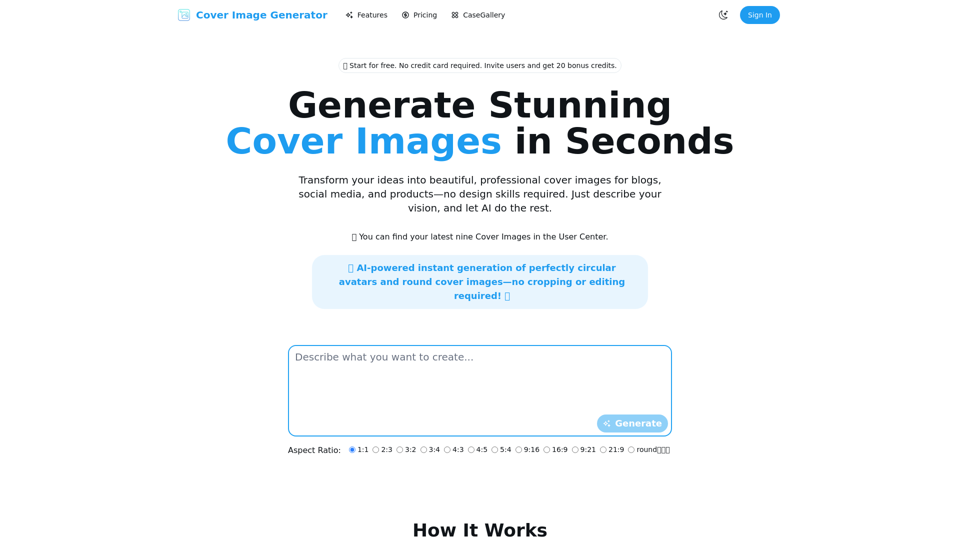
Cover Image Generator is an AI-powered tool to create beautiful, professional cover images for blogs, social media, and products in seconds. No design skills required. Try for free!
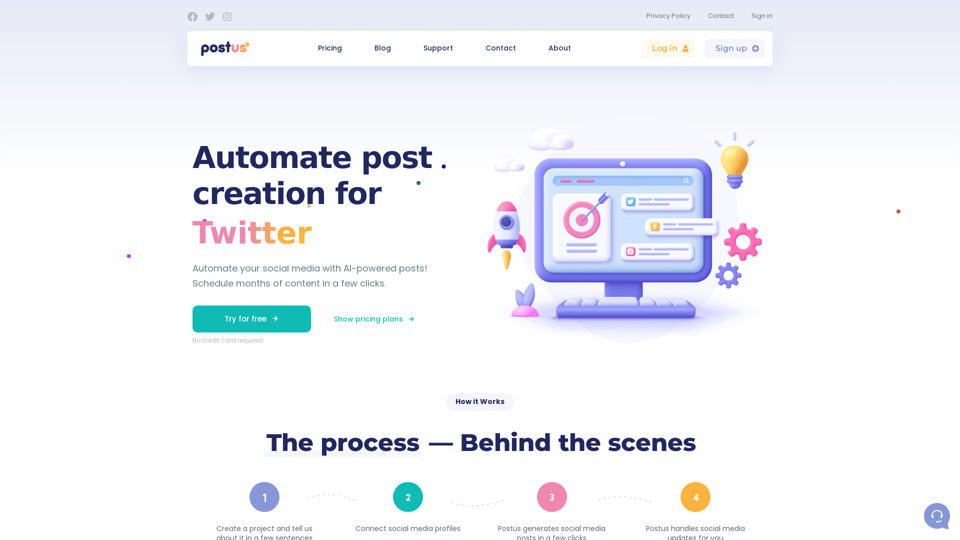

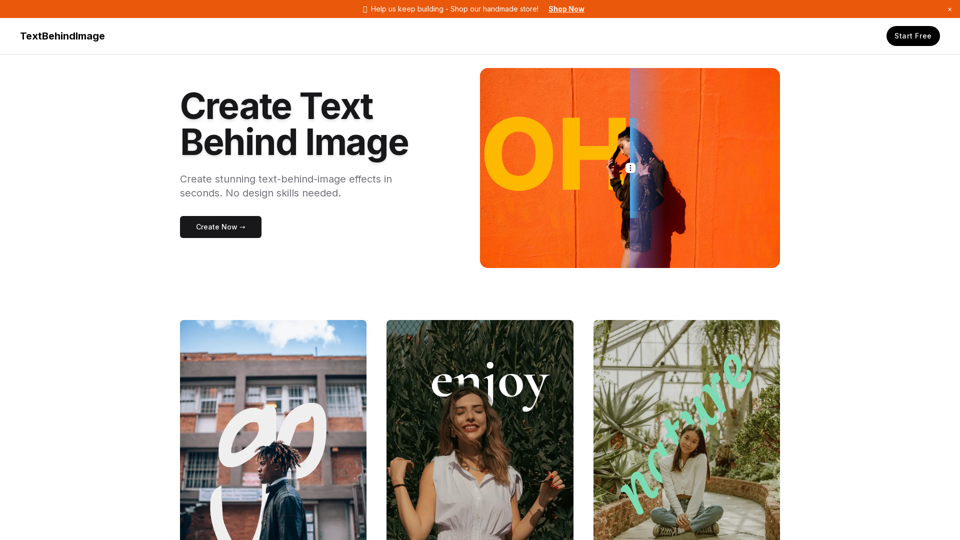
Create professional text overlays on images easily. Perfect for Google Slides, presentations, social media posts, and graphic design. Free online tool for putting text behind or in front of images.
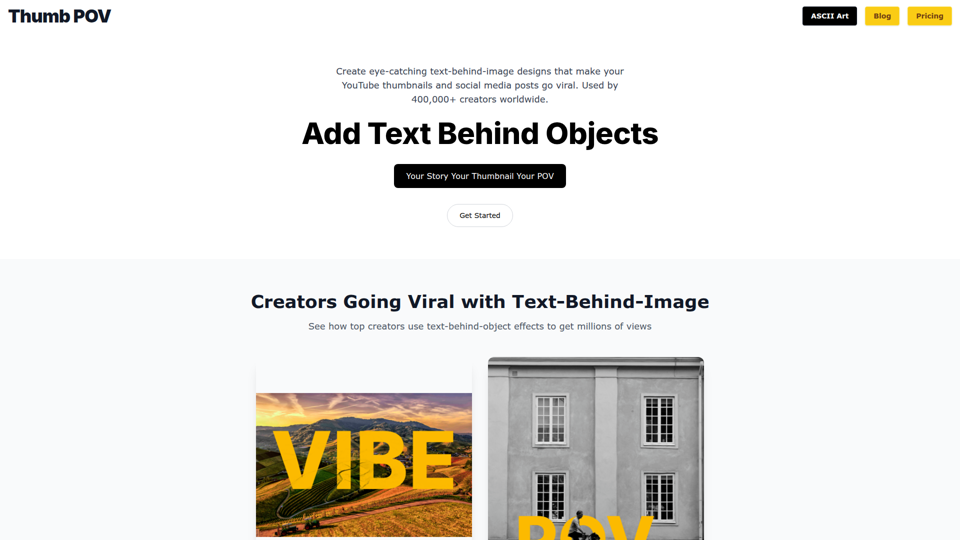

Discover how Text Behind Image helps you create dynamic visuals effortlessly. Try our tool today for stunning designs!