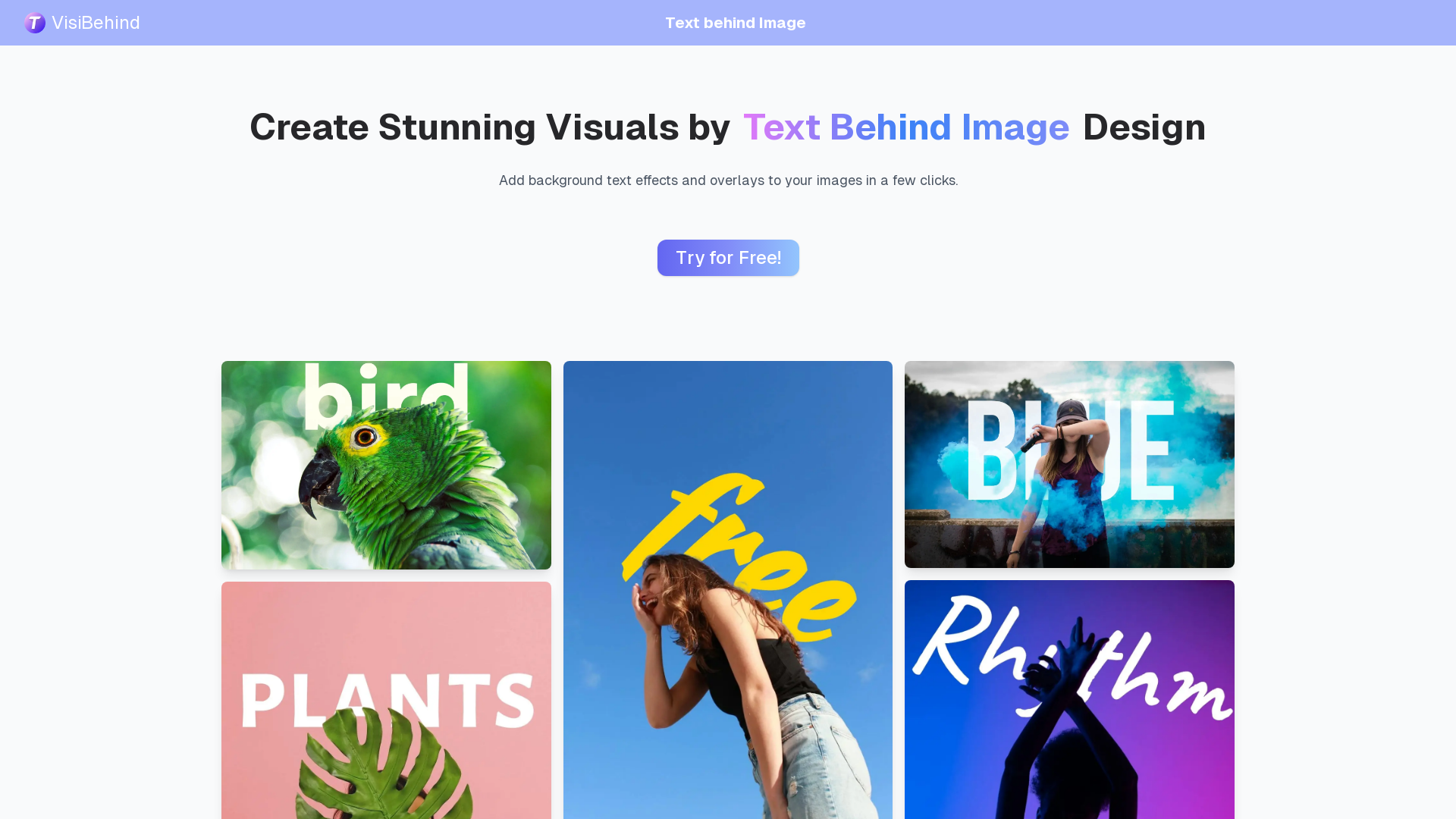
What is VisiBehind?
VisiBehind is a free online text behind image editor that enables users to create stunning visuals effortlessly. With this tool, you can easily add background text effects and overlays to your images, transforming simple designs into dynamic and attention-grabbing graphics in just a few clicks.
Main Features of VisiBehind
- Intuitive Interface
- With a user-friendly drag-and-drop feature, no learning curve is required, making it accessible for everyone.
- Full Customization
- Control every aspect of your design, including font styles, colors, positioning, and opacity.
- Real-Time Preview
- Instantly see updates to your design, allowing for quick refinement and adjustments.
How to Use VisiBehind
Using the Text Behind Image editor is a straightforward process:
- Step 1: Upload the images that you want to add text to.
- Step 2: Customize all elements of your design—select the font, color, position, and opacity to create the look you desire.
- Step 3: Use the real-time preview feature to see your design updates instantly, enabling easy adjustments.
Price
VisiBehind is completely free to use with no hidden fees or restrictions. Users can leverage the full capabilities of the Text Behind Image editor without having to worry about costs.
Helpful Tips
- Experiment with different fonts and colors to find the best fit for your image.
- Use the real-time preview feature frequently to ensure your text complements the image perfectly.
- Keep in mind the target audience and the message you want to convey when designing your visuals.
Frequently Asked Questions
What is Text Behind Image?
Text Behind Image is a visual editing technique that places text behind objects in an image, resulting in striking and dynamic designs with minimal effort.
How does Text Behind Image help create designs?
The Text Behind Image editor utilizes AI to analyze your images, allowing for precise positioning of the text behind major subjects, while providing customization options for fonts and sizes.
Is the Text Behind Image Editor Free?
Yes, the Text Behind Image Editor is available for free, with no limitations on usage.
What image formats does it support?
The editor supports various image formats including PNG, JPG, and JPEG.
What are common uses for Text Behind Image Designs?
This design style is ideal for creating visually appealing social media posts, banners, posters, website headers, and marketing materials.
How does VisiBehind protect privacy?
VisiBehind ensures user privacy by not storing uploaded images or input text. All editing is performed directly in your browser.
Start Designing Your Image Now
Unlock your creativity with VisiBehind! Try our Text Behind Image editor now and create stunning visuals with ease.
VisiBehind
Discover how Text Behind Image helps you create dynamic visuals effortlessly. Try our tool today for stunning designs!
 Cloudflare
 HTTP/3
 Vercel
Free AI anime and manga generator. Turn text into anime episodes, manga, comics, webtoons and comic shorts in any art style — no drawing or animation skills needed.
Translate image text across 70+ languages with our advanced AI Image Translator to help you better expand your products globally to various countries
Advertised Here
Reach thousands of visitors daily. Get your spot now!
Tools similar to VisiBehind
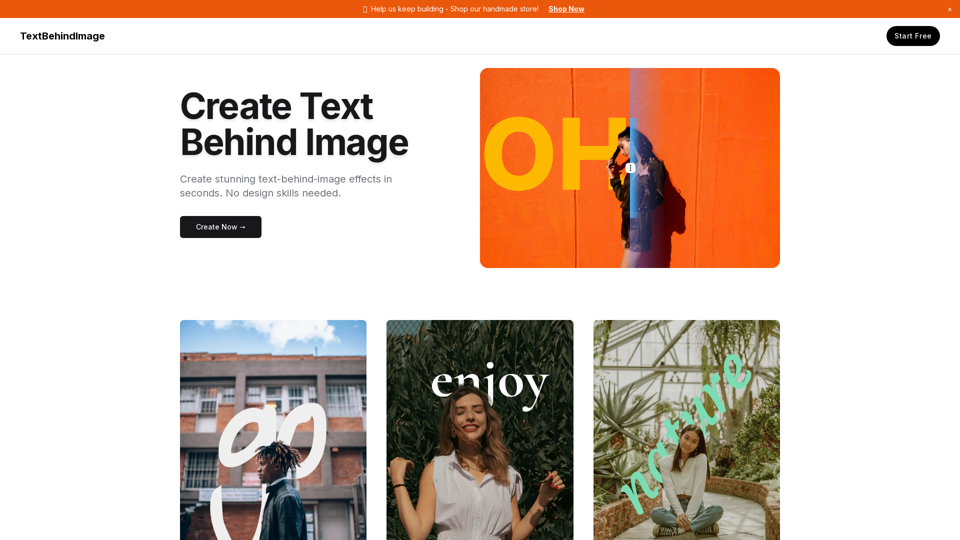
Create professional text overlays on images easily. Perfect for Google Slides, presentations, social media posts, and graphic design. Free online tool for putting text behind or in front of images.
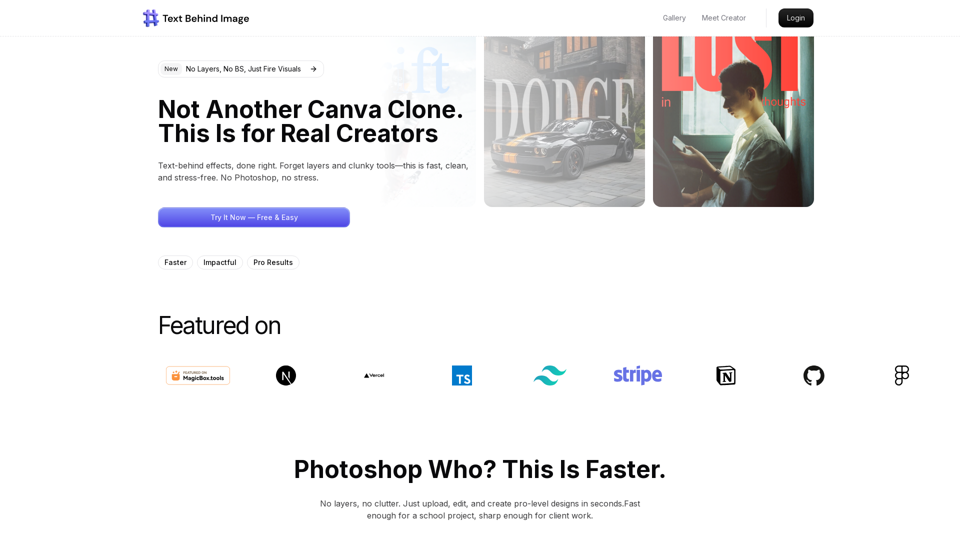
Easily place text behind people and objects in any photo. Our free online tool creates stunning text-behind-image effects in seconds. No signup or software needed.
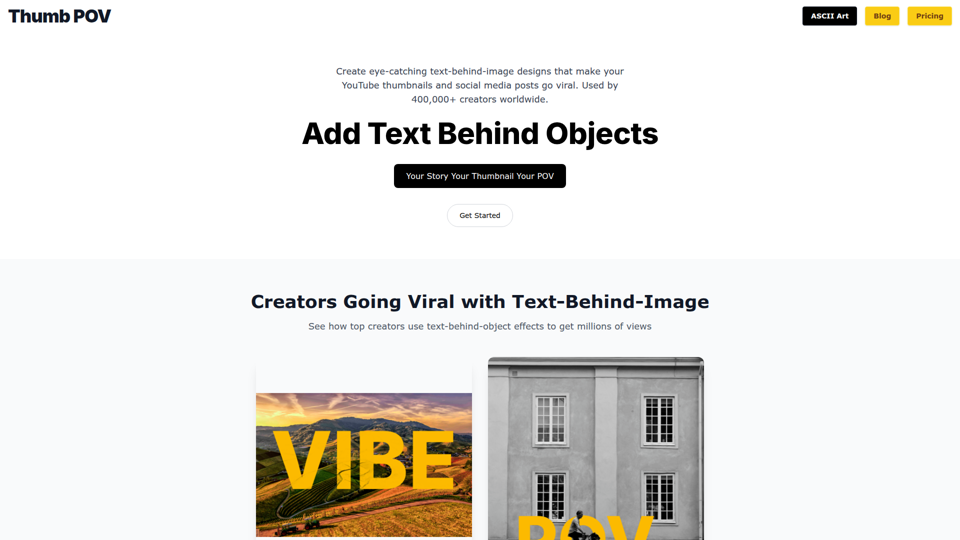
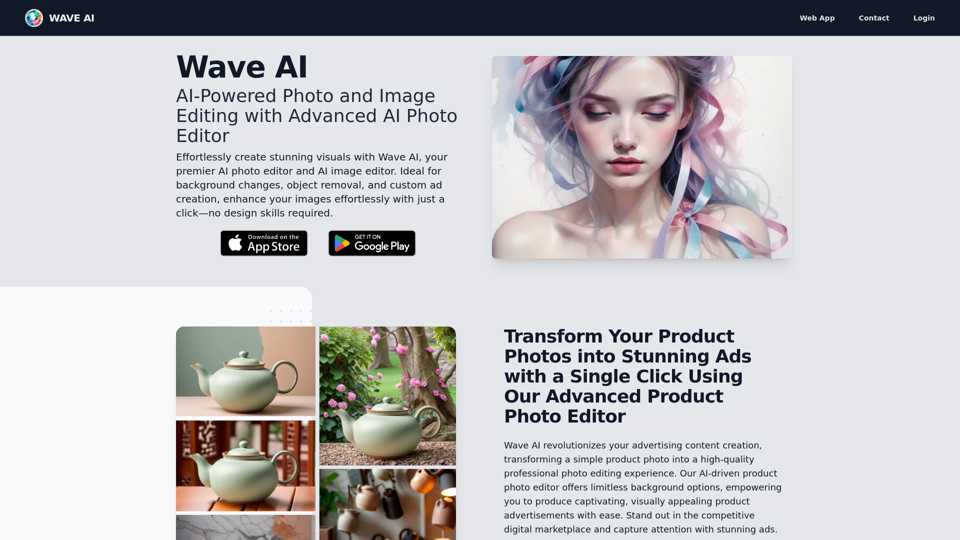
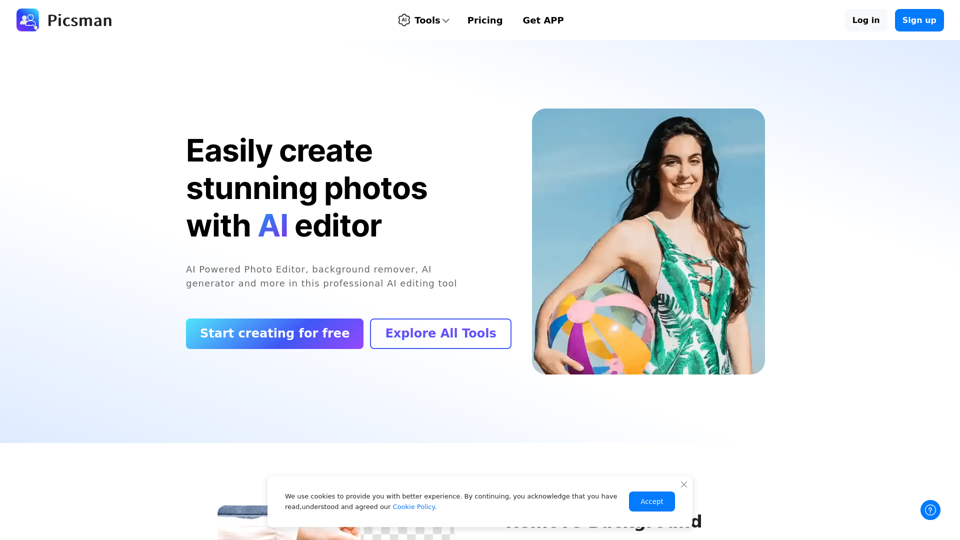
Easily enhance and create product photos with our AI editing tools. Remove background, AI image generator, remove objects, photo enhancer and batch edit.
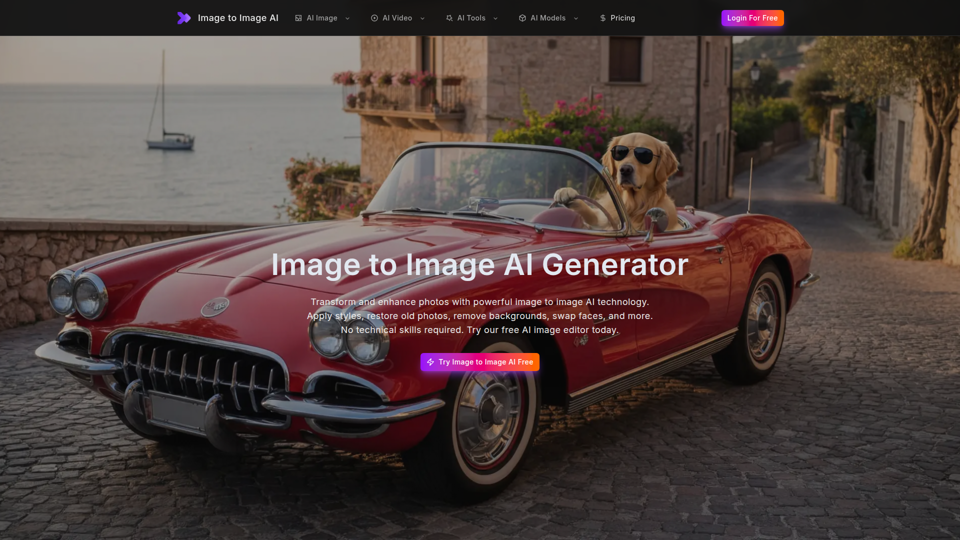
Free image to image AI generator and AI image editor online. Face swap, restore old photo, remove background, upscale, and transform photos with AI in seconds.
Create stunning AI art, images, and pictures in seconds for free with GenPictures. Turn your text into visual masterpieces effortlessly.
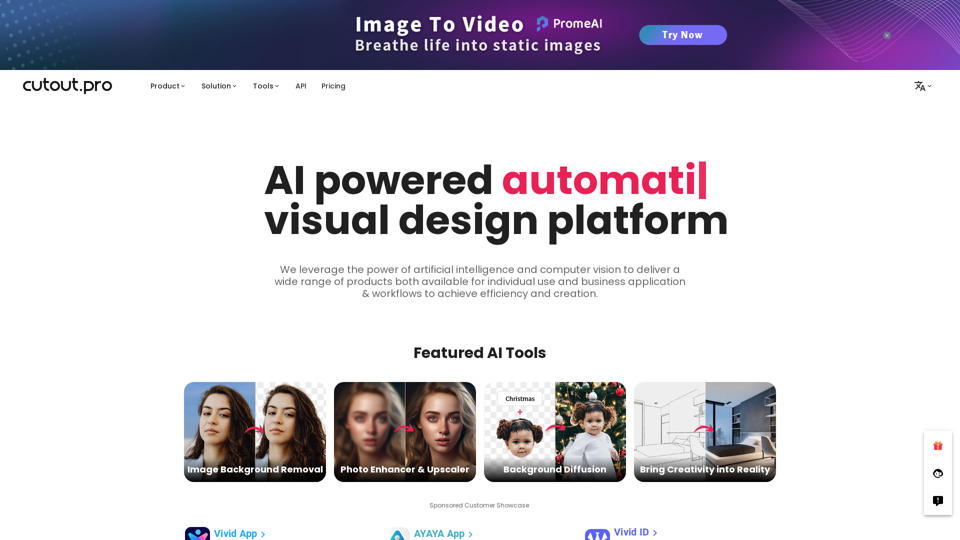
All-in-one visual design platform containing AI photo and video editing tools. Automatic process for background remove, image restoration, graphic design, and content generation. With Cutout.Pro, it is one click away to optimize your content and transform your design ideas into special asset effectively.