What is Outbid LOL?
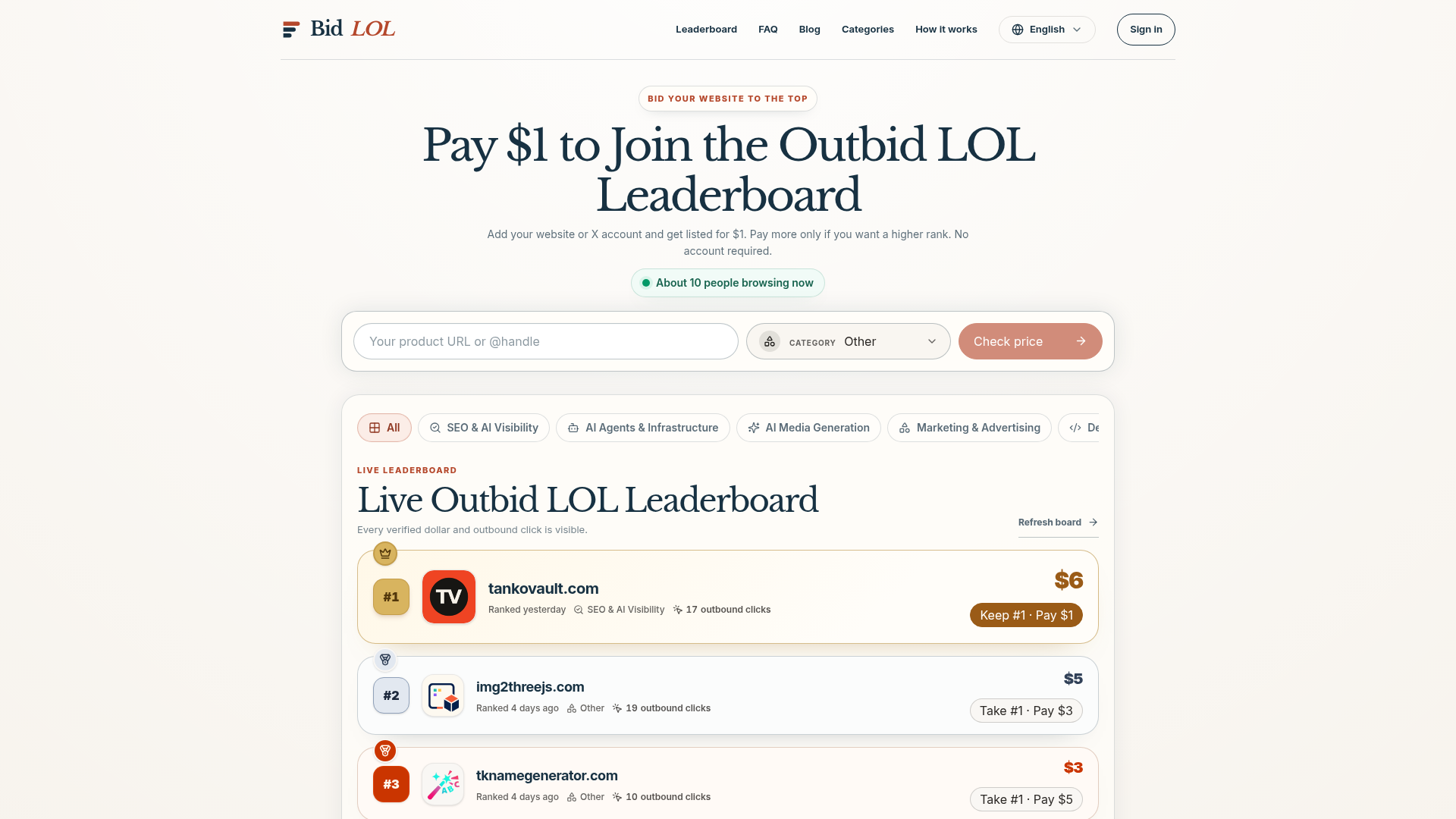
Outbid LOL is a public pay-to-rank leaderboard for websites, products and X accounts, run by BidLOL. A listing climbs the board when a verified Stripe payment is added to its cumulative total, and every dollar and outbound click is shown publicly. It is aimed at people who want paid visibility they can audit, rather than a placement decided by a private quality score. BidLOL states that it is independently operated and not affiliated with outbid.lol.
Key features
- Verified payments only
- Only signed, successful Stripe payments change the public board; failed, canceled and unverified payments never affect it.
- Public cumulative totals
- Each listing shows its paid total, current position, short description and outbound click count.
- Transparent ranking rule
- A higher verified total ranks above a lower total, and when two totals are equal the listing that reached that total earlier stays ahead.
- Website or X account listings
- A public website URL or an X handle can be submitted as the destination.
- Duplicate protection
- Destinations are normalized before checkout, so a repeat submission adds money to the existing listing instead of creating a second one.
- Guest checkout
- No account is required to submit a listing and pay; Stripe hosts the checkout page and collects the email and card details.
- Tracked outbound clicks
- Visits pass through a first-party redirect that increments the public click count, which the site describes as an activity signal rather than a promise of unique users or conversions.
How to use Outbid LOL
- Submit a public website URL or an X account as your destination; the site normalizes it and shows a preview.
- Choose how much to add. New entries and later boosts require at least $10, and the amount you pick is exactly what Stripe charges today.
- Complete payment on the Stripe-hosted checkout page, which collects your email and card details.
- Wait for the signed Stripe webhook to confirm the payment, which is when the leaderboard rank updates.
- Optionally sign in later with the same Google email used at checkout to see the payment under My bids.
Use cases
- Website owners who want a paid placement with a publicly visible total and click count.
- Product makers launching something new and looking for direct visits and brand discovery.
- X account holders who want their handle listed alongside websites on the same board.
- Fans, customers or teammates who want to fund a boost for a destination they like.
- Buyers comparing paid leaderboards who want to see exactly what a placement does and does not include.
Pricing
A new listing starts with a $10 payment, and an existing listing can be boosted by at least $10. The larger amount shown beside the controls is the exact amount Stripe will charge today, while the smaller figure is the public listing total after payment — for example, a listing already at $8 that receives a $10 boost becomes $18 after verification. Pricing is kept in whole dollars, and the site does not list a free plan or free trial. Leaderboard boosts are normally final because visibility begins after payment confirmation; duplicate charges, technical failures and legally required refunds are reviewed manually.
FAQ
How much does it cost to get listed on Outbid LOL?
A new listing starts at $10, and boosting an existing listing costs at least $10. You can pay more to reach a higher rank, and the amount you choose is exactly what Stripe charges. The site does not list a free plan.
Can I use Outbid LOL without an account?
Yes. You can submit a website or X account and continue to Stripe without signing in, and Stripe handles the card details on its hosted page. An account is optional and is used to connect payments to a single history page.
What can I list on Outbid LOL?
The board accepts a public website URL or an X handle. The destination is normalized before checkout so that repeat submissions add to the existing listing rather than creating duplicates.
How does Outbid LOL decide the ranking?
Every successful boost is added to the matching listing total, and higher totals rank first. If two listings have the same total, the one that reached that total earlier stays ahead. Failed, canceled and unverified payments never change the board.
Does Outbid LOL pass SEO value?
Paid leaderboard links are marked rel=sponsored, so a listing can generate direct visits and brand discovery but is not sold as PageRank or a guaranteed Google position. BidLOL states that it does not sell guaranteed search positions, fake editorial approval or fabricated traffic.
Can someone else boost my Outbid LOL listing?
Yes. A public listing is not owned exclusively by its first submitter, so fans, customers, teammates or the original creator can all fund a verified boost for the same destination. The verified amount is added to the existing public total.
Outbid LOL
Join Outbid LOL and bid your website to #1. Every Stripe payment is verified, totals stay public, and outbound clicks are tracked on the live leaderboard.
 Cloudflare
 Google Analytics
 HTTP/3
Free AI anime and manga generator. Turn text into anime episodes, manga, comics, webtoons and comic shorts in any art style — no drawing or animation skills needed.
Translate image text across 70+ languages with our advanced AI Image Translator to help you better expand your products globally to various countries
Advertised Here
Reach thousands of visitors daily. Get your spot now!
Tools similar to Outbid LOL
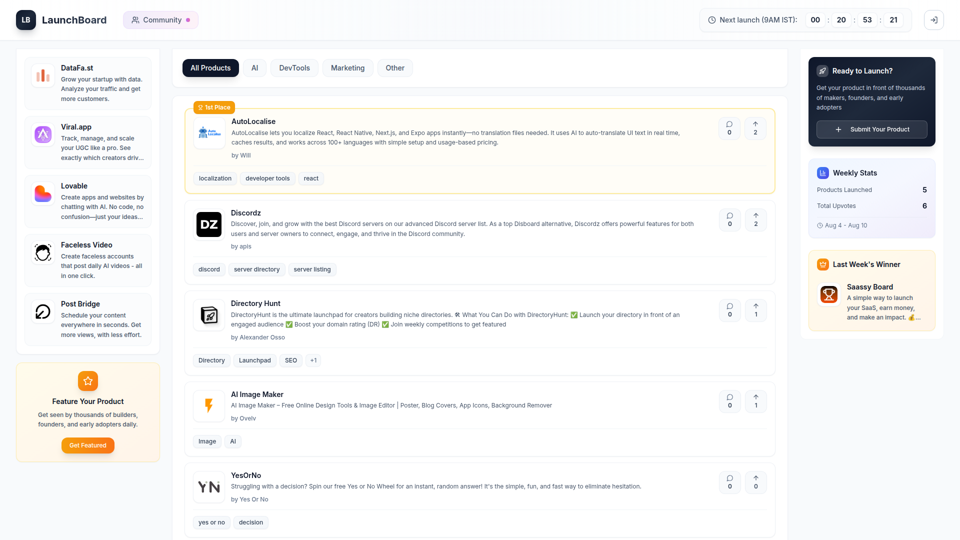
LaunchBoard is a launch platform for your products. It helps you launch your product, get ranked by engagement, and be seen by the right audience - not just buried in a feed.
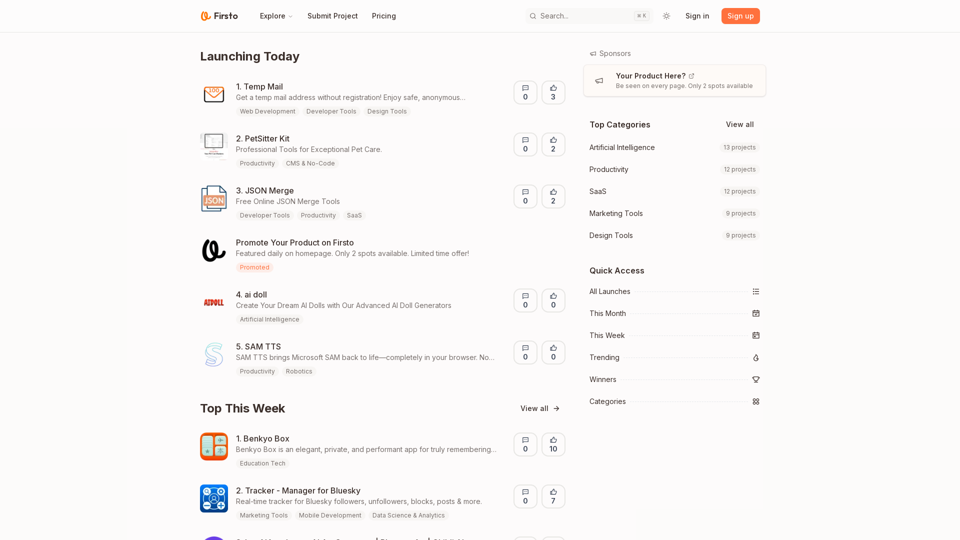
Firsto is where your product starts and keeps growing. A launch platform for startups and indie makers — every product stays visible and discoverable.
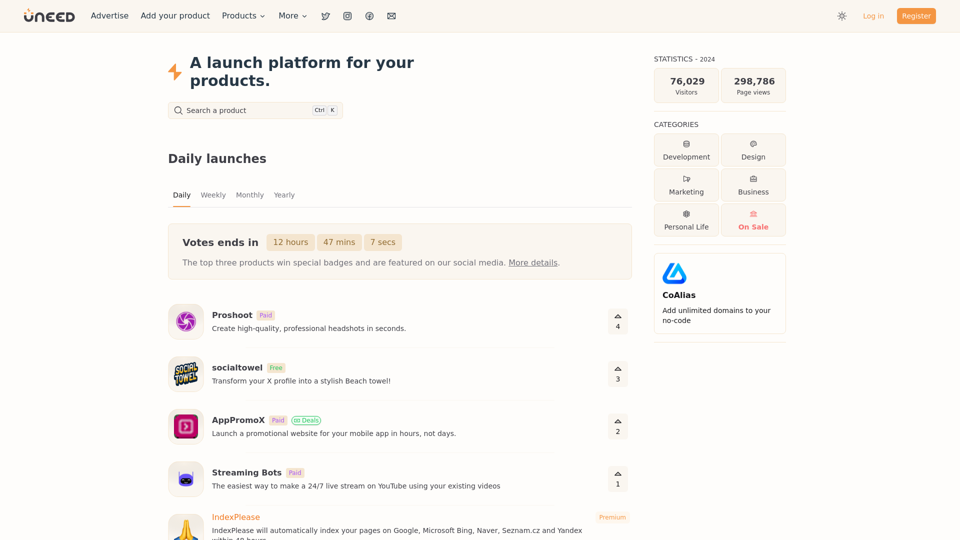
Discover new products every day. Vote for your favorites and promote your own on Uneed.
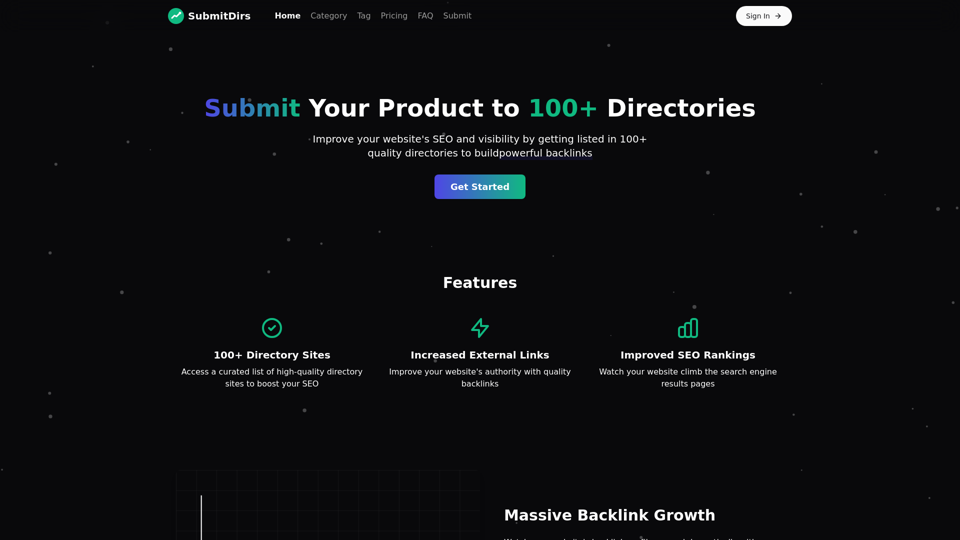
SubmitDirs helps you improve your website's SEO by submitting it to 100+ directory sites, increasing external links and visibility.
Launchzilla is your ultimate resource for product \ launching and building a successful info product business. \ Discover expert tips, tools, and actionable insights to create, \ market, and scale your digital products effectively. \ Start your entrepreneurial journey today!
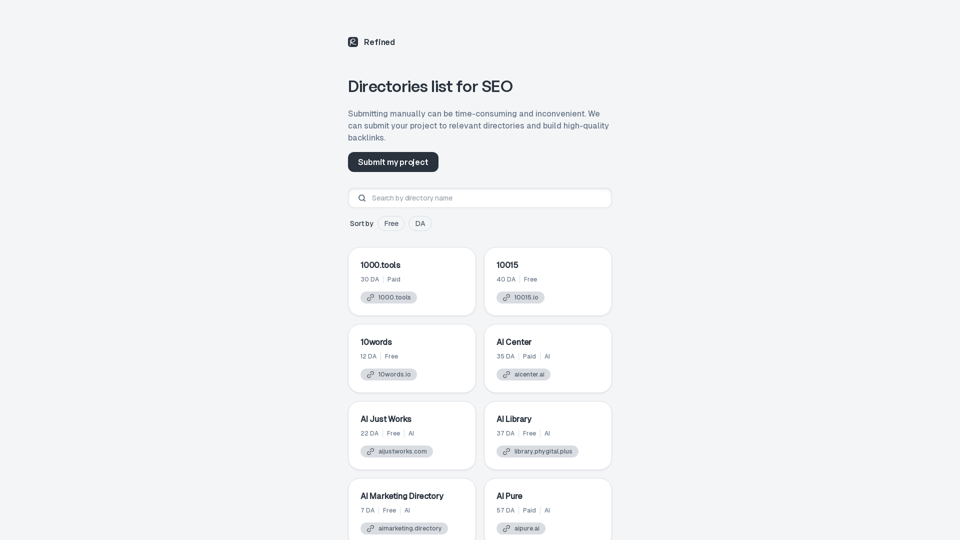
Just launched a new product? Check out our list of directories to kickstart your SEO efforts and find the first customers. Sort by price and domain authority.
Fully managed outbound email system that generates qualified B2B leads. 42M+ verified contacts, AI-powered messaging, bulletproof deliverability., Fully managed outbound email system that generates qualified B2B leads. 42M+ verified contacts, AI-powered messaging, bulletproof deliverability.