Tavoa AI
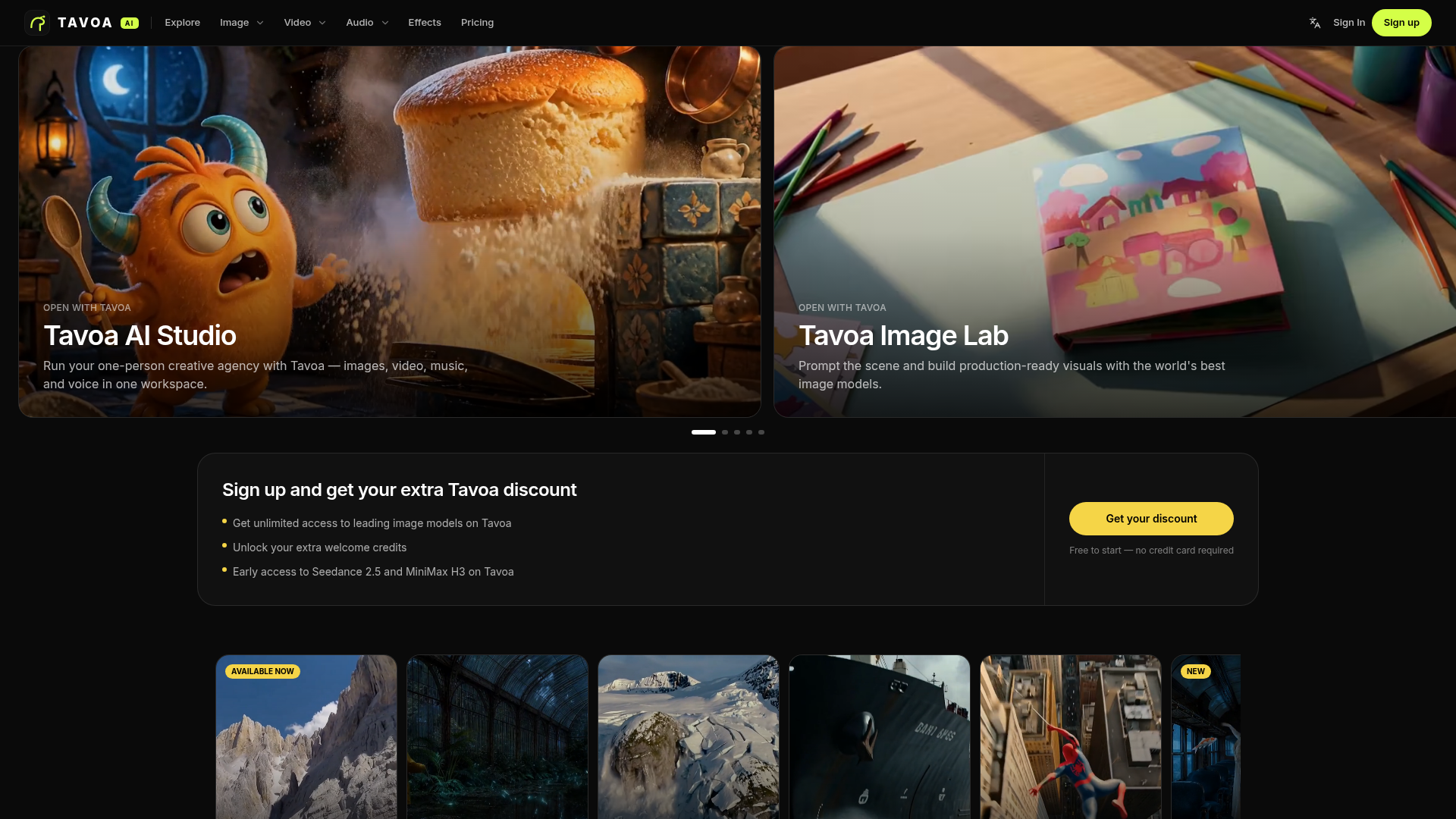
Tavoa is the all-in-one AI creation platform for images, videos, music, and voice — powered by the world's best AI models. Start free and create production-ready content in minutes.
What is Tavoa AI?
Tavoa AI is an all-in-one AI creation platform for images, videos, music and voice, powered by a set of third-party AI models. It is built for people who want to run a one-person creative agency from a single workspace, and for teams that need higher limits and shared seats. Tavoa AI stands out for combining generation tools with automation apps such as a faceless channel studio, a superagent for the creative stack, and ready-made viral presets.
Key features
- All-in-one workspace
- Tavoa AI Studio brings images, video, music and voice together in one place instead of separate tools.
- Tavoa Image Lab
- prompt a scene and build production-ready visuals using the image models available on the platform.
- Seedance video models
- Seedance 2.5 is described as the most advanced AI video model on Tavoa, with cinematic motion, camera control and character consistency, alongside Seedance 2.0 for high-quality video.
- Tavoa Faceless Studio
- launches a complete faceless channel from a single topic using Tavoa automation.
- Viral presets
- ready-made styles such as Earth Zoom, Bullet time, Ink Riot, Comic and Fairytale Castle can be applied when generating video.
- Supercomputer, MCP and CLI
- one superagent covers the Tavoa creative stack, and the MCP and CLI options turn Claude into a Tavoa creative engine.
- Tavoa for Enterprise
- adds team seats, higher limits and enterprise-only Tavoa capabilities.
How to use Tavoa AI
- Sign up on the Tavoa website. The platform is free to start and no credit card is required, and new accounts receive extra welcome credits.
- Choose a workspace for the job, such as Tavoa AI Studio for mixed media, Image Lab for visuals, Cinema Studio for cinematic scenes, or Faceless Studio for an automated channel.
- Enter a prompt to describe the scene, or start from one of the Tavoa viral presets.
- Generate and refine the output. The Tavoa Studio beta gives full creative control over every stage of a video production.
- Optionally publish the project to the public community feed, where creations can be viewed by others and top creators can be shortlisted for grant credits.
Use cases
- Solo creators running a one-person creative agency across images, video, music and voice.
- Creators who want to launch a faceless channel from a single topic.
- Marketers and social teams producing short-form cinematic stories.
- Visual artists who need production-ready images from text prompts.
- Larger organisations that need team seats, higher limits and enterprise-only capabilities.
Pricing
The official Tavoa website does not list specific plan prices. It states that Tavoa AI is free to start with no credit card required, that signing up brings extra welcome credits and early access to Seedance 2.5 and MiniMax H3, and that Tavoa for Enterprise adds team seats and higher limits. For current plan details and prices, check the official Tavoa pricing page.
FAQ
Is Tavoa AI free to start?
Yes. Tavoa AI is free to start and does not require a credit card. Signing up also brings extra welcome credits and early access to models such as Seedance 2.5 and MiniMax H3.
What can I create with Tavoa AI?
Tavoa AI covers images, video, music and voice in one workspace. It also includes specialised apps such as Tavoa Image Lab, Cinema Studio and Faceless Studio for specific types of output.
Which AI models does Tavoa AI use?
Tavoa AI says it is powered by leading AI models. Among the ones named on the site are Seedance 2.5 and Seedance 2.0 for video, and MiniMax H3, which is offered as early access.
Can I make videos without appearing on camera in Tavoa AI?
Yes. Tavoa Faceless Studio is designed to launch a complete faceless channel from a single topic, with the process handled by Tavoa automation.
Does Tavoa AI offer a plan for teams?
Yes. Tavoa for Enterprise provides team seats, higher usage limits and enterprise-only capabilities that are not part of the standard offering.
What are Tavoa AI viral presets?
Viral presets are ready-made visual styles that can be applied when generating video on Tavoa AI. Examples listed on the site include Earth Zoom, Bullet time, Particles, Ink Riot and Fairytale Castle.
Tavoa AI
Tavoa is the all-in-one AI creation platform for images, videos, music, and voice — powered by the world's best AI models. Start free and create production-ready content in minutes.
 Cloudflare
 HTTP/3
Free AI anime and manga generator. Turn text into anime episodes, manga, comics, webtoons and comic shorts in any art style — no drawing or animation skills needed.
Translate image text across 70+ languages with our advanced AI Image Translator to help you better expand your products globally to various countries
Advertised Here
Reach thousands of visitors daily. Get your spot now!
Tools similar to Tavoa AI
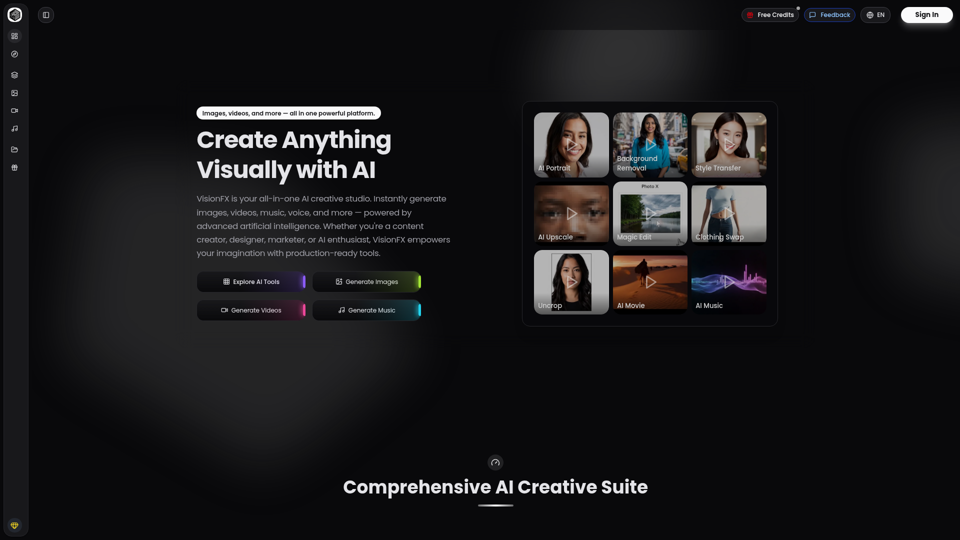
VisionFX is your all-in-one AI creative studio. Instantly generate images, videos, music, voice, and more — powered by advanced artificial intelligence. Whether you're a content creator, designer, marketer, or AI enthusiast, VisionFX empowers your imagination with production-ready tools.
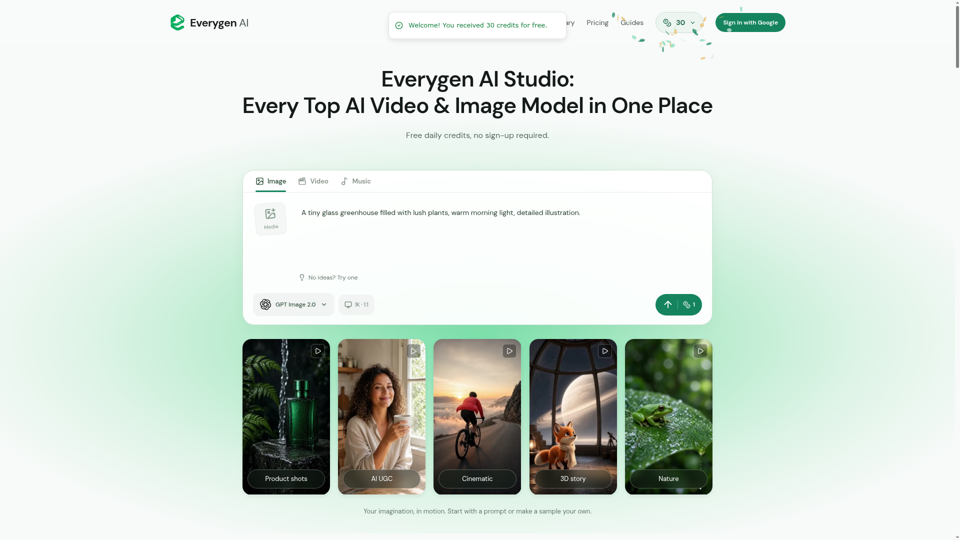
Create AI videos, images, music, UGC scenes and product shots. Get free daily credits for images, videos and music. Explore Everygen AI models, Viewmax and MCP resources.

Unlock your creativity with Mirrorize.ai! Generate stunning, unique images, music, and video using our cutting-edge AI technology. Explore endless possibilities and transform your designs today.
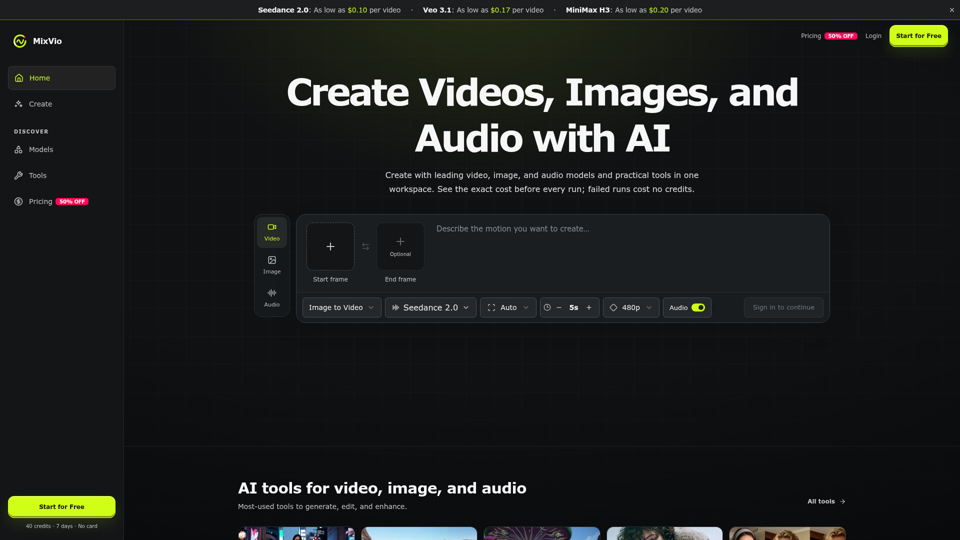
Create AI videos, images, and audio with Seedance, Kling, Veo, GPT Image, and practical creative tools. See exact costs upfront; failed runs cost no credits.
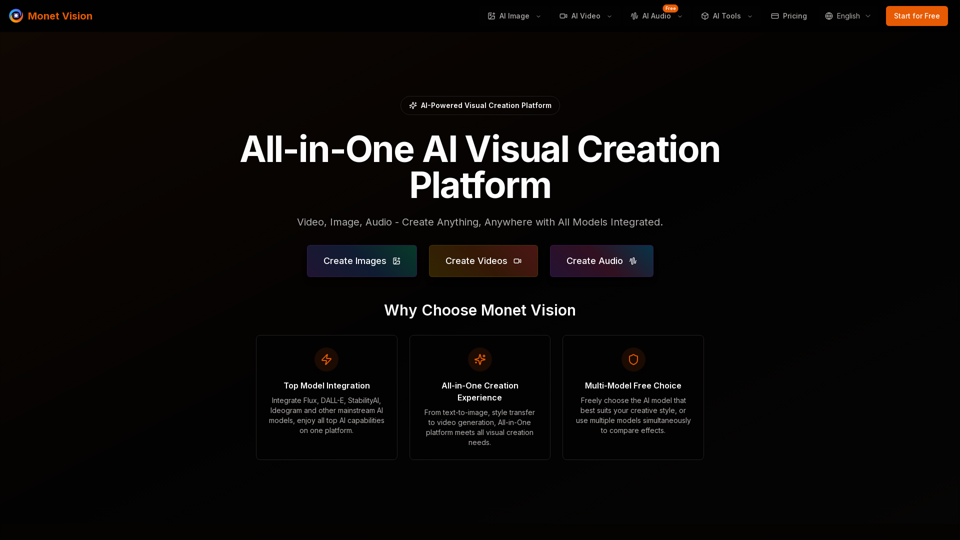
Integrate GPT-4o, Flux, DALL-E, Gemini, StabilityAI and other mainstream AI models, providing professional-grade image generation, artistic style transfer, and video production services. No need to learn complex tools, one platform meets all visual creation needs.
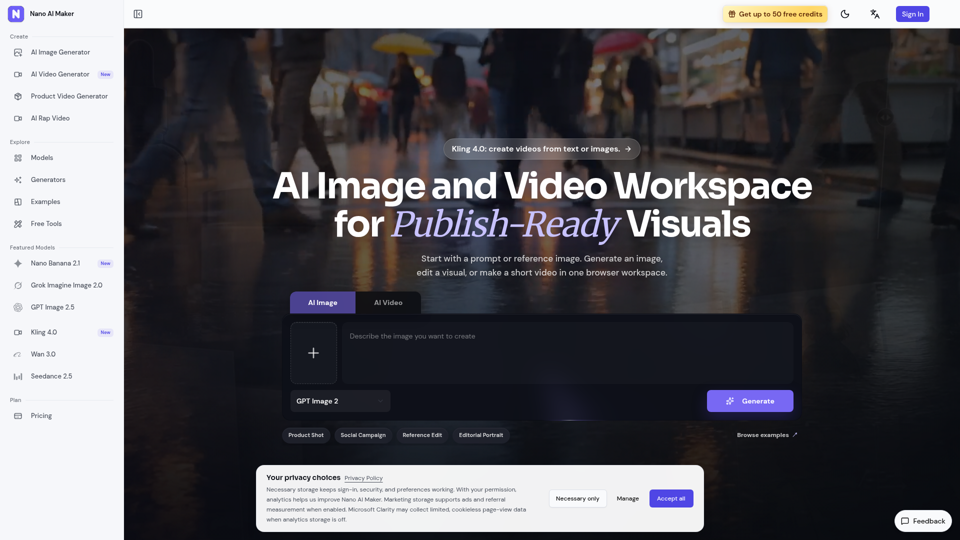
Create AI images, edit reference photos, and generate short videos in one browser workspace for product shots, ads, social posts, and creative testing.
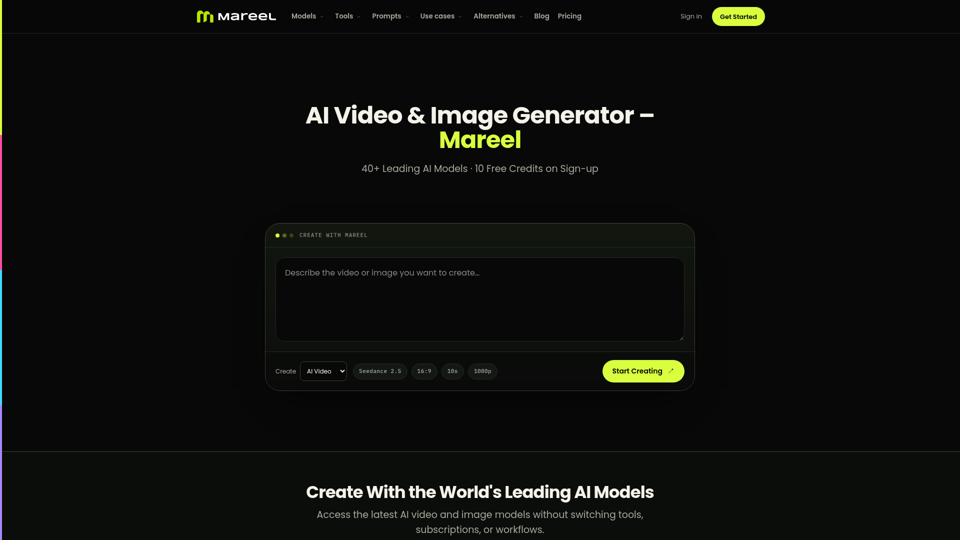
Create AI videos and images with 40+ leading AI models in one workspace. Compare models, choose a subscription, and manage generation credits in one place.