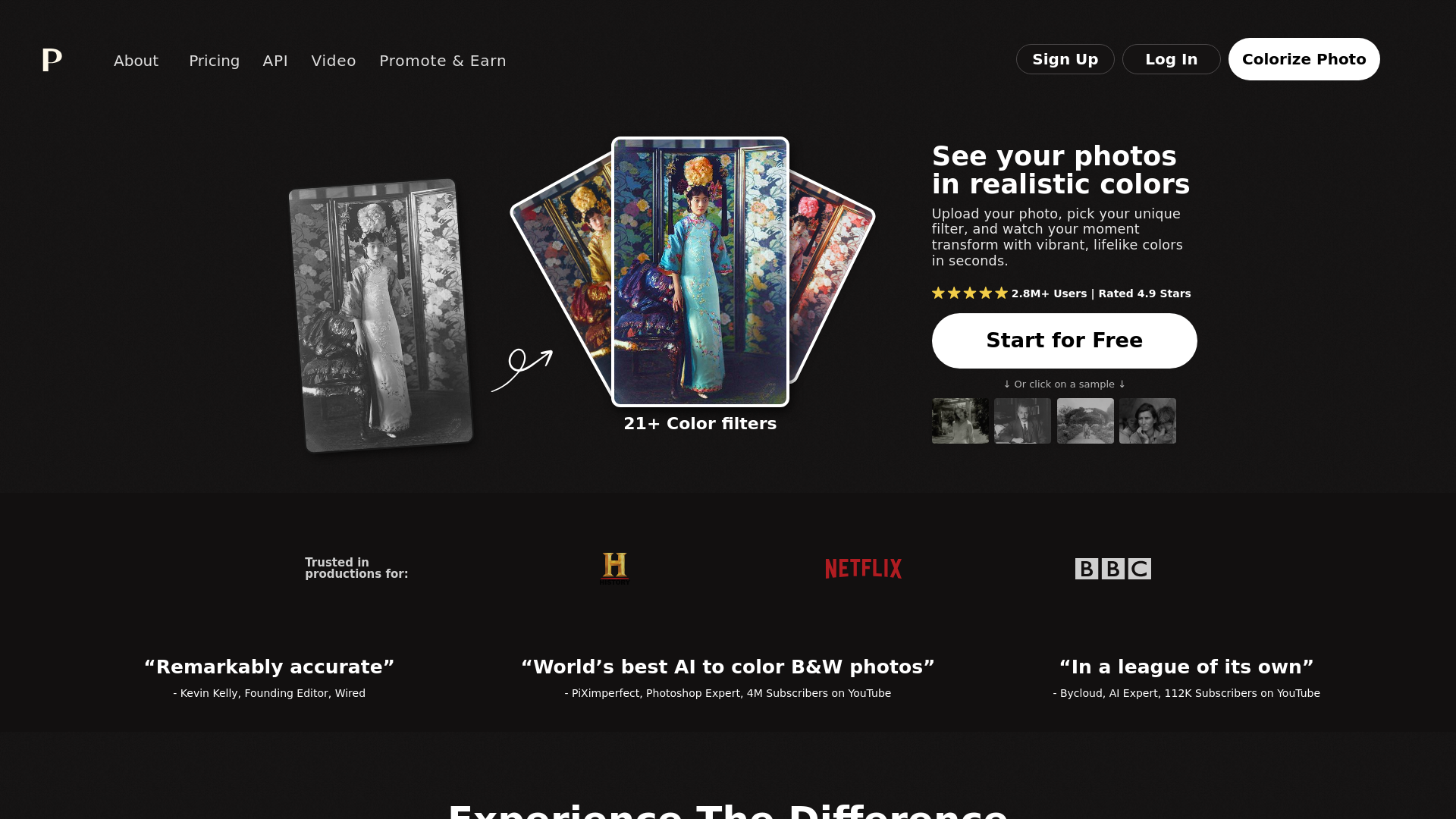
What is Colorize Photo?
Colorize Photo is an advanced online tool that utilizes AI technology to transform black and white images into vibrant, colorful representations. By simply uploading your photo and selecting a color filter, users can witness their memories come alive with realistic colors in just a few seconds. With over 2.8 million users and a remarkable rating of 4.9 stars, Colorize Photo is trusted by photographers and creators worldwide.
Main Features of Colorize Photo
- Diverse Color Filters
- Choose from over 21 unique color filters to customize your photo's appearance.
- High-Resolution Outputs
- Colorize images in high resolution (up to 5000x5000 pixels) without watermarks using credits.
- User-Friendly Interface
- Easily upload multiple images, select filters, and download or edit the final product.
- Affordable Subscription Options
- Unlimited colorization credits available with a yearly subscription plan.
- Vibrant and Realistic Results
- Accurately render colors that capture the essence of the original photographs.
How to Use Colorize Photo
Colorizing your photos with Colorize Photo is straightforward and can be done in three easy steps:
- Upload Your Photo: Click on the “Upload image” button to upload your photo or drag and drop multiple images into the interface.
- Pick a Filter: Browse through various color filter options and choose your favorite to apply it to your photo.
- Download or Edit: Download your newly colorized photo, or further adjust the colors using descriptive keywords for optimal results.
Pricing of Colorize Photo
Colorize Photo offers flexible pricing plans:
- Free Plan
- Allows colorization of images at no cost but with limited resolution (up to 500x500 pixels) and watermarked previews.
- Subscription Plan
- Yearly Cost: $72 - 480 credits ($0.15 per credit)
- One-Time Payment Option: $49 for 75 photos (valid for 2 years).
This subscription provides users with watermark-free, high-resolution outputs and automatic credit refresh each month.
Helpful Tips for Using Colorize Photo
- Select Filters Wisely
- Experiment with different filters to see which one enhances your photo the best.
- Use Descriptive Keywords
- When customizing colors, clear descriptions can help the AI deliver optimal results.
- Check Subscription Benefits
- Understand the advantages of using a subscription plan, such as faster processing and unlimited high-quality colorizations.
Frequently Asked Questions
How accurate is the colorization?
Colorize Photo employs advanced AI algorithms to ensure high accuracy in color reproduction, often yielding stunningly realistic results.
How does Colorize Photo compare to other colorization services?
Unlike many other platforms, Colorize Photo offers a simpler interface, realistic color outputs, and a variety of customizable options.
What are credits and how do payments work?
Credits allow users to colorize photos at full resolution without logos. Each credit corresponds to one image. Credits can be purchased through subscription plans and remain valid as long as your subscription is active.
How do I use the paid credits to remove the logo?
Once you subscribe to a paid plan and purchase credits, you can use them during the download process to obtain logo-free colorized images.
Are there any restrictions I should be aware of?
There are size limitations on free accounts, and maximum output resolution depends on your subscription level.
What should I do if I'm having problems?
For any issues, contact customer support through the Colorize Photo website for assistance.
Explore the world of vibrant colors and breathe life into your photos with Colorize Photo today!
Colorize Photo
Colorize your black and white images within seconds. Try our online AI colorize tool for free, no sign-up needed.
 Bento
Bento Clickbank
 Cloudflare
 Google Analytics
 HTTP/3
 Rewardful
Free AI anime and manga generator. Turn text into anime episodes, manga, comics, webtoons and comic shorts in any art style — no drawing or animation skills needed.
Translate image text across 70+ languages with our advanced AI Image Translator to help you better expand your products globally to various countries
Advertised Here
Reach thousands of visitors daily. Get your spot now!
Tools similar to Colorize Photo
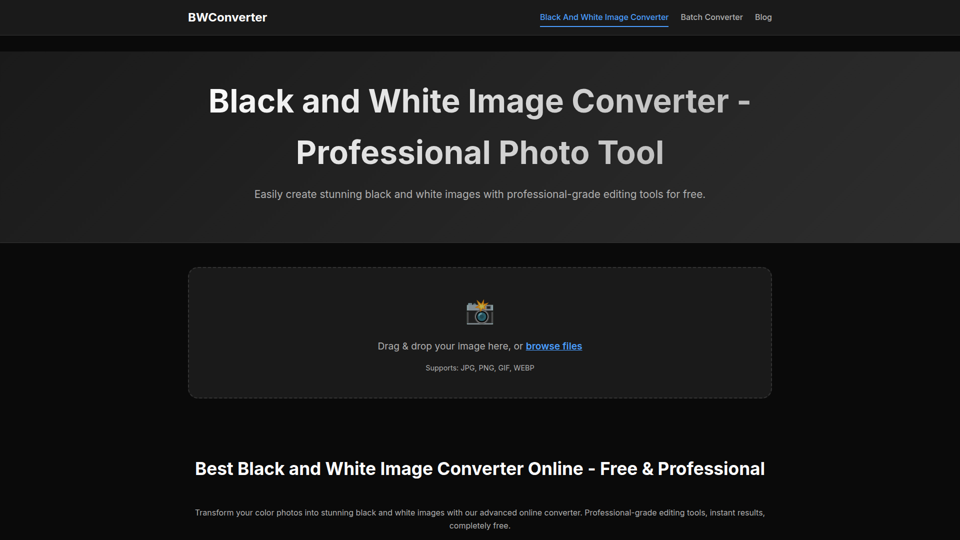
Convert color photos to black and white images online for free. Professional black and white image converter with advanced editing tools, filters, and instant results.
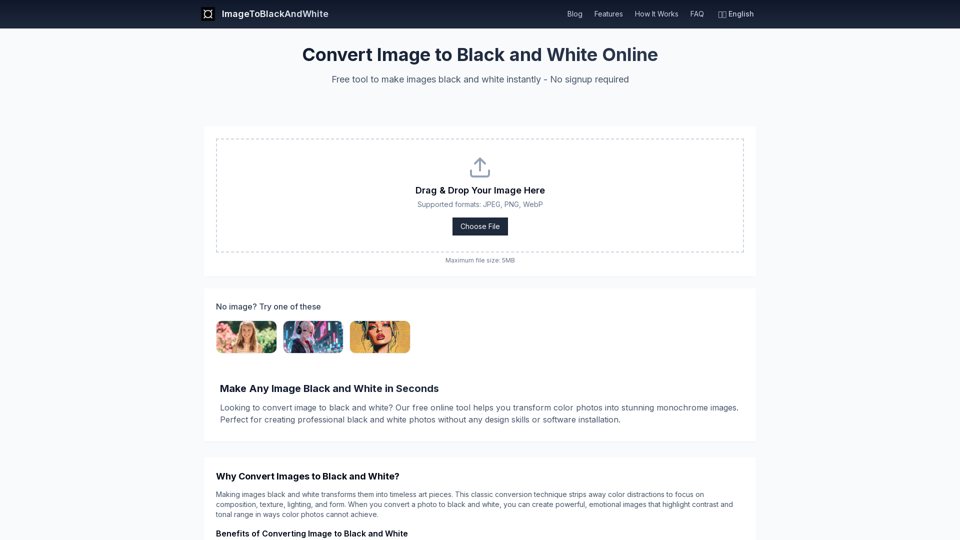
Transform color photos into stunning black and white images instantly. Free online tool to make image black and white with professional quality.

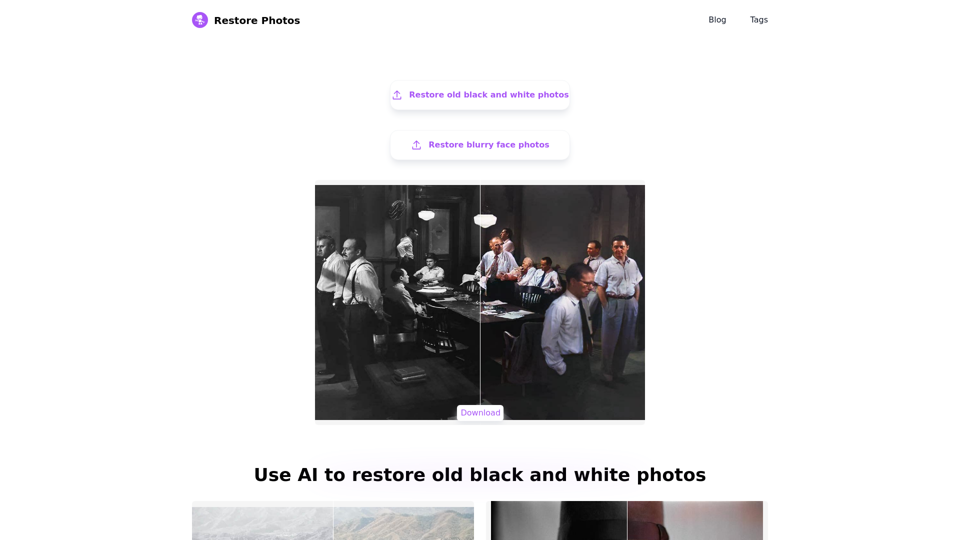
Revitalize old photos with AI technology. We specialize in AI-enhanced old photo restoration, AI high-definition face retouching, AI colorization of black and white photos, all for free and easy to use. Preserve your cherished memories in their finest form, and relive the splendor of history.

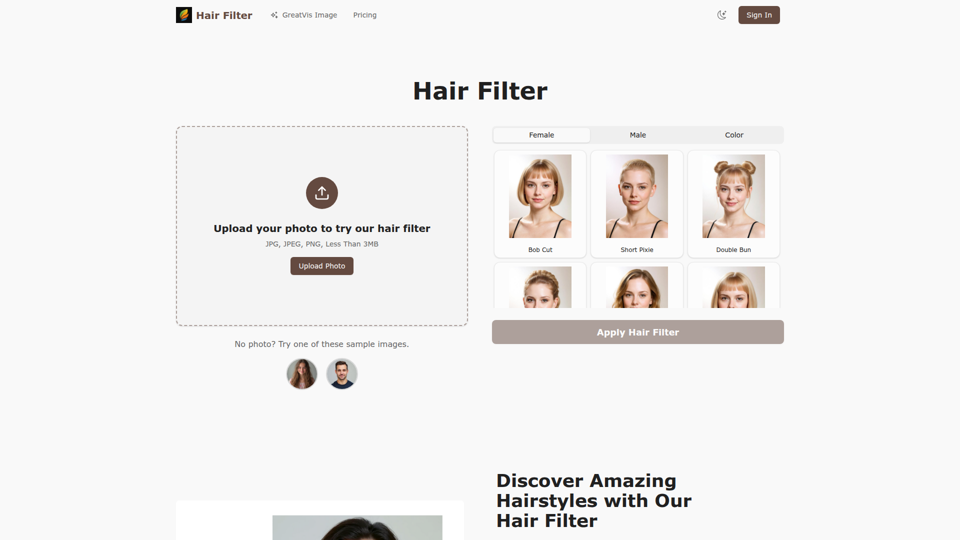
Transform your look with our advanced hair filter technology. Try dozens of AI hairstyle options and hair colors instantly.
![[Official] PicMa Photo Enhancer screenshot](https://img.magicbox.tools/screenshot_img/2025/6/13/picma-magictiger-ai-thumbnail-1749831832.png)
PicMa AI enhances photo resolution and image quality. Unblur, restore old photos, and colorize B&W images instantly. Try our tool for free.
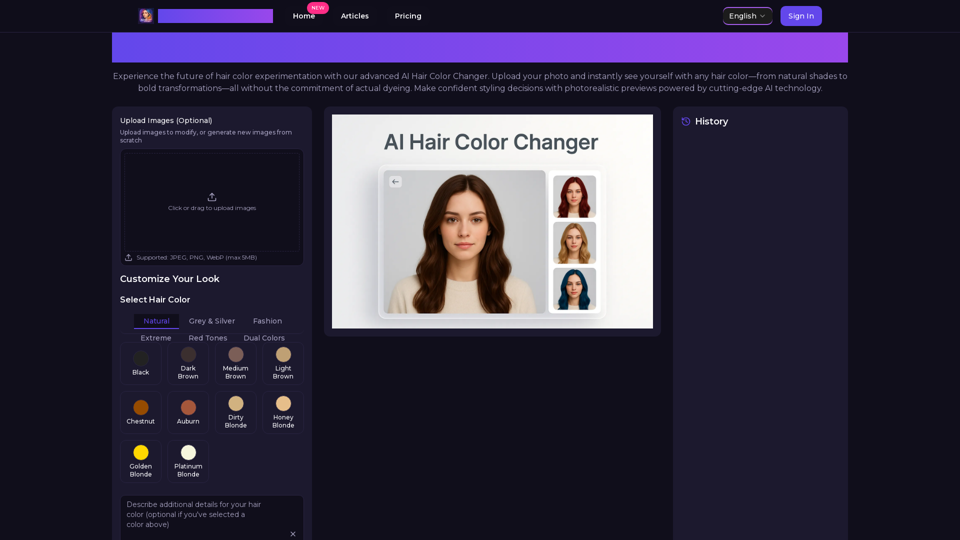
Transform your look with AI Hair Color Changer by AiHairColorChanger. Try 150+ realistic hair colors virtually before dyeing. No commitment, instant results!