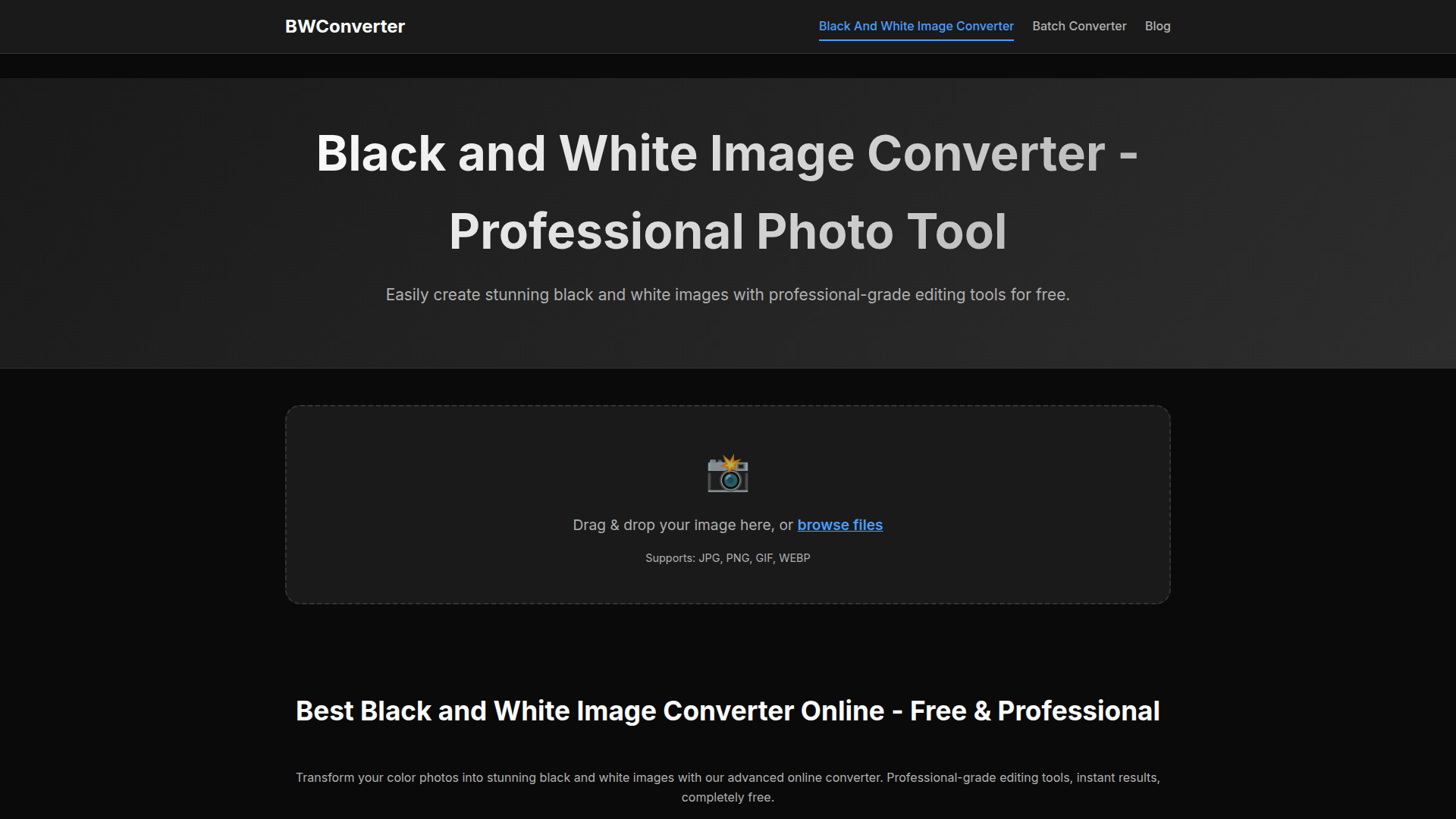
What is the Best Black and White Image Converter Online?
The Best Black and White Image Converter Online is a professional-grade tool that allows you to transform your vibrant color photographs into stunning monochrome images effortlessly. With an intuitive design and powerful editing features, this converter is ideal for both amateur and seasoned photographers looking to enhance their black and white photography.
Key Features of the Black and White Image Converter
- Professional Editing Tools
- Utilize advanced editing options such as contrast, brightness, sepia tones, film grain, shadows, and highlights to achieve gallery-worthy black and white images.
- Instant Processing
- Experience real-time previews of your edits as you adjust settings, ensuring you can see the effects of your changes immediately.
- 100% Private & Secure
- All image processing occurs directly in your browser; your photos remain on your device, safeguarding your privacy.
- Multi-Device Compatibility
- Enjoy seamless usage on desktops, tablets, and smartphones, allowing for conversion anytime, anywhere.
- Artistic Presets
- Quickly apply professionally crafted presets including Dramatic, Soft, Vintage, High Contrast, and Film Noir for instant results.
- Multiple Export Formats
- Download your converted black and white images in the format that best suits your needs: PNG, JPEG, or WebP.
How to Use the Black and White Image Converter
- Upload Your Photo: Drag and drop your selected color photo into the upload section, or click to browse files. The converter supports formats including JPG, PNG, GIF, and WEBP.
- Adjust the Look: Start with one of the artistic presets or use the sliders to fine-tune essential elements like contrast and brightness for your perfect monochrome image.
- Download Your B&W Image: Once satisfied with your edits, download the professional-grade black and white image in your desired file format, ready for any project.
Pricing
The black and white image converter is completely free to use without any hidden fees, subscription requirements, or limits on image conversions, making it accessible for everyone.
Helpful Tips for Black and White Conversion
- Experiment with Presets
- Don’t hesitate to try out different presets to see which one enhances your image best.
- Fine-Tuning is Key
- Utilize the advanced sliders to achieve the perfect amount of contrast and brightness for impactful images.
- Batch Conversion
- If you have multiple images, consider using the Batch Image Converter feature to apply consistent editing across all your photos quickly.
Frequently Asked Questions
How do I convert a color image to black and white?
Simply upload your color image by dragging it into the upload area. The tool will instantly convert it, and you can adjust settings as needed.
Is this black and white converter free?
Yes! The converter is completely free to use with no hidden costs or limits.
What image formats are supported?
Supported formats include JPG, JPEG, PNG, GIF, and WebP, with output options in PNG, JPEG, or WebP.
Will converting to black and white reduce image quality?
No, the quality and resolution of your original image are maintained during the conversion.
Are my images safe and private?
Yes, all processing is done in your browser, ensuring that your images remain private and secure.
Can I use this tool on mobile devices?
Absolutely! The interface is responsive and works seamlessly across smartphones, tablets, and desktops.
What's the difference between the presets?
Each preset applies varying adjustments to contrast and brightness, catering to different artistic styles.
Can I revert a black and white image back to color?
This tool is designed solely for converting color photos to black and white. Colorization of monochrome images requires different tools.
Learn More About Black and White Photography
To delve deeper into the world of black and white photography, check out our comprehensive guides and tutorials on various techniques and artistic approaches.
Convert Images to Black and White Online Free
Convert color photos to black and white images online for free. Professional black and white image converter with advanced editing tools, filters, and instant results.
 Cloudflare
 HTTP/3
 Vercel
Free AI anime and manga generator. Turn text into anime episodes, manga, comics, webtoons and comic shorts in any art style — no drawing or animation skills needed.
Translate image text across 70+ languages with our advanced AI Image Translator to help you better expand your products globally to various countries
Advertised Here
Reach thousands of visitors daily. Get your spot now!
Tools similar to Convert Images to Black and White Online Free
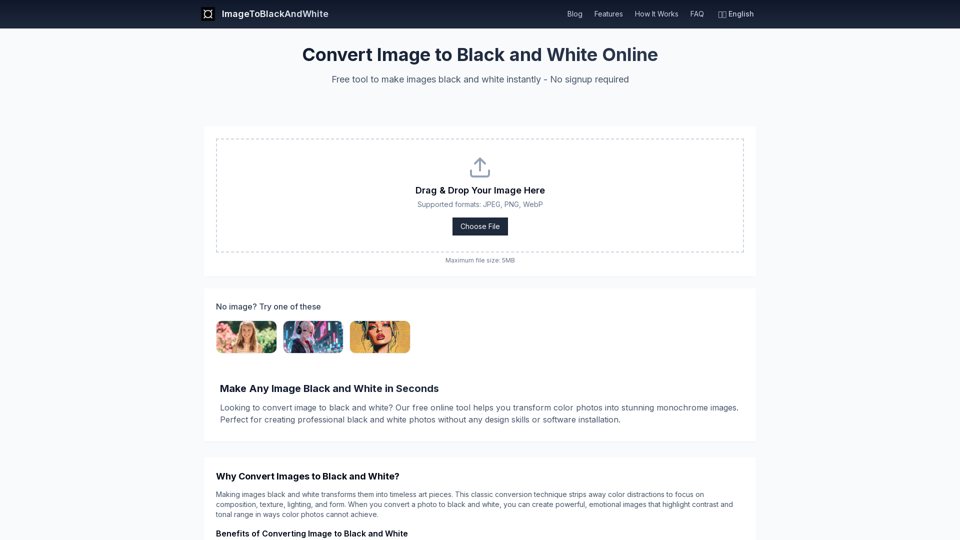
Transform color photos into stunning black and white images instantly. Free online tool to make image black and white with professional quality.
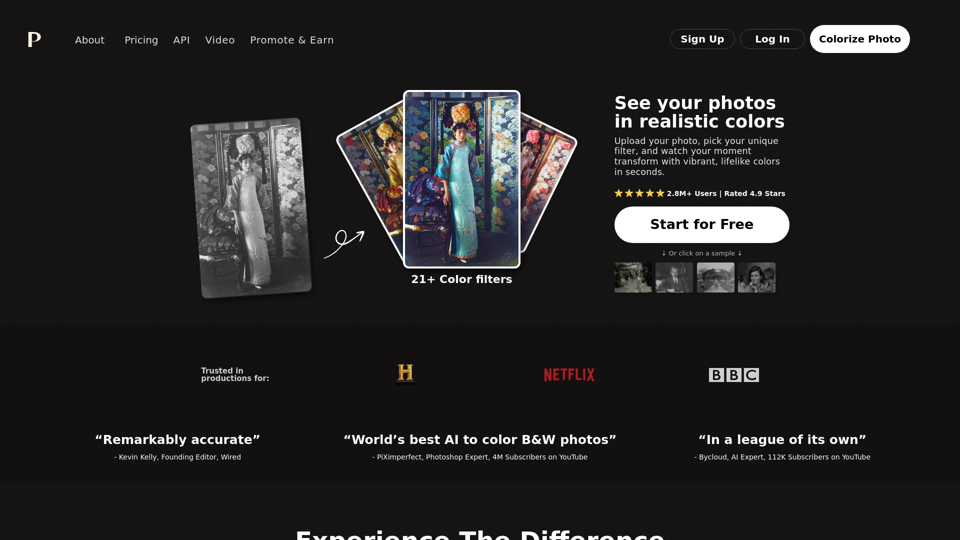
Colorize your black and white images within seconds. Try our online AI colorize tool for free, no sign-up needed.
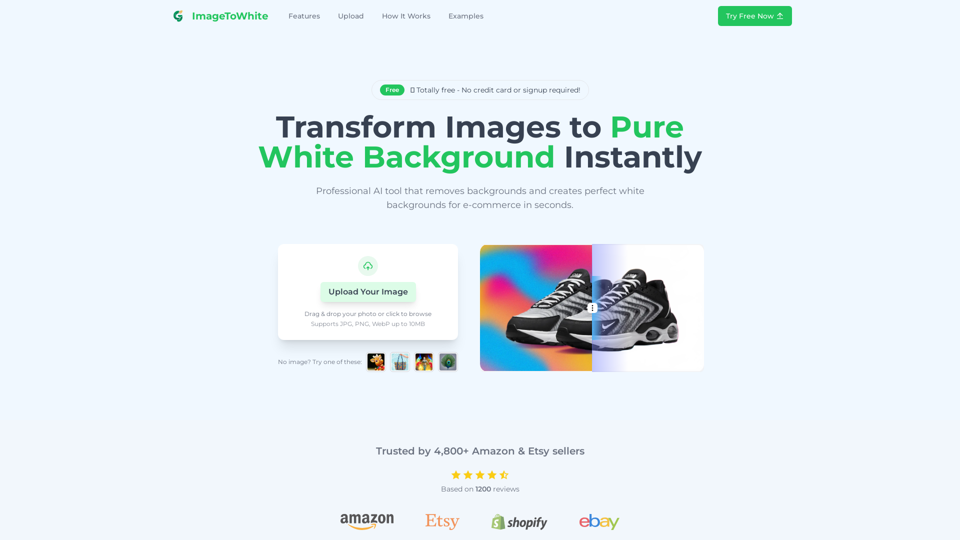
One-click tool to turn any photo into a pure white background image. Compliant with Amazon & eBay product listings. Perfect for e-commerce sales.

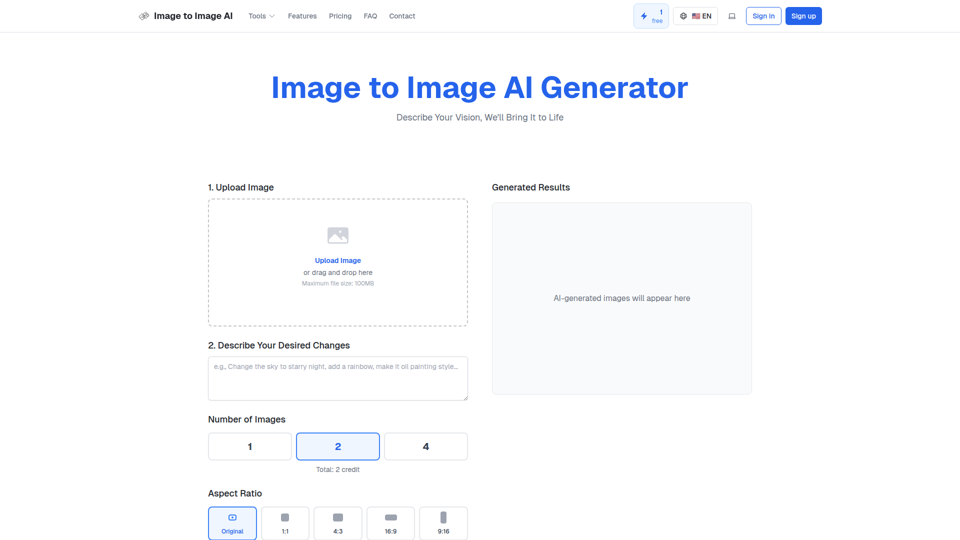
Convert image to image with AI. Transform, edit and generate images using our free image to image AI converter. Best AI image to image generator.
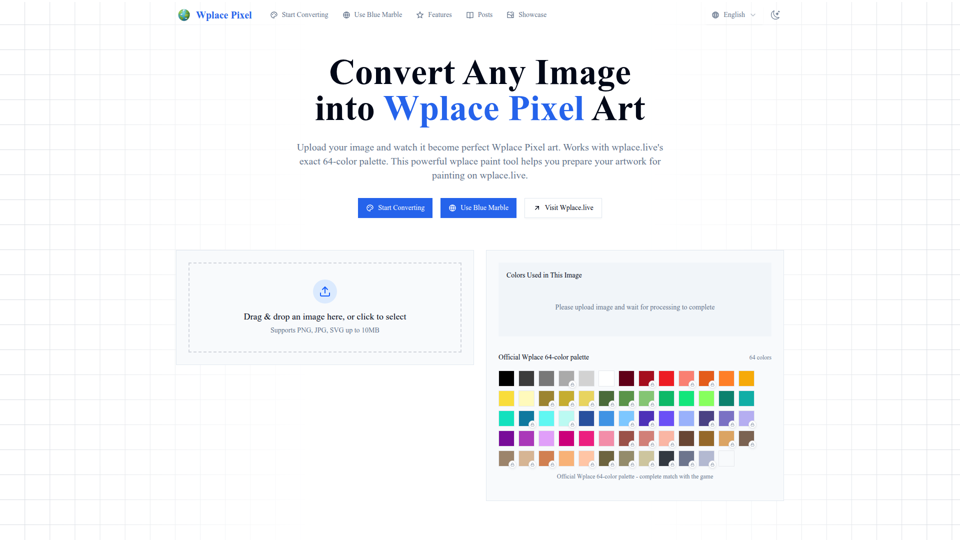
Convert any image into perfect wplace.live pixel art. Uses color palette with grid info and cost estimates. Free pixel art converter & painting preparation tool.
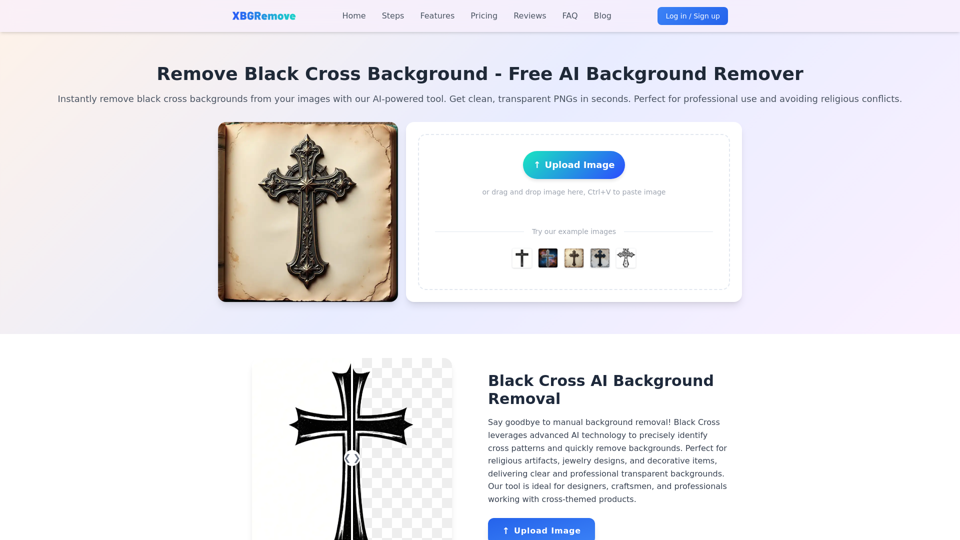
Remove black cross backgrounds with AI. Get clean, transparent PNGs instantly. Perfect for professional use and avoiding religious conflicts.
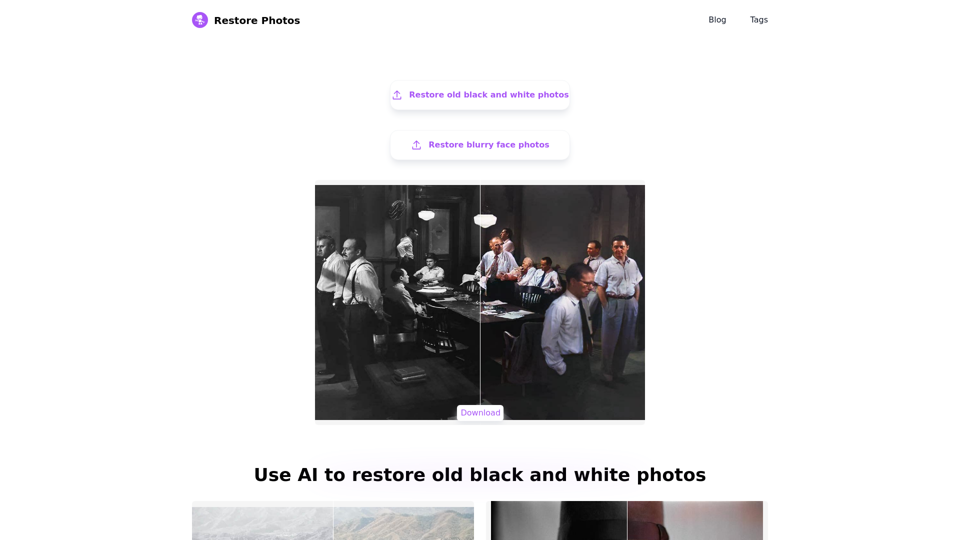
Revitalize old photos with AI technology. We specialize in AI-enhanced old photo restoration, AI high-definition face retouching, AI colorization of black and white photos, all for free and easy to use. Preserve your cherished memories in their finest form, and relive the splendor of history.