PDF to MD Converter
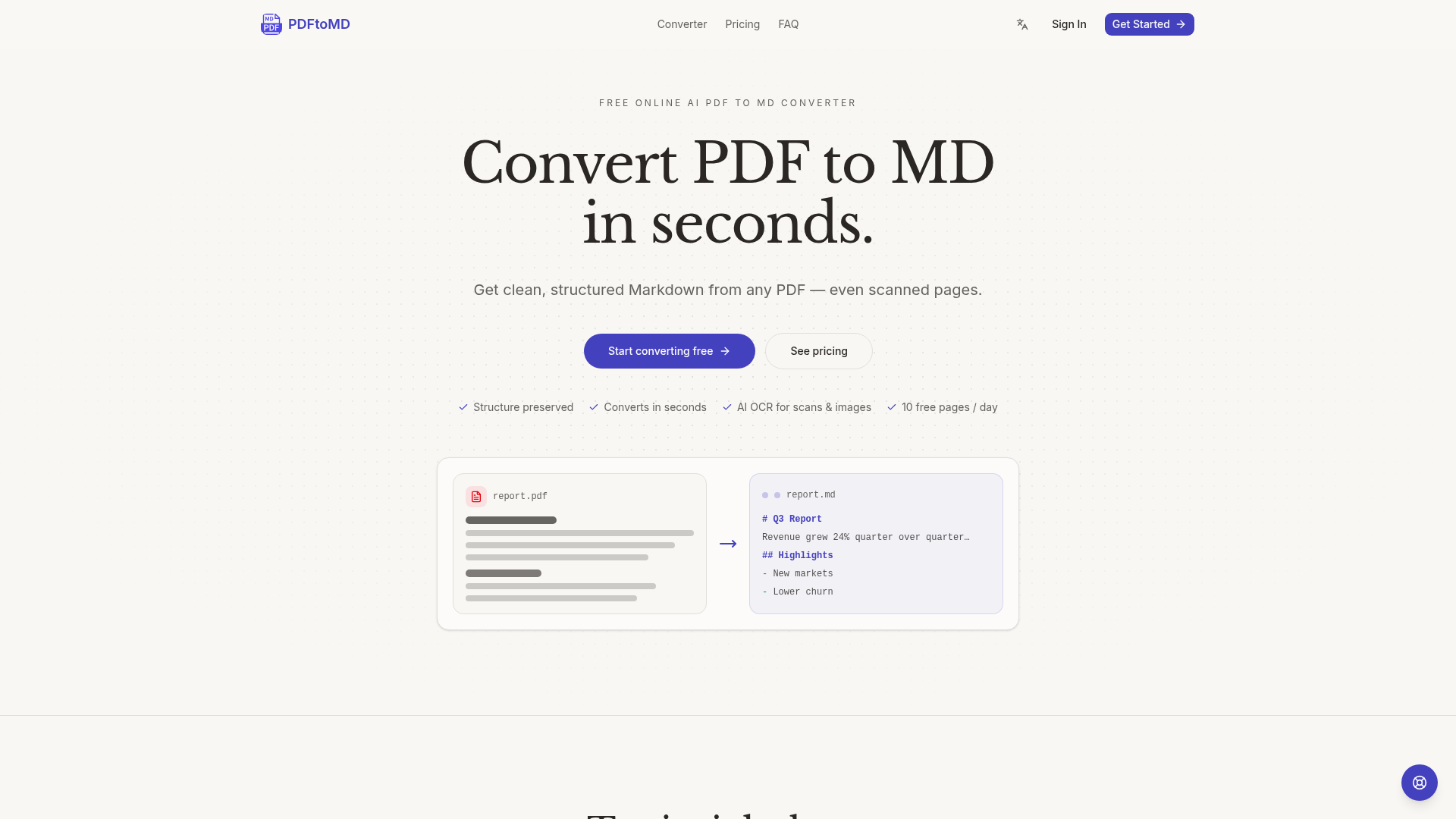
Convert PDF to MD online for free. AI OCR turns any PDF — even scans — into clean, structured Markdown in seconds. 3 free pages a day with no sign-up, or 10 a day with a free account.
What is PDF to MD Conversion?
PDF to MD conversion is the process of transforming a Portable Document Format (PDF) file into a Markdown (.md) file. Markdown is a lightweight plain-text formatting syntax designed to be easy to read, write, and convert to structurally valid HTML. This conversion extracts the text, headings, lists, and other structural elements from a PDF—whether it's a digital document or a scanned image—and rewrites it into clean, editable, and portable Markdown format. This unlocks the content from a static, print-oriented format, making it searchable, reusable in documentation tools like Obsidian or Notion, and ideal for preprocessing in AI and machine learning workflows.
Key Features of the PDF to MD Converter
This AI-powered PDF to MD converter stands out with several powerful features designed for accuracy, speed, and ease of use.
- Accurate Structure Preservation
- The converter expertly detects and preserves document hierarchy, converting headings, paragraphs, bullet lists, and numbered lists into proper Markdown syntax (#, *, 1., etc.), not just a wall of unformatted text.
- Lightning-Fast Conversion
- Most documents are converted from PDF to MD in mere seconds, allowing you to copy the result directly to your clipboard or download the
.mdfile immediately. - Advanced AI OCR for Scans & Images
- It goes beyond basic text extraction. For scanned pages and image-based PDFs, it employs state-of-the-art OCR (Optical Character Recognition) combined with AI vision models. This can reconstruct complex elements like tables, mathematical formulas, charts, and even seals into structured Markdown.
- Free Daily Quota
- Users can process up to 10 pages from PDF to MD for free every day, with the counter resetting at midnight UTC—no credit card or sign-up required for the basic trial.
- Comprehensive Conversion History
- All your PDF to MD conversions are saved to your account, allowing you to re-access, re-copy, or re-download the Markdown output from any device at any time.
How to Convert PDF to MD
The process is streamlined into three simple steps, requiring no technical expertise or software installation.
- Upload Your PDF: Drag and drop your PDF file into the converter or click to browse. The free plan supports files up to 10 pages, while paid plans allow larger documents (up to 200 pages).
- Automatic Conversion: The PDF to MD engine gets to work. For digital PDFs, it reads the embedded text layer. For scanned documents, it uses AI-powered OCR and vision models to interpret the page images. All content is then rewritten as clean Markdown.
- Copy or Download Results: Instantly copy the generated Markdown text to your clipboard for pasting into your editor, or download the
.mdfile directly. Your conversion history is preserved for future reference.
Pricing Plans
Start with the free daily allowance and upgrade seamlessly as your needs grow. All paid plans offer additional features like Vision mode for advanced OCR and dedicated support.
- Basic (Free)
- Perfect for trying it out. Includes 10 free PDF to MD pages every day, up to 10 pages per file, standard OCR mode, and conversion history.
- Starter ($15.9/month)
- For regular document conversion. Provides 1,000 PDF to MD pages per month, up to 20 pages per file, standard & vision OCR modes, history, and email support.
- Professional ($19.9/month)
- Designed for heavy users and automation. Includes 3,000 PDF to MD pages per month, up to 100 pages per file, all OCR modes, history, and priority support.
- Enterprise ($99.9/month)
- Built for teams and large-scale pipelines. Offers 30,000 PDF to MD pages per month, up to 200 pages per file, all OCR modes, full history, and dedicated support.
Helpful Tips for PDF to MD Conversion
- Best for Digital PDFs
- For the highest fidelity, use PDFs created digitally (exports from Word, Google Docs, LaTeX). The converter reads the native text layer directly.
- Leverage Vision Mode for Scans
- If you have scanned documents with complex layouts, tables, or formulas, a paid plan's Vision mode will provide far superior structural reconstruction than standard OCR.
- Use History as a Library
- The conversion history acts as a personal library of your documents. It's perfect for retrieving text you converted weeks or months ago.
- Integrate into AI Workflows
- Converting PDF to MD is a crucial preprocessing step for Retrieval-Augmented Generation (RAG), chatbots, and summarization tools, as LLMs process structured Markdown much more effectively than raw PDF text.
Frequently Asked Questions (FAQ)
What exactly is a PDF to MD converter?
It's a specialized tool that extracts all readable content from a PDF document—including text from scanned images via OCR—and reformats it into the Markdown (.md) syntax, making it editable and usable in a wide array of modern writing, documentation, and development tools.
How does the free 10-page daily limit work?
Every user, registered or not, can convert up to 10 pages from PDF to MD each day. This counts each page in a PDF file. The limit resets automatically at midnight UTC. You do not need a credit card to use this free allowance.
Is the converter really free to use?
Yes, the core PDF to MD conversion service offers 10 free pages per day indefinitely. Paid plans are only necessary if you regularly exceed this daily limit, need to convert larger files, or require the advanced AI Vision mode for complex scanned documents.
What happens when I reach my daily free limit?
You have two options: wait for the daily reset at midnight UTC, or upgrade to a paid plan. Paid plans provide a monthly page allowance (e.g., 1,000 pages for Starter), which is only consumed after your free daily pages are used up.
Can I convert a scanned PDF or an image file to Markdown?
Absolutely. The converter is built to handle image-based PDFs and scans. It uses advanced OCR technology to read the text from images. On paid plans, the AI Vision mode can even interpret and reconstruct complex visual elements like tables and formulas into structured Markdown.
How accurate is the conversion?
Accuracy is exceptionally high for digital PDFs, as the text is extracted directly from the file's source layer. For scanned PDFs, accuracy depends on the scan quality, but the state-of-the-art OCR and AI vision models ensure reliable text recognition and structure preservation, especially for clean documents.
Can I cancel my subscription anytime?
Yes, you can cancel your paid PDF to MD plan at any moment with a single click from your account billing page. Your access will continue until the end of the current billing cycle, after which you will revert to the free plan.
PDF to MD Converter
Convert PDF to MD online for free. AI OCR turns any PDF — even scans — into clean, structured Markdown in seconds. 3 free pages a day with no sign-up, or 10 a day with a free account.
 Vercel
Free AI anime and manga generator. Turn text into anime episodes, manga, comics, webtoons and comic shorts in any art style — no drawing or animation skills needed.
Translate image text across 70+ languages with our advanced AI Image Translator to help you better expand your products globally to various countries
Advertised Here
Reach thousands of visitors daily. Get your spot now!
Tools similar to PDF to MD Converter
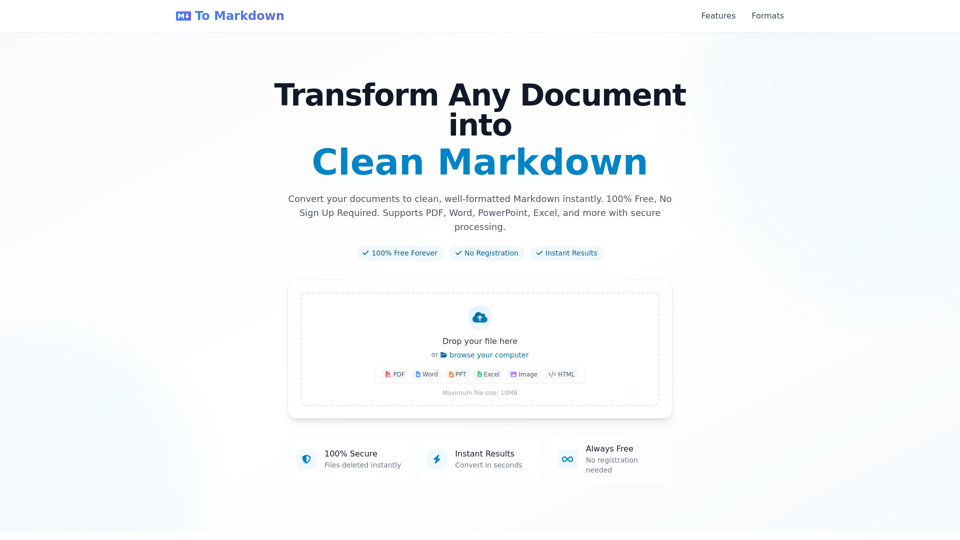
Convert any document to clean Markdown format instantly - 100% Free, No Registration Required. Support PDF, Word, PowerPoint, Excel and more. Fast, secure, and easy to use online converter with instant results.
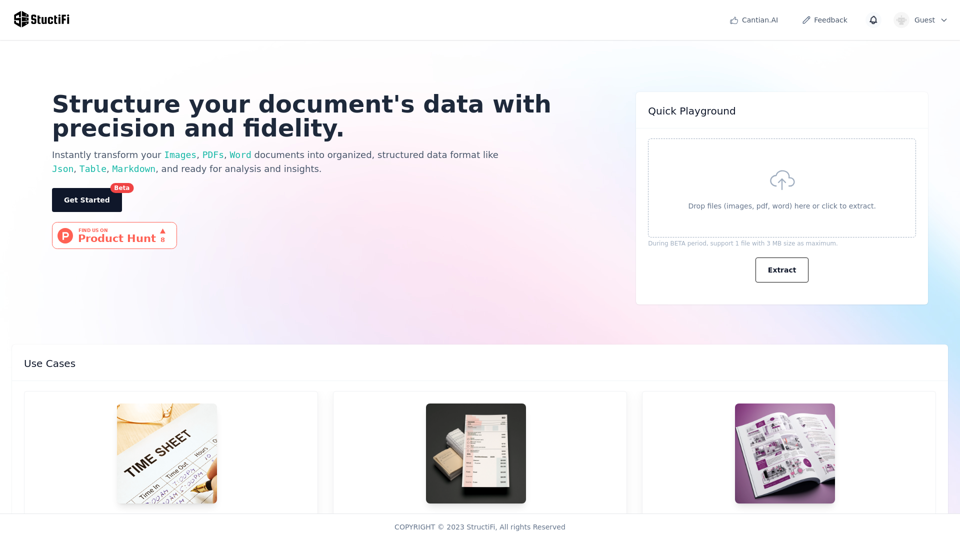
An AI smart tool extracts valuable structured data from any file. It excels in OCR, effortlessly translating visual information from PDFs and images into actionable data. Perfect for your data extraction needs. Free OCR, Image to Text, Image to Excetl, Online Tool, Data Extraction, File to Data, AI Conversion, OCR, PDF Extract, Image Extract, StructiFi, Sales lead, contacts, exam paper, catalogs.
OLOCR provides a free and unlimited online image OCR and PDF OCR service, featuring batch processing and support for multiple languages. Easily upload your images or PDFs for seamless text extraction.
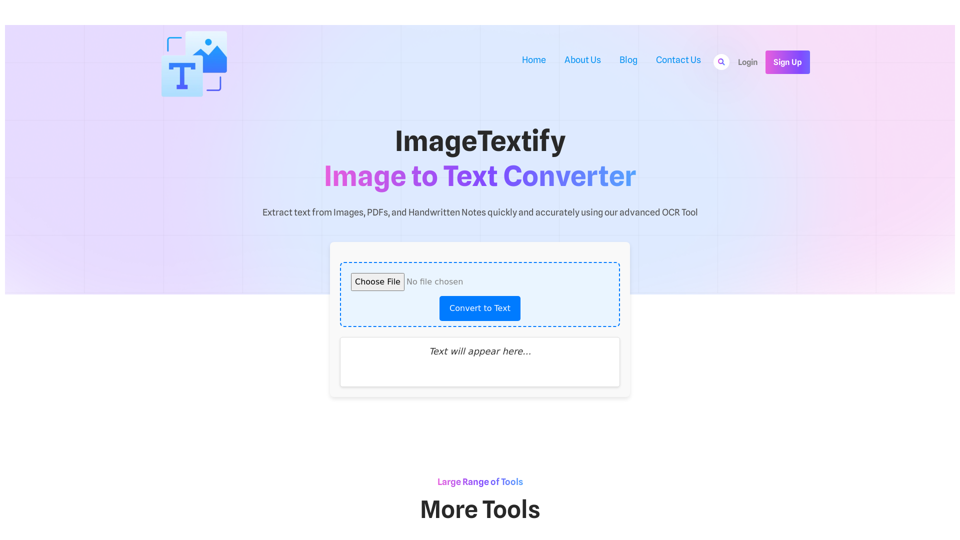
ImageTextify Image to Text Converter Extract text from Images, PDFs, and Handwritten Notes quickly and accurately using our advanced OCR Tool Convert to Text Text will appear here… Large Range of Tools More Tools JPG to Word PDF to Word Text to Word Word to Text PDF to Text JPG to PDF Text to PDF […]
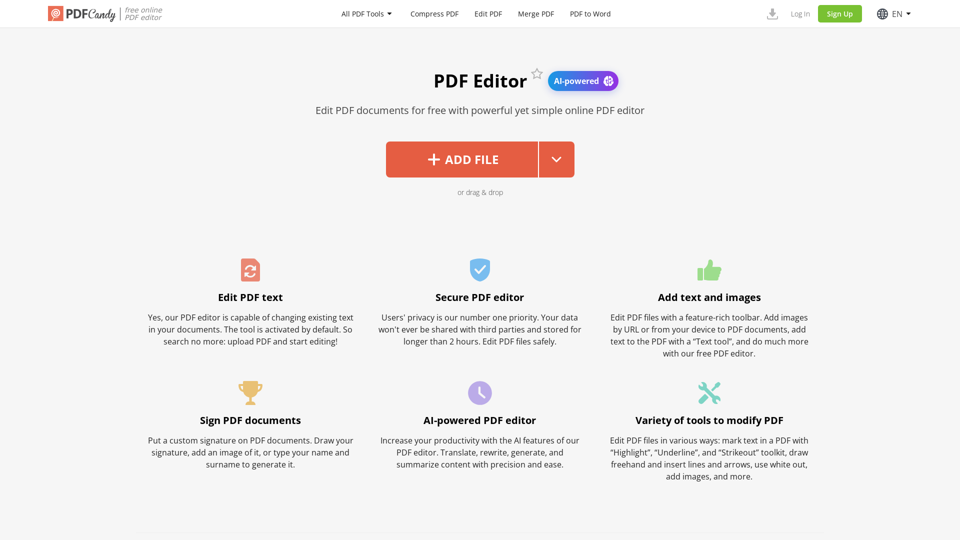
Learn how to edit a PDF using our service fast and free of charge. Our PDF editor allows to add text and images to PDF, highlight and annotate, sign PDF and much more.
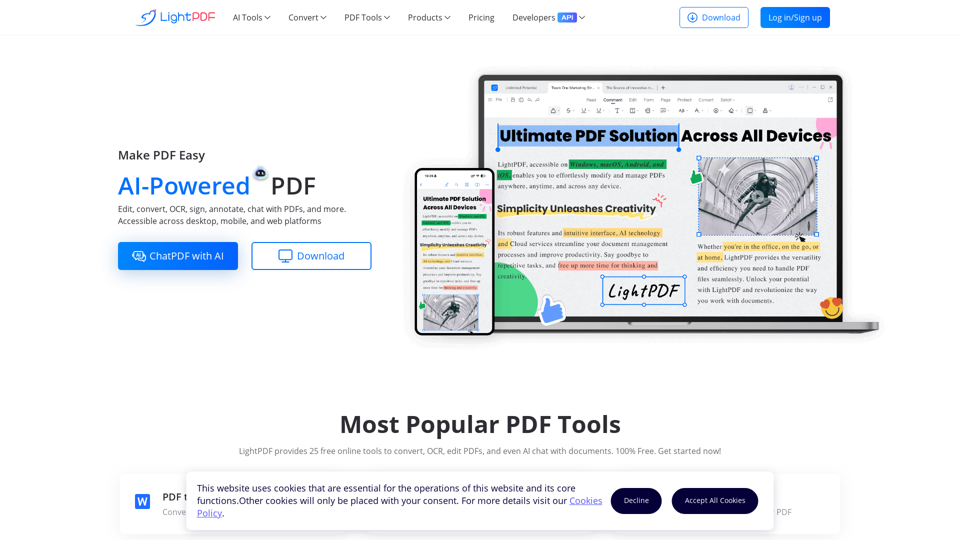
Powered by AI, LightPDF provides free cloud-based services to view, edit, convert, sign, annotate, merge, manage and share PDF easily and helps you solve all PDF problems.
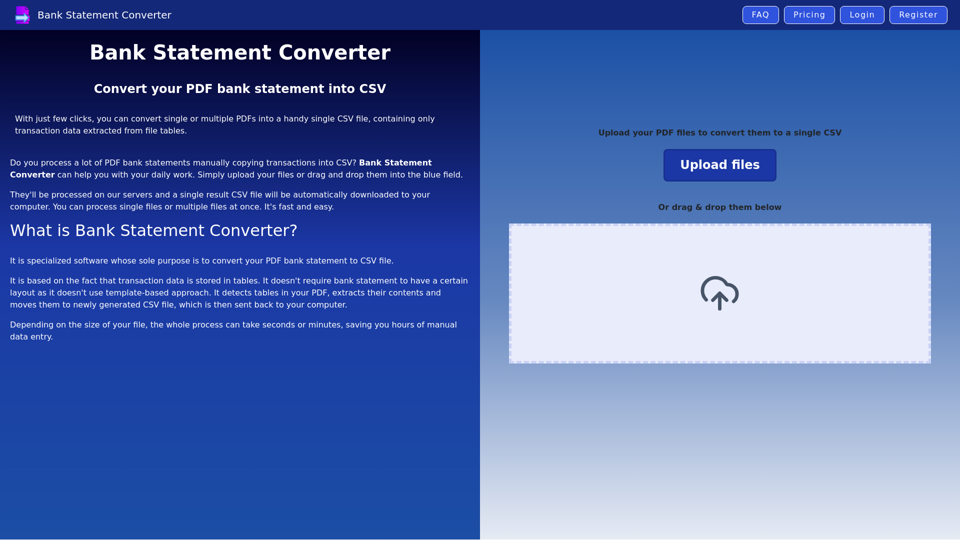
Best PDF converter for bank statements - convert PDF statements to CSV file online
Free online PDF editor tool to edit, compress, crop, sign, merge, protect, convert PDF to JPG or PDF to word. Click, Edit & Convert with GoPDF!