PhotoFairy
An infinite canvas full of AI magic✨, made for photo editing and graphic design. Powerful and easy-to-use. Free to use.
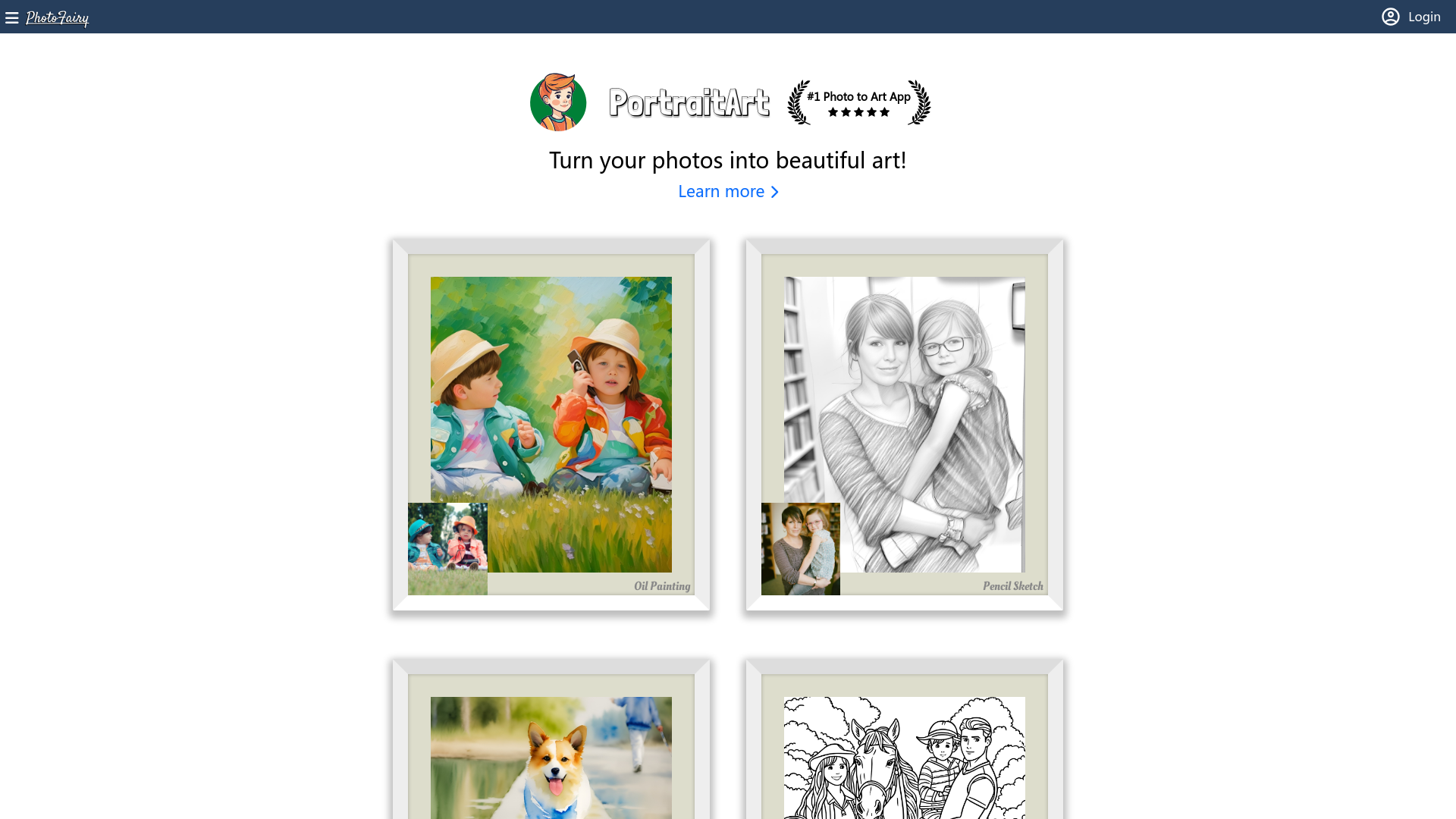
What is PhotoFairy?
PhotoFairy is a leading AI-driven application designed to transform photos into stunning pieces of art. It caters to both casual users seeking to enhance their images and professionals in need of advanced editing solutions. With various art styles like oil painting, pencil sketch, and watercolor, PhotoFairy offers a comprehensive suite of tools for creating personalized art from your own photographs.
What are the main features of PhotoFairy?
- Wide Range of Art Styles
- Convert photos into oil paintings, pencil sketches, watercolors, and more.
- Infinite Canvas
- Enjoy a limitless workspace for photo editing and graphic design.
- Object Manipulation
- Features like object cutout, background removal, and object removal enhance editing efficiency.
- Generative AI Tools
- Create unique images with generative completion and different style variants.
- Virtual Try-On
- Experiment with different looks using virtual model capabilities.
- Enhancements and Transformations
- Beautify faces, change hairstyles, and change backgrounds effortlessly.
- Creative Editing
- Turn doodles into fine art, create infographics, and design various visual ideas.
How to use PhotoFairy?
Getting started with PhotoFairy is straightforward:
- Sign Up: Create a free account on the PhotoFairy website.
- Select an Image: Upload your photo of choice.
- Choose Your Style: Browse through the numerous available styles and editing features.
- Edit and Create: Apply effects, manipulate objects, and bring art to life.
- Save and Share: Download your artwork or share it directly from the platform.
What is the pricing for PhotoFairy?
PhotoFairy offers various pricing options to suit different user needs:
- Free Plan
- Access basic features and tools to create art without incurring costs.
- Subscription Plans
- For users who need additional features and enhanced capabilities, affordable subscription options are available.
Helpful Tips
- Experiment Freely
- Take advantage of the infinite canvas to try out different combinations and styles.
- Utilize Pre-set Styles
- Start with preset styles to quickly transform your images, then customize as needed.
- Explore Object Manipulation
- Familiarize yourself with the object cutout and removal tools to enhance your editing skills.
Frequently Asked Questions
Can I create various art styles at once?
Yes, you can apply different styles to the same image or create a series of images in various styles through PhotoFairy's features.
Is there a limit to the number of images I can edit with the free plan?
While the free plan allows access to basic features, there may be some limitations on premium tools. Check the current terms for detailed usage policies.
Will my edited images be stored in my account?
Your creations can be saved within your account, making it easy to access and share them later.
Is PhotoFairy suitable for professional use?
Absolutely! PhotoFairy’s advanced tools and capabilities make it a great choice for both amateurs and professionals in photography and graphic design.
How does PhotoFairy ensure my data privacy?
We prioritize user privacy, ensuring that all personal information used on PhotoFairy is secure and not shared without consent.
Embrace the magic of photo transformation with PhotoFairy and unleash your creativity today!
PhotoFairy
An infinite canvas full of AI magic✨, made for photo editing and graphic design. Powerful and easy-to-use. Free to use.
 Bootstrap:4.5.0
 Google Analytics
 Nginx
Nginx Popper:2.10.2
 YouTube
 jsDelivr
Free AI anime and manga generator. Turn text into anime episodes, manga, comics, webtoons and comic shorts in any art style — no drawing or animation skills needed.
Translate image text across 70+ languages with our advanced AI Image Translator to help you better expand your products globally to various countries
Advertised Here
Reach thousands of visitors daily. Get your spot now!
Tools similar to PhotoFairy
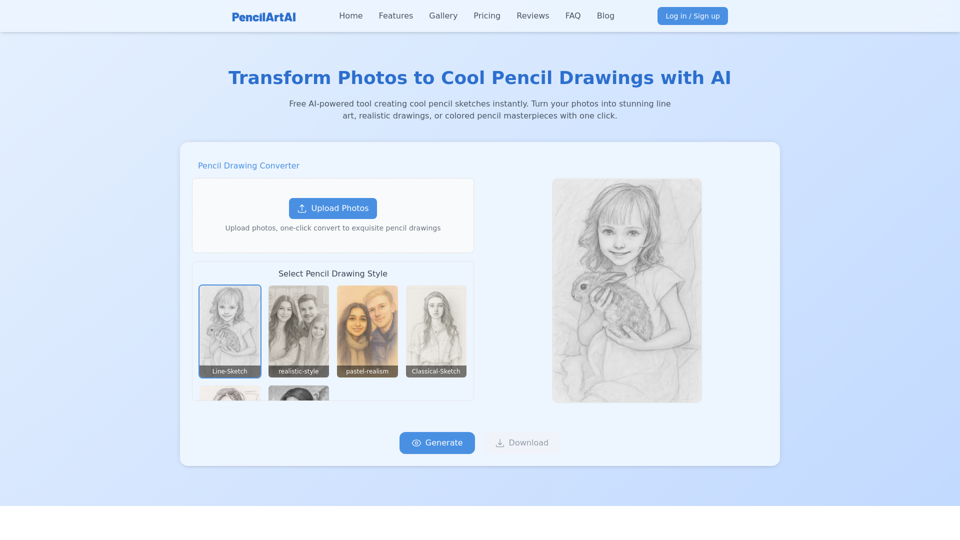
Cool pencil drawings made with AI. Easily convert your photos into stunning images in various artistic styles.
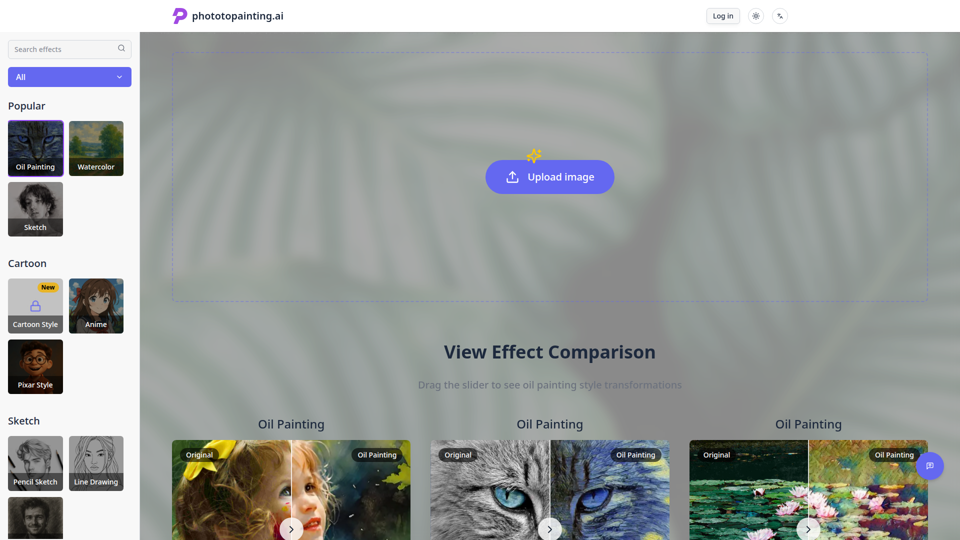
Transform Photos into stunning Paintings online with AI at PhototoPainting.ai. Choose from various styles, including oil, watercolor, and more. Try it for free today!
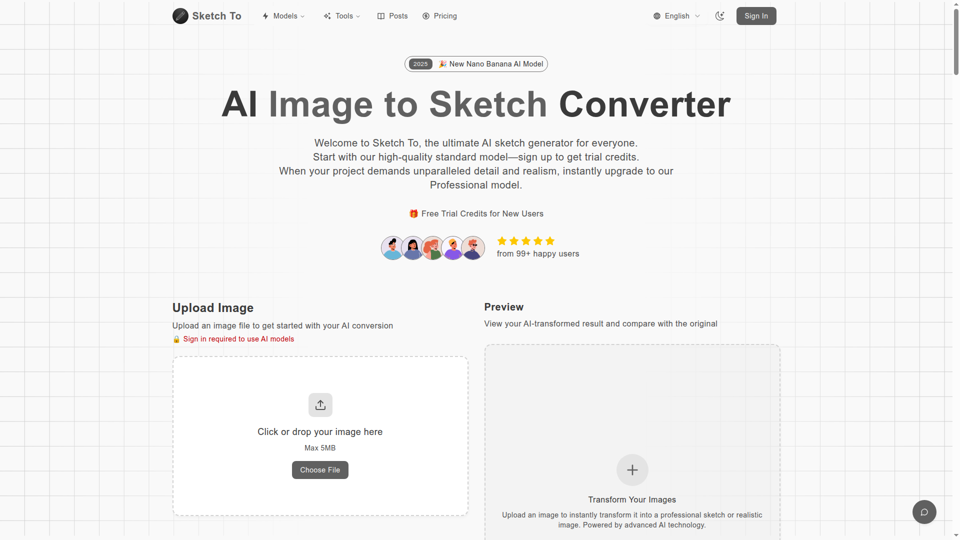
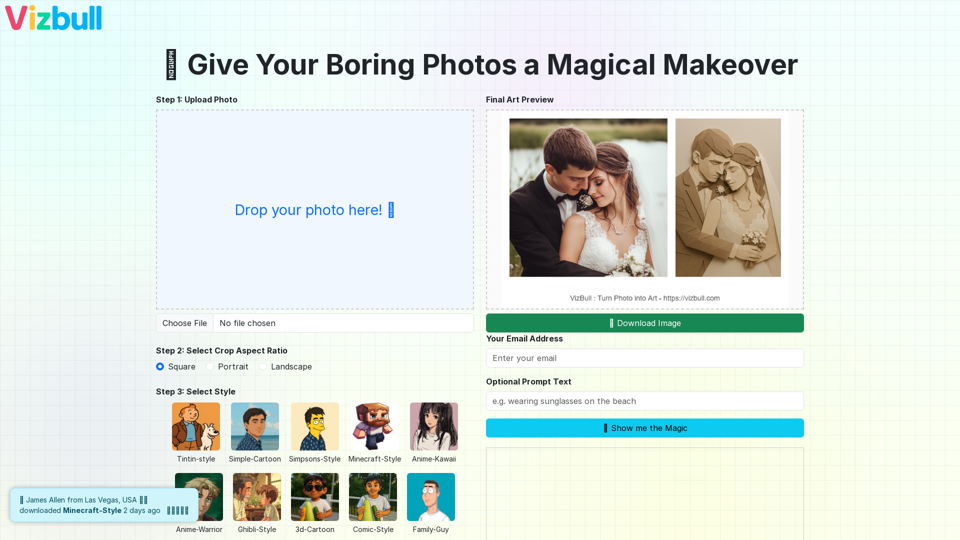
Turn picture into painting, line art, pencil sketch, cartoon, or outline with our image to painting converter
Convert your photo into painting, line art, pencil sketch, cartoon, or even Simpsons-style drawing using our AI-powered image converter. Try AI-based transformations for outline generation, photo to art, and more.
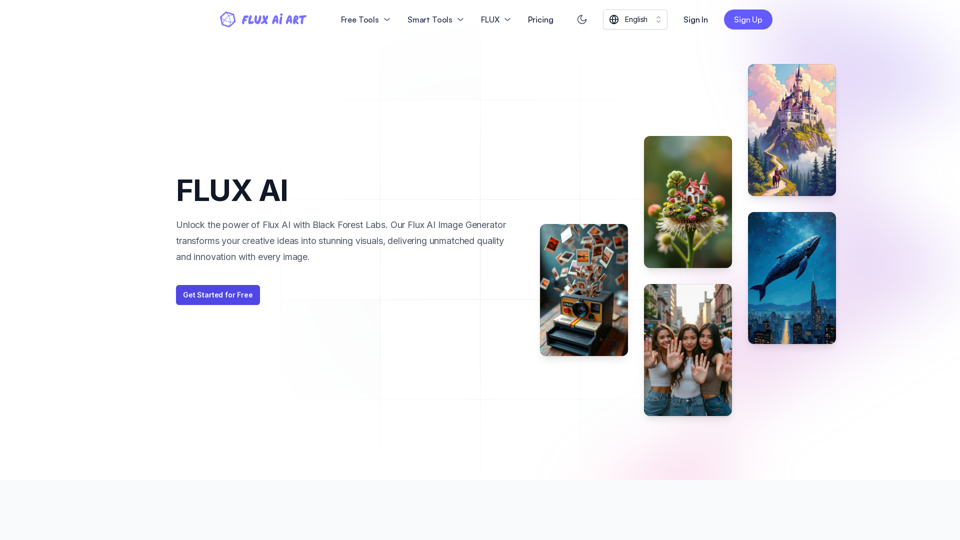
FLUX AI offers professional AI-powered image generation and editing services. Our image generator includes all FLUX models, such as FLUX.1 schnell, FLUX.1 dev, FLUX.1 pro, FLUX1.1 pro, and FLUX1.1 pro ultra. We also provide a comprehensive suite of image editing tools, including Image to Prompt, Background Remover, Image Enhancer, Image Restore, etc., covering a wide range of creative and enhancement needs.
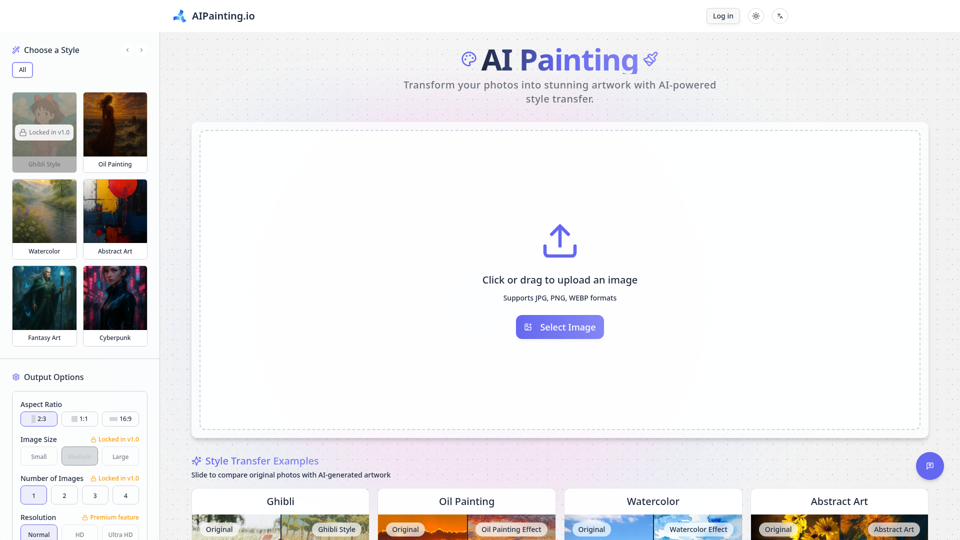
Transform your photos into stunning ai painting masterpieces with AIPainting.io. Explore diverse artistic styles and generate unique digital art from your images effortlessly. Start your ai painting journey now!
AI Sketch to Image: Transform Drawings into AI Images. Sketch to Image AI Upload your sketch to our AI sketch to image generator! Render realistic images in seconds with this AI tool.