Sketch To
Instantly convert images to sketches online for free with our powerful AI sketch generator. Need more power? Upgrade to our Professional model for industry-leading results.
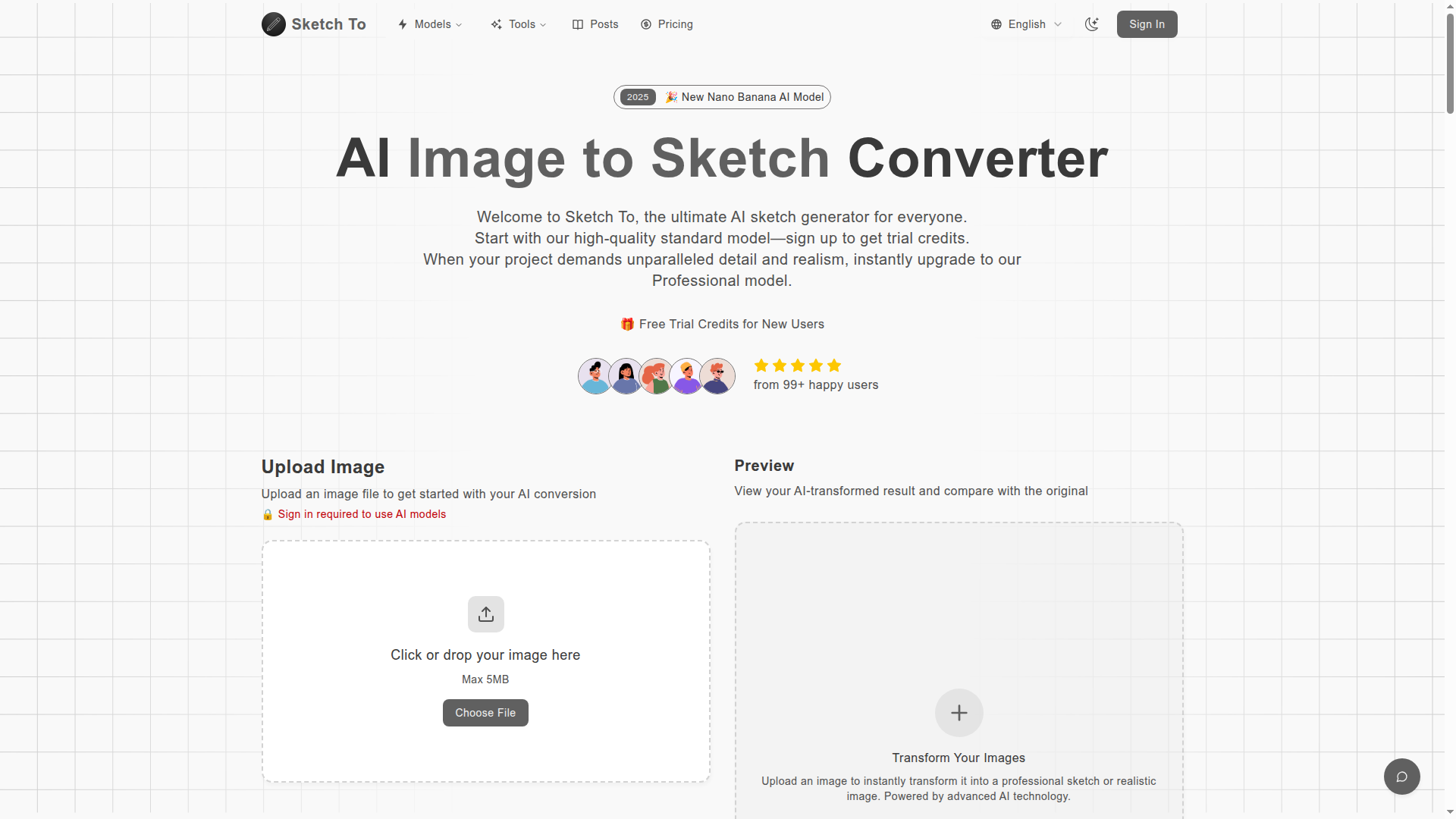
What is Sketch To?
Sketch To is an innovative AI-powered tool designed to convert images to sketches and vice versa. Utilizing advanced AI technology, it caters to both casual users and professional creatives, providing a seamless experience for transforming visual art. The platform offers two distinct models: a free standard version and a professional option for those seeking higher levels of detail and realism.
Key Features of Sketch To
- User-Friendly Conversion
- Quickly convert photos to pencil sketches or sketches to realistic images.
- Standard Model
- Free trial credits for new users to explore basic functionalities.
- Professional Model
- For artists and businesses aiming for superior quality and detail.
- Instant Processing
- Receive transformed images in seconds, ensuring a fast workflow.
- High Resolution Outputs
- Download your creations in high resolution, suitable for print and professional usage.
How to Use Sketch To
Utilizing Sketch To is simple and straightforward, requiring only three easy steps:
- Upload Your Image: Drag and drop your image onto the platform.
- Choose Your Style & Model: Select from the standard or professional models according to your needs.
- Generate & Download: Click on 'Generate' to process, then preview and download your image in high resolution.
Pricing
Sketch To offers affordable plans tailored to various user needs:
- Basic Plan
- Price: $9.99 monthly ($8.00 when billed annually)
- Features: 100 credits/month, advanced AI models, priority support, and commercial rights.
- Pro Plan
- Price: $19.99 monthly ($16.00 when billed annually)
- Features: 300 credits/month, all the benefits of the Basic Plan plus additional advanced models.
Helpful Tips
- Selecting the Right Model
- Use the standard model for casual projects – it’s perfect for social media and educational use. Upgrade to the professional model for commercial purposes or intricate artistic requirements.
- Image Quality Matters
- For the best results, upload high-resolution images with good lighting and contrast.
- Exploit Trial Credits
- New users get trial credits, enabling them to test out features without any financial commitment.
Frequently Asked Questions
-
What's the difference between the Standard and Professional models?
The Standard model provides quality conversions suitable for casual use, while the Professional model delivers superior texture and realism designed for commercial projects. -
How much does Sketch To cost?
There’s a flexible credit system that allows new users to start with trial credits. The Pro model offers subscription options based on usage. -
What file formats does Sketch To support?
Sketch To currently supports JPG, PNG, and WEBP formats, allowing uploads of files up to 10MB in size. -
Can I use Sketch To for commercial projects?
Yes, the Professional model is tailored for commercial use, granting rights for client projects. -
How quick is the processing?
The conversion usually completes in seconds, although it can vary based on the image complexity and size.
Transform Your Creativity Today
Unleash your artistic potential by using Sketch To for all your image to sketch conversion needs! Get started now and generate stunning sketches from your images!
Generate Your First Image
Sketch To
Instantly convert images to sketches online for free with our powerful AI sketch generator. Need more power? Upgrade to our Professional model for industry-leading results.
 Cloudflare
 HTTP/3
 Next.js
 Node.js
 React
React Webpack
Free AI anime and manga generator. Turn text into anime episodes, manga, comics, webtoons and comic shorts in any art style — no drawing or animation skills needed.
Translate image text across 70+ languages with our advanced AI Image Translator to help you better expand your products globally to various countries
Advertised Here
Reach thousands of visitors daily. Get your spot now!
Tools similar to Sketch To
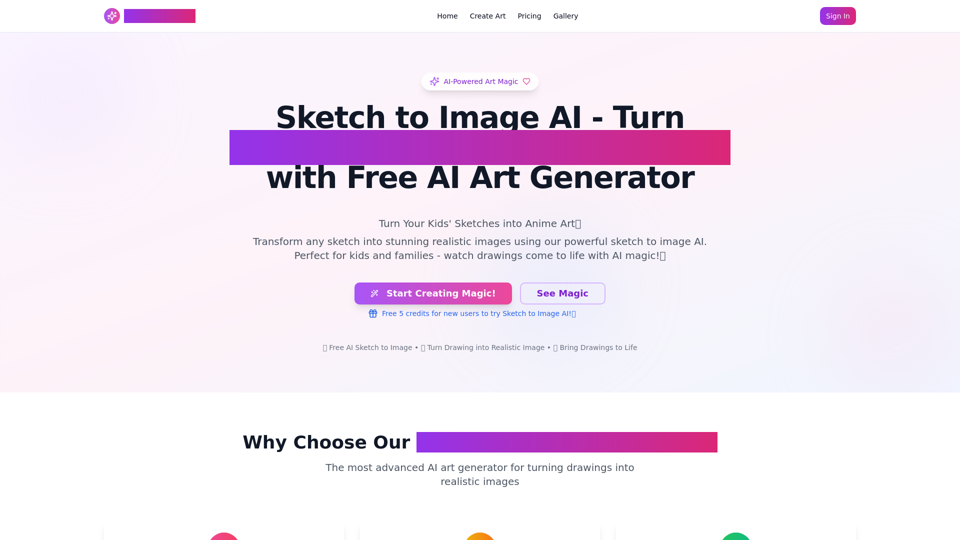
AI Sketch to Image: Transform Drawings into AI Images. Sketch to Image AI Upload your sketch to our AI sketch to image generator! Render realistic images in seconds with this AI tool.
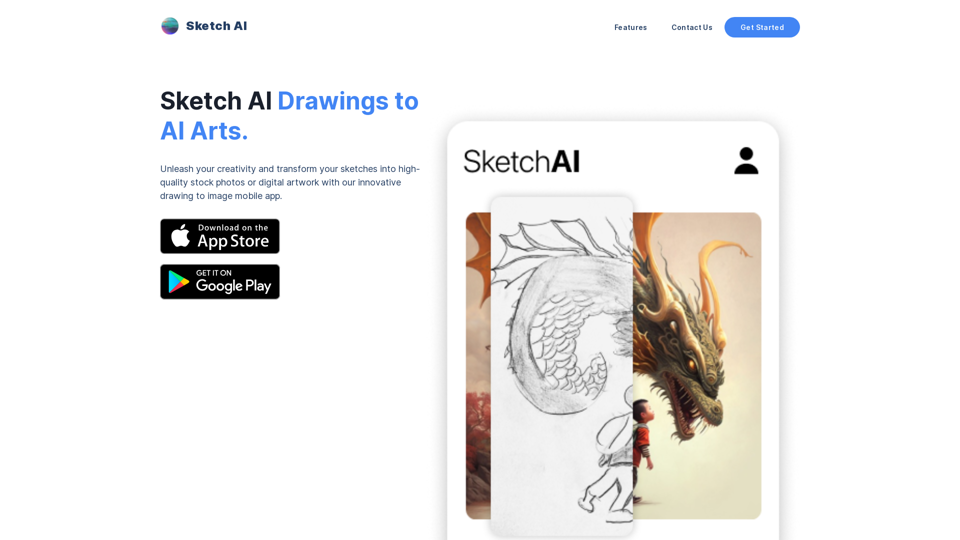
Unleash your creativity and transform your sketches into high-quality stock photos or digital artwork with our innovative drawing to image website. Our advanced AI technology allows you to easily generate professional-looking images for marketing materials, social media posts, backgrounds, mockups, and more. With a variety of brushes and colors to choose from, you can bring your creative vision to life like never before. Plus, our user-friendly interface and a range of editing tools make it easy to perfect your masterpiece. Try our drawing to image website today and take your artwork to the next level!
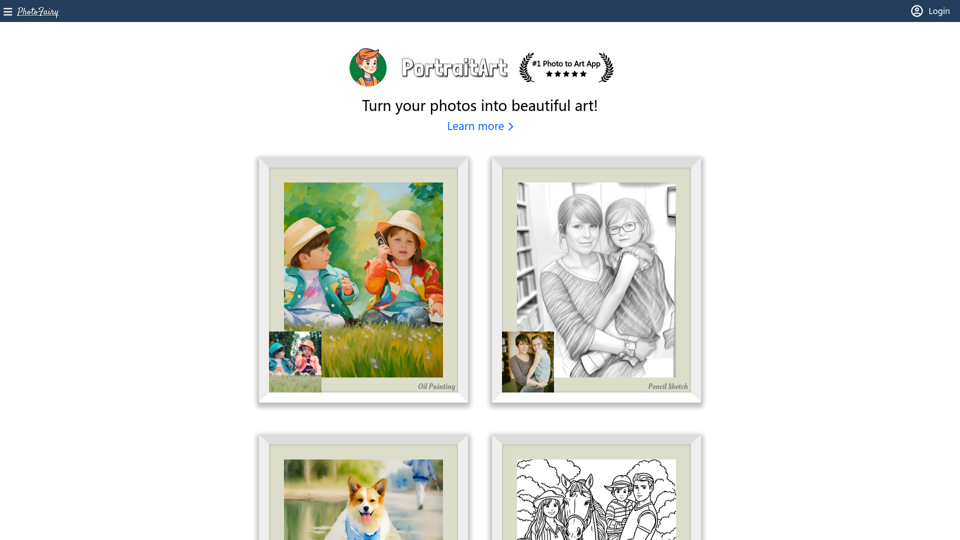
An infinite canvas full of AI magic✨, made for photo editing and graphic design. Powerful and easy-to-use. Free to use.
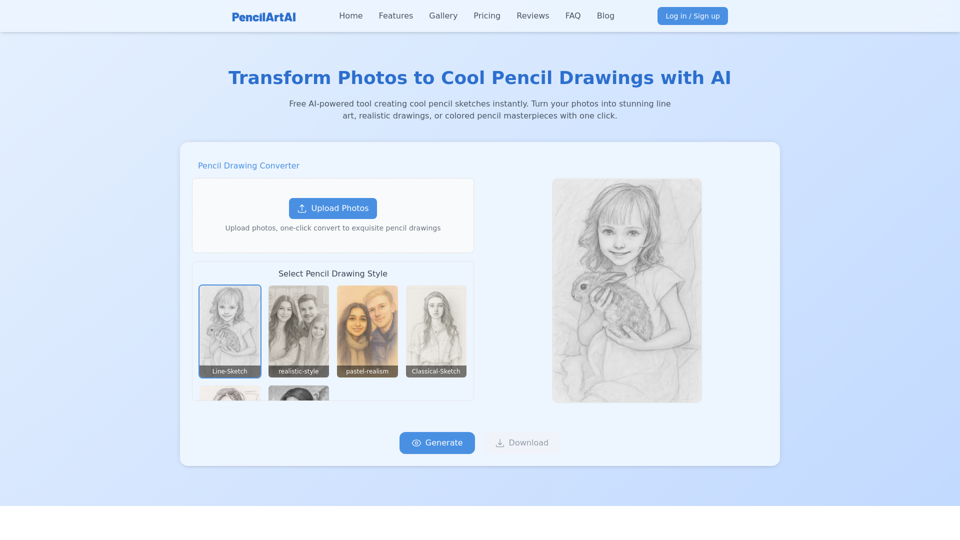
Cool pencil drawings made with AI. Easily convert your photos into stunning images in various artistic styles.
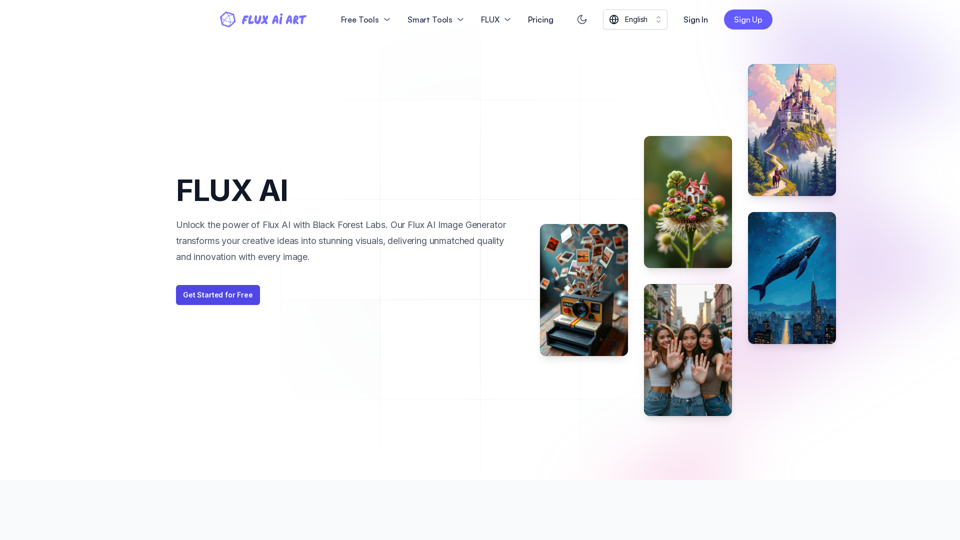
FLUX AI offers professional AI-powered image generation and editing services. Our image generator includes all FLUX models, such as FLUX.1 schnell, FLUX.1 dev, FLUX.1 pro, FLUX1.1 pro, and FLUX1.1 pro ultra. We also provide a comprehensive suite of image editing tools, including Image to Prompt, Background Remover, Image Enhancer, Image Restore, etc., covering a wide range of creative and enhancement needs.
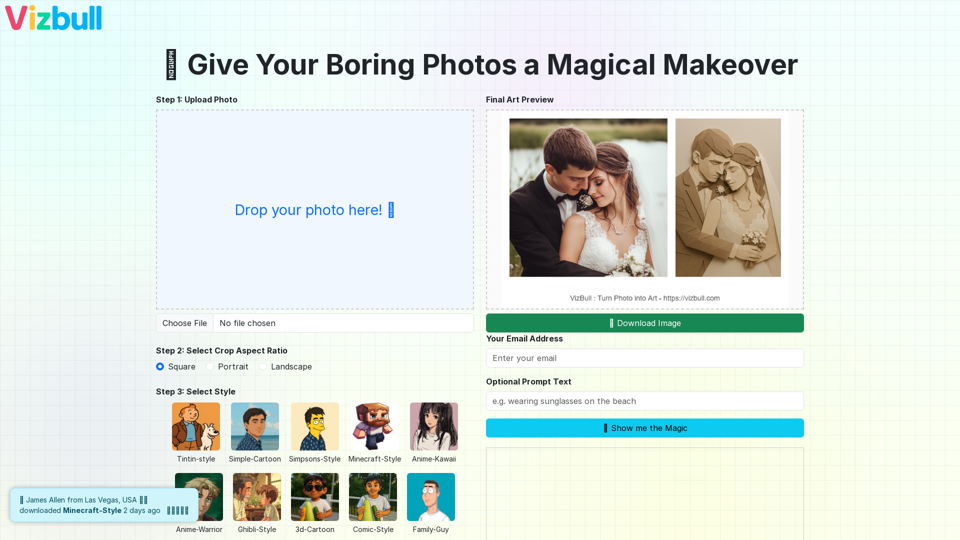
Turn picture into painting, line art, pencil sketch, cartoon, or outline with our image to painting converter
Convert your photo into painting, line art, pencil sketch, cartoon, or even Simpsons-style drawing using our AI-powered image converter. Try AI-based transformations for outline generation, photo to art, and more.
Transform your ideas into stunning artwork with Deepseek Image. Create professional-quality images with AI in seconds using text or sketches.