Picmim
Picmim helps business owners turn social media from a blank page into ready-to-approve posts. Swipe, approve, and schedule your next week of content.

What is Picmim?
Picmim is an AI-powered social media content creation and scheduling platform designed specifically for business owners. It solves the common problem of not knowing what to post, overthinking content, or simply not having the time to create consistent social media updates. The platform analyzes your business (like your website, services, tone, and brand colors) and automatically generates ready-to-post content ideas, captions, and images tailored to your brand voice. You then simply swipe right to approve a post or left to skip it, and Picmim schedules it to publish on your connected social media accounts. The core purpose is to automate the creative burden of social media so you can focus on running your business.
What is the main feature of Picmim?
The core feature is its end-to-end, automated "swipe-to-post" workflow that combines AI content generation with seamless scheduling. Unlike other tools that only provide a scheduling calendar or an AI writing assistant, Picmim handles the entire process from idea generation to publishing.
- Brand-Specific AI Content Generation
- It learns your business voice from your website and generates posts (including images and captions) that match your tone, services, and style.
- Intuitive Swipe Approval
- You review generated posts in a feed interface and approve them with a simple swipe right, making decision-making fast and effortless.
- Multi-Platform Scheduling
- Approved posts are automatically scheduled and published across all major social media platforms like Facebook, Instagram, TikTok, Pinterest, LinkedIn, X (Twitter), and more.
- Performance Learning
- The platform tracks the performance of your published posts and uses this data to improve future content suggestions.
- Multi-Language Support
- It can create posts in over 100 languages, allowing you to reach customers in their native language.
How to use Picmim?
Using Picmim involves a straightforward four-step process designed for minimal time investment.
- Brand Setup: Connect your social media accounts and provide your business website. Picmim's AI analyzes your site to learn your brand's voice, services, colors, and optimal posting themes.
- Content Generation: Based on your brand profile, Picmim automatically writes post captions and selects or generates appropriate images. It prepares a feed of draft posts for your review.
- Review & Approve: You swipe through the draft posts in the app. Swipe right to approve and schedule a post; swipe left to skip and discard it. This gives you final control in seconds.
- Automatic Publishing: For approved posts, you select a publishing time, and Picmim handles the scheduling and posting to your chosen social platforms. The platform also keeps all your content and its performance data together for continuous improvement.
Price
Picmim offers tiered pricing plans to suit different business needs, from a free trial to professional packages.
- Free Plan
- $0/month. Includes 1 social account, 15 posts per month, 20 AI credits, and 1 GB of media storage. Ideal for testing the platform.
- Basic Plan
- $20/month. For business owners ready to post consistently. Includes 2 social accounts, 30 posts/month, 100 AI credits, 5 GB storage, and the core swipe-to-approve feature. A free trial is available.
- Standard Plan
- $40/month. For serious social media consistency. Includes 5 social accounts, unlimited posts, 400 AI credits/month, 30 GB storage, and advanced analytics. A free trial is available.
- Pro Plan
- $99/month. For multi-location businesses or small teams. Includes 25 social accounts, unlimited posts, 1,000 AI credits/month, and 100 GB media storage.
Helpful Tips
To maximize your use of Picmim and ensure your social media thrives:
- Provide a Detailed Website
- During brand setup, ensure your business website is comprehensive. The AI learns best from clear information about your services, menu, tone, and offerings.
- Swipe Regularly
- Make reviewing your Picmim feed a quick daily or weekly habit. Consistent swiping ensures a steady flow of content onto your calendar.
- Use Performance Data
- Check the platform's analytics. Understanding which types of posts perform best (e.g., special announcements vs. event posts) helps the AI refine future suggestions.
- Experiment with Languages
- If you have an international audience, utilize the multi-language feature to create posts in different languages for respective regional accounts.
- Combine with Your Ideas
- While Picmim generates content, you can still input your own ideas or events. The system can incorporate these into the automated workflow.
Frequently Asked Questions
How does Picmim differ from tools like Buffer or Hootsuite?
Unlike traditional schedulers (Buffer, Hootsuite) which require you to write and create all content yourself, or AI writers (ChatGPT, Jasper) which only generate text, Picmim fully automates the process. It generates the post idea, writes the caption, suggests/creates the image, and schedules it—all based on your unique brand. You only need to swipe to approve.
What social media platforms does Picmim support?
Picmim supports a wide range of platforms including Facebook, Instagram, TikTok, Pinterest, LinkedIn, X (Twitter), Threads, YouTube, Google Business Profile, Mastodon, and Bluesky. It can publish to multiple platforms simultaneously.
Can I control what gets posted?
Absolutely. The "swipe" model gives you complete final approval. You see every generated post and decide with one swipe whether it goes to your schedule or is skipped. You maintain full creative control.
How does Picmim "learn" my brand voice?
During initial setup, Picmim's AI analyzes your connected business website. It examines your content, language style, services, color schemes, and typical updates to build a brand profile. This profile guides all future content generation to ensure posts feel authentic to your business.
What happens if I don't like a generated post?
Simply swipe left on the post in your feed. It will be skipped and not added to your schedule. The AI will learn from your preferences over time.
Is there a limit to how many posts I can generate?
The Free and Basic plans have monthly post limits (15 and 30 respectively). The Standard and Pro plans offer unlimited post generation.
What are AI credits used for?
AI credits are consumed when the platform generates new post content (captions, image suggestions). Plans include a monthly allowance. The Free plan offers 20, sufficient for light testing.
Can I use Picmim for multiple businesses or locations?
Yes, the Pro plan supports up to 25 social accounts, making it suitable for multi-location businesses, agencies, or small teams managing several brands. You would set up each business as a separate "brand" within the platform.
Picmim
Picmim helps business owners turn social media from a blank page into ready-to-approve posts. Swipe, approve, and schedule your next week of content.
 Cloudflare
 HTTP/3
Free AI anime and manga generator. Turn text into anime episodes, manga, comics, webtoons and comic shorts in any art style — no drawing or animation skills needed.
Translate image text across 70+ languages with our advanced AI Image Translator to help you better expand your products globally to various countries
Advertised Here
Reach thousands of visitors daily. Get your spot now!
Tools similar to Picmim
OranScribe is your ultimate AI Writing Flow library, designed to help your business create content using industry-best practices. Streamline your content creation and produce high-performance social media posts, newsletters, and blogs every week.
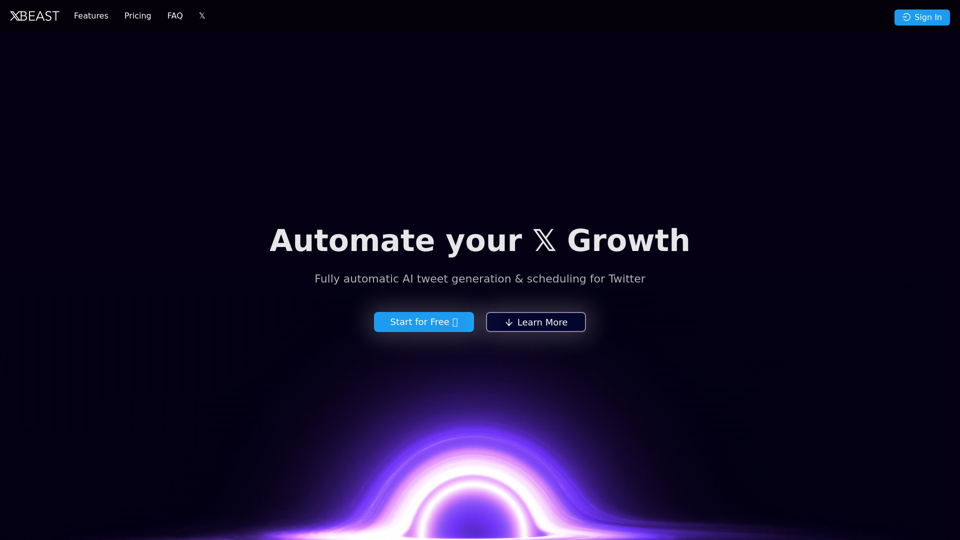
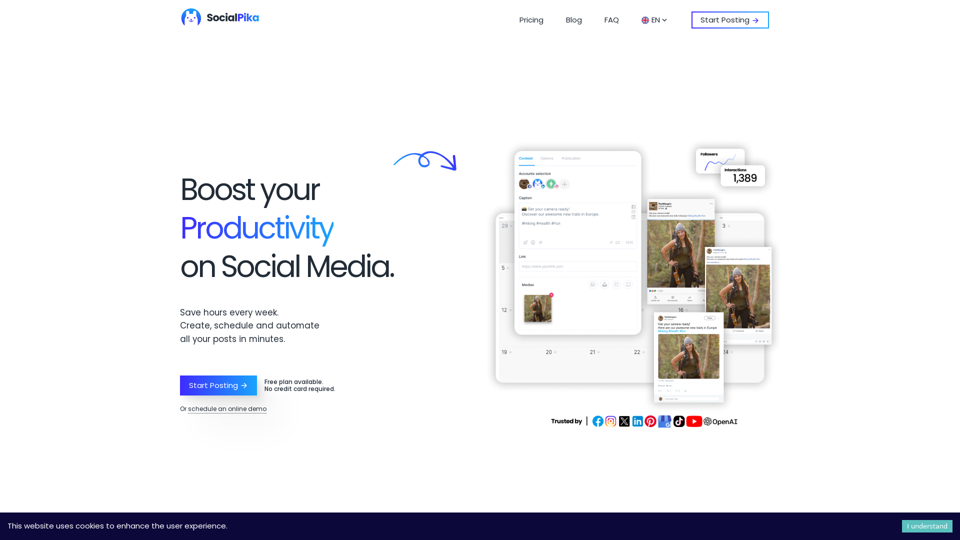
Increase your Social Media presence with SocialPika. Plan, Automate and Manage your posts across all your social networks while saving time for your core business.
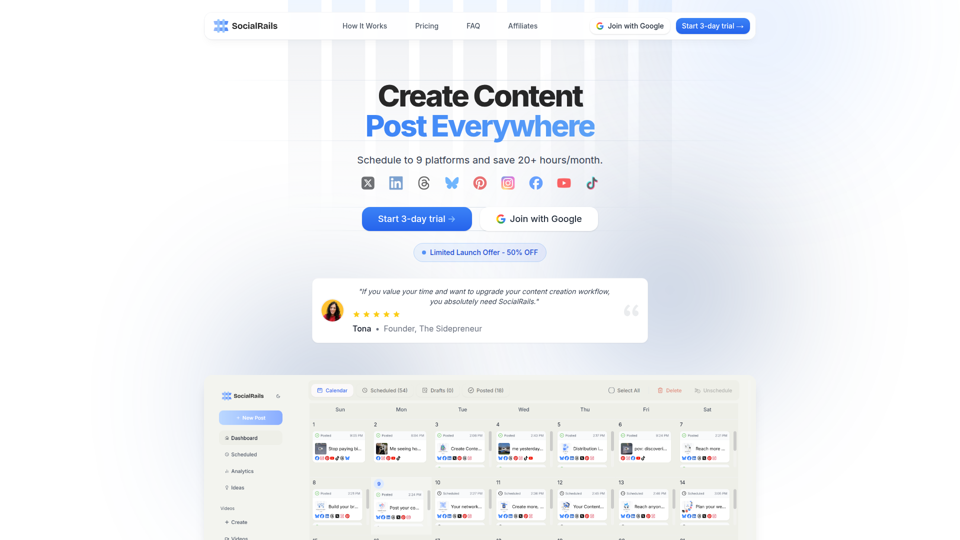
Grow your business with social media. Schedule posts to 9 platforms and generate short-form content to promote your product easily., With Testimonial, in minutes, you can collect and display video testimonials and other types of testimonials from your customers with no need for a developer or website hosting.
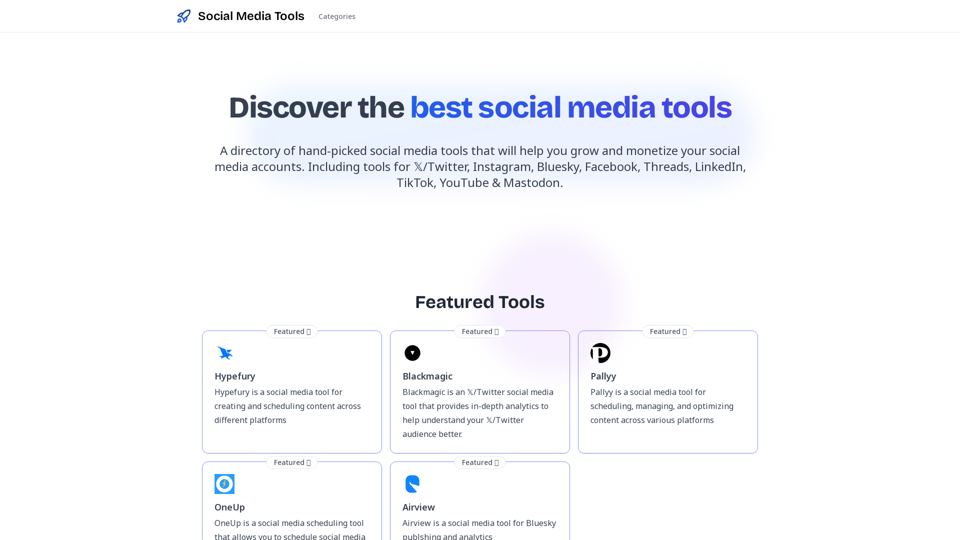
Discover the best social media tools to grow and monetize your audience on social media