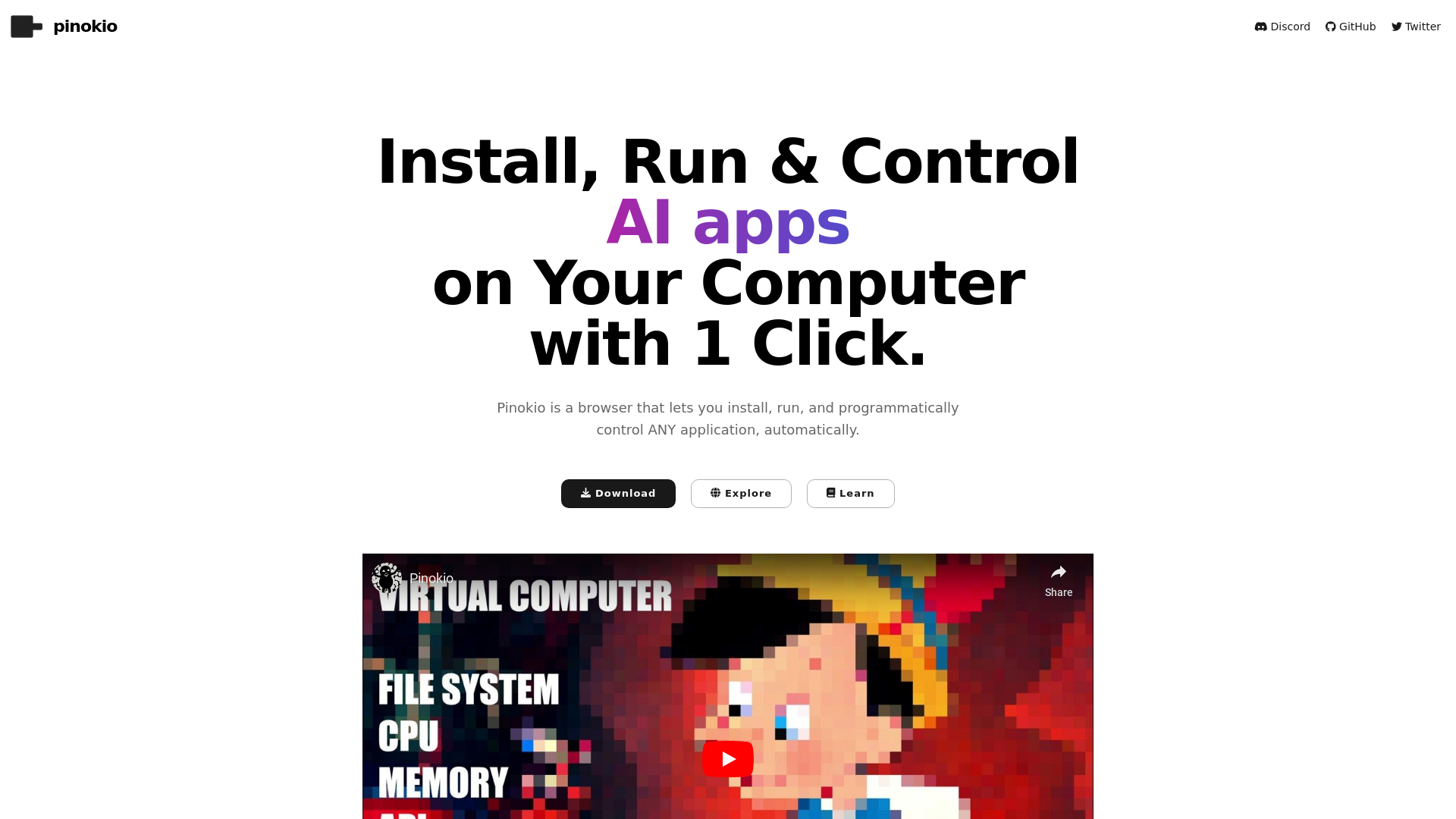
What is Pinokio?
Pinokio is a revolutionary browser-based platform designed to simplify the installation, running, and programmatic control of a wide array of AI applications, all with just one click. It acts as a versatile interface that enables users to seamlessly interact with various machine learning models and tools, making it an essential resource for developers, creatives, and AI enthusiasts alike.
Key Features of Pinokio
- One-Click Installation
- Easily install and set up AI applications with just a single click, significantly reducing setup time.
- Diverse Application Support
- Integrates a vast library of over 200 AI scripts, covering categories such as image generation, text-to-speech, and automated workflows.
- Community-Driven
- Browse and explore countless scripts shared by the Pinokio community, enhancing the platform's utility and user experience.
- User-Friendly Interface
- Provides a streamlined user interface that simplifies the operation of complex AI models and applications.
How to Use Pinokio
Using Pinokio is straightforward:
- Download: Start by downloading the Pinokio browser.
- Explore Scripts: Browse through the extensive library of community-shared scripts and select the ones you want to install.
- One-Click Installation: With every selected application, just click to install it on your computer effortlessly.
- Control Applications: Run and control your installed applications directly from the Pinokio interface.
Pricing
Pinokio offers a range of features for free. However, premium features and exclusive scripts may be available through a subscription model, giving users access to advanced functionalities and priority support.
Helpful Tips
- Explore Community Scripts
- Regularly check out the latest scripts shared by the community to discover new tools and features.
- Stay Updated
- Keep your Pinokio installation up to date to benefit from the latest enhancements and security updates.
- Leverage Documentation
- Refer to the Pinokio Wiki for detailed tutorials and examples on using various scripts effectively.
Frequently Asked Questions
Can I run AI models on my personal computer using Pinokio?
Yes, Pinokio allows you to install and run AI models directly from your personal computer, boosting your productivity and creativity.
Are there any limitations on the applications I can install?
While you have access to a vast selection of applications, some may require specific hardware or software prerequisites.
How can I submit my own scripts to the community?
You can easily submit your scripts via the Pinokio platform, ensuring they adhere to community guidelines for verification.
Is there support available if I encounter issues?
Yes, technical support and an active community forum provide assistance for any challenges you might face.
Can I switch between multiple applications easily?
Absolutely! Pinokio is designed for multitasking; you can install and switch between different AI applications without hassle.
pinokio
AI Browser
 Fastly
 GitHub Pages
 Varnish
Free AI anime and manga generator. Turn text into anime episodes, manga, comics, webtoons and comic shorts in any art style — no drawing or animation skills needed.
Translate image text across 70+ languages with our advanced AI Image Translator to help you better expand your products globally to various countries
Advertised Here
Reach thousands of visitors daily. Get your spot now!
Tools similar to pinokio
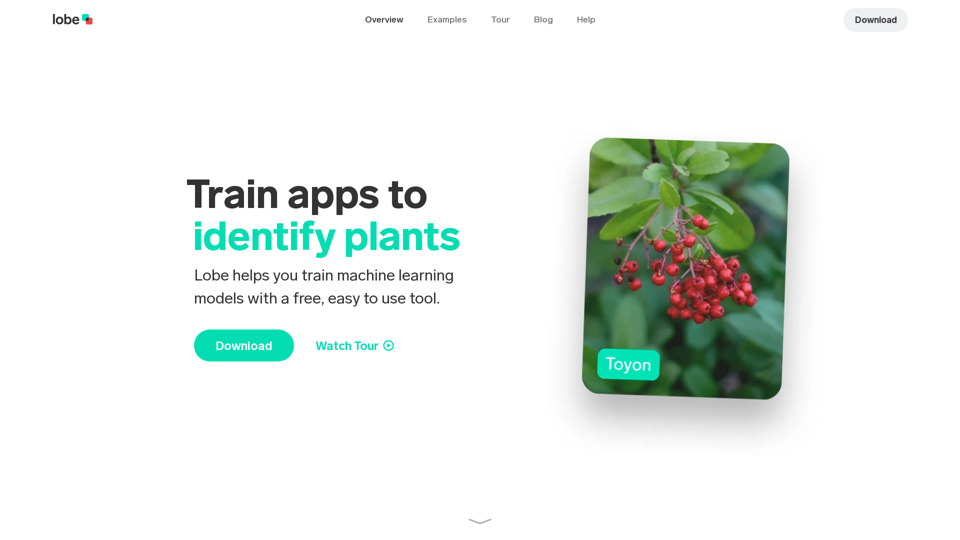
Download the free, easy to use app that helps you train custom machine learning models and ship them in your app.
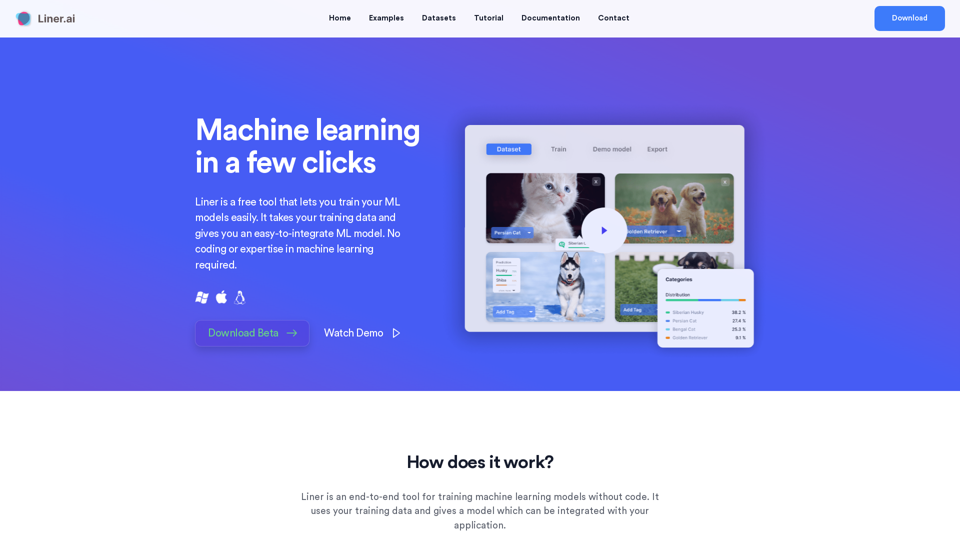
Liner is a free tool which lets you build and deploy machine learning applications within minutes. No coding or expertise in machine learning required.
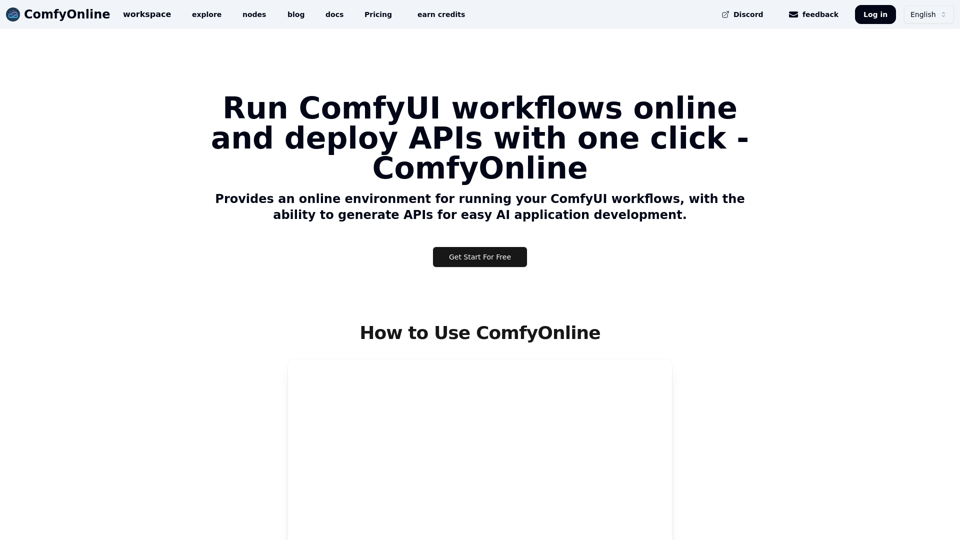
Provides an online environment for running your ComfyUI workflows, with the ability to generate APIs for easy AI application development.
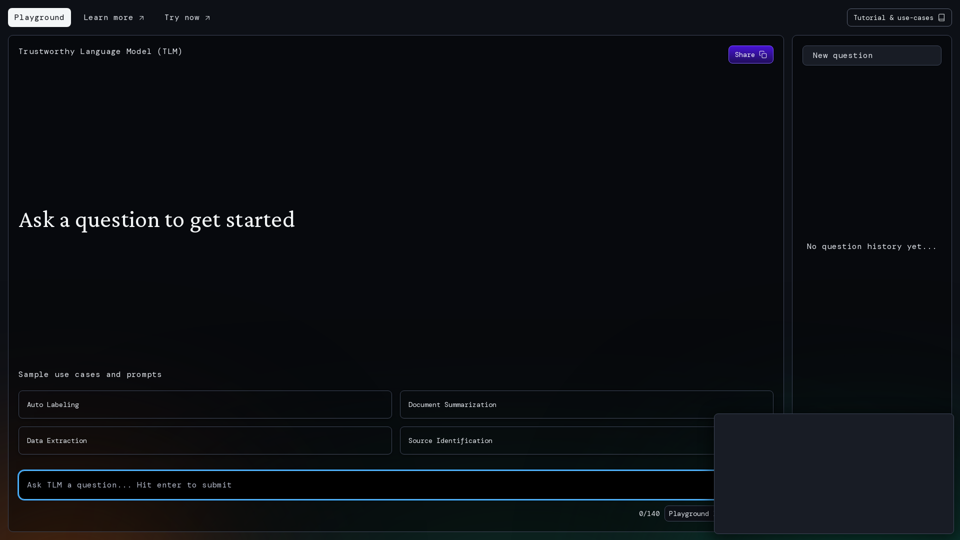
Try out Cleanlab's Trustworthy Language Model (TLM) in your browser.
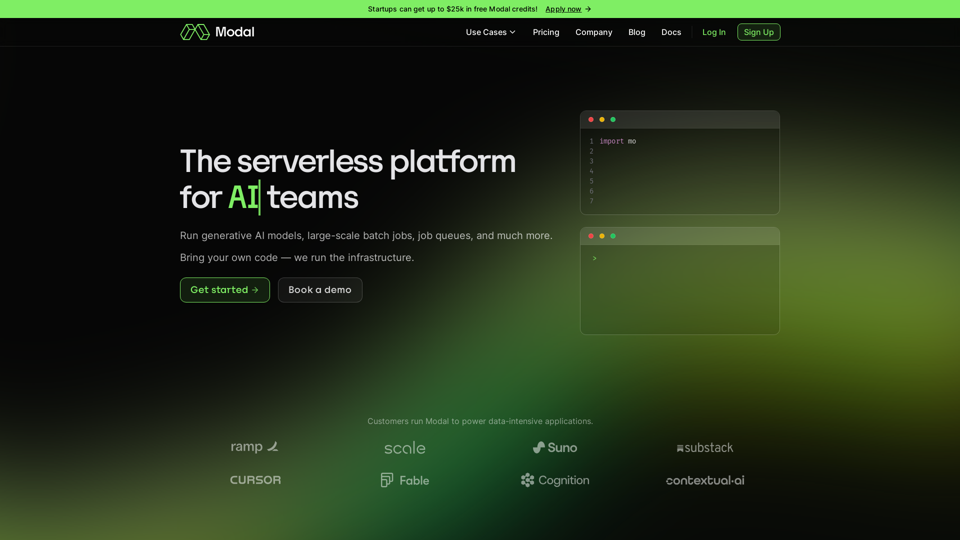
Bring your own code, and run CPU, GPU, and data-intensive compute at scale. The serverless platform for AI and data teams.
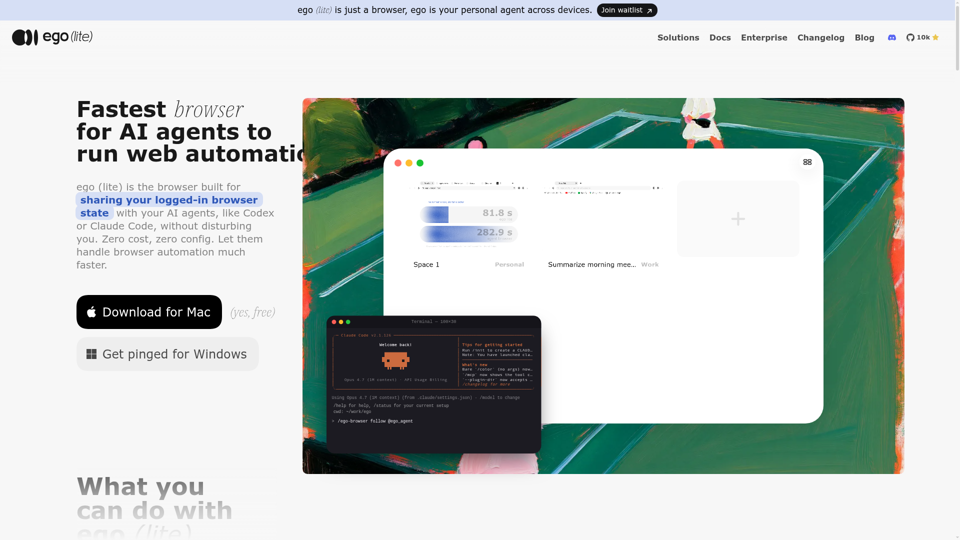
Always free, no set up. Claude Code or Codex runs 100+ browser automation tasks at the same time for you, 3.45x faster than agent-browser.
From the Creators of PyTorch Lighting. Democratizing State of the Art AI Research by Focusing on Machine Learning not Infrastructure.