Fastest Browser for AI Agents to Run Web Automation
Always free, no set up. Claude Code or Codex runs 100+ browser automation tasks at the same time for you, 3.45x faster than agent-browser.
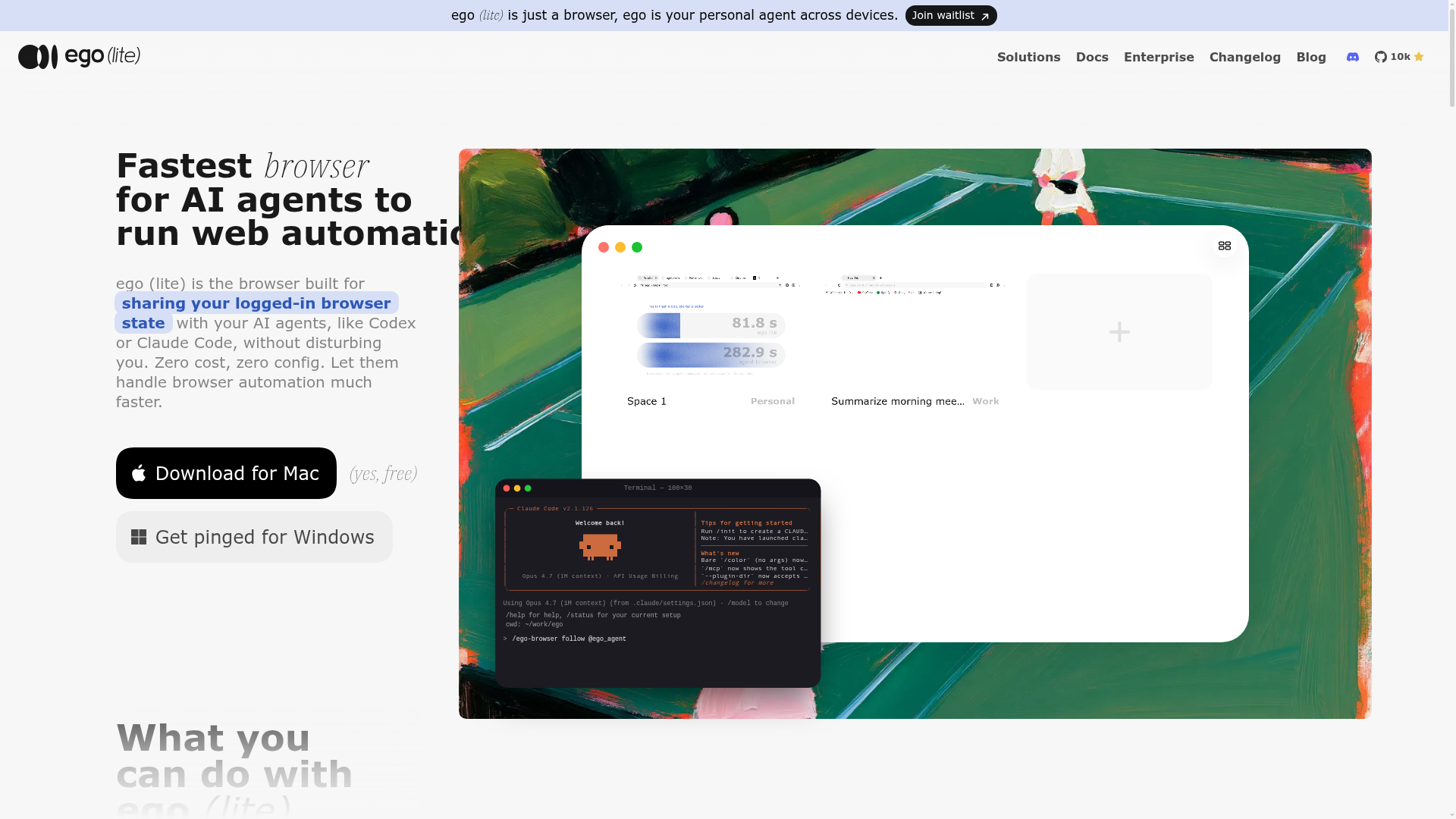
What is ego (lite)?
ego (lite) is the fastest browser built specifically for AI agents to run web automation. It is not just a browser; it is your personal agent that works across devices. Its core purpose is to allow you to share your logged-in browser state—including all your tabs, sessions, and cookies—seamlessly with AI agents like Claude Code, Codex, or Cursor. Unlike traditional automation tools that require a separate, blank browser instance, ego (lite) is designed from the ground up for cohabitation, enabling your AI to perform complex tasks in its own isolated workspace, or "Space," within the same browser you use daily, all at zero cost and with zero configuration.
What are the main features of ego (lite)?
ego (lite) stands out with a powerful set of features designed to supercharge AI-driven web automation:
- Agent Browser Architecture
- It is a real, Chromium-based browser engineered to be driven by AI agents, giving them direct access to a real window with your actual logins and data.
- Spaces for Isolation
- The "Space" feature creates separate, isolated workspaces. You can browse in your personal Space, while your AI agent executes tasks in its own Space, preventing any conflict or disruption to your workflow.
- Parallel Multitasking & Speed
- AI agents can execute multiple in-page actions with a few lines of JavaScript in a single pass, rather than making sequential tool calls. This approach completes complex tasks up to ### 3.45x faster than frameworks like agent-browser.
- Reduced Token Consumption
- By using efficient semantic snapshots and allowing batch operations, ego (lite) significantly cuts down on the tokens agents need to spend on browser automation, making operations cheaper and faster.
- Seamless Chrome Migration
- It imports your entire Chrome setup—bookmarks, passwords, extensions, cookies, and open tabs—in one click. This means your AI agent instantly inherits all your logged-in states, bypassing captchas, 2FA, and login friction.
- Universal Agent Compatibility
- Works with any AI agent that can execute shell commands, including Claude Code, Codex, Cursor, Hermes Agent, OpenClaw, and custom in-house agents, via the ### ego-browser skill.
- Local Data Privacy
- All your browsing data—history, cookies, passwords—remains stored locally on your computer. ego (lite) does not upload or collect your personal information.
How to use ego (lite)?
Getting started with ego (lite) is straightforward:
- Download and Install: Visit the official website and download ego (lite) for Mac (Windows is coming soon). The installation process is simple and free.
- Onboard and Migrate: Upon first launch, the browser will guide you through a one-click migration from Chrome, importing your profiles, bookmarks, extensions, and most importantly, your active login sessions.
- Install the ego-browser Skill: For your AI agent (e.g., Claude Code), install the ### ego-browser skill. This is typically done during the onboarding process or by placing it in your agent's skill directory.
- Activate and Command: In your AI agent's interface (like a Claude Code terminal), simply type
/ego-browserfollowed by your task command. For example,/ego-browser follow @ego_agent on x.com. - Let the Agent Work: The agent will execute the task in its own Space within ego (lite). You can continue using your browser normally or switch to the agent's Space to monitor its progress.
How much does ego (lite) cost?
ego (lite) is completely ### free. There is no subscription fee or usage tier. You can download, install, and use it with your AI agents at zero cost, making advanced browser automation accessible without any financial barrier.
Helpful Tips for Maximizing ego (lite)
- Use it as Your Default Browser
- To get the full benefit, set ego (lite) as your default browser. This ensures your AI agents always have access to your most current browsing context and logins.
- Explore the Use Cases
- Check out the platform's use case library for inspiration, covering social media management, real estate research, job applications, flight bookings, and internal tool automation.
- Leverage Batch Commands
- Structure your agent's commands to perform multiple related actions (like navigating, clicking, and extracting data) in a single JavaScript snippet to maximize speed and token efficiency.
- Organize with Spaces
- Use different Spaces to compartmentalize projects—one for work automation, another for personal research—keeping your agent's tasks neatly separated from your own browsing.
Frequently Asked Questions (FAQ)
How is ego (lite) different from Playwright or Puppeteer?
Playwright and Puppeteer are code libraries for automating a separate browser instance. They rely on fragile CSS selectors. ego (lite) is a full-fledged browser plus the ego-browser connection layer. It allows agents to run stable, multi-step JavaScript directly on the page of your main browser, leading to faster, more reliable automation without integration overhead.
How is ego (lite) different from Browser Use or Vercel's agent-browser?
Tools like Browser Use are autonomous agent frameworks with their own LLM and a separate browser instance, often requiring you to close your main browser. Vercel's agent-browser is a CLI that controls a blank browser. ego (lite) is the browser itself that you and your agent share. Your agent works in an isolated Space within your daily browser, with full access to your real logins.
Can I keep using my browser while the agent runs tasks?
Absolutely. The agent operates in its own Space. Your tabs, mouse control, and focus remain entirely unaffected. You can browse, work, and stream videos without interruption.
Is my data safe when an AI agent uses ego (lite)?
Yes. Privacy is a cornerstone. All your data—bookmarks, history, cookies, passwords—is stored locally on your machine. ego (lite) does not upload this information to its servers. The only data recorded is an anonymous opt-in status for the initial Chrome migration.
Does ego (lite) work with Claude Code, Codex, and Cursor?
Yes. It is compatible with any agent that can run shell commands. The ego-browser skill provides a universal interface for agents like Claude Code, Codex, Cursor, Hermes Agent, and many others to drive the browser.
Can it replace Chrome as my main browser?
Yes. It is built on Chromium and offers an identical user experience for address bar, tabs, extensions, and profiles. The added benefit is the built-in Space functionality for seamless AI agent collaboration.
Fastest Browser for AI Agents to Run Web Automation
Always free, no set up. Claude Code or Codex runs 100+ browser automation tasks at the same time for you, 3.45x faster than agent-browser.
 Amazon CloudFront
 Amazon Web Services
 HTTP/3
Free AI anime and manga generator. Turn text into anime episodes, manga, comics, webtoons and comic shorts in any art style — no drawing or animation skills needed.
Translate image text across 70+ languages with our advanced AI Image Translator to help you better expand your products globally to various countries
Advertised Here
Reach thousands of visitors daily. Get your spot now!
Tools similar to Fastest Browser for AI Agents to Run Web Automation
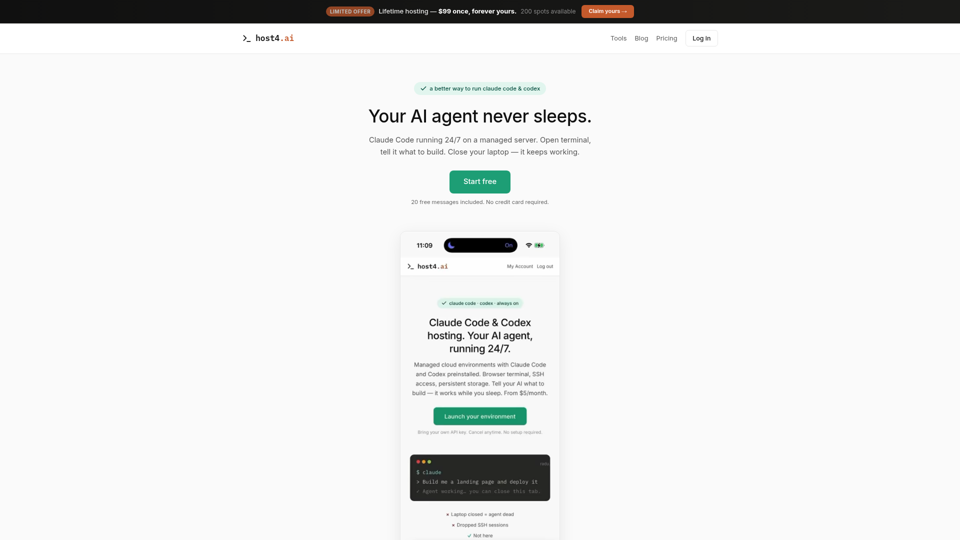
Managed hosting for Claude Code and Codex. Persistent cloud environments, browser terminal, SSH access. Your AI coding agent runs 24/7. Free trial included.
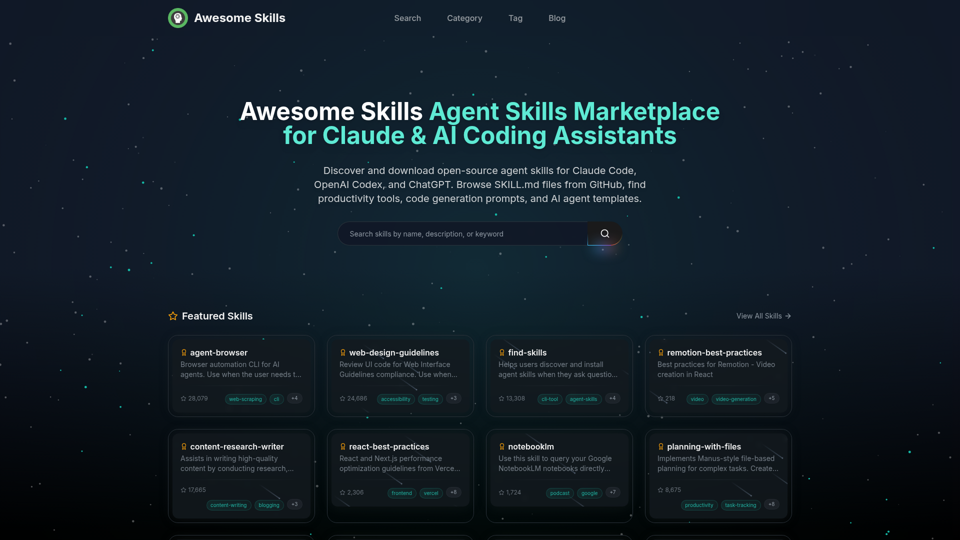
Browse and download open-source agent skills for Claude Code, OpenAI Codex, and ChatGPT. Curated collection of SKILL.md files from GitHub. Find productivity skills, code generation prompts, MCP tools, and AI agent templates. The best Claude skills marketplace with 50,000+ skills.
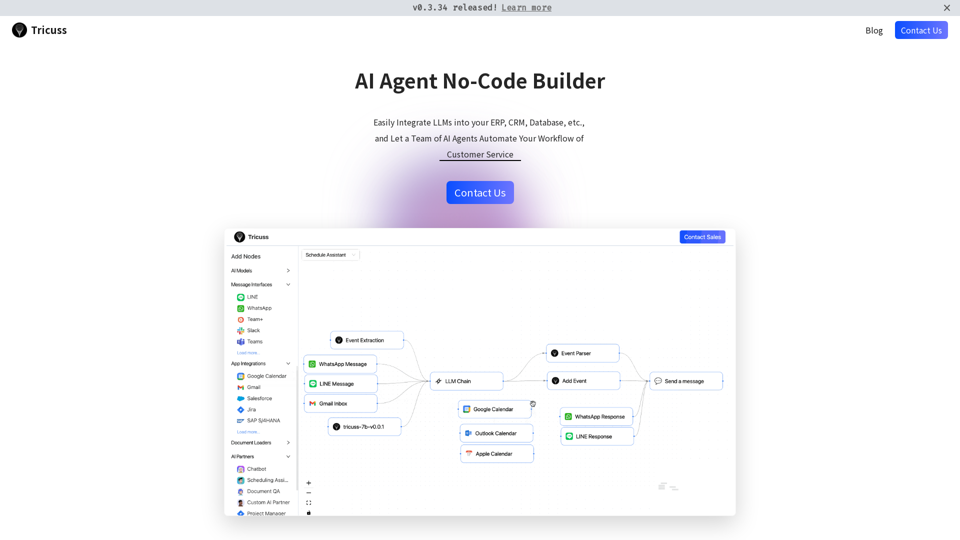
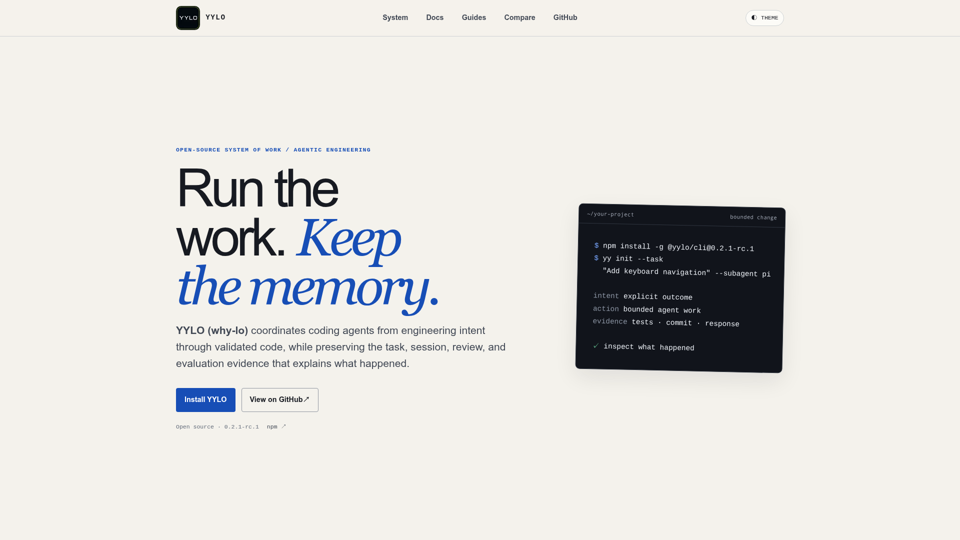
Coordinate coding agents from intent through validated code while preserving durable task, session, review, and evaluation evidence.
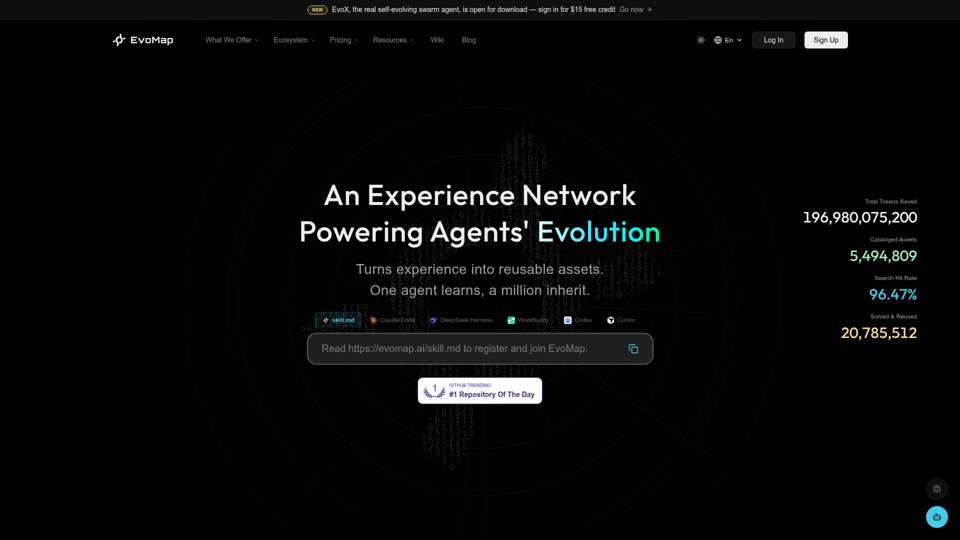
EvoMap is the infrastructure for AI self-evolution. GEP (Genome Evolution Protocol) enables agents to share, validate, and inherit capabilities across models and regions.
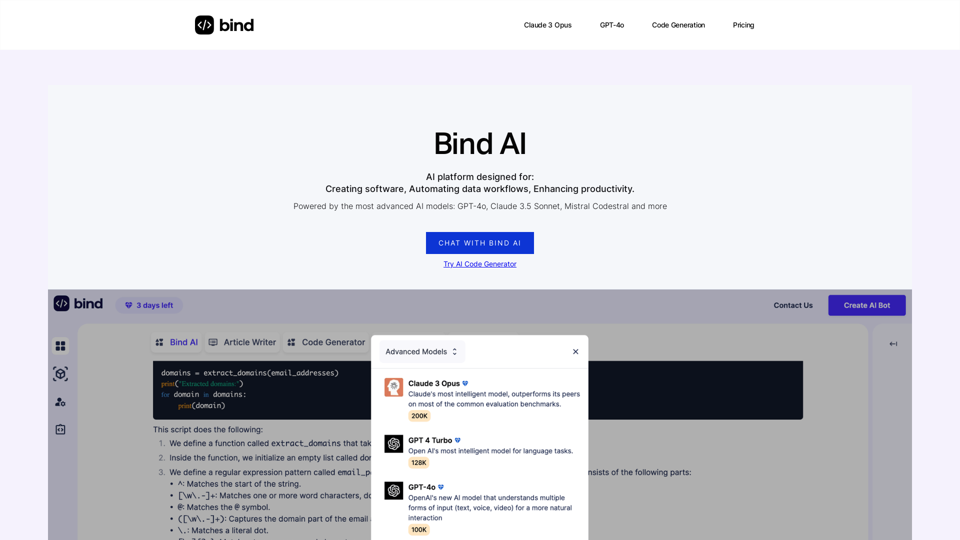
Bind AI is an advanced copilot and AI Assistant for code generation, search the web, write marketing articles and much more. It is an alternative to ChatGPT with an in-built editor canvas, and automation which connects with your data sources and applications.
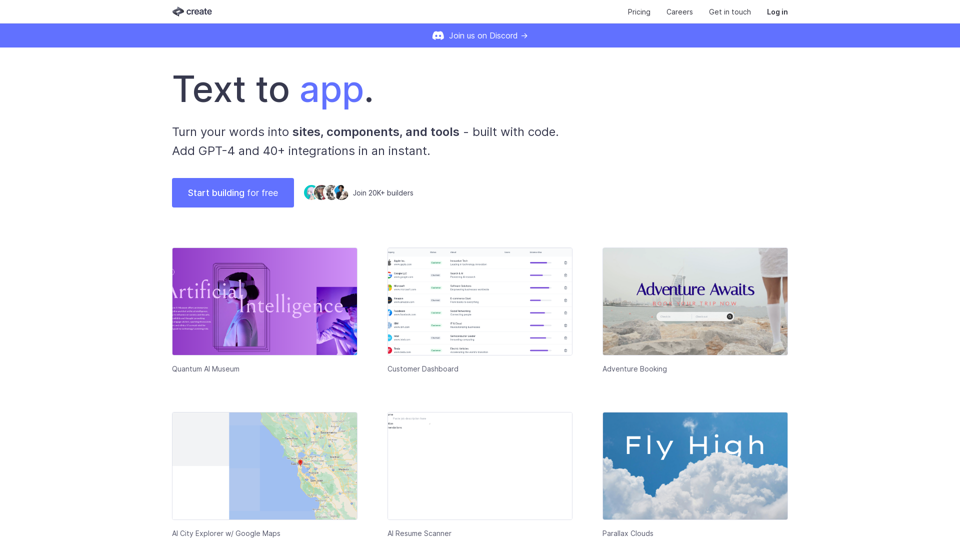
Create lets you code using plain text and images. Use it to build components, sites, designs, prototypes, products, tools and more.