Minecraft Skin Creator & AI Generator
Create a Minecraft skin with AI from text or a reference image. Refine it in the 3D editor and export a Classic 64×64 PNG for Java and supported Bedrock devices.
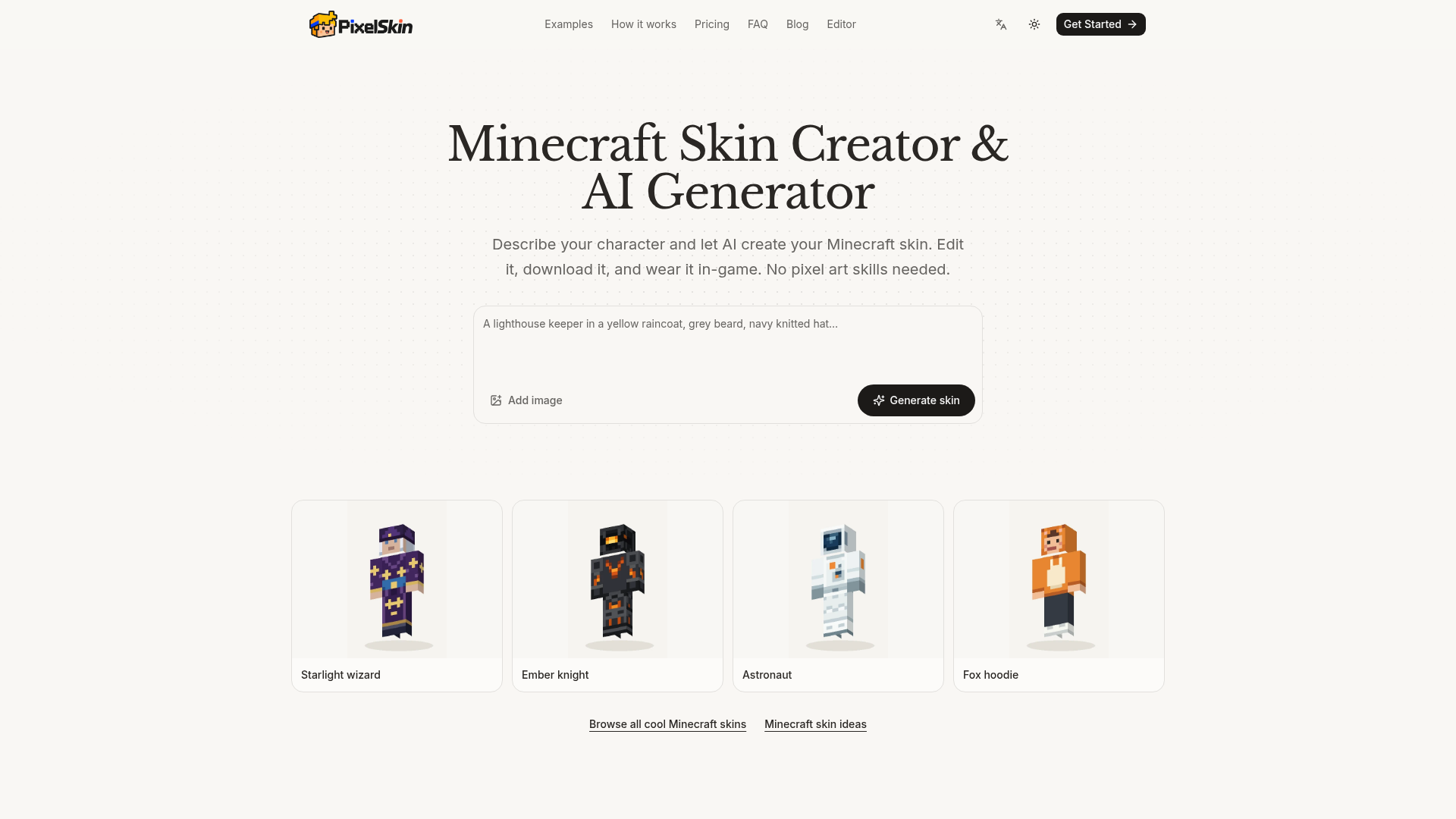
What is PixelSkin?
PixelSkin is a Minecraft skin creator and AI generator that turns a text description or a reference image into a wearable skin. It paints on a 3D player model rather than a flat texture sheet, checks the result from four angles, and exports a Classic 64×64 PNG. It is built for players who want a custom skin without pixel art skills, and for anyone who wants to refine an existing skin with plain-English edits.
Key features
- Text-to-skin generation
- Describe what the character wears, their colors and a couple of details, and the AI paints the head, body, arms and legs.
- Photo-to-skin conversion
- Upload a photo or character image and the AI turns its colors and outfit into a skin.
- 3D preview
- Spin the character around, hide the outer layer, or press W to watch the skin walk before exporting.
- Plain-English editing
- Ask for a focused change such as "make the boots black" and compare the result from every side.
- Manual editing tools
- Paint by hand on the skin texture, free of charge and without signing in.
- Classic 64×64 PNG export
- Download a standard skin file for the Minecraft Launcher or the Bedrock Dressing Room.
- Skin gallery
- Browse example skins such as Starlight wizard, Ember knight, Astronaut and Fox hoodie, plus a page of Minecraft skin ideas.
How to use PixelSkin
- Describe your character in words, including their outfit, colors and one or two details, or upload a reference image.
- Generate the skin and preview it in 3D: rotate the model, hide the outer layer, or press W to see it walk.
- Refine the result with a focused request such as "make the raincoat red and add a white stripe across the chest", then check it from every side.
- Download the standard 64×64 PNG.
- Upload it in the Minecraft Launcher under Skins → New Skin → Wide (Classic) → Browse → Save & Use, or in the Bedrock Dressing Room under Classic Skins → Owned → Import → Choose New Skin.
Use cases
- Players who want a custom Minecraft skin but have no pixel art experience.
- Anyone who wants to turn a photo, portrait or character image into a wearable skin.
- Players who already have a Classic 64×64 skin and want to change it with manual tools or AI edits.
- Builders and content creators looking for themed skin ideas such as wizards, knights, astronauts or couriers.
- Java and Bedrock players on devices that support custom PNG import.
Pricing
PixelSkin uses credits for AI generation and edits, while manual editing is free. All packs are one-time payments and credits never expire.
- Starter
- $4.9 — 150 credits, roughly 10–30 skin generations, free editing and PNG export.
- Creator
- $8.9 — 450 credits, roughly 30–90 skin generations, free editing and PNG export.
- Studio
- $19.9 — 1,050 credits, roughly 70–210 skin generations, free editing and PNG export.
Estimates include automatic reviews, which use 5–15 credits per generation. Additional AI edits also use credits.
FAQ
Is PixelSkin free to use?
Manual painting, importing and exporting work without signing in, and projects are saved in the browser. AI generation and AI edits use credits, which are bought in one-time packs starting at $4.9.
Can PixelSkin turn a photo into a Minecraft skin?
Yes. You can upload a photo or character image, and the AI turns its colors and outfit into a skin you can wear. The result can then be refined with further AI edits or by hand.
Which Minecraft editions does PixelSkin support?
PixelSkin exports Classic 64×64 PNG files for Java and for Bedrock devices that support custom PNG import. Bedrock consoles cannot import custom skin files.
Do I need an account to use PixelSkin?
An account is needed for AI generation and AI editing. Painting by hand, importing and exporting do not require signing in, and the project stays in the browser until it is exported.
Can PixelSkin edit a skin I already have?
Yes. You can import a Classic 64×64 PNG skin texture and change it with manual tools or AI edits. Slim textures need their arm artwork adapted, because automatic model conversion is not supported.
Does PixelSkin make Classic or Slim skins?
Skins made with PixelSkin use the Classic model, whose arms are 4 pixels wide, compared with 3 pixels for Slim. Choose Classic or Wide when uploading, or a stripe of pixels on each arm will look wrong.
Minecraft Skin Creator & AI Generator
Create a Minecraft skin with AI from text or a reference image. Refine it in the 3D editor and export a Classic 64×64 PNG for Java and supported Bedrock devices.
 Cloudflare
 HTTP/3
Free AI anime and manga generator. Turn text into anime episodes, manga, comics, webtoons and comic shorts in any art style — no drawing or animation skills needed.
Translate image text across 70+ languages with our advanced AI Image Translator to help you better expand your products globally to various countries
Advertised Here
Reach thousands of visitors daily. Get your spot now!
Tools similar to Minecraft Skin Creator & AI Generator
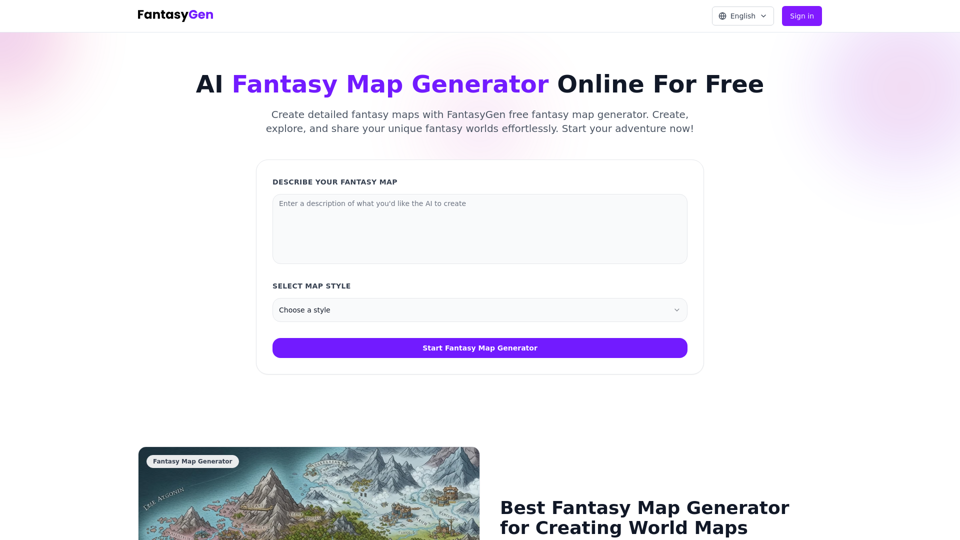
Create detailed fantasy maps with our free online fantasy map generator. AI-powered fantasy map generator perfect for game masters, fantasy authors, and map enthusiasts. Generate fantasy maps instantly.
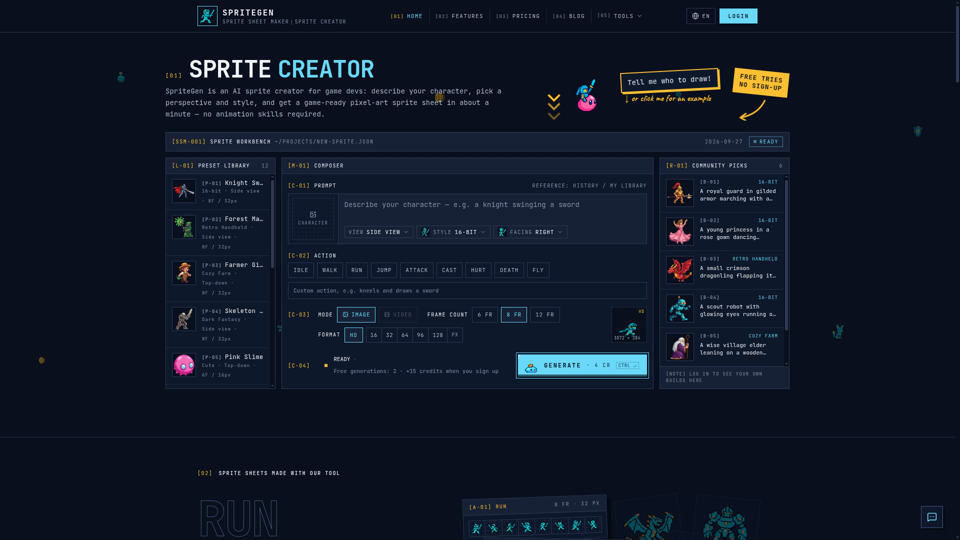
SpriteGen is a free online sprite creator. Describe your character, pick a perspective and style, and the AI generates a game-ready pixel-art sprite sheet you can drop straight into your engine.

PS2 Filter AI Online Free, using the replicate face to many technology, turns your photo into a PS2 character.

Human or AI-generated? Participate in Human or AI Game challenge to test whether you can detect AI generated images or not.

Create custom skins for Minecraft with a simple text prompt quickly and easily.
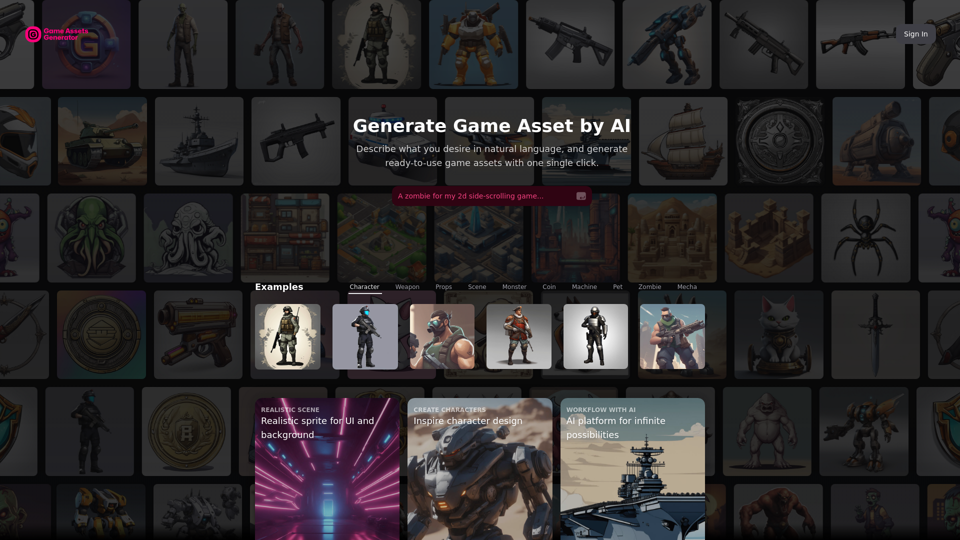
Create free and high-quality game illustrations, characters, etc., using AI, without the need for an artist. Easily integrate AI-generated resources into your game development workflow.
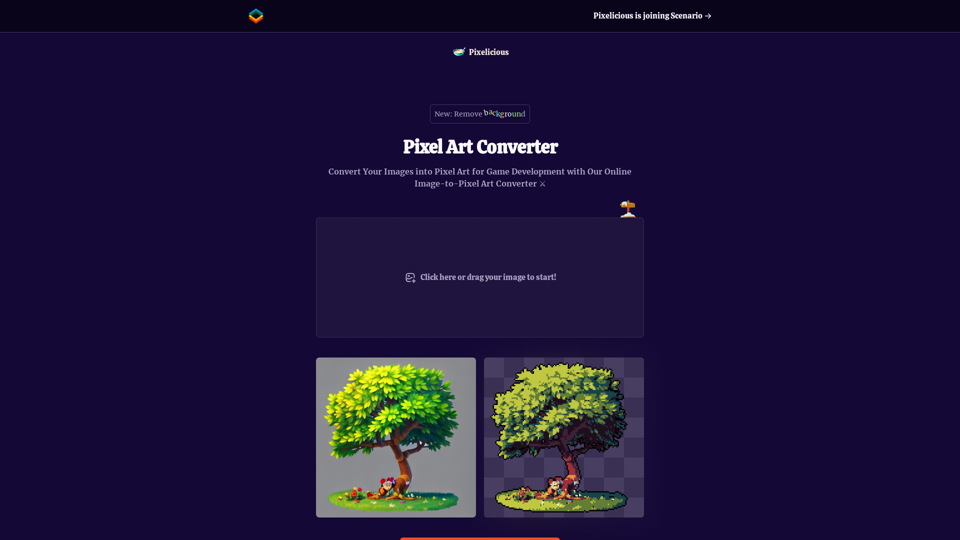
Quickly and easily convert your images into pixel art with our online image to pixel art converter. Simply upload your image and choose your pixelation level to transform your photo into a retro-style pixel art masterpiece.