AI Podcast Generator
Your all-in-one AI podcast studio. Generate scripts, voices, and video podcasts for Spotify, YouTube & TikTok — in minutes. Try PodcastorAI for free.
What is PodcastorAI?
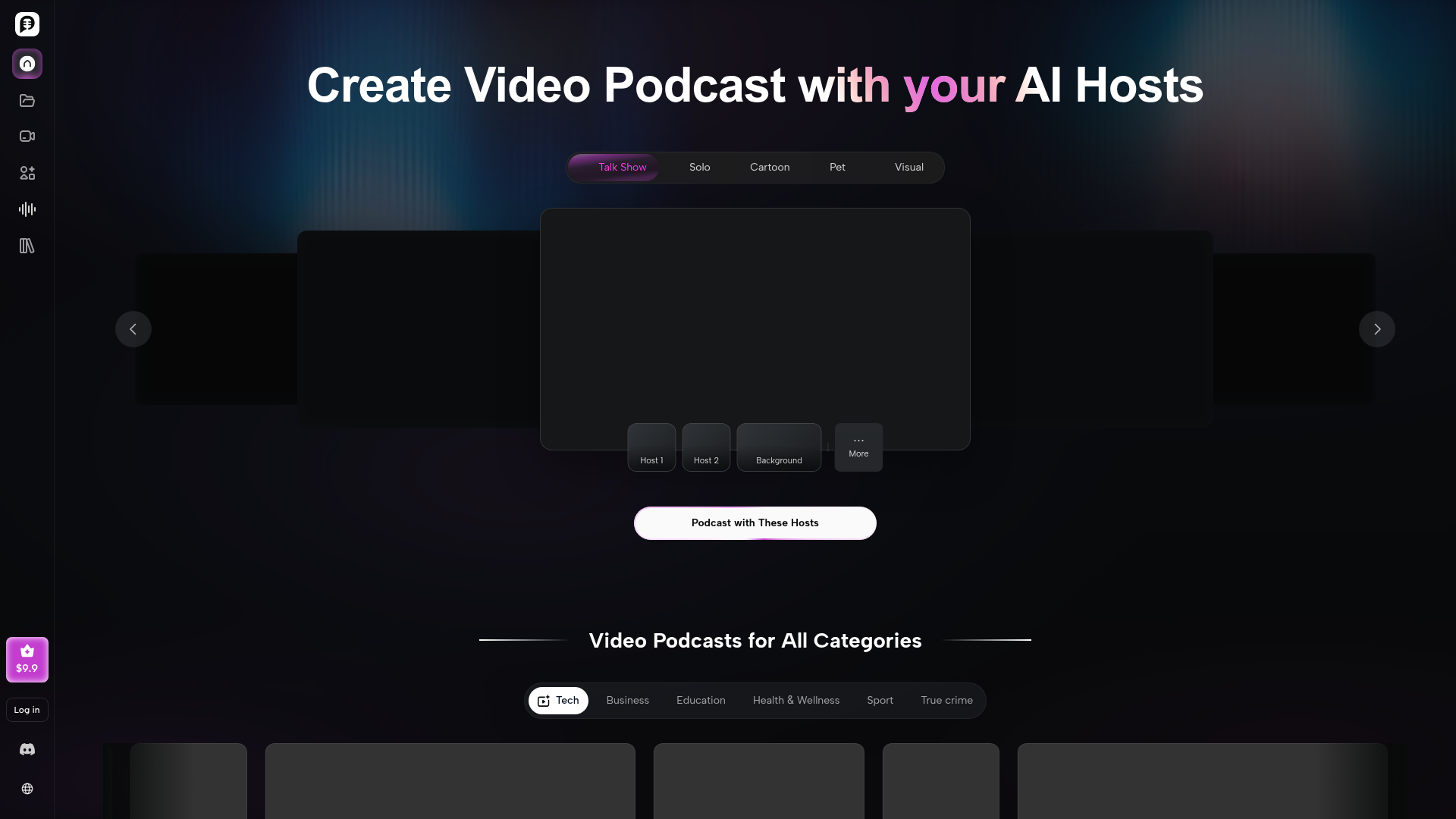
PodcastorAI is an advanced AI video podcast generator that transforms various content formats—including text, PDFs, URLs, notes, and audio recordings—into professional-quality audio and video podcasts. It provides a comprehensive, all-in-one studio where you can generate scripts, select AI voices, create personalized AI hosts, and render video podcasts ready for publishing on platforms like YouTube, Spotify, and Apple Podcasts.
Key Features of PodcastorAI
Custom AI Host Creation: Upload a photo to build your own personalized AI podcast host, featuring a digital avatar that can represent you or your brand consistently across episodes.
Multi-Format Input Support: Convert existing content such as blog posts, academic papers, presentation slides, meeting notes, or even audio clips into structured podcast scripts effortlessly.
Versatile Podcast Styles: Choose from various formats including solo podcasts, talk shows, two-shot conversations, split-screen discussions, and even unique hosts like cartoons or pets to match your creative vision.
Studio-Quality Output: Generate high-fidelity audio with natural AI voices or voice cloning, and produce polished video podcasts complete with customizable layouts, captions, and branded visuals.
Seamless Publishing: Export your finished podcasts in multiple resolutions and aspect ratios optimized for different social media and podcast platforms, enabling instant sharing and distribution.
How to Use PodcastorAI
Using PodcastorAI is a straightforward, four-step process designed for creators of all skill levels:
- Create Your AI Host: Begin by uploading a clear photo of yourself, a team member, or any character. The AI will generate a lifelike digital host avatar that you can use across all your episodes.
- Import Your Content: Provide the raw material for your podcast. You can paste a URL, upload a PDF or document, import notes, or even provide an existing audio file. PodcastorAI's AI will analyze the content, extract key insights, and organize it into a coherent, conversational podcast script.
- Generate the Audio: Select from a library of realistic AI voices in multiple languages and accents, or use the voice cloning feature. The platform will then produce a studio-quality audio track based on your script and chosen voice.
- Render the Video Podcast: Choose your desired video format (solo, interview, split-screen, etc.), customize the layout and background, and let the AI render the final video. The output is a professional video podcast, complete with synchronized lip movements for the AI host, ready to download and publish.
Pricing
PodcastorAI operates on a credit-based system. New users can sign up to receive an initial bundle of credits to explore the platform. Subsequent usage requires purchasing credit packs or subscribing to a plan for higher volume creators. Specific pricing tiers and credit costs for video generation, AI host creation, and voice cloning are detailed on the official PodcastorAI pricing page.
Helpful Tips for Getting Started
- Start with Clear Source Material
- For the best script output, provide well-structured text, clear notes, or high-quality audio. The AI works more effectively with organized content.
- Experiment with Voices
- Don't settle on the first voice you try. Test different AI voices to find the tone, pace, and accent that best suits your podcast's brand and audience.
- Leverage Content Repurposing
- PodcastorAI is exceptionally powerful for repurposing existing content. Turn a popular blog post, a webinar recording, or a series of social media threads into a podcast to maximize your content's reach.
- Use Consistent Branding
- For a professional series, create a custom AI host and use the same visual templates (colors, fonts, lower-thirds) across all episodes to build brand recognition.
Frequently Asked Questions
Can I create a personalized AI podcast host?
Absolutely. Simply upload a high-quality photo, and PodcastorAI will generate a digital avatar that serves as your AI host. You can create multiple hosts for different series or segments.
Can I make both audio and video podcasts with PodcastorAI?
Yes. The platform is designed as a full-service studio. You can generate audio-only podcasts for traditional audio platforms and create full video podcasts with animated AI hosts for YouTube and social media.
Do I need any technical or editing experience to use PodcastorAI?
No prior experience is necessary. The AI handles the complex tasks of scriptwriting, voice synthesis, and video editing. The interface is intuitive, guiding you from content input to final export in a few clicks.
Can I repurpose my existing content into video podcasts?
Yes, this is one of PodcastorAI's core strengths. You can directly import PDFs, blog URLs, presentation slides, or audio files. The AI will transform this existing material into a fresh podcast format, saving you significant production time.
Is there a limit to how many podcasts I can create?
Usage is based on a credit system. You receive free credits upon sign-up to test the platform. For ongoing, high-volume creation, you can purchase additional credit packs or subscribe to a plan that meets your production needs.
AI Podcast Generator
Your all-in-one AI podcast studio. Generate scripts, voices, and video podcasts for Spotify, YouTube & TikTok — in minutes. Try PodcastorAI for free.
 FirstPromoter
 Google Analytics
 Nginx
Nginx Node.js
 Nuxt.js
 Vue.js
 reCAPTCHA
Free AI anime and manga generator. Turn text into anime episodes, manga, comics, webtoons and comic shorts in any art style — no drawing or animation skills needed.
Translate image text across 70+ languages with our advanced AI Image Translator to help you better expand your products globally to various countries
Advertised Here
Reach thousands of visitors daily. Get your spot now!
Tools similar to AI Podcast Generator
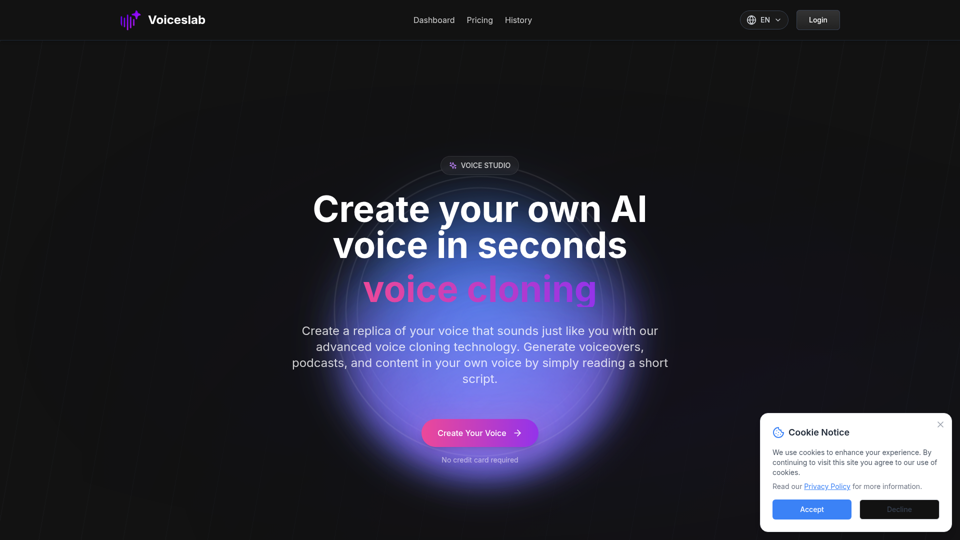
Make an AI copy of your voice that keeps your tone and accent. Our voice cloning tech lets you create natural-sounding speech for videos and podcasts by reading a short text.
Create your personalized AI-powered podcast with AIdeaflow. Transform academic texts and engaging content into interactive, two-person dialogues. Perfect for students, professionals, and lifelong learners to explore knowledge on-the-go. Start generating your custom podcast today!
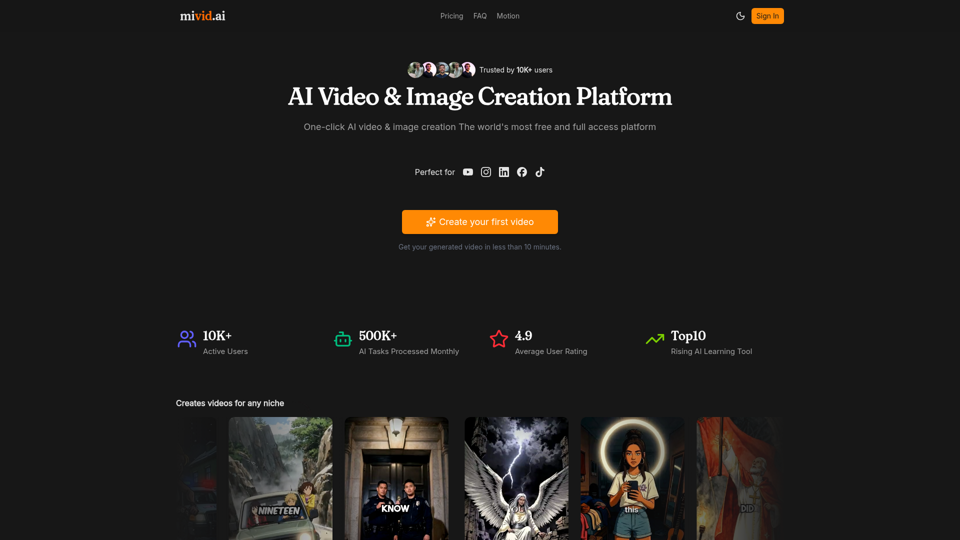
Convert scripts, blog posts, prompts, and ideas into professional AI videos. Generate videos with AI avatars, voiceovers, subtitles, and music in minutes.
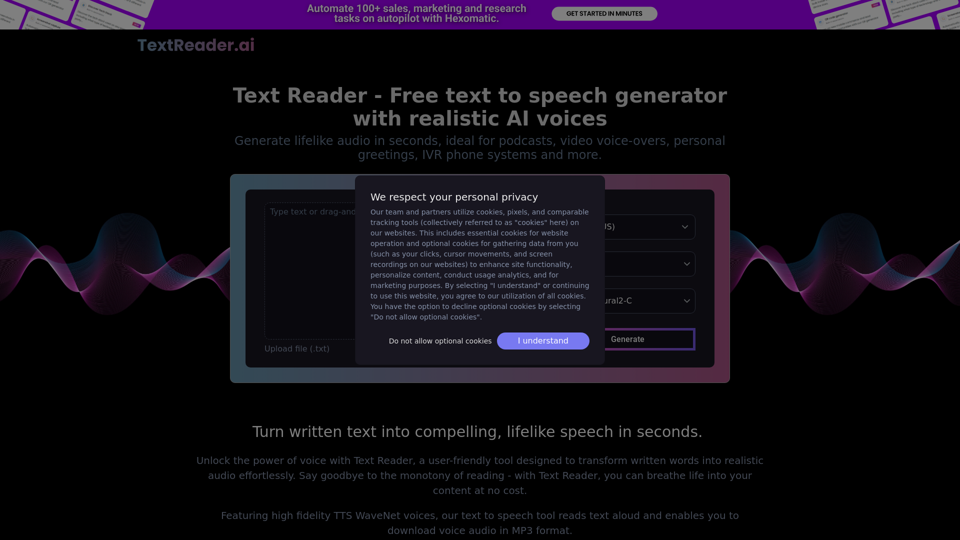
Generate lifelike audio in seconds, ideal for podcasts, video voice-overs, personal greetings, IVR phone systems and more.
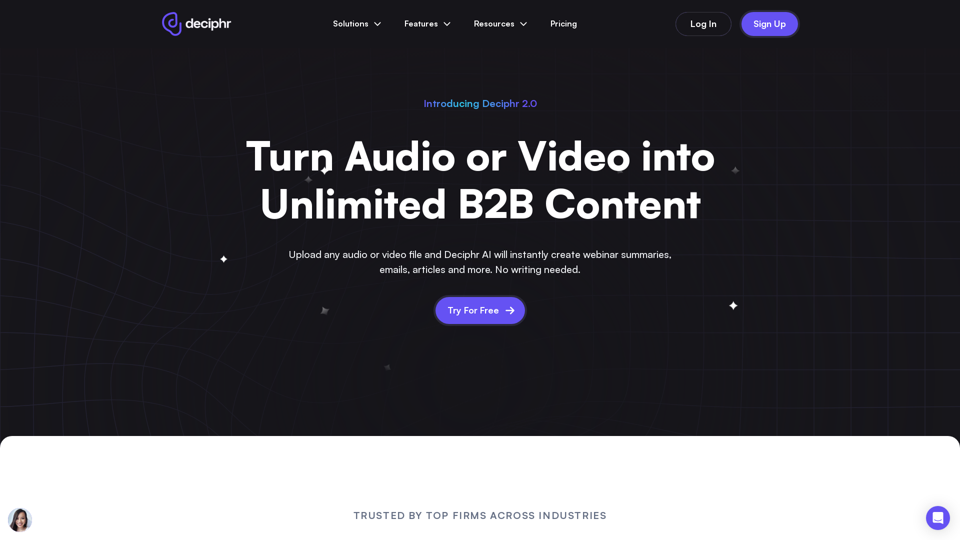
Effortlessly create podcast transcripts, concise summaries, show notes, and AI-generated audio and video reels in minutes, all at no cost. Join us today!
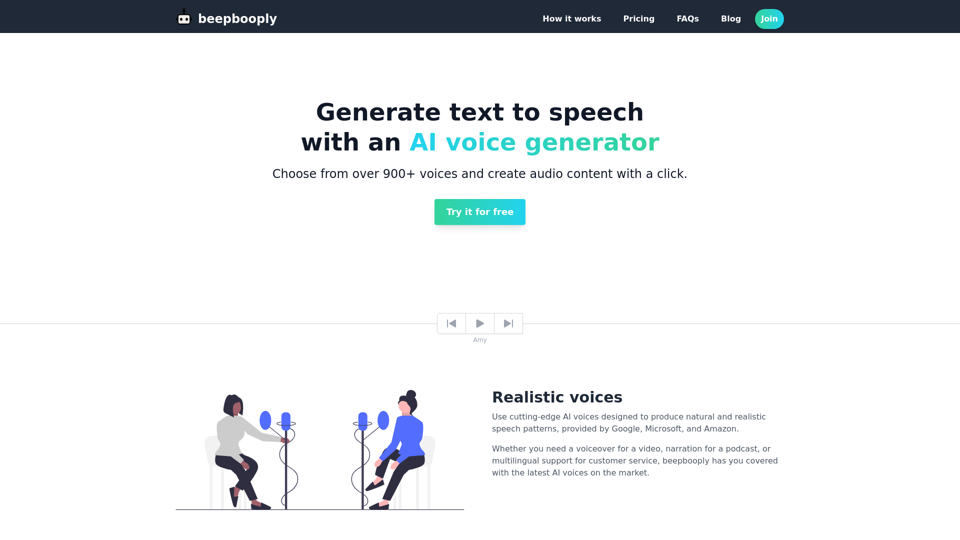
Convert text to speech in over 900+ voices across 80+ languages. Generate and download realistic and natural sounding audio content with a click.
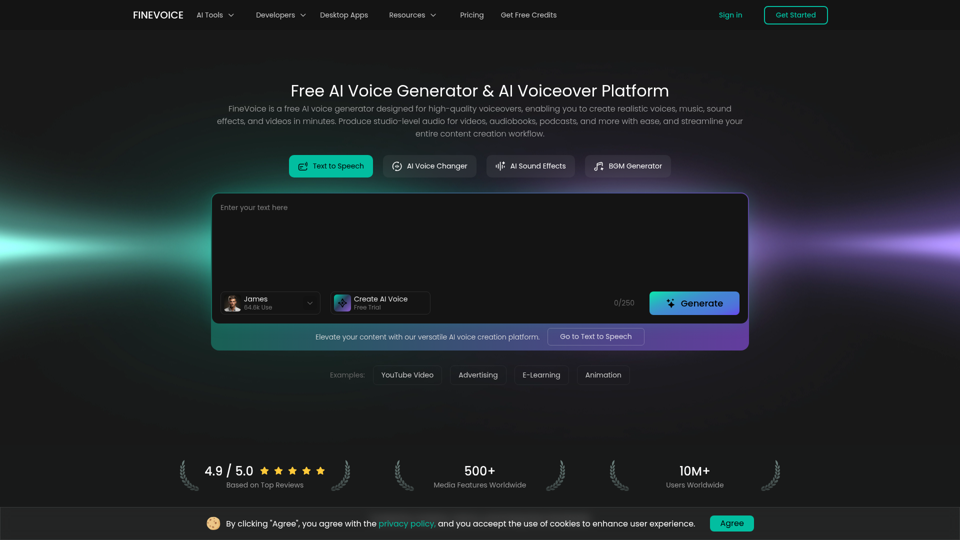
FineVoice is an AI voice generator and video voiceover platform to create realistic text-to-speech, voiceovers, music, and sound effects for videos. Produce studio-quality audio in seconds.