Voiceslab
Make an AI copy of your voice that keeps your tone and accent. Our voice cloning tech lets you create natural-sounding speech for videos and podcasts by reading a short text.
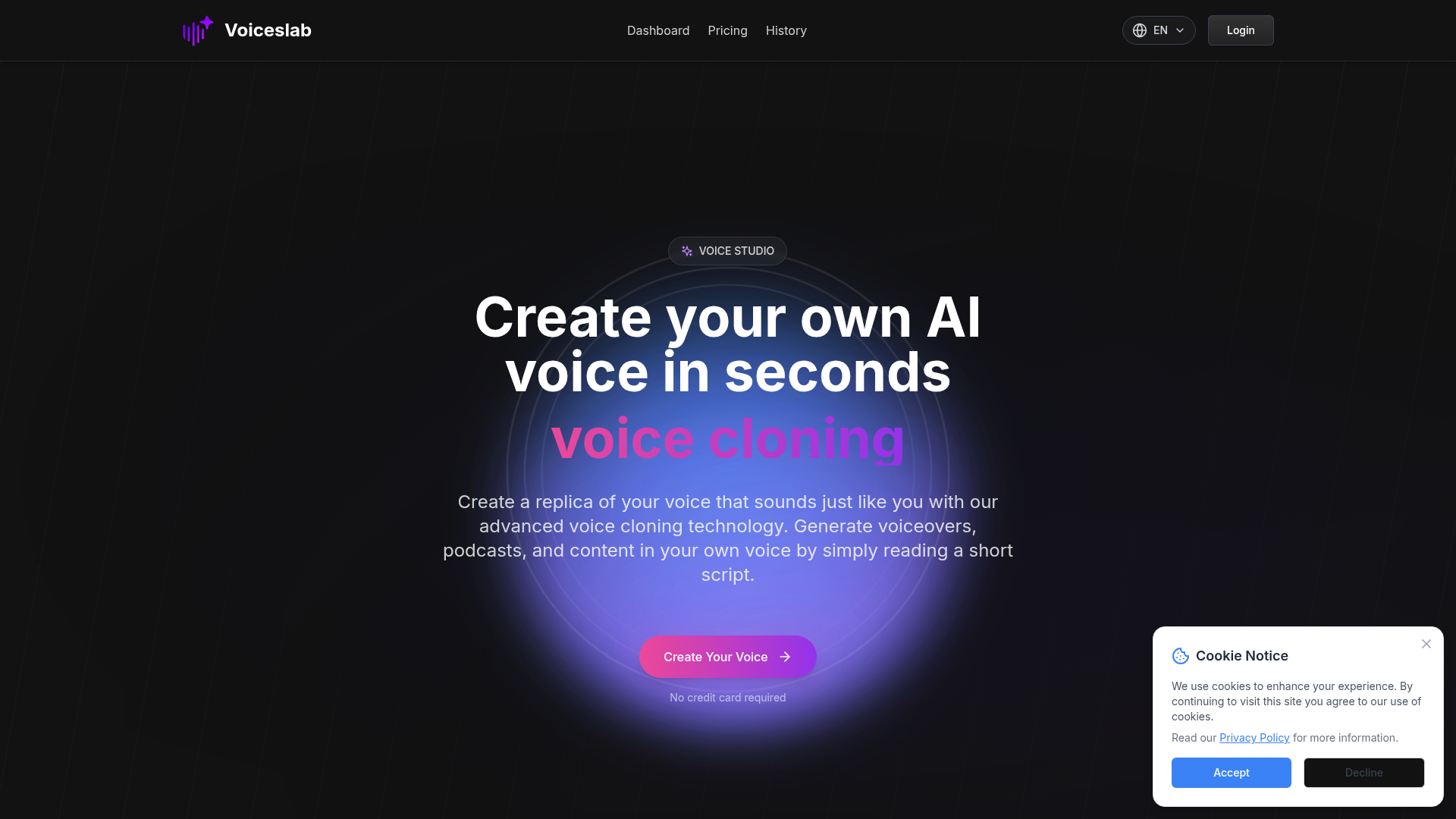
What is Voice Studio?
Voice Studio is an innovative AI-driven platform that enables users to create their own unique AI voice in seconds. Utilizing advanced voice cloning technology, it allows for the generation of voiceovers, podcasts, and other audio content that sounds exactly like the original speaker.
What are the main features of Voice Studio?
- Voice Cloning Technology
- Create a digital replica of your voice with ease.
- High-Quality Voice Synthesis
- Capture every nuance of your original voice, maintaining emotional depth and expressiveness.
- Multi-Language Support
- Clone voices in 8 major languages, preserving authentic accents and dialects.
- Fast Processing
- Benefit from quick voice cloning that delivers results in seconds, optimizing your creative workflow.
- Secure and Private
- Your voice data is protected with end-to-end encryption, ensuring full control over your digital voice identity.
How to use Voice Studio?
Using Voice Studio is simple and user-friendly:
- Create Your Voice: Record a short audio sample (10-60 seconds) and upload it to the platform.
- Select Your Settings: Choose your language and name your voice clone.
- Generate: Press the create button and let the AI analyze your voice, producing a clone that’s ready to use.
- Generate Text-to-Speech: Utilize your cloned voice by entering any text you want it to vocalize.
Price
Voice Studio offers various pricing plans tailored to different user needs. Free users can create one voice clone with a character limit. Paid plans provide additional features and more voice clones. For specific details and to select the best plan for you, visit our pricing page.
Helpful Tips
- For Optimal Quality
- Ensure your audio sample is of high quality, clear, and free from background noise. Speak naturally and at a consistent pace.
- Multiple Languages
- Explore voice cloning beyond your native language to reach a broader audience with localized content.
- Engagement & Training
- Use cloned voices in educational materials to enhance engagement by familiarizing learners with voices they recognize.
Frequently Asked Questions
What is voice cloning?
Voice cloning is an AI technology that creates a digital replica of your voice by analyzing your unique speech patterns, tones, and accents from an audio sample.
What languages are currently supported?
Voice Studio supports 8 languages: English, Spanish, Korean, French, Japanese, Chinese, German, and Arabic, capturing native accents and speech styles.
Is it free to use?
Yes, free users can create one voice clone and utilize a limited character generation. For advanced features, consider our paid subscription options.
How do I create a voice clone?
Upload an audio file or record your voice directly on the platform, ensuring clarity and minimal background noise for the best results.
How do I use my cloned voice?
Navigate to the Text-to-Speech page, select your cloned voice, enter text, and generate speech that matches your voice's unique characteristics.
What makes a good voice sample for cloning?
Quality audio is crucial; record clear speech without background noise, and maintain a consistent and natural tone within a 10-60 second timeframe.
Can I add pauses and adjust speech rate for cloned voices?
While direct control over pauses and speech rates isn't available, you can use punctuation in the text to help guide the flow of speech.
What's the maximum text length for cloned voices?
Each generation has a limit of 2,000 characters to ensure quality. For longer texts, break them into smaller segments to maintain their natural sound.
What if my voice clone doesn't sound right?
If the output isn't as expected, try re-recording a clearer sample or varying the types of sentences used to refine the cloning process.
For further inquiries or assistance, feel free to contact our support team!
Voiceslab
Make an AI copy of your voice that keeps your tone and accent. Our voice cloning tech lets you create natural-sounding speech for videos and podcasts by reading a short text.
 Cloudflare
 Google Sign-in
 HTTP/3
 Next.js
 Node.js
 React
React Webpack
Free AI anime and manga generator. Turn text into anime episodes, manga, comics, webtoons and comic shorts in any art style — no drawing or animation skills needed.
Translate image text across 70+ languages with our advanced AI Image Translator to help you better expand your products globally to various countries
Advertised Here
Reach thousands of visitors daily. Get your spot now!
Tools similar to Voiceslab
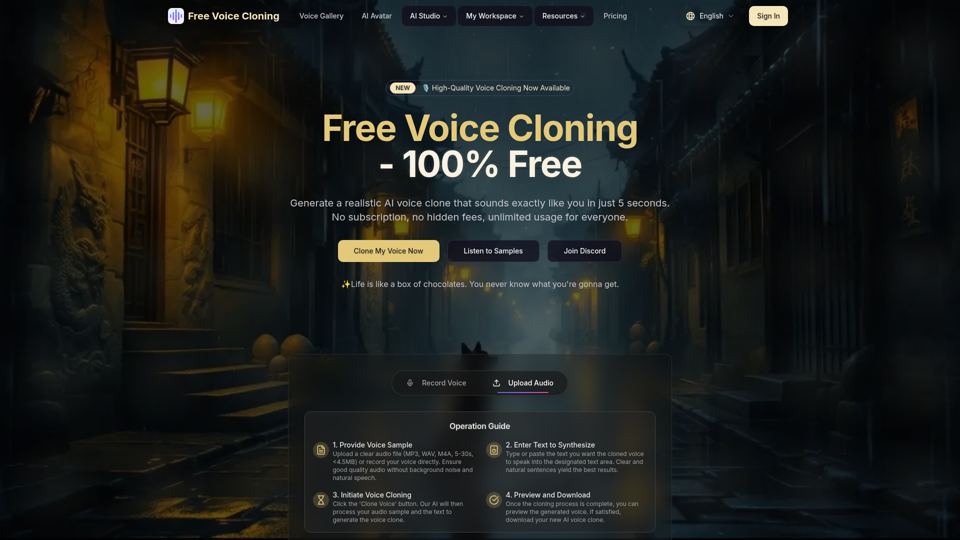
Generate a realistic AI voice clone that sounds exactly like you for free. No subscription required, unlimited usage.
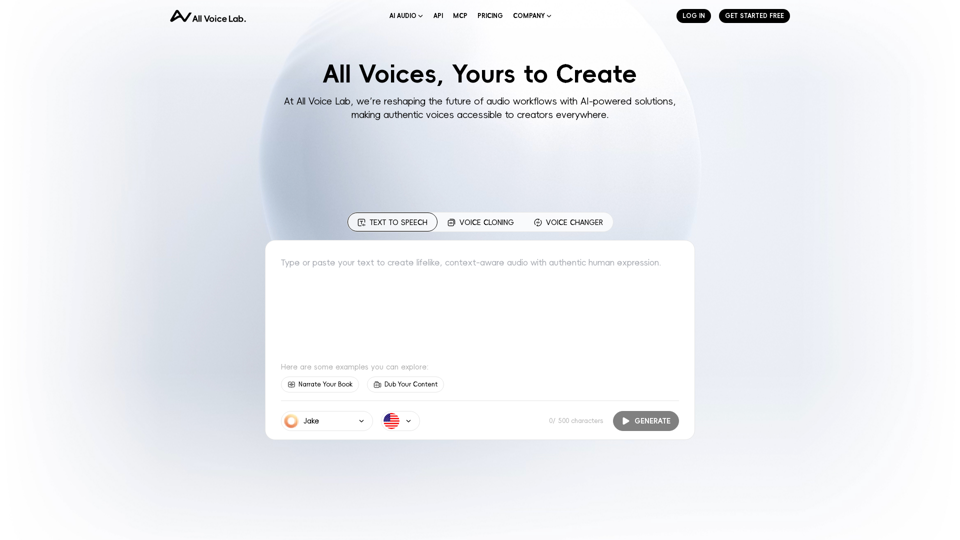
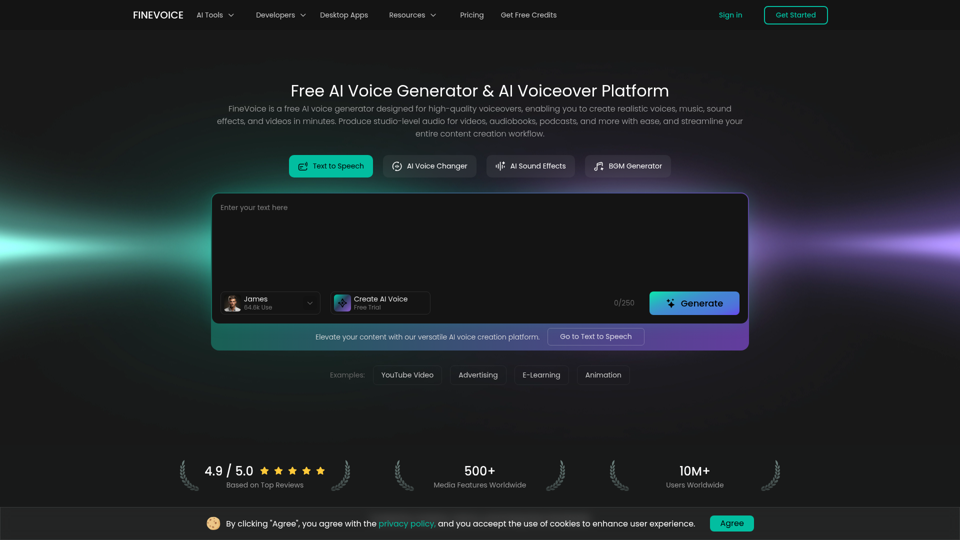
FineVoice is an AI voice generator and video voiceover platform to create realistic text-to-speech, voiceovers, music, and sound effects for videos. Produce studio-quality audio in seconds.
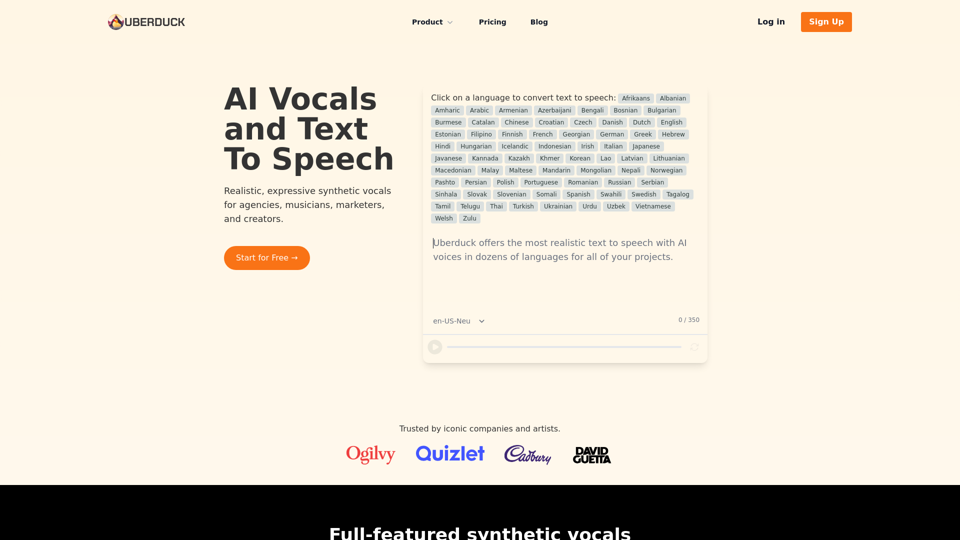
Make Music, Voiceovers and Videos With AI Vocals, Text to Speech, Voice Conversion and Voice Cloning
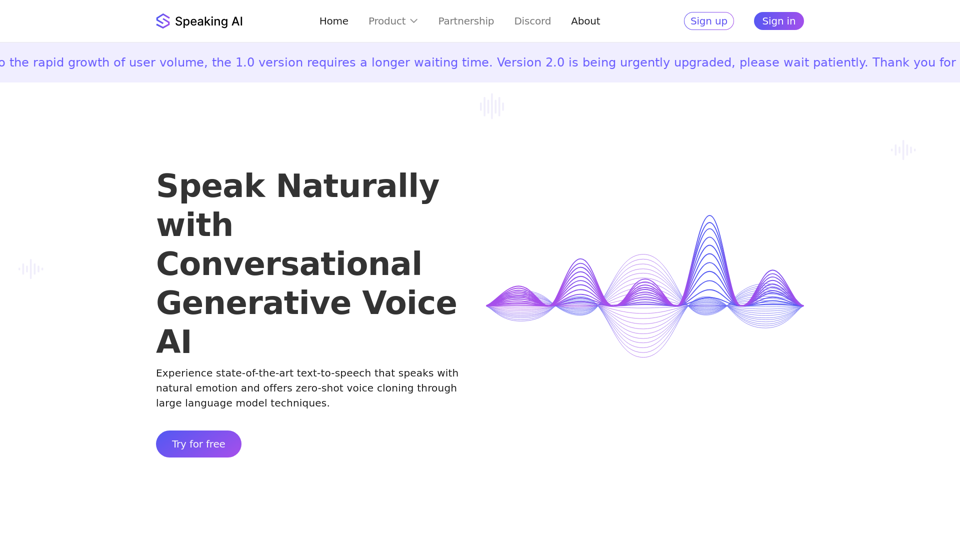
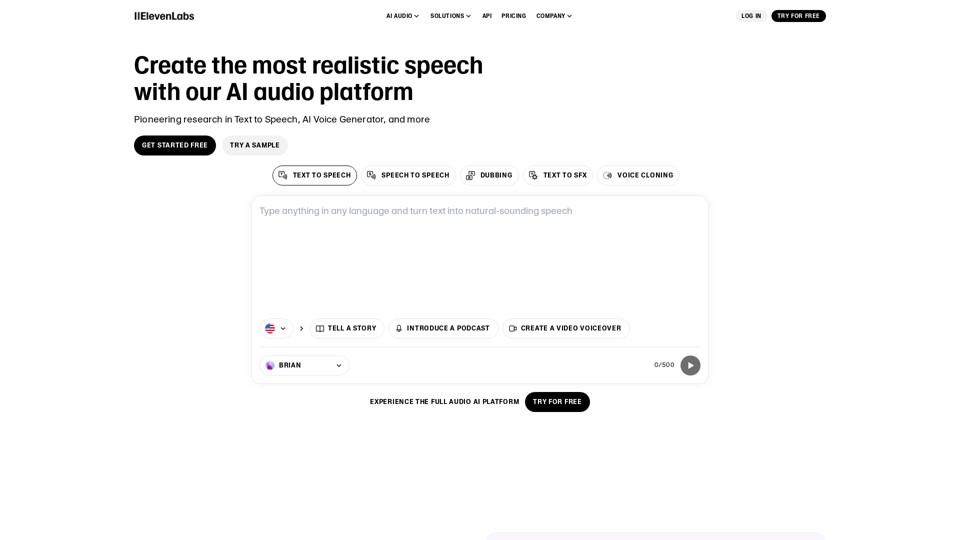
Create the most realistic speech with our AI audio in 1000s of voices and 32 languages. Pioneering research in Text to Speech and AI Voice Generation
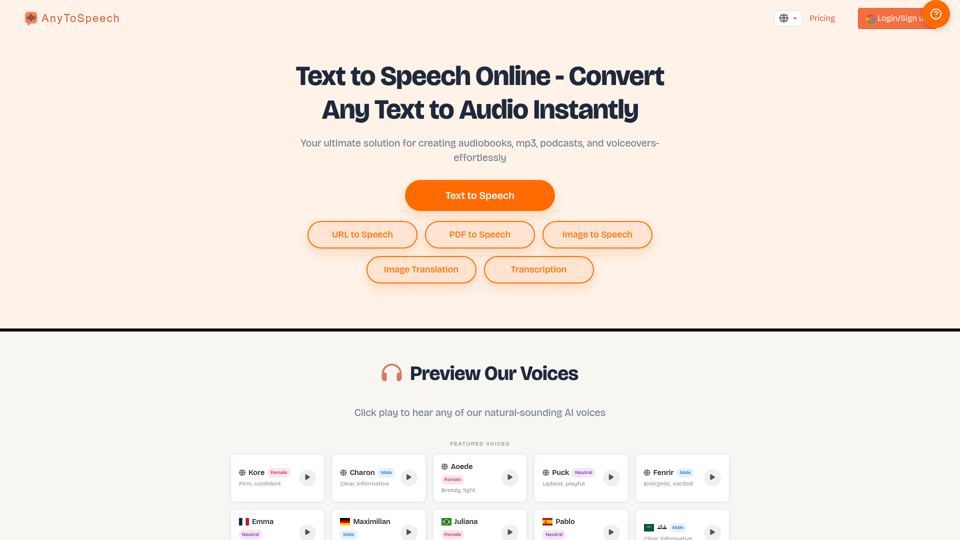
Convert text to audio instantly with natural voices. Listen to PDFs, docs, and more as audio. Try it now for free!, With Testimonial, in minutes, you can collect and display video testimonials and other types of testimonials from your customers with no need for a developer or website hosting., AI Agent Builder
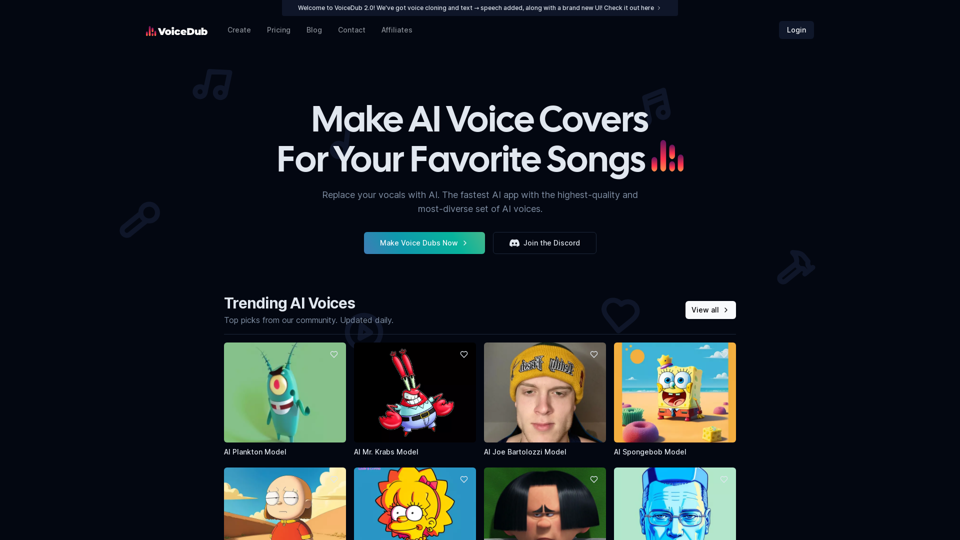
Make AI Voice Covers For Your Favorite Songs. Discover the magic of our AI-powered platform with over 10,000+ voices available.